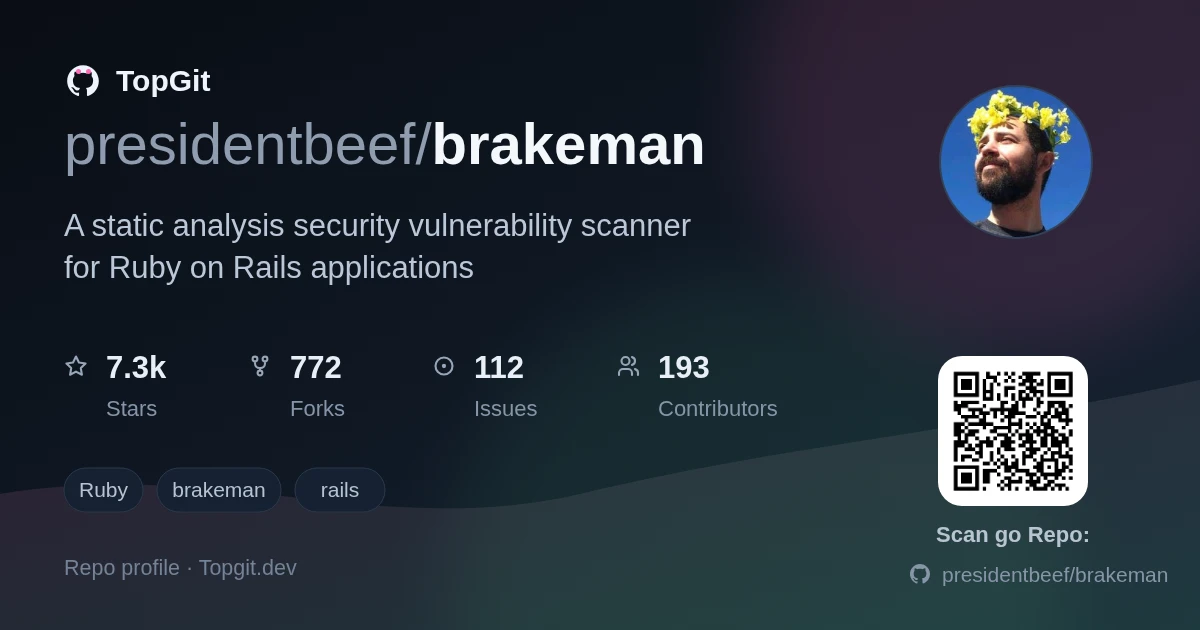
presidentbeef/brakeman là dự án Backend trên GitHub, viết chủ yếu bằng Ruby, với 7.3k sao. A static analysis security vulnerability scanner for Ruby on Rails applications
Tóm tắt dựng từ metadata GitHub của chính dự án — chưa có bài review TopGit. Trang sẽ tự động cập nhật khi bài review đầy đủ được xuất bản.
VÌ SAO CHƯA CÓ REVIEW
TopGit viết bài đầy đủ cho repo có nhiều sao nhất và được yêu cầu nhiều nhất. Trang này là snapshot trong thời gian chờ — xem README gốc ở tab READ ME.
Brakeman is a static analysis tool which checks Ruby on Rails applications for security vulnerabilities.
Installation
Using RubyGems:
gem install brakeman
Using Bundler:
group :development do
  gem 'brakeman', require: false
end
Using Docker:
docker pull presidentbeef/brakeman
Using Docker to build from source:
git clone https://github.com/presidentbeef/brakeman.git
cd brakeman
docker build . -t brakeman
Usage
Running locally
From a Rails application's root directory:
brakeman
Outside of Rails root:
brakeman /path/to/rails/application
Running with Docker
From a Rails application's root directory:
docker run -v "$(pwd)":/code presidentbeef/brakeman
With a little nicer color:
docker run -v "$(pwd)":/code presidentbeef/brakeman --color
For an HTML report:
docker run -v "$(pwd)":/code presidentbeef/brakeman -o brakeman_results.html
Outside of Rails root (note that the output file is relative to path/to/rails/application):
docker run -v 'path/to/rails/application':/code presidentbeef/brakeman -o brakeman_results.html
Compatibility
Brakeman should work with any version of Rails from 2.3.x to 8.x.
Brakeman can analyze code written with Ruby 2.0 syntax and newer, but requires at least Ruby 3.2.0 to run.
Basic Options
For a full list of options, use brakeman --help or see the OPTIONS.md file.
To specify an output file for the results:
brakeman -o output_file
The output format is determined by the file extension or by using the -f option. Current options are: text, html, tabs, json, junit, markdown, csv, codeclimate, github, sarif, and sonar.
Multiple output files can be specified:
brakeman -o output.html -o output.json
To output to both a file and to the console, with color:
brakeman --color -o /dev/stdout -o output.json
To suppress informational warnings and just output the report:
brakeman -q
Note all Brakeman output except reports are sent to stderr, making it simple to redirect stdout to a file and just get the report.
To see all kinds of debugging information:
brakeman -d
Specific checks can be skipped, if desired. The name needs to be the correct case. For example, to skip looking for default routes (DefaultRoutes):
brakeman -x DefaultRoutes
Multiple checks should be separated by a comma:
brakeman -x DefaultRoutes,Redirect
To do the opposite and only run a certain set of tests:
brakeman -t SQL,ValidationRegex
If Brakeman is running a bit slow, try
brakeman --faster
This will disable some features, but will probably be much faster (currently it is the same as --skip-libs --no-branching). WARNING: This may cause Brakeman to miss some vulnerabilities.
By default, Brakeman will return a non-zero exit code if any security warnings are found or scanning errors are encountered. To disable this:
brakeman --no-exit-on-warn --no-exit-on-error
To skip certain files or directories that Brakeman may have trouble parsing, use:
brakeman --skip-files file1,/path1/,path2/
To compare results of a scan with a previous scan, use the JSON output option and then:
brakeman --compare old_report.json
This will output JSON with two lists: one of fixed warnings and one of new warnings.
Brakeman will ignore warnings if configured to do so. By default, it looks for a configuration file in config/brakeman.ignore.
To create and manage this file, use:
brakeman -I
If you want to temporarily see the warnings you ignored without affecting the exit code, use:
brakeman --show-ignored
Warning information
See warning_types for more information on the warnings reported by this tool.
Warning context
The HTML output format provides an excerpt from the original application source where a warning was triggered. Due to the processing done while looking for vulnerabilities, the source may not resemble the reported warning and reported line numbers may be slightly off. However, the context still provides a quick look into the code which raised the warning.
Confidence levels
Brakeman assigns a confidence level to each warning. This provides a rough estimate of how certain the tool is that a given warning is actually a problem. Naturally, these ratings should not be taken as absolute truth.
There are three levels of confidence:
High - Either this is a simple warning (boolean value) or user input is very likely being used in unsafe ways.
Medium - This generally indicates an unsafe use of a variable, but the variable may or may not be user input.
Weak - Typically means user input was indirectly used in a potentially unsafe manner.
To only get warnings above a given confidence level:
brakeman -w3
The -w switch takes a number from 1 to 3, with 1 being low (all warnings) and 3 being high (only highest confidence warnings).
Configuration files
Brakeman options can be stored and read from YAML files.
To simplify the process of writing a configuration file, the -C option will output the currently set options:
presidentbeef/brakeman thuộc nhóm Backend trên TopGit, cùng 9 topic GitHub. Trang Trending và Topics liệt kê các repo cùng số sao và cùng ngôn ngữ để so sánh.
Đọc thêm về presidentbeef/brakeman ở đâu?
Trang TopGit này là một snapshot — tab "Readme" hiển thị nguyên văn README của repo (đã bỏ link, giữ ảnh). Repo GitHub ở github.com/presidentbeef/brakeman là nguồn chính thức.
presidentbeef/brakeman có phải mã nguồn mở không?
TopGit chưa ghi nhận license cho presidentbeef/brakeman. Phần lớn repo public trên GitHub là mã nguồn mở, nhưng điều khoản khác nhau từng repo — mở file LICENSE để xác nhận.
presidentbeef/brakeman có trang demo không?
Dự án có trang chủ ở https://brakemanscanner.org/. Tab "Readme" ở trang này thường có ảnh chụp và hướng dẫn bắt đầu nhanh.
presidentbeef/brakeman là gì?
presidentbeef/brakeman (presidentbeef/brakeman) là dự án Ruby trên GitHub. Theo mô tả gốc: A static analysis security vulnerability scanner for Ruby on Rails applications
Vì sao presidentbeef/brakeman được xếp vào nhóm Backend?
TopGit xếp presidentbeef/brakeman vào nhóm Backend dựa trên GitHub topics và mô tả của repo (gắn thẻ: "brakeman", "rails", "ruby"). Việc phân loại dựa trên metadata thật của repo, không phải đoán theo cảm tính biên tập.
Đọc đầy đủ README ở tab phía trên.
Muốn nghe thêm một ý kiến về brakeman?
Hỏi một AI đọc được trang này — một cú bấm là có ngay nhận định về brakeman.

 /brakeman