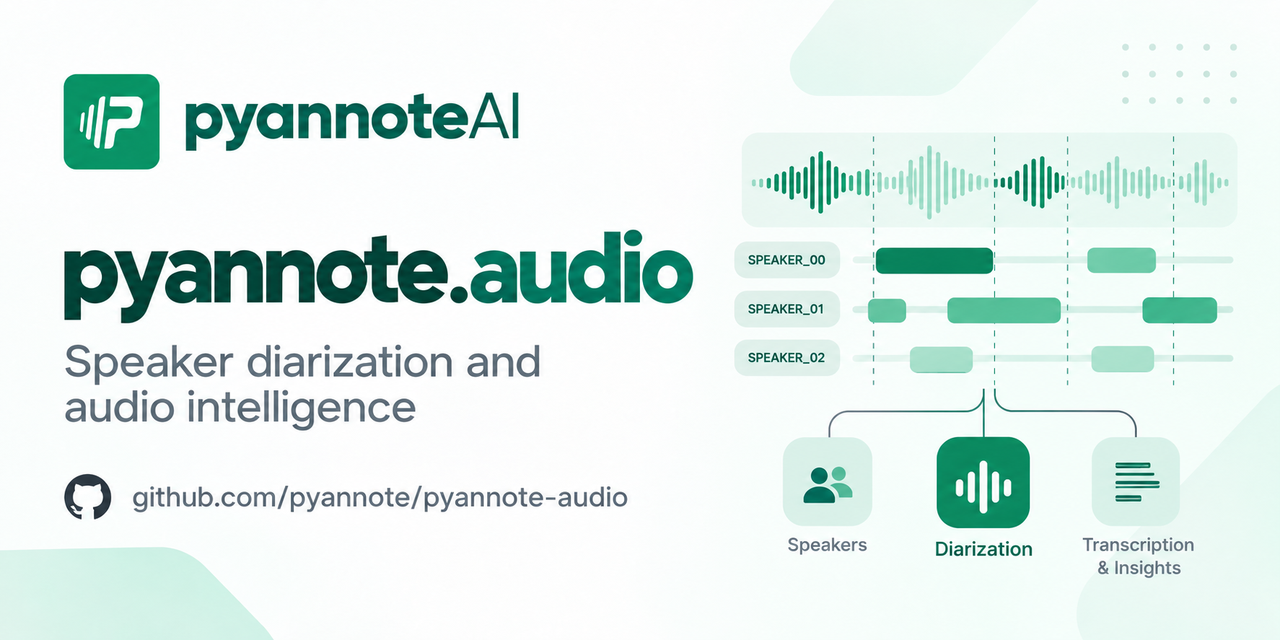
pyannote/pyannote-audio — 10.8k★ trên GitHub (Jupyter Notebook). Neural building blocks for speaker diarization: speech activity detection, speaker change detection, overlapped speech detection, speaker embedding
Tóm tắt dựng từ metadata GitHub của chính dự án — chưa có bài review TopGit. Trang sẽ tự động cập nhật khi bài review đầy đủ được xuất bản.
VÌ SAO CHƯA CÓ REVIEW
TopGit viết bài đầy đủ cho repo có nhiều sao nhất và được yêu cầu nhiều nhất. Trang này là snapshot trong thời gian chờ — xem README gốc ở tab READ ME.
pyannote.audio is an open-source toolkit written in Python for speaker diarization. Based on PyTorch machine learning framework, it comes with state-of-the-art pretrained models and pipelines, that can be further finetuned to your own data for even better performance.
Highlights
:exploding_head: state-of-the-art performance (see Benchmark)
:hugs: pretrained pipelines (and models) on :hugs: model hub
:rocket: built-in support for pyannoteAI premium speaker diarization
:snake: Python-first API
:zap: multi-GPU training with pytorch-lightning
community-1 open-source speaker diarization
Make sure ffmpeg is installed on your machine (needed by torchcodec audio decoding library)
Install with uvadd pyannote.audio (recommended) or pip install pyannote.audio
Accept pyannote/speaker-diarization-community-1 user conditions
Create Huggingface access token at hf.co/settings/tokens
import torch
from pyannote.audio import Pipeline
from pyannote.audio.pipelines.utils.hook import ProgressHook

# Community-1 open-source speaker diarization pipeline
pipeline = Pipeline.from_pretrained(
    "pyannote/speaker-diarization-community-1", token="HUGGINGFACE_ACCESS_TOKEN"
)

# send pipeline to GPU (when available)
pipeline.to(torch.device("cuda"))

# apply pretrained pipeline (with optional progress hook)
with ProgressHook() as hook:
    output = pipeline("audio.wav", hook=hook)  # runs locally

# print the result
for turn, speaker in output.speaker_diarization:
    print(f"start={turn.start:.1f}s stop={turn.end:.1f}s speaker_{speaker}")
# start=0.2s stop=1.5s speaker_0
# start=1.8s stop=3.9s speaker_1
# start=4.2s stop=5.7s speaker_0
# ...
precision-2 premium speaker diarization
Create pyannoteAI API key at dashboard.pyannote.ai
Enjoy free credits!
from pyannote.audio import Pipeline

# Precision-2 premium speaker diarization service
pipeline = Pipeline.from_pretrained(
    "pyannote/speaker-diarization-precision-2", token="PYANNOTEAI_API_KEY"
)

output = pipeline("audio.wav")  # runs on pyannoteAI servers

# print the result
for turn, speaker in output.speaker_diarization:
    print(f"start={turn.start:.1f}s stop={turn.end:.1f}s {speaker}")
# start=0.2s stop=1.6s SPEAKER_00
# start=1.8s stop=4.0s SPEAKER_01
# start=4.2s stop=5.6s SPEAKER_00
# ...
Visit docs.pyannote.ai to learn about other pyannoteAI features (voiceprinting, confidence scores, ...)
Benchmark
Benchmark (last updated in 2025-09)
legacy (3.1)
community-1
precision-2
AISHELL-4
12.2
11.7
11.4
AliMeeting (channel 1)
24.5
20.3
15.2
AMI (IHM)
18.8
17.0
12.9
AMI (SDM)
22.7
19.9
15.6
AVA-AVD
49.7
44.6
37.1
CALLHOME (part 2)
28.5
26.7
16.6
DIHARD 3 (full)
21.4
20.2
14.7
Ego4D (dev.)
51.2
46.8
39.0
MSDWild
25.4
22.8
17.3
RAMC
22.2
20.8
10.5
REPERE (phase2)
7.9
8.9
7.4
VoxConverse (v0.3)
11.2
11.2
8.5
Diarization error rate (in %, the lower, the better)
Compared to the 3.1 legacy pipeline, community-1 brings significant improvement in terms of speaker counting and assignment.
precision-2 premium pipeline further improves accuracy as well as processing speed (in its self-hosted version).
Benchmark (last updated in 2025-09)
community-1
precision-2
Speed up
AMI (IHM), ~1h files
31s per hour of audio
14s per hour of audio
2.2x faster
DIHARD 3 (full), ~5min files
37s per hour of audio
14s per hour of audio
2.6x faster
Self-hosted speed on a NVIDIA H100 80GB HBM3
Telemetry
With the optional telemetry feature in pyannote.audio, you can choose to send anonymous usage metrics to help the pyannote team improve the library.
What we track
For each call to Pipeline.from_pretrained({origin}) (or Model.from_pretrained({origin})), we track information about {origin} in the following privacy-preserving way:
If {origin} is an official pyannote or pyannoteAI pipeline (or model) hosted on Huggingface, we track it as {origin}.
If {origin} is a pipeline (or model) hosted on Huggingface from any other organization, we track it as huggingface.
If {origin} is a path to a local file or directory, we track it as local.
We also track the pipeline Python class (e.g. pyannote.audio.pipelines.SpeakerDiarization).
For each file processed with a pipeline, we track
the file duration in seconds
the value of num_speakers, min_speakers, and max_speakers for speaker diarization pipelines
We do not track any information that could identify who the user is.
Configuring telemetry
Telemetry can be configured in three ways:
Using an environment variable
Within the current Python session only
Globally across sessions
All of these options will modify the value of the environment variable for consistency.
If the environment variable is not set, pyannote.audio will read the default value in the telemetry config.
The default config can also be changed from Python.
Using environment variable
You can control telemetry by setting the PYANNOTE_METRICS_ENABLED environment variable:
To control telemetry for your current Python kernel session:
from pyannote.audio.telemetry import set_telemetry_metrics

# enable metrics for current session
set_telemetry_metrics(True)

# disable metrics for current session
set_telemetry_metrics(False)
Global configuration
To set telemetry preferences that persist across sessions:
Tutorials The multi-objective tutorial targets the current version. The others were written for older versions of pyannote.audio and should be updated. Interested in working for pyannoteAI as a community manager or developer advocate? This might be a nice place to start!
Finding the purity/coverage Pareto front of Community-1
Applying a pretrained pipeline
Adapting a pretrained pipeline to your own data
Training a pipeline
Applying a pretrained model
Training, fine-tuning, and transfer learning
Adding a new model
Adding a new task
Frequently asked questions
Citations
If you use pyannote.audio please use the following citations:
@inproceedings{Plaquet23,
  author={Alexis Plaquet and Hervé Bredin},
  title={{Powerset multi-class cross entropy loss for neural speaker diarization}},
  year=2023,
  booktitle={Proc. INTERSPEECH 2023},
}
pyannote/pyannote-audio thuộc nhóm AI Tools trên TopGit, cùng 11 topic GitHub. Trang Trending và Topics liệt kê các repo cùng số sao và cùng ngôn ngữ để so sánh.
Đọc thêm về pyannote/pyannote-audio ở đâu?
Trang TopGit này là một snapshot — tab "Readme" hiển thị nguyên văn README của repo (đã bỏ link, giữ ảnh). Repo GitHub ở github.com/pyannote/pyannote-audio là nguồn chính thức.
pyannote/pyannote-audio có bao nhiêu sao?
pyannote/pyannote-audio có 10.8k sao GitHub — tải lại trang để xem số mới nhất, hoặc xem trực tiếp github.com/pyannote/pyannote-audio. TopGit phản chiếu số sao của GitHub nhưng không cam kết đến từng phút.
pyannote/pyannote-audio có phải mã nguồn mở không?
Có — pyannote/pyannote-audio phát hành theo license MIT, nghĩa là mã nguồn mở để đọc, fork và (tùy license) tái sử dụng. Mã: github.com/pyannote/pyannote-audio.
pyannote/pyannote-audio có trang demo không?
Dự án có trang chủ ở https://www.pyannote.ai. Tab "Readme" ở trang này thường có ảnh chụp và hướng dẫn bắt đầu nhanh.
pyannote/pyannote-audio là gì?
pyannote/pyannote-audio (pyannote/pyannote-audio) là dự án Jupyter Notebook trên GitHub. Theo mô tả gốc: Neural building blocks for speaker diarization: speech activity detection, speaker change detection, overlapped speech detection, speaker embedding
pyannote/pyannote-audio so với các dự án AI Tools khác thế nào?
pyannote/pyannote-audio được TopGit xếp vào nhóm AI Tools, với 10.8k sao GitHub và viết bằng Jupyter Notebook. Xem trang chủ đề AI Tools trên TopGit để so sánh với các dự án tương tự theo số sao và mức độ hoạt động.
Đọc đầy đủ README ở tab phía trên.
Muốn nghe thêm một ý kiến về pyannote-audio?
Hỏi một AI đọc được trang này — một cú bấm là có ngay nhận định về pyannote-audio.

 /pyannote-audio