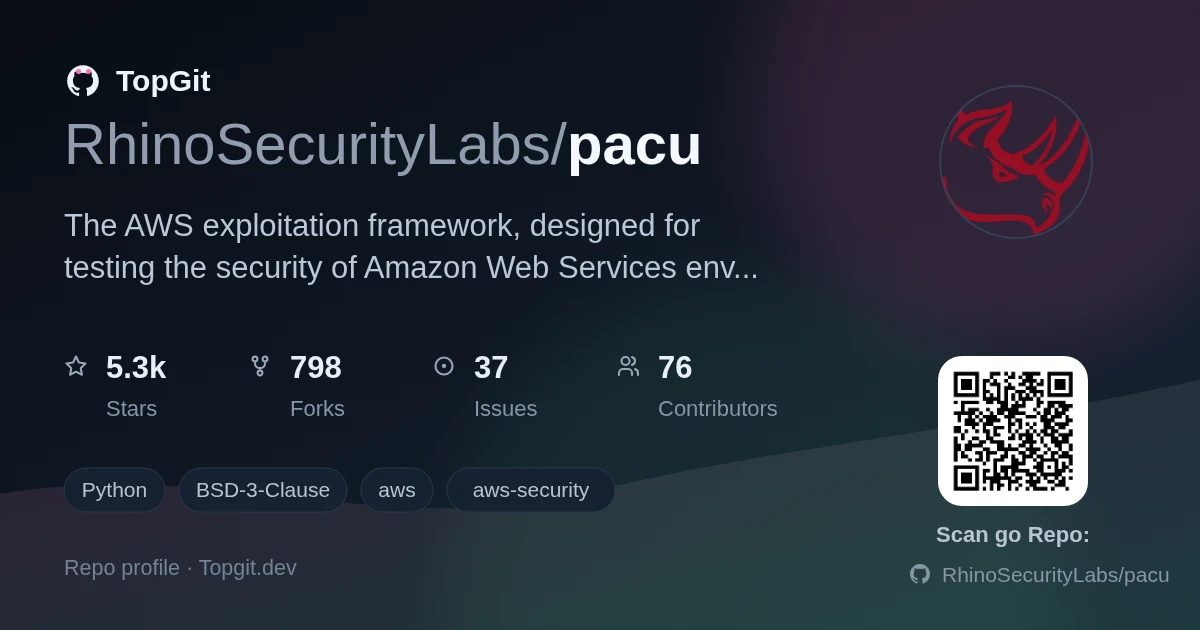
Snapshot của RhinoSecurityLabs/pacu: 5.4k★ · Python · Backend. The AWS exploitation framework, designed for testing the security of Amazon Web Services environments.
Tóm tắt dựng từ metadata GitHub của chính dự án — chưa có bài review TopGit. Trang sẽ tự động cập nhật khi bài review đầy đủ được xuất bản.
VÌ SAO CHƯA CÓ REVIEW
TopGit viết bài đầy đủ cho repo có nhiều sao nhất và được yêu cầu nhiều nhất. Trang này là snapshot trong thời gian chờ — xem README gốc ở tab READ ME.
Where to get help:
the Rhino Security Labs Discord, or Stack Overflow
Where to file issues:
https://github.com/RhinoSecurityLabs/pacu/issues
Maintained by:
Rhino Security Labs
What is Pacu?
Pacu is an open-source AWS exploitation framework, designed for offensive security testing against cloud environments. Created and maintained by Rhino Security Labs, Pacu allows penetration testers to exploit configuration flaws within an AWS account, using modules to easily expand its functionality. Current modules enable a range of attacks, including user privilege escalation, backdooring of IAM users, attacking vulnerable Lambda functions, and much more.
Installation
Pacu is a fairly lightweight program, as it requires only Python3.7+ and pip3 to install a handful of Python libraries.
Quick Installation
  pip3 install -U pip
  pip3 install -U pacu
  pacu
Install with Pipx
This is the preferred method when using Kali Linux as pip is no longer installed by default. This will install Pacu with the latest updates which may not be included in the official release.
For a more detailed and user-friendly set of user instructions, please check out the Wiki's installation guide.
How to use Pacu's Docker image
Option 1: Run with default entrypoint which directly runs Pacu
docker run -it rhinosecuritylabs/pacu:latest
Option 2: Run without default entrypoint
docker run -it --entrypoint /bin/sh rhinosecuritylabs/pacu:latest
Option 3: Run with AWS config and credentials
Warning: Running this command will mount your local AWS configuration files into the Docker container when it is launched. This means that any user with access to the container will have access to your host computer's AWS credentials.
docker run -it -v ~/.aws:/root/.aws rhinosecuritylabs/pacu:latest
Getting Started
The first time Pacu is launched, you will be prompted to start and name a new session. This session will be used to store AWS key pairs, as well as any data obtained from running various modules. You can have any number of different sessions in Pacu, each with their own sets of AWS keys and data, and resume a session at any time (though a restart is currently required to switch between sessions).
Modules require an AWS key, which grants you minimal access to an AWS environment and is comprised of an access key ID and a secret access key. To set your session's keys, use the set_keys command, and then follow the prompts to supply a key alias (nickname for reference), an AWS access key ID, an AWS secret access key, and an AWS session token (if you are using one).
If you are ever stuck, help will bring up a list of available commands.
Basic Commands in Pacu
list will list the available modules for the regions that were set in the current session.
help module_name will return the applicable help information for the specified module.
run module_name will run the specified module with its default parameters.
run module_name --regions eu-west-1,us-west-1 will run the specified module against the eu-west-1 and us-west-1 regions (for modules that support the --regions argument)
Running Pacu From the CLI
pacu --help will display the help menu
pacu --session <session name> sets the session to use for commands that require one
pacu --list-modules will list all modules available (does not require session)
pacu --pacu-help will list the pacu help window (does not require session)
pacu --module-name <module name> the name of a module to perform an action on, you can execute or get information on the module
pacu --exec execute the module provided in --module-name
pacu --module-info get information on the module provided in --module-name
pacu --data <service name || all> query the local SQLAlchemy database to retrieve enumerated information
pacu --module-args="<arg1> <value> <arg2> <value>" supply optional module arguments to the module being executed
pacu --set-regions <region1 region2 || all> set the regions to use in the session, separate regions by a space or enter all for all regions
pacu --whoami get information about the current user
Pacu's Modular Power
Pacu uses a range of plug-in modules to assist an attacker in enumeration, privilege escalation, data exfiltration, service exploitation, and log manipulation within AWS environments. Contributions or ideas for new modules are welcome.
To keep pace with ongoing AWS product developments, we've designed Pacu from the ground up with extensibility in mind. A common syntax and data structure keep modules easy to build and expand on - no need to specify AWS regions or make redundant permission checks between modules. A local SQLite database is used to manage and manipulate retrieved data, minimizing API calls (and associated logs). Reporting and attack auditing is also built into the framework; Pacu assists the documentation process through command logging and exporting, helping build a timeline for the testing process.
Community
We're always happy to get bug reports in the Pacu framework itself, as well as testing and feedback on different modules, and generally, critical feedback to help refine the framework. Any support for Pacu through use, testing, improvement, or just by spreading the word, would be very much appreciated.
If you're interested in contributing directly to the Pacu Framework itself, please read our contribution guidelines for code conventions and git-flow notes.
Developing Pacu Modules
If you're interested in writing your own modules for Pacu, check out our Module Development wiki page. As you develop new capabilities please reach out to us -- we'd love to add your new modules into the core collection that comes with Pacu.
Pacu Framework Development Goals
Improve interface formatting
Database forward-migrations and version tracking
"Attack Playbooks" to allow for easier use of complex module execution chains
Colored console output
Module Dry-Run functionality
Allow use of standalone config files
Plugin architecture improvements
Notes
Pacu is officially supported in OSX and Linux.
Pacu is Open-Source Software and is distributed with a BSD-3-Clause License.
Submitting Requests / Bug Reports
Report vulnerabilities in Pacu directly to us via email: [email protected] .
Pacu creates error logs within each session's folder, as well as a global error log for out-of-session errors which is created in the main directory. If you can, please include these logs with your bug reports, as it will dramatically simplify the debugging process.
If you have a feature request, an idea, or a bug to report, please submit them here.
Please include a description sufficient to reproduce the bug you found, including tracebacks and reproduction steps, and check for other reports of your bug before filing a new bug report. Don't submit duplicates.
Wiki
For walkthroughs and full documentation, please visit the Pacu wiki.
Contact Us
We'd love to hear from you, whatever the reason. Reach out on the Rhino Security Labs Discord.
Disclaimers, and the AWS Acceptable Use Policy
To the best of our knowledge Pacu's capabilities are compliant with the AWS Acceptable Use Policy, but as a flexible and modular tool, we cannot guarantee this will be true in every situation. It is entirely your responsibility to ensure that how you use Pacu is compliant with the AWS Acceptable Use Policy.
Depending on what AWS services you use and what your planned testing entails, you may need to review AWS Customer Support Policy for Penetration Testing before actually running Pacu against your infrastructure.
As with any penetration testing tool, it is your responsibility to get proper authorization before using Pacu outside of your environment.
Pacu is software that comes with absolutely no warranties whatsoever. By using Pacu, you take full responsibility for any and all outcomes that result.
RhinoSecurityLabs/pacu có 5.4k sao GitHub — tải lại trang để xem số mới nhất, hoặc xem trực tiếp github.com/RhinoSecurityLabs/pacu. TopGit phản chiếu số sao của GitHub nhưng không cam kết đến từng phút.
RhinoSecurityLabs/pacu có những chủ đề gì?
GitHub topics của RhinoSecurityLabs/pacu: "aws", "aws-security", "penetration-testing", "python", "security". TopGit xếp repo vào nhóm Backend.
RhinoSecurityLabs/pacu còn đang phát triển không?
Commit gần nhất trên RhinoSecurityLabs/pacu là 6 tháng trước (theo timestamp GitHub). Repo có 802 fork — một chỉ báo về mức độ quan tâm của cộng đồng.
RhinoSecurityLabs/pacu là gì?
RhinoSecurityLabs/pacu (RhinoSecurityLabs/pacu) là dự án Python trên GitHub. Theo mô tả gốc: The AWS exploitation framework, designed for testing the security of Amazon Web Services environments.
RhinoSecurityLabs/pacu so với các dự án Backend khác thế nào?
RhinoSecurityLabs/pacu được TopGit xếp vào nhóm Backend, với 5.4k sao GitHub và viết bằng Python. Xem trang chủ đề Backend trên TopGit để so sánh với các dự án tương tự theo số sao và mức độ hoạt động.
RhinoSecurityLabs/pacu viết bằng ngôn ngữ gì?
RhinoSecurityLabs/pacu chủ yếu viết bằng Python. Trường "language" của GitHub dựa trên phần lớn byte ở nhánh mặc định.
Vì sao RhinoSecurityLabs/pacu được xếp vào nhóm Backend?
TopGit xếp RhinoSecurityLabs/pacu vào nhóm Backend dựa trên GitHub topics và mô tả của repo (gắn thẻ: "aws", "aws-security", "penetration-testing"). Việc phân loại dựa trên metadata thật của repo, không phải đoán theo cảm tính biên tập.
Đọc đầy đủ README ở tab phía trên.
Chưa chắc pacu có hợp với bạn?
Để ChatGPT, Claude hoặc Perplexity tìm hiểu giúp — bấm bên dưới và xem AI nói gì về pacu.

 /pacu