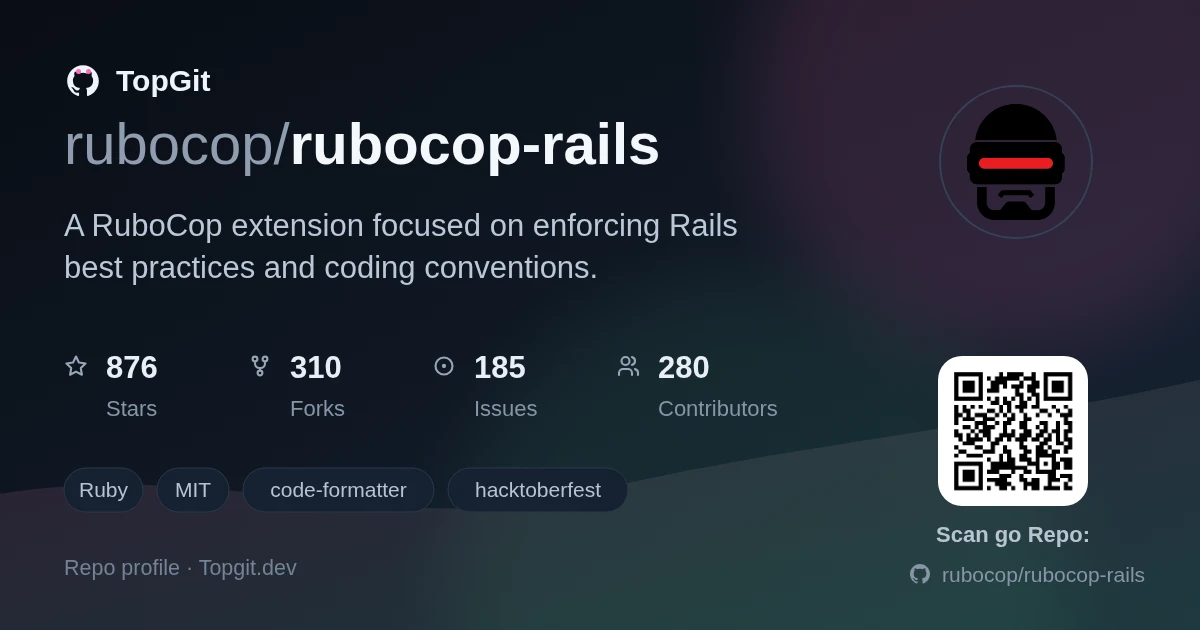
Là một dự án backend, rubocop/rubocop-rails đã đạt 878 sao trên GitHub, ngôn ngữ Ruby. A RuboCop extension focused on enforcing Rails best practices and coding conventions.
Tóm tắt dựng từ metadata GitHub của chính dự án — chưa có bài review TopGit. Trang sẽ tự động cập nhật khi bài review đầy đủ được xuất bản.
VÌ SAO CHƯA CÓ REVIEW
TopGit viết bài đầy đủ cho repo có nhiều sao nhất và được yêu cầu nhiều nhất. Trang này là snapshot trong thời gian chờ — xem README gốc ở tab READ ME.
Now you can run rubocop and it will automatically load the RuboCop Rails
cops together with the standard cops.
[!NOTE]
The plugin system is supported in RuboCop 1.72+. In earlier versions, use require instead of plugins.
Command line
$ rubocop --plugin rubocop-rails
Rake task
require 'rubocop/rake_task'

RuboCop::RakeTask.new do |task|
  task.plugins << 'rubocop-rails'
end
RuboCop Rails configuration
The following settings specific to RuboCop Rails can be configured in .rubocop.yml.
AllCops: TargetRailsVersion
What version of Rails is the inspected code using? If a value is specified
for TargetRailsVersion then it is used. Acceptable values are specified
as a float (e.g., 7.2); the patch version of Rails should not be included.
AllCops:
  TargetRailsVersion: 7.2
If TargetRailsVersion is not set, RuboCop will parse the Gemfile.lock or
gems.locked file to find the version of Rails that has been bound to the
application. If neither of those files exist, RuboCop will use Rails 5.0
as the default.
AllCops: MigratedSchemaVersion
By specifying the MigratedSchemaVersion option, migration files that have already been run can be ignored.
When MigratedSchemaVersion: '20241225000000' is set, migration files lower than or equal to '20241225000000' will be ignored.
For example, to ignore db/migrate/20241225000000_create_articles.rb and earlier migrations you would configure it the following way:
AllCops:
  MigratedSchemaVersion: '20241225000000'
This prevents inspecting schema settings for already applied migration files.
Changing already applied migrations should be avoided because it can lead to the schema getting out of sync
between your local copy and what it actually is in production, depending on when bin/rails db:migrate was executed.
If you want to modify your schema to comply with the cops, you should instead create new migrations.
Rails configuration tip
In Rails 6.1+, add the following config.generators.after_generate setting to
your config/environments/development.rb to apply RuboCop autocorrection to code generated by bin/rails g.
# config/environments/development.rb
Rails.application.configure do
  config.generators.after_generate do |files|
    parsable_files = files.filter { |file| file.end_with?('.rb') }
    unless parsable_files.empty?
      system("bundle exec rubocop -A --fail-level=E #{parsable_files.shelljoin}", exception: true)
    end
  end
end
It uses rubocop -A to apply Style/FrozenStringLiteralComment and other unsafe autocorrection cops.
rubocop -A is unsafe autocorrection, but code generated by default is simple and less likely to
be incompatible with rubocop -A. If you have problems you can replace it with rubocop -a instead.
In Rails 7.2+, it is recommended to use config.generators.apply_rubocop_autocorrect_after_generate! instead of the above setting:
 # config/environments/development.rb
 Rails.application.configure do
   (snip)
   # Apply autocorrection by RuboCop to files generated by `bin/rails generate`.
-  # config.generators.apply_rubocop_autocorrect_after_generate!
+  config.generators.apply_rubocop_autocorrect_after_generate!
 end
You only need to uncomment.
The Cops
All cops are located under
lib/rubocop/cop/rails, and contain
examples/documentation.
In your .rubocop.yml, you may treat the Rails cops just like any other
cop. For example:
Rails/FindBy:
  Exclude:
    - lib/example.rb
Documentation
You can read a lot more about RuboCop Rails in its official docs.
Compatibility
Rails cops support the following versions:
Rails 4.2+
Readme Badge
If you use RuboCop Rails in your project, you can include one of these badges in your readme to let people know that your code is written following the community Rails Style Guide.
Here are the Markdown snippets for the two badges:
rubocop/rubocop-rails thuộc nhóm Backend trên TopGit, cùng 7 topic GitHub. Trang Trending và Topics liệt kê các repo cùng số sao và cùng ngôn ngữ để so sánh.
Đọc thêm về rubocop/rubocop-rails ở đâu?
Trang TopGit này là một snapshot — tab "Readme" hiển thị nguyên văn README của repo (đã bỏ link, giữ ảnh). Repo GitHub ở github.com/rubocop/rubocop-rails là nguồn chính thức.
rubocop/rubocop-rails có bao nhiêu sao?
rubocop/rubocop-rails có 878 sao GitHub — tải lại trang để xem số mới nhất, hoặc xem trực tiếp github.com/rubocop/rubocop-rails. TopGit phản chiếu số sao của GitHub nhưng không cam kết đến từng phút.
rubocop/rubocop-rails có những chủ đề gì?
GitHub topics của rubocop/rubocop-rails: "code-formatter", "hacktoberfest", "linter", "rails", "rubocop", "ruby", "static-code-analysis". TopGit xếp repo vào nhóm Backend.
rubocop/rubocop-rails có phải mã nguồn mở không?
Có — rubocop/rubocop-rails phát hành theo license MIT, nghĩa là mã nguồn mở để đọc, fork và (tùy license) tái sử dụng. Mã: github.com/rubocop/rubocop-rails.
rubocop/rubocop-rails có trang demo không?
Dự án có trang chủ ở https://docs.rubocop.org/rubocop-rails. Tab "Readme" ở trang này thường có ảnh chụp và hướng dẫn bắt đầu nhanh.
rubocop/rubocop-rails còn đang phát triển không?
Commit gần nhất trên rubocop/rubocop-rails là 3 tháng trước (theo timestamp GitHub). Repo có 327 fork — một chỉ báo về mức độ quan tâm của cộng đồng.
Đọc đầy đủ README ở tab phía trên.
Chưa chắc rubocop-rails có hợp với bạn?
Để ChatGPT, Claude hoặc Perplexity tìm hiểu giúp — bấm bên dưới và xem AI nói gì về rubocop-rails.

 /rubocop-rails