Trên GitHub, sczhou/CodeFormer đã đạt 18.1k sao, nhóm AI Tools, ngôn ngữ Python. [NeurIPS 2022] Towards Robust Blind Face Restoration with Codebook Lookup Transformer
Tóm tắt dựng từ metadata GitHub của chính dự án — chưa có bài review TopGit. Trang sẽ tự động cập nhật khi bài review đầy đủ được xuất bản.
VÌ SAO CHƯA CÓ REVIEW
TopGit viết bài đầy đủ cho repo có nhiều sao nhất và được yêu cầu nhiều nhất. Trang này là snapshot trong thời gian chờ — xem README gốc ở tab READ ME.
:star: If CodeFormer is helpful to your images or projects, please help star this repo. Thanks! :hugs:
Update
2023.07.20: Integrated to :panda_face: OpenXLab. Try out online demo!
2023.04.19: :whale: Training codes and config files are public available now.
2023.04.09: Add features of inpainting and colorization for cropped and aligned face images.
2023.02.10: Include dlib as a new face detector option, it produces more accurate face identity.
2022.10.05: Support video input --input_path [YOUR_VIDEO.mp4]. Try it to enhance your videos! :clapper:
2022.09.14: Integrated to :hugs: Hugging Face. Try out online demo!
2022.09.09: Integrated to :rocket: Replicate. Try out online demo!
More
TODO
Add training code and config files
Add checkpoint and script for face inpainting
Add checkpoint and script for face colorization
Add background image enhancement
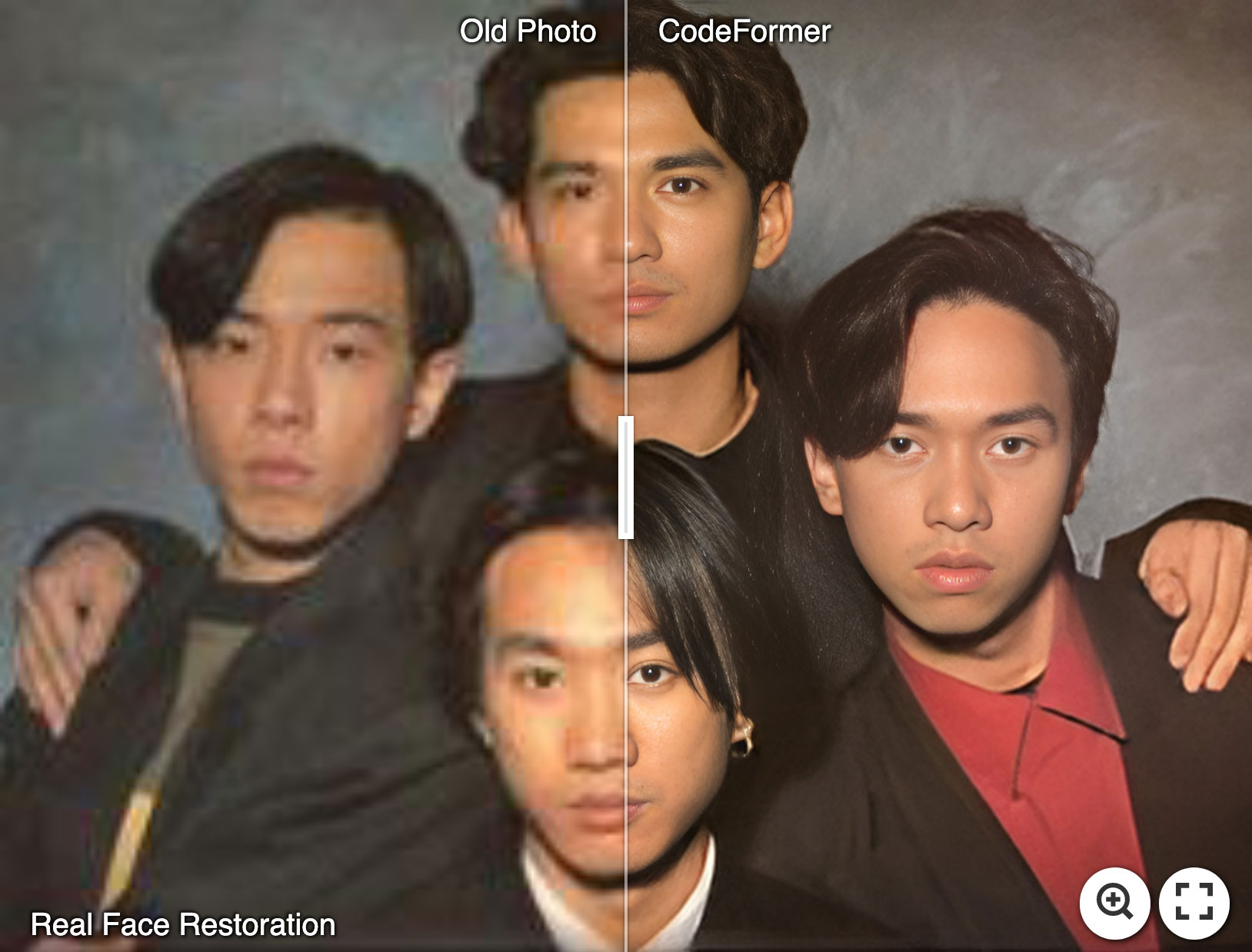
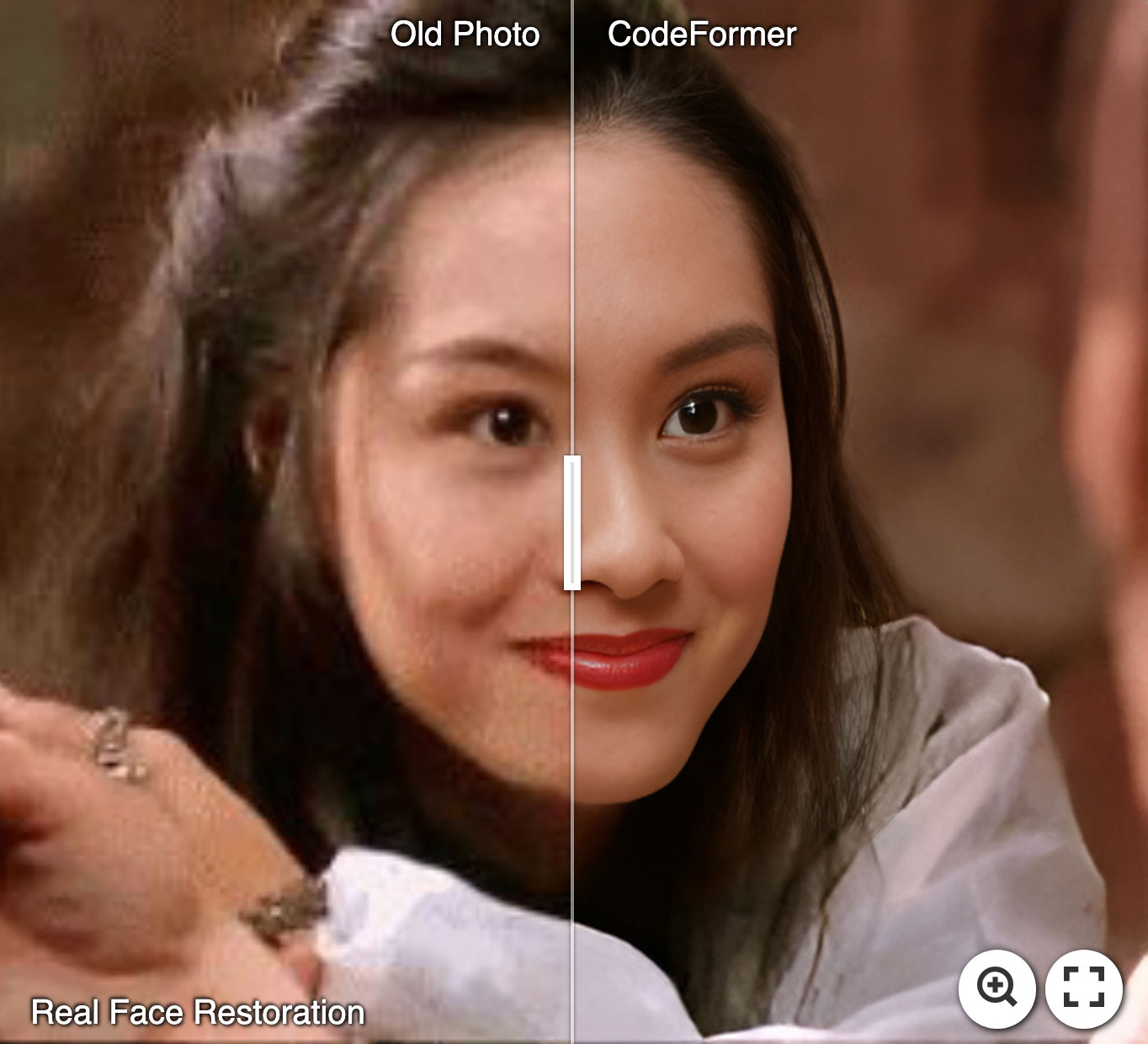
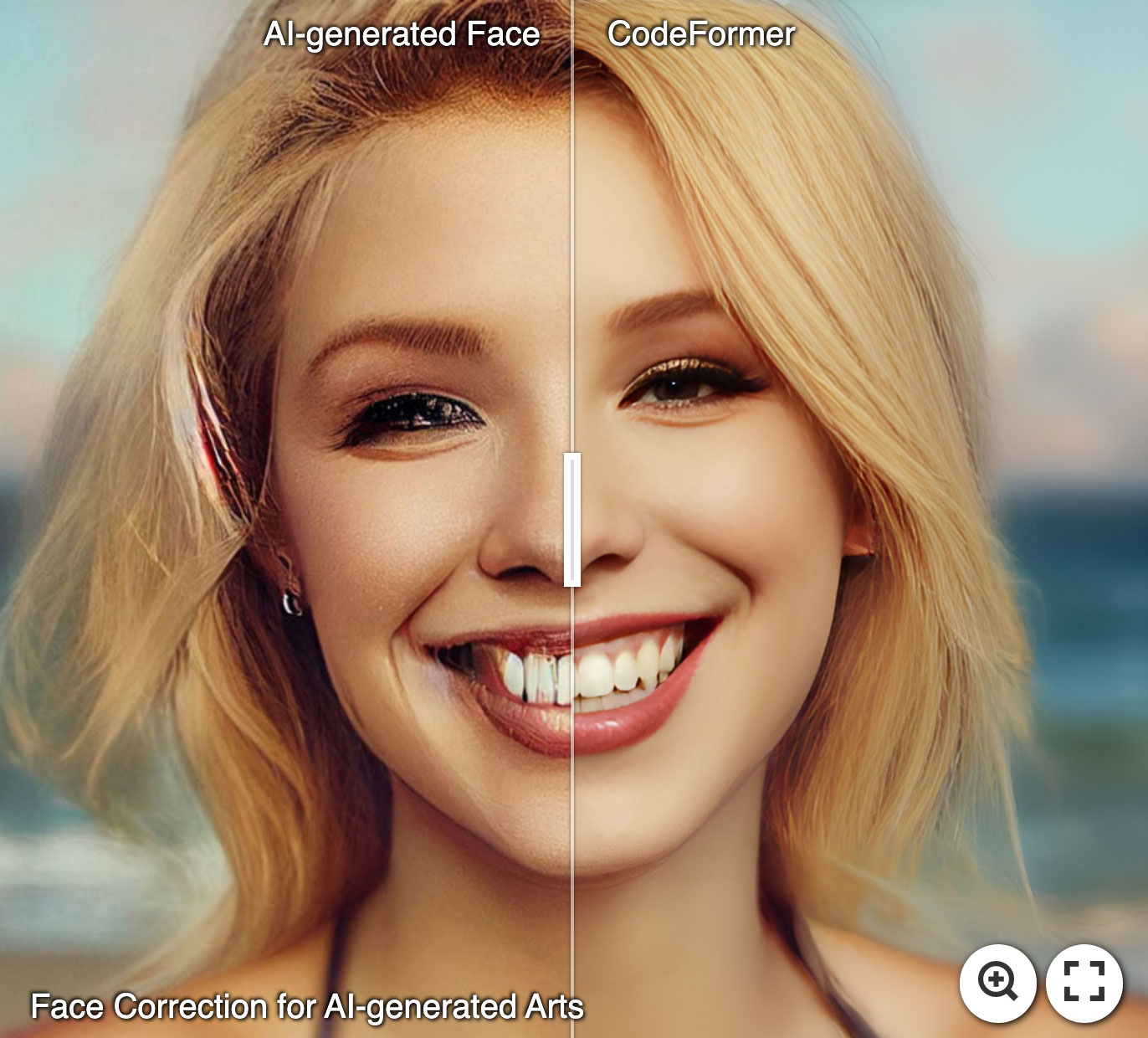
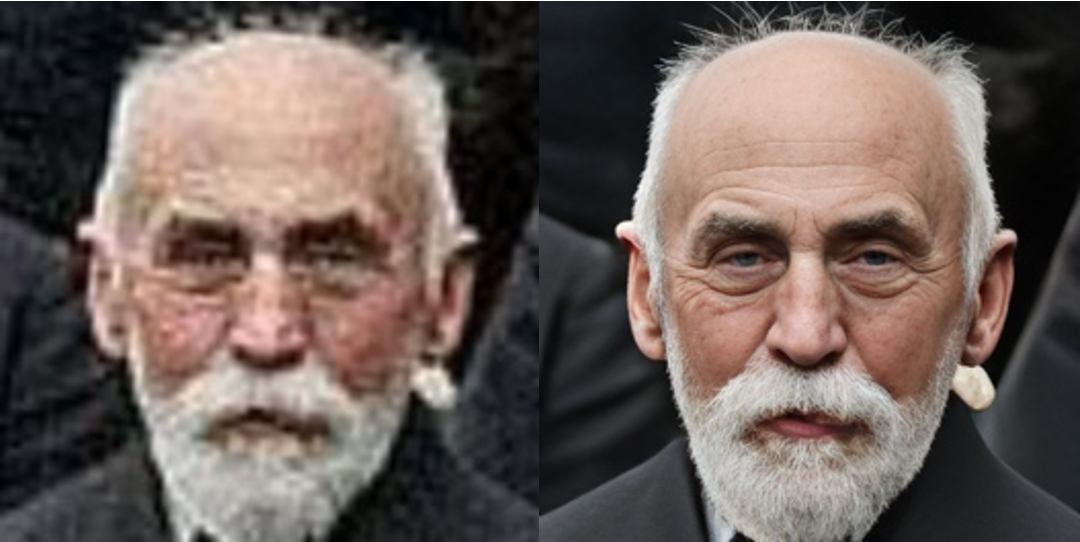
:panda_face: Try Enhancing Old Photos / Fixing AI-arts
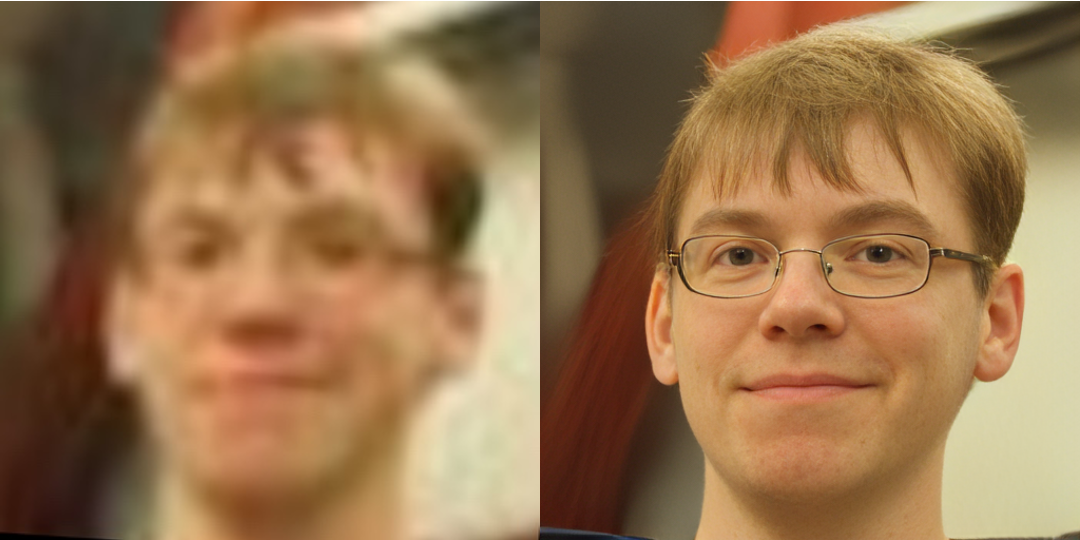
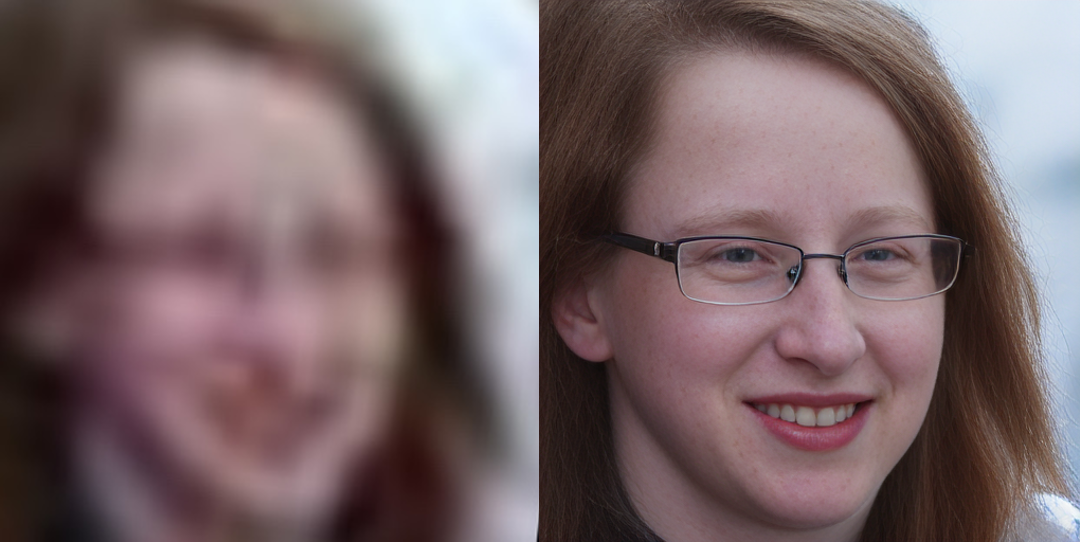
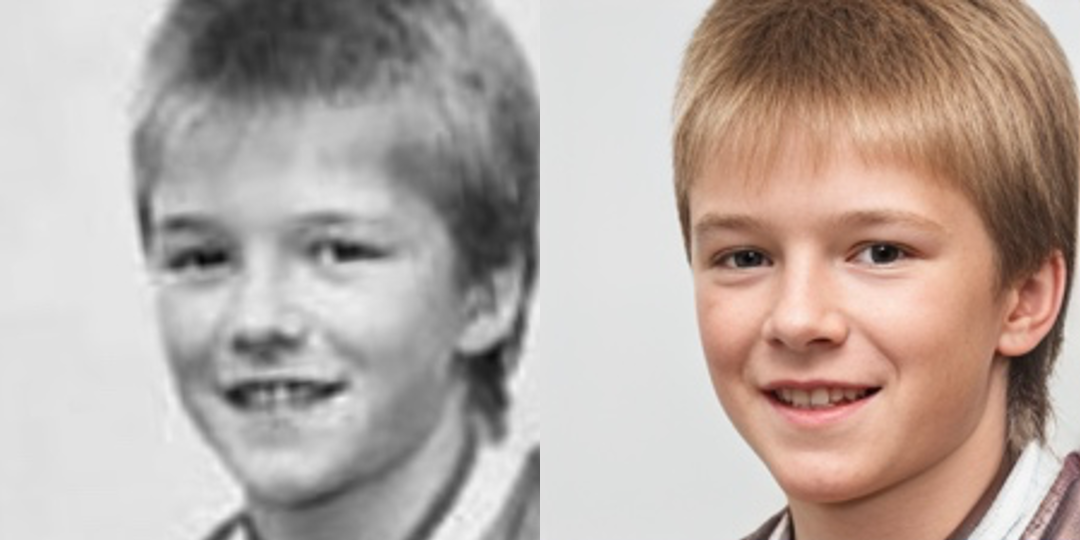
Face Restoration
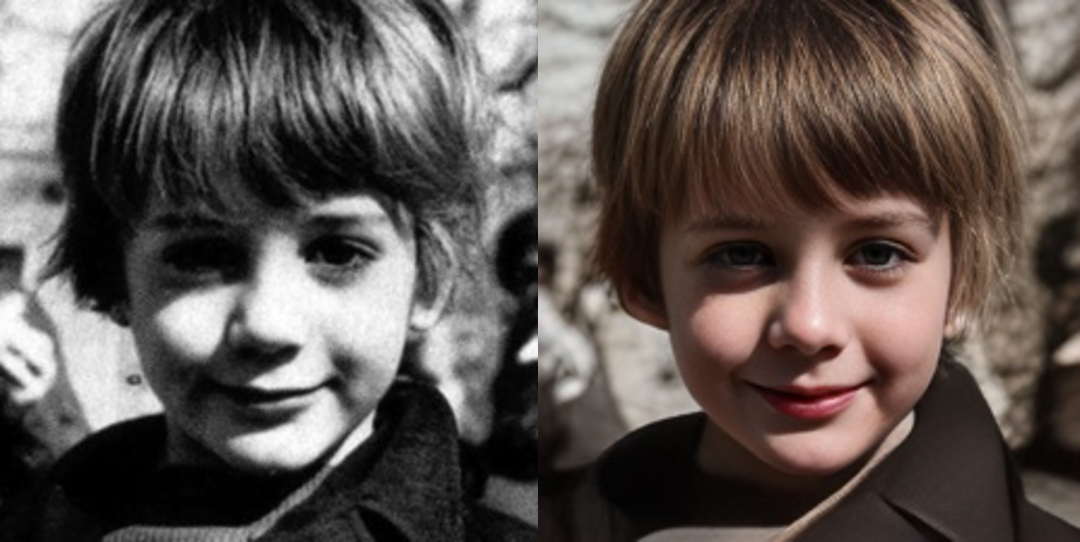
Face Color Enhancement and Restoration
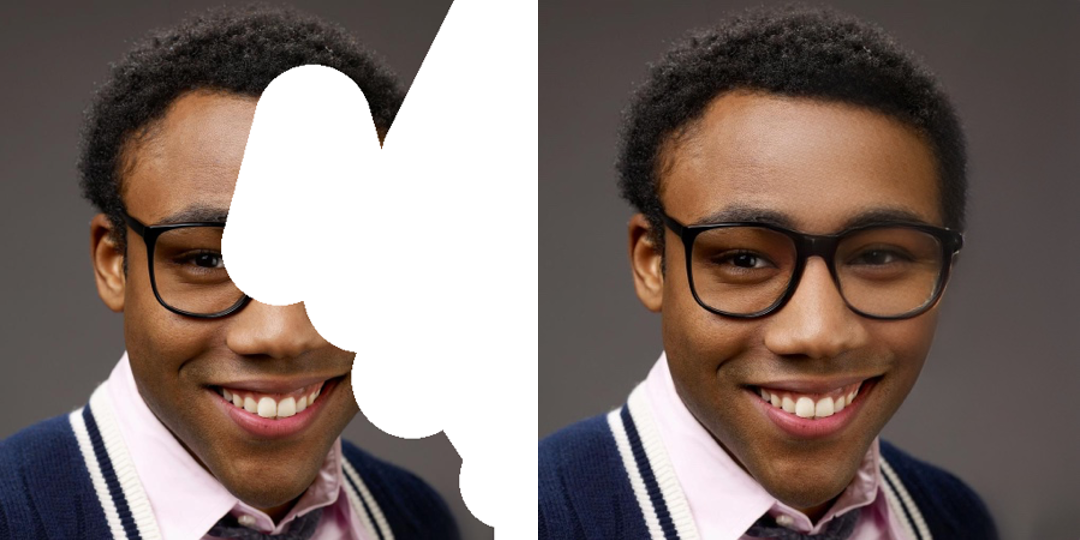
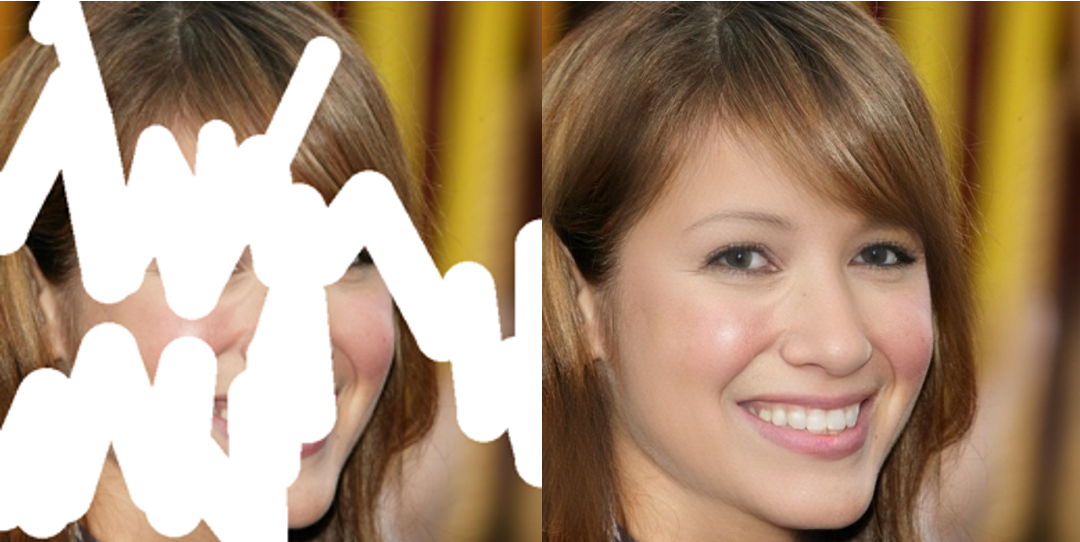
Face Inpainting
Dependencies and Installation
Pytorch >= 1.7.1
CUDA >= 10.1
Other required packages in requirements.txt
# git clone this repository
git clone https://github.com/sczhou/CodeFormer
cd CodeFormer

# create new anaconda env
conda create -n codeformer python=3.8 -y
conda activate codeformer

# install python dependencies
pip3 install -r requirements.txt
python basicsr/setup.py develop
conda install -c conda-forge dlib (only for face detection or cropping with dlib)
Quick Inference
Download Pre-trained Models:
Download the facelib and dlib pretrained models from [Releases | Google Drive | OneDrive] to the weights/facelib folder. You can manually download the pretrained models OR download by running the following command:
python scripts/download_pretrained_models.py facelib
python scripts/download_pretrained_models.py dlib (only for dlib face detector)
Download the CodeFormer pretrained models from [Releases | Google Drive | OneDrive] to the weights/CodeFormer folder. You can manually download the pretrained models OR download by running the following command:
You can put the testing images in the inputs/TestWhole folder. If you would like to test on cropped and aligned faces, you can put them in the inputs/cropped_faces folder. You can get the cropped and aligned faces by running the following command:
# you may need to install dlib via: conda install -c conda-forge dlib
python scripts/crop_align_face.py -i [input folder] -o [output folder]
Testing:
[Note] If you want to compare CodeFormer in your paper, please run the following command indicating --has_aligned (for cropped and aligned face), as the command for the whole image will involve a process of face-background fusion that may damage hair texture on the boundary, which leads to unfair comparison.
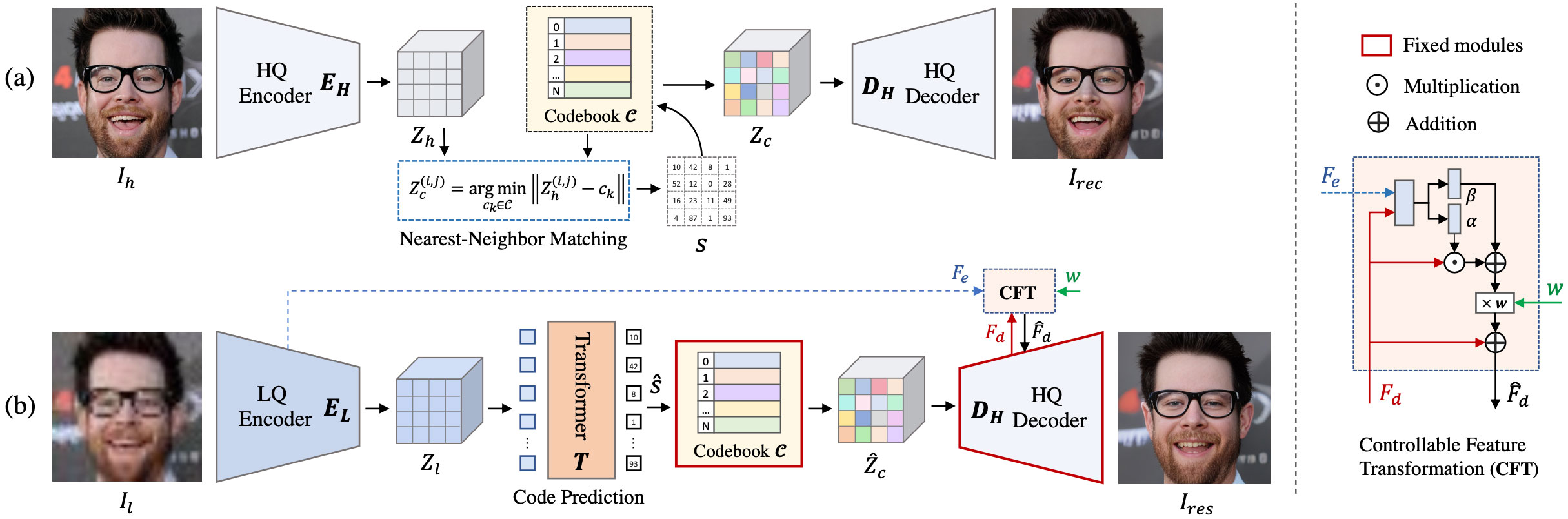
Fidelity weight w lays in [0, 1]. Generally, smaller w tends to produce a higher-quality result, while larger w yields a higher-fidelity result. The results will be saved in the results folder.
🧑🏻 Face Restoration (cropped and aligned face)
# For cropped and aligned faces (512x512)
python inference_codeformer.py -w 0.5 --has_aligned --input_path [image folder]|[image path]
:framed_picture: Whole Image Enhancement
# For whole image
# Add '--bg_upsampler realesrgan' to enhance the background regions with Real-ESRGAN
# Add '--face_upsample' to further upsample restorated face with Real-ESRGAN
python inference_codeformer.py -w 0.7 --input_path [image folder]|[image path]
:clapper: Video Enhancement
# For Windows/Mac users, please install ffmpeg first
conda install -c conda-forge ffmpeg
# For video clips
# Video path should end with '.mp4'|'.mov'|'.avi'
python inference_codeformer.py --bg_upsampler realesrgan --face_upsample -w 1.0 --input_path [video path]
🌈 Face Colorization (cropped and aligned face)
# For cropped and aligned faces (512x512)
# Colorize black and white or faded photo
python inference_colorization.py --input_path [image folder]|[image path]
🎨 Face Inpainting (cropped and aligned face)
# For cropped and aligned faces (512x512)
# Inputs could be masked by white brush using an image editing app (e.g., Photoshop)
# (check out the examples in inputs/masked_faces)
python inference_inpainting.py --input_path [image folder]|[image path]
Training:
The training commands can be found in the documents: English | 简体中文.
License
This project is licensed under NTU S-Lab License 1.0. Redistribution and use should follow this license.
🐼 Ecosystem Applications & Deployments
CodeFormer has been widely adopted and deployed across a broad range (>20) of online applications, platforms, API services, and independent websites, and has also been integrated into many open-source projects and toolkits.
Only demos on Hugging Face Space, Replicate, and OpenXLab are official deployments maintained by the authors. All other demos, APIs, apps, websites, and integrations listed below are third-party (non-official) and are not affiliated with the CodeFormer authors. Please verify their legitimacy to avoid potential financial loss.
Websites (Non-official)
⚠️⚠️⚠️ The following websites are not official and are not operated by us. They use our models without any license or authorization. Please verify their legitimacy to avoid potential financial loss.
This project is based on BasicSR. Some codes are brought from Unleashing Transformers, YOLOv5-face, and FaceXLib. We also adopt Real-ESRGAN to support background image enhancement. Thanks for their awesome works.
Citation
If our work is useful for your research, please consider citing:
@inproceedings{zhou2022codeformer,
    author = {Zhou, Shangchen and Chan, Kelvin C.K. and Li, Chongyi and Loy, Chen Change},
    title = {Towards Robust Blind Face Restoration with Codebook Lookup TransFormer},
    booktitle = {NeurIPS},
    year = {2022}
}
Contact
If you have any questions, please feel free to reach me out at [email protected].
sczhou/CodeFormer thuộc nhóm AI Tools trên TopGit, cùng 8 topic GitHub. Trang Trending và Topics liệt kê các repo cùng số sao và cùng ngôn ngữ để so sánh.
Đọc thêm về sczhou/CodeFormer ở đâu?
Trang TopGit này là một snapshot — tab "Readme" hiển thị nguyên văn README của repo (đã bỏ link, giữ ảnh). Repo GitHub ở github.com/sczhou/CodeFormer là nguồn chính thức.
sczhou/CodeFormer có bao nhiêu sao?
sczhou/CodeFormer có 18.1k sao GitHub — tải lại trang để xem số mới nhất, hoặc xem trực tiếp github.com/sczhou/CodeFormer. TopGit phản chiếu số sao của GitHub nhưng không cam kết đến từng phút.
sczhou/CodeFormer có những chủ đề gì?
GitHub topics của sczhou/CodeFormer: "codebook", "codeformer", "face-enhancement", "face-restoration", "pytorch", "restoration", "super-resolution", "vqgan". TopGit xếp repo vào nhóm AI Tools.
sczhou/CodeFormer còn đang phát triển không?
Commit gần nhất trên sczhou/CodeFormer là 9 tháng trước (theo timestamp GitHub). Repo có 3.7k fork — một chỉ báo về mức độ quan tâm của cộng đồng.
sczhou/CodeFormer viết bằng ngôn ngữ gì?
sczhou/CodeFormer chủ yếu viết bằng Python. Trường "language" của GitHub dựa trên phần lớn byte ở nhánh mặc định.
Vì sao sczhou/CodeFormer được xếp vào nhóm AI Tools?
TopGit xếp sczhou/CodeFormer vào nhóm AI Tools dựa trên GitHub topics và mô tả của repo (gắn thẻ: "codebook", "codeformer", "face-enhancement"). Việc phân loại dựa trên metadata thật của repo, không phải đoán theo cảm tính biên tập.
Đọc đầy đủ README ở tab phía trên.
Muốn nghe thêm một ý kiến về CodeFormer?
Hỏi một AI đọc được trang này — một cú bấm là có ngay nhận định về CodeFormer.