Trên GitHub, seriousm4x/UpSnap đã đạt 6.4k sao, nhóm Backend, ngôn ngữ Go. A simple wake on lan web app written with SvelteKit, Go and PocketBase.
Tóm tắt dựng từ metadata GitHub của chính dự án — chưa có bài review TopGit. Trang sẽ tự động cập nhật khi bài review đầy đủ được xuất bản.
VÌ SAO CHƯA CÓ REVIEW
TopGit viết bài đầy đủ cho repo có nhiều sao nhất và được yêu cầu nhiều nhất. Trang này là snapshot trong thời gian chờ — xem README gốc ở tab READ ME.
A simple wake on lan web app written with SvelteKit, Go and PocketBase.
✨ Features
🚀 One-Click Device Wake-Up Dashboard
⏰ Timed Events via Cron for Automation
🔌 Ping Any Port You Choose
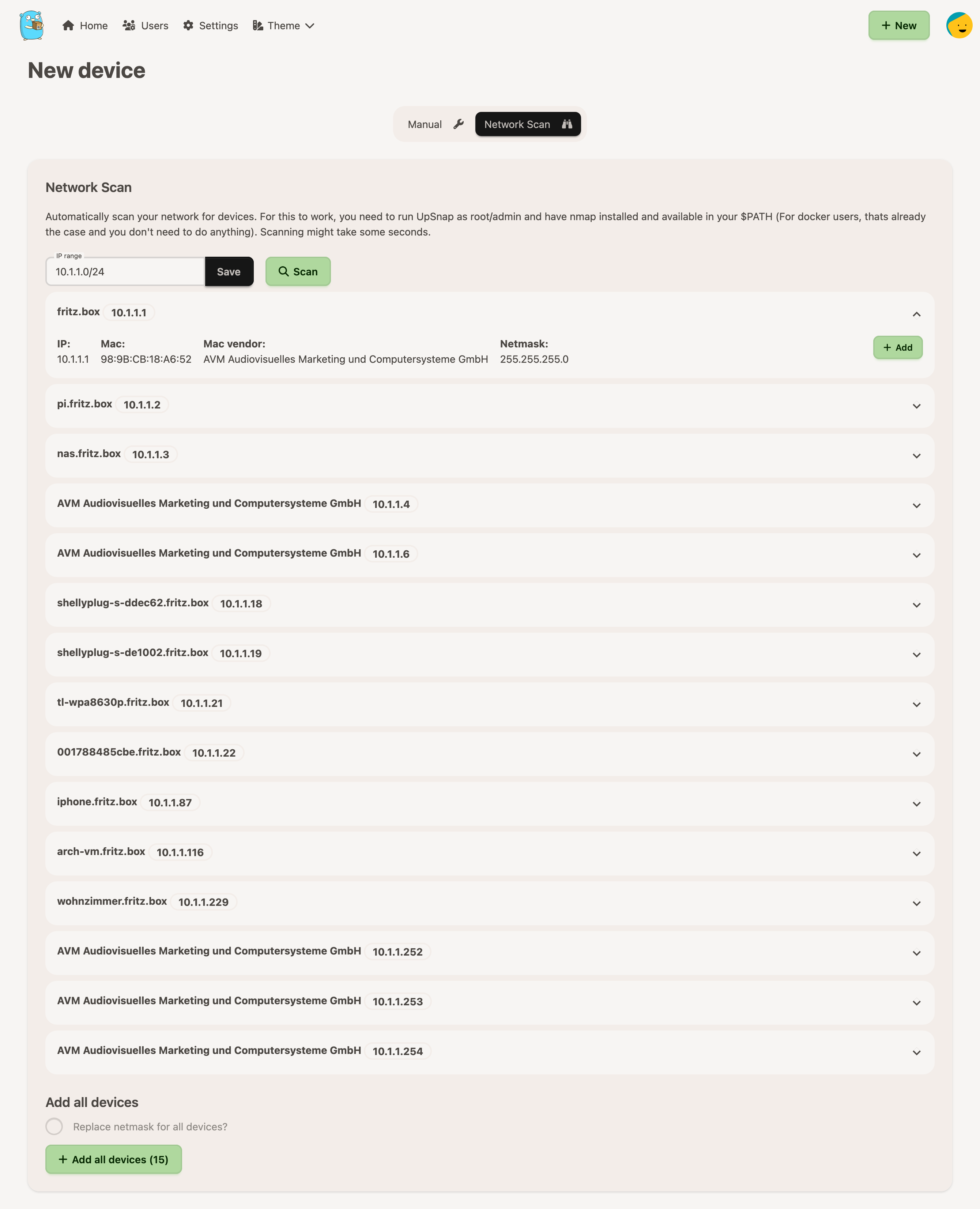
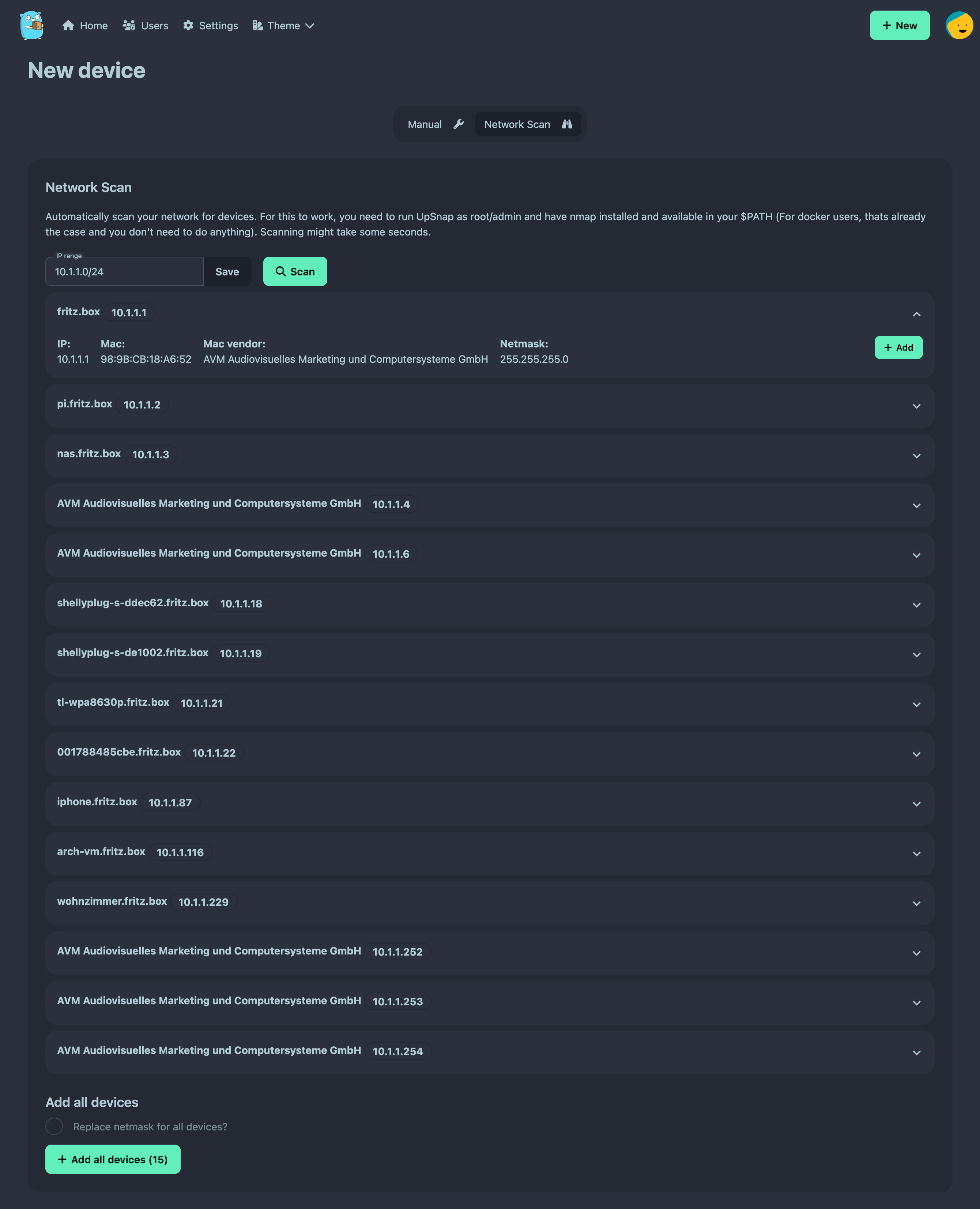
🔍 Discover Devices with Network Scanning (nmap required)
📌 Optional IP Address Tracking per Device via periodic ARP scan (nmap required, no extra privileges beyond network scanning)
📡 Support using a Fully Qualified Domain Name for a device (refer to the Wiki: Use FQDN)
❎️ Shutdown Devices with a Custom Command
👤 Secured User Management
📋 Superuser Logs Page
🌐 i18n support for these languages
🎨 35 Themes
🐳 Docker images for amd64, arm64, arm/v7, arm/v6
🏠 Self-Hostable
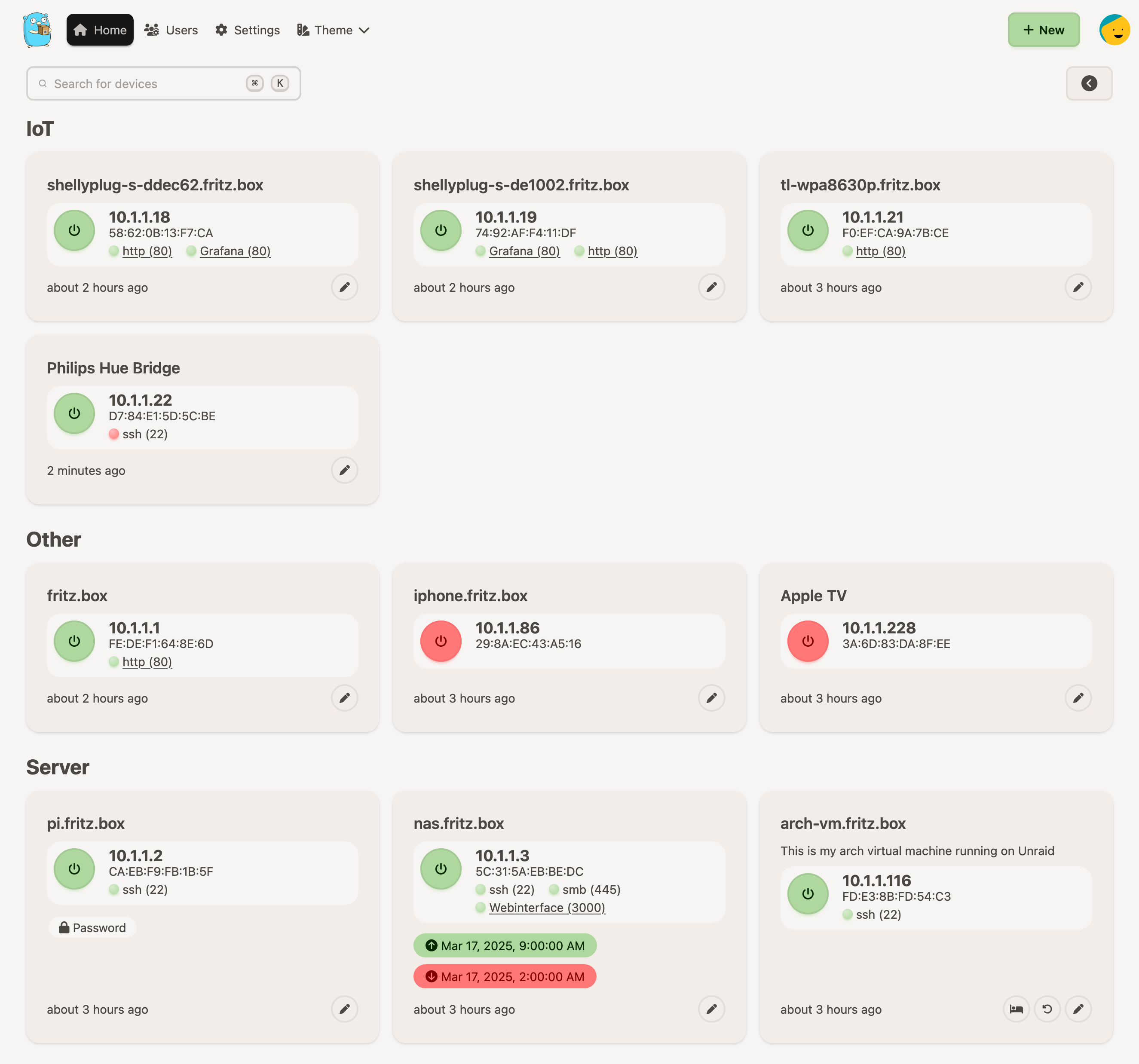
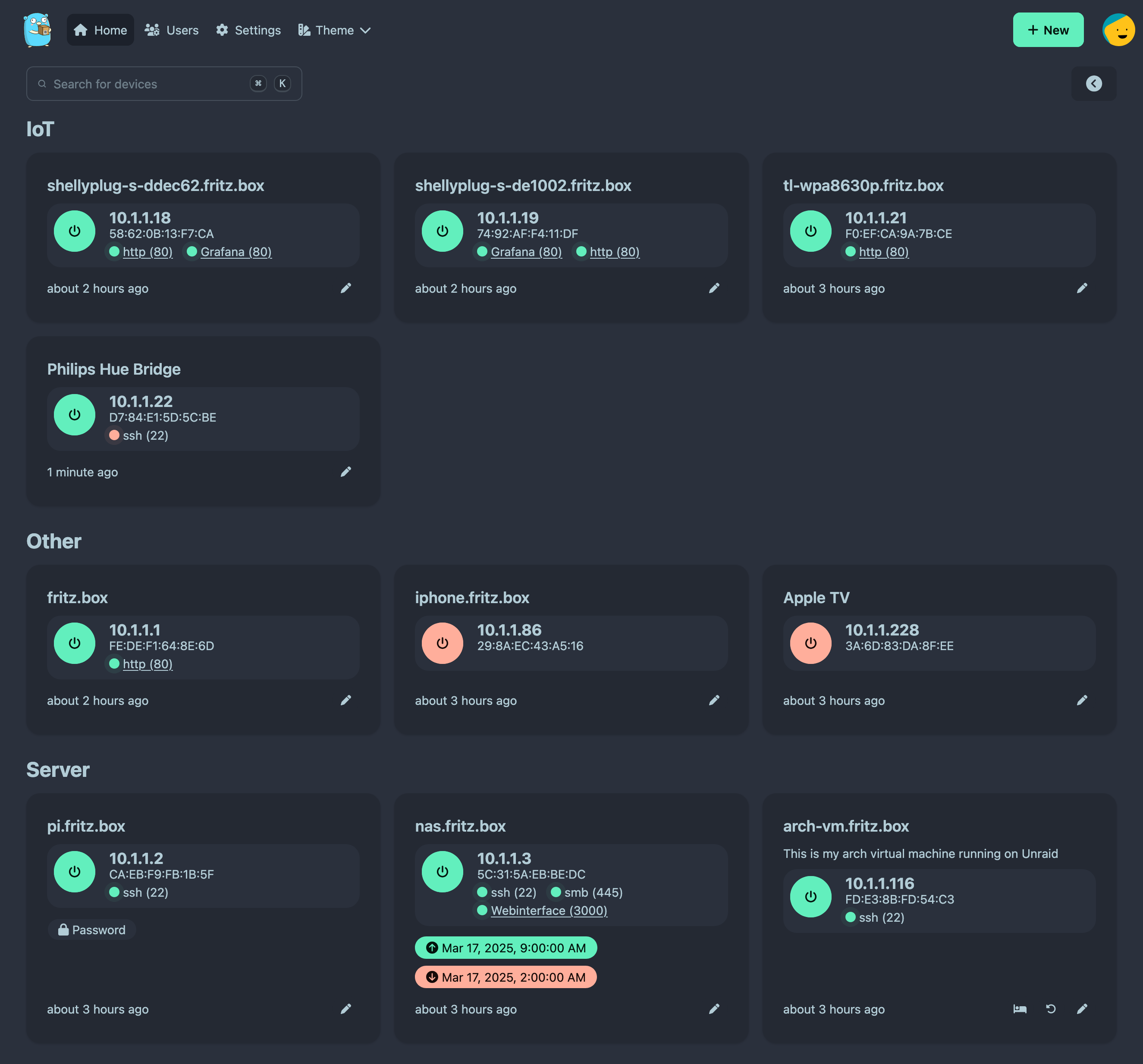
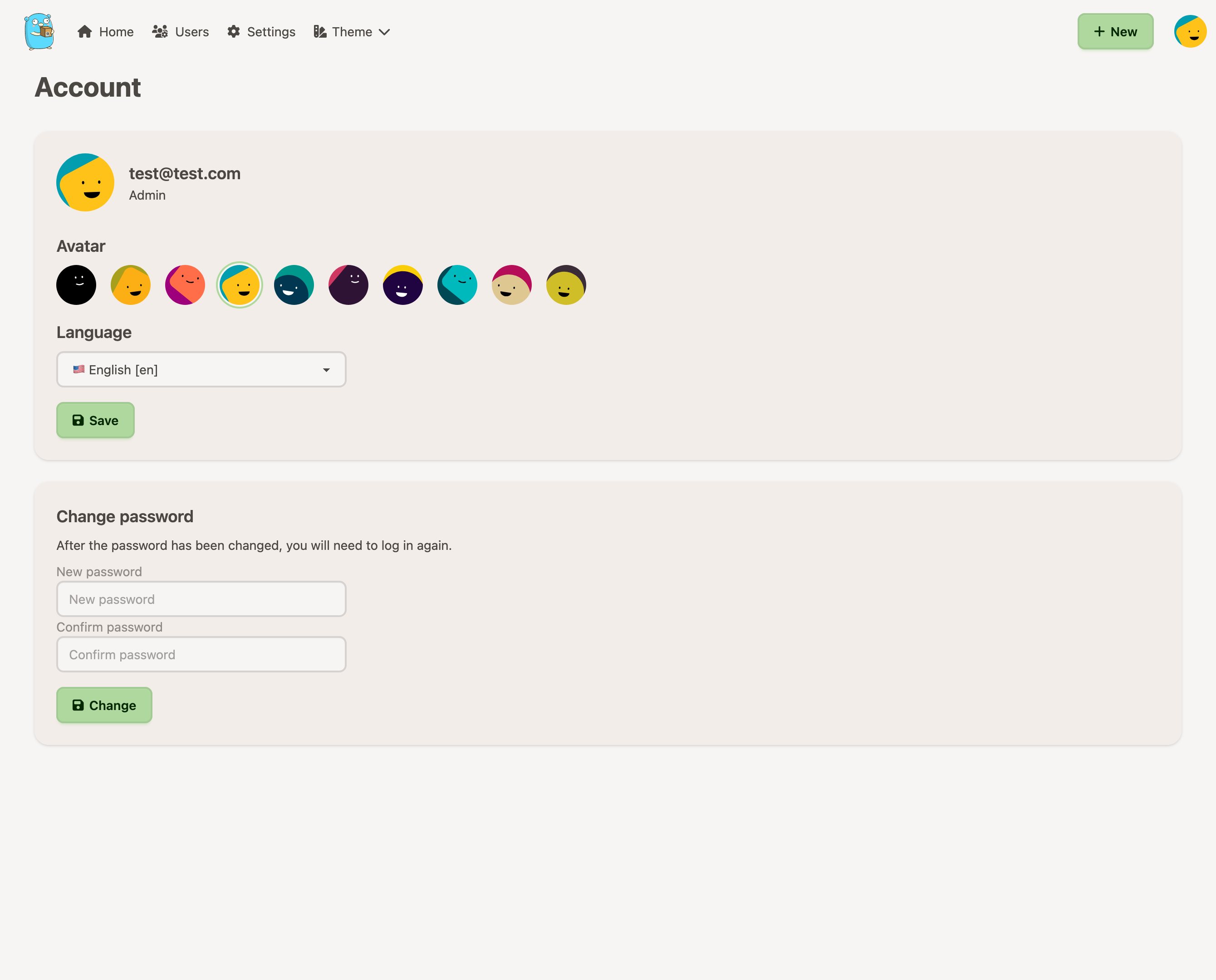
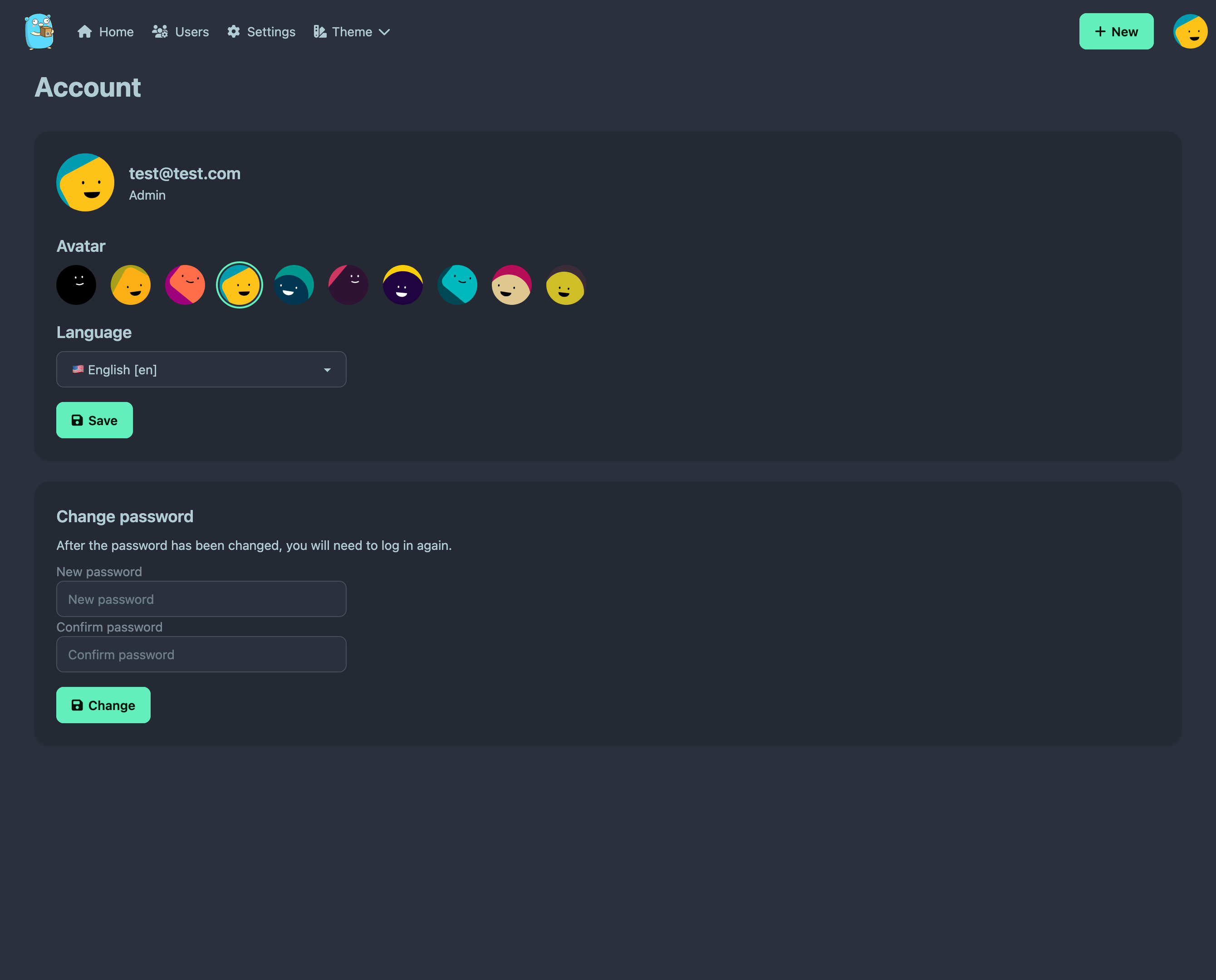
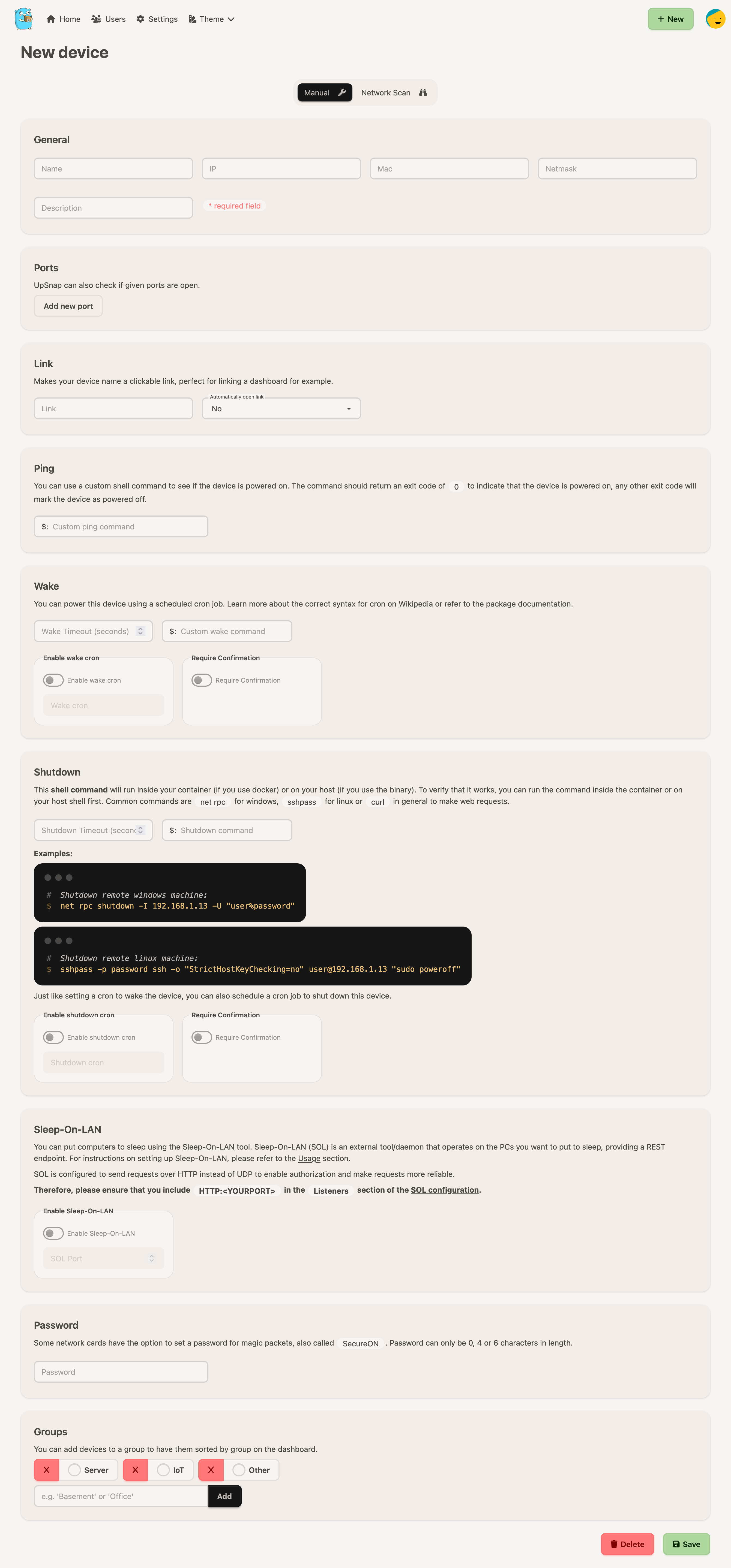
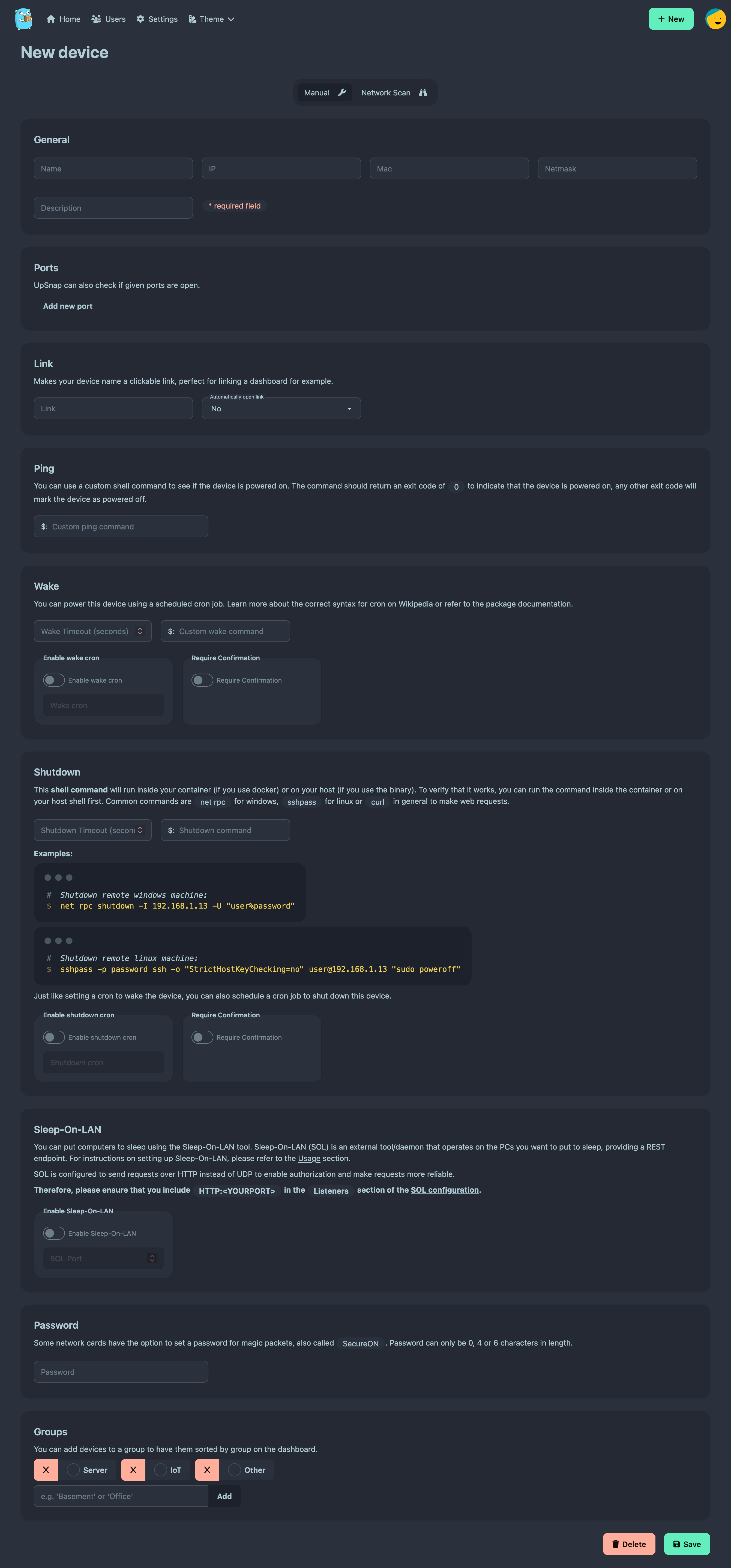
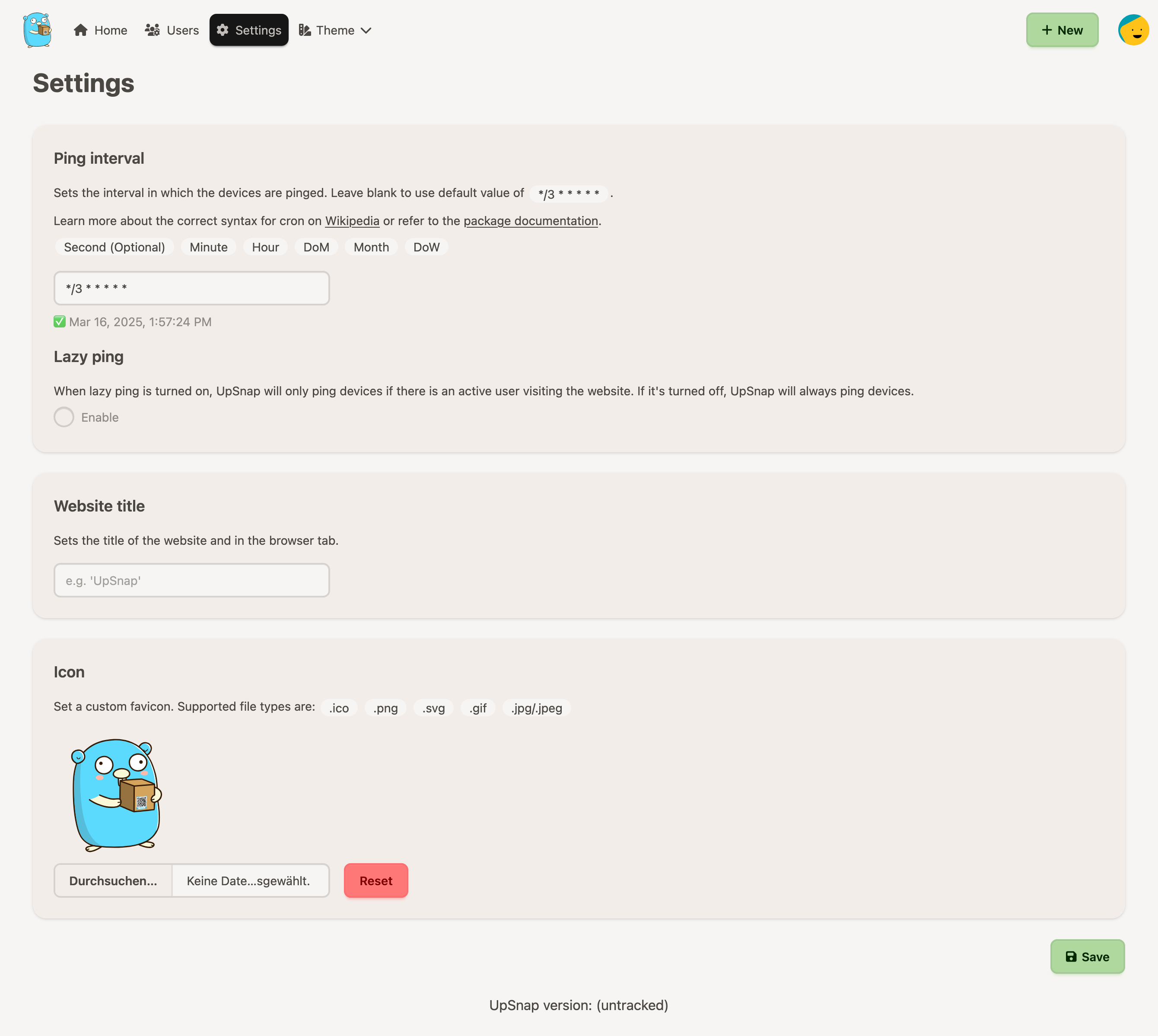
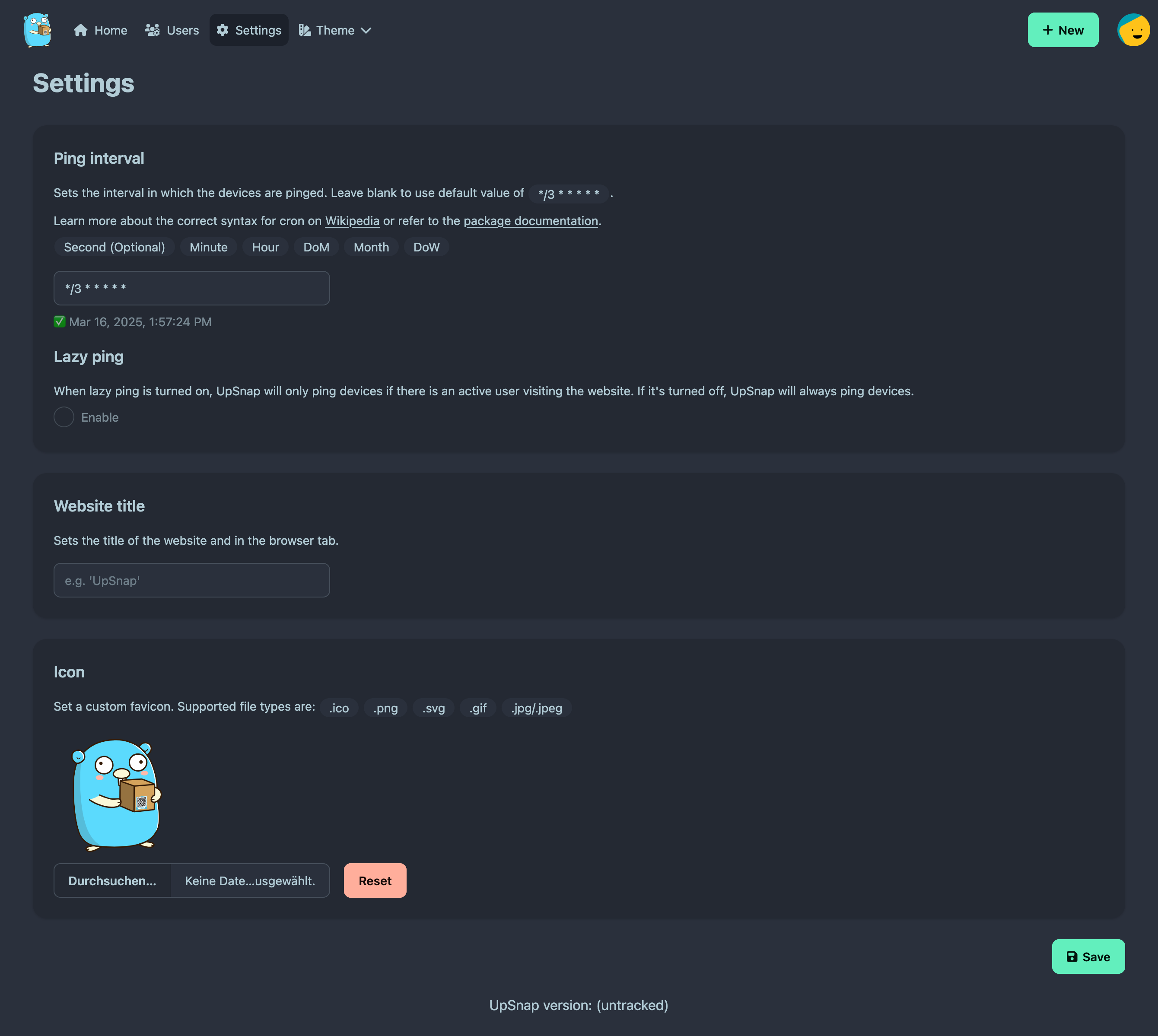
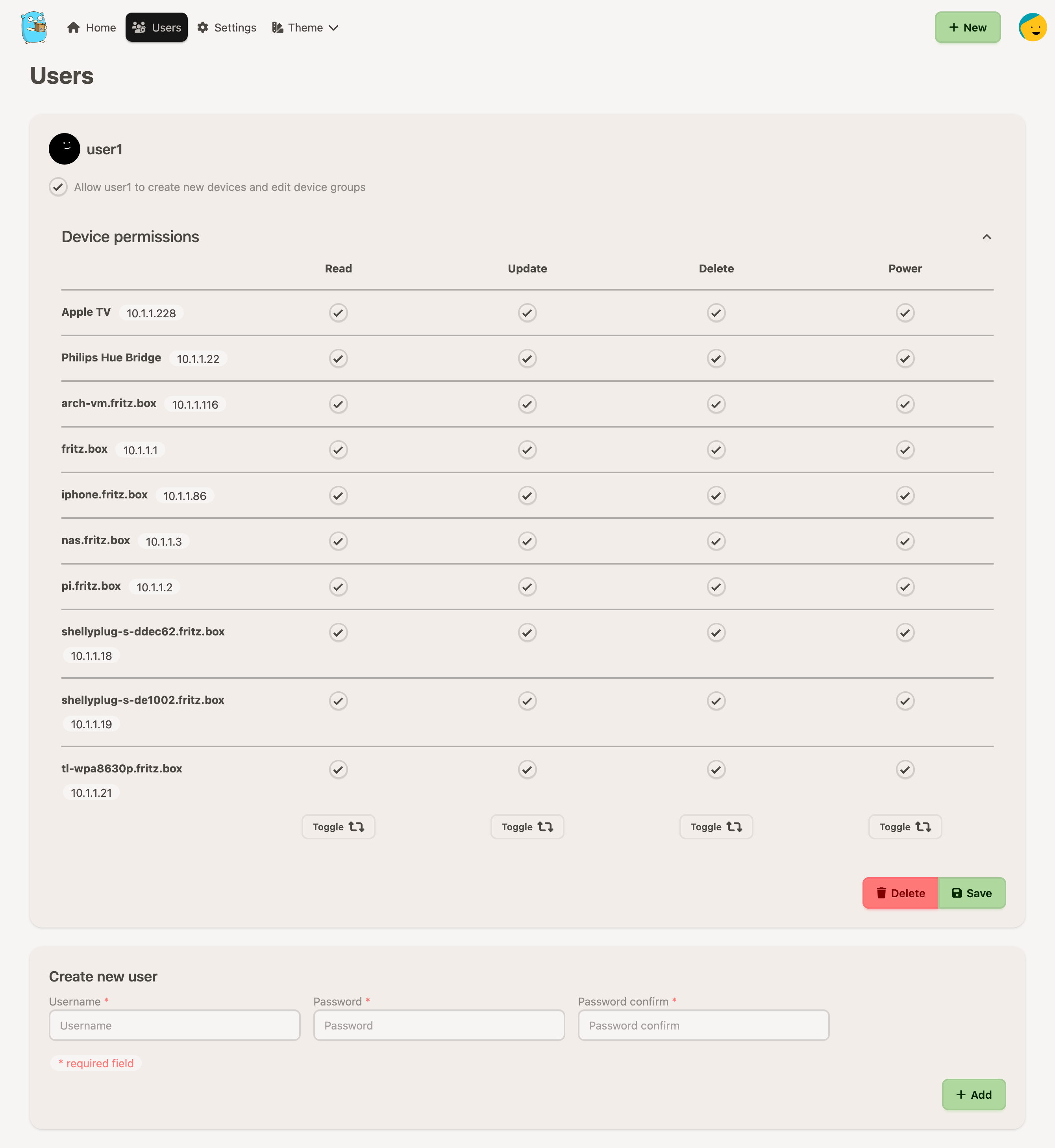
📸 Screenshots
Silk
Dim
🚀 Run the binary
Just download the latest binary from the release page and run it.
sudo ./upsnap serve --http=0.0.0.0:8090
To run as non-root (Linux only), refer to the Wiki: Use non-root user
For more options check ./upsnap --help or visit PocketBase documentation.
🐳 Run in Docker
Just pull and run the image: docker run --network=host seriousm4x/upsnap:latest or you can use the docker-compose example. See the comments in the file for customization.
To run as non-root, refer to the Wiki: Use non-root user
Set UPSNAP_LOG_LEVEL to DEBUG, INFO, WARN, ERROR, or OFF to control UpSnap console logs. Default is INFO. PocketBase log persistence and retention remain configurable in PocketBase settings. PocketBase's --dev mode prints all logs regardless of this setting.
Change port (Docker)
If you want to change the port from 8090 to something else, change the following (5000 in this case):
environment:
  - UPSNAP_HTTP_LISTEN=0.0.0.0:5000
❎️ Shutting Down Devices
To shutdown devices, refer to the Wiki: How to use shutdowns
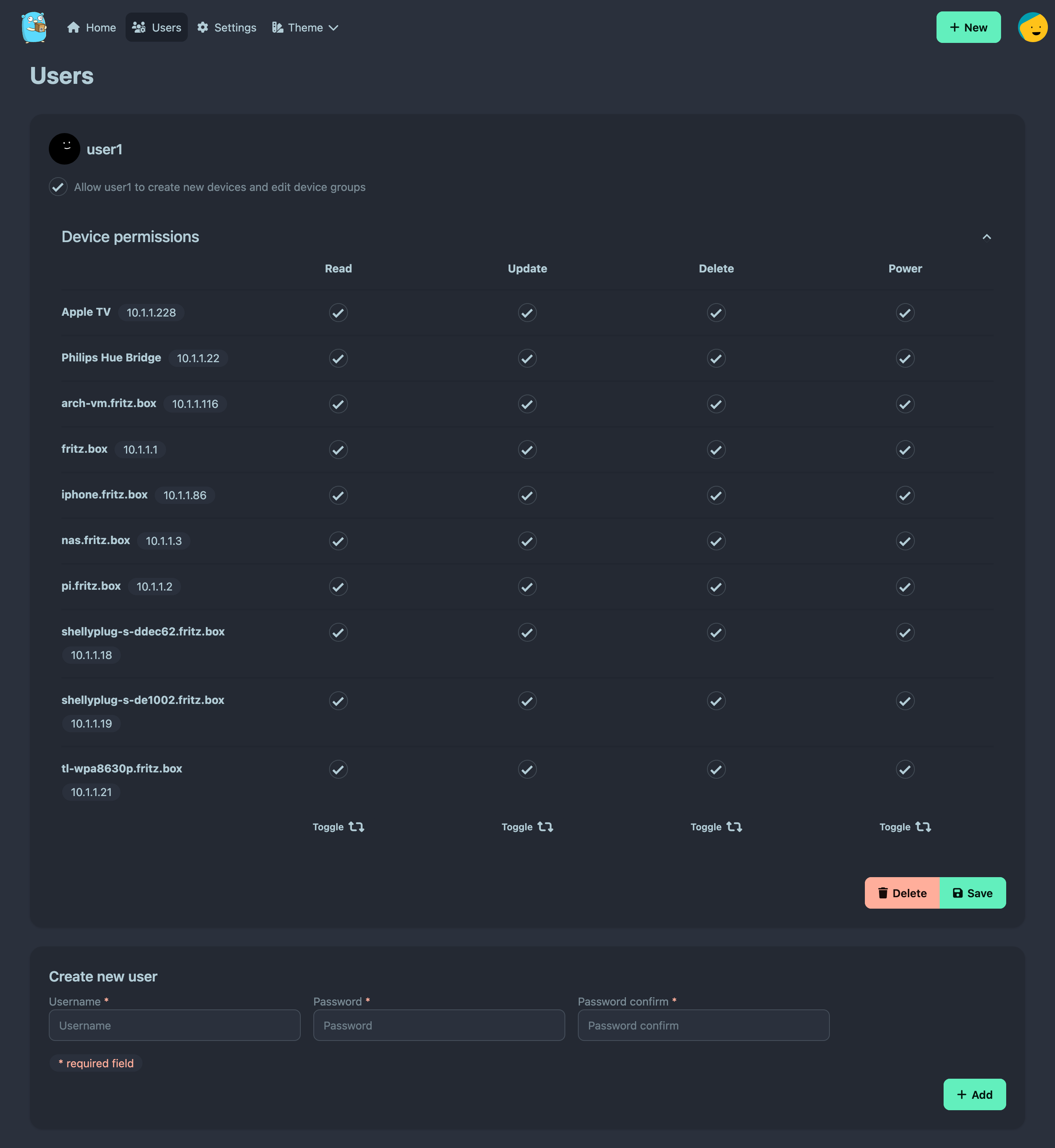
UpSnap offers unique access for each user, per device. While admins have all permissions, they can assign specific rights to users such as displaying/hiding a device, accessing device editing, deleting and powering devices on/off. See the last screenshot in the 📸 Screenshots section.
🌍 Exposing to the open web
Although UpSnap has user authorisation, it is not recommended to expose it to the open web and make it accessible by everyone!
Reason: The shutdown device command is basically a command piped to #sh (possibly as root user). If anyone gains unauthorized access and can abuse this API route in any way, the attacker has access to a (root) shell on your local network.
Recommended: If you need access from outside your network, please use a VPN. Wireguard or OpenVPN is your way to go.
🌐 Help translating
UpSnap is available in the following languages so far:
🇸🇦 Arabic (Saudi Arabia) (ar-SA)
🇧🇬 Bulgarian (Bulgaria) (bg-BG)
🇨🇿 Czech (Czech republic) (cs-CZ)
🇩🇪 German (Germany) (de-DE)
🇬🇷 Greek (Greece) (el-GR)
🇺🇸 English (United States) (en-US)
🇪🇸 Spanish (Spain) (es-ES)
🇫🇷 French (France) (fr-FR)
🇮🇳 Hindi (India) (hi-IN)
🇮🇩 Bahasa (Indonesia) (id-ID)
🇮🇹 Italian (Italy) (it-IT)
🇯🇵 Japanese (Japan) (ja-JP)
🇰🇷 Korean (Republic of Korea) (ko-KR)
🇳🇴 Norwegian (Norway) (nb-NO)
🇳🇱 Dutch (Netherlands) (nl-NL)
🇵🇱 Polish (Poland) (pl-PL)
🇧🇷 Portuguese (Brazil) (pt-BR)
🇵🇹 Portuguese (Portugal) (pt-PT)
🇷🇺 Russian (Russia) (ru-RU)
🇺🇦 Ukrainian (Ukrain) (uk-UA)
🇻🇳 Vietnamese (Vietnam) (vi-VN)
🇨🇳 Chinese (China) (zh-CN)
🇹🇼 Chinese (Taiwan) (zh-TW)
If you want to contribute and help translating, check the wiki: How to add languages
🔧 Help developing
Fork this branch and clone it.
Start backend
cd backend
go mod tidy
go run main.go serve
Start frontend
cd frontend
pnpm i
pnpm run dev
Open up http://localhost:5173/, create an admin user and add some devices.
seriousm4x/UpSnap thuộc nhóm Backend trên TopGit, cùng 5 topic GitHub. Trang Trending và Topics liệt kê các repo cùng số sao và cùng ngôn ngữ để so sánh.
Đọc thêm về seriousm4x/UpSnap ở đâu?
Trang TopGit này là một snapshot — tab "Readme" hiển thị nguyên văn README của repo (đã bỏ link, giữ ảnh). Repo GitHub ở github.com/seriousm4x/UpSnap là nguồn chính thức.
seriousm4x/UpSnap có bao nhiêu sao?
seriousm4x/UpSnap có 6.4k sao GitHub — tải lại trang để xem số mới nhất, hoặc xem trực tiếp github.com/seriousm4x/UpSnap. TopGit phản chiếu số sao của GitHub nhưng không cam kết đến từng phút.
seriousm4x/UpSnap có những chủ đề gì?
GitHub topics của seriousm4x/UpSnap: "golang", "pocketbase", "sveltekit", "wakeonlan", "wol". TopGit xếp repo vào nhóm Backend.
seriousm4x/UpSnap còn đang phát triển không?
Commit gần nhất trên seriousm4x/UpSnap là 4 tháng trước (theo timestamp GitHub). Repo có 257 fork — một chỉ báo về mức độ quan tâm của cộng đồng.
seriousm4x/UpSnap viết bằng ngôn ngữ gì?
seriousm4x/UpSnap chủ yếu viết bằng Go. Trường "language" của GitHub dựa trên phần lớn byte ở nhánh mặc định.
Vì sao seriousm4x/UpSnap được xếp vào nhóm Backend?
TopGit xếp seriousm4x/UpSnap vào nhóm Backend dựa trên GitHub topics và mô tả của repo (gắn thẻ: "golang", "pocketbase", "sveltekit"). Việc phân loại dựa trên metadata thật của repo, không phải đoán theo cảm tính biên tập.
Đọc đầy đủ README ở tab phía trên.
UpSnap có đáng để bạn bỏ thời gian?
ChatGPT, Claude và Perplexity đều đọc được trang này. Hỏi thử xem họ nghĩ gì về UpSnap.

 /UpSnap