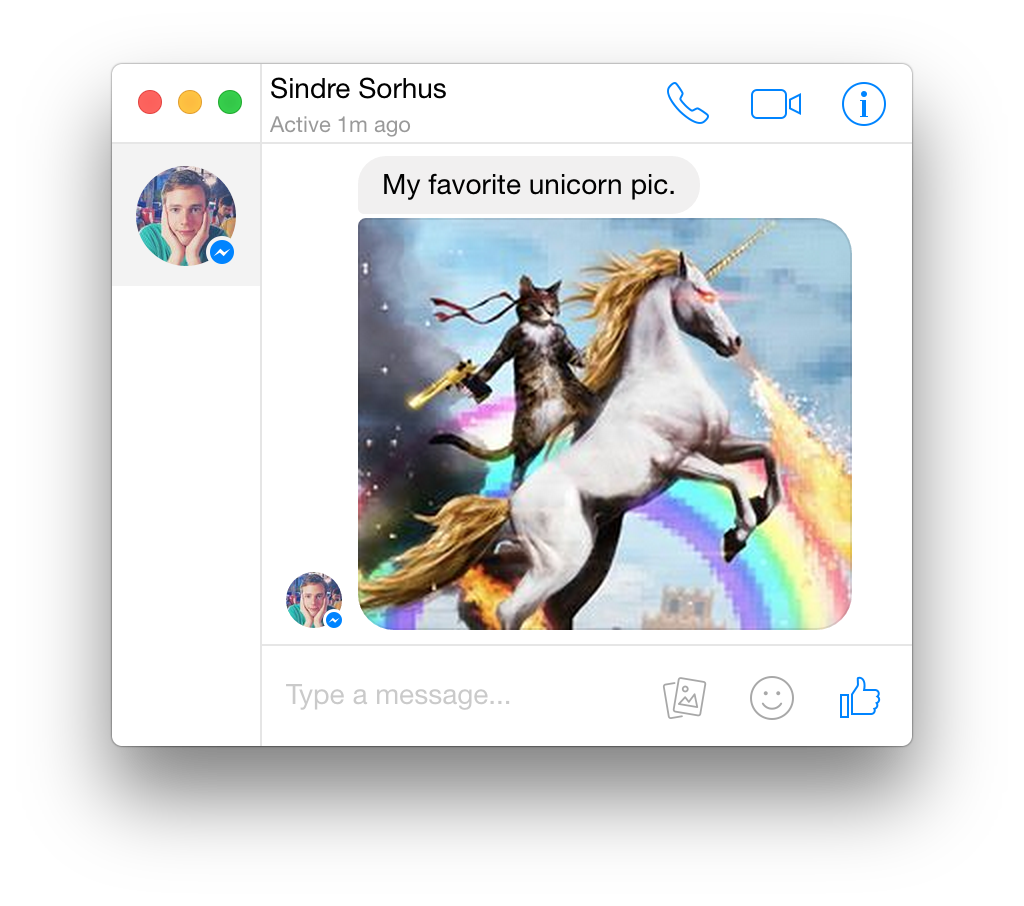
Một mục phía máy chủ trong kho dữ liệu GitHub của TopGit: sindresorhus/caprine, 7.4k sao, nhóm Backend, TypeScript. Elegant Facebook Messenger desktop app
Tóm tắt dựng từ metadata GitHub của chính dự án — chưa có bài review TopGit. Trang sẽ tự động cập nhật khi bài review đầy đủ được xuất bản.
VÌ SAO CHƯA CÓ REVIEW
TopGit viết bài đầy đủ cho repo có nhiều sao nhất và được yêu cầu nhiều nhất. Trang này là snapshot trong thời gian chờ — xem README gốc ở tab READ ME.
Create a new file in /etc/zypp/repos.d/caprine.repo.
Copy the contents of this file and paste them into the file you just created.
Alternatively use the following one-liner:
curl -s https://copr.fedorainfracloud.org/coprs/dusansimic/caprine/repo/opensuse-tumbleweed/dusansimic-caprine-opensuse-tumbleweed.repo | sudo tee /etc/zypp/repos.d/caprine.repo
AppImage:
Download the .AppImage file.
Make it executable:
chmod +x Caprine-2.xx.x.AppImage
Then run it!
About immutable Linux distributions:
Fedora Silverblue, Fedora Kinoite, EndlessOS, CarbonOS and other immutable distributions only support Flatpak and/or AppImage.*
Note: On some distributions Flatpak must be pre-configured manually.
Windows
Method
Repository
Automatic Updates
Maintainer
How to install
Manually
GitHub
❌
Official
Download the .exe file
Chocolatey
Community
✔️
Michael Quevillon
choco install caprine
For taskbar notification badges to work on Windows 10, you'll need to enable them in Taskbar Settings.
Features
Dark mode
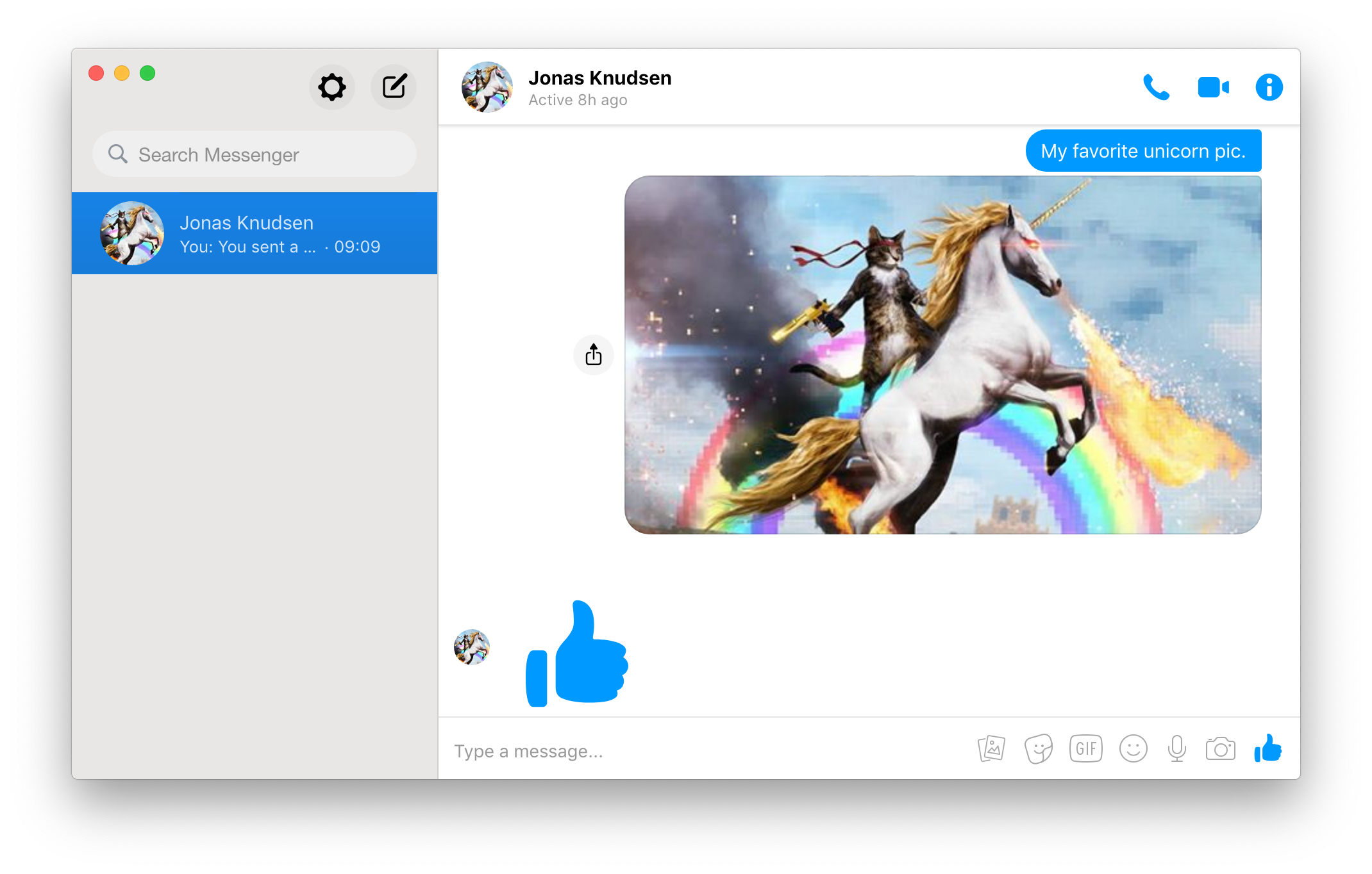
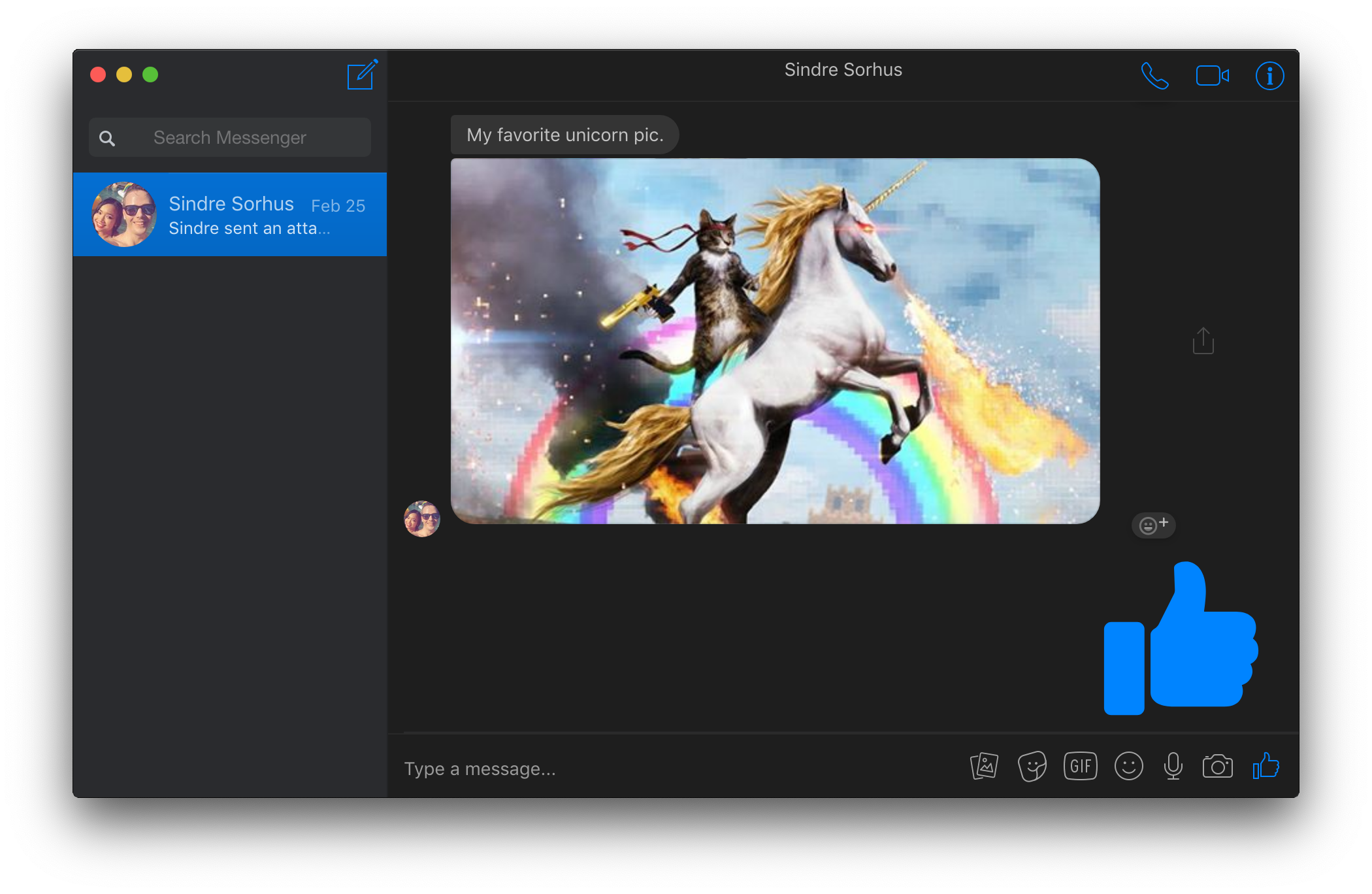
You can toggle dark mode in the View menu or with Commandd / Controld.
Hide Names and Avatars
You can prevent others from looking at who you're chatting with by enabling the “Hide Names and Avatars” feature in the “View” menu or with Command/ControlShiftn.
Vibrancy (macOS only)
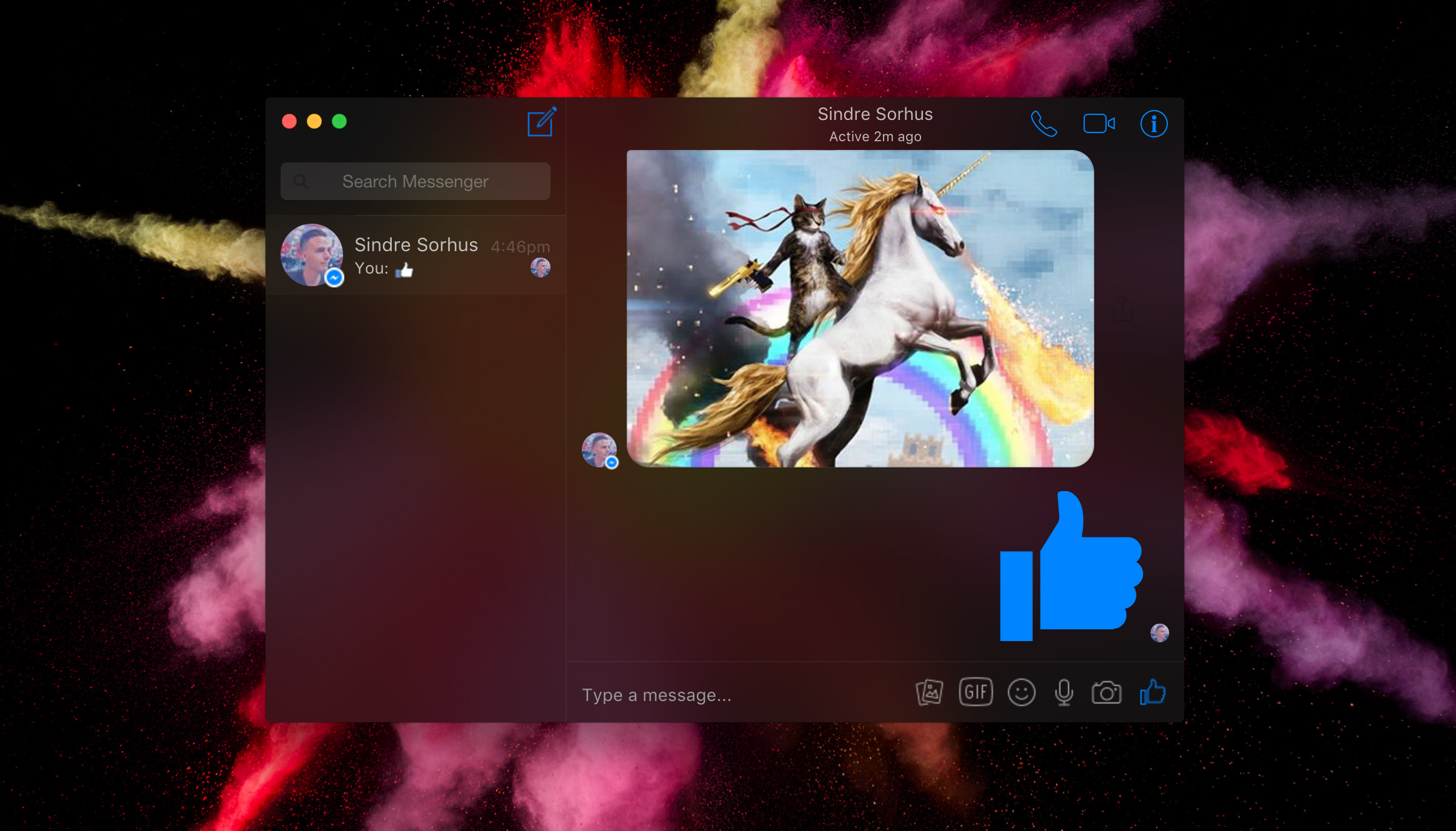
On macOS, you can toggle the window vibrancy effect in the View menu.
Privacy
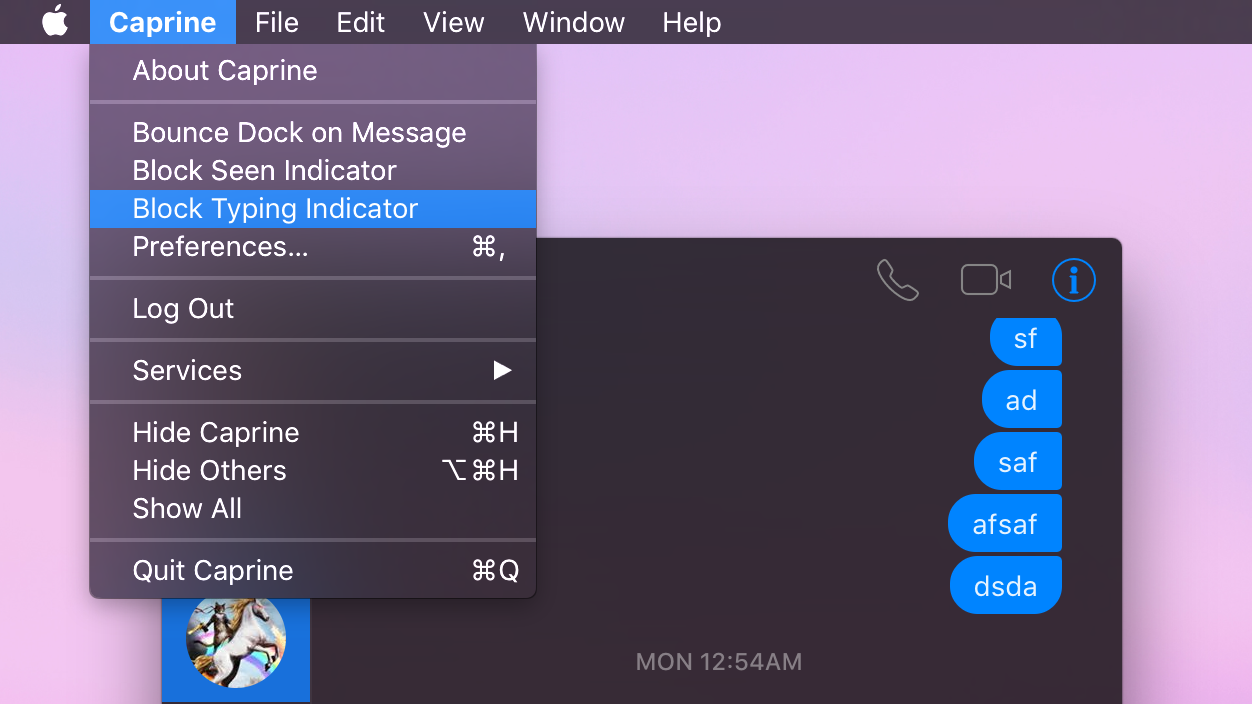
You can choose to prevent people from knowing when you have seen a message and when you are currently typing. These settings are available under the Caprine/File menu.
Mute desktop notifications (macOS only)
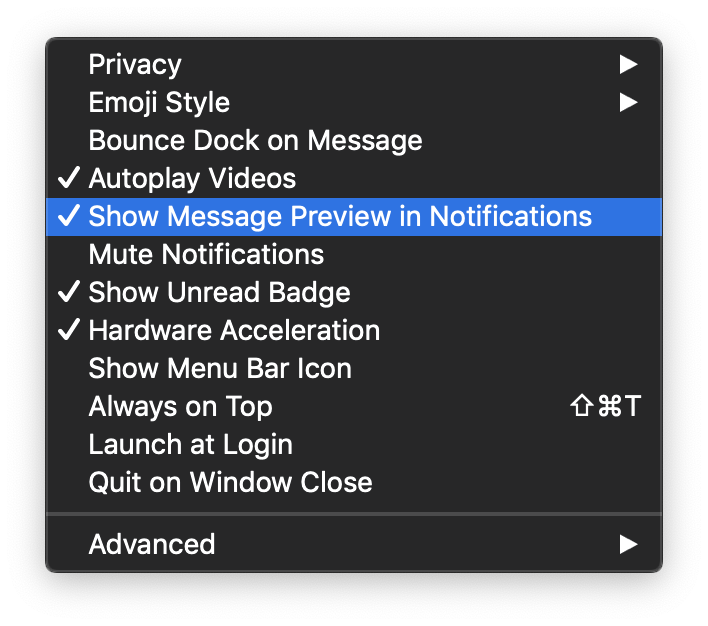
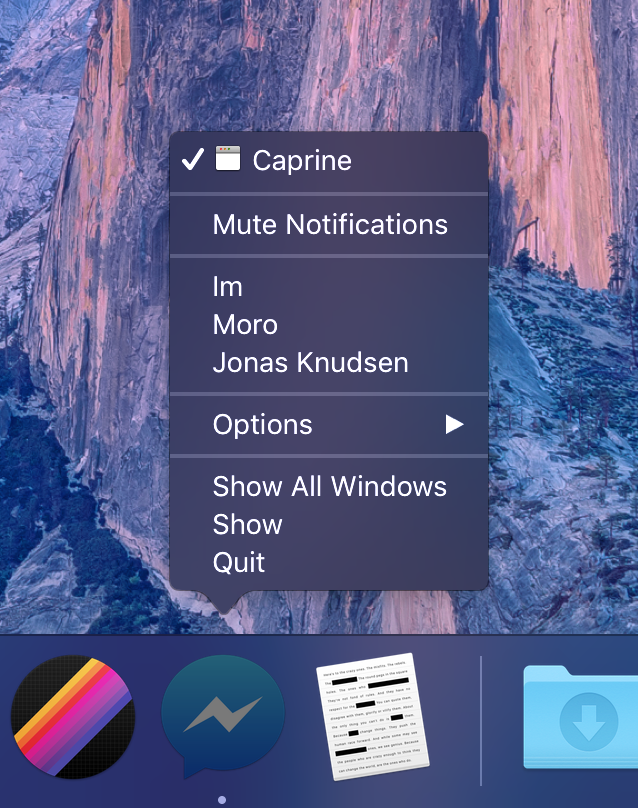
You can quickly disable receiving notifications from the Caprine/File menu or the Dock on macOS.
Hide notification message preview
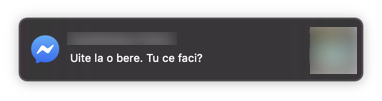
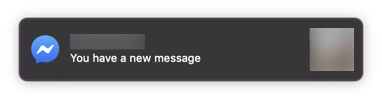
You can toggle the Show Message Preview in Notification setting in the Caprine/File menu.
Prevents link tracking
Links that you click on will not be tracked by Facebook.
Jump to conversation hotkey
You can switch conversations similar to how you switch browser tabs: Command/Controln (where n is 1 through 9).
Compact mode
The interface adapts when resized to a small size.
Desktop notifications
Desktop notifications can be turned on in Preferences.
Always on Top
You can toggle whether Caprine stays on top of other windows in the Window/View menu or with Command/ControlShiftt.
Work Chat support
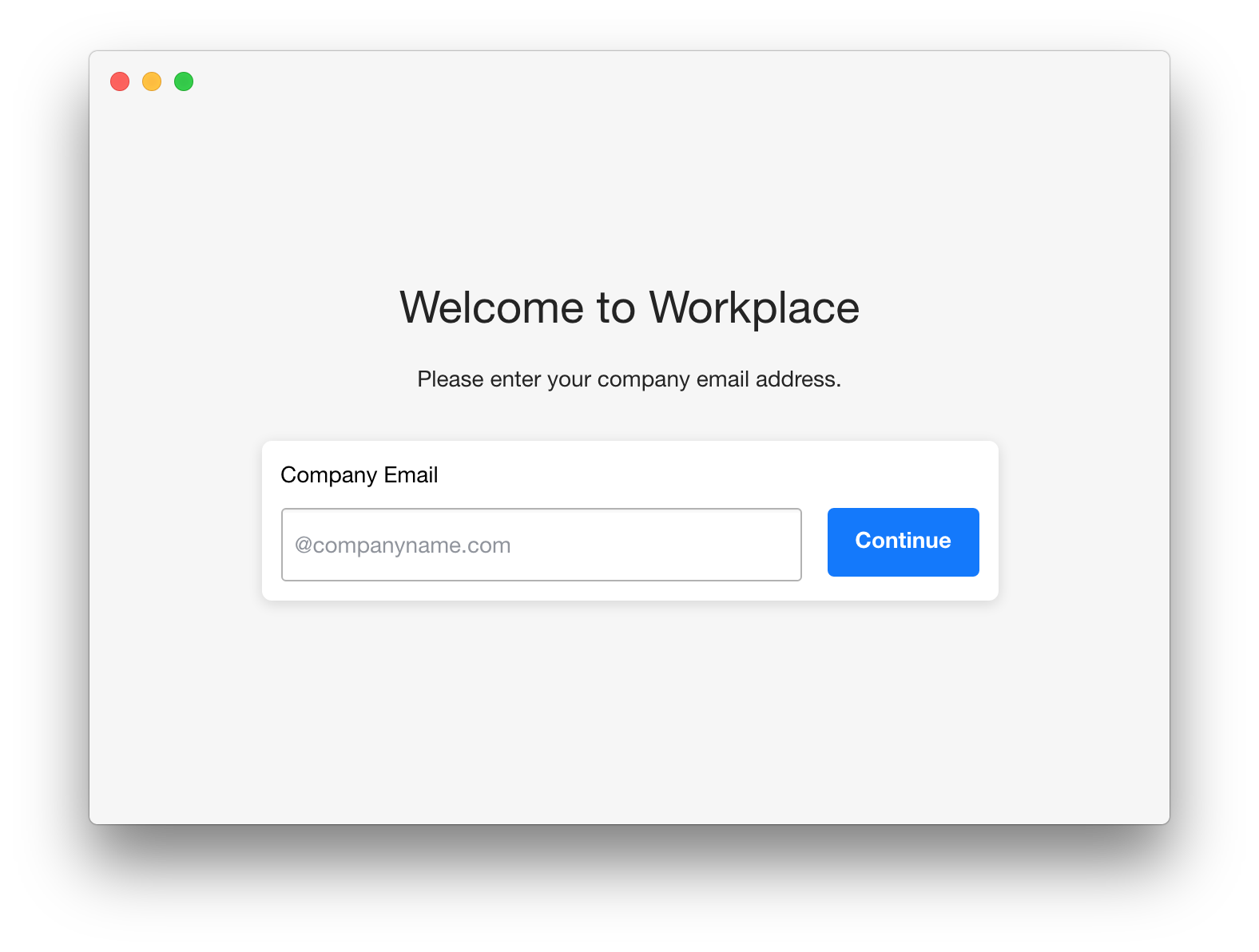
Support for Work Chat: Messenger for Workplace. You can switch to it in the Caprine/File menu.
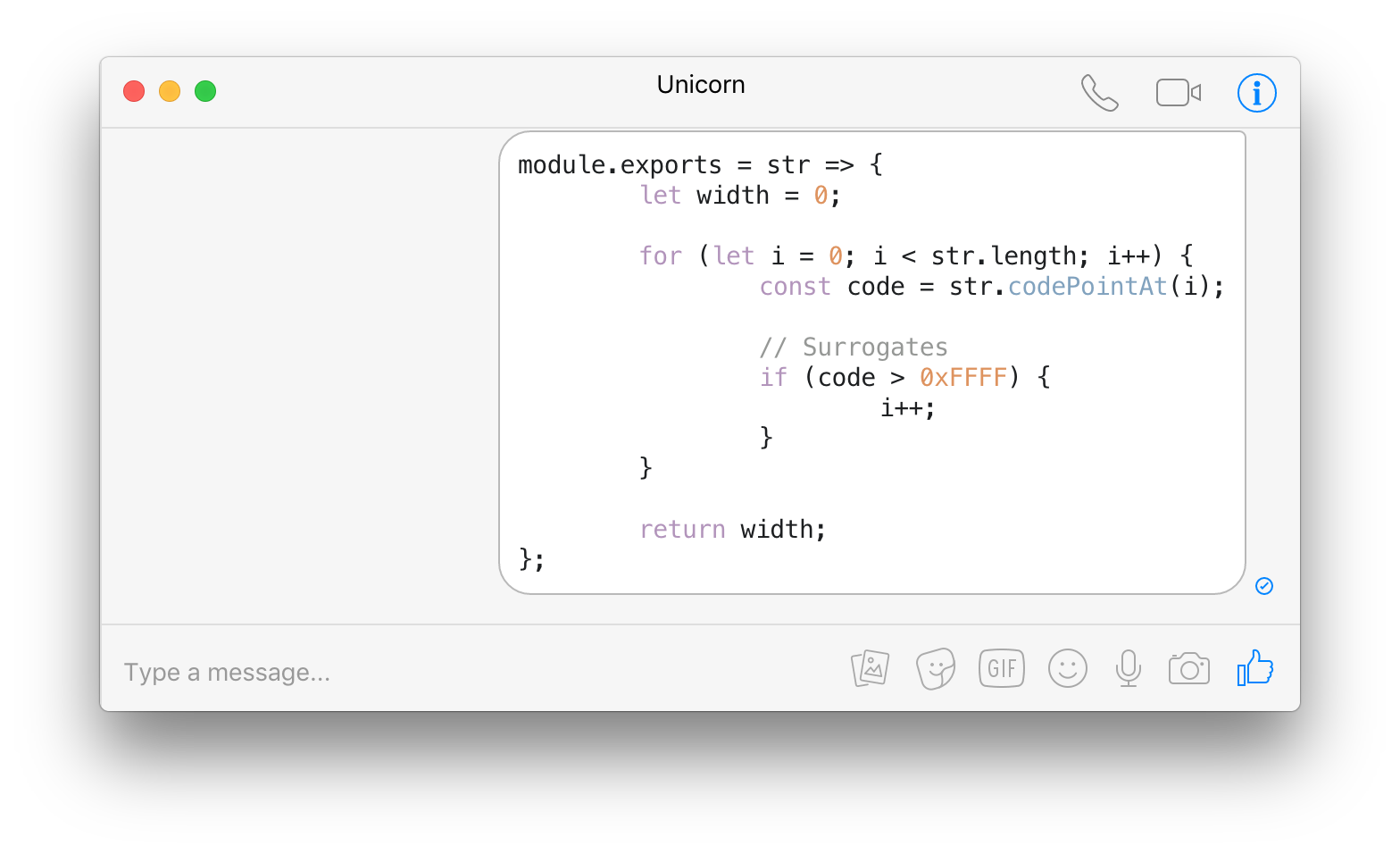
Code blocks
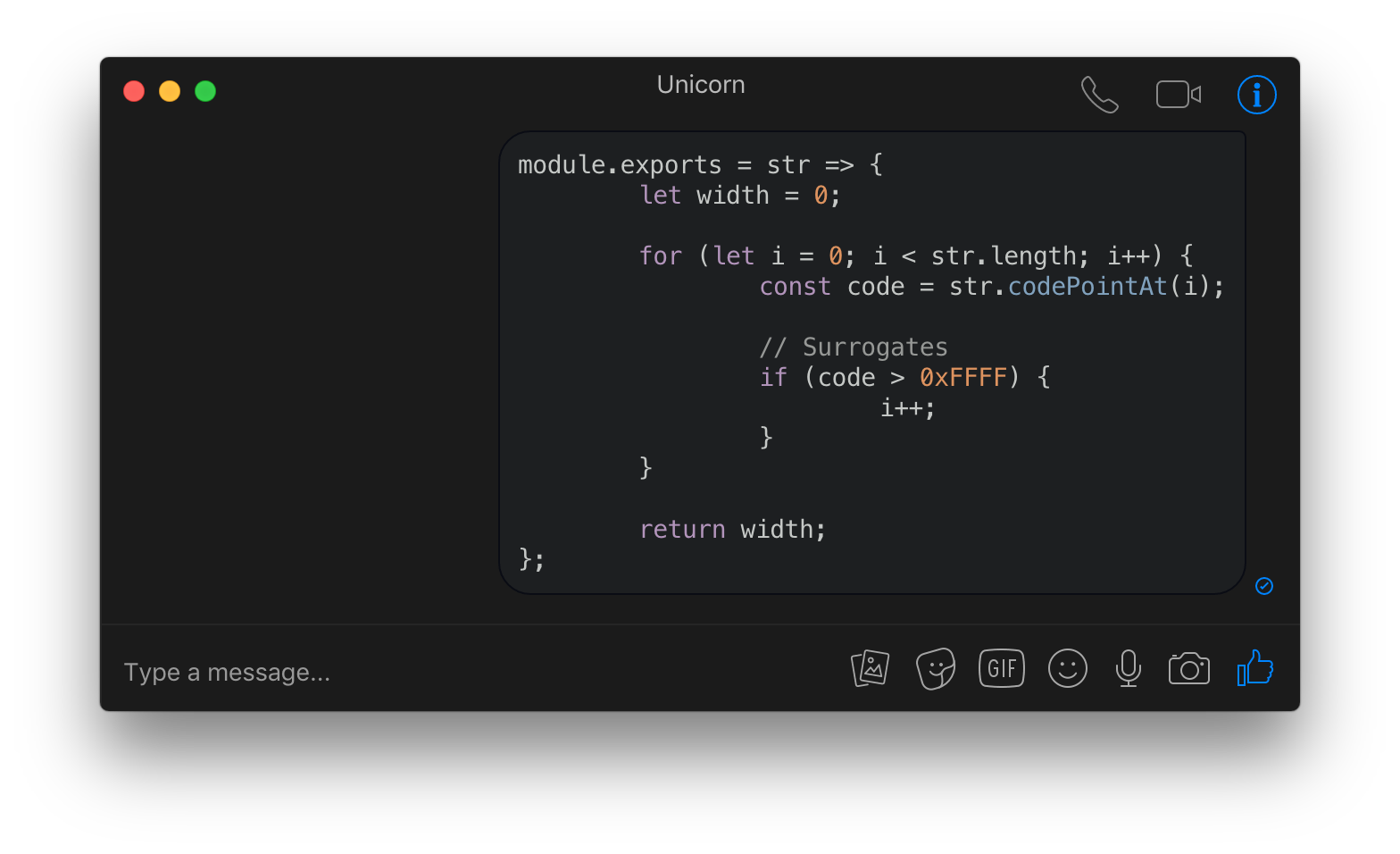
You can send code blocks by using Markdown syntax.
Background behavior
When closing the window, the app will by default continue running in the background, in the dock on macOS and the tray on Linux/Windows. Right-click the dock/tray icon and choose Quit to completely quit the app. On macOS, click the dock icon to show the window. On Linux, right-click the tray icon and choose Toggle to toggle the window. On Windows, click the tray icon to toggle the window.
Note that you can change the behavior of Caprine so that the app closes when the window is closed. For this, you'll need to go to the settings and click on Quit on Window Close.
Quick access to conversations from the Dock menu (macOS only)
Touch Bar support (macOS only)
Custom languages for spell-check (Not for macOS)
Users can select supported languages from Conversation → Spell Checker Language.
macOS detects the language automatically.
Custom styles
Advanced users can modify the colors/styles of Caprine. Click the menu item Caprine/File → Caprine Settings → Advanced → Custom Styles and a CSS file will open up in your default editor.
Menu Bar Mode (macOS only)
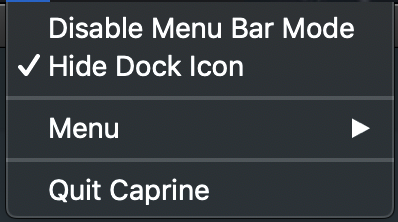
You can enable Show Menu Bar Icon in the Caprine Preferences menu to have a Caprine icon in the menu bar. The icon will indicate when you have unread notifications and you can click it to toggle the Caprine window. You can also toggle the Caprine window with the global shortcut CommandShifty.
You can also remove Caprine from the Dock and task switcher by clicking Hide Dock Icon menu item from the menu bar icon. There will then no longer be any menus for the window, but you can access those from the Menu item in the menu bar icon menu.
Keyboard shortcuts
Description
Keys
New conversation
Command/Controln
Search conversations
Command/Controlk
Toggle "Dark mode"
Command/Controld
Hide Names and Avatars
Command/ControlShiftn
Next conversation
Command/Control] or ControlTab
Previous conversation
Command/Control[ or ControlShiftTab
Jump to conversation
Command/Control1…9
Insert GIF
Command/Controlg
Insert sticker
Command/Controls
Insert emoji
Command/Controle
Attach files
Command/Controlt
Focus text input
Command/Controli
Search in conversation
Command/Controlf
Mute conversation
Command/ControlShiftm
Hide conversation
Command/ControlShifth
Delete conversation
Command/ControlShiftd
Toggle "Always on Top"
Command/ControlShiftt
Toggle window menu
Alt(Windows/Linux only)
Toggle main window
CommandShifty(macOS only)
Toggle sidebar
Command/ControlShifts
Switch to Messenger
Command/ControlShift1
Switch to Workchat
Command/ControlShift2
Preferences
Command/Control,
Tip
On macOS, you can change these in the System Preferences and you can even add your own keyboard shortcuts for menu items without a predefined keyboard shortcut.
FAQ
Can I contribute localizations?
The main app interface is already localized by Facebook. The app menus are not localized, and we're not interested in localizing those.
Dev
Built with Electron.
Run
npm install && npm start
Build
See the electron-builder docs.
Publish
npm run release
Then edit the automatically created GitHub Releases draft and publish.
Maintainers
Dušan Simić
Lefteris Garyfalakis
Michael Quevillon
Nikolas Spiridakis
Former
Jarek Radosz
Links
Product Hunt post
Press
The Essential Windows Apps for 2018 - Lifehacker
Caprine review: Customize Facebook Messenger on Windows 10 - Windows Central
Disclaimer
Caprine is a third-party app and is not affiliated with Facebook.
sindresorhus/caprine thuộc nhóm Backend trên TopGit, cùng 11 topic GitHub. Trang Trending và Topics liệt kê các repo cùng số sao và cùng ngôn ngữ để so sánh.
Đọc thêm về sindresorhus/caprine ở đâu?
Trang TopGit này là một snapshot — tab "Readme" hiển thị nguyên văn README của repo (đã bỏ link, giữ ảnh). Repo GitHub ở github.com/sindresorhus/caprine là nguồn chính thức.
sindresorhus/caprine có phải mã nguồn mở không?
Có — sindresorhus/caprine phát hành theo license MIT, nghĩa là mã nguồn mở để đọc, fork và (tùy license) tái sử dụng. Mã: github.com/sindresorhus/caprine.
sindresorhus/caprine là gì?
sindresorhus/caprine (sindresorhus/caprine) là dự án TypeScript trên GitHub. Theo mô tả gốc: Elegant Facebook Messenger desktop app
sindresorhus/caprine so với các dự án Backend khác thế nào?
sindresorhus/caprine được TopGit xếp vào nhóm Backend, với 7.4k sao GitHub và viết bằng TypeScript. Xem trang chủ đề Backend trên TopGit để so sánh với các dự án tương tự theo số sao và mức độ hoạt động.
Vì sao sindresorhus/caprine được xếp vào nhóm Backend?
TopGit xếp sindresorhus/caprine vào nhóm Backend dựa trên GitHub topics và mô tả của repo (gắn thẻ: "app", "caprine", "chat"). Việc phân loại dựa trên metadata thật của repo, không phải đoán theo cảm tính biên tập.
Đọc đầy đủ README ở tab phía trên.
Muốn nghe thêm một ý kiến về caprine?
Hỏi một AI đọc được trang này — một cú bấm là có ngay nhận định về caprine.
 /caprine