sindresorhus/Gifski là một trong những repo chuyên xử lý ảnh mà TopGit theo dõi, hiện có 8.6k sao, viết chủ yếu bằng Swift. 🌈 Convert videos to high-quality GIFs on your Mac
Tóm tắt dựng từ metadata GitHub của chính dự án — chưa có bài review TopGit. Trang sẽ tự động cập nhật khi bài review đầy đủ được xuất bản.
VÌ SAO CHƯA CÓ REVIEW
TopGit viết bài đầy đủ cho repo có nhiều sao nhất và được yêu cầu nhiều nhất. Trang này là snapshot trong thời gian chờ — xem README gốc ở tab READ ME.
This is a macOS app for the gifski encoder, which converts videos to GIF animations using pngquant's fancy features for efficient cross-frame palettes and temporal dithering. It produces animated GIFs that use thousands of colors per frame and up to 50 FPS (useful for showing off design work on Dribbble).
You can also produce smaller lower quality GIFs when needed with the “Quality” slider, thanks to gifsicle.
Gifski supports all the video formats that macOS supports (.mp4 or .mov with H264, HEVC, ProRes, etc). The QuickTime Animation format is not supported. Use ProRes 4444 XQ instead. It's more efficient, more widely supported, and like QuickTime Animation, it also supports alpha channel.
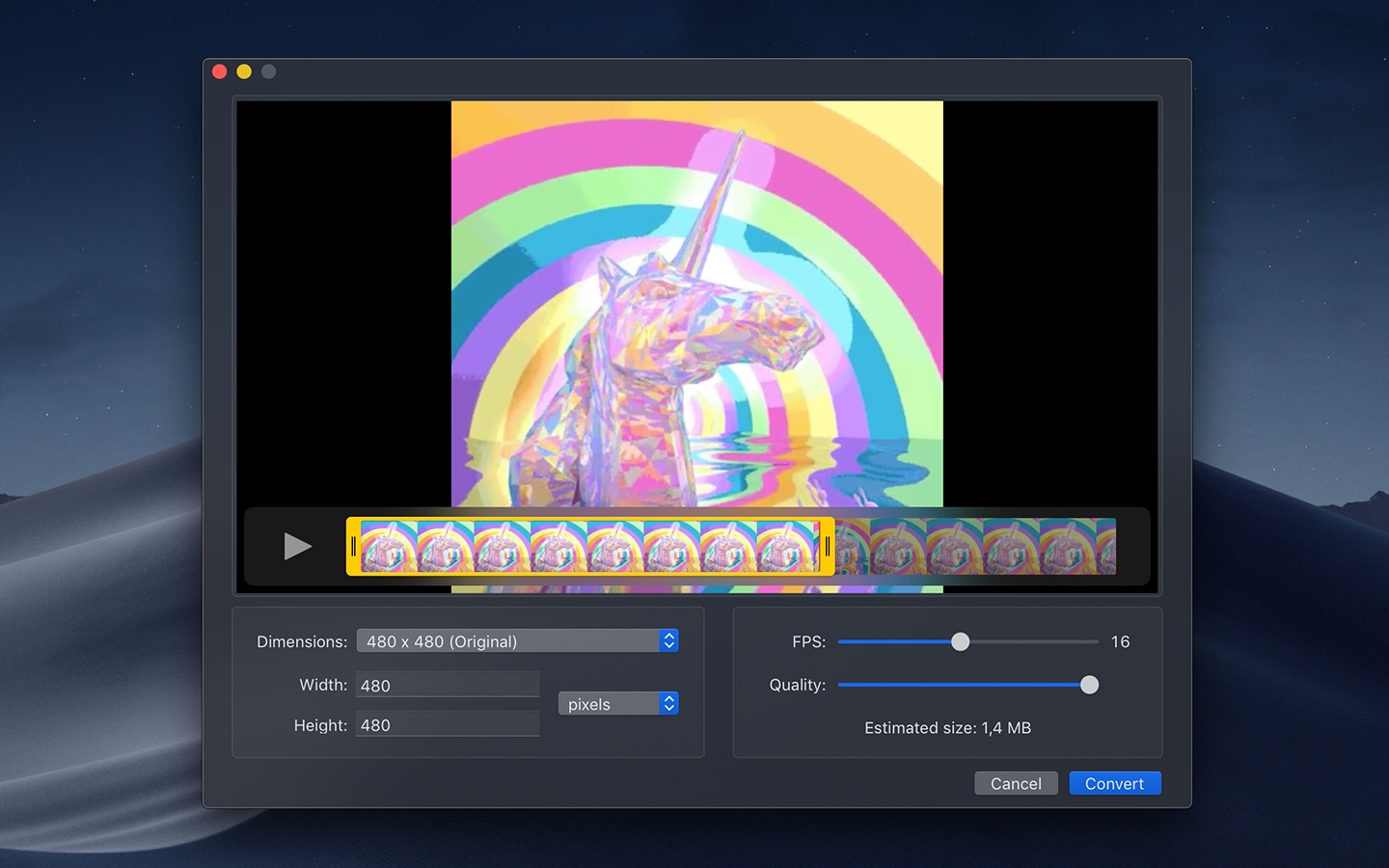
Gifski has a bunch of settings like changing dimensions, speed, frame rate, quality, cropping, looping, and more.
Download
Requires macOS 26 or later.
Older versions
2.23.0 for macOS 13+
2.22.3 for macOS 12+
2.21.2 for macOS 11+
2.20.2 for macOS 10.15+
2.16.0 for macOS 10.14+
2.4.0 for macOS 10.13+
Non-App Store version
A special version for users that cannot access the App Store. It won't receive automatic updates. I will update it here once a year.
Download (3.0.3 · macOS 26+)
Features
Share extension
Gifski includes a share extension that lets you share videos to Gifski. Just select Gifski from the Share menu of any macOS app.
Tip: You can share a macOS screen recording with Gifski by clicking on the thumbnail that pops up once you are done recording and selecting “Share” from there.
System service
Gifski includes a system service that lets you quickly convert a video to GIF from the Services menu in any app that provides a compatible video file.
Bounce (yo-yo) GIF playback
Gifski includes the option to create GIFs that bounce back and forth between forward and backward playback. This is a similar effect to the bounce effect in iOS's Live Photo effects. This option doubles the number of frames in the GIF so the file size will double as well.
Tips
Quickly copy or save the GIF
After converting, press Command+C to copy the GIF or Command+S to save it.
Change GIF dimensions with the keyboard
In the width/height input fields in the editor view, press the arrow up/down keys to change the value by 1. Hold the Option key meanwhile to change it by 10.
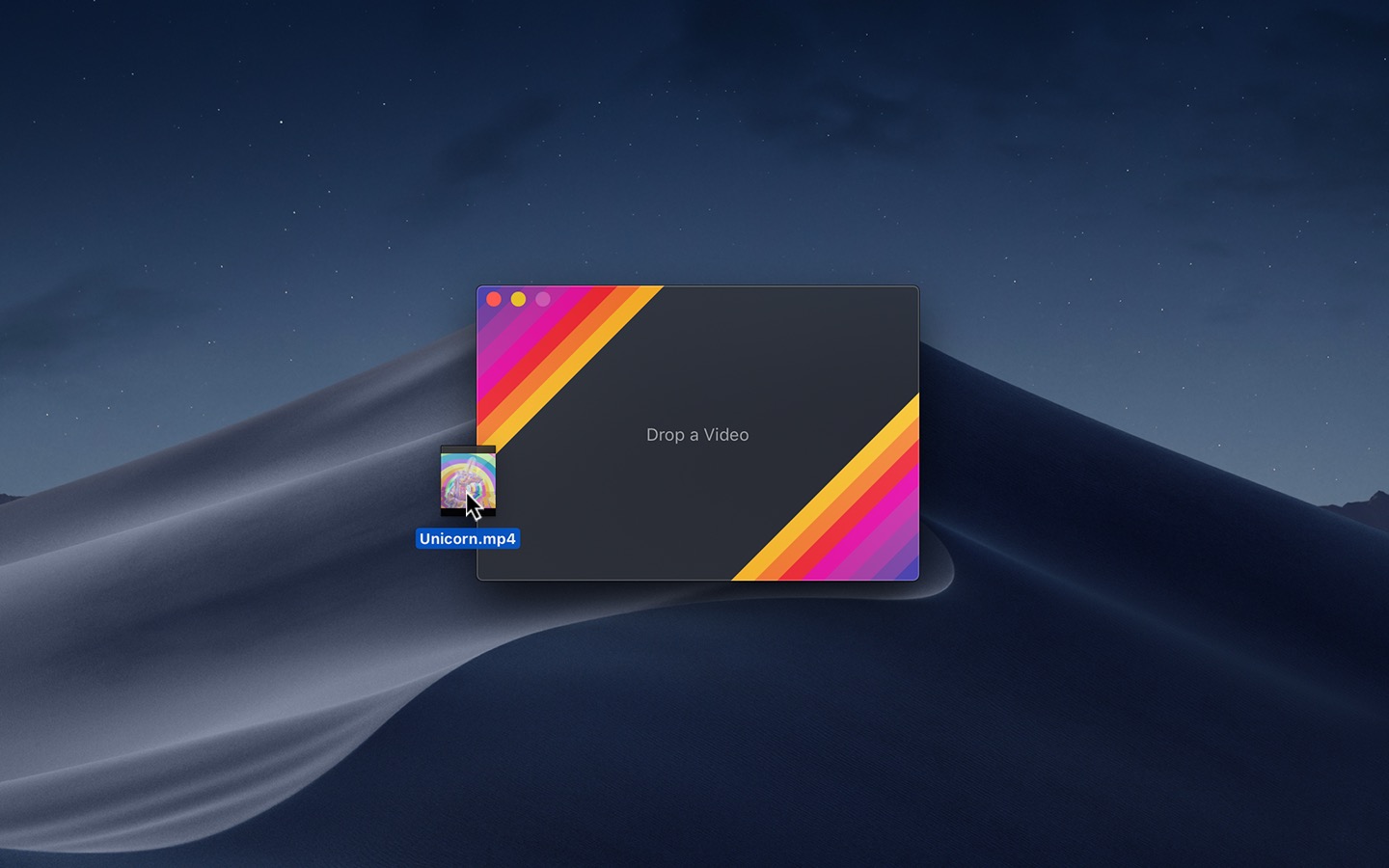
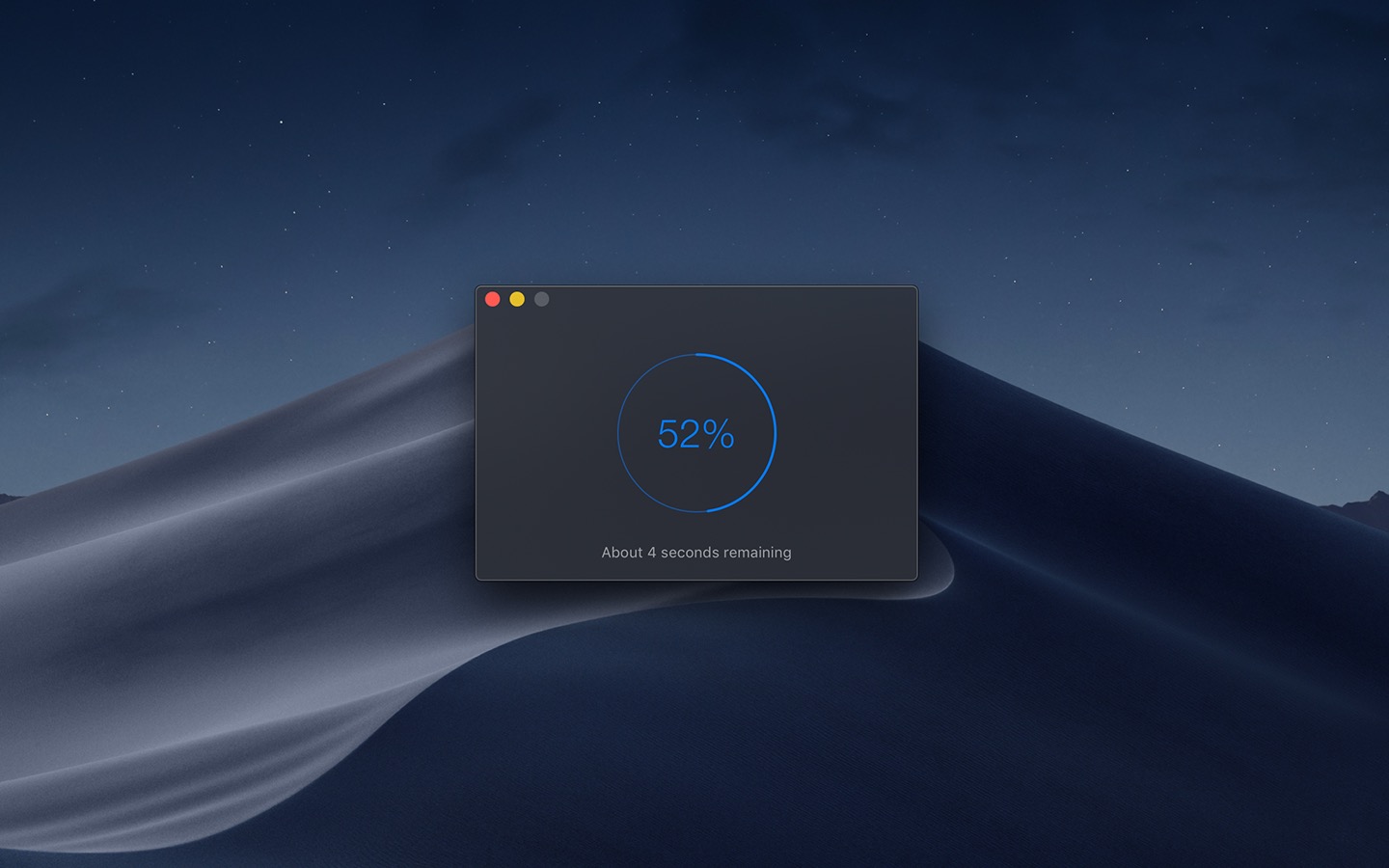
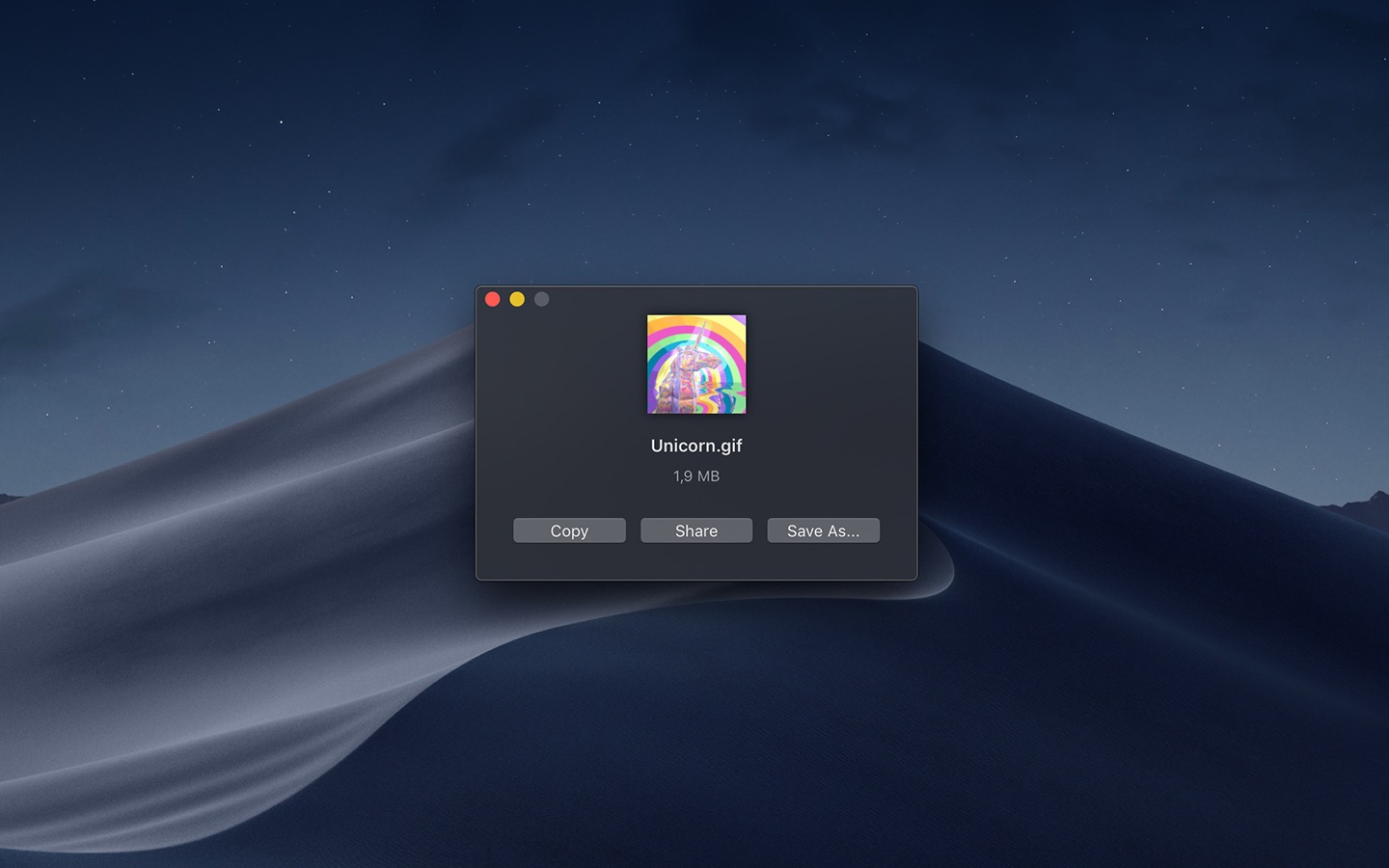
Screenshots
Building from source
To build the app in Xcode, you need to have Rust installed first:
curl https://sh.rustup.rs -sSf | sh
brew install SwiftLint
xcode-select --install
Tips
Quick Action shortcut
Convert videos to GIFs directly from Finder using the built-in Quick Action shortcut. It works without opening Gifski, and you can create multiple shortcuts with different settings, such as quality, dimensions, or looping, to match your workflow.
Download shortcut
Requires the TestFlight version of Gifski
FAQ
The generated GIFs are huge!
The GIF image format is very space inefficient. It works best with short video clips. Try reducing the dimensions, FPS, or quality.
Why are 60 FPS and higher not supported?
Browsers throttle frame rates above 50 FPS, playing them at 10 FPS. Read more.
How can I convert a sequence of PNG images to a GIF?
Install FFmpeg (with Homebrew: brew install ffmpeg) and then run this command:
Ensure the images are named in the format image_000001.png and adjust the -framerate accordingly.
Command explanation.
How can I run multiple conversions at the same time?
This is unfortunately not supported in the app itself, but you can do it from the Shortcuts app using the shortcut action that comes with the app.
If you know how to run a terminal command, you could also run open -na Gifski multiple times to open multiple instances of Gifski, where each instance can convert a separate video. You should not have the editor view open in multiple instances though, as changing the quality, for example, will change it in all the instances.
Is it possible to convert from WebM?
Gifski supports the video formats macOS supports, which does not include WebM.
You can convert your video to MP4 first with this app.
Can I contribute localizations?
We don't plan to localize the app.
Can you support Windows and Linux?
No, but there's a cross-platform command-line tool available.
More FAQs…
Press
Five Mac Apps Worth Checking Out - September 2019 - MacRumors
Built with
gifski library - High-quality GIF encoder
Defaults - Swifty and modern UserDefaults
DockProgress - Show progress in your app's Dock icon
sindresorhus/Gifski thuộc nhóm Image Tools trên TopGit, cùng 11 topic GitHub. Trang Trending và Topics liệt kê các repo cùng số sao và cùng ngôn ngữ để so sánh.
Đọc thêm về sindresorhus/Gifski ở đâu?
Trang TopGit này là một snapshot — tab "Readme" hiển thị nguyên văn README của repo (đã bỏ link, giữ ảnh). Repo GitHub ở github.com/sindresorhus/Gifski là nguồn chính thức.
sindresorhus/Gifski có bao nhiêu sao?
sindresorhus/Gifski có 8.6k sao GitHub — tải lại trang để xem số mới nhất, hoặc xem trực tiếp github.com/sindresorhus/Gifski. TopGit phản chiếu số sao của GitHub nhưng không cam kết đến từng phút.
sindresorhus/Gifski có phải mã nguồn mở không?
Có — sindresorhus/Gifski phát hành theo license MIT, nghĩa là mã nguồn mở để đọc, fork và (tùy license) tái sử dụng. Mã: github.com/sindresorhus/Gifski.
sindresorhus/Gifski còn đang phát triển không?
Commit gần nhất trên sindresorhus/Gifski là 4 tháng trước (theo timestamp GitHub). Repo có 326 fork — một chỉ báo về mức độ quan tâm của cộng đồng.
sindresorhus/Gifski dùng license gì?
sindresorhus/Gifski phát hành theo license MIT. Nên mở file LICENSE trên GitHub để xác nhận — license metadata đôi khi lệch với thực tế dự án.
sindresorhus/Gifski là gì?
sindresorhus/Gifski (sindresorhus/Gifski) là dự án Swift trên GitHub. Theo mô tả gốc: 🌈 Convert videos to high-quality GIFs on your Mac
sindresorhus/Gifski viết bằng ngôn ngữ gì?
sindresorhus/Gifski chủ yếu viết bằng Swift. Trường "language" của GitHub dựa trên phần lớn byte ở nhánh mặc định.
Đọc đầy đủ README ở tab phía trên.
Vẫn đang phân vân về Gifski?
Một cú bấm sẽ gửi câu hỏi kèm trang này cho AI — xem AI nói gì về Gifski.

 /Gifski