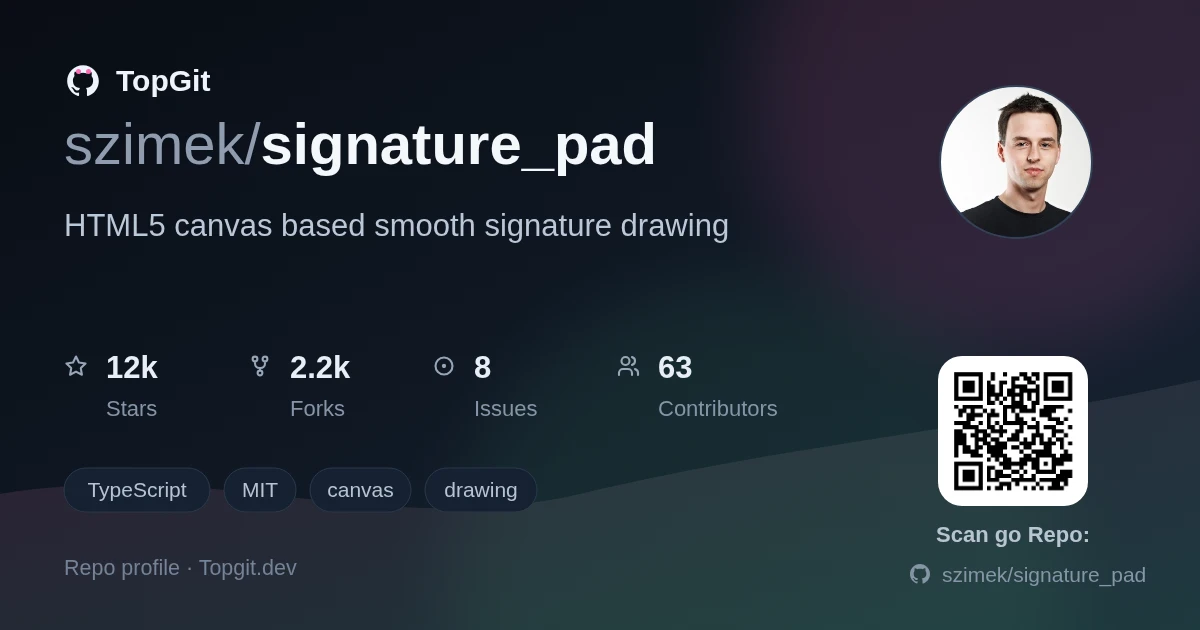
Được TopGit lập chỉ mục từ metadata GitHub: szimek/signature_pad có 12.1k sao, viết chủ yếu bằng TypeScript. HTML5 canvas based smooth signature drawing
Tóm tắt dựng từ metadata GitHub của chính dự án — chưa có bài review TopGit. Trang sẽ tự động cập nhật khi bài review đầy đủ được xuất bản.
VÌ SAO CHƯA CÓ REVIEW
TopGit viết bài đầy đủ cho repo có nhiều sao nhất và được yêu cầu nhiều nhất. Trang này là snapshot trong thời gian chờ — xem README gốc ở tab READ ME.
Signature Pad is a JavaScript library for drawing smooth signatures. It's HTML5 canvas based and uses variable width Bézier curve interpolation based on Smoother Signatures post by Square.
It works in all modern desktop and mobile browsers and doesn't depend on any external libraries.
Demo
Demo works in desktop and mobile browsers. You can check out its source code for some tips on how to handle window resize and high DPI screens. You can also find more about the latter in HTML5 Rocks tutorial.
You can select a different version at https://www.jsdelivr.com/package/npm/signature_pad.
This library is provided as UMD (Universal Module Definition) and ES6 module.
Usage
API
const canvas = document.querySelector("canvas");

const signaturePad = new SignaturePad(canvas);

// Returns signature image as data URL (see https://mdn.io/todataurl for the list of possible parameters)
signaturePad.toDataURL(); // save image as PNG
signaturePad.toDataURL("image/jpeg"); // save image as JPEG
signaturePad.toDataURL("image/jpeg", 0.5); // save image as JPEG with 0.5 image quality
signaturePad.toDataURL("image/svg+xml"); // save image as SVG data url

// Return svg string without converting to base64
signaturePad.toSVG(); // "<svg...</svg>"
signaturePad.toSVG({includeBackgroundColor: true}); // add background color to svg output
signaturePad.toSVG({includeDataUrl: true}); // add data url added with fromDataUrl to svg output background

// Draws signature image from data URL (mostly uses https://mdn.io/drawImage under-the-hood)
// NOTE: This method does not populate internal data structure that represents drawn signature. Thus, after using #fromDataURL, #toData won't work properly.
signaturePad.fromDataURL("data:image/png;base64,iVBORw0K...");

// Draws signature image from data URL and alters it with the given options
signaturePad.fromDataURL("data:image/png;base64,iVBORw0K...", { ratio: 1, width: 400, height: 200, xOffset: 100, yOffset: 50 });

// Returns signature image as an array of point groups
const data = signaturePad.toData();

// Draws signature image from an array of point groups
signaturePad.fromData(data);

// Draws signature image from an array of point groups, without clearing your existing image (clear defaults to true if not provided)
signaturePad.fromData(data, { clear: false });

// Redraw the canvas
signaturePad.redraw();

// Clears the canvas
signaturePad.clear();

// Returns true if canvas is empty, otherwise returns false
signaturePad.isEmpty();

// Unbinds all event handlers
signaturePad.off();

// Rebinds all event handlers
signaturePad.on();
Options
dotSize
(float or function) Radius of a single dot. Also the width of the start of a mark.
minWidth
(float) Minimum width of a line. Defaults to 0.5.
maxWidth
(float) Maximum width of a line. Defaults to 2.5.
throttle
(integer) Draw the next point at most once per every x milliseconds. Set it to 0 to turn off throttling. Defaults to 16.
minDistance
(integer) Add the next point only if the previous one is farther than x pixels. Defaults to 5.
backgroundColor
(string) Color used to clear the background. Can be any color format accepted by context.fillStyle. Defaults to "rgba(0,0,0,0)" (transparent black). Use a non-transparent color e.g. "rgb(255,255,255)" (opaque white) if you'd like to save signatures as JPEG images.
penColor
(string) Color used to draw the lines. Can be any color format accepted by context.fillStyle. Defaults to "black".
velocityFilterWeight
(float) Weight used to modify new velocity based on the previous velocity. Defaults to 0.7.
canvasContextOptions
(CanvasRenderingContext2DSettings) part of the Canvas API, provides the 2D rendering context for the drawing surface of a canvas element. It is used for drawing shapes, text, images, and other objects (MDN).
To correctly handle canvas on low and high DPI screens one has to take devicePixelRatio into account and scale the canvas accordingly. This scaling is also necessary to properly display signatures loaded via SignaturePad#fromDataURL. Here's an example how it can be done:
Instead of resize event you can listen to screen orientation change, if you're using this library only on mobile devices. You can also throttle the resize event - you can find some examples on this MDN page.
Handling canvas resize
When you modify width or height of a canvas, it will be automatically cleared by the browser. SignaturePad doesn't know about it by itself, so you can call signaturePad.redraw() to reset the drawing, or signaturePad.clear() to make sure that signaturePad.isEmpty() returns correct value in this case.
This clearing of the canvas by the browser can be annoying, especially on mobile devices e.g. when screen orientation is changed. There are a few workarounds though, e.g. you can lock screen orientation, or read an image from the canvas before resizing it and write the image back after.
Handling data URI encoded images on the server side
If you are not familiar with data URI scheme, you can read more about it on Wikipedia.
There are 2 ways you can handle data URI encoded images.
You could simply store it in your database as a string and display it in HTML like this:
<img src="data:image/png;base64,iVBORw0K..." />
but this way has many disadvantages - it's not easy to get image dimensions, you can't manipulate it e.g. to create a thumbnail and it also has some performance issues on mobile devices.
Thus, more common way is to decode it and store as a file. Here's an example in Ruby:
var dataUri = "data:image/png;base64,iVBORw0K...";
var encodedImage = dataUri.Split(',')[1];
var decodedImage = Convert.FromBase64String(encodedImage);
System.IO.File.WriteAllBytes("signature.png", decodedImage);
Removing empty space around a signature
If you'd like to remove (trim) empty space around a signature, you can do it on the server side or the client side. On the server side you can use e.g. ImageMagic and its trim option: convert -trim input.jpg output.jpg. If you don't have access to the server, or just want to trim the image before submitting it to the server, you can do it on the client side as well. There are a few examples how to do it, e.g. here or here and there's also a tiny library trim-canvas that provides this functionality.
szimek/signature_pad thuộc nhóm Image Tools trên TopGit, cùng 5 topic GitHub. Trang Trending và Topics liệt kê các repo cùng số sao và cùng ngôn ngữ để so sánh.
Đọc thêm về szimek/signature_pad ở đâu?
Trang TopGit này là một snapshot — tab "Readme" hiển thị nguyên văn README của repo (đã bỏ link, giữ ảnh). Repo GitHub ở github.com/szimek/signature_pad là nguồn chính thức.
szimek/signature_pad có phải mã nguồn mở không?
Có — szimek/signature_pad phát hành theo license MIT, nghĩa là mã nguồn mở để đọc, fork và (tùy license) tái sử dụng. Mã: github.com/szimek/signature_pad.
szimek/signature_pad có trang demo không?
Dự án có trang chủ ở http://szimek.github.io/signature_pad/. Tab "Readme" ở trang này thường có ảnh chụp và hướng dẫn bắt đầu nhanh.
szimek/signature_pad dùng license gì?
szimek/signature_pad phát hành theo license MIT. Nên mở file LICENSE trên GitHub để xác nhận — license metadata đôi khi lệch với thực tế dự án.
szimek/signature_pad là gì?
szimek/signature_pad (szimek/signature_pad) là dự án TypeScript trên GitHub. Theo mô tả gốc: HTML5 canvas based smooth signature drawing
Vì sao szimek/signature_pad được xếp vào nhóm Image Tools?
TopGit xếp szimek/signature_pad vào nhóm Image Tools dựa trên GitHub topics và mô tả của repo (gắn thẻ: "canvas", "drawing", "javascript"). Việc phân loại dựa trên metadata thật của repo, không phải đoán theo cảm tính biên tập.
Đọc đầy đủ README ở tab phía trên.
Chưa chắc signature_pad có hợp với bạn?
Để ChatGPT, Claude hoặc Perplexity tìm hiểu giúp — bấm bên dưới và xem AI nói gì về signature_pad.

 /signature_pad