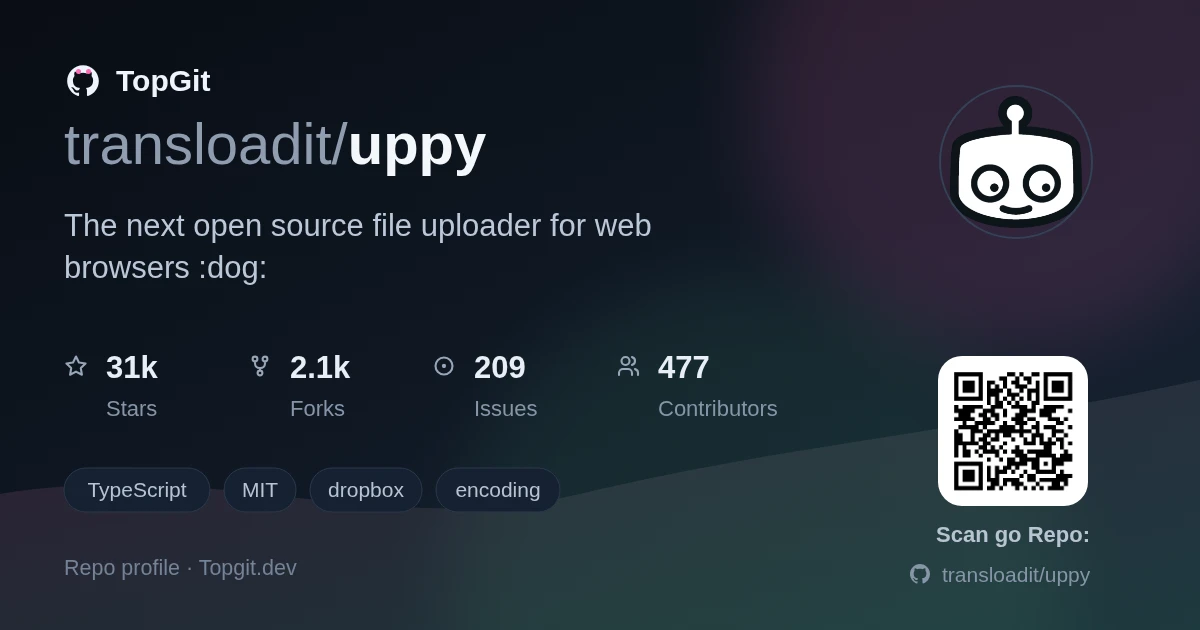
transloadit/uppy được TopGit xếp vào nhóm dự án frontend, với 31.1k sao trên GitHub, viết chủ yếu bằng TypeScript. The next open source file uploader for web browsers :dog:
Tóm tắt dựng từ metadata GitHub của chính dự án — chưa có bài review TopGit. Trang sẽ tự động cập nhật khi bài review đầy đủ được xuất bản.
VÌ SAO CHƯA CÓ REVIEW
TopGit viết bài đầy đủ cho repo có nhiều sao nhất và được yêu cầu nhiều nhất. Trang này là snapshot trong thời gian chờ — xem README gốc ở tab READ ME.
Uppy is a sleek, modular JavaScript file uploader that integrates seamlessly
with any application. It’s fast, has a comprehensible API and lets you worry
about more important problems than building a file uploader.
Fetch files from local disk, remote URLs, Google Drive, Dropbox, Box,
or snap and record selfies with a camera
Preview and edit metadata with a nice interface
Upload to the final destination, optionally process/encode
Read the docs |
Try Uppy
Uppy is being developed by the folks at Transloadit,
a versatile API to handle any file in your app.
Tests
Deploys
Example
Code used in the above example:
import Uppy from '@uppy/core'
import Dashboard from '@uppy/dashboard'
import RemoteSources from '@uppy/remote-sources'
import ImageEditor from '@uppy/image-editor'
import Webcam from '@uppy/webcam'
import Tus from '@uppy/tus'

const uppy = new Uppy()
  .use(Dashboard, { trigger: '#select-files' })
  .use(RemoteSources, { companionUrl: 'https://companion.uppy.io' })
  .use(Webcam)
  .use(ImageEditor)
  .use(Tus, { endpoint: 'https://tusd.tusdemo.net/files/' })
  .on('complete', (result) => {
    console.log('Upload result:', result)
  })
Try it online or
read the docs for more details on how to use Uppy
and its plugins.
Integrations
Uppy has first-class support for plain JS/HTML,
React, Svelte,
Vue, and Angular.
For the supported frameworks (except Angular) Uppy offers three ways to build user interfaces:
Pre-composed, plug-and-play components. Mainly <Dashboard />.
The downside is that you can’t customize the UI.
Headless components. Smaller components, easier to override the styles
or compose them together with your own components.
Hooks. Attach our logic to your own components, no restrictions, create a
tailor-made UI.
Features
Lightweight, modular plugin-based architecture, light on dependencies :zap:
Resumable file uploads via the open tus standard, so large
uploads survive network hiccups
Supports picking files from: Webcam, Dropbox, Box, Google Drive,
bypassing the user’s device where possible, syncing between servers directly
via @uppy/companion
Works great with file encoding and processing backends, such as
Transloadit, which handles encoding, conversion and
delivery for you; works great without one too, if you would rather run and
scale your own Apache/Nginx/Node/FFmpeg pipeline
Sleek user interface :sparkles:
Optional file recovery (after a browser crash) with
Golden Retriever
Speaks several languages (i18n) :earth_africa:
Built with accessibility in mind
Free for the world, forever (as in beer 🍺, pizza 🍕, and liberty 🗽)
Cute as a puppy, also accepts cat pictures :dog:
Installation
npm install @uppy/core @uppy/dashboard @uppy/tus
Add CSS
uppy.min.css,
either to your HTML page’s <head> or include in JS, if your bundler of choice
supports it.
Alternatively, you can also use a pre-built bundle from Transloadit’s CDN: Smart
CDN. In that case Uppy will attach itself to the global window.Uppy object.
⚠️ The bundle consists of most Uppy plugins, so this method is not recommended
for production, as your users will have to download all plugins when you are
likely using only a few.
Companion — setting up and running a
Companion instance, which adds support for Dropbox, Box, Google
Drive and remote URLs
React — components to integrate Uppy UI plugins
with React apps
Architecture & Writing a Plugin — how
to write a plugin for Uppy
Plugins
UI Elements
Dashboard — universal UI with previews,
progress bars, metadata editor and all the cool stuff. Required for most UI
plugins like Webcam
Headless components (react, svelte, vue)
Sources
Drag & Drop — plain drag and drop area
File Input — even plainer “select files”
button
Webcam — snap and record those selfies 📷
ⓒ Google Drive — import files from
Google Drive
ⓒ Dropbox — import files from Dropbox
ⓒ Box — import files from Box
ⓒ Facebook — import images and videos from
Facebook
ⓒ OneDrive — import files from Microsoft
OneDrive
ⓒ Import From URL — import direct URLs from
anywhere on the web
The ⓒ mark means that @uppy/companion, a
server-side component, is needed for a plugin to work.
Destinations
Tus — resumable uploads via the open
tus standard
XHR Upload — regular uploads for any
backend out there (like Apache, Nginx)
AWS S3 — plain upload to AWS S3 or
compatible services
File Processing
Transloadit — creates Assemblies that
upload files to Transloadit’s encoding backend. See
the integration guide for
JavaScript, React, Next.js, Vue, and Angular examples with server-signed
Assembly options
Miscellaneous
Golden Retriever — restores files
after a browser crash, like it’s nothing
Thumbnail Generator — generates
image previews (included by default with Dashboard)
Form — collects metadata from <form> right
before an Uppy upload, then optionally appends results back to the form
Browser Support
We aim to support recent versions of Chrome, Firefox, and Safari.
FAQ
Why not use <input type="file">?
Having no JavaScript beats having a lot of it, so that’s a fair question!
Running an uploading & encoding business for ten years though we found that in
cases, the file input leaves some to be desired:
We received complaints about broken uploads and found that resumable uploads
are important, especially for big files and to be inclusive towards people on
poorer connections (we also launched tus.io to attack that
problem). Uppy uploads can survive network outages and browser crashes or
accidental navigate-aways.
Uppy supports editing meta information before uploading.
Uppy allows cropping images before uploading.
There’s the situation where people are using their mobile devices and want to
upload on the go, but they have files in Dropbox
or a plain file URL from anywhere on the open web. Uppy allows to pick files
from those and push it to the destination without downloading it to your
mobile device first.
Accurate upload progress reporting is an issue on many platforms.
Some file validation — size, type, number of files — can be done on the client
with Uppy.
Uppy integrates webcam support, in case your users want to upload a
picture/video/audio that does not exist yet :)
A larger drag and drop surface can be pleasant to work with. Some people also
like that you can control the styling, language, etc.
Uppy is aware of encoding backends. Often after an upload, the server needs to
rotate, detect faces, optimize for iPad, or what have you. Uppy can track
progress of this and report back to the user in different ways.
Sometimes you might want your uploads to happen while you continue to interact
on the same single page.
Not all apps need all these features. An <input type="file"> is fine in many
situations. But these were a few things that our customers hit / asked about
enough to spark us to develop Uppy.
Why is all this goodness free?
Transloadit’s team is small and we have a shared ambition to make a living from
open source. By giving away projects like tus.io and
Uppy, we’re hoping to advance the state of the art, make life
a tiny little bit better for everyone and in doing so have rewarding jobs and
get some eyes on our commercial service:
a content ingestion & processing platform.
Our thinking is that if only a fraction of our open source userbase can see the
appeal of hosted versions straight from the source, that could already be enough
to sustain our work. So far this is working out! We’re able to dedicate 80% of
our time to open source and haven’t gone bankrupt yet. :D
Does Uppy support S3 uploads?
Yes, please check out the docs for more
information.
Can I use Uppy with Rails/Node.js/Go/PHP?
Yes, whatever you want on the backend will work with @uppy/xhr-upload plugin,
since it only does a POST or PUT request. Here’s a
PHP backend example.
If you want resumability with the Tus plugin, use
one of the tus server implementations 👌🏼
And you’ll need @uppy/companion if you’d
like your users to be able to pick files from Google Drive, Dropbox
or via direct URLs (with more services coming).
Contributions are welcome
Contributor’s guide in .github/CONTRIBUTING.md
Changelog to track our release progress (we aim to roll out a release every
month): CHANGELOG.md
Used by
Uppy is used by: Photobox, Issuu,
Law Insider, Cool Tabs,
Soundoff, Scrumi,
Crive and others.
Trang TopGit này là một snapshot — tab "Readme" hiển thị nguyên văn README của repo (đã bỏ link, giữ ảnh). Repo GitHub ở github.com/transloadit/uppy là nguồn chính thức.
transloadit/uppy có bao nhiêu sao?
transloadit/uppy có 31.1k sao GitHub — tải lại trang để xem số mới nhất, hoặc xem trực tiếp github.com/transloadit/uppy. TopGit phản chiếu số sao của GitHub nhưng không cam kết đến từng phút.
transloadit/uppy có phải mã nguồn mở không?
Có — transloadit/uppy phát hành theo license MIT, nghĩa là mã nguồn mở để đọc, fork và (tùy license) tái sử dụng. Mã: github.com/transloadit/uppy.
transloadit/uppy còn đang phát triển không?
Commit gần nhất trên transloadit/uppy là 3 tháng trước (theo timestamp GitHub). Repo có 2.1k fork — một chỉ báo về mức độ quan tâm của cộng đồng.
transloadit/uppy là gì?
transloadit/uppy (transloadit/uppy) là dự án TypeScript trên GitHub. Theo mô tả gốc: The next open source file uploader for web browsers :dog:
transloadit/uppy so với các dự án Frontend khác thế nào?
transloadit/uppy được TopGit xếp vào nhóm Frontend, với 31.1k sao GitHub và viết bằng TypeScript. Xem trang chủ đề Frontend trên TopGit để so sánh với các dự án tương tự theo số sao và mức độ hoạt động.
Đọc đầy đủ README ở tab phía trên.
Vẫn đang phân vân về uppy?
Một cú bấm sẽ gửi câu hỏi kèm trang này cho AI — xem AI nói gì về uppy.

 /uppy