wagerfield/onno là một trong những repo tập trung thiết kế mà TopGit theo dõi, hiện có 107 sao, viết chủ yếu bằng TypeScript. Tiny (596B) utility for composing class variants using clsx
Tóm tắt dựng từ metadata GitHub của chính dự án — chưa có bài review TopGit. Trang sẽ tự động cập nhật khi bài review đầy đủ được xuất bản.
VÌ SAO CHƯA CÓ REVIEW
TopGit viết bài đầy đủ cho repo có nhiều sao nhất và được yêu cầu nhiều nhất. Trang này là snapshot trong thời gian chờ — xem README gốc ở tab READ ME.
Define variant names and the classes to be applied to them using the variants config option:
const button = onno({
  variants: {
    // This `boolean` variant is applied when `disabled === true`
    disabled: "access denied", // Classes can be defined as a `string`

    // This `boolean` variant is applied when `hidden === true`
    hidden: ["barely", "visible"], // Classes can also be a `string[]`

    // This `enum` variant is applied when `size === "sm" || "lg"`
    size: {
      sm: ["pretty", "small"], // Here we are using a `string[]` class list
      lg: "really large", // ...and here we are using a `string` class list
    },
  },
})

button() // ""
button({}) // ""
button({ size: "sm" }) // "pretty small"
button({ disabled: true }) // "access denied"
button({ hidden: true, size: "lg" }) // "barely visible really large"
Note that you cannot use className as a variant key since it is reserved for applying additional classes:
const button = onno({
  variants: {
    className: "not allowed", // Error: "className" cannot be used as a variant name
  },
})
Defaults
Default variants can be set using the defaults config option:
Note that inferred OnnoProps also include the className option alongside the variants:
export type ButtonClassNameType = ButtonProps["className"] // clsx.ClassValue
By default all variants inferred by OnnoProps are optional. To require one or more variants, pass a union of required variant keys as the second argument to the OnnoProps generic type:
import { onno, type OnnoProps } from "onno"

export const button = onno({
  variants: {
    disabled: "not allowed",
    intent: {
      primary: "super punchy",
      secondary: "quite bland",
    },
    size: {
      sm: "pretty small",
      lg: "really large",
    },
  },
})

// Require both the `intent` and `size` variants
export type ButtonProps = OnnoProps<typeof button, "intent" | "size">

// Error: Property 'intent' is missing in type '{ size: "md" }'
const buttonProps: ButtonProps = { size: "md" }
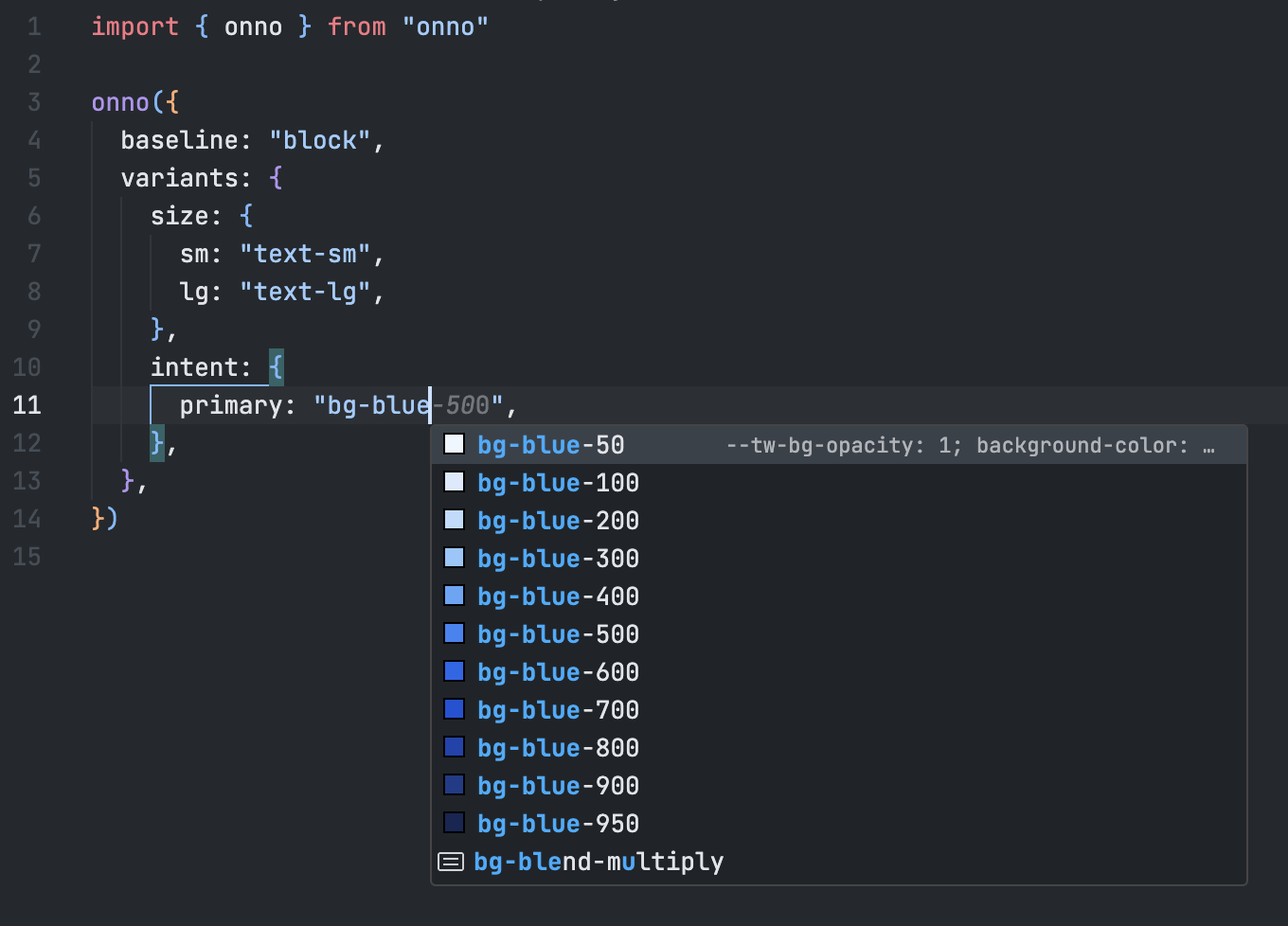
Tailwind CSS
If you are using the Tailwind CSS VSCode extension, add the following configuration to your workspace .vscode/settings.json file:
Trang TopGit này là một snapshot — tab "Readme" hiển thị nguyên văn README của repo (đã bỏ link, giữ ảnh). Repo GitHub ở github.com/wagerfield/onno là nguồn chính thức.
wagerfield/onno có bao nhiêu sao?
wagerfield/onno có 107 sao GitHub — tải lại trang để xem số mới nhất, hoặc xem trực tiếp github.com/wagerfield/onno. TopGit phản chiếu số sao của GitHub nhưng không cam kết đến từng phút.
wagerfield/onno có những chủ đề gì?
GitHub topics của wagerfield/onno: "clsx", "css", "tailwindcss", "theme". TopGit xếp repo vào nhóm UI / UX.
wagerfield/onno có trang demo không?
Dự án có trang chủ ở https://onnojs.com. Tab "Readme" ở trang này thường có ảnh chụp và hướng dẫn bắt đầu nhanh.
wagerfield/onno còn đang phát triển không?
Commit gần nhất trên wagerfield/onno là 3.0 năm trước (theo timestamp GitHub). Repo có 0 fork — một chỉ báo về mức độ quan tâm của cộng đồng.
wagerfield/onno dùng license gì?
wagerfield/onno phát hành theo license MIT. Nên mở file LICENSE trên GitHub để xác nhận — license metadata đôi khi lệch với thực tế dự án.
wagerfield/onno viết bằng ngôn ngữ gì?
wagerfield/onno chủ yếu viết bằng TypeScript. Trường "language" của GitHub dựa trên phần lớn byte ở nhánh mặc định.
Đọc đầy đủ README ở tab phía trên.
Muốn nghe thêm một ý kiến về onno?
Hỏi một AI đọc được trang này — một cú bấm là có ngay nhận định về onno.

 /onno