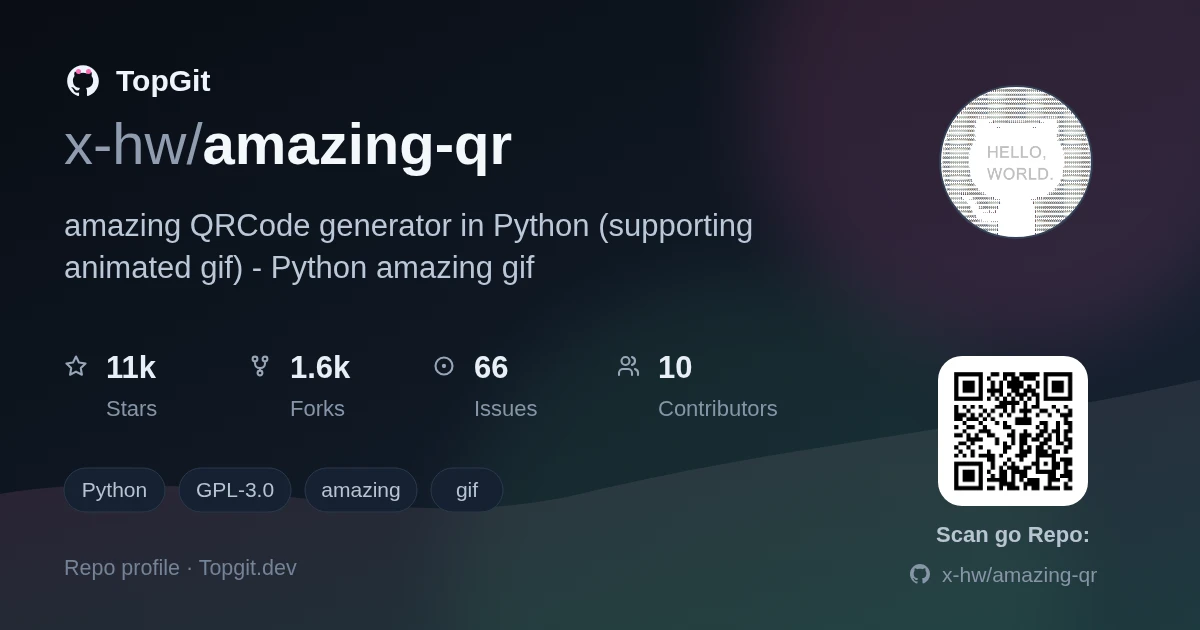
Tóm tắt dựng từ metadata GitHub của chính dự án — chưa có bài review TopGit. Trang sẽ tự động cập nhật khi bài review đầy đủ được xuất bản.
VÌ SAO CHƯA CÓ REVIEW
TopGit viết bài đầy đủ cho repo có nhiều sao nhất và được yêu cầu nhiều nhất. Trang này là snapshot trong thời gian chờ — xem README gốc ở tab READ ME.
Generate common qr-code, artistic qr-code (black & white or colorized), animated qr-code (black & white or colorized).
Contents
Amazing-QR
Overview
Contents
Examples
Install
CLI or Library
Agent Integration
Usage
CLI
Library
Agent
Tips
Supported Characters
Environment
License
Buy me a coffee ☕️
Examples
Install
CLI or Library
pip install amzqr
Agent Integration
To use amazing-qr inside an agent, you can either install the agent skill or connect the MCP server.
Agent Skill
x-hw/skills repository ships the generate-amazing-qr-code skill, which teaches AI agents to generate QR codes with the amzqr CLI. Install it into your agent with:
Just input a URL or a sentence, then get your QR-Code named 'qrcode.png' in the current directory.
#2 -v, -l
amzqr https://github.com -v 10 -l Q
The default size of QR-Code depends both on the numbers of words you input and the level, while the default level (Error Correction Level) is H (the highest).
Customize: If you want to control the size and the error-correction-level, use the -v and -l arguments.
-v representing the length is from a minimum of 1 to a maximum of 40.
-l representing the error correction level is one of L, M, Q and H, where L is the lowest level and H is the highest.
The default output-filename is 'qrcode.png', while the default output-directory is current directory.
Customize: You can name the output-file and decide the output-directory. Notice that if the name is as same as a existing file, the old one will be deleted.
-n representing the output-filename could be in the format one of .jpg, .png ,.bmp ,.gif .
-d means directory.
Artistic QR-Code
#1 -p
amzqr https://github.com -p github.jpg
The -p is to combine the QR-Code with the following picture which is in the same directory as the program. The resulting picture is black and white by default.
#2 -c
amzqr https://github.com -p github.jpg -c
The -c is to make the resulting picture colorized.
The -con flag changes the contrast of the picture - a low number corresponds to low contrast and a high number to high contrast. Default: 1.0.
The -bri flag changes the brightness and the parameter values work the same as those for -con. Default: 1.0.
Animated GIF QR-Code
The only difference from Artistic QR-Code mentioned above is that you should input an image file in the .gif format. The you can get your black-and-white or colorful qr-code. Remember that when you use -n to customize the output-filename, then the output-filename must end by .gif.
details about each parameter are as mentioned above
# help(amzqr)
Positional parameter
   words: str

Optional parameters
   version: int, from 1 to 40
   level: str, just one of ('L','M','Q','H')
   picture: str, a filename of a image
   colorized: bool
   contrast: float
   brightness: float
   save_name: str, the output filename like 'example.png'
   save_dir: str, the output directory
Agent
After installation, just ask your agent to generate a QR code and it will pick up the skill or mcp server automatically.
Tips
Use a nearly square picture instead of a rectangle one.
If the size of the picture is large, you should also choose a rightly large -v instead of using the default one.
If part of the picture is transparent, the qr code will look like:
You can change the transparent layer to white, and then it will look like:
x-hw/amazing-qr thuộc nhóm Image Tools trên TopGit, cùng 10 topic GitHub. Trang Trending và Topics liệt kê các repo cùng số sao và cùng ngôn ngữ để so sánh.
Đọc thêm về x-hw/amazing-qr ở đâu?
Trang TopGit này là một snapshot — tab "Readme" hiển thị nguyên văn README của repo (đã bỏ link, giữ ảnh). Repo GitHub ở github.com/x-hw/amazing-qr là nguồn chính thức.
Vì sao x-hw/amazing-qr được xếp vào nhóm Image Tools?
TopGit xếp x-hw/amazing-qr vào nhóm Image Tools dựa trên GitHub topics và mô tả của repo (gắn thẻ: "amazing", "gif", "mcp"). Việc phân loại dựa trên metadata thật của repo, không phải đoán theo cảm tính biên tập.
x-hw/amazing-qr có phải mã nguồn mở không?
Có — x-hw/amazing-qr phát hành theo license GPL-3.0, nghĩa là mã nguồn mở để đọc, fork và (tùy license) tái sử dụng. Mã: github.com/x-hw/amazing-qr.
x-hw/amazing-qr là gì?
x-hw/amazing-qr (x-hw/amazing-qr) là dự án Python trên GitHub. Theo mô tả gốc: 💮 amazing QRCode generator (supporting animated gif) - amazing 二维码生成器(支持 gif 动态图片二维码)
x-hw/amazing-qr so với các dự án Image Tools khác thế nào?
x-hw/amazing-qr được TopGit xếp vào nhóm Image Tools, với 10.9k sao GitHub và viết bằng Python. Xem trang chủ đề Image Tools trên TopGit để so sánh với các dự án tương tự theo số sao và mức độ hoạt động.
Đọc đầy đủ README ở tab phía trên.
Muốn nghe thêm một ý kiến về amazing-qr?
Hỏi một AI đọc được trang này — một cú bấm là có ngay nhận định về amazing-qr.

 /amazing-qr