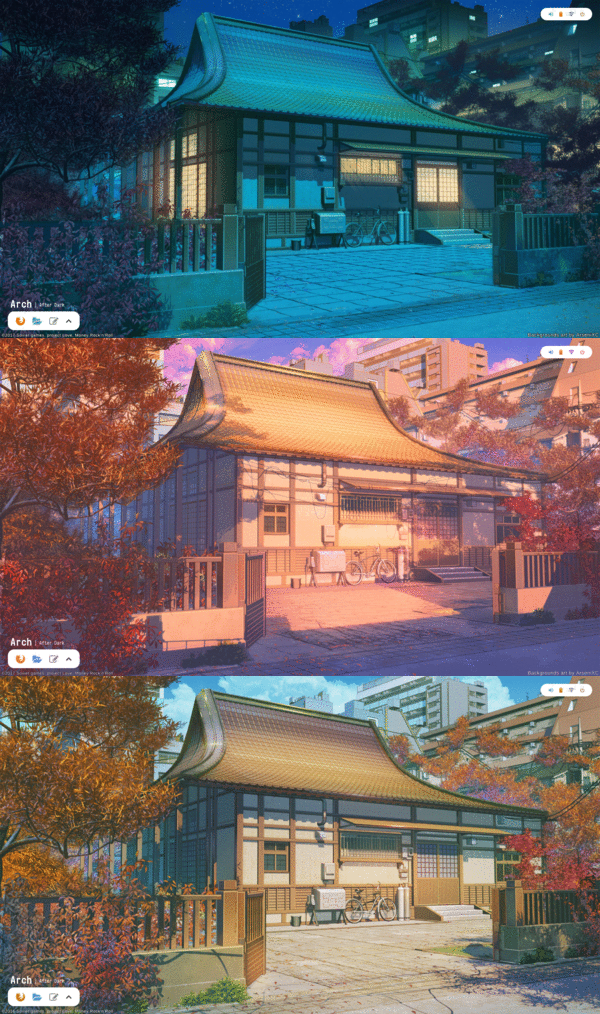
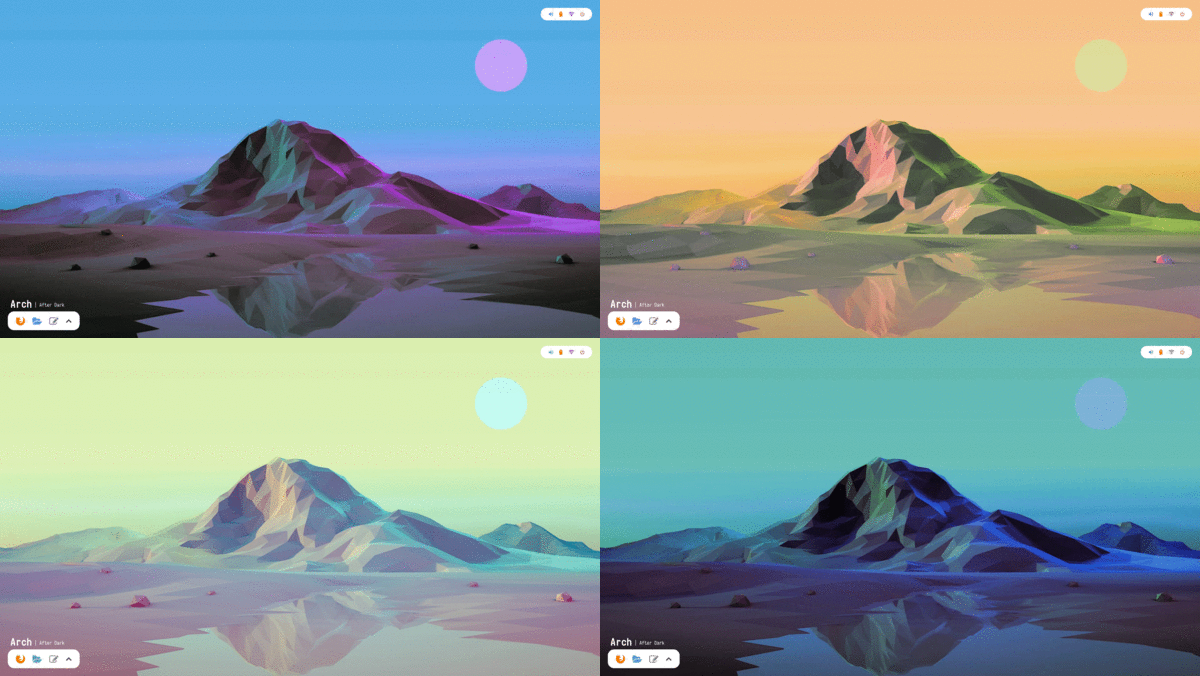
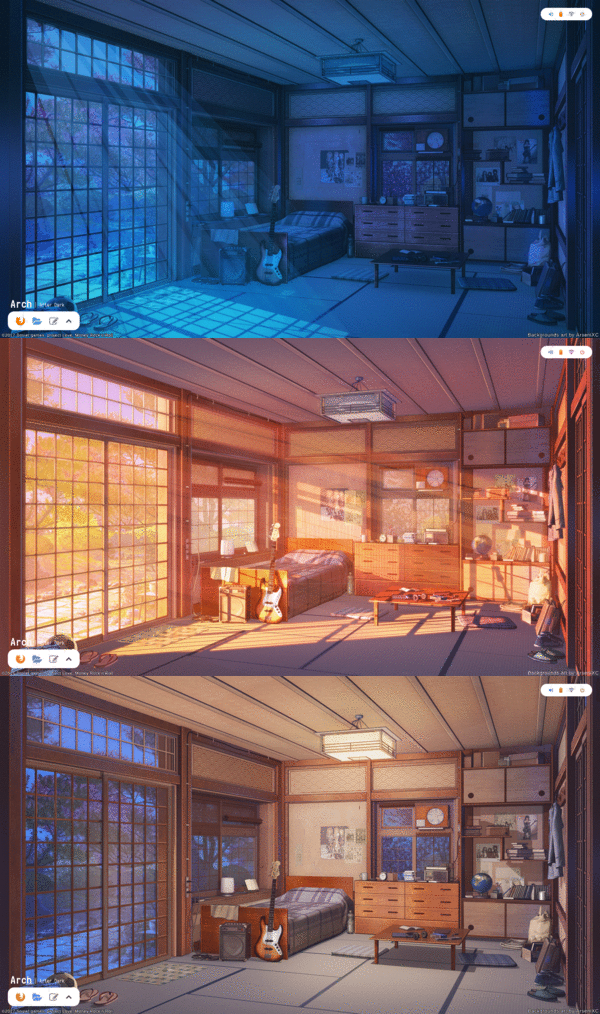
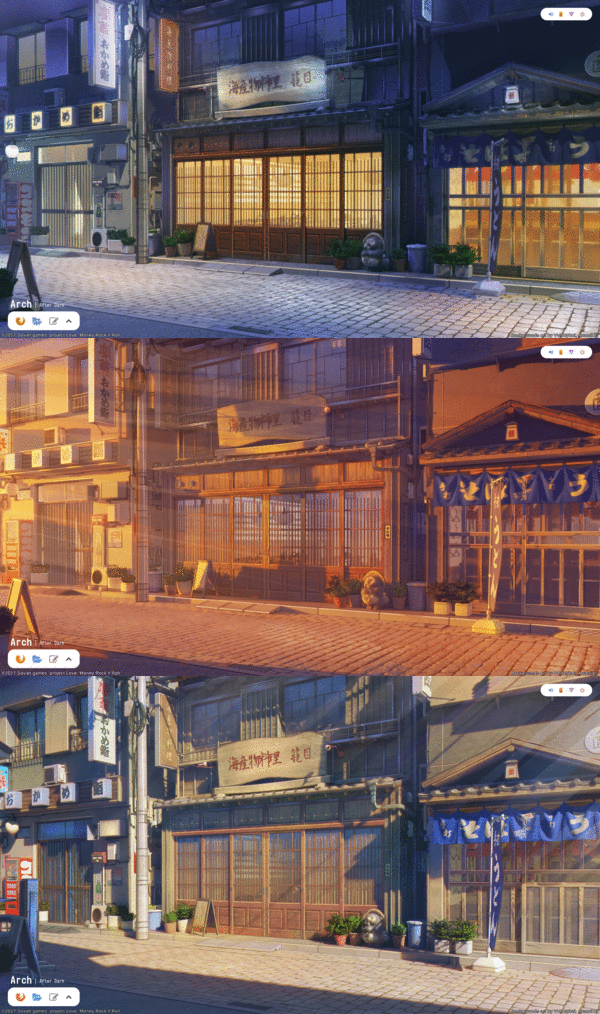
adi1090x/dynamic-wallpaper is an automation-focused project on GitHub with 2.2k stars, written primarily in Shell. A simple bash script to set wallpapers according to current time, using cron job scheduler.
Snapshot summary built from the project's own GitHub metadata — there's no written TopGit review yet. The page will update automatically when a full review is published.
WHY NO REVIEW YET
TopGit writes full reviews for the most-starred, most-requested repositories. This page is a snapshot until then — see the READ ME tab for the original README in full.
$ cd dynamic-wallpaper
$ chmod +x install.sh
$ ./install.sh
Run the program
Open the terminal and execute dwall -
$ dwall

╺┳┓╻ ╻┏┓╻┏━┓┏┳┓╻┏━╸   ╻ ╻┏━┓╻  ╻  ┏━┓┏━┓┏━┓┏━╸┏━┓
 ┃┃┗┳┛┃┗┫┣━┫┃┃┃┃┃     ┃╻┃┣━┫┃  ┃  ┣━┛┣━┫┣━┛┣╸ ┣┳┛
╺┻┛ ╹ ╹ ╹╹ ╹╹ ╹╹┗━╸   ┗┻┛╹ ╹┗━╸┗━╸╹  ╹ ╹╹  ┗━╸╹┗╸

Dwall V3.0   : Set wallpapers according to current time.
Developed By : Aditya Shakya (@adi1090x)

Usage : test.sh [-h] [-p] [-s style]

Options:
   -h	  Show this help message
   -p	  Use pywal to set wallpaper
   -s	  Name of the style to apply

Available styles:  aurora  beach  bitday  chihuahuan  cliffs  colony  desert  earth  exodus
factory  firewatch  forest  gradient  home  island  lake  lakeside  market  mojave  moon
mountains  room  sahara  street  tokyo

Examples:
test.sh -s beach       Set wallpaper from 'beach' style
test.sh -p -s sahara   Set wallpaper from 'sahara' style using pywal
Select the style you like and run -
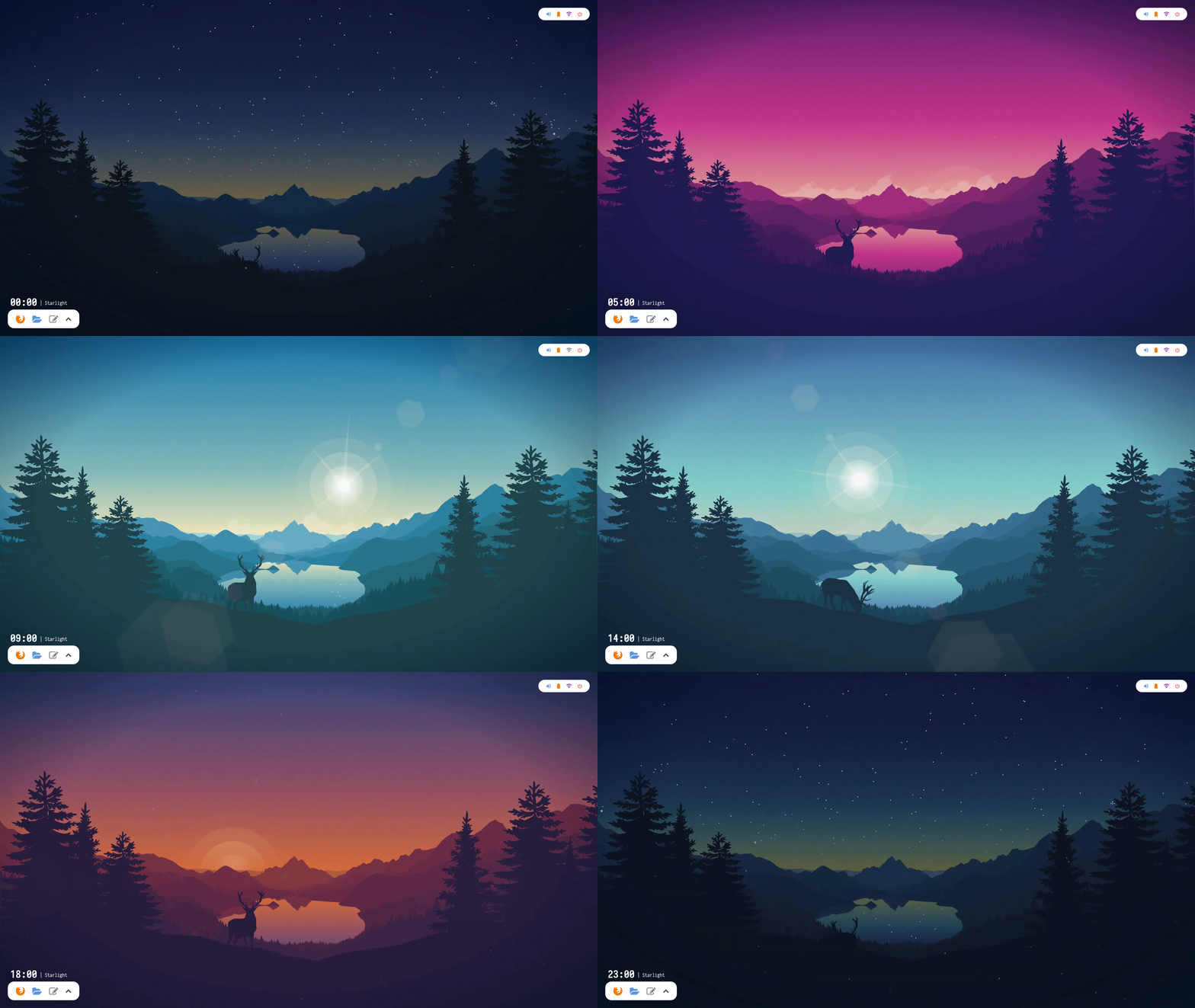
$ dwall -s firewatch
[*] Using style : firewatch
Setup cron job
This program is specifically created to use with a time-based job scheduler such as cron or systemd/Timers. So, After installing this program you need to set up a cron job using crontab on your system. Follow the step below to set a job for this program -
I'm using cronie on Arch Linux here.
After installing cron, enable and start the cron service -
# On Arch Linux
$ sudo systemctl enable cronie.service --now
Make sure the service is enabled and running -
$ systemctl status cronie.service
● cronie.service - Periodic Command Scheduler
     Loaded: loaded (/usr/lib/systemd/system/cronie.service; enabled; vendor preset: disabled)
     Active: active (running) since Sat 2020-12-26 14:39:31 IST; 5h 22min ago
   Main PID: 779 (crond)
Cron does not run under the Xorg server therefore it cannot know the environmental variable necessary to be able to start an Xorg server application so they will have to be defined. Find out the values of following environment variables - SHELL, PATH, DISPLAY, DESKTOP_SESSION, DBUS_SESSION_BUS_ADDRESS, XDG_RUNTIME_DIR
Now, Create an hourly cron job for dwall using crontab -
# export editor for crontab
$ export EDITOR=vim

# Edit your crontab and add a job
$ crontab -e

# Add this line replacing the values of env variable and style with yours
0 * * * * env PATH=/usr/local/bin:/usr/bin DISPLAY=:0 DESKTOP_SESSION=Openbox DBUS_SESSION_BUS_ADDRESS="unix:path=/run/user/1000/bus" /usr/bin/dwall -s firewatch

# check if job is created on your crontab
$ crontab -l
0 * * * * env PATH=/usr/local/bin:/usr/bin DISPLAY=:0 DESKTOP_SESSION=Openbox DBUS_SESSION_BUS_ADDRESS="unix:path=/run/user/1000/bus" /usr/bin/dwall -s firewatch
That's it, dwall added to your crontab and will change the wallpaper every hour. If you want to change the wallpaper style, just remove previous job and add new with another style.
# delete previous job
$ crontab -r

# Add new job with different style
$ crontab -e
0 * * * * env PATH=/usr/local/bin:/usr/bin DISPLAY=:0 DESKTOP_SESSION=Openbox DBUS_SESSION_BUS_ADDRESS="unix:path=/run/user/1000/bus" /usr/bin/dwall -s bitday
How to add own wallpapers
Download a wallpaper set you like.
Rename the wallpapers (must be jpg/png) to 0-23. If you don't have enough images, symlink them.
Make a directory in /usr/share/dynamic-wallpaper/images and copy your wallpapers in that.
Run the program, select the style and apply it.
Tips
You can use dwall to change between your favorite wallpapers every hour.
You can use dwall as picture slide, which can set your favorite photos as wallpaper every hour or every 15 minutes. Just create an appropriate cron job.
Use HEIC Images
You may also want to use wallpapers from Dynamic Wallpaper Club. To do so, you need to convert .heic image file to either png or jpg format. Download a .heic wallpaper file you like and follow the steps below to convert images.
First install heif-convert on your system -
# On Archlinux
$ sudo pacman -Sy libheif

# On Ubuntu or Debian
$ sudo apt-get install libheif-examples
Move your .heic file in a directory and run following command to convert images -
# change to directory
$ cd Downloads/heic_images

# convert to jpg images
$ for file in *.heic; do heif-convert $file ${file/%.heic/.jpg}; done
Now, you have the images, just follow the above steps to use these wallpapers with dwall.
More Wallpapers : I've also created a few more wallpaper sets, which are not added to this repository because of their big size. You can download these wallpapers set from here -
Available Sets : Catalina, London, Maldives, Mojave HD, Mount Fuji, Seoul, and more...
Previews
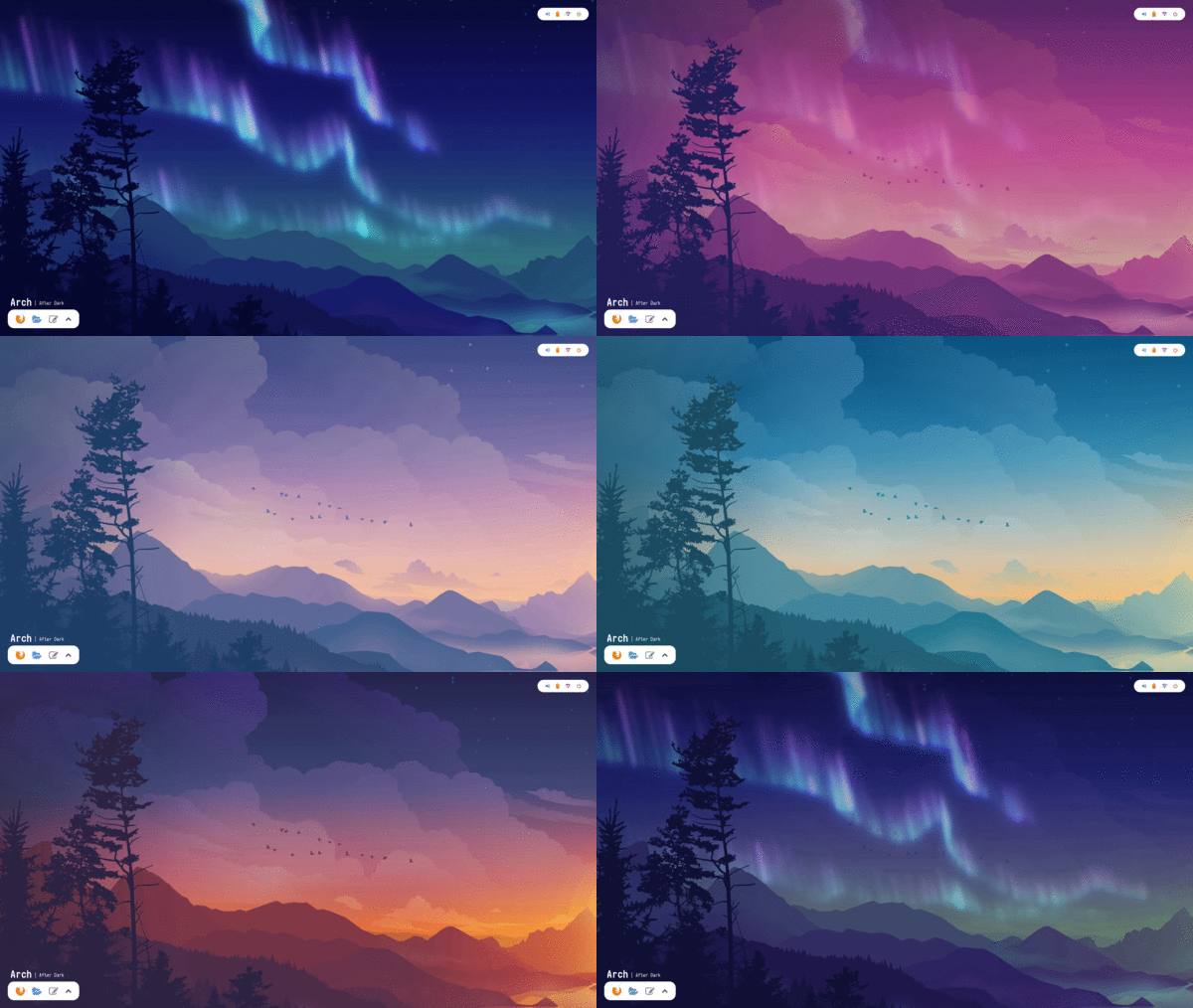
Aurora
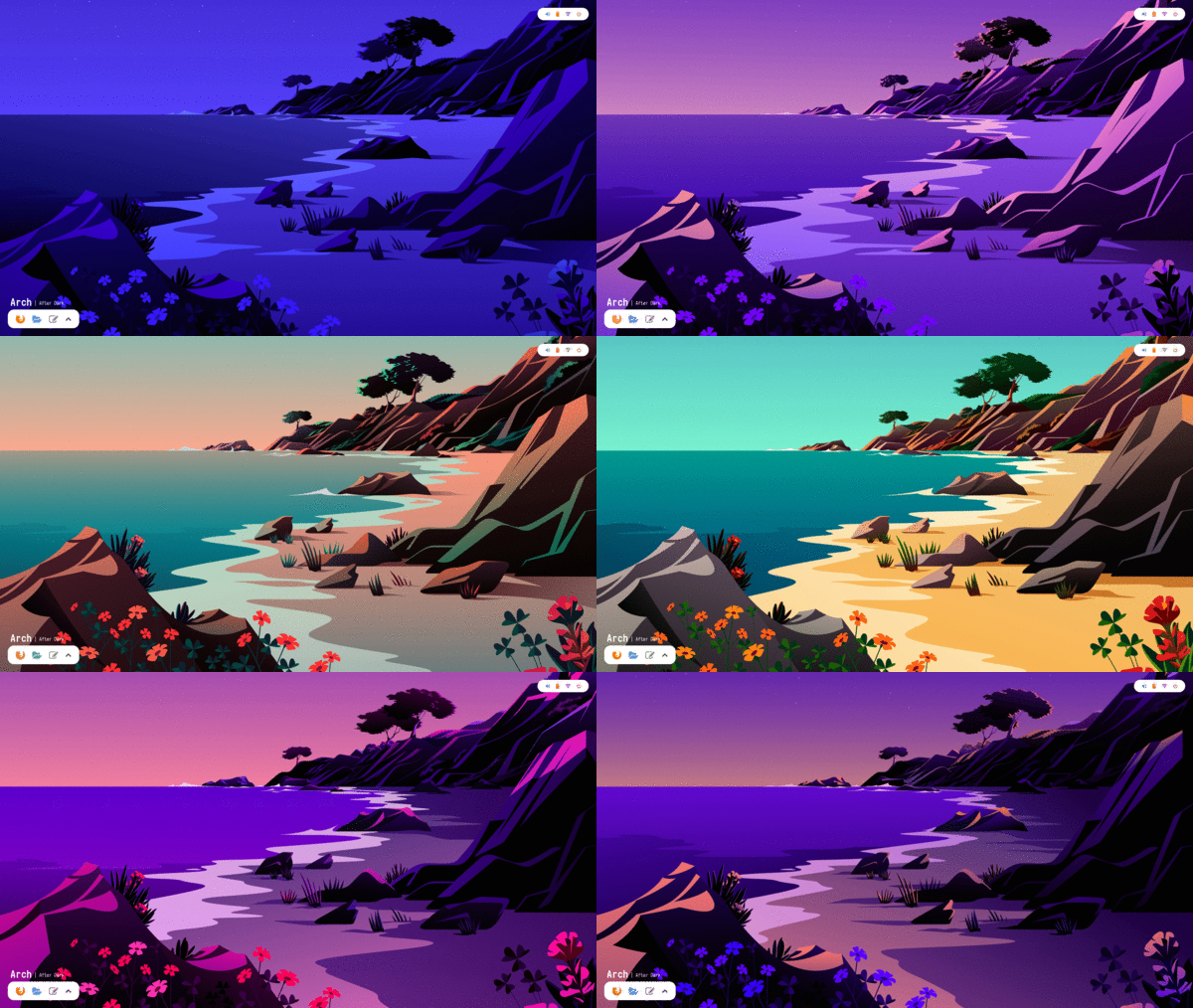
Beach
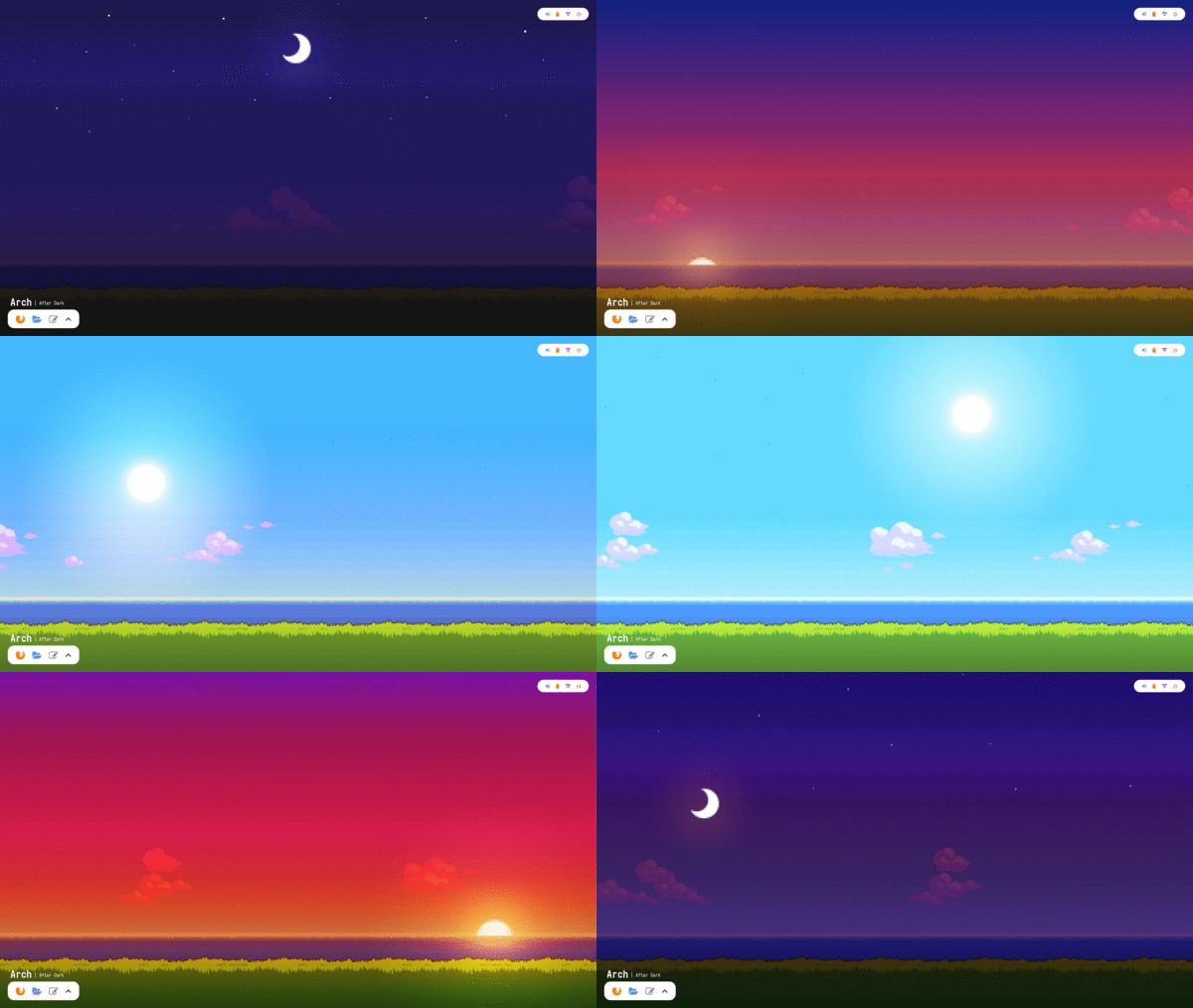
Bitday
Chihuahuan
Cliffs
Colony
Desert
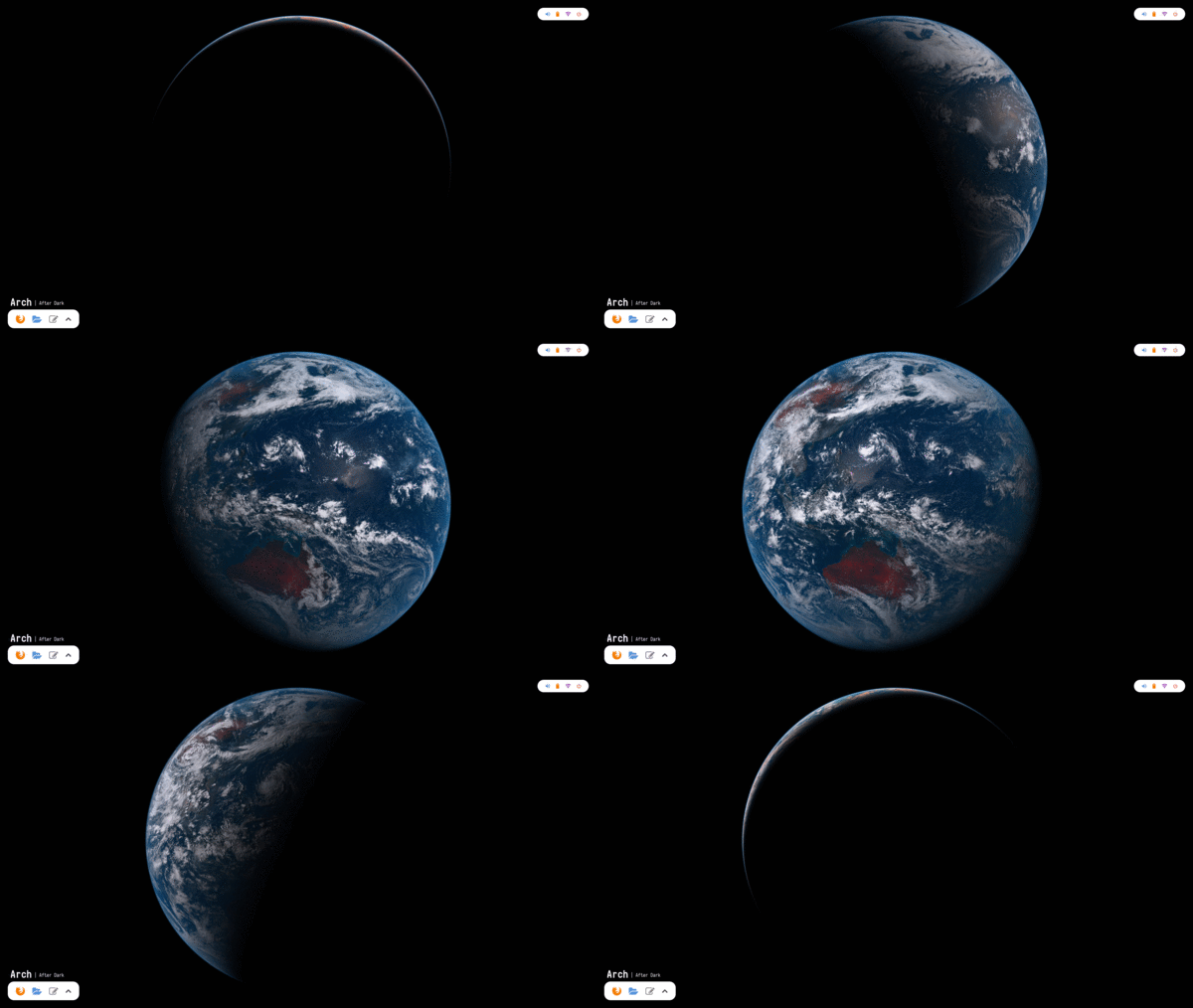
Earth
Exodus
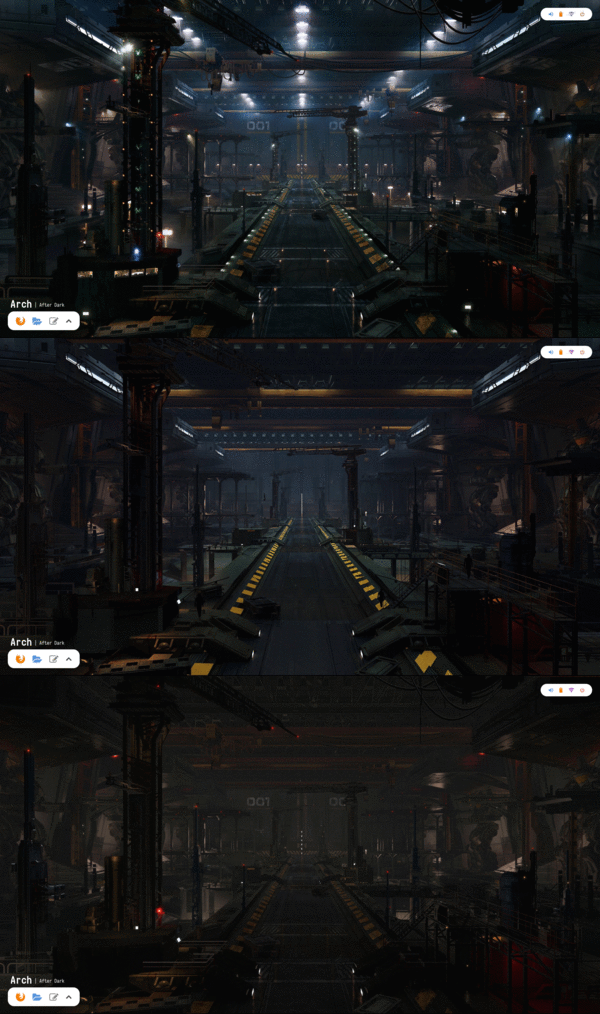
Factory
Forest
Gradient
Home
Island
Lake
Lakeside
Market
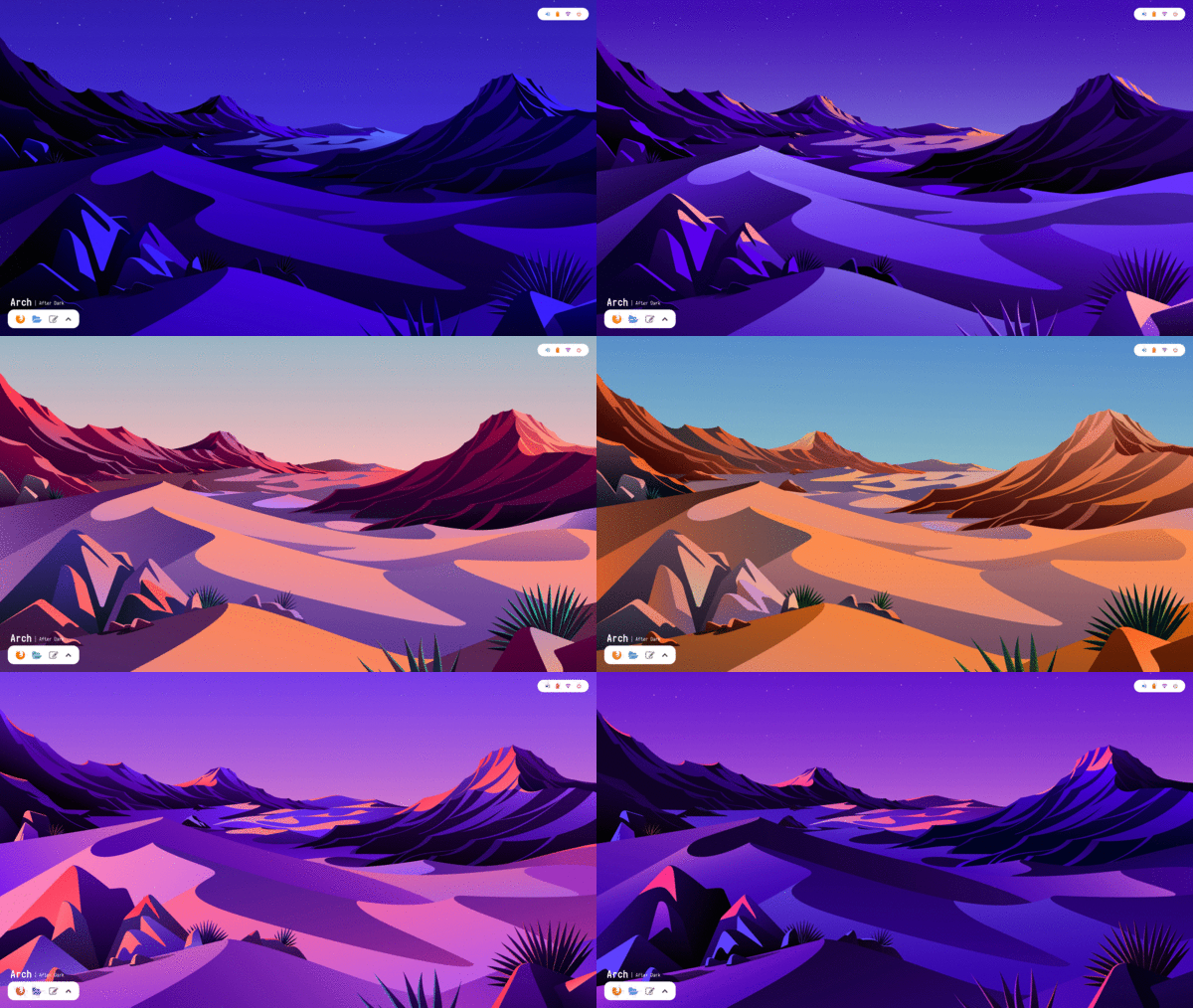
Mojave
Moon
Mountains
Room
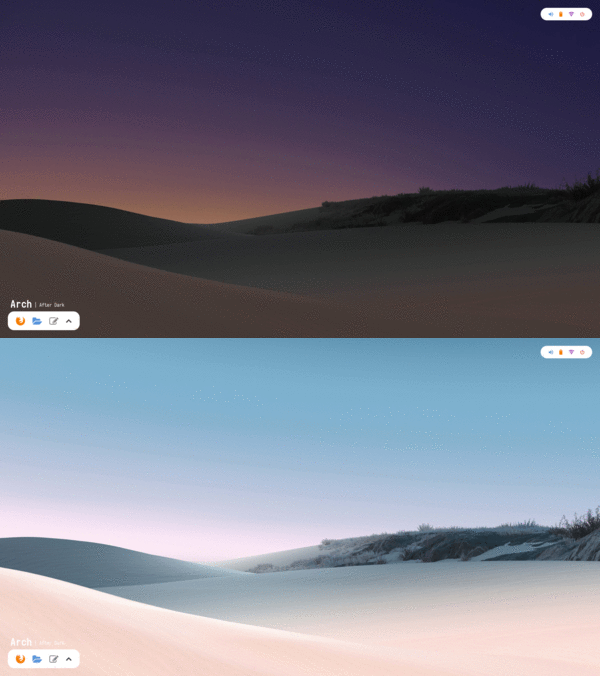
Sahara
Street
Tokyo
Common Issues
1. Wallpaper not changing : If your wallpaper is not changing, then open an issue and show me the output of echo $DESKTOP_SESSION.
2. Not working on XFCE : If this script is not working on xfce, then open the terminal and run xfconf-query -c xfce4-desktop -m and change the wallpaper (any) via xfce4-settings-manager.
In the terminal, xfconf-query will print lines starting with set:, which show which properties have been changed, check screen & monitor values and modify the script accordingly.
109   ## For XFCE
110   if [[ "$OSTYPE" == "linux"* ]]; then
111      SCREEN="0"
112      MONITOR="1"
113   fi
Autostart : If you want to autostart the script with desktop, you can add it to your WM autostart file & if it doesn't work for you, you can create a desktop file in $HOME/.config/autostart dir.
$ cd $HOME/.config/autostart && touch dwall.desktop

# Add this to dwall.desktop file

[Desktop Entry]
Name=Dynamic Wallpaper
Comment=Set desktop background according to current time.
Exec=/usr/bin/dwall -s firewatch &
Type=Application
Icon=wallpaper
Categories=Accessories;
Alternatively, you can also put the /usr/bin/dwall -s firewatch & command in your ~/.bashrc file.
Quick FYI
In KDE, dwall changes the wallpaper in all the Activities.
While using with pywal, the color of other applications (Terminal, polybar, rofi, etc) will change the way you configured these application. It's on you.
You can add dwall -s style & to your WM's autostart file to set/restore wallpaper after login/reboot.
You can also create a @reboot crontab to set appropriate wallpaper on boot.
How active is development on adi1090x/dynamic-wallpaper?
The most recent commit recorded on adi1090x/dynamic-wallpaper was 3.2 years ago, based on the GitHub push timestamp. The repository has 122 forks — one of the better signals of community interest.
How many stars does adi1090x/dynamic-wallpaper have?
adi1090x/dynamic-wallpaper has 2.2k GitHub stars — refresh the page for the live number, or check github.com/adi1090x/dynamic-wallpaper. TopGit mirrors GitHub's count but does not claim minute-by-minute accuracy.
What else is in the Automation space?
adi1090x/dynamic-wallpaper is tracked by TopGit under the Automation category, alongside 20 GitHub-tagged topics. Trending and Topics pages list peer repositories of comparable stars and language.
What language is adi1090x/dynamic-wallpaper written in?
adi1090x/dynamic-wallpaper is written primarily in Shell. GitHub's language field is based on the largest share of bytes in the default branch.
What topics is adi1090x/dynamic-wallpaper associated with?
Where do I read more about adi1090x/dynamic-wallpaper?
This TopGit page is a snapshot — the READ ME tab shows the project's own README content (links stripped, images preserved). The GitHub repository at github.com/adi1090x/dynamic-wallpaper is the definitive source.
Why is adi1090x/dynamic-wallpaper categorized under Automation?
TopGit places adi1090x/dynamic-wallpaper in the Automation category based on its GitHub topics and description (tagged: "adi1090x", "arch-linux", "archcraft"). Categories are assigned from real repository metadata, not editorial guesswork.
Read full README in the tab above.
Still deciding about dynamic-wallpaper?
One click hands the question to an AI along with this page — see what it says about dynamic-wallpaper.

 /dynamic-wallpaper