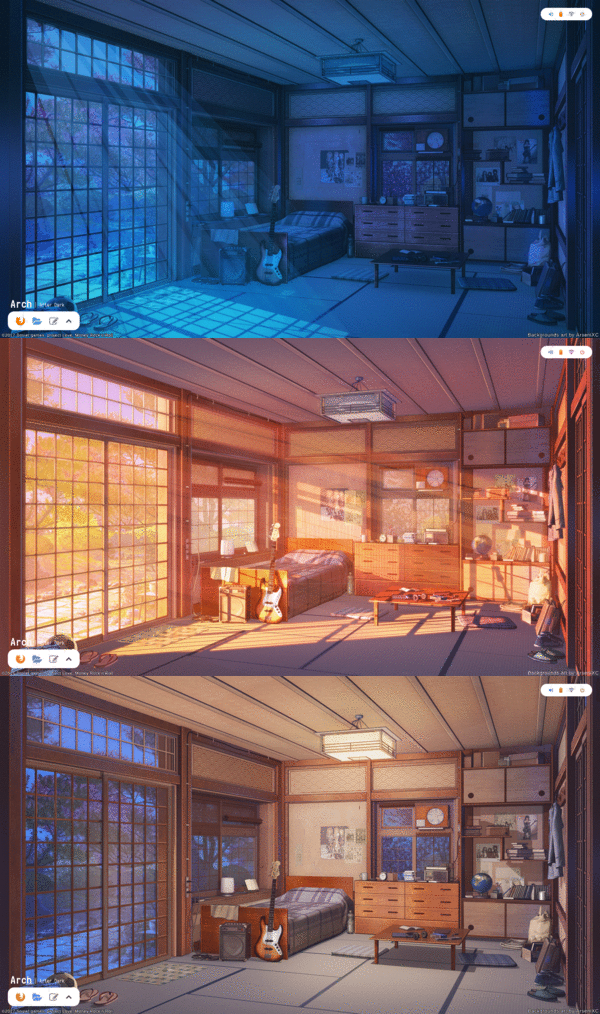
Được TopGit lập chỉ mục từ metadata GitHub: adi1090x/dynamic-wallpaper có 2.2k sao, viết chủ yếu bằng Shell. A simple bash script to set wallpapers according to current time, using cron job scheduler.
Tóm tắt dựng từ metadata GitHub của chính dự án — chưa có bài review TopGit. Trang sẽ tự động cập nhật khi bài review đầy đủ được xuất bản.
VÌ SAO CHƯA CÓ REVIEW
TopGit viết bài đầy đủ cho repo có nhiều sao nhất và được yêu cầu nhiều nhất. Trang này là snapshot trong thời gian chờ — xem README gốc ở tab READ ME.
$ cd dynamic-wallpaper
$ chmod +x install.sh
$ ./install.sh
Run the program
Open the terminal and execute dwall -
$ dwall

╺┳┓╻ ╻┏┓╻┏━┓┏┳┓╻┏━╸   ╻ ╻┏━┓╻  ╻  ┏━┓┏━┓┏━┓┏━╸┏━┓
 ┃┃┗┳┛┃┗┫┣━┫┃┃┃┃┃     ┃╻┃┣━┫┃  ┃  ┣━┛┣━┫┣━┛┣╸ ┣┳┛
╺┻┛ ╹ ╹ ╹╹ ╹╹ ╹╹┗━╸   ┗┻┛╹ ╹┗━╸┗━╸╹  ╹ ╹╹  ┗━╸╹┗╸

Dwall V3.0   : Set wallpapers according to current time.
Developed By : Aditya Shakya (@adi1090x)

Usage : test.sh [-h] [-p] [-s style]

Options:
   -h	  Show this help message
   -p	  Use pywal to set wallpaper
   -s	  Name of the style to apply

Available styles:  aurora  beach  bitday  chihuahuan  cliffs  colony  desert  earth  exodus
factory  firewatch  forest  gradient  home  island  lake  lakeside  market  mojave  moon
mountains  room  sahara  street  tokyo

Examples:
test.sh -s beach       Set wallpaper from 'beach' style
test.sh -p -s sahara   Set wallpaper from 'sahara' style using pywal
Select the style you like and run -
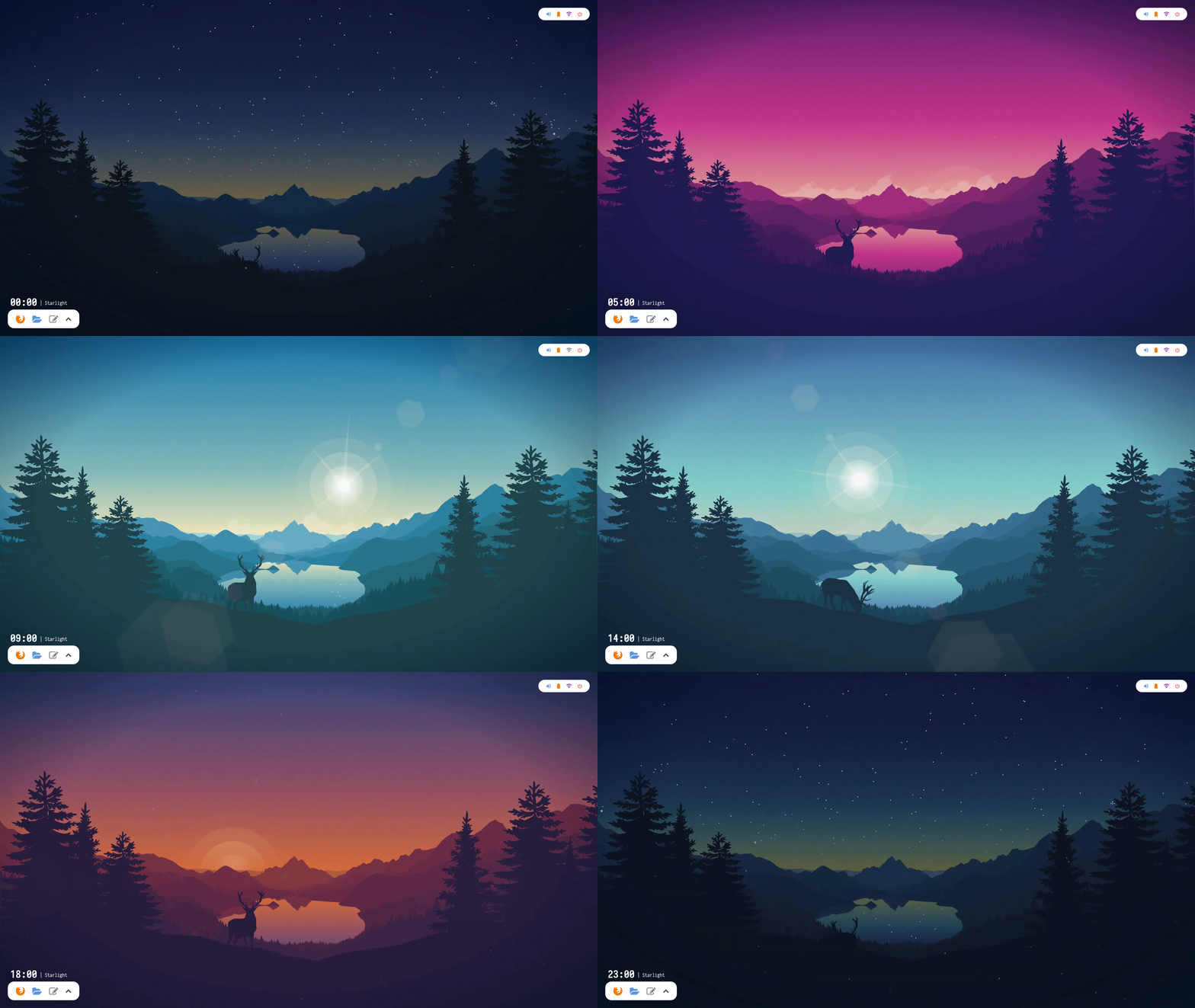
$ dwall -s firewatch
[*] Using style : firewatch
Setup cron job
This program is specifically created to use with a time-based job scheduler such as cron or systemd/Timers. So, After installing this program you need to set up a cron job using crontab on your system. Follow the step below to set a job for this program -
I'm using cronie on Arch Linux here.
After installing cron, enable and start the cron service -
# On Arch Linux
$ sudo systemctl enable cronie.service --now
Make sure the service is enabled and running -
$ systemctl status cronie.service
● cronie.service - Periodic Command Scheduler
     Loaded: loaded (/usr/lib/systemd/system/cronie.service; enabled; vendor preset: disabled)
     Active: active (running) since Sat 2020-12-26 14:39:31 IST; 5h 22min ago
   Main PID: 779 (crond)
Cron does not run under the Xorg server therefore it cannot know the environmental variable necessary to be able to start an Xorg server application so they will have to be defined. Find out the values of following environment variables - SHELL, PATH, DISPLAY, DESKTOP_SESSION, DBUS_SESSION_BUS_ADDRESS, XDG_RUNTIME_DIR
Now, Create an hourly cron job for dwall using crontab -
# export editor for crontab
$ export EDITOR=vim

# Edit your crontab and add a job
$ crontab -e

# Add this line replacing the values of env variable and style with yours
0 * * * * env PATH=/usr/local/bin:/usr/bin DISPLAY=:0 DESKTOP_SESSION=Openbox DBUS_SESSION_BUS_ADDRESS="unix:path=/run/user/1000/bus" /usr/bin/dwall -s firewatch

# check if job is created on your crontab
$ crontab -l
0 * * * * env PATH=/usr/local/bin:/usr/bin DISPLAY=:0 DESKTOP_SESSION=Openbox DBUS_SESSION_BUS_ADDRESS="unix:path=/run/user/1000/bus" /usr/bin/dwall -s firewatch
That's it, dwall added to your crontab and will change the wallpaper every hour. If you want to change the wallpaper style, just remove previous job and add new with another style.
# delete previous job
$ crontab -r

# Add new job with different style
$ crontab -e
0 * * * * env PATH=/usr/local/bin:/usr/bin DISPLAY=:0 DESKTOP_SESSION=Openbox DBUS_SESSION_BUS_ADDRESS="unix:path=/run/user/1000/bus" /usr/bin/dwall -s bitday
How to add own wallpapers
Download a wallpaper set you like.
Rename the wallpapers (must be jpg/png) to 0-23. If you don't have enough images, symlink them.
Make a directory in /usr/share/dynamic-wallpaper/images and copy your wallpapers in that.
Run the program, select the style and apply it.
Tips
You can use dwall to change between your favorite wallpapers every hour.
You can use dwall as picture slide, which can set your favorite photos as wallpaper every hour or every 15 minutes. Just create an appropriate cron job.
Use HEIC Images
You may also want to use wallpapers from Dynamic Wallpaper Club. To do so, you need to convert .heic image file to either png or jpg format. Download a .heic wallpaper file you like and follow the steps below to convert images.
First install heif-convert on your system -
# On Archlinux
$ sudo pacman -Sy libheif

# On Ubuntu or Debian
$ sudo apt-get install libheif-examples
Move your .heic file in a directory and run following command to convert images -
# change to directory
$ cd Downloads/heic_images

# convert to jpg images
$ for file in *.heic; do heif-convert $file ${file/%.heic/.jpg}; done
Now, you have the images, just follow the above steps to use these wallpapers with dwall.
More Wallpapers : I've also created a few more wallpaper sets, which are not added to this repository because of their big size. You can download these wallpapers set from here -
Available Sets : Catalina, London, Maldives, Mojave HD, Mount Fuji, Seoul, and more...
Previews
Aurora
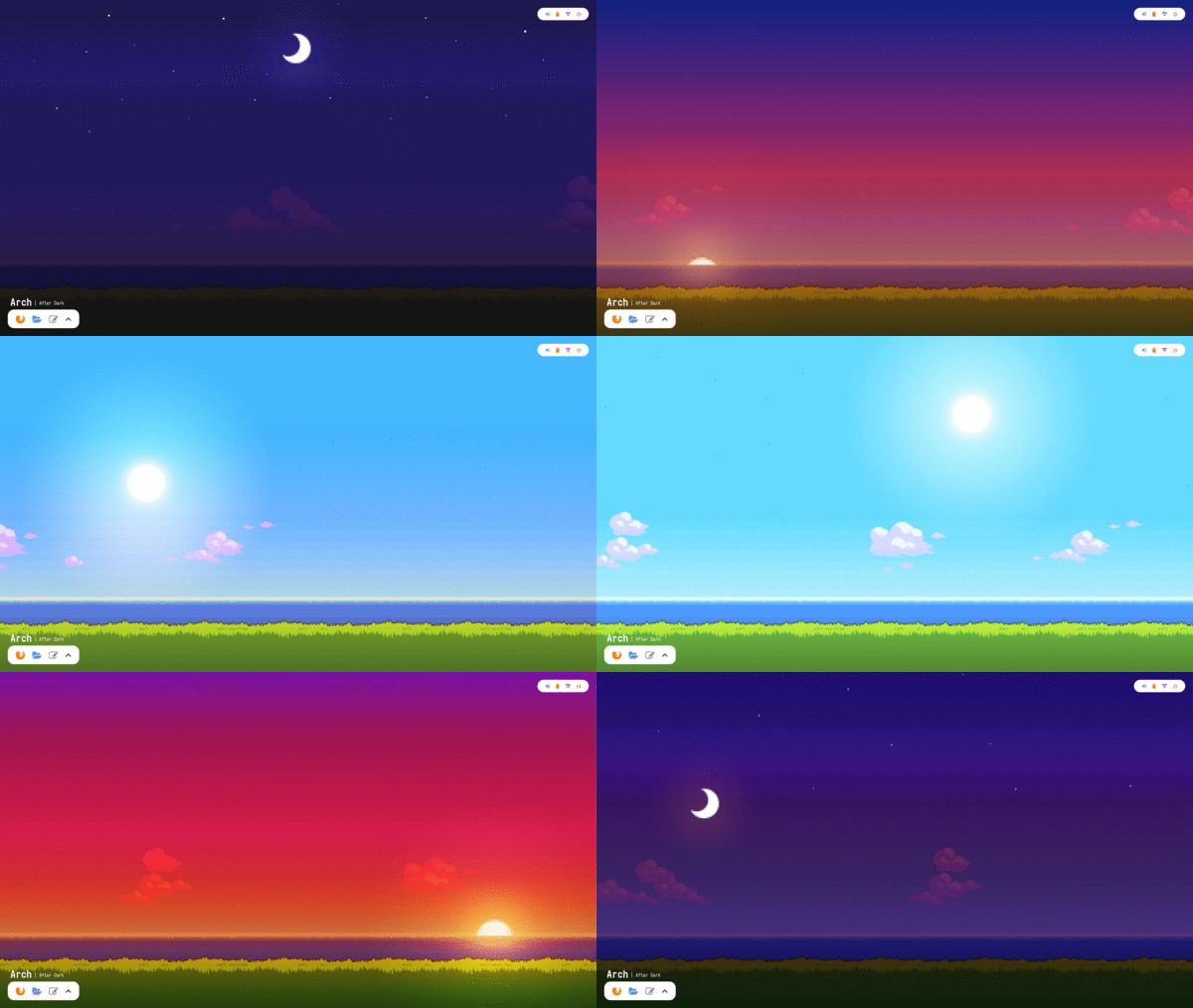
Beach
Bitday
Chihuahuan
Cliffs
Colony
Desert
Earth
Exodus
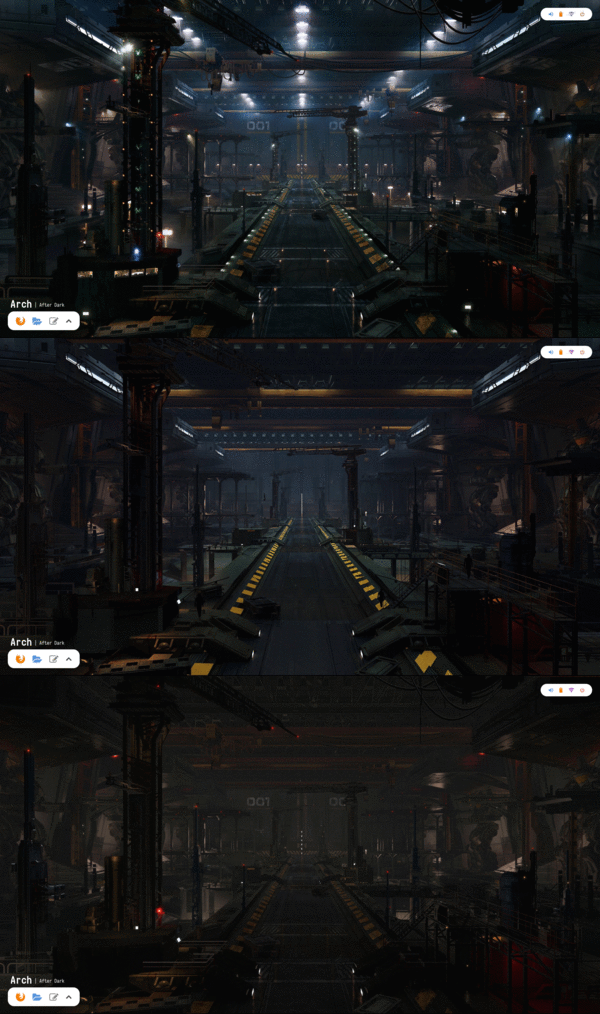
Factory
Forest
Gradient
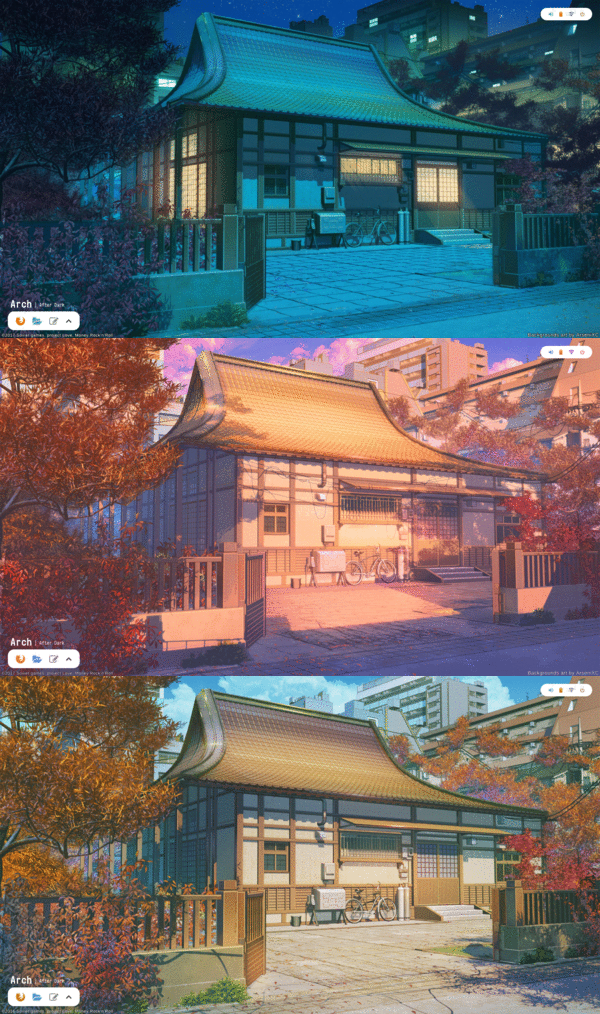
Home
Island
Lake
Lakeside
Market
Mojave
Moon
Mountains
Room
Sahara
Street
Tokyo
Common Issues
1. Wallpaper not changing : If your wallpaper is not changing, then open an issue and show me the output of echo $DESKTOP_SESSION.
2. Not working on XFCE : If this script is not working on xfce, then open the terminal and run xfconf-query -c xfce4-desktop -m and change the wallpaper (any) via xfce4-settings-manager.
In the terminal, xfconf-query will print lines starting with set:, which show which properties have been changed, check screen & monitor values and modify the script accordingly.
109   ## For XFCE
110   if [[ "$OSTYPE" == "linux"* ]]; then
111      SCREEN="0"
112      MONITOR="1"
113   fi
Autostart : If you want to autostart the script with desktop, you can add it to your WM autostart file & if it doesn't work for you, you can create a desktop file in $HOME/.config/autostart dir.
$ cd $HOME/.config/autostart && touch dwall.desktop

# Add this to dwall.desktop file

[Desktop Entry]
Name=Dynamic Wallpaper
Comment=Set desktop background according to current time.
Exec=/usr/bin/dwall -s firewatch &
Type=Application
Icon=wallpaper
Categories=Accessories;
Alternatively, you can also put the /usr/bin/dwall -s firewatch & command in your ~/.bashrc file.
Quick FYI
In KDE, dwall changes the wallpaper in all the Activities.
While using with pywal, the color of other applications (Terminal, polybar, rofi, etc) will change the way you configured these application. It's on you.
You can add dwall -s style & to your WM's autostart file to set/restore wallpaper after login/reboot.
You can also create a @reboot crontab to set appropriate wallpaper on boot.
adi1090x/dynamic-wallpaper có 2.2k sao GitHub — tải lại trang để xem số mới nhất, hoặc xem trực tiếp github.com/adi1090x/dynamic-wallpaper. TopGit phản chiếu số sao của GitHub nhưng không cam kết đến từng phút.
adi1090x/dynamic-wallpaper còn đang phát triển không?
Commit gần nhất trên adi1090x/dynamic-wallpaper là 3.3 năm trước (theo timestamp GitHub). Repo có 122 fork — một chỉ báo về mức độ quan tâm của cộng đồng.
adi1090x/dynamic-wallpaper viết bằng ngôn ngữ gì?
adi1090x/dynamic-wallpaper chủ yếu viết bằng Shell. Trường "language" của GitHub dựa trên phần lớn byte ở nhánh mặc định.
Cùng nhóm Automation còn repo nào?
adi1090x/dynamic-wallpaper thuộc nhóm Automation trên TopGit, cùng 20 topic GitHub. Trang Trending và Topics liệt kê các repo cùng số sao và cùng ngôn ngữ để so sánh.
Đọc thêm về adi1090x/dynamic-wallpaper ở đâu?
Trang TopGit này là một snapshot — tab "Readme" hiển thị nguyên văn README của repo (đã bỏ link, giữ ảnh). Repo GitHub ở github.com/adi1090x/dynamic-wallpaper là nguồn chính thức.
Vì sao adi1090x/dynamic-wallpaper được xếp vào nhóm Automation?
TopGit xếp adi1090x/dynamic-wallpaper vào nhóm Automation dựa trên GitHub topics và mô tả của repo (gắn thẻ: "adi1090x", "arch-linux", "archcraft"). Việc phân loại dựa trên metadata thật của repo, không phải đoán theo cảm tính biên tập.
Đọc đầy đủ README ở tab phía trên.
dynamic-wallpaper có đáng để bạn bỏ thời gian?
ChatGPT, Claude và Perplexity đều đọc được trang này. Hỏi thử xem họ nghĩ gì về dynamic-wallpaper.

 /dynamic-wallpaper