
Awesome Java: A Curated Java Library List
 /awesome-java
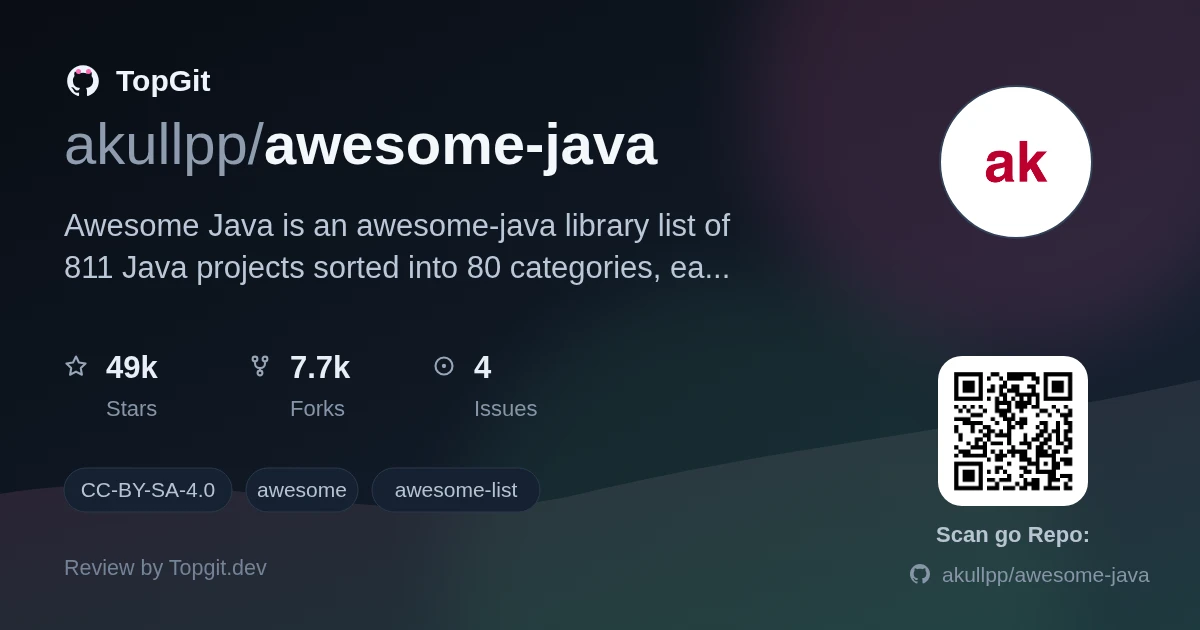
Awesome Java earns its bookmark by doing curation work most developers skip: sorting hundreds of Java tools into categories instead of leaving you to sift search results. Its edge over a plain link dump is the activity dot and license chip on nearly every entry, so you can spot an abandoned project before you click through. The tradeoff is depth — each entry gets one line, not a real comparison.
What is awesome-java?
Awesome Java is a curated list of Java frameworks, libraries, tools and resources maintained on GitHub. The README sorts entries under headings such as Build, Caching, Code Analysis and Bytecode Manipulation, and tags each one with a colored activity dot for how recently it was pushed, plus a license chip where one is known. It totals 811 projects across 80 categories, alongside 85 additional linked resources.
How the list is organized
- ✓Splits entries into narrow categories such as Bean Mapping, Bytecode Manipulation, Bot Development and Code Coverage, instead of lumping everything under one generic 'libraries' heading.
- ✓Marks each project's activity with a colored dot: green for pushed within 3 months, orange for 3-12 months, red for over a year, so a dead library doesn't sit next to a maintained one with equal weight.
- ✓Shows an SPDX license chip pulled from GitHub metadata for each entry, and for an entry that spans multiple repositories, only shows a license when every underlying repo agrees on it.
- ✓Nests sub-categories where a topic is broad enough to need them, like splitting CLI into Argument Parsing and Text-Based User Interfaces.
- ✓Merges multiple repositories under one entry when a tool spans several repos, using the most recent push across them to decide the activity dot.
- ✓Pairs almost every link with a short, specific description of what the tool actually does rather than just a name — the entry for Immuto, for instance, spells out that it's a Java Records mapper generated at compile time with no runtime reflection.
When to use this list
- •Scanning one category, like Code Analysis or Build, before picking a static-analysis tool or build plugin instead of guessing at search terms.
- •Checking whether a library you already depend on is still active by reading its activity dot instead of digging through its own commit history.
- •Finding an established option in a niche category, such as Bean Mapping or Bytecode Manipulation, you didn't know had multiple competitors.
- •Getting a first read on a project's license before adding it to a codebase with licensing constraints.
Strengths of the awesome-java list
- ✓Categories are narrow enough to be useful — Bean Mapping and Code Generators are kept apart from a generic catch-all — so browsing one section actually narrows your options instead of dumping fifty unrelated links.
- ✓The activity dot on every entry is a real signal, not decoration; a red dot tells you to keep looking before a green one does.
- ✓License chips come from GitHub's own SPDX metadata rather than being hand-typed, which cuts down on stale or wrong license labels.
- ✓Descriptions are short but specific rather than boilerplate, so you get a sense of what a tool does without opening it.
What the list does not cover
- △Descriptions are one line each, so the list tells you a tool exists and roughly what it does, not how it compares to the other entries in its category — you still have to open each repo.
- △Some entries, like ASM and JADE, link to project homepages instead of GitHub, so they don't get an activity dot at all, breaking the format's consistency.
- △There's no changelog or version history per entry — a green activity dot means something was pushed recently, not what changed or whether it's a breaking release.
- △Contribution steps for adding a new project aren't documented in the list's front matter, so first-time contributors have to find the process elsewhere in the repo.
Other Java ecosystem resources
Who should bookmark this list
Java developers evaluating a dependency for a specific job — a bean mapper, a bytecode library, a CLI parser — get the most out of Awesome Java, since they can scan one category instead of guessing at search terms. Team leads doing a periodic dependency review can use the activity dots as a fast first pass before a deeper look. It's less useful if you want one opinionated recommendation rather than a menu of options.
Frequently asked questions
Awesome Java doesn't publish its own last-updated date, but its format depends on ongoing upkeep: every one of its 811 entries carries a live activity dot showing whether that project was pushed within 3 months, 3-12 months, or over a year ago, which only stays accurate if the list itself gets refreshed against GitHub regularly.
Awesome Java itself is released under CC-BY-SA-4.0, a share-alike license that lets you reuse and adapt the list as long as you credit the source and license any derivative under the same terms. That covers the list's own content, not the individual projects it links to, which carry their own separate licenses.
Awesome Java lists 811 projects organized into 80 categories, plus 85 additional linked resources beyond the project entries, according to the counts published in its own README.
Not clearly documented in the available README excerpt — it doesn't spell out contribution steps in the sections covering projects and categories, so check the repository's own CONTRIBUTING file on GitHub before submitting a project.
Awesome Java does include Spring ecosystem projects — Spring AI and Spring AI Alibaba appear under its Artificial Intelligence category, for example, alongside other Spring-related tooling elsewhere in the list, so Spring users aren't left out of the collection.
By entry count in the README, Code Generators is the largest category with 18 projects, followed by Build and Code Analysis with 16 each and Artificial Intelligence with 15, reflecting how much day-to-day Java tooling centers on generating code, managing builds, and static analysis.
Related repositories
Want a second opinion on awesome-java?
Ask an AI that can read this page — one click and you get its take on awesome-java.