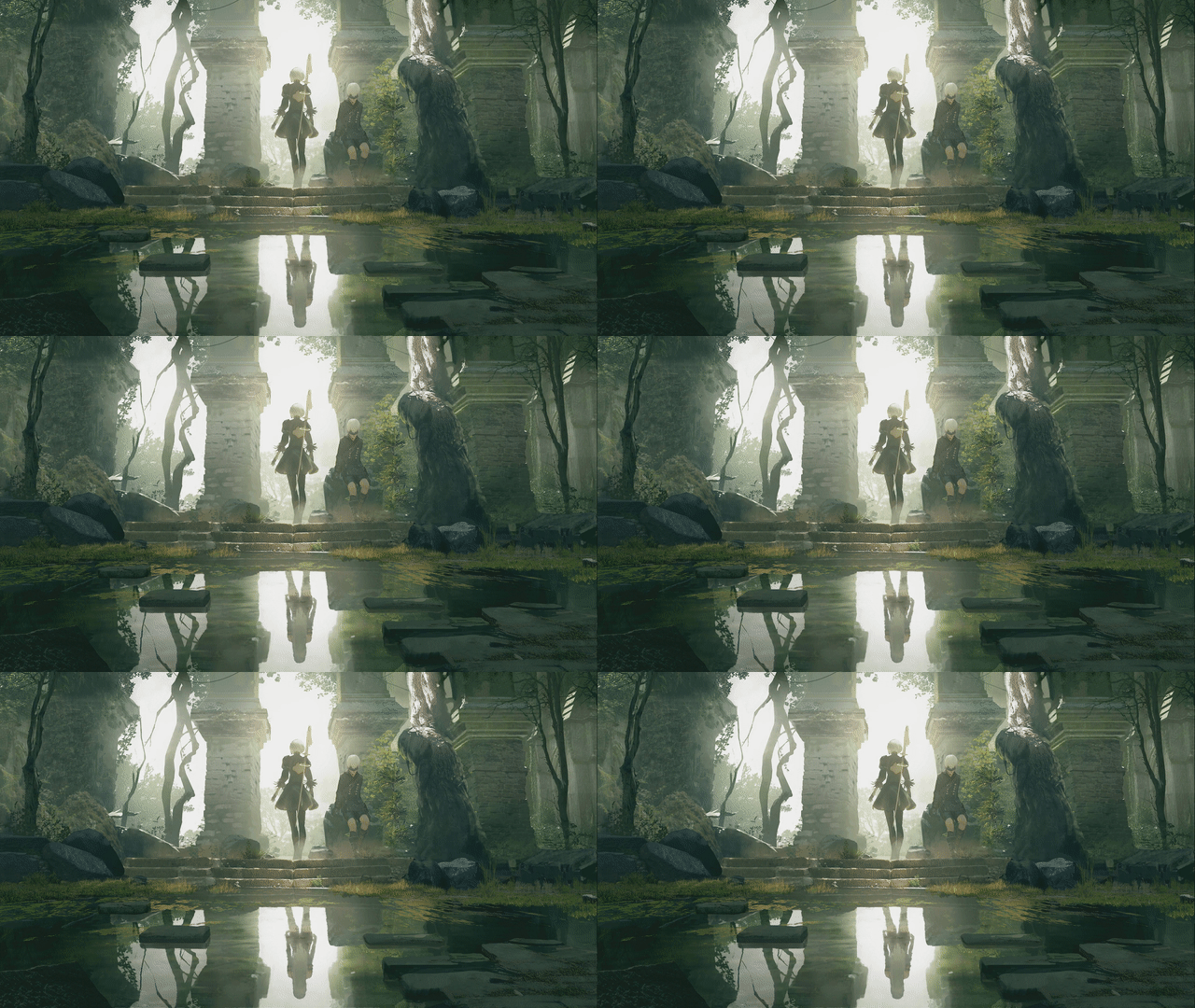
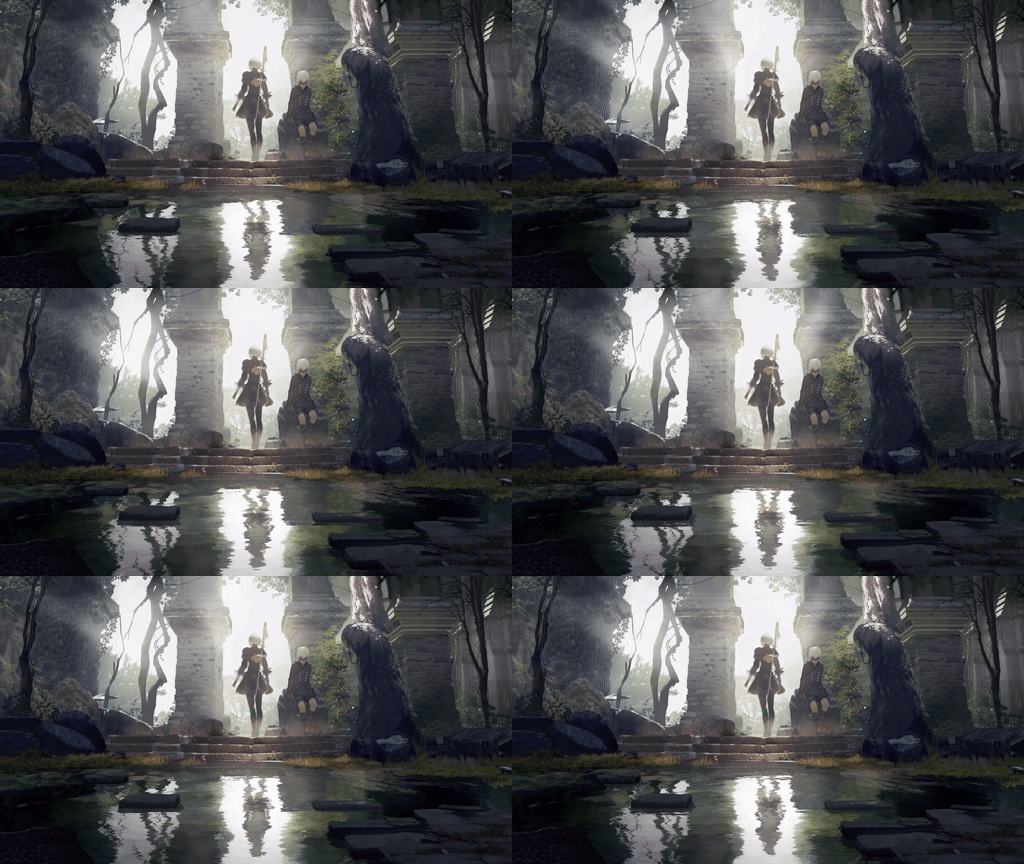
Almamu/linux-wallpaperengine — 4.5k★ on GitHub (C++). Wallpaper Engine backgrounds for Linux!
Snapshot summary built from the project's own GitHub metadata — there's no written TopGit review yet. The page will update automatically when a full review is published.
WHY NO REVIEW YET
TopGit writes full reviews for the most-starred, most-requested repositories. This page is a snapshot until then — see the READ ME tab for the original README in full.
Bring Wallpaper Engine-style live wallpapers to Linux! This project allows you to run animated wallpapers from Steam’s Wallpaper Engine right on your desktop.
⚠️ This is an educational project that evolved into a functional OpenGL-based wallpaper engine for Linux. Expect some limitations and quirks!
📦 System Requirements
To compile and run this, you'll need:
OpenGL 3.3 support
CMake
LZ4, Zlib
SDL2
FFmpeg
X11 or Wayland
Xrandr (for X11)
GLFW3, GLEW, GLUT, GLM
MPV
PulseAudio
FFTW3
Install the required dependencies on Ubuntu/Debian-based systems:
You can install this directly from the AUR using your favorite AUR helper:
yay -S linux-wallpaperengine-git
This installs the latest development version.
Note: You’ll still need assets from the official Wallpaper Engine (via Steam). See below for details.
🚀 Getting Started
1. Get Wallpaper Engine Assets
You must own and install Wallpaper Engine via Steam. This provides the required assets used by many backgrounds.
Right now the application will automatically detect everything for you as long as the official Wallpaper Engine is installed
in one of these locations:
⚠️ If you installed the AUR package mentioned before, you can skip this step.
Clone the repo:
git clone --recurse-submodules https://github.com/Almamu/linux-wallpaperengine.git
cd linux-wallpaperengine
Build it:
mkdir build && cd build
cmake -DCMAKE_BUILD_TYPE='Release' ..
make
Once the build process is finished, this should create a new output folder containing the app and all the required
support files to run.
🧪 Usage
Basic syntax:
linux-wallpaperengine [options] <background_id or path>
You can use either:
A Steam Workshop ID (e.g. 1845706469)
A path to a background folder
What about a GUI?
Implementing a GUI is out of scope for now.
There's a few developers that decided to focus on this and created their own.
If you're one of those developers, feel free to open an issue to get your project included here!
simple-linux-wallpaperengine-gui by @Maxnights
linux-wallpaper-engine by @jagrat7
wallpaperengine-gui by @MikiDevLog
linux-wallpaperengine-controllfer for Noctalia Shell by @PaloMiku
waypaper by @anufrievroman
🔧 Common Options
Option
Description
--silent
Mute background audio
--volume <val>
Set audio volume
--noautomute
Don't mute when other apps play audio
--no-audio-processing
Disable audio reactive features
--fps <val>
Limit frame rate
--window <XxYxWxH>
Run in windowed mode with custom size/position
--screen-root <screen>
Set as background for specific screen
--screen-span <screen-1>,<screen-2>,...
Stretch a single wallpaper across multiple screens
--bg <id/path>
Assign a background to a specific screen (use after --screen-root/--screen-span)
--scaling <mode>
Wallpaper scaling: stretch, fit, fill, or default
--clamping <mode>
Set texture clamping: clamp, border, repeat
--assets-dir <path>
Set custom path for assets
--screenshot <file>
Save screenshot (PNG, JPEG, BMP)
--list-properties
Show customizable properties of a wallpaper
--set-property name=value
Override a specific property
--disable-mouse
Disable mouse interaction
--disable-parallax
Disable parallax effect on backgrounds that support it
--no-fullscreen-pause
Prevent pausing while fullscreen apps are running
--fullscreen-pause-only-active
Wayland only: pause only when a fullscreen window is active
--fullscreen-pause-ignore-appid <val>
Wayland only: ignore fullscreen windows whose app_id contains <val> (repeatable)
Wayland: Works with compositors that support wlr-layer-shell-unstable. Uses xdg-output-unstable-v1 for accurate monitor positioning (required for --screen-span).
X11: Requires XRandr. Use --screen-root <screen_name> (as shown in xrandr).
⚠ For X11 users: Currently doesn't work if a compositor or desktop environment (e.g. GNOME, KDE, Nautilus) is drawing the background.
🌈 Example Backgrounds
Want to see more examples of backgrounds that work? Head over to the project's website
🪲 Common issues
Black screen when setting as screen's background
This can be caused by a few different things depending on your environment and setup.
X11
Common symptom of a compositor drawing to the background which prevents Wallpaper Engine from being properly visible.
The only solution currently is disabling the compositor so Wallpaper Engine can properly draw on the screen
NVIDIA
Some users have had issues with GLFW initialization and other OpenGL errors. These are generally something that's
worth reporting in the issues. Sometimes adding this variable when running Wallpaper Engine helps and/or solves
the issue:
Does Almamu/linux-wallpaperengine have a project website?
No homepage URL was recorded for Almamu/linux-wallpaperengine in TopGit's last sync. The README tab above frequently contains screenshots and demo links, or check the repository description on GitHub.
How active is development on Almamu/linux-wallpaperengine?
The most recent commit recorded on Almamu/linux-wallpaperengine was 13 days ago, based on the GitHub push timestamp. The repository has 189 forks — one of the better signals of community interest.
How many stars does Almamu/linux-wallpaperengine have?
Almamu/linux-wallpaperengine has 4.5k GitHub stars — refresh the page for the live number, or check github.com/Almamu/linux-wallpaperengine. TopGit mirrors GitHub's count but does not claim minute-by-minute accuracy.
What language is Almamu/linux-wallpaperengine written in?
Almamu/linux-wallpaperengine is written primarily in C++. GitHub's language field is based on the largest share of bytes in the default branch.
What license does Almamu/linux-wallpaperengine use?
Almamu/linux-wallpaperengine is released under the GPL-3.0 license. Always verify the LICENSE file directly on GitHub for the authoritative terms — license strings can be edited out of sync with a project's actual stance.
What topics is Almamu/linux-wallpaperengine associated with?
GitHub's repository topics for Almamu/linux-wallpaperengine: "linux", "opengl", "wallpaper-app", "wallpaper-engine". TopGit's editorial category is open-source.
Where do I read more about Almamu/linux-wallpaperengine?
This TopGit page is a snapshot — the READ ME tab shows the project's own README content (links stripped, images preserved). The GitHub repository at github.com/Almamu/linux-wallpaperengine is the definitive source.
Read full README in the tab above.
Still deciding about linux-wallpaperengine?
One click hands the question to an AI along with this page — see what it says about linux-wallpaperengine.