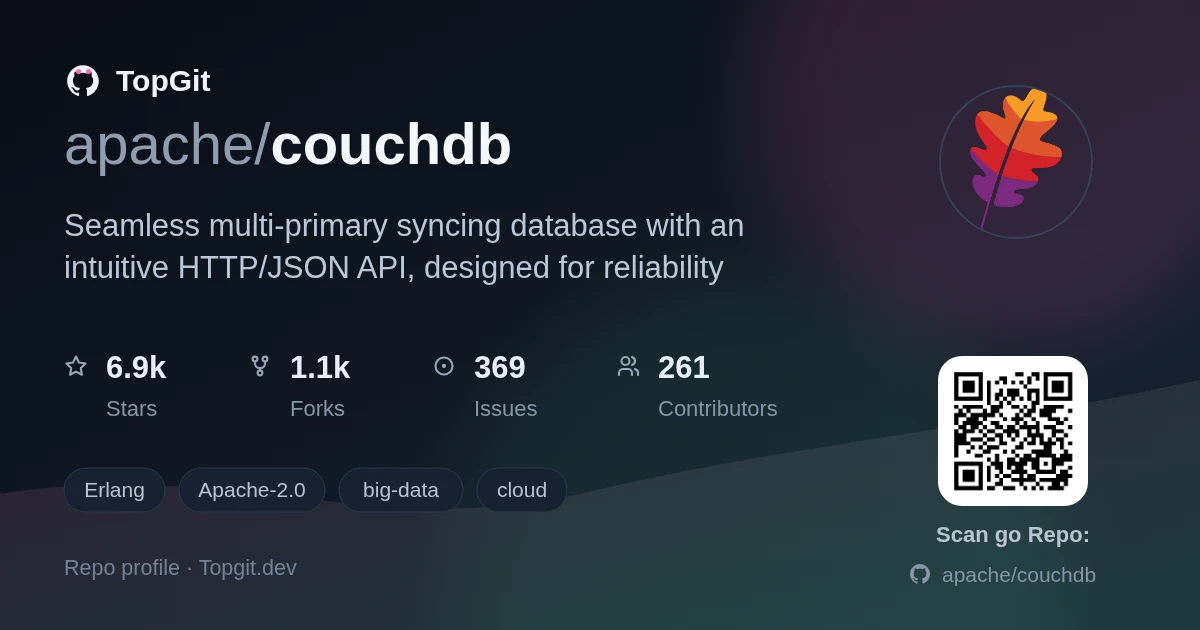
On GitHub, apache/couchdb has picked up 7.0k stars, Data, Erlang. Seamless multi-primary syncing database with an intuitive HTTP/JSON API, designed for reliability
Snapshot summary built from the project's own GitHub metadata — there's no written TopGit review yet. The page will update automatically when a full review is published.
WHY NO REVIEW YET
TopGit writes full reviews for the most-starred, most-requested repositories. This page is a snapshot until then — see the READ ME tab for the original README in full.
The mailing lists provide a wealth of support and knowledge for you to tap into.
Feel free to drop by with your questions or discussion. See the official CouchDB
website for more information about our community resources.
Verifying your Installation
Run a basic test suite for CouchDB by browsing here:
If you already have VS Code and Docker installed, you can click the badge above or
here <https://vscode.dev/redirect?url=vscode://ms-vscode-remote.remote-containers/cloneInVolume?url=https://github.com/apache/couchdb>_
to get started. Clicking these links will cause VS Code to automatically install the
Remote - Containers extension if needed, clone the source code into a container volume,
and spin up a dev container for use.
This devcontainer will automatically run ./configure && make the first time it is created.
While this may take some extra time to spin up, this tradeoff means you will be able to
run things like ./dev/run, ./dev/run --admin=admin:admin, ./dev/run --with-admin-party-please,
and make check straight away. Subsequent startups should be quick.
Manual Dev Setup:
For more detail, read the README-DEV.rst file in this directory.
Basically you just have to install the needed dependencies which are
documented in the install docs and then run ./configure && make.
You don't need to run make install after compiling, just use
./dev/run to spin up three nodes. You can add haproxy as a caching
layer in front of this cluster by running ./dev/run --with-haproxy --haproxy=/path/to/haproxy . You will now have a local cluster
listening on port 5984.
For Fauxton developers fixing the admin-party does not work via the button in
Fauxton. To fix the admin party you have to run ./dev/run with the admin
flag, e.g. ./dev/run --admin=username:password. If you want to have an
admin-party, just omit the flag.
Contributing to CouchDB
You can learn more about our contributing process here:
This distribution includes cryptographic software. The country in which you
currently reside may have restrictions on the import, possession, use, and/or
re-export to another country, of encryption software. BEFORE using any
encryption software, please check your country's laws, regulations and policies
concerning the import, possession, or use, and re-export of encryption software,
to see if this is permitted. See https://www.wassenaar.org/ for more
information.
The U.S. Government Department of Commerce, Bureau of Industry and Security
(BIS), has classified this software as Export Commodity Control Number (ECCN)
5D002.C.1, which includes information security software using or performing
cryptographic functions with asymmetric algorithms. The form and manner of this
Apache Software Foundation distribution makes it eligible for export under the
License Exception ENC Technology Software Unrestricted (TSU) exception (see the
BIS Export Administration Regulations, Section 740.13) for both object code and
source code.
The following provides more details on the included cryptographic software:
CouchDB includes a HTTP client (ibrowse) with SSL functionality.
The most recent commit recorded on apache/couchdb was 3 months ago, based on the GitHub push timestamp. The repository has 1.1k forks — one of the better signals of community interest.
Is apache/couchdb open source?
Yes — apache/couchdb ships under the Apache-2.0 license, which makes its source code freely readable (and, depending on license terms, forkable and reusable). Source: github.com/apache/couchdb.
What license does apache/couchdb use?
apache/couchdb is released under the Apache-2.0 license. Always verify the LICENSE file directly on GitHub for the authoritative terms — license strings can be edited out of sync with a project's actual stance.
What topics is apache/couchdb associated with?
GitHub's repository topics for apache/couchdb: "big-data", "cloud", "content", "couchdb", "database", "erlang", "http", "javascript", "network-client", "network-server". TopGit's editorial category is Data.
Where can I see apache/couchdb in action?
The project maintains a homepage at https://couchdb.apache.org/. The README tab on this page also usually contains screenshots and a quickstart.
Where do I read more about apache/couchdb?
This TopGit page is a snapshot — the READ ME tab shows the project's own README content (links stripped, images preserved). The GitHub repository at github.com/apache/couchdb is the definitive source.
Read full README in the tab above.
Is couchdb worth your time?
ChatGPT, Claude and Perplexity can all read this page. Ask one of them what it makes of couchdb.

 /couchdb