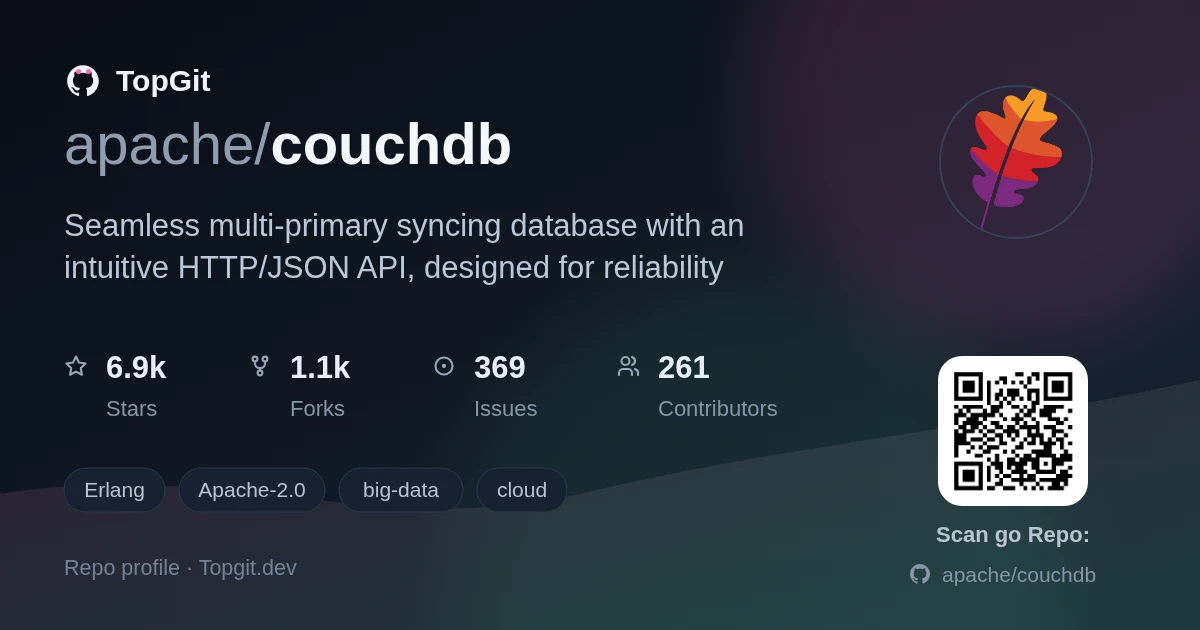
Được TopGit lập chỉ mục từ metadata GitHub: apache/couchdb có 7.0k sao, viết chủ yếu bằng Erlang. Seamless multi-primary syncing database with an intuitive HTTP/JSON API, designed for reliability
Tóm tắt dựng từ metadata GitHub của chính dự án — chưa có bài review TopGit. Trang sẽ tự động cập nhật khi bài review đầy đủ được xuất bản.
VÌ SAO CHƯA CÓ REVIEW
TopGit viết bài đầy đủ cho repo có nhiều sao nhất và được yêu cầu nhiều nhất. Trang này là snapshot trong thời gian chờ — xem README gốc ở tab READ ME.
The mailing lists provide a wealth of support and knowledge for you to tap into.
Feel free to drop by with your questions or discussion. See the official CouchDB
website for more information about our community resources.
Verifying your Installation
Run a basic test suite for CouchDB by browsing here:
If you already have VS Code and Docker installed, you can click the badge above or
here <https://vscode.dev/redirect?url=vscode://ms-vscode-remote.remote-containers/cloneInVolume?url=https://github.com/apache/couchdb>_
to get started. Clicking these links will cause VS Code to automatically install the
Remote - Containers extension if needed, clone the source code into a container volume,
and spin up a dev container for use.
This devcontainer will automatically run ./configure && make the first time it is created.
While this may take some extra time to spin up, this tradeoff means you will be able to
run things like ./dev/run, ./dev/run --admin=admin:admin, ./dev/run --with-admin-party-please,
and make check straight away. Subsequent startups should be quick.
Manual Dev Setup:
For more detail, read the README-DEV.rst file in this directory.
Basically you just have to install the needed dependencies which are
documented in the install docs and then run ./configure && make.
You don't need to run make install after compiling, just use
./dev/run to spin up three nodes. You can add haproxy as a caching
layer in front of this cluster by running ./dev/run --with-haproxy --haproxy=/path/to/haproxy . You will now have a local cluster
listening on port 5984.
For Fauxton developers fixing the admin-party does not work via the button in
Fauxton. To fix the admin party you have to run ./dev/run with the admin
flag, e.g. ./dev/run --admin=username:password. If you want to have an
admin-party, just omit the flag.
Contributing to CouchDB
You can learn more about our contributing process here:
This distribution includes cryptographic software. The country in which you
currently reside may have restrictions on the import, possession, use, and/or
re-export to another country, of encryption software. BEFORE using any
encryption software, please check your country's laws, regulations and policies
concerning the import, possession, or use, and re-export of encryption software,
to see if this is permitted. See https://www.wassenaar.org/ for more
information.
The U.S. Government Department of Commerce, Bureau of Industry and Security
(BIS), has classified this software as Export Commodity Control Number (ECCN)
5D002.C.1, which includes information security software using or performing
cryptographic functions with asymmetric algorithms. The form and manner of this
Apache Software Foundation distribution makes it eligible for export under the
License Exception ENC Technology Software Unrestricted (TSU) exception (see the
BIS Export Administration Regulations, Section 740.13) for both object code and
source code.
The following provides more details on the included cryptographic software:
CouchDB includes a HTTP client (ibrowse) with SSL functionality.
GitHub topics của apache/couchdb: "big-data", "cloud", "content", "couchdb", "database", "erlang", "http", "javascript", "network-client", "network-server". TopGit xếp repo vào nhóm Data.
apache/couchdb có phải mã nguồn mở không?
Có — apache/couchdb phát hành theo license Apache-2.0, nghĩa là mã nguồn mở để đọc, fork và (tùy license) tái sử dụng. Mã: github.com/apache/couchdb.
apache/couchdb có trang demo không?
Dự án có trang chủ ở https://couchdb.apache.org/. Tab "Readme" ở trang này thường có ảnh chụp và hướng dẫn bắt đầu nhanh.
apache/couchdb còn đang phát triển không?
Commit gần nhất trên apache/couchdb là 3 tháng trước (theo timestamp GitHub). Repo có 1.1k fork — một chỉ báo về mức độ quan tâm của cộng đồng.
apache/couchdb dùng license gì?
apache/couchdb phát hành theo license Apache-2.0. Nên mở file LICENSE trên GitHub để xác nhận — license metadata đôi khi lệch với thực tế dự án.
Đọc thêm về apache/couchdb ở đâu?
Trang TopGit này là một snapshot — tab "Readme" hiển thị nguyên văn README của repo (đã bỏ link, giữ ảnh). Repo GitHub ở github.com/apache/couchdb là nguồn chính thức.
Đọc đầy đủ README ở tab phía trên.
Muốn nghe thêm một ý kiến về couchdb?
Hỏi một AI đọc được trang này — một cú bấm là có ngay nhận định về couchdb.

 /couchdb