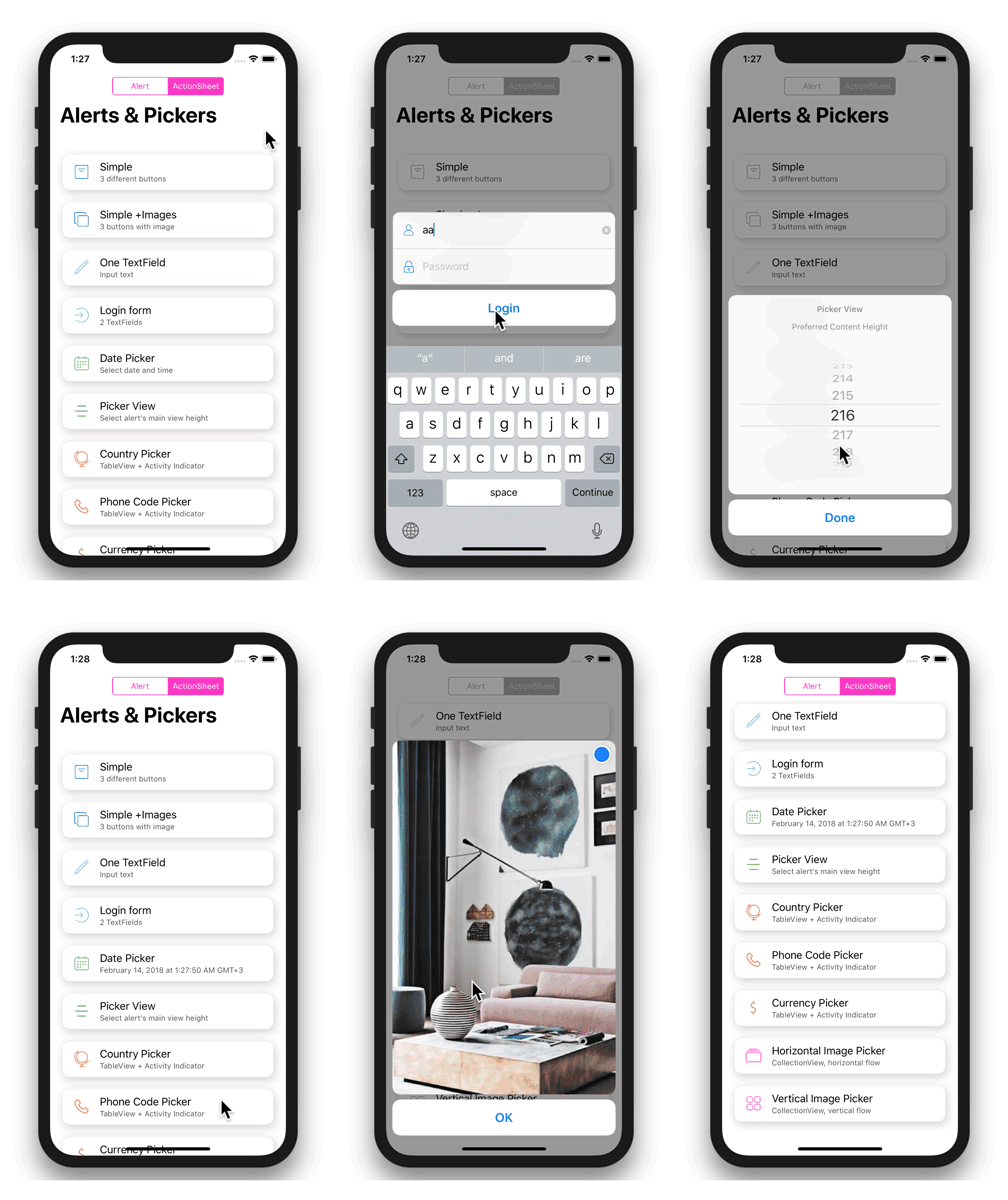
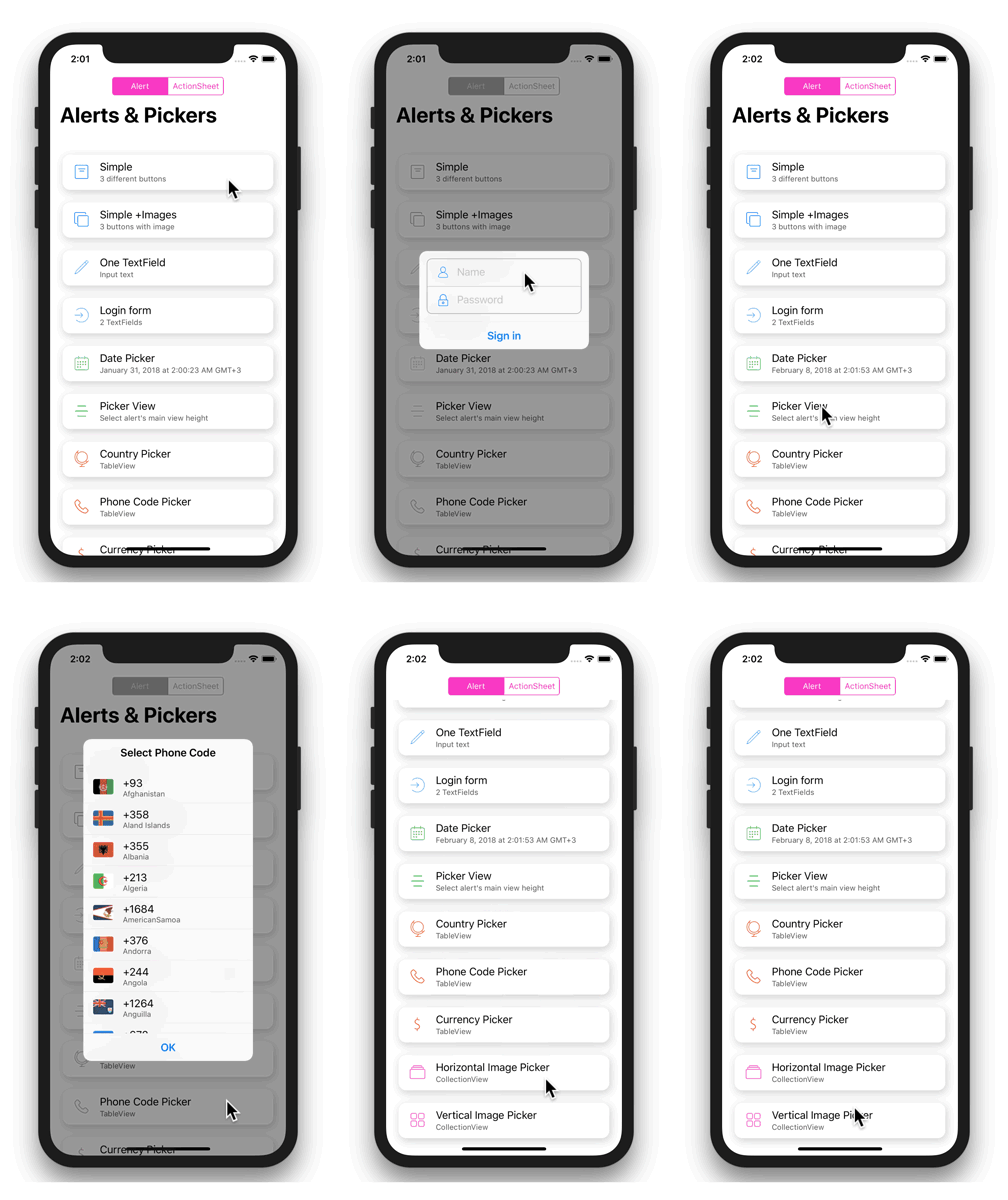
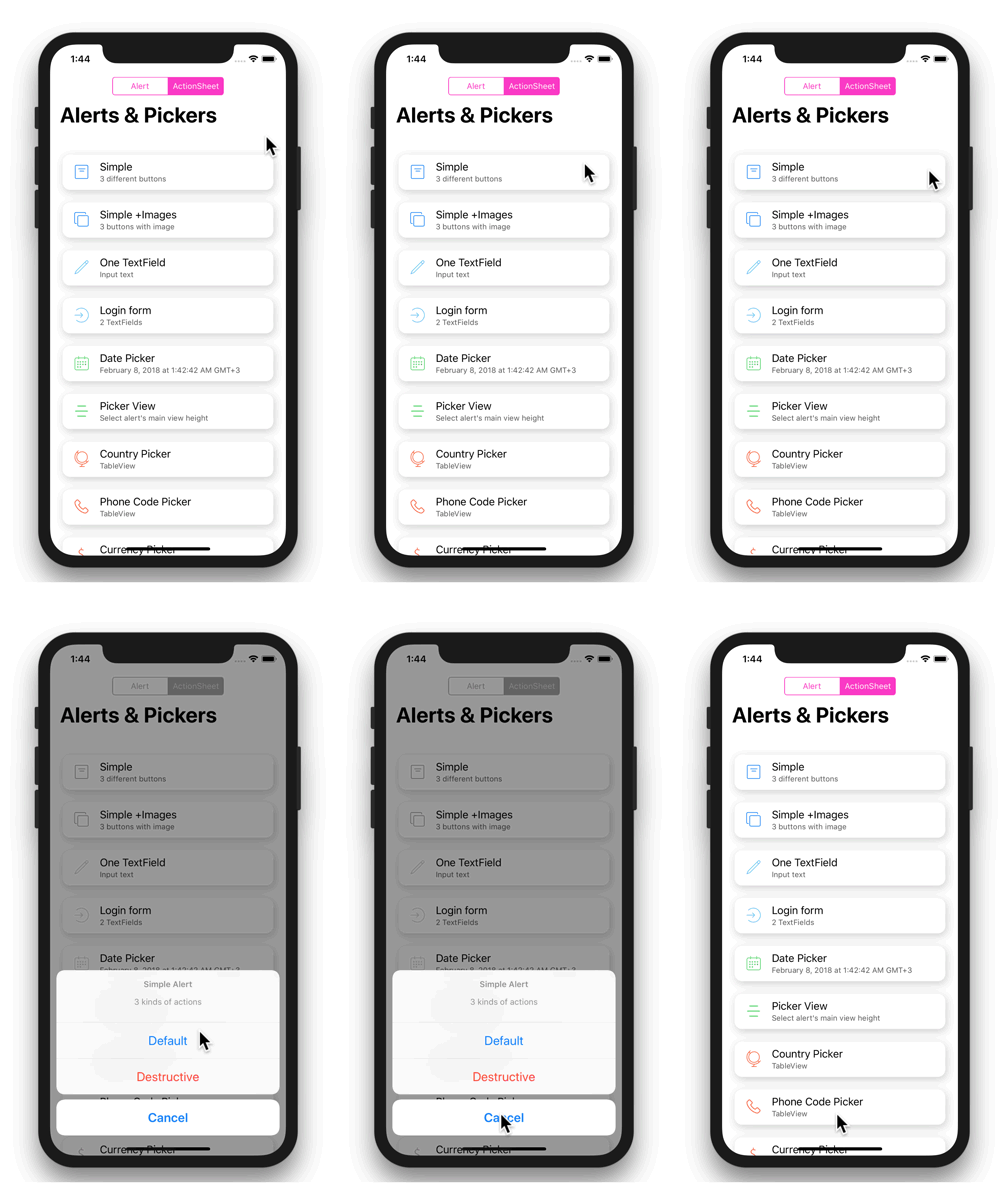
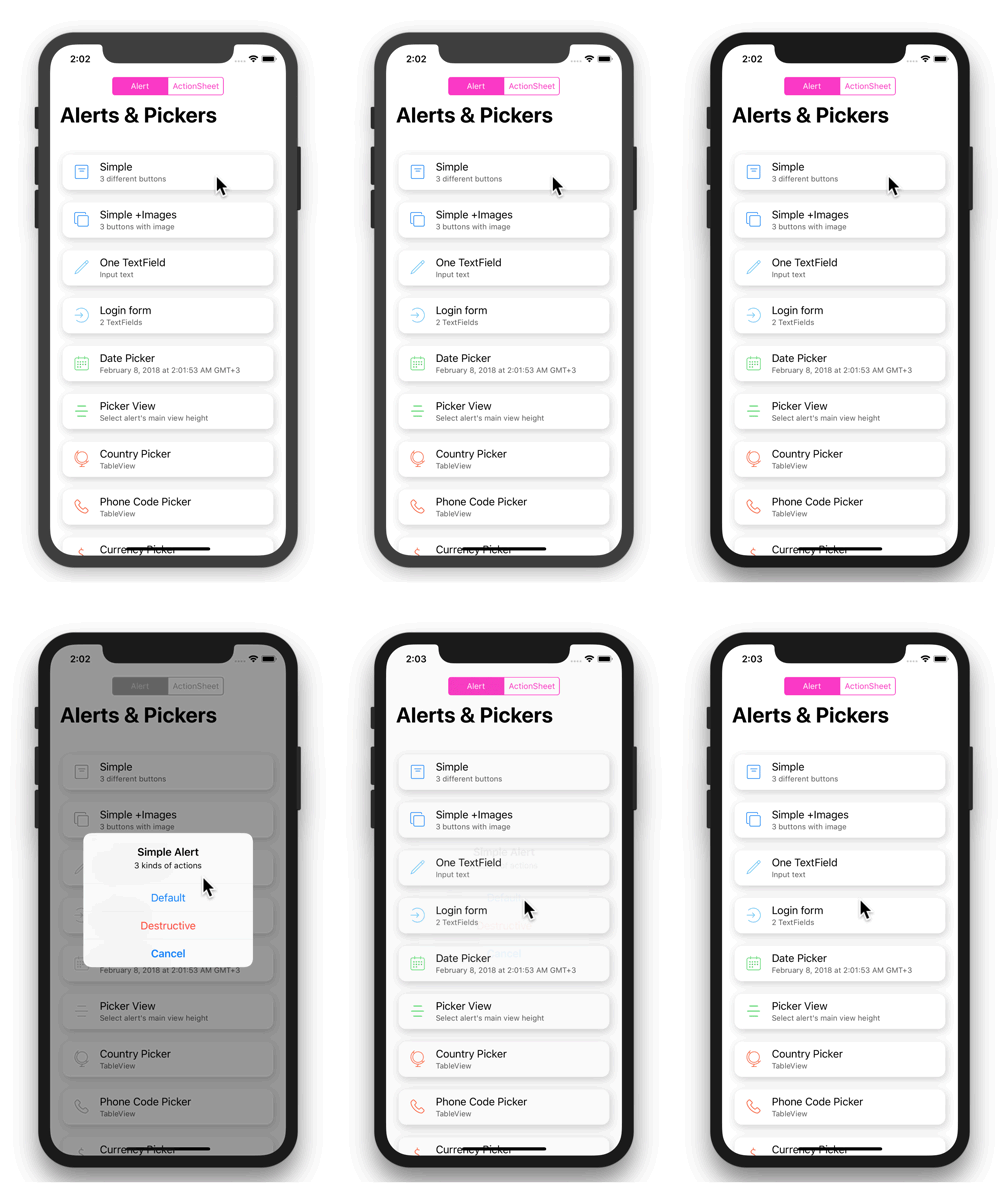
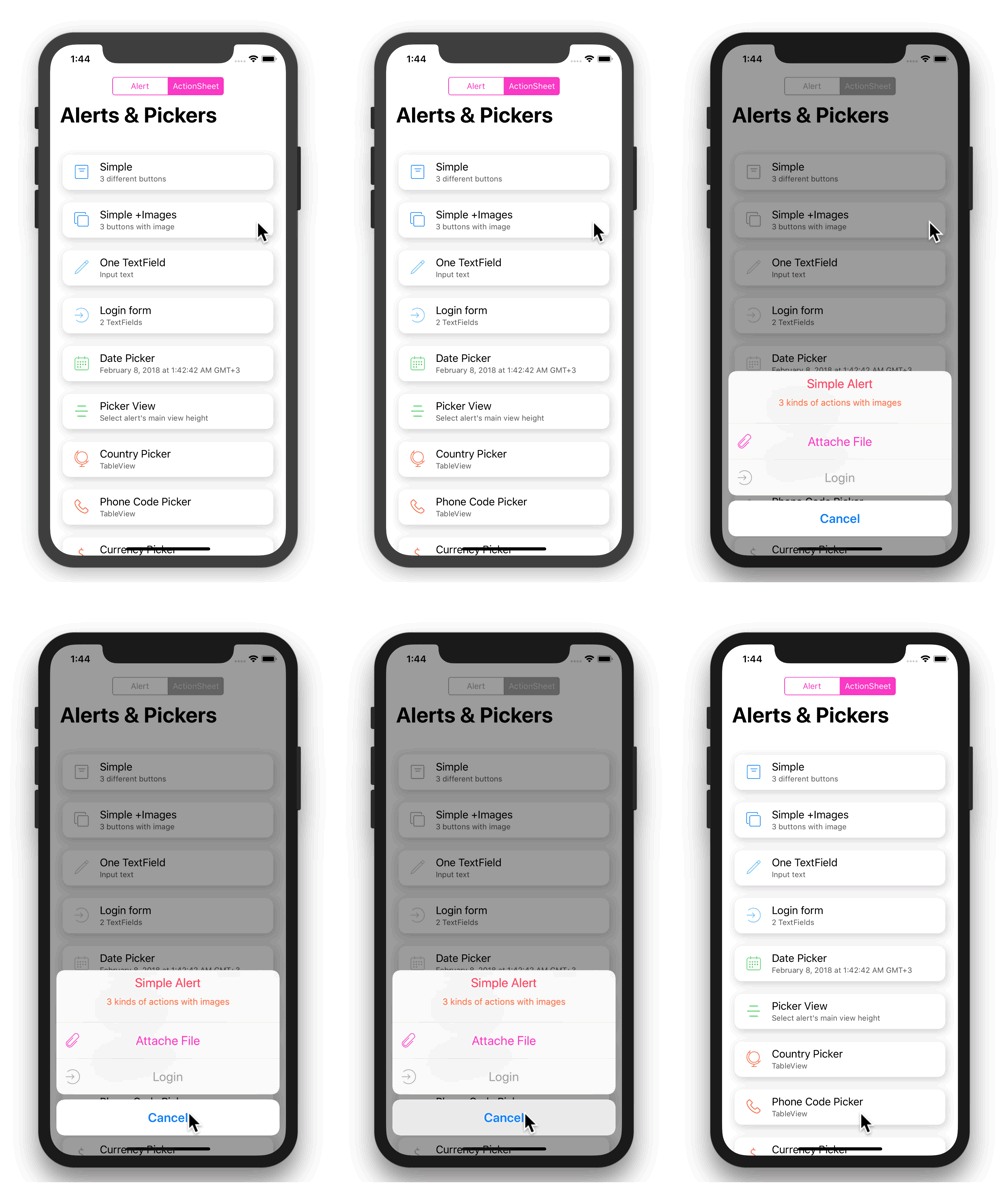
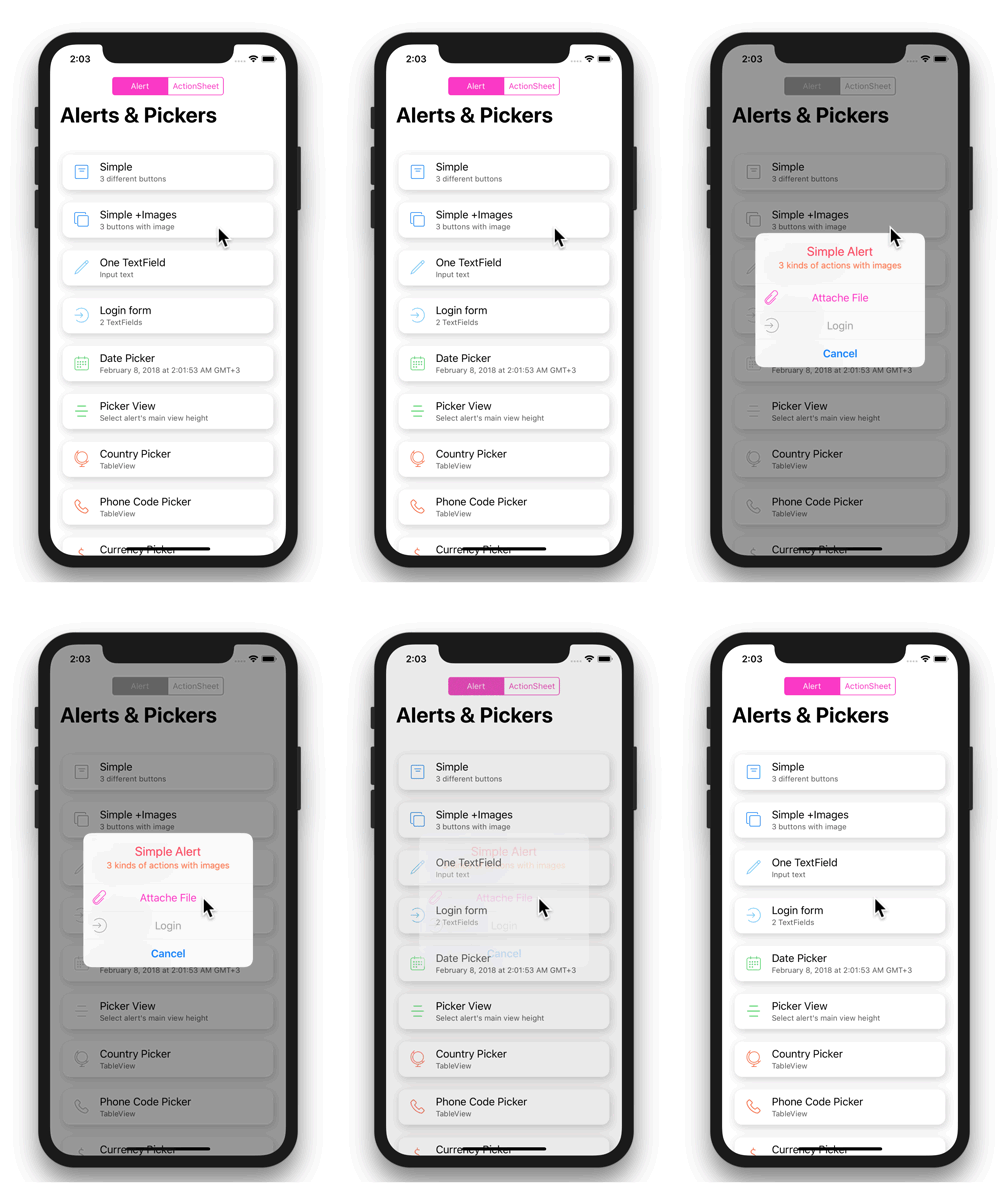
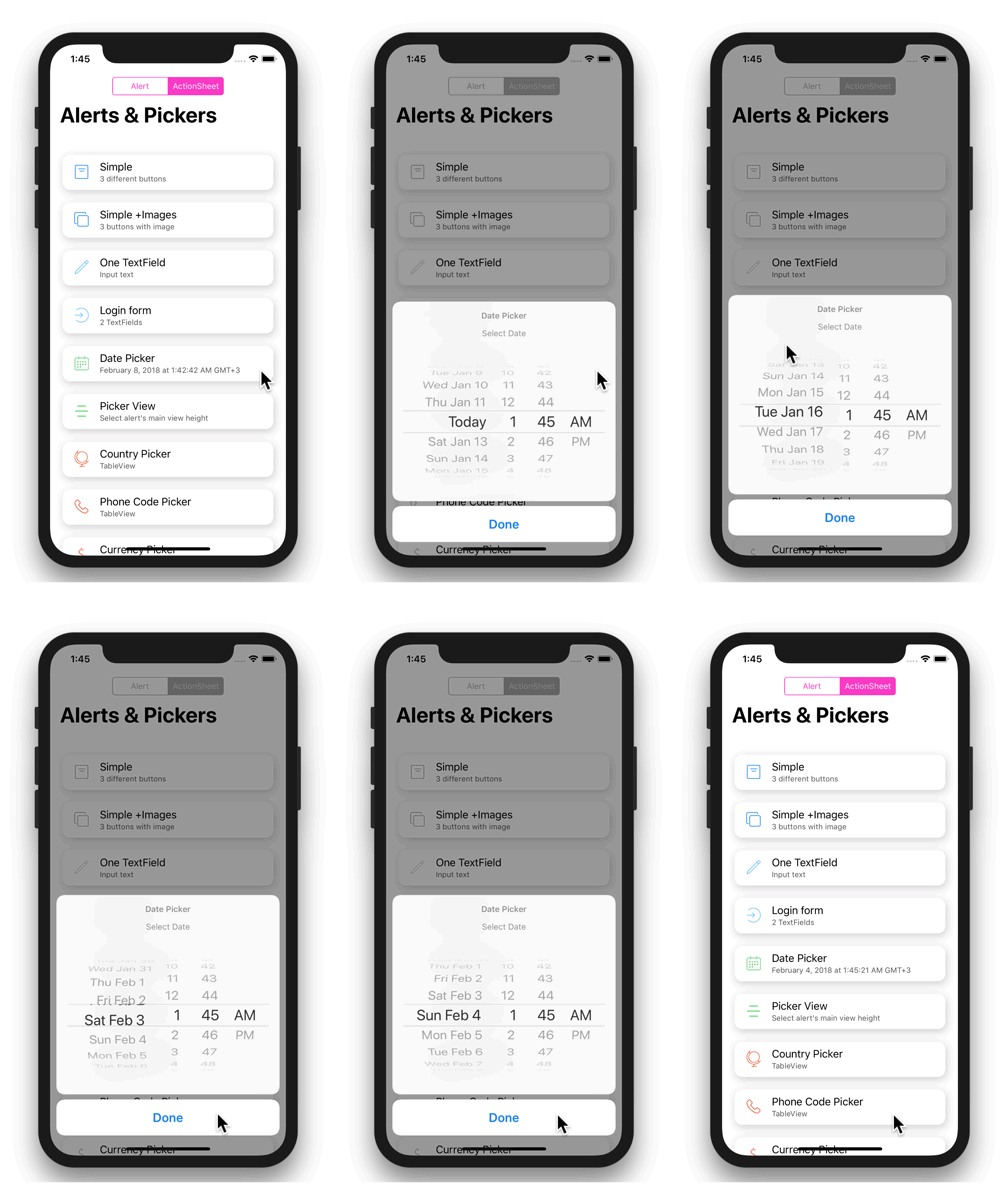
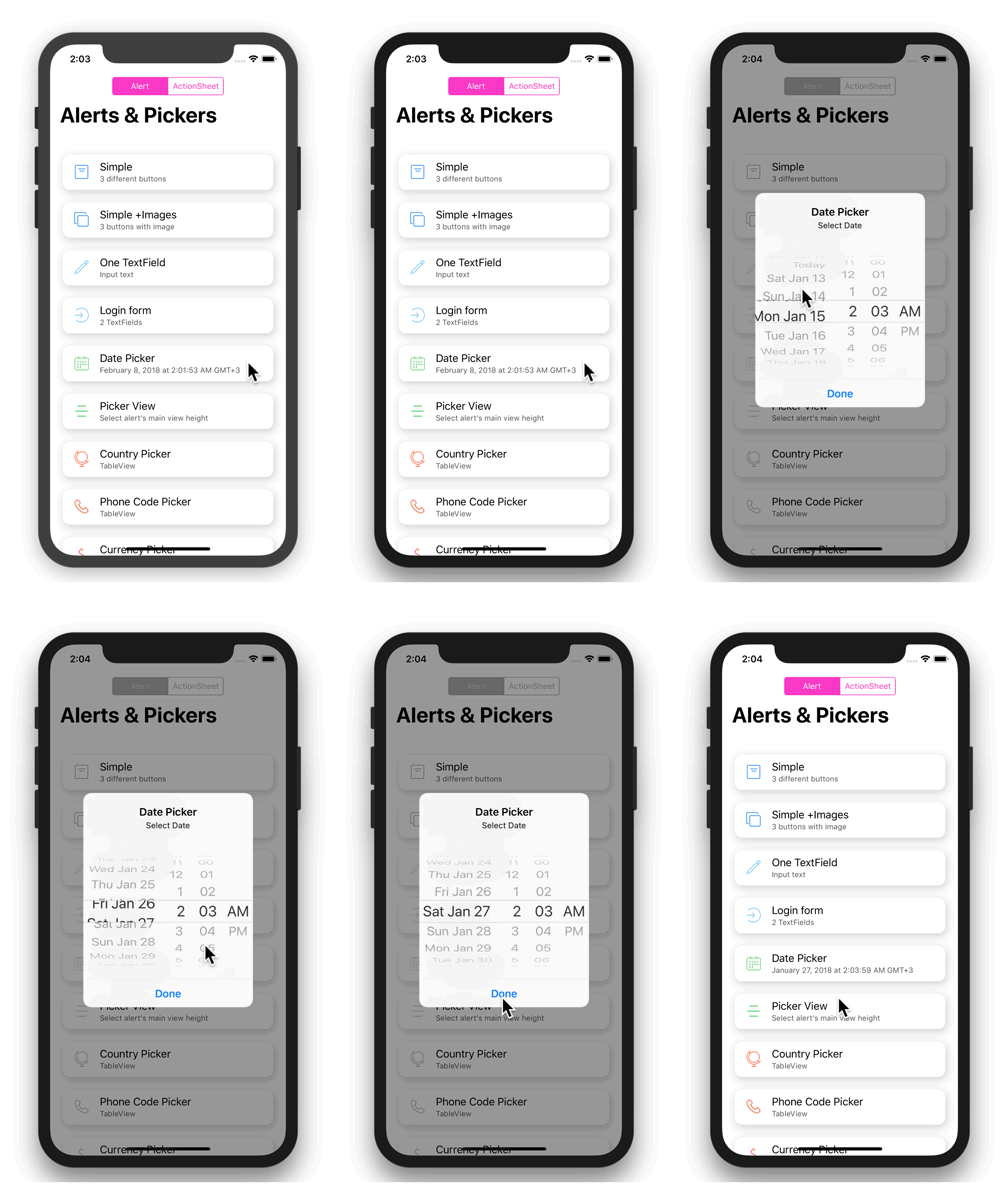
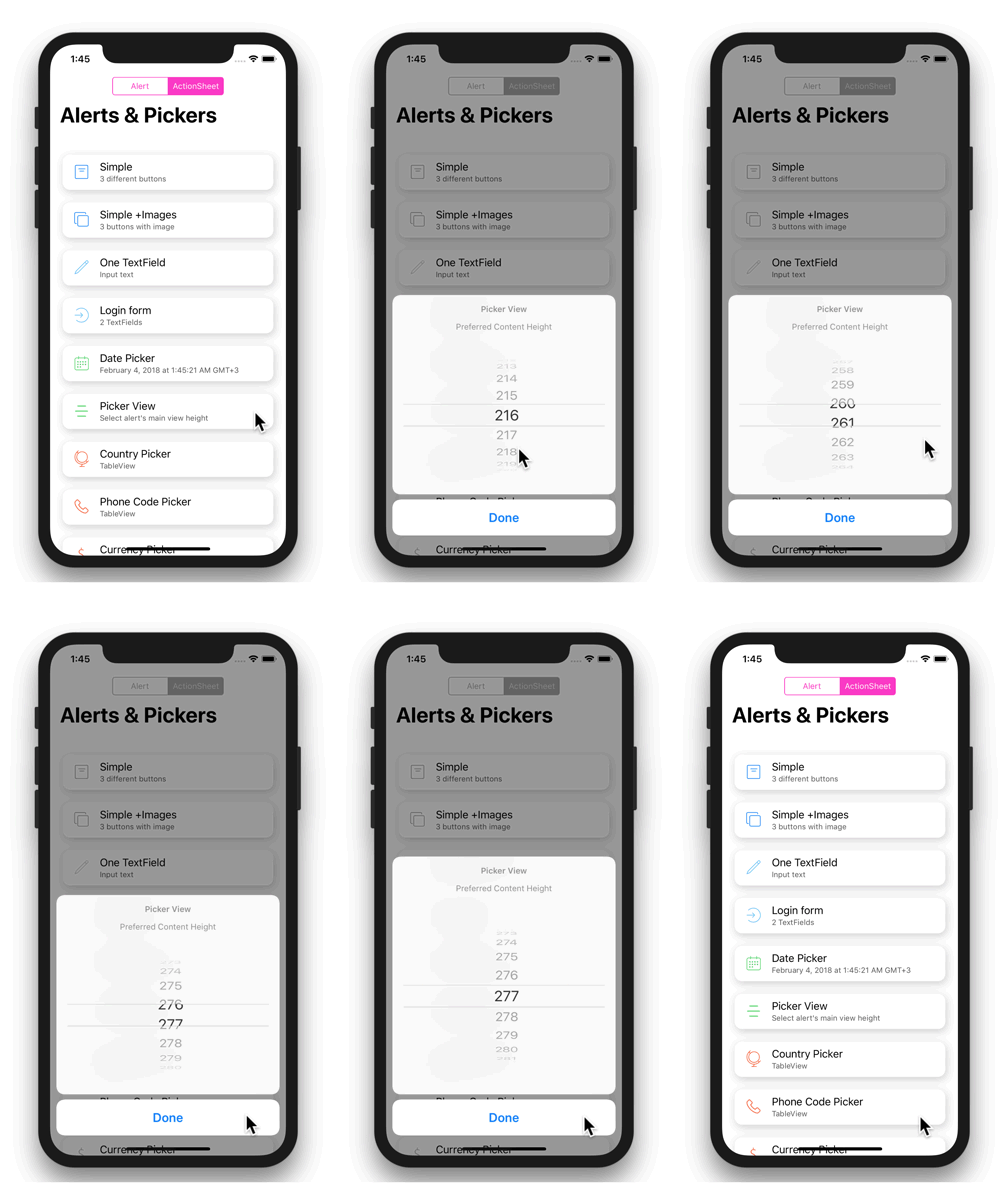
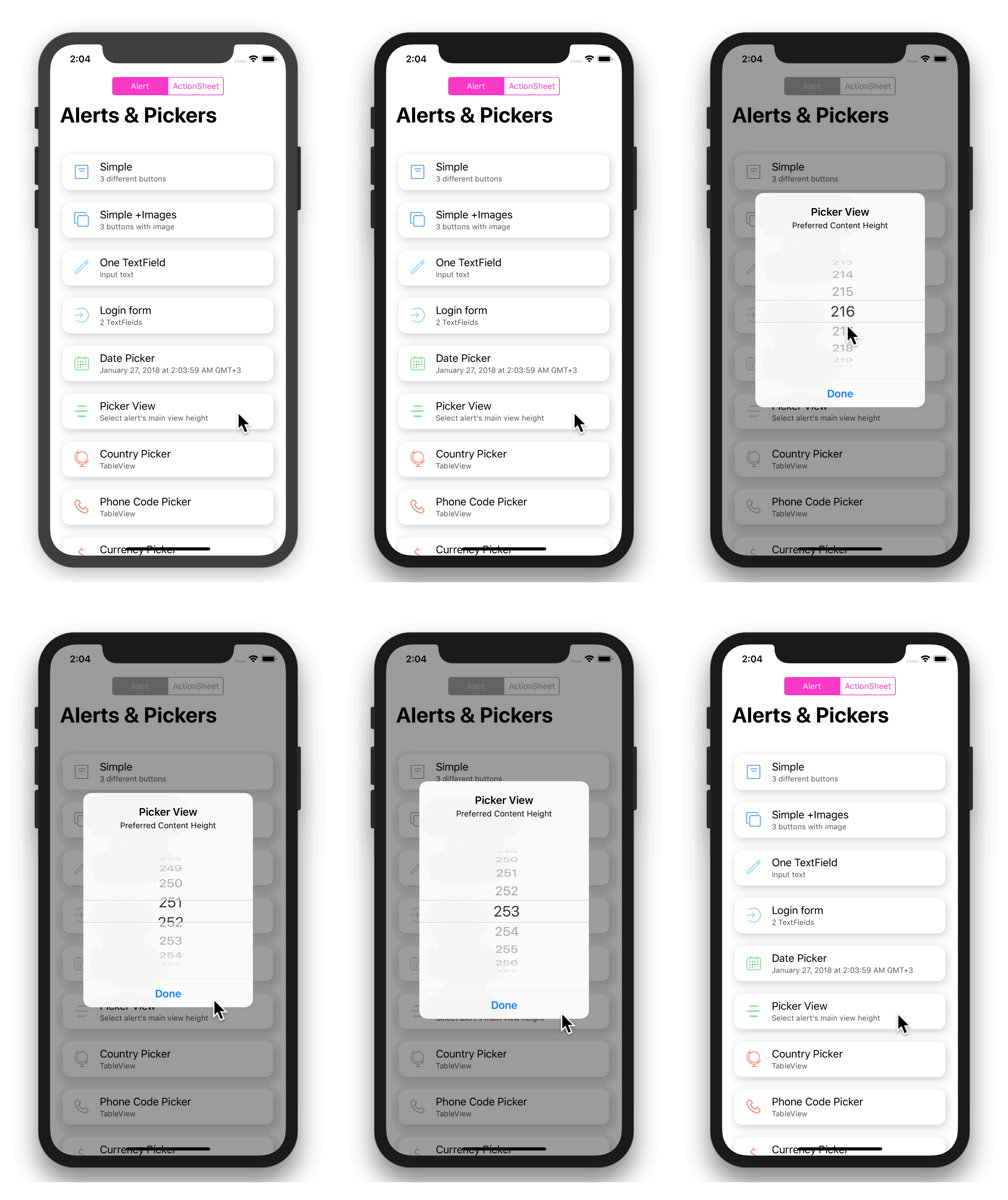
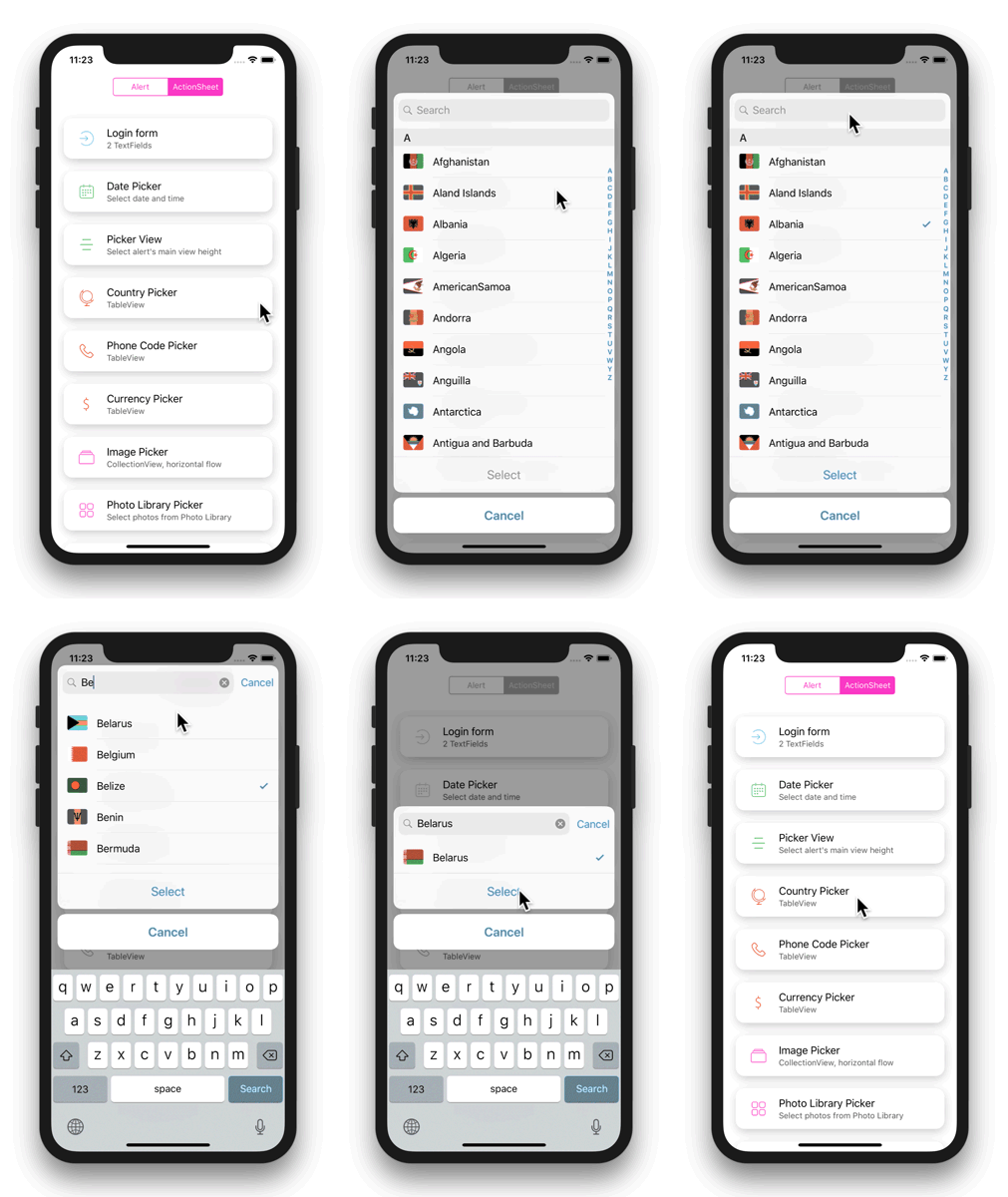
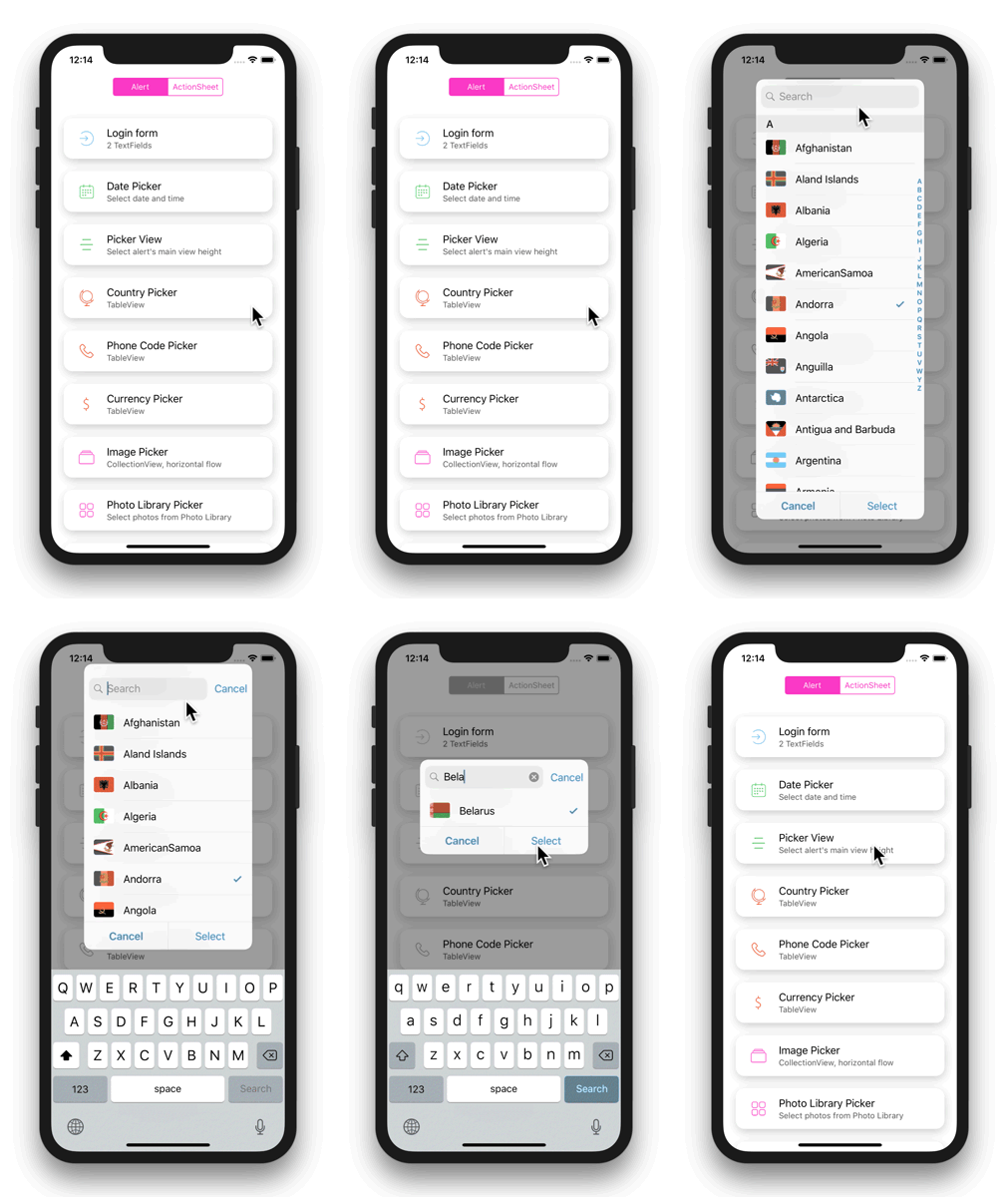
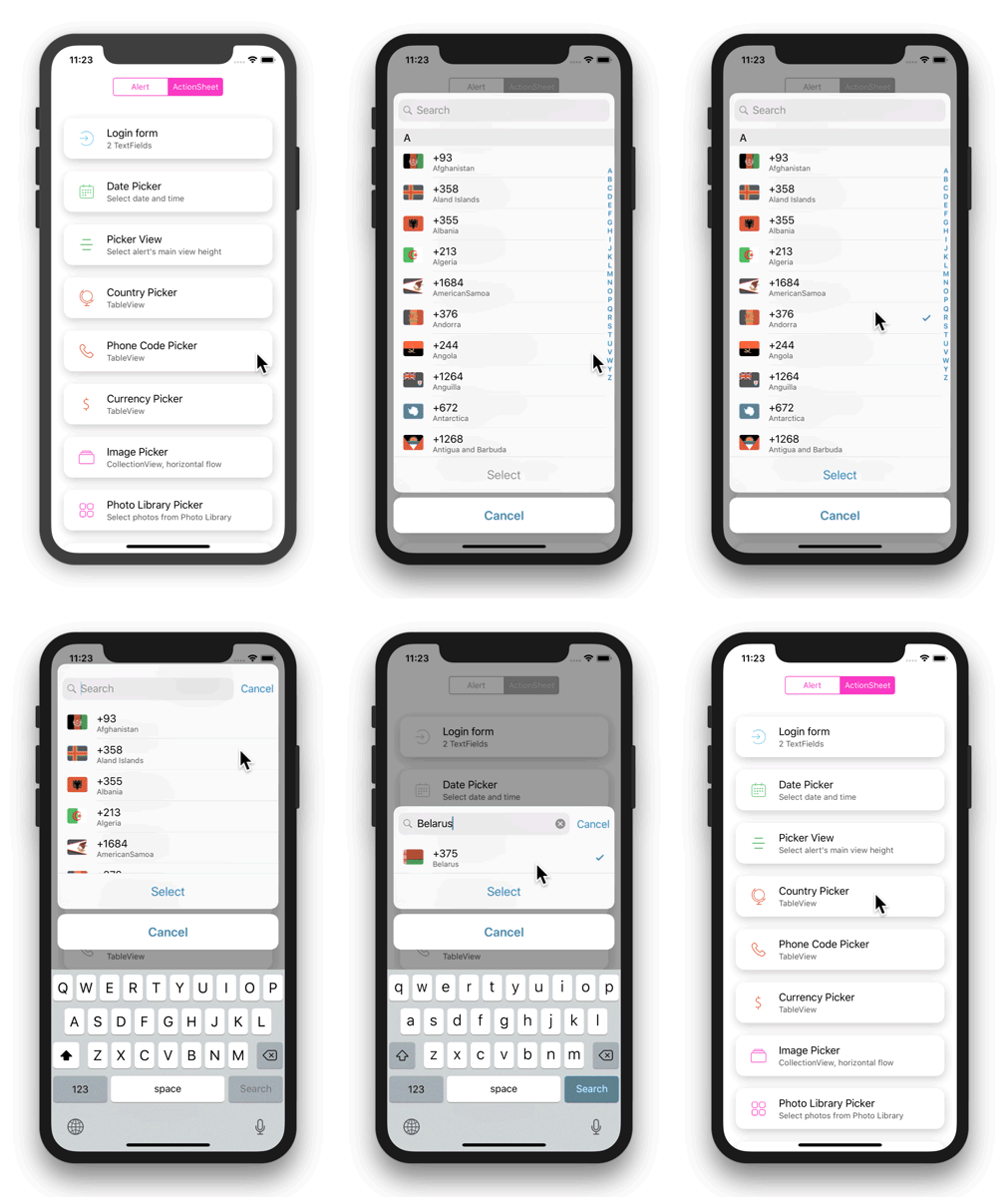
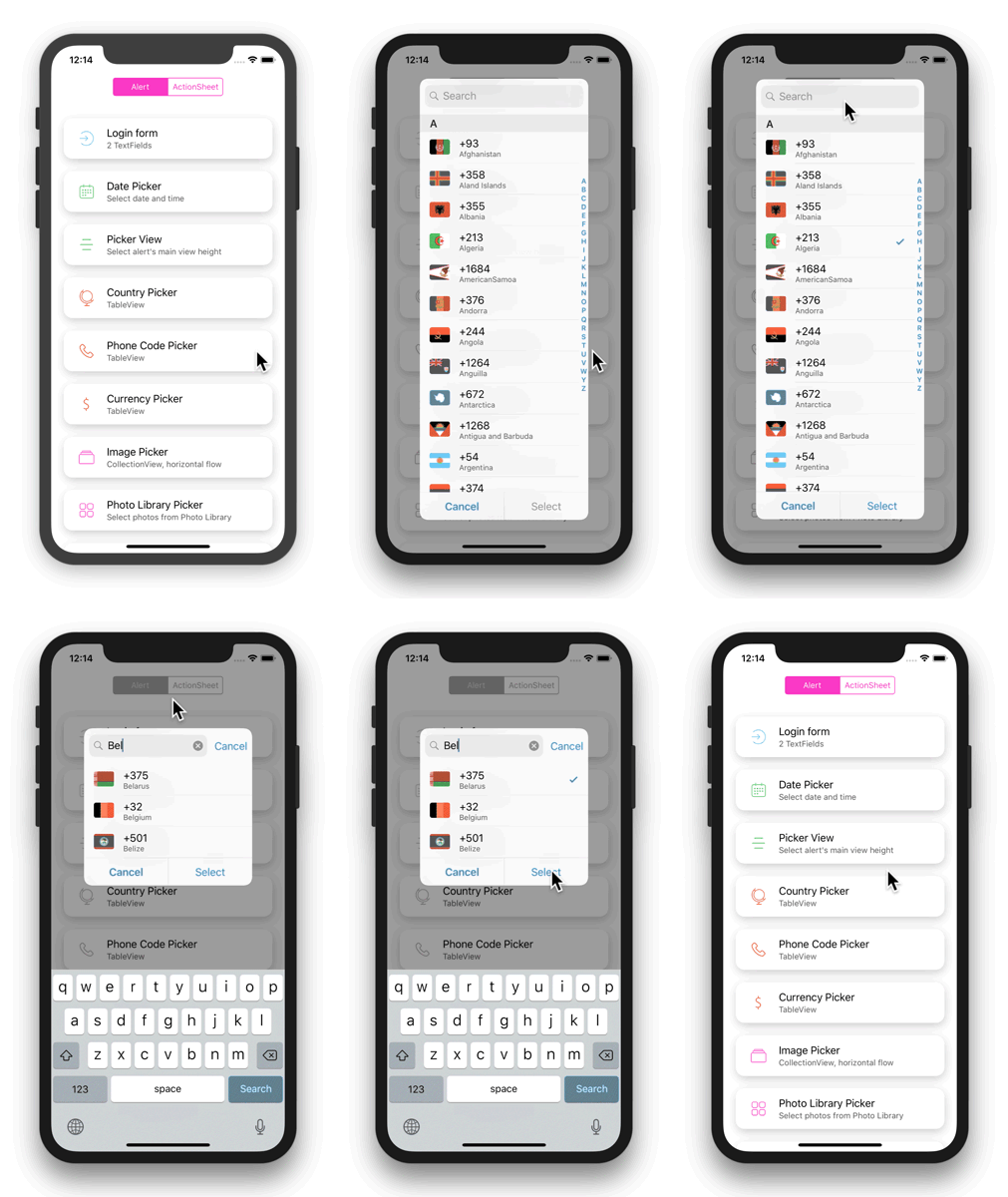
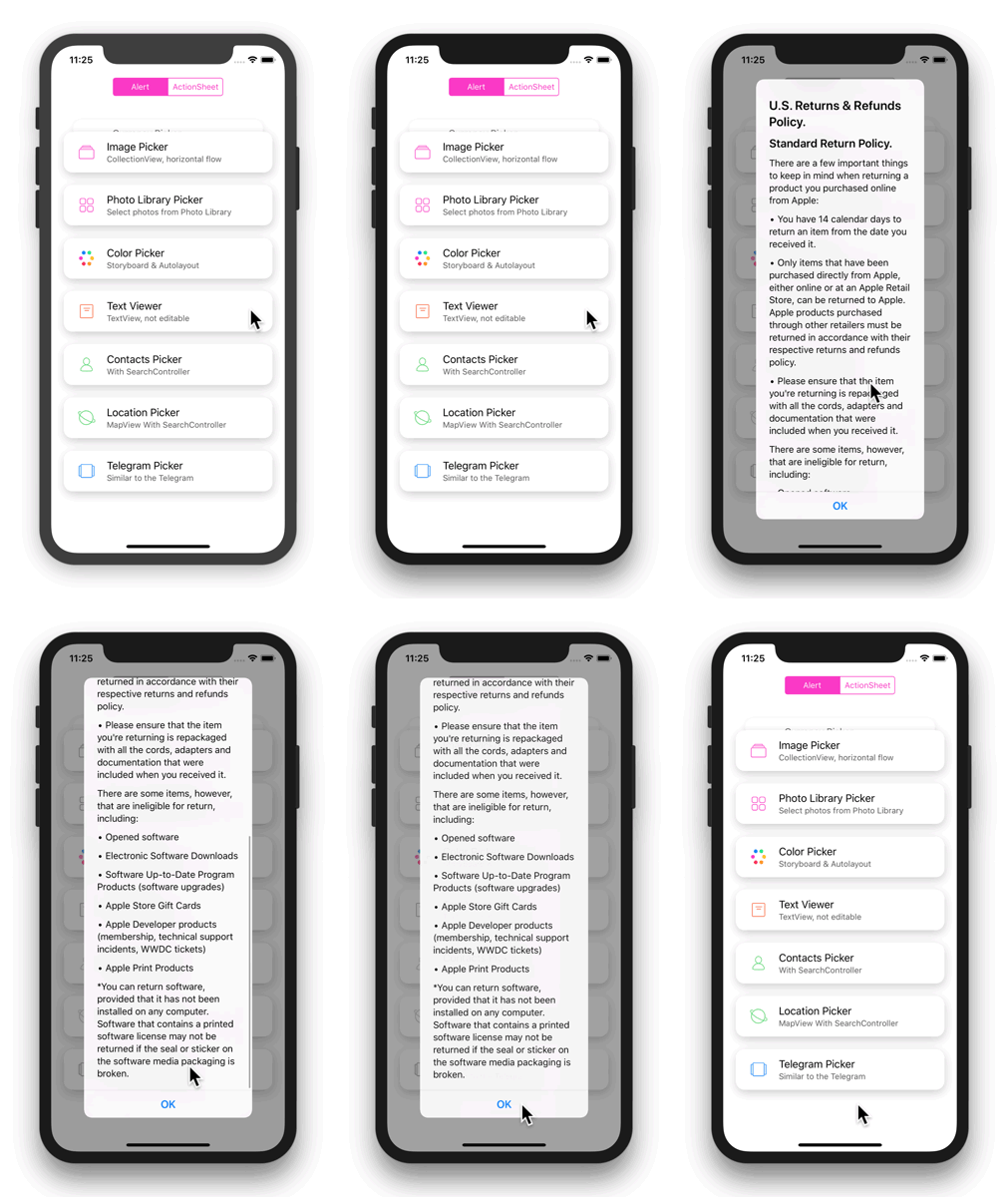
dillidon/alerts-and-pickers is a Mobile project on GitHub, written primarily in Swift. It has 5.8k stars. Advanced usage of UIAlertController and pickers based on it: Telegram, Contacts, Location, PhotoLibrary, Country, Phone Code, Currency, Date...
Snapshot summary built from the project's own GitHub metadata — there's no written TopGit review yet. The page will update automatically when a full review is published.
WHY NO REVIEW YET
TopGit writes full reviews for the most-starred, most-requested repositories. This page is a snapshot until then — see the READ ME tab for the original README in full.
// show alert
alert.show()

// or show alert with options
alert.show(animated: true, vibrate: true) {
    // completion handler
}
Set Content ViewController
When setting your own custom UIViewController into UIAlertController keep in mind to set prefferedContentSize.height of the controller otherwise it will no effect. You can not set prefferedContentSize.width.
let alert = UIAlertController(style: .alert, title: "Title")
let vc = CustomViewController()
vc.preferredContentSize.height = height
alert.setValue(vc, forKey: "contentViewController")
alert.show()

// or
let alert = UIAlertController(style: .alert, title: "Title")
let vc = CustomViewController()
alert.set(vc: vc, height: height)
alert.show()
Pickers
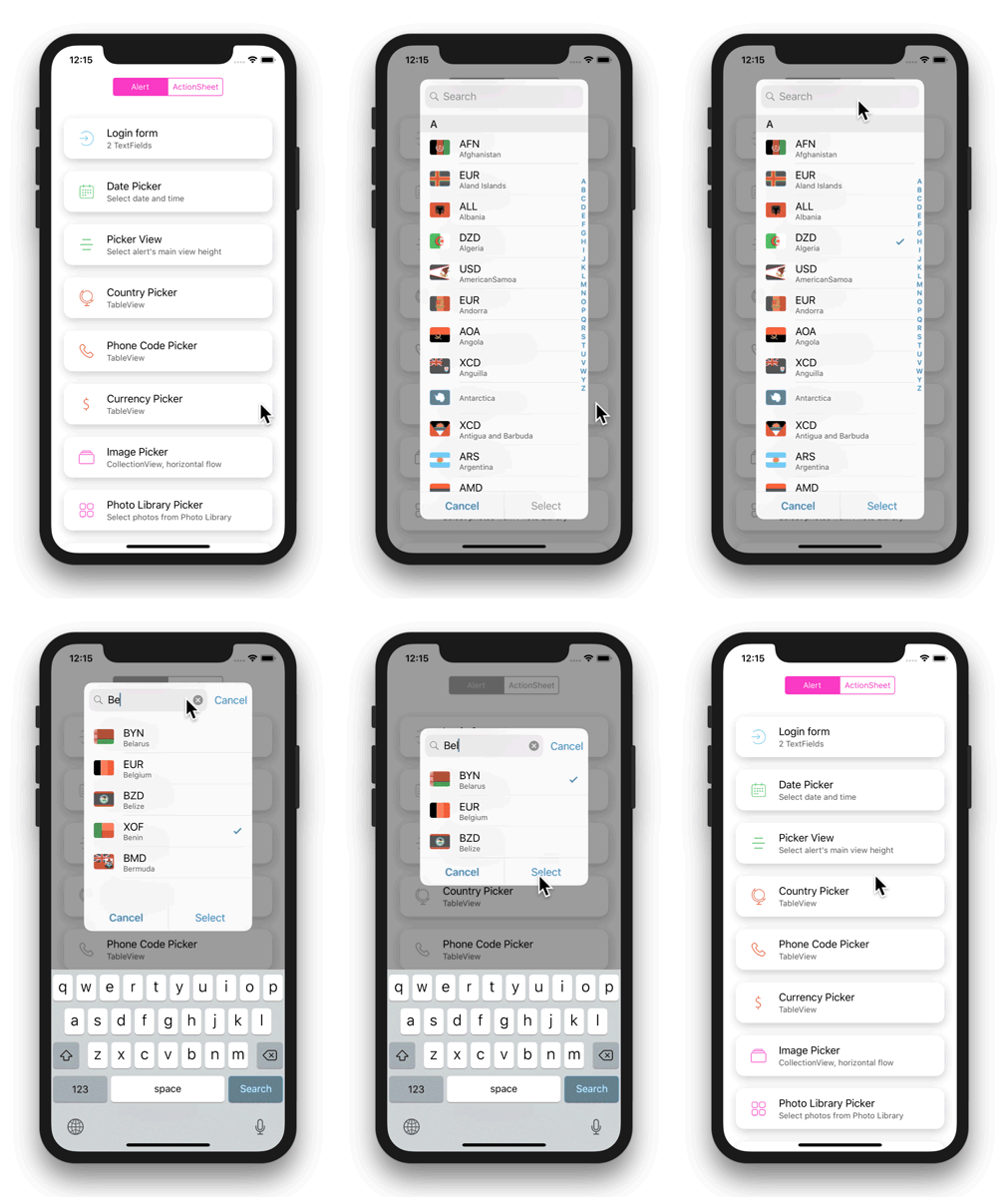
For UX better to use .actionSheet style in UIAlertController when set picker into contentViewController. If you like you can use .alert style as well, buy .actionSheet style is wider and User can see more as well as action button is placing at bottom that also more convenience for User to touch it.
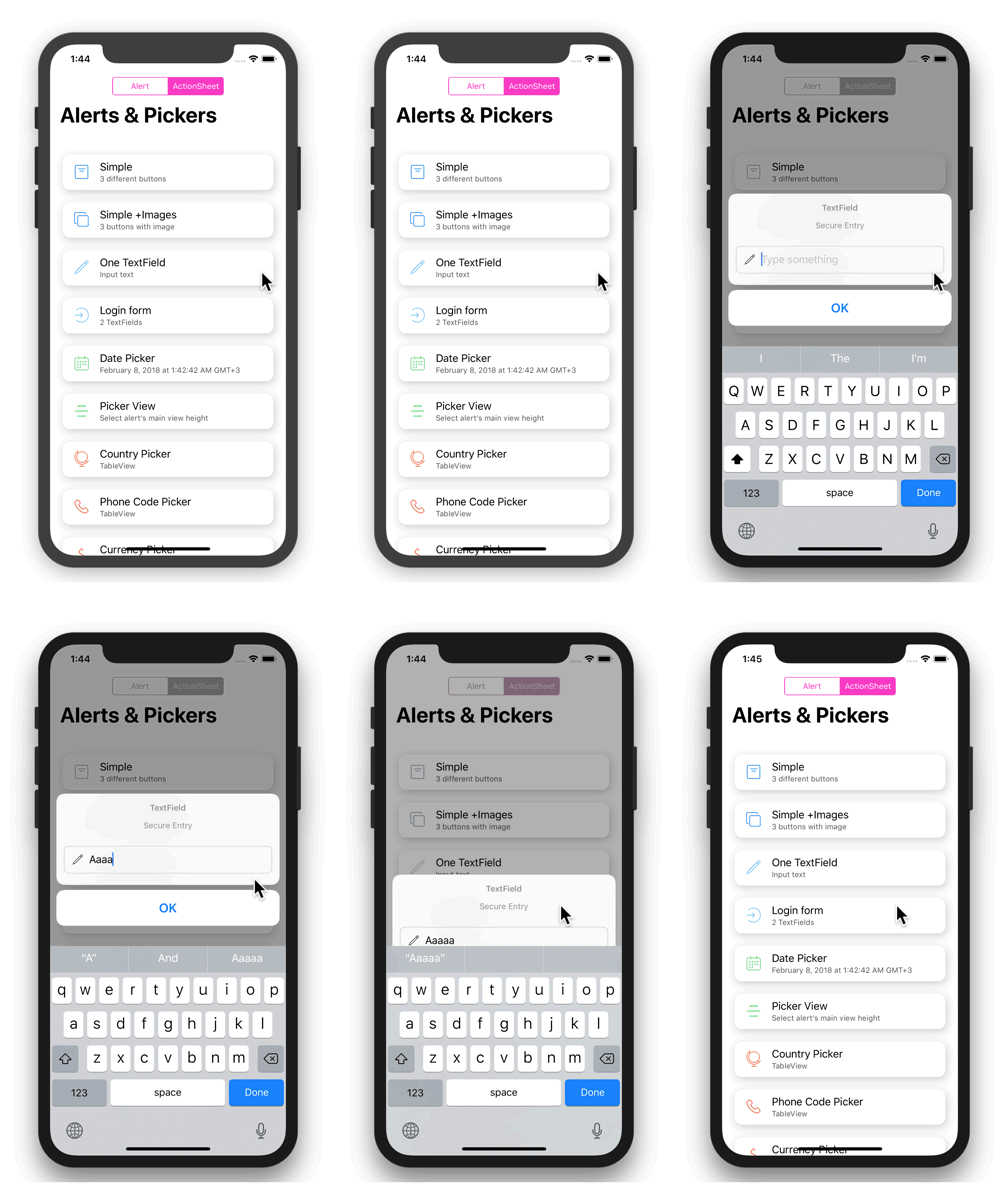
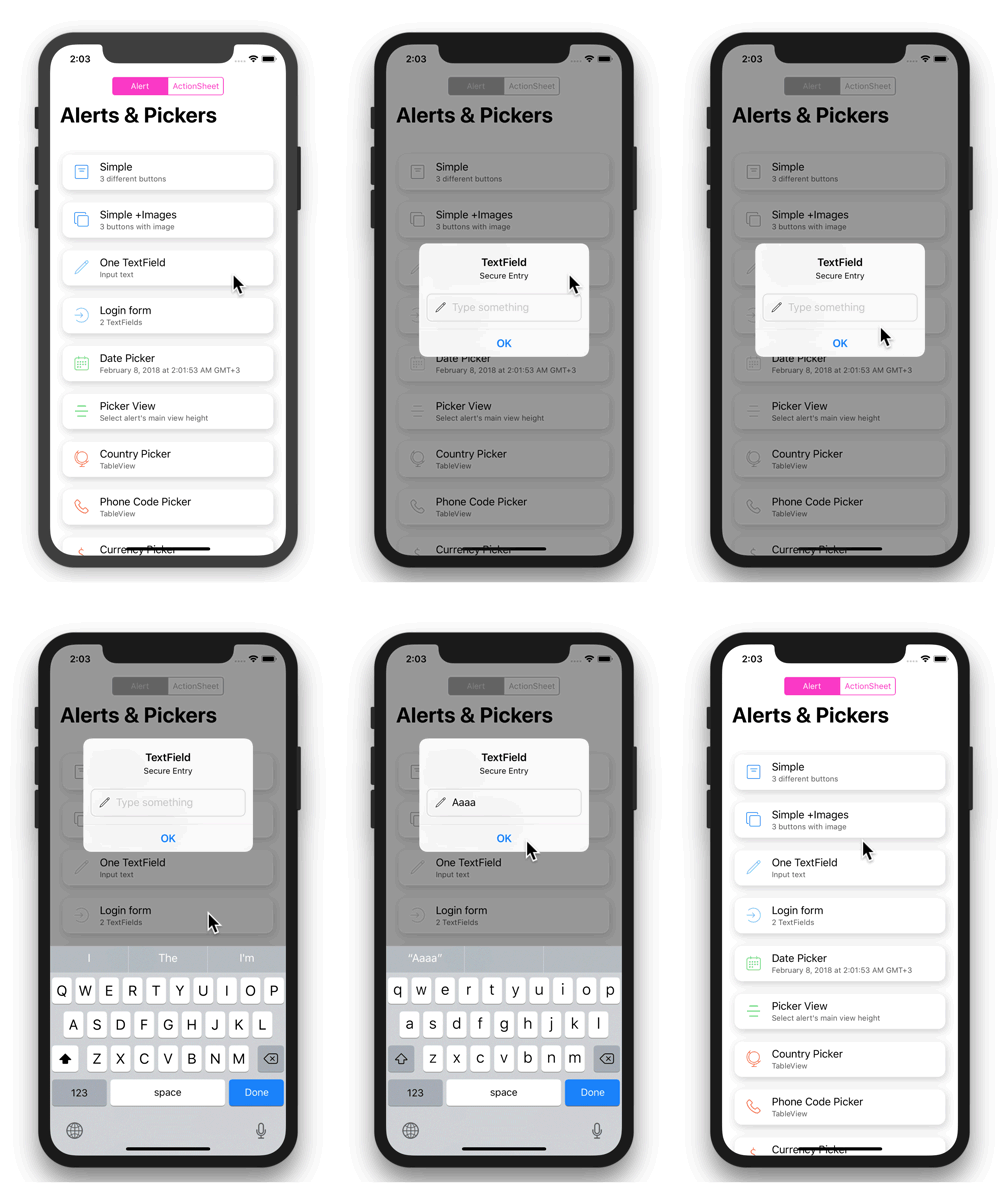
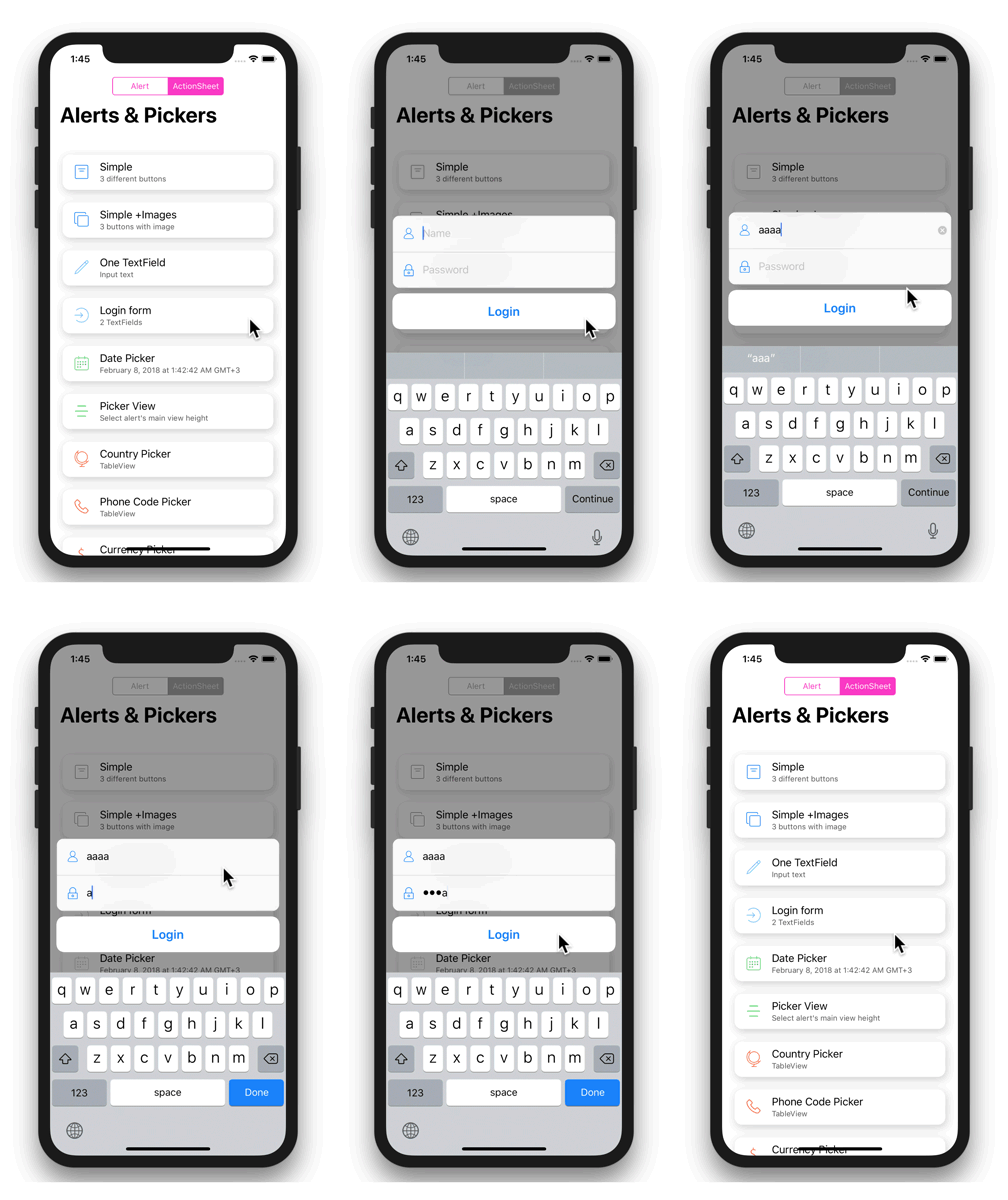
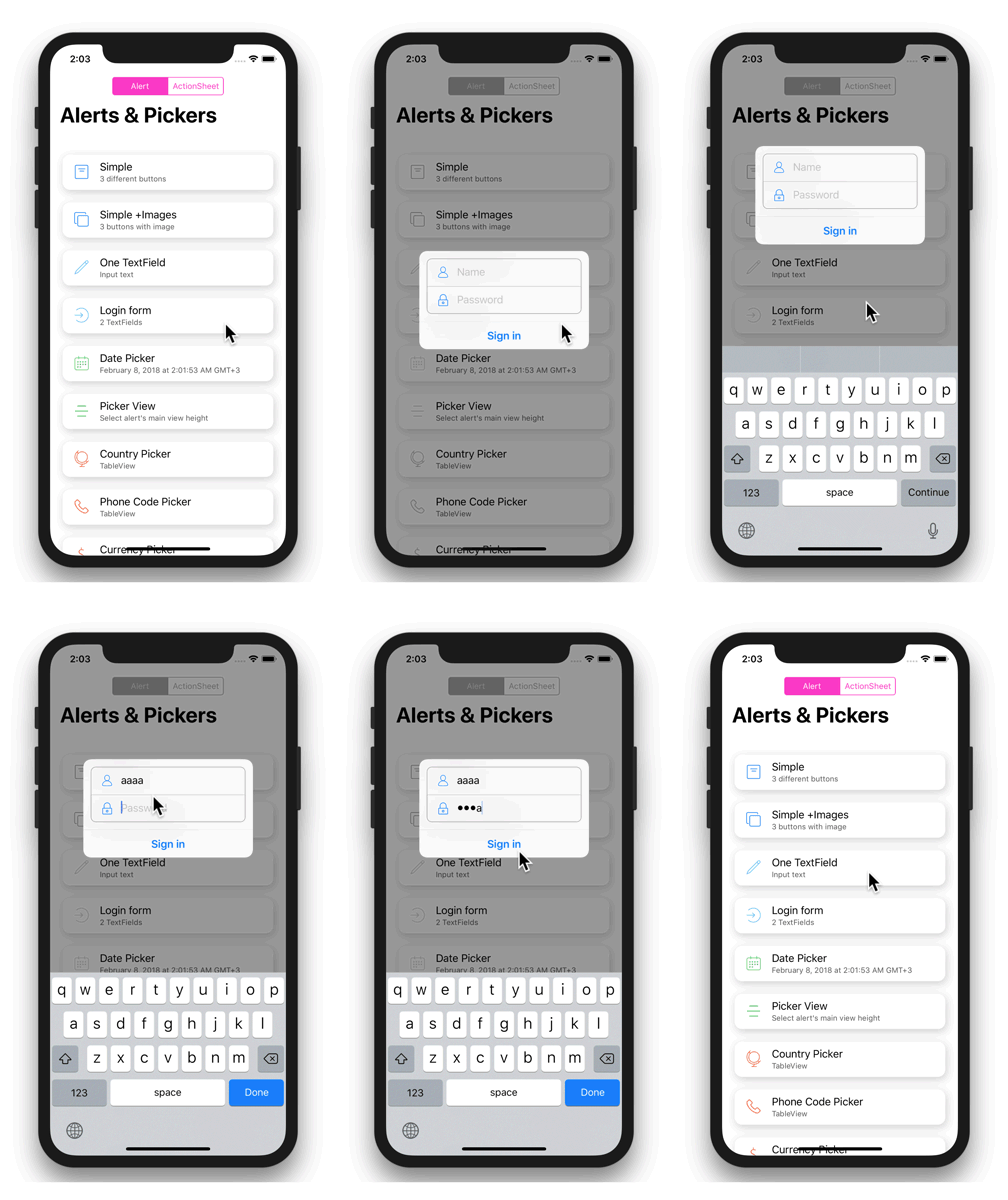
UITextField
In native UIAlertController you can only add UITextField to .alert style with default style and you can not change such properties as .borderColor, .borderWidth, .frame.size and so on. But if you make your own UIViewController with UITextField, it will solve all these problems.
One TextField Picker
You can use both styles .alert and .actionSheet of UIAlertController.
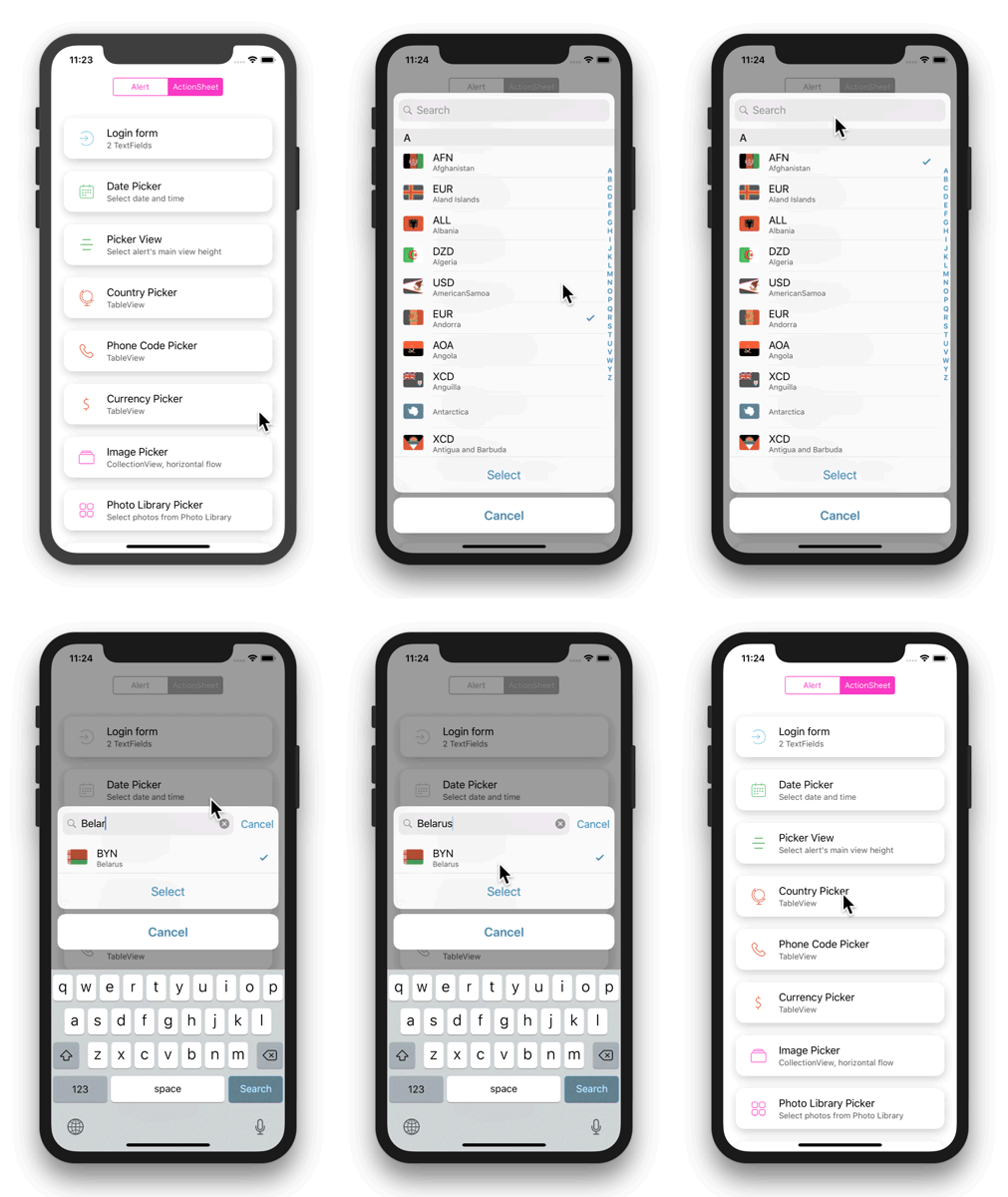
let alert = UIAlertController(style: .actionSheet, message: "Select Country")
alert.addLocalePicker(type: .country) { info in
    // action with selected object
}
alert.addAction(title: "OK", style: .cancel)
alert.show()
Phone Code Picker
let alert = UIAlertController(style: .actionSheet, title: "Phone Codes")
alert.addLocalePicker(type: .phoneCode) { info in
    // action with selected object
}
alert.addAction(title: "OK", style: .cancel)
alert.show()
Currency Picker
let alert = UIAlertController(style: .actionSheet, title: "Currencies")
alert.addLocalePicker(type: .currency) { info in
    alert.title = info?.currencyCode
    alert.message = "is selected"
    // action with selected object
}
alert.addAction(title: "OK", style: .cancel)
alert.show()
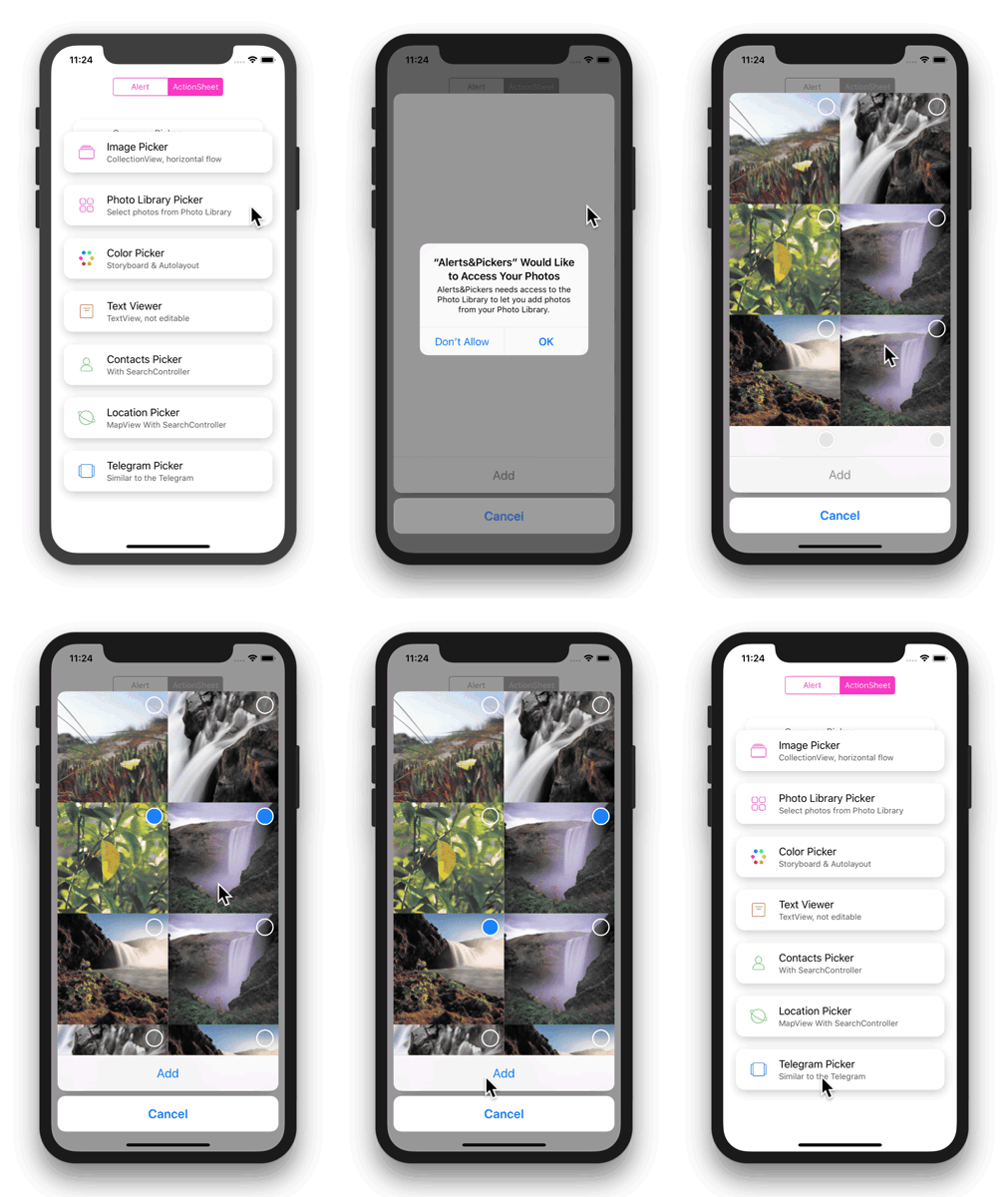
Image Picker
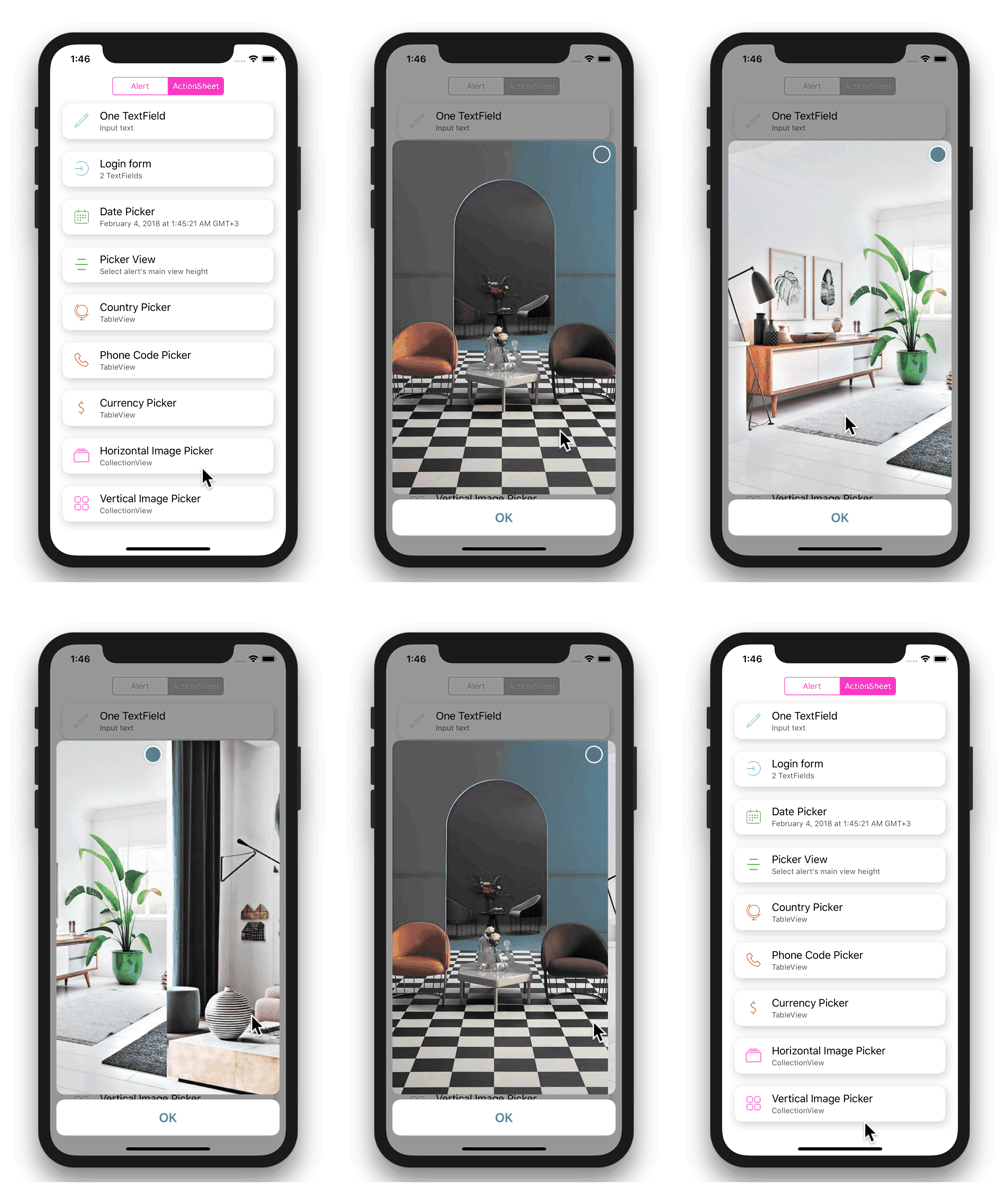
Horizontal Image Picker with paging and single selection:
let alert = UIAlertController(style: .actionSheet)
let photos: [UIImage] = images
alert.addImagePicker(
    flow: .horizontal,
    paging: true,
    images: photos,
    selection: .single(action: { [unowned self] image in
        // action with selected image
    }))
alert.addAction(title: "OK", style: .cancel)
alert.show()
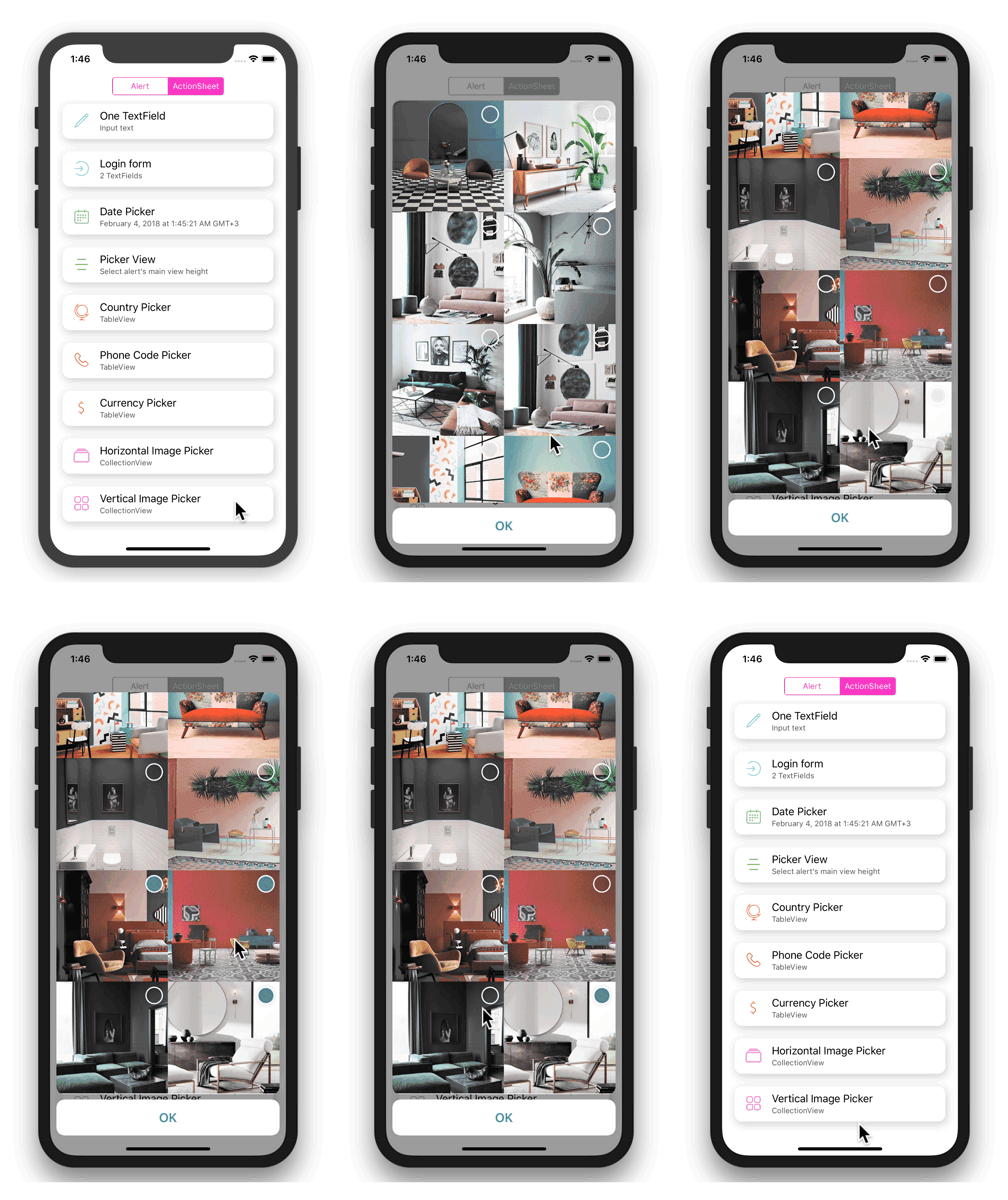
Vertical Image Picker w/o paging and with multiple selection:
let alert = UIAlertController(style: .actionSheet)
let photos: [UIImage] = images
alert.addImagePicker(
    flow: .vertical,
    paging: false,
    height: UIScreen.main.bounds.height,
    images: photos,
    selection: .multiple(action: { [unowned self] images in
        // action with selected images
    }))
alert.addAction(title: "OK", style: .cancel)
alert.show()
PhotoLibrary Picker
let alert = UIAlertController(style: .actionSheet)
alert.addPhotoLibraryPicker(
    flow: .horizontal,
    paging: true,
    selection: .single(action: { image in
        // action with selected image
    }))
alert.addAction(title: "Cancel", style: .cancel)
alert.show()
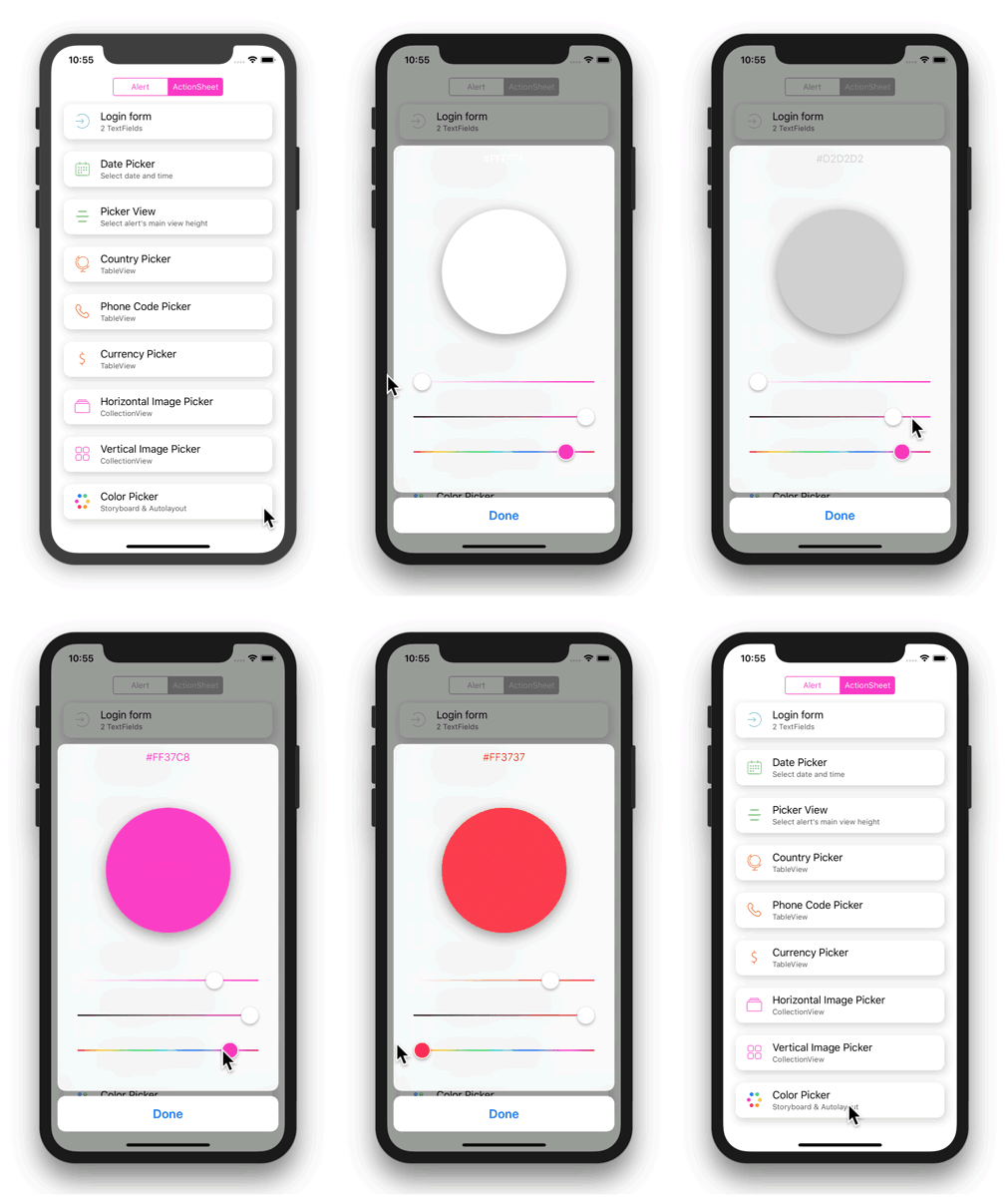
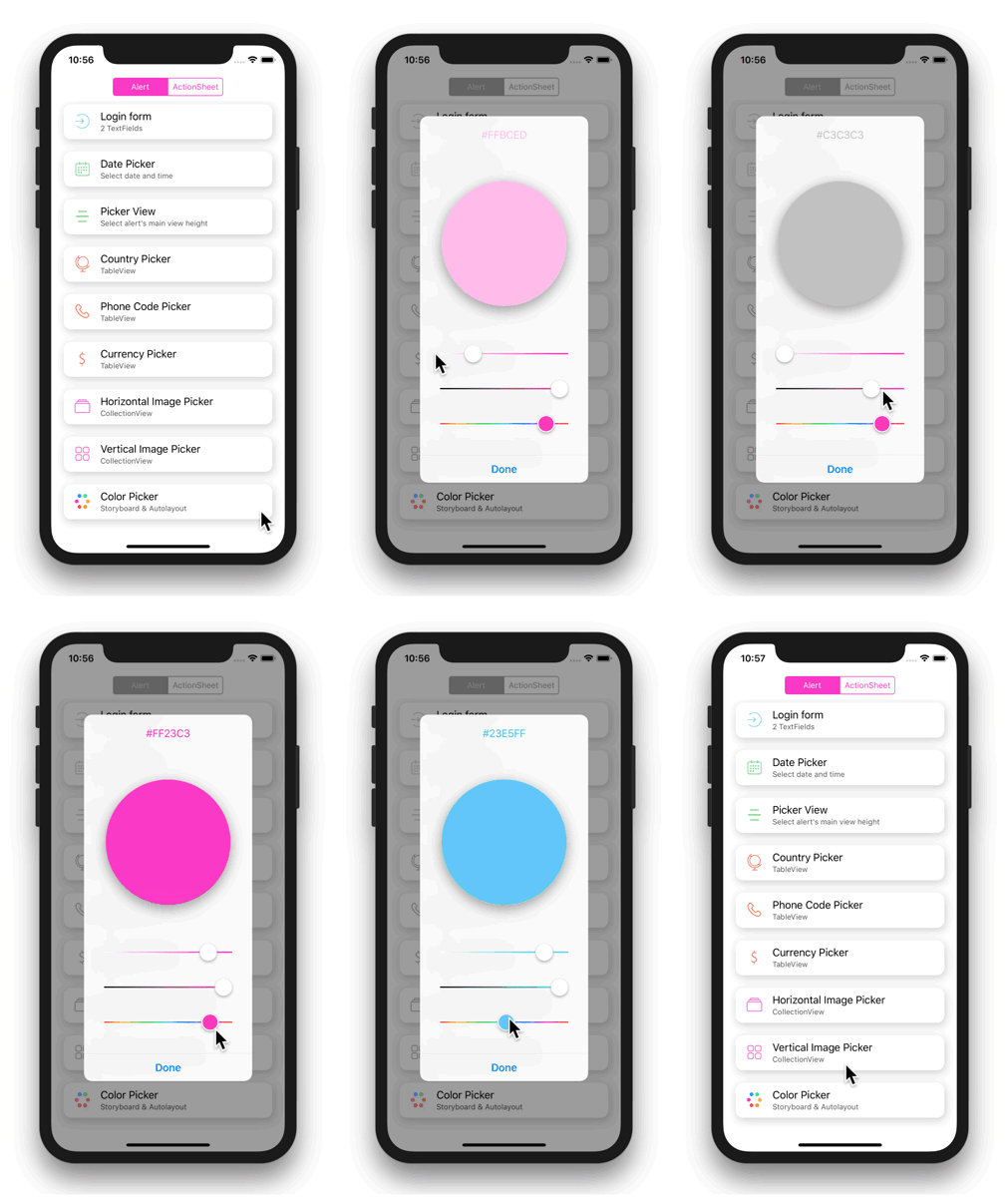
ColorPicker
Example how to use UIViewController instantiated from Storyboard with Autolayout as contentViewController in the UIAlertController.
let alert = UIAlertController(style: .actionSheet)
alert.addColorPicker(color: color) { color in
    // action with selected color
}
alert.addAction(title: "Done", style: .cancel)
alert.show()
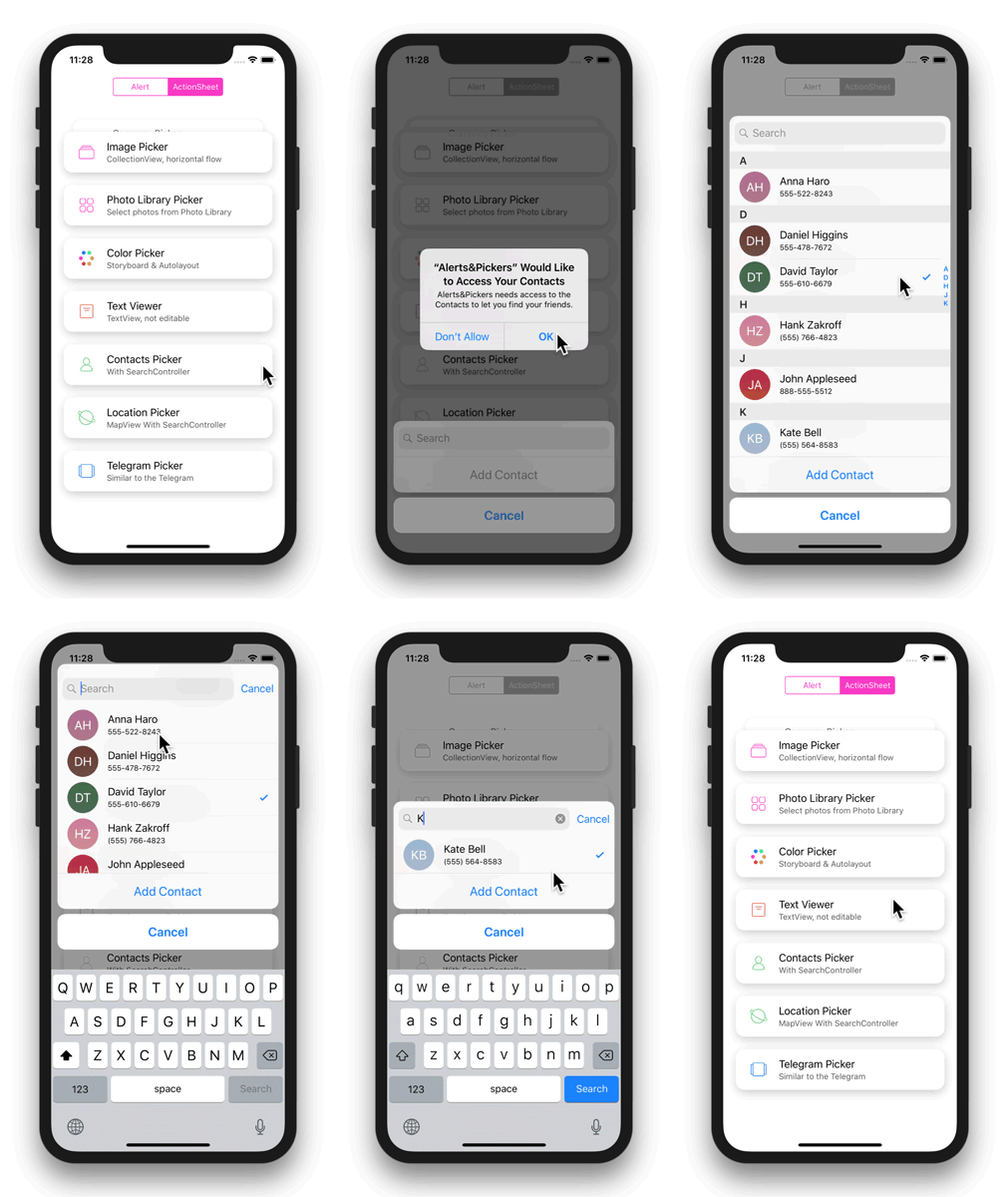
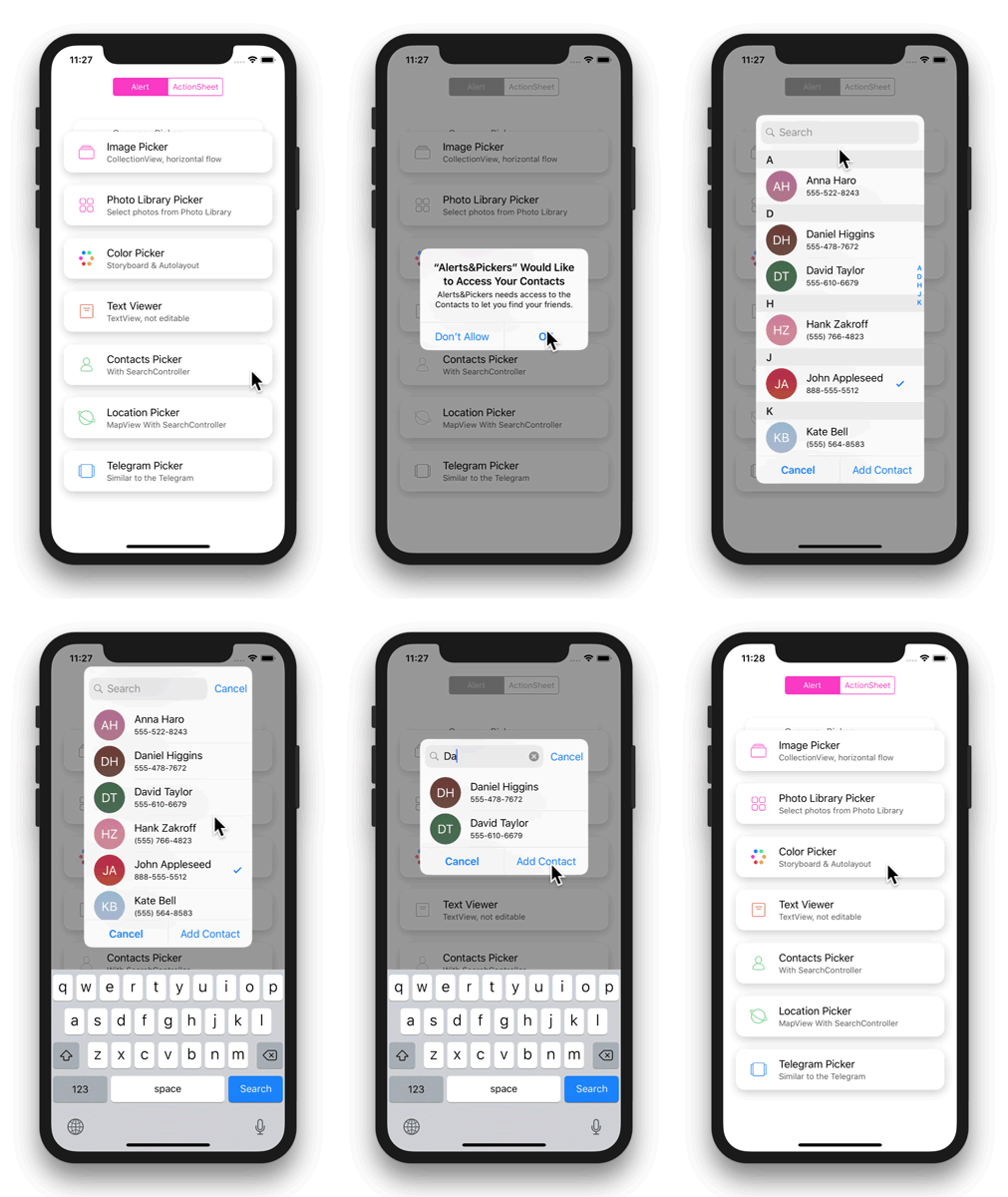
Contacts Picker
let alert = UIAlertController(style: .actionSheet)
alert.addContactsPicker { contact in
    // action with contact
}
alert.addAction(title: "Cancel", style: .cancel)
alert.show()
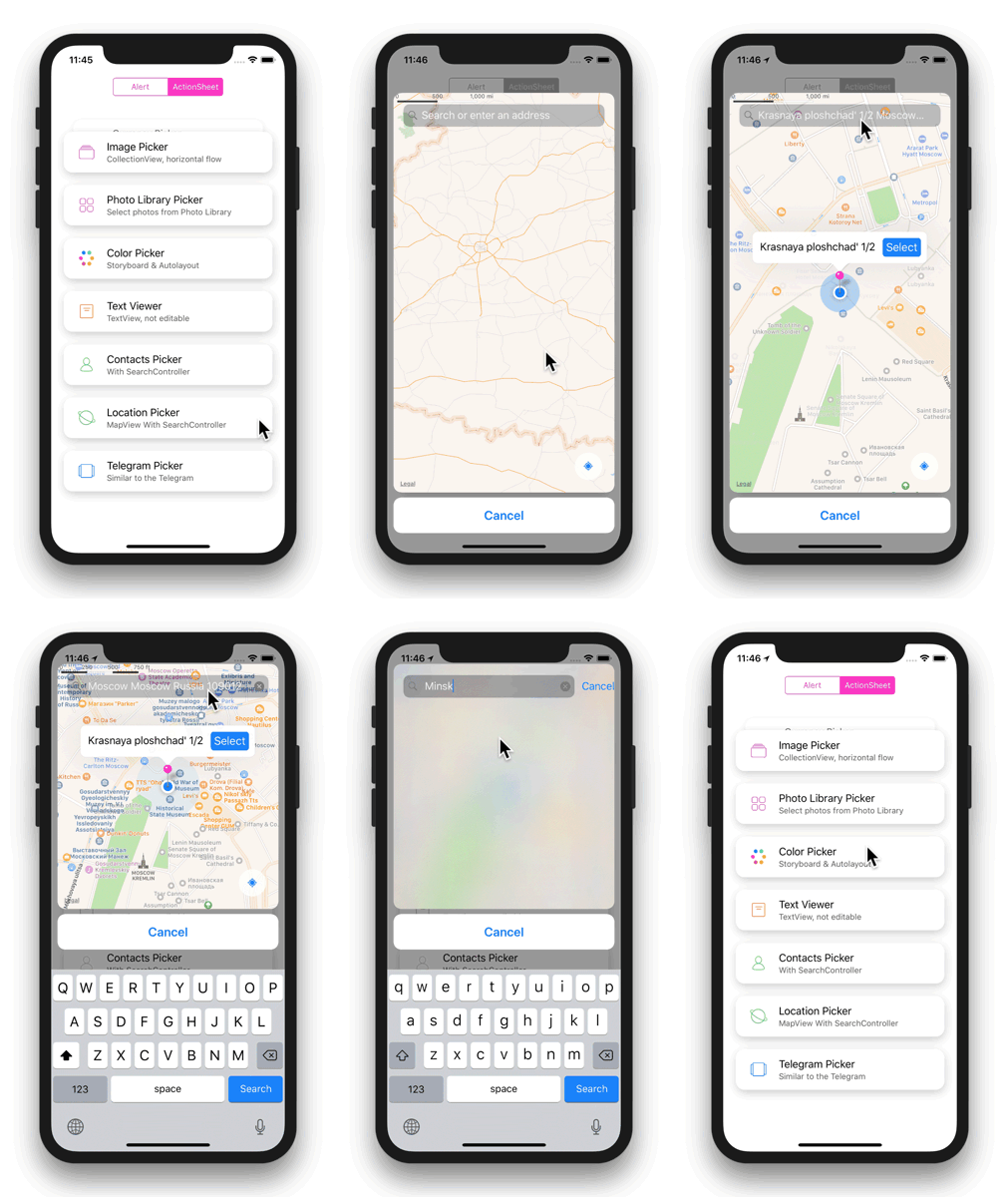
Location Picker
let alert = UIAlertController(style: .actionSheet)
alert.addLocationPicker { location in
    // action with location
}
alert.addAction(title: "Cancel", style: .cancel)
alert.show()
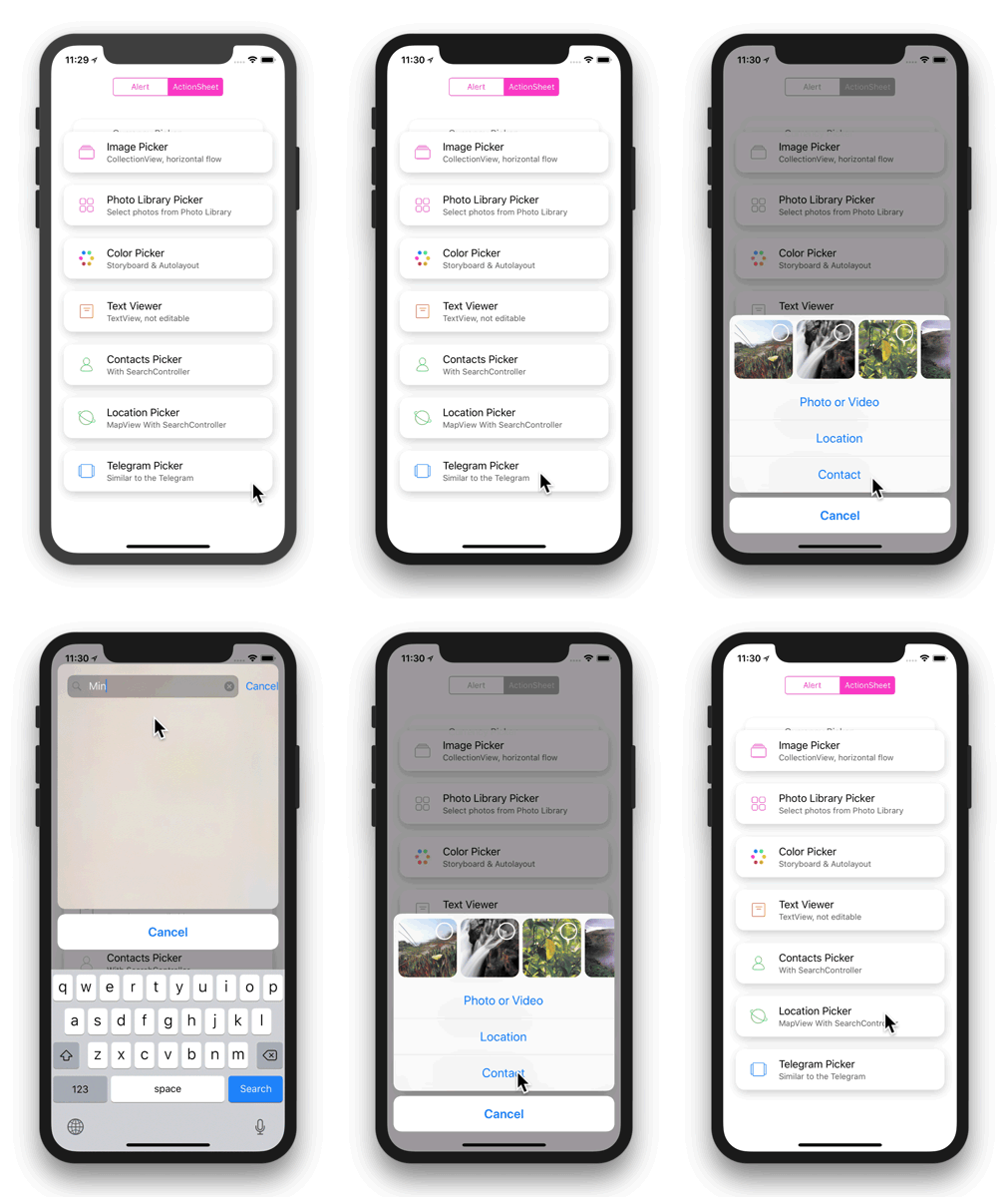
Telegram Picker
let alert = UIAlertController(style: .actionSheet)
alert.addTelegramPicker { result in
    switch result {
      case .photo(let assets):
        // action with assets
      case .contact(let contact):
        // action with contact
      case .location(let location):
        // action with location
    }
}
alert.addAction(title: "Cancel", style: .cancel)
alert.show()
How active is development on dillidon/alerts-and-pickers?
The most recent commit recorded on dillidon/alerts-and-pickers was 2.8 years ago, based on the GitHub push timestamp. The repository has 696 forks — one of the better signals of community interest.
How many stars does dillidon/alerts-and-pickers have?
dillidon/alerts-and-pickers has 5.8k GitHub stars — refresh the page for the live number, or check github.com/dillidon/alerts-and-pickers. TopGit mirrors GitHub's count but does not claim minute-by-minute accuracy.
What else is in the Mobile space?
dillidon/alerts-and-pickers is tracked by TopGit under the Mobile category, alongside 20 GitHub-tagged topics. Trending and Topics pages list peer repositories of comparable stars and language.
What language is dillidon/alerts-and-pickers written in?
dillidon/alerts-and-pickers is written primarily in Swift. GitHub's language field is based on the largest share of bytes in the default branch.
What topics is dillidon/alerts-and-pickers associated with?
Where do I read more about dillidon/alerts-and-pickers?
This TopGit page is a snapshot — the READ ME tab shows the project's own README content (links stripped, images preserved). The GitHub repository at github.com/dillidon/alerts-and-pickers is the definitive source.
Why is dillidon/alerts-and-pickers categorized under Mobile?
TopGit places dillidon/alerts-and-pickers in the Mobile category based on its GitHub topics and description (tagged: "alert", "color-picker", "contacts"). Categories are assigned from real repository metadata, not editorial guesswork.
Read full README in the tab above.
Curious whether alerts-and-pickers is right for you?
Let ChatGPT, Claude, or Perplexity look into it — click below and see what AI actually says about alerts-and-pickers.

 /alerts-and-pickers