OpenScreen screen recorder: Record screen, polished demos
 /openscreen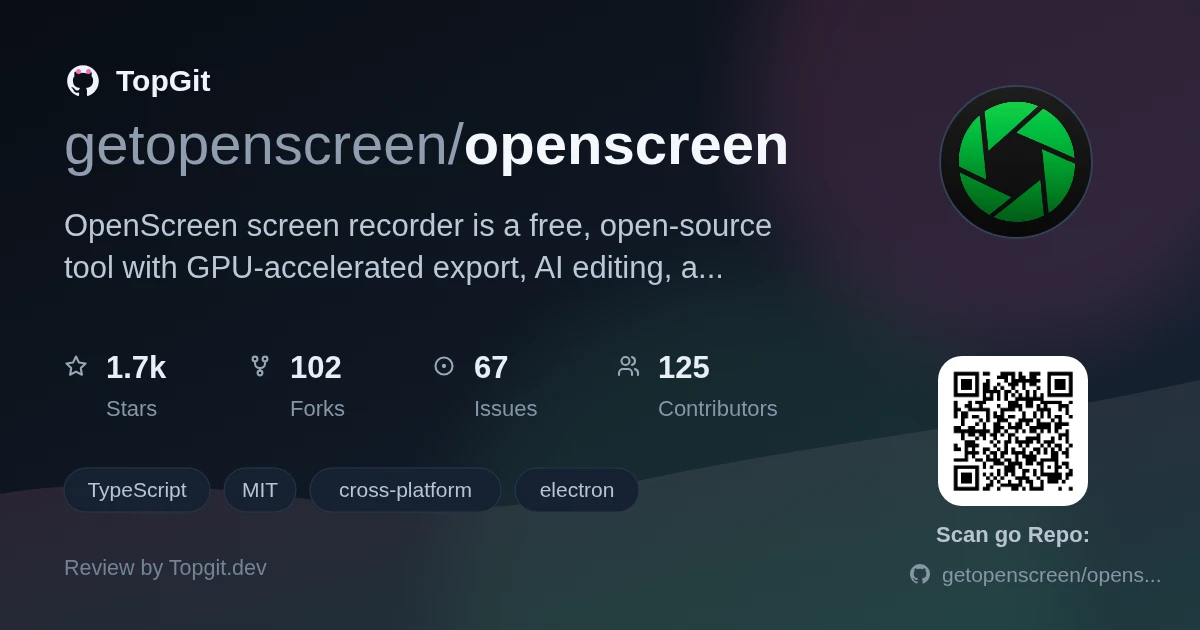
openscreen provides a full polished-demo pipeline, offering native recording across three platforms, GPU-accelerated export, and an AI editing assistant (bring your own key) for timeline work, all under an MIT open-source license with no commercial restrictions. This pipeline is available without a subscription. However, the project warns of rough edges and breaking changes, making it less suitable for stable, long-term team use.
What OpenScreen Does
OpenScreen is a desktop screen recorder and demo editor that captures your screen, webcam, and audio, then lets you edit the result with auto-zooms, cursor enhancements, and an AI assistant for timeline cuts, speed ramps, and framing. Exports go to MP4 or GIF via GPU acceleration (macOS uses Metal, Windows employs D3D11, and Linux relies on Vulkan) with no watermarks. A CLI ships for scripted headless recording and rendering, and AI editing supports a range of providers.
Core Recording and Editing Features
- ✓Record full screen or a specific window, with microphone and system audio where the OS supports it
- ✓The webcam overlay provides picture-in-picture functionality, allows dragging to adjust its position, includes mirroring, and features various shape options.
- ✓Auto-zooms that follow your cursor, with manual zoom keyframes, easing, and pixel-precise positioning
- ✓Custom cursor size, smoothing, and click effects; editable post-recording cursor path
- ✓On-device transcription via Whisper — works offline, no upload, with editable captions and subtitle translation
- ✓An AI editing assistant processes chat-based instructions, applying various modifications to the timeline such as cuts, speed ramps, annotations, and camera framing. To use the service, you must supply your own key, compatible with providers such as Claude, OpenAI, Gemini, Mistral, OpenRouter, MiniMax, or other endpoints that are OpenAI-compatible.
- ✓Outputting files in MP4 or GIF format, with support for various aspect ratios and resolutions, is GPU-accelerated and includes an automatic CPU fallback.
- ✓CLI for headless recording and rendering, with NDJSON output and `.openscreen` project JSON manipulation
How to Install OpenScreen
OpenScreen publishes platform-native installers to its Releases page. Windows users get the cleanest experience via the Microsoft Store (auto-updates, signed, no SmartScreen warning); a standalone unsigned `.exe` is available for offline installs or LTSC. macOS uses a `.dmg` with a `xattr` command to bypass Gatekeeper after install, plus manual permission grants for screen recording and accessibility. Linux ships `.deb`, `.rpm`, `.pacman`, and `.AppImage` packages, plus Nix/NixOS/Home Manager integration; PipeWire is required for native capture on Wayland.
Strengths
- ✓Fully free for personal and commercial use under the MIT license — nothing behind a paywall
- ✓GPU-accelerated export pipeline (Metal/D3D11/Vulkan) renders fast and cleanly on each platform
- ✓On-device Whisper transcription keeps audio processing local — works without internet
- ✓AI editing assistant handles timeline work via natural language, supporting many providers
- ✓CLI ships for headless recording and programmatic project manipulation
- ✓Community-maintained continuation with Discord and public roadmap
Platform-Specific Differences
- △Active development means rough edges and breaking changes to the project format and CLI — not stable for teams needing predictability
- △Click effects (cursor overlays on mouse clicks) are macOS and Windows only — Linux PipeWire portal does not expose mouse button events
- △System audio capture varies: works out of the box on Windows, requires macOS 13+ on Apple, and needs PipeWire on Linux (PulseAudio-only setups are out of luck)
- △Auto-captions and AI editing features have reduced functionality on Linux compared to macOS and Windows
- △The standalone Windows `.exe` is unsigned — SmartScreen flags it on every fresh build until Microsoft approves it; use the Store build to avoid this
OpenScreen Alternatives
OpenScreen FAQ
Yes. OpenScreen is MIT-licensed and explicitly free for both personal and commercial use with no paywalls or restrictions.
OpenScreen runs on Windows (Store or standalone .exe), macOS (dmg), and Linux (.deb, .rpm, .pacman, AppImage, or Nix). Native recording uses ScreenCaptureKit on macOS, Windows Graphics Capture on Windows, and PipeWire on Linux.
System audio capture on Linux requires PipeWire, which is the default on Ubuntu 22.04+ and Fedora 34+. Older PulseAudio-only setups may not capture system audio; the microphone still works.
Yes. OpenScreen transcribes audio on-device using Whisper — no internet connection required and no uploads.
OpenScreen is MIT-licensed. You can use it freely for personal and commercial projects and modify the source code.
Yes. The project is actively developed with regular releases, a public roadmap, an active Discord community, and GitHub issue tracking.
The problem it solves
Recording software either captures your screen cleanly (OBS) or produces polished demos ready to post (Screen Studio), but rarely does both in one app. Creating a presentable product walkthrough means stitching together a raw capture, a video editor, and a converter — three tools, three formats, and time spent on assembly rather than content.
Best use cases
- •Software developers creating product demos and walkthroughs that need auto-zooms and polished cursor effects
- •Technical writers building video tutorials with on-device captions — no internet required for transcription
- •Solo creators and small teams producing screencast content without paying for a subscription or accepting watermarks
- •Content teams using the CLI to automate demo recording in CI pipelines or with AI coding agents
- •Product marketers exporting polished demo clips in multiple aspect ratios for X, Reddit, YouTube, or landing pages
Who should try it — and who should skip
Developers building product demos who want the full pipeline — record, polish, export — without juggling tools will find OpenScreen fits naturally. Technical writers producing video walkthroughs and content creators who want a desktop video editor with demo-specific features get real value here. The lack of watermarks and subscriptions matters for indie creators and small teams. Skip it if you need a stable, long-term surface your team can rely on without adjusting to breaking changes, or if commercial support SLAs are a hard requirement.
Related repositories
Want a second opinion on openscreen?
Ask an AI that can read this page — one click and you get its take on openscreen.