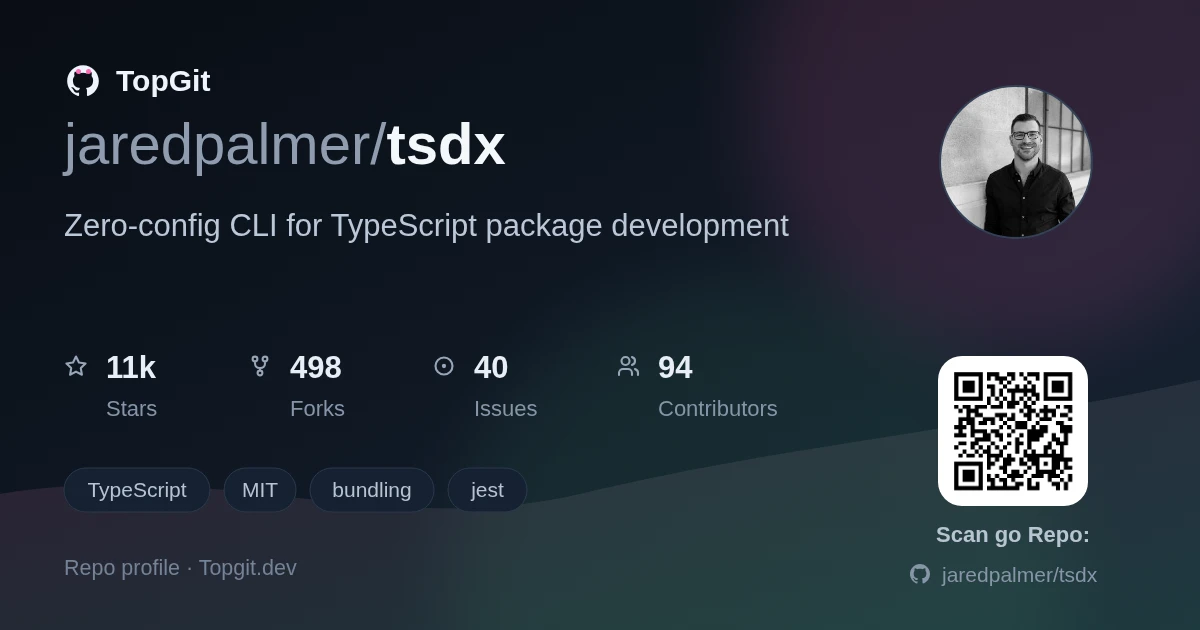
jaredpalmer/tsdx is a Frontend project on GitHub, written primarily in TypeScript. It has 11.5k stars. Zero-config CLI for TypeScript package development
Snapshot summary built from the project's own GitHub metadata — there's no written TopGit review yet. The page will update automatically when a full review is published.
WHY NO REVIEW YET
TopGit writes full reviews for the most-starred, most-requested repositories. This page is a snapshot until then — see the READ ME tab for the original README in full.
Zero-config CLI for TypeScript package development.
Modern TypeScript library development, simplified. TSDX provides a zero-config CLI that helps you develop, test, and publish TypeScript packages with ease.
TSDX 2.0 is a complete rewrite using modern, high-performance Rust-based tooling. See the Migration Guide if upgrading from v0.x
Features
Zero config - Sensible defaults, just start coding
Modern tooling - Built on bunchee, vitest, oxlint, and oxfmt
Dual ESM/CJS - Automatic dual module builds with proper exports
TypeScript first - Full TypeScript support with declaration generation
Lightning fast - Rust-powered linting (50-100x faster than ESLint) and formatting (35x faster than Prettier)
Bun-native - Uses bun for package management
Modern Node.js - Supports Node.js 20+ (LTS)
Quick Start
# Create a new package
bunx tsdx create mylib

# Navigate to the project
cd mylib

# Start development
bun run dev
That's it! Start editing src/index.ts and build your library.
Installation
Global Installation (recommended for creating projects)
See the Migration Guide for detailed instructions on upgrading from the original TSDX.
Quick summary:
Install bun
Update package.json scripts to use tsdx commands
Replace Jest with vitest
Replace ESLint with oxlint (optional)
Replace Prettier with oxfmt (optional)
Run bun install
Publishing
# Build the package
bun run build

# Publish to npm
npm publish
We recommend using np or changesets for publishing.
FAQ
Why bun?
Bun provides significantly faster package installation and script execution. It's compatible with npm packages and the Node.js ecosystem.
Can I still use npm/yarn/pnpm?
The generated projects use bun for package management, but the built packages are compatible with any package manager. Your library consumers can use npm, yarn, pnpm, or bun.
Why oxlint instead of ESLint?
oxlint is 50-100x faster than ESLint while catching the most important issues. For comprehensive linting, you can still use ESLint alongside oxlint.
Is this compatible with the old TSDX?
The build output format is fully compatible. Your library consumers won't notice any difference. However, the development workflow and configuration are different.
Contributing
Contributions are welcome! Please see CONTRIBUTING.md for guidelines.
The most recent commit recorded on jaredpalmer/tsdx was 9 months ago, based on the GitHub push timestamp. The repository has 490 forks — one of the better signals of community interest.
How many stars does jaredpalmer/tsdx have?
jaredpalmer/tsdx has 11.5k GitHub stars — refresh the page for the live number, or check github.com/jaredpalmer/tsdx. TopGit mirrors GitHub's count but does not claim minute-by-minute accuracy.
Is jaredpalmer/tsdx open source?
Yes — jaredpalmer/tsdx ships under the MIT license, which makes its source code freely readable (and, depending on license terms, forkable and reusable). Source: github.com/jaredpalmer/tsdx.
What else is in the Frontend space?
jaredpalmer/tsdx is tracked by TopGit under the Frontend category, alongside 9 GitHub-tagged topics. Trending and Topics pages list peer repositories of comparable stars and language.
What is jaredpalmer/tsdx?
jaredpalmer/tsdx (jaredpalmer/tsdx) is a TypeScript project on GitHub. From the project's own README: Zero-config CLI for TypeScript package development
What language is jaredpalmer/tsdx written in?
jaredpalmer/tsdx is written primarily in TypeScript. GitHub's language field is based on the largest share of bytes in the default branch.
What license does jaredpalmer/tsdx use?
jaredpalmer/tsdx is released under the MIT license. Always verify the LICENSE file directly on GitHub for the authoritative terms — license strings can be edited out of sync with a project's actual stance.
Where do I read more about jaredpalmer/tsdx?
This TopGit page is a snapshot — the READ ME tab shows the project's own README content (links stripped, images preserved). The GitHub repository at github.com/jaredpalmer/tsdx is the definitive source.
Read full README in the tab above.
Want a second opinion on tsdx?
Ask an AI that can read this page — one click and you get its take on tsdx.

 /tsdx