On GitHub, jdan/cleaver has picked up 4.0k stars, JavaScript. 30-second slideshows for hackers
Snapshot summary built from the project's own GitHub metadata — there's no written TopGit review yet. The page will update automatically when a full review is published.
WHY NO REVIEW YET
TopGit writes full reviews for the most-starred, most-requested repositories. This page is a snapshot until then — see the READ ME tab for the original README in full.
30-second Slideshows for Hackers. http://jdan.github.io/cleaver/
Intro
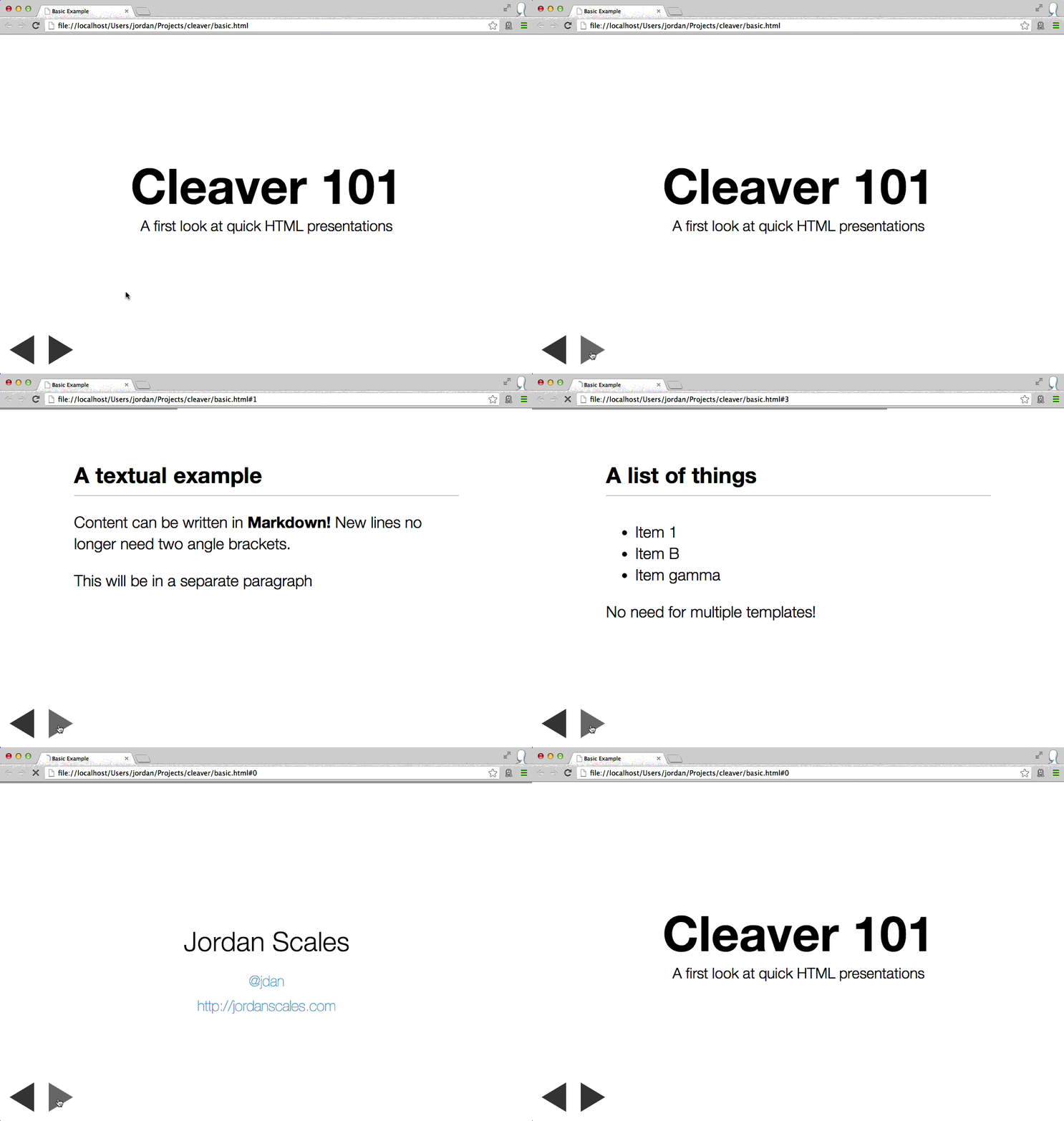
Cleaver turns this:
title: Basic Example
author:
  name: Jordan Scales
  twitter: jdan
  url: http://jordanscales.com
output: basic.html
controls: true

--

# Cleaver 101
## A first look at quick HTML presentations

--

### A textual example

Content can be written in **Markdown!** New lines no longer need two angle brackets.

This will be in a separate paragraph

--

### A list of things

* Item 1
* Item B
* Item gamma

No need for multiple templates!
Cleaver is a one-stop shop for generating HTML presentations in
record time. Using some spiced up markdown, you can produce
good-looking, interactive presentations with a just a few lines of text.
Slides are written in Markdown,
and are separated by two dashes (--).
Options
title: Basic Example
author:
  name: Jordan Scales
  twitter: jdan
  url: http://jordanscales.com
style: basic-style.css
output: basic.html
Cleaver supports several basic options that allow you to further customize the
look and feel of your presentation, including author info, stylesheets, and
custom templates.
See the documentation on
options for more
information.
Be sure to check out the wiki as well.
Themes
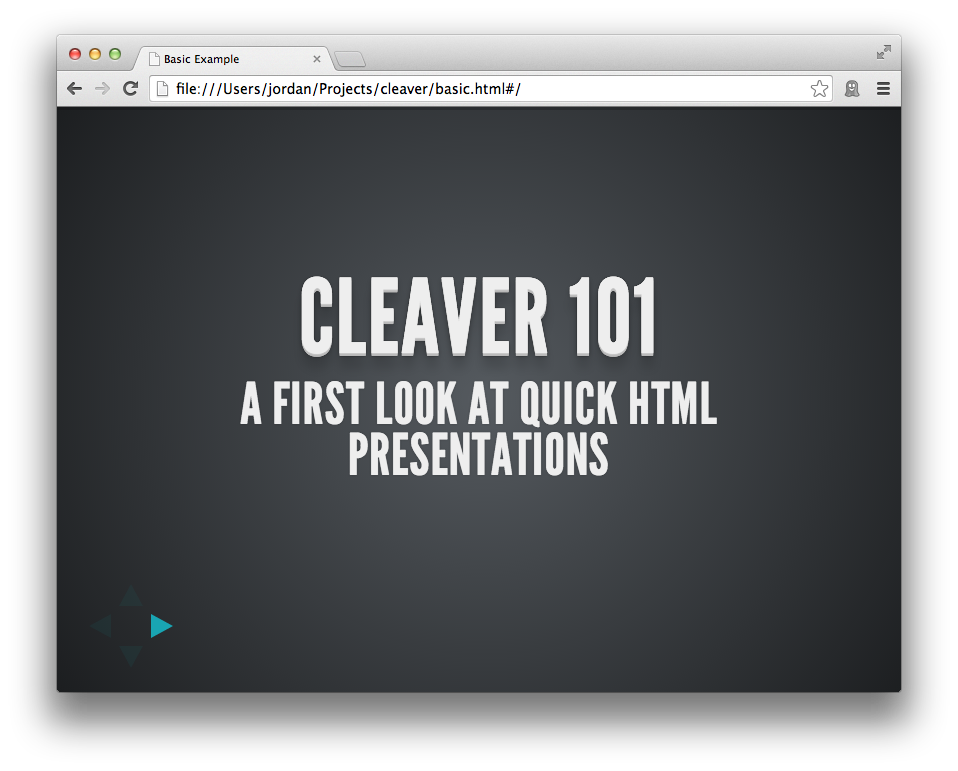
Check out the themes
page on our wiki.
title: Theme Example
output: theme.html
theme: jdan/cleaver-retro
Cleaver has substantial theme support to give you more fine-grained control
over your presentation, similar to options. Instead of manually
specifying a stylesheet, template, layout, and others, you can specify a single
theme containing each of these assets. More specifically, a theme may contain:
style.css - styles for your presentation
template.mustache - a template used to render the slides in your presentation
layout.mustache - a template used to render the entire document of your
presentation
script.js - javascript to be included in your slideshow
A theme does not need to contain all of these files, only the ones present
will be loaded into your slideshow.
Examples
jdan/cleaver-retro
matmuchrapna/cleaver-ribbon
– Shower implemented in cleaver.
Themes may be specified by one of the following options:
An absolute or relative path to a directory
A URL to a directory
A github repository in the form of username/reponame
Overriding Themes
By default, style.css and script.js will be appended to the default
stylesheets and javascripts included in cleaver presentations. If you wish to
completely override these defaults, you must include another file in your
theme - settings.json - corresponding to the following:
{
  "override": true
}
Template files will automatically override the default templates.
More Info
For more information on themes, check out
our documentation.
Markup
Cleaver slides are rendered using the following template:
#slide-N (for example, #slide-3) allows you to identify a particular
full-bleed slide by its position in the slideshow. It extends to the bounds of
the page.
.slide-content is a smaller window which holds the actual content of the
slide.
Class List
A class list can be placed after each "slice" (denoted --) to help you
style individual slides without worrying about their index.
-- bg

This slide will have a class "bg" associated with it

-- bg blink

This one, too, but it will also have the class "blink"
Slide Types
Title slide
# Cleaver 101
## A first look at quick HTML presentations
h1 and h2 elements (prefaced with # and ## respectively), will
automatically include padding to render a title slide.
Other slides
### A list of things

* Item 1
* Item B
* Item gamma

No need for multiple templates!
Since slides are written in Markdown,
you can include things like lists, images, and arbitrary HTML.
h3 tags (prefaced ###) are automatically given a bottom border to
represent a slide title.
Navigation
Cleaver supports keyboard navigation for switching between slides.
Alternatively, click the control buttons located below the presentation.
To navigate the slideshow:
forward: K, L, UP, RIGHT, PgDn, and Space
reverse: H, J, LEFT, DOWN, PgUp, and Backspace
The toggle fullscreen mode, press the ENTER key.
Contributing
Fork it
Clone it
Install dependencies (npm install)
Checkout a release branch (git checkout -b feature/cool-wordart)
Make changes, commit, and push (npm test and make sure it passes)
Yes — jdan/cleaver ships under the MIT license, which makes its source code freely readable (and, depending on license terms, forkable and reusable). Source: github.com/jdan/cleaver.
What is jdan/cleaver?
jdan/cleaver (jdan/cleaver) is a JavaScript project on GitHub. From the project's own README: 30-second slideshows for hackers
What license does jdan/cleaver use?
jdan/cleaver is released under the MIT license. Always verify the LICENSE file directly on GitHub for the authoritative terms — license strings can be edited out of sync with a project's actual stance.
Where can I see jdan/cleaver in action?
The project maintains a homepage at http://jdan.github.io/cleaver. The README tab on this page also usually contains screenshots and a quickstart.
Where do I read more about jdan/cleaver?
This TopGit page is a snapshot — the READ ME tab shows the project's own README content (links stripped, images preserved). The GitHub repository at github.com/jdan/cleaver is the definitive source.
Read full README in the tab above.
Is cleaver worth your time?
ChatGPT, Claude and Perplexity can all read this page. Ask one of them what it makes of cleaver.

 /cleaver