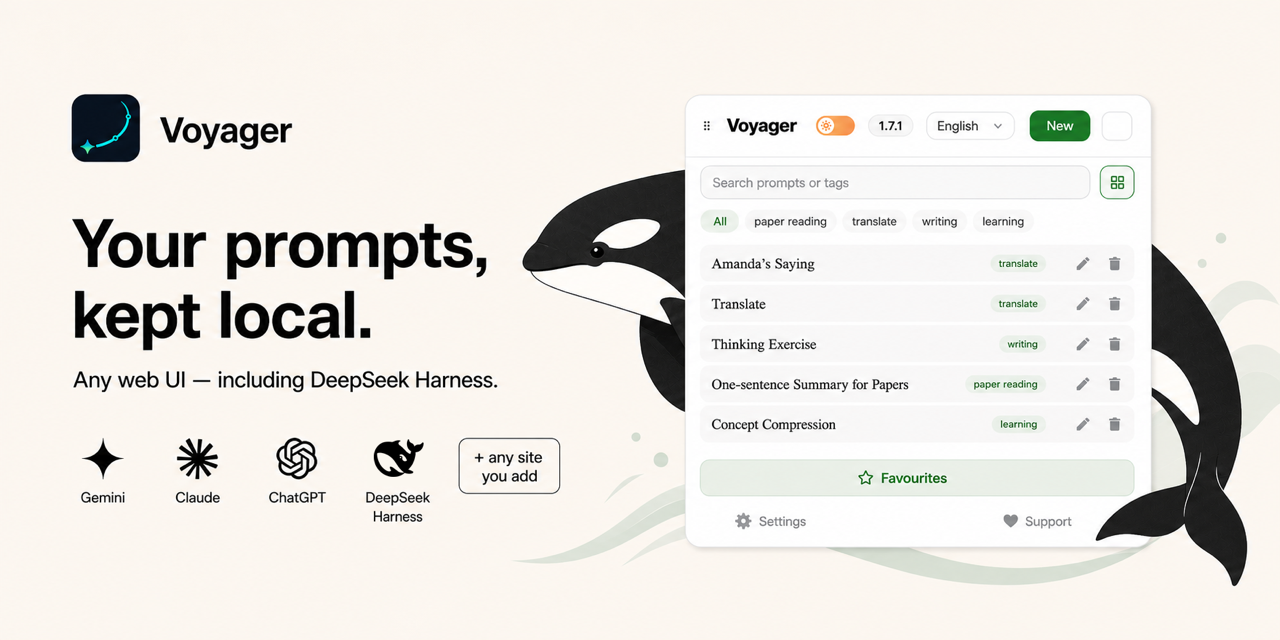
Nagi-ovo/voyager is a open-source project on GitHub, written primarily in TypeScript. It has 20.7k stars. Enhancement suite for Gemini, AI Studio, Claude, ChatGPT & DeepSeek — plus a prompt manager for any website, DeepSeek Harness included. / 面向 Gemini、AI Studio、Claude、ChatGPT 与 DeepSeek 的增强套件;其中的提示词管理器可用于任意网站,如 DeepSeek Harness。
Snapshot summary built from the project's own GitHub metadata — there's no written TopGit review yet. The page will update automatically when a full review is published.
WHY NO REVIEW YET
TopGit writes full reviews for the most-starred, most-requested repositories. This page is a snapshot until then — see the READ ME tab for the original README in full.
Folders, a timeline, export and formula copy on Gemini, AI Studio, ChatGPT, Claude, DeepSeek and Kimi, each one a plugin. Yours can be one too: a few lines of JSON, no code.
Documentation ·
Install ·
Create mode ·
Discord
简体中文 •
繁體中文 •
日本語 •
Français •
Español •
Português •
Русский •
العربية •
한국어
How it works
Voyager keeps three things apart.
Sites. One small file per site says where things are on its page: the sidebar, a message, the composer.
Primitives. Abilities Voyager ships once and runs anywhere: a timeline, folders, formula copy, diagrams, export.
Plugins. Plain JSON that points primitives and CSS at those places. Nothing in a plugin runs as code, and every change it makes comes off when you turn it off.
So a site that redesigns its page needs one file fixed, and on ChatGPT, Claude, DeepSeek and Kimi that fix arrives from the plugin catalog without an extension update. A new site is one more file. And a plugin written once runs on every site it names.
This is the core of a plugin that blurs the sidebar before you take a screenshot, on four sites:
sidebar is a name, not a selector. Each site's file says what it means there.
Voyager's own features are built the same way. The timeline, formula copy, quote reply, reading width and nearly everything else ship as official plugins on top of the same primitives. Folders on Gemini and AI Studio are the last piece still running as built-in code, and they are moving over too.
What you get
● works once installed · ○ one switch in the popup
Feature
Gemini
AI Studio
ChatGPT
Claude
DeepSeek
Kimi
Folders
●
●
●
○
○
○
Timeline
●
○
○
○
Export
●
○
○
○
○
Formula copy
●
●
○
○
○
Quote reply
●
○
○
○
○
Diagrams
●
○
Reading width and typography
○
○
○
○
○
Vim keys in the input box
○
○
○
○
Send key
○
○
○
○
○
○
Draft auto-save
○
○
○
○
Batch delete
●
●
Visual effects (snow, rain, sakura)
○
○
○
○
○
○
On every site, and on any other site you add, localhost included:
Prompt library: one library that follows you, here inside DeepSeek Harness.
Cloud sync: folders and prompts through Google Drive, or iCloud on Safari.
Gemini also gets Deep Research export, watermark-free images, forks, context sync, a default model and a Markdown fix. The full table, with every plugin, is on the plugins page.
During the February 18 Gemini incident, when some users could no longer open their past chats, Voyager users still had them in their folders.
Make it yours
A plugin you write lives only in your browser and needs no pull request.
Say it on the page. In the Voyager panel's Create tab, write one sentence and choose Create on this page. The site's AI writes the plugin, and Voyager offers Preview and install under its reply. Create mode
Ask the AI you are chatting with. In the popup's My creations card, write one sentence and choose Copy for this chat. Paste it into the chat; Voyager checks the reply and shows what it changes before you import it.
Hand it to a coding agent.Copy for a local agent gives Claude Code, Codex or Cursor your request and the skill at https://voyager.nagi.fun/skills/write-voyager-plugin/SKILL.md.
Write it by hand.npx create-voyager-plugin@latest init my-plugin --site claude, then check runs the same checks as the import.
A plugin cannot run scripts, load anything from the network or read what your messages say. What a plugin can do
Install
[!NOTE]
On Gemini for Enterprise, only the prompt library runs.
Edge users: Voyager is still maintained on Edge Add-ons for users who need Edge on mobile or tablet. If review is delayed, Chrome Web Store and GitHub manual packages remain available.
For manual installation or development builds, please refer to the Installation Guide.
Support this project
If Voyager makes your life easier, consider buying me a coffee. It helps keep the updates coming! Sponsors will be featured in our Special Thanks section. ❤️
Or support via WeChat / Alipay / Afdian:
WeChat Pay
Alipay
Afdian
Recommended tool: Typeless
I highly recommend Typeless (typeless.com), an AI voice-to-text tool that I used extensively during the development of Voyager. Integrating it into my daily workflow has saved me a tremendous amount of time and significantly boosted my productivity.
🎁 Join via my referral link (Code: gemini-voyager) to get $5 free credits. This also gives me credits to keep maintaining this project—a free way to support my work! ❤️
Community
Follow for Updates Get the latest updates.
Join the Community Chat with other users, share prompts, and get help.
Contributing
We welcome contributions! Whether you want to report bugs, suggest features, improve documentation, or submit code:
Issues: Reproducible bugs only — use the bug report template
Discussions: Feature requests, ideas, and questions — not Issues
Pull Requests: Check out CONTRIBUTING.md for guidelines
Development Setup
# Install dependencies (the scripts run on Bun; CI uses Bun 1.3.12)
bun i

# Development mode (with auto-reload)
bun run dev:chrome   # Chrome & Chromium browsers
bun run dev:firefox  # Firefox
bun run dev:safari   # Safari (requires macOS)

# Production builds
bun run build:chrome   # Chrome
bun run build:edge     # Edge package (separate)
bun run build:firefox  # Firefox
bun run build:safari   # Safari
bun run build:all      # Chrome + Firefox + Safari
Safari Development: Run bun run build:safari, then open the tracked Xcode project under Voyager/.
Thank you for helping make Voyager better! ❤️
Thanks
Special thanks to all contributors for their contributions to Voyager ❤️
Credits
Voyager is a small side project. I'd rather spend time building things that help people than building migration paths designed to pull users away from other extensions.
ChatGPT Conversation Timeline - The original timeline navigation extension for ChatGPT that inspired this project.
gemini-watermark-remover / GeminiWatermarkTool - Image Refinement is adapted from these projects. Third-party MIT notices are retained in THIRD_PARTY_NOTICES.md.
Gemini Helper - The default-model locking logic includes interaction ideas adapted from Gemini Helper, credited in its source.
cordis - The plugin runtime's side-effect ledger (PluginScope) borrows its effect/disposal lifecycle design from cordis's fiber model.
Ecosystem
Projects inspired by Voyager:
If your project is inspired by Voyager, forked from it, or built on top of it, share it in Discussions and we'll add it here.
DeepSeek Voyager - A fork of Voyager adapted for DeepSeek, bringing timeline navigation and chat management to DeepSeek users!
claude-nexus - A Claude.ai enhancement extension inspired by Voyager, featuring timeline navigation, folder management, prompt library and more, with full prompt import/export compatibility with Voyager!
Better_Doubao - An advanced browser extension supercharging Doubao with enhanced navigation, organization, and productivity features.
DeepSeek Enhancer - A Voyager-inspired enhancement extension for the DeepSeek web app, offering multi-level folders, chat export, formula copy, data backup, and more.
License
Voyager is licensed under GPL-3.0.
Third-party MIT notices for Image Refinement-related code and assets are retained in THIRD_PARTY_NOTICES.md.
Gemini is a trademark of Google LLC. Claude is a trademark of Anthropic, PBC. ChatGPT is a trademark of OpenAI, Inc. Kimi is a trademark of Moonshot AI. Voyager is an independent project and is not affiliated with, endorsed by, or sponsored by any of these companies.
The most recent commit recorded on Nagi-ovo/voyager was 3 days ago, based on the GitHub push timestamp. The repository has 698 forks — one of the better signals of community interest.
How many stars does Nagi-ovo/voyager have?
Nagi-ovo/voyager has 20.7k GitHub stars — refresh the page for the live number, or check github.com/Nagi-ovo/voyager. TopGit mirrors GitHub's count but does not claim minute-by-minute accuracy.
What is Nagi-ovo/voyager?
Nagi-ovo/voyager (Nagi-ovo/voyager) is a TypeScript project on GitHub. From the project's own README: Enhancement suite for Gemini, AI Studio, Claude, ChatGPT & DeepSeek — plus a prompt manager for any website, DeepSeek Harness included. / 面向 Gemini、AI Studio、Claude、ChatGPT 与 DeepSeek 的增强套件;其中的提示词管理器可用于任意网站,如 DeepSeek Harness。
What language is Nagi-ovo/voyager written in?
Nagi-ovo/voyager is written primarily in TypeScript. GitHub's language field is based on the largest share of bytes in the default branch.

 /voyager