
Awesome Cursor Rules: a curated cursorrules collection
 /awesome-cursorrules
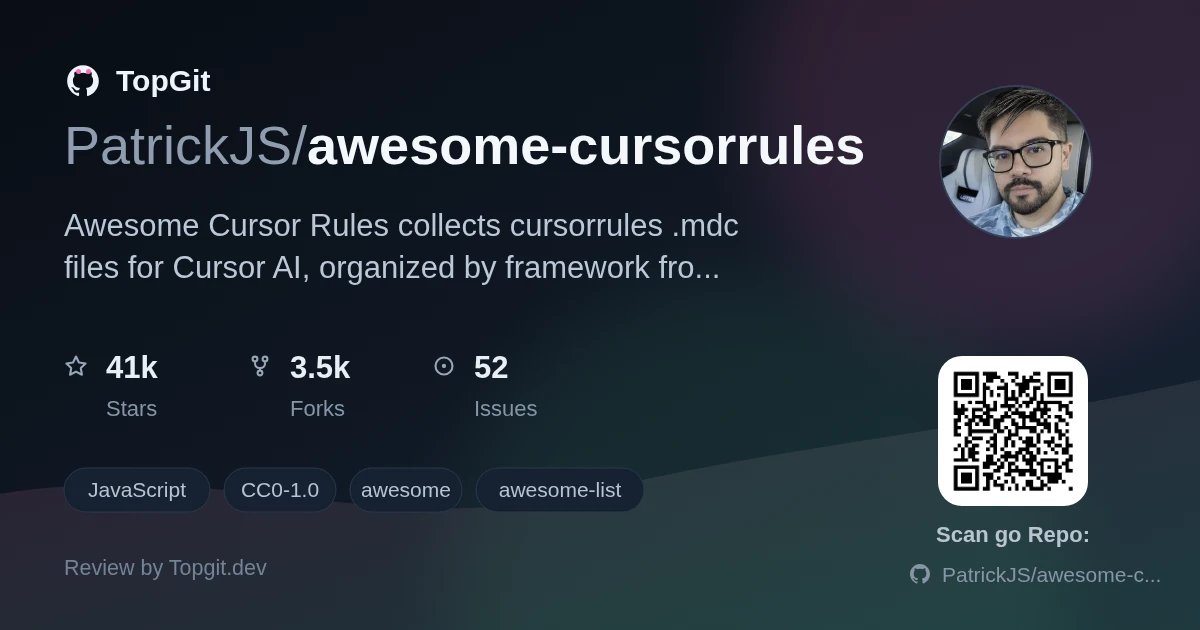
Awesome Cursor Rules is a large grab-bag of .mdc files that tell Cursor's AI how to behave in a specific stack, worth a look once you're tired of re-explaining project conventions to it. The value isn't uniform: some entries are one-line summaries, others, like the Next.js 15 Supabase file, spell out 27 architecture checks. Treat each one as a template to edit, not a drop-in standard.
What Cursor project rules are and how .mdc files work
Awesome Cursor Rules is a repository of Markdown-based .mdc files, the Project Rules format Cursor's AI editor reads from a project's .cursor/rules/ folder. Each file encodes project-specific guidance, like preferred libraries or naming conventions, so Cursor's suggestions match a codebase instead of relying only on general training knowledge. Copy files relevant to your stack into that folder and Cursor picks them up automatically.
Why AI editor rules are becoming a development standard
AI code editors default to general-purpose suggestions, and without extra context Cursor doesn't know a team's auth pattern, folder layout, or which library version is in use, so it just guesses from public training data. Project rules close that gap by injecting the missing context directly into completions, which the README frames as the fix for repeated corrections and inconsistent output across contributors. As teams standardize on .cursor/rules/*.mdc files, the same rule set travels with the repo instead of living in one developer's head, and some entries, like the Next.js 15 Supabase rule set, explicitly target both Cursor Agent and Claude Code, showing the format spreading beyond a single editor.
What the collection covers
- ✓Frontend coverage spans Angular, Astro, Next.js, Qwik, React, Solid.js, Svelte/SvelteKit, and Vue/Nuxt, with multiple separate rule files for Next.js alone, from a plain TypeScript setup to a Next.js 15/React 19/Vercel AI/Tailwind combo.
- ✓Backend and full-stack rules cover Go (Fiber, ServeMux, Temporal DSL), Python (FastAPI in several configurations, Django, Flask), Ruby on Rails 8, Laravel, Elixir/Phoenix, Java Spring Boot, Kotlin Ktor, and NestJS.
- ✓Some entries go beyond style guidance into explicit anti-hallucination rules: the NestJS file blocks deprecated, phantom, or incorrect imports and decorators, and the Next.js 15 Supabase file lists 27 architecture rules covering things like getSession vs getUser and missing RLS policies.
- ✓A few rules target niche or emerging stacks: Google ADK agent development, Cloudflare Workers with Hono and Angular, HOL for the Hedera TypeScript SDK, and Semiotic's data-visualization library with 30+ chart types and its own MCP server.
- ✓CMS and platform-specific rules exist too: Drupal 11, TYPO3 CMS extensions, WordPress with Guzzle and Gutenberg, and Shopify theme development in Liquid.
- ✓The 'Vue/Nuxt Full AI Stack' file goes further than a single rules file, bundling Cursor Project Rules together with a CLAUDE.md, Copilot instructions, and generation skills into one combined AI coding setup.
How teams use these rules day-to-day
- •A team standardizing on Next.js 15 with Supabase can drop in that rule file so Cursor stops suggesting insecure getSession-based auth checks or missing Row Level Security policies.
- •A solo developer starting a new stack, say SvelteKit with Tailwind, copies the matching .mdc file into .cursor/rules/ instead of writing a project-specific prompt from scratch.
- •Teams migrating between framework versions use comparison files like Svelte 5 vs Svelte 4 to keep Cursor's suggestions aligned with the version actually in use.
- •Projects on less common backends, like Elixir/Phoenix, Kotlin Ktor, or Go with Temporal, pull in a rule file instead of relying on Cursor's general-purpose training knowledge for that stack.
Strengths
- ✓Broad framework coverage, from Angular and Astro through Rails, Laravel, Elixir, and WordPress, means most mainstream stacks have at least one starting rule file.
- ✓Some entries are genuinely detailed rather than boilerplate: the Next.js 15 Supabase file's 27 architecture rules and the NestJS anti-hallucination file both encode specific, checkable mistakes, not just style preferences.
- ✓Rules are plain Markdown (.mdc), readable and editable without any tooling, so adapting one to your project's quirks is a text edit, not a build step.
- ✓CC0-1.0 licensing means no attribution or license-compatibility questions when copying a rule file into a commercial or private repo.
What cursorrules cannot do
- △Coverage is uneven: some rule files are one-line summaries ("Next.js development with TypeScript integration") while others, like the FastAPI production architecture file, spell out router/service/repository boundaries and idempotency patterns in detail, so you have to open each file to know which kind you're getting.
- △There's no version-pinning guarantee. A rule written for Next.js 15 or Svelte 5 will drift as those frameworks ship new releases, and nothing in the repo re-validates old entries against current framework behavior.
- △It's a browsing library, not a CLI or plugin. There's no install command or update mechanism; you manually copy the .mdc file you want into .cursor/rules/ yourself.
- △The license is CC0-1.0, essentially public domain. That also means no warranty or maintainer commitment stands behind any individual rule file's accuracy.
Alternatives and complementary tools
Frequently asked questions
Awesome Cursor Rules is released under the CC0-1.0 license, which places it in the public domain, so you can copy any .mdc file into a commercial or private project without attribution or licensing fees.
Awesome Cursor Rules includes rules for Angular, Astro, Next.js, Qwik, React, Solid.js, Svelte/SvelteKit, and Vue/Nuxt on the frontend, plus Go, Python (FastAPI, Django, Flask), Ruby on Rails, Laravel, Elixir/Phoenix, Java Spring Boot, Kotlin, NestJS, Drupal, TYPO3, and WordPress on the backend and CMS side.
Open the .mdc file for your stack in the awesome-cursorrules repo, copy its contents into a new file inside your project's .cursor/rules/ folder, and Cursor AI reads it automatically on the next session, no install step or command required.
cursorrules, the .mdc files in .cursor/rules/, are Cursor AI's project-rules format; CLAUDE.md is Claude Code's equivalent context file. The Vue/Nuxt Full AI Stack entry in Awesome Cursor Rules actually bundles both formats together for teams using more than one AI editor.
Awesome Cursor Rules is a public GitHub repository, so a new rule usually goes in via a pull request adding an .mdc file to the rules folder; the exact contribution guidelines aren't detailed in the facts covered here.
Most rule files in Awesome Cursor Rules are written specifically for Cursor's .mdc format, but a few, like the Next.js 15 Supabase rule set, are explicitly built for both Cursor Agent and Claude Code, so the format isn't strictly locked to one editor.
Who should try it — and who should skip
Any developer using Cursor on a codebase with real conventions, a specific auth pattern, a chosen ORM, a house style, should grab the matching rule file rather than starting from a blank prompt. Teams onboarding new contributors benefit most, since a shared .cursor/rules/*.mdc file keeps Cursor's suggestions consistent across everyone's sessions instead of depending on what each person happens to type. Skip it if you don't use Cursor at all, or if your stack isn't covered: there's no fallback rule for an uncommon framework, and writing your own from scratch is still faster than adapting a mismatched one.
Related repositories
Curious whether awesome-cursorrules is right for you?
Let ChatGPT, Claude, or Perplexity look into it — click below and see what AI actually says about awesome-cursorrules.