playcanvas/pcui is tracked by TopGit as a frontend project, with 791 stars on GitHub, written primarily in TypeScript. UI component library for web-based tools
Snapshot summary built from the project's own GitHub metadata — there's no written TopGit review yet. The page will update automatically when a full review is published.
WHY NO REVIEW YET
TopGit writes full reviews for the most-starred, most-requested repositories. This page is a snapshot until then — see the READ ME tab for the original README in full.
PlayCanvas UI (PCUI) - User Interface Component Library for the Web
| User Manual | API Reference | ESM Examples | React Examples | Blog | Forum |
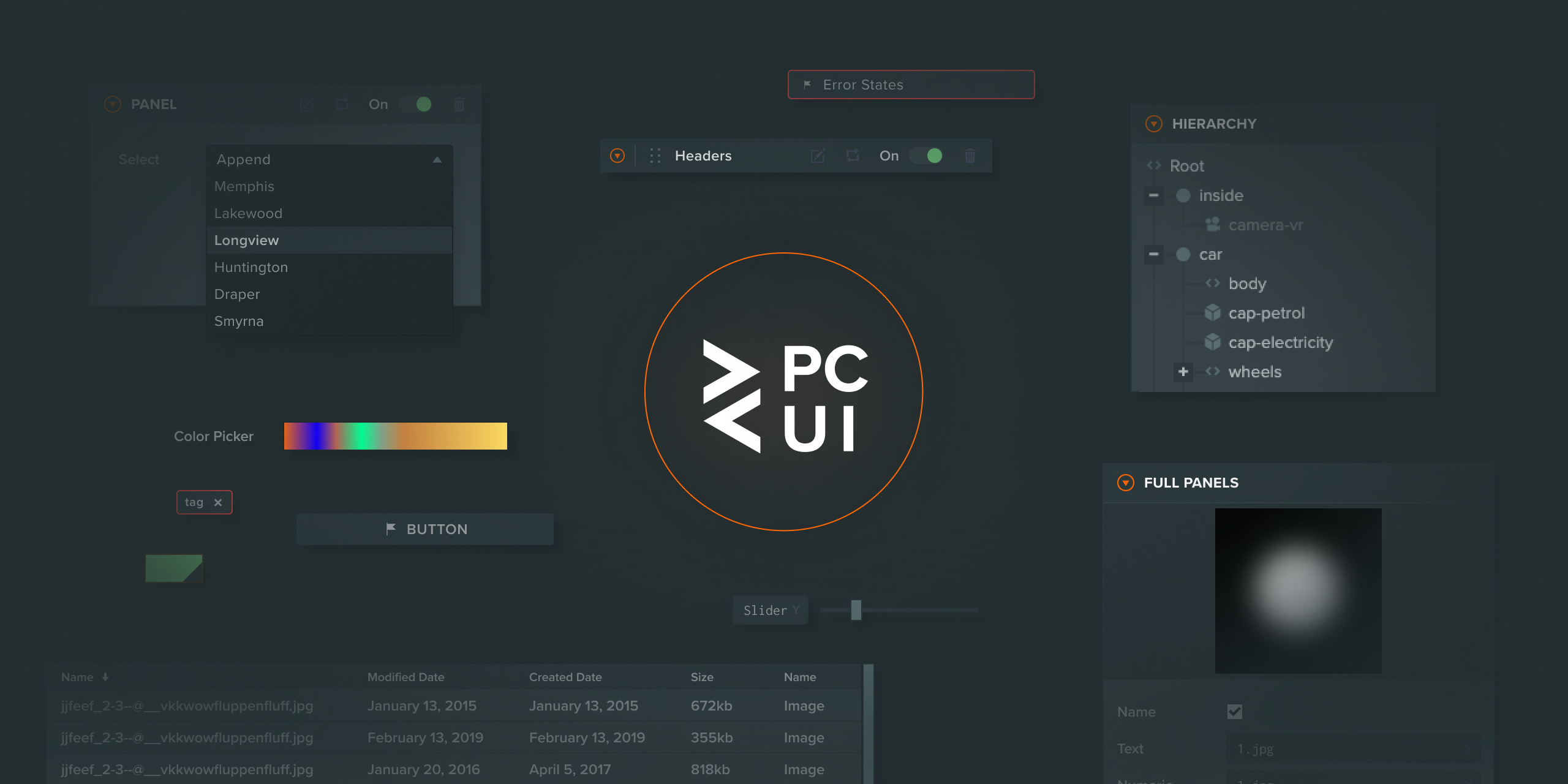
This library enables the creation of reliable and visually pleasing user interfaces by providing fully styled components that you can use directly on your site. The components are useful in a wide range of use cases, from creating simple forms to building graphical user interfaces for complex web tools.
A full guide to using the PCUI library can be found here.
Getting Started
To install the PCUI NPM module, run the following command:
npm install @playcanvas/pcui
You can then import each individual element from PCUI. In the example below, you can see how the PCUI Label component is imported from the PCUI library. The styles for PCUI are then imported into the example. Styles only need to be imported once per project.
import { Label } from '@playcanvas/pcui';
import '@playcanvas/pcui/styles';

const label = new Label({
    text: 'Hello World'
});
document.body.appendChild(label.dom);
If you'd like to include PCUI in your React project, you can import the individual components as follows:
import * as React from 'react';
import { createRoot } from 'react-dom/client';
import { TextInput } from '@playcanvas/pcui/react';
import '@playcanvas/pcui/styles';

createRoot(document.body).render(
    <TextInput text='Hello World'/>
);
Building a UMD bundle
If you need a UMD version of the PCUI library (say, to use it in a PlayCanvas Editor project), please refer to our build guide.
Fonts in PCUI
PCUI uses four CSS classes for fonts across its components: .font-regular, .font-bold, .font-thin and .font-light. By default, these use the Helvetica Neue font stack:
The PCUI library offers a data binding layer that can be used to synchronize data across multiple components. It offers two way binding to a given observer object, so updates made in a component are reflected in the observer's data and distributed out to all other subscribed components. A simple use case is shown below:
import { Observer } from '@playcanvas/observer';
import { Label, TextInput, BindingObserversToElement, BindingElementToObservers } from '@playcanvas/pcui';
import '@playcanvas/pcui/styles';

// create a new observer for a simple object which contains a text string
const observer = new Observer({
    text: 'Hello World'
});

// create a label which will listen to updates from the observer
const label = new Label({
    binding: new BindingObserversToElement()
});

// link the observer to the label, telling it to use the text variable as its value
label.link(observer, 'text');

// create a text input which will send updates to the observer
const textInput = new TextInput({
    binding: new BindingElementToObservers()
});

// link the observer to the label, telling it to set the text variable on change
textInput.link(observer, 'text');
In the above example, the created label will start with Hello World as its text value. When a user enters a value into the text input, the label will be updated with the new value.
Observers can also be bound bi-directionally, in which case an element can both send and receive updates through its observer. The following example shows a two way binding between two text inputs, where either input can update the value of the other. It's been written in React to showcase binding with React components:
import { Observer } from '@playcanvas/observer';
import { BindingTwoWay, TextInput } from '@playcanvas/pcui/react';
import '@playcanvas/pcui/styles';

// create a new observer for a simple object which contains a text string
const observer = new Observer({
    text: 'Hello World'
});

// create two text inputs, which can both send and receive updates through the linked observer
const TextInput1 = () => <TextInput binding={new BindingTwoWay()} link={{ observer, path: 'text'} />;
const TextInput2 = () => <TextInput binding={new BindingTwoWay()} link={{ observer, path: 'text'} />;
Development
Each component exists in its own folder within the ./src/components directory. They each contain:
index.ts: The PCUI element.
style.scss: The SASS styles for the PCUI element.
component.tsx: A React component wrapping the PCUI element.
component.stories.tsx: The Storybook entry for the React component.
Locally developed components can be viewed & tested by running the Storybook app, as mentioned in the following section.
If you'd like to build your own custom version of the library you can run the npm run build command which will create a dist directory with your custom build.
Storybook
If you wish to view all components available to you in the library, you can run a local version Storybook. It allows you to browse the entire collection of components and test any changes you make to them. Each component page also includes component documentation and allows you to test each component in all of its configuration states.
Run Storybook as follows:
npm install
npm run storybook
API Documentation
To build the PCUI API Reference to the docs folder, do:
The most recent commit recorded on playcanvas/pcui was 4 days ago, based on the GitHub push timestamp. The repository has 97 forks — one of the better signals of community interest.
How does playcanvas/pcui compare to other Frontend projects?
playcanvas/pcui is tracked by TopGit in the Frontend category, with 791 GitHub stars and written in TypeScript. Browse the Frontend topic page on TopGit to compare it against similar projects by stars and activity.
How many stars does playcanvas/pcui have?
playcanvas/pcui has 791 GitHub stars — refresh the page for the live number, or check github.com/playcanvas/pcui. TopGit mirrors GitHub's count but does not claim minute-by-minute accuracy.
What is playcanvas/pcui?
playcanvas/pcui (playcanvas/pcui) is a TypeScript project on GitHub. From the project's own README: UI component library for web-based tools
What language is playcanvas/pcui written in?
playcanvas/pcui is written primarily in TypeScript. GitHub's language field is based on the largest share of bytes in the default branch.
What topics is playcanvas/pcui associated with?
GitHub's repository topics for playcanvas/pcui: "pcui", "playcanvas", "react", "sass", "typescript", "ui", "ui-components". TopGit's editorial category is Frontend.
Why is playcanvas/pcui categorized under Frontend?
TopGit places playcanvas/pcui in the Frontend category based on its GitHub topics and description (tagged: "pcui", "playcanvas", "react"). Categories are assigned from real repository metadata, not editorial guesswork.
Read full README in the tab above.
Is pcui worth your time?
ChatGPT, Claude and Perplexity can all read this page. Ask one of them what it makes of pcui.
 /pcui
/pcui