Điểm qua playcanvas/pcui: 791 sao trên GitHub, viết chủ yếu bằng TypeScript, thuộc nhóm Frontend. UI component library for web-based tools
Tóm tắt dựng từ metadata GitHub của chính dự án — chưa có bài review TopGit. Trang sẽ tự động cập nhật khi bài review đầy đủ được xuất bản.
VÌ SAO CHƯA CÓ REVIEW
TopGit viết bài đầy đủ cho repo có nhiều sao nhất và được yêu cầu nhiều nhất. Trang này là snapshot trong thời gian chờ — xem README gốc ở tab READ ME.
PlayCanvas UI (PCUI) - User Interface Component Library for the Web
| User Manual | API Reference | ESM Examples | React Examples | Blog | Forum |
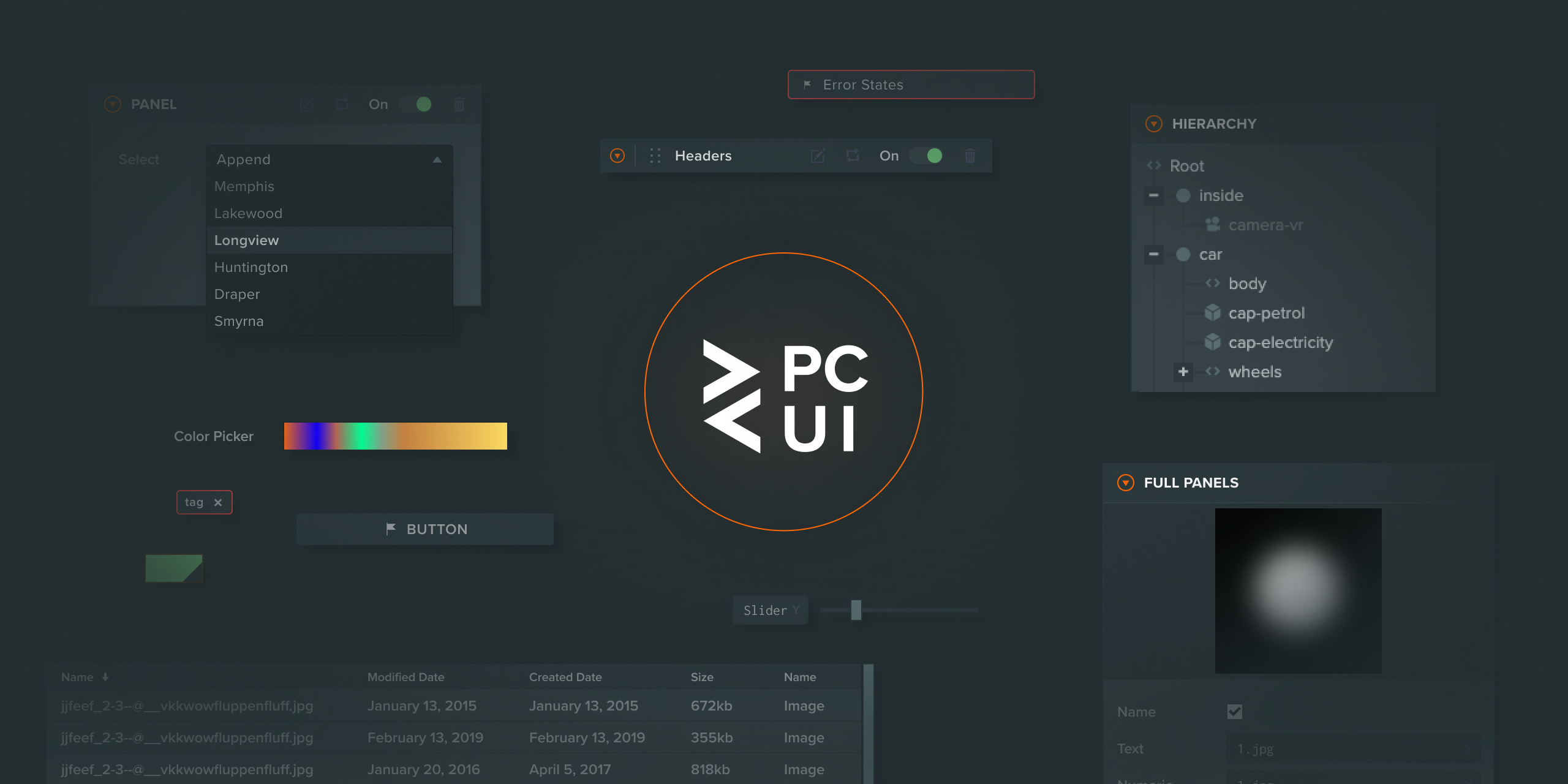
This library enables the creation of reliable and visually pleasing user interfaces by providing fully styled components that you can use directly on your site. The components are useful in a wide range of use cases, from creating simple forms to building graphical user interfaces for complex web tools.
A full guide to using the PCUI library can be found here.
Getting Started
To install the PCUI NPM module, run the following command:
npm install @playcanvas/pcui
You can then import each individual element from PCUI. In the example below, you can see how the PCUI Label component is imported from the PCUI library. The styles for PCUI are then imported into the example. Styles only need to be imported once per project.
import { Label } from '@playcanvas/pcui';
import '@playcanvas/pcui/styles';

const label = new Label({
    text: 'Hello World'
});
document.body.appendChild(label.dom);
If you'd like to include PCUI in your React project, you can import the individual components as follows:
import * as React from 'react';
import { createRoot } from 'react-dom/client';
import { TextInput } from '@playcanvas/pcui/react';
import '@playcanvas/pcui/styles';

createRoot(document.body).render(
    <TextInput text='Hello World'/>
);
Building a UMD bundle
If you need a UMD version of the PCUI library (say, to use it in a PlayCanvas Editor project), please refer to our build guide.
Fonts in PCUI
PCUI uses four CSS classes for fonts across its components: .font-regular, .font-bold, .font-thin and .font-light. By default, these use the Helvetica Neue font stack:
The PCUI library offers a data binding layer that can be used to synchronize data across multiple components. It offers two way binding to a given observer object, so updates made in a component are reflected in the observer's data and distributed out to all other subscribed components. A simple use case is shown below:
import { Observer } from '@playcanvas/observer';
import { Label, TextInput, BindingObserversToElement, BindingElementToObservers } from '@playcanvas/pcui';
import '@playcanvas/pcui/styles';

// create a new observer for a simple object which contains a text string
const observer = new Observer({
    text: 'Hello World'
});

// create a label which will listen to updates from the observer
const label = new Label({
    binding: new BindingObserversToElement()
});

// link the observer to the label, telling it to use the text variable as its value
label.link(observer, 'text');

// create a text input which will send updates to the observer
const textInput = new TextInput({
    binding: new BindingElementToObservers()
});

// link the observer to the label, telling it to set the text variable on change
textInput.link(observer, 'text');
In the above example, the created label will start with Hello World as its text value. When a user enters a value into the text input, the label will be updated with the new value.
Observers can also be bound bi-directionally, in which case an element can both send and receive updates through its observer. The following example shows a two way binding between two text inputs, where either input can update the value of the other. It's been written in React to showcase binding with React components:
import { Observer } from '@playcanvas/observer';
import { BindingTwoWay, TextInput } from '@playcanvas/pcui/react';
import '@playcanvas/pcui/styles';

// create a new observer for a simple object which contains a text string
const observer = new Observer({
    text: 'Hello World'
});

// create two text inputs, which can both send and receive updates through the linked observer
const TextInput1 = () => <TextInput binding={new BindingTwoWay()} link={{ observer, path: 'text'} />;
const TextInput2 = () => <TextInput binding={new BindingTwoWay()} link={{ observer, path: 'text'} />;
Development
Each component exists in its own folder within the ./src/components directory. They each contain:
index.ts: The PCUI element.
style.scss: The SASS styles for the PCUI element.
component.tsx: A React component wrapping the PCUI element.
component.stories.tsx: The Storybook entry for the React component.
Locally developed components can be viewed & tested by running the Storybook app, as mentioned in the following section.
If you'd like to build your own custom version of the library you can run the npm run build command which will create a dist directory with your custom build.
Storybook
If you wish to view all components available to you in the library, you can run a local version Storybook. It allows you to browse the entire collection of components and test any changes you make to them. Each component page also includes component documentation and allows you to test each component in all of its configuration states.
Run Storybook as follows:
npm install
npm run storybook
API Documentation
To build the PCUI API Reference to the docs folder, do:
playcanvas/pcui có 791 sao GitHub — tải lại trang để xem số mới nhất, hoặc xem trực tiếp github.com/playcanvas/pcui. TopGit phản chiếu số sao của GitHub nhưng không cam kết đến từng phút.
playcanvas/pcui có những chủ đề gì?
GitHub topics của playcanvas/pcui: "pcui", "playcanvas", "react", "sass", "typescript", "ui", "ui-components". TopGit xếp repo vào nhóm Frontend.
playcanvas/pcui còn đang phát triển không?
Commit gần nhất trên playcanvas/pcui là 6 ngày trước (theo timestamp GitHub). Repo có 97 fork — một chỉ báo về mức độ quan tâm của cộng đồng.
playcanvas/pcui là gì?
playcanvas/pcui (playcanvas/pcui) là dự án TypeScript trên GitHub. Theo mô tả gốc: UI component library for web-based tools
playcanvas/pcui so với các dự án Frontend khác thế nào?
playcanvas/pcui được TopGit xếp vào nhóm Frontend, với 791 sao GitHub và viết bằng TypeScript. Xem trang chủ đề Frontend trên TopGit để so sánh với các dự án tương tự theo số sao và mức độ hoạt động.
playcanvas/pcui viết bằng ngôn ngữ gì?
playcanvas/pcui chủ yếu viết bằng TypeScript. Trường "language" của GitHub dựa trên phần lớn byte ở nhánh mặc định.
Vì sao playcanvas/pcui được xếp vào nhóm Frontend?
TopGit xếp playcanvas/pcui vào nhóm Frontend dựa trên GitHub topics và mô tả của repo (gắn thẻ: "pcui", "playcanvas", "react"). Việc phân loại dựa trên metadata thật của repo, không phải đoán theo cảm tính biên tập.
Đọc đầy đủ README ở tab phía trên.
pcui có đáng để bạn bỏ thời gian?
ChatGPT, Claude và Perplexity đều đọc được trang này. Hỏi thử xem họ nghĩ gì về pcui.
 /pcui
/pcui