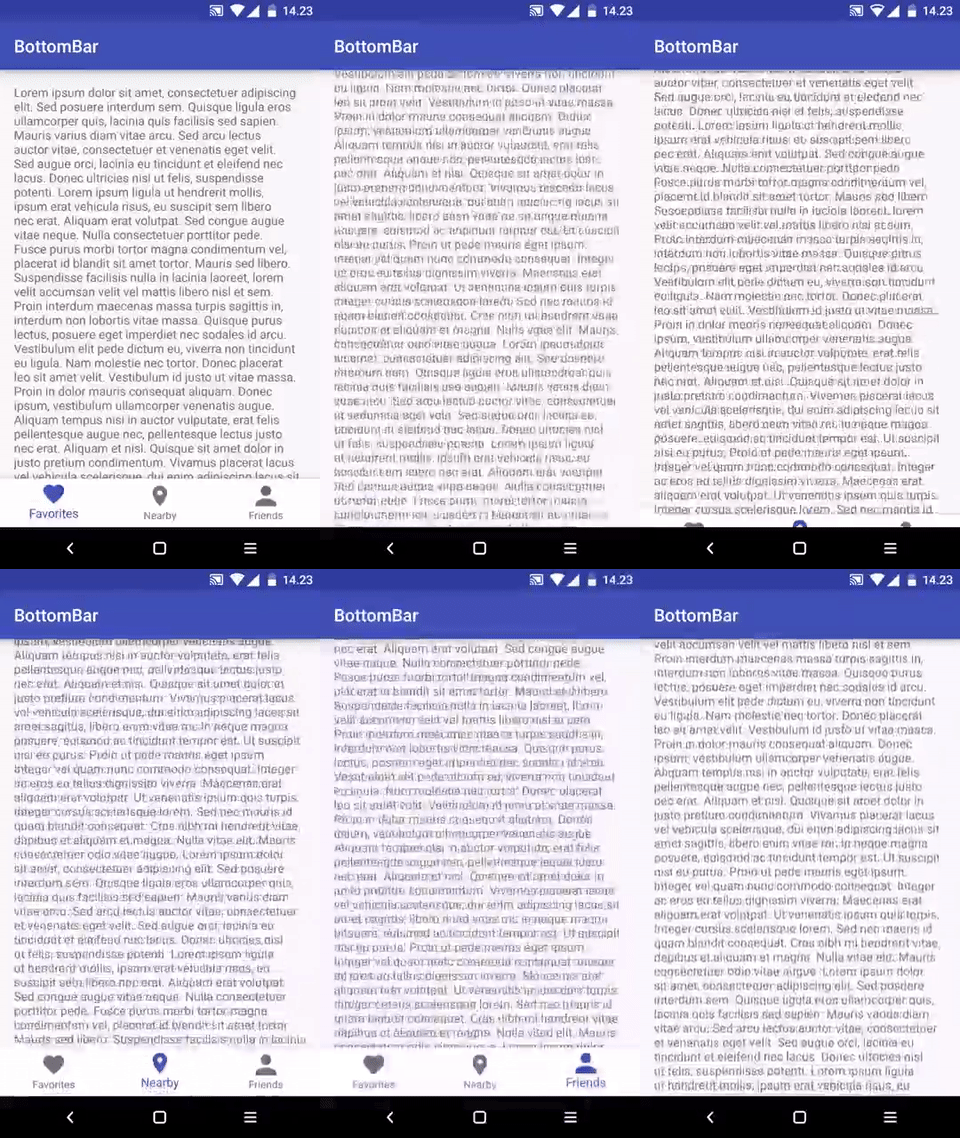
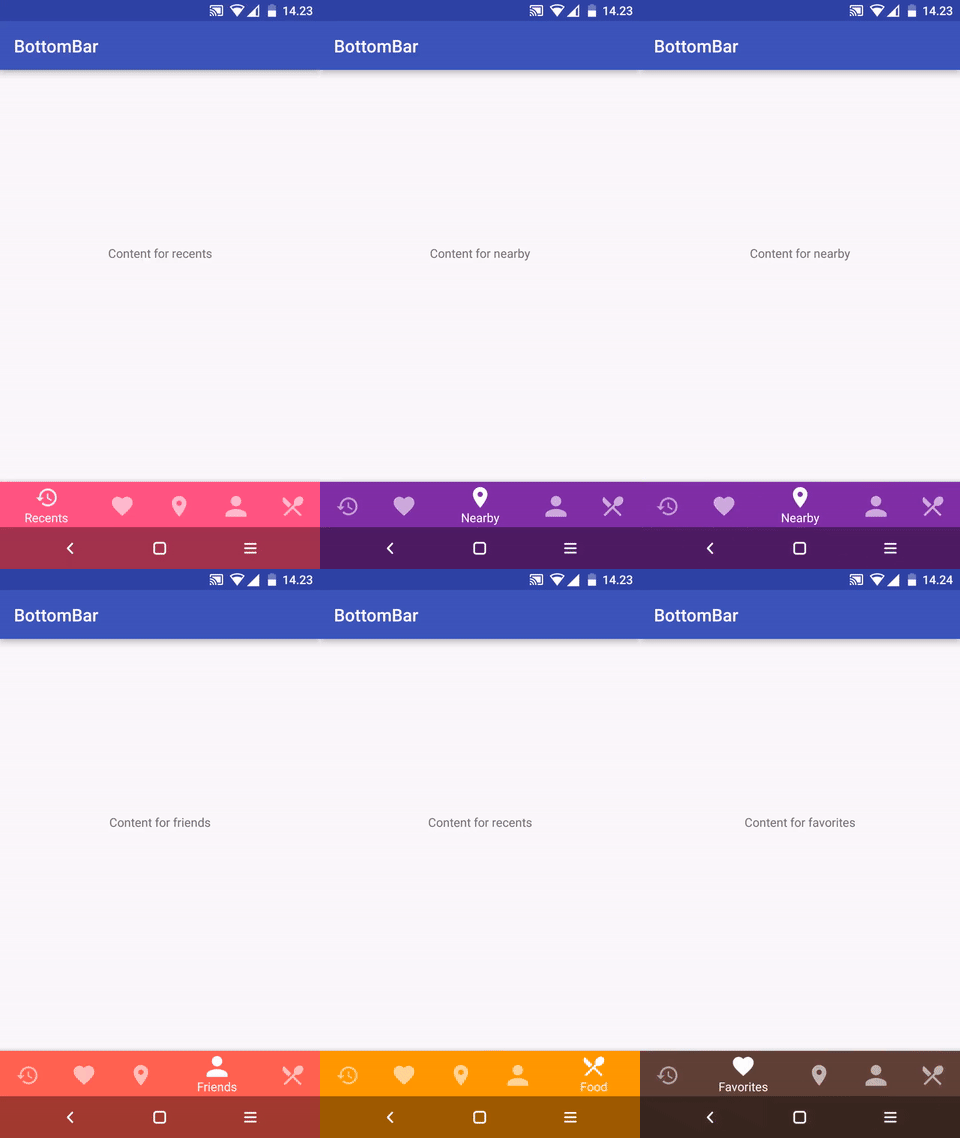
roughike/BottomBar sits at 8.3k stars on GitHub, written primarily in Java. (Deprecated) A custom view component that mimics the new Material Design Bottom Navigation pattern.
Snapshot summary built from the project's own GitHub metadata — there's no written TopGit review yet. The page will update automatically when a full review is published.
WHY NO REVIEW YET
TopGit writes full reviews for the most-starred, most-requested repositories. This page is a snapshot until then — see the READ ME tab for the original README in full.
I don't have time to maintain this anymore. I basically wrote the whole library in a rush, without tests, while being a serious expert beginner at the time. As a result, there's a lot of unpredictable moving parts and the tests probably aren't that great either. Don't really know, since I haven't touched this in ages.
I'd recommend you to use the official BottomNavigationView from Google and urge them to implement the features you need. Or use another 3rd party library.
Version 2.0 released!
The latest version before that can be found in the v1 branch
Cleaner code and better APIs
No more unnecessary stuff or spaghetti mess
Now the look, feel and behavior is defined in XML, as it should be
No more nasty regressions, thanks to the automated tests
Everything is a little different compared to earlier, but it's for the greater good!
How to contribute
Changelog
What?
A custom view component that mimics the new Material Design Bottom Navigation pattern.
Does it work on my Grandpa Gary's HTC Dream?
Nope. The minSDK version is API level 11 (Honeycomb).
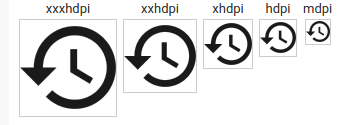
The icons must be fully opaque, solid black color, 24dp and with no padding. For example, with Android Asset Studio Generic Icon generator, select "TRIM" and make sure the padding is 0dp. Here's what your icons should look like:
Then, add the BottomBar to your layout and give it a resource id for your tabs xml file.
layout/activity_main.xml
<RelativeLayout xmlns:android="http://schemas.android.com/apk/res/android"
    android:layout_width="match_parent"
    android:layout_height="match_parent"
    xmlns:app="http://schemas.android.com/apk/res-auto">

    <!-- This could be your fragment container, or something -->
    <FrameLayout
        android:id="@+id/contentContainer"
        android:layout_width="match_parent"
        android:layout_height="match_parent"
        android:layout_above="@+id/bottomBar" />

    <com.roughike.bottombar.BottomBar
        android:id="@+id/bottomBar"
        android:layout_width="match_parent"
        android:layout_height="60dp"
        android:layout_alignParentBottom="true"
        app:bb_tabXmlResource="@xml/bottombar_tabs" />

</RelativeLayout>
Setting up listeners
By default, the tabs don't do anything unless you listen for selection events and do something when the tabs are selected.
MainActivity.java:
public class MainActivity extends Activity {
    @Override
    protected void onCreate(@Nullable Bundle savedInstanceState) {
        super.onCreate(savedInstanceState);
        setContentView(R.layout.activity_main);

        BottomBar bottomBar = (BottomBar) findViewById(R.id.bottomBar);
        bottomBar.setOnTabSelectListener(new OnTabSelectListener() {
            @Override
            public void onTabSelected(@IdRes int tabId) {
                if (tabId == R.id.tab_favorites) {
                    // The tab with id R.id.tab_favorites was selected,
                    // change your content accordingly.
                }
            }
        });
    }
}
If you want to listen for reselection events, here's how you do it:
bottomBar.setOnTabReselectListener(new OnTabReselectListener() {
    @Override
    public void onTabReSelected(@IdRes int tabId) {
        if (tabId == R.id.tab_favorites) {
            // The tab with id R.id.tab_favorites was reselected,
            // change your content accordingly.
        }
    }
});
Intercepting tab selections
If you want to conditionally cancel selection of any tab, you absolutely can. Just assign a TabSelectionInterceptor to the BottomBar, and return true from the shouldInterceptTabSelection() method.
bottomBar.setTabSelectionInterceptor(new TabSelectionInterceptor() {
    @Override
    public boolean shouldInterceptTabSelection(@IdRes int oldTabId, @IdRes int newTabId) {
        if (newTabId == R.id.tab_pro_feature && !userHasProVersion()) {
          startProVersionPurchaseFlow();
          return true;
        }

        return false;
    }
});
Changing icons based on selection state
If you want to have different icon when a specific tab is selected, just use state list drawables.
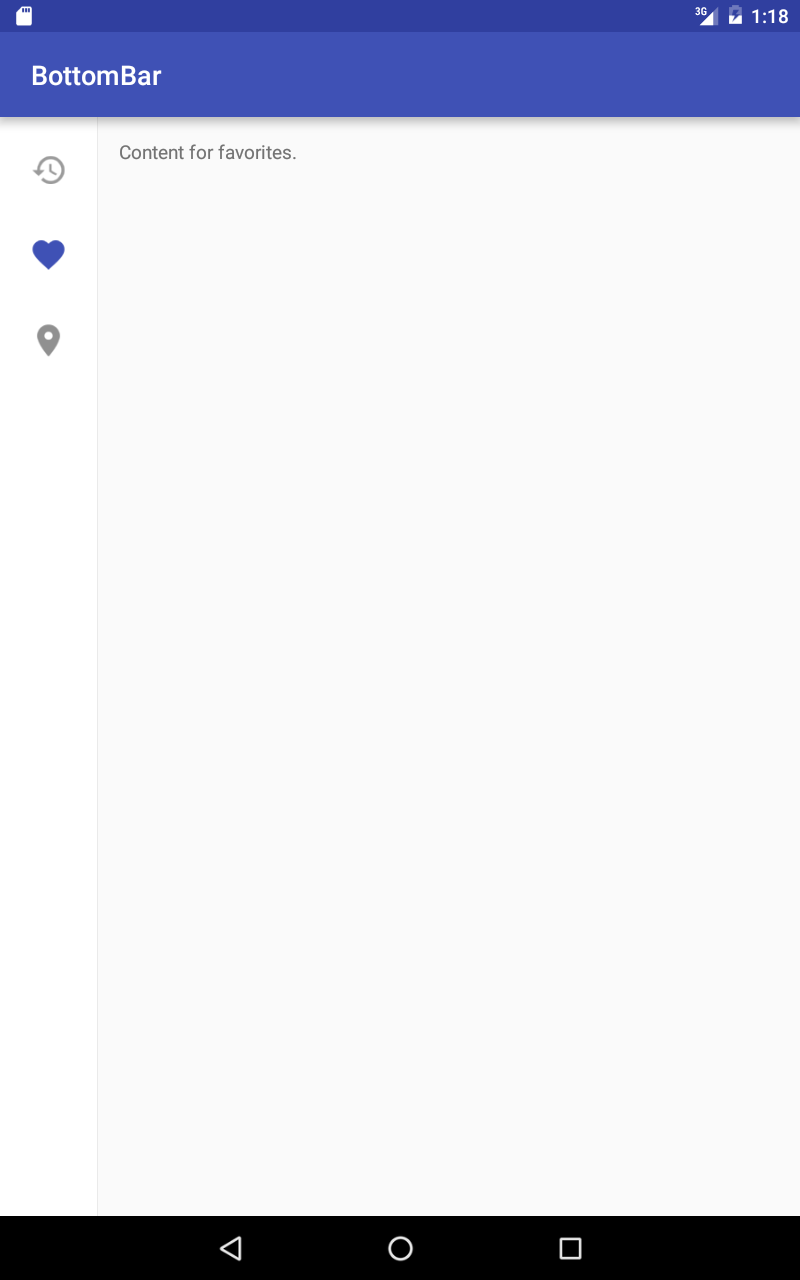
Specify a different layout for your activity in res/layout-sw600dp folder and set bb_tabletMode to true.
res/layout-sw600dp/activity_main.xml:
<RelativeLayout
    xmlns:android="http://schemas.android.com/apk/res/android"
    xmlns:app="http://schemas.android.com/apk/res-auto"
    android:layout_width="match_parent"
    android:layout_height="match_parent">

    <com.roughike.bottombar.BottomBar
        android:id="@+id/bottomBar"
        android:layout_width="wrap_content"
        android:layout_height="match_parent"
        android:layout_alignParentLeft="true"
        app:bb_tabXmlResource="@xml/bottombar_tabs_three"
        app:bb_tabletMode="true" />

    <!-- This could be your fragment container, or something -->
    <FrameLayout
        android:id="@+id/contentContainer"
        android:layout_width="match_parent"
        android:layout_height="match_parent"
        android:layout_toRightOf="@+id/bottomBar" />

</RelativeLayout>
You can easily add badges for showing an unread message count or new items / whatever you like.
BottomBarTab nearby = bottomBar.getTabWithId(R.id.tab_nearby);
nearby.setBadgeCount(5);

// Remove the badge when you're done with it.
nearby.removeBadge/();
the XML Resource id for your tabs, that reside in values/xml/
bb_tabletMode
if you want the BottomBar to behave differently for tablets. There's an example of this in the sample project!
bb_behavior
shifting: the selected tab is wider than the rest. shy: put the BottomBar inside a CoordinatorLayout and it'll automatically hide on scroll! underNavbar: draw the BottomBar under the navBar!
bb_inActiveTabAlpha
the alpha value for inactive tabs, that's used in the tab icons and titles.
bb_activeTabAlpha
the alpha value for active tabs, that's used in the tab icons and titles.
bb_inActiveTabColor
the color for inactive tabs, that's used in the tab icons and titles.
bb_activeTabColor
the color for active tabs, that's used in the tab icons and titles.
bb_badgeBackgroundColor
the background color for any Badges in this BottomBar.
bb_badgesHideWhenActive
whether badges should be hidden for active tabs, defaults to true.
bb_titleTextAppearance
custom textAppearance for the titles
bb_titleTypeFace
path for your custom font file, such as fonts/MySuperDuperFont.ttf. In that case your font path would look like src/main/assets/fonts/MySuperDuperFont.ttf, but you only need to provide fonts/MySuperDuperFont.ttf, as the asset folder will be auto-filled for you.
bb_showShadow
controls whether the shadow is shown or hidden, defaults to true.
the color for inactive tabs, that's used in the tab icons and titles.
activeColor
the color for active tabs, that's used in the tab icons and titles.
barColorWhenSelected
the color that the whole BottomBar should be when selected this tab.
badgeBackgroundColor
the background color for any Badges in this tab.
badgeHidesWhenActive
whether or not the badge should be hidden when this tab is selected, defaults to true.
Apps using BottomBar
Nearby : A location-based social networking app with over 5 million users.
FragNav : An Android Library for managing multiple stacks of Fragments. BottomBar is used in the sample app.
BottomNavigationBar : BottomBar ported to C# for Xamarin developers
KyudoScoreBookTeam : BottomBar is used in the KyudoScoreBookTeam app.
memeham : BottomBar is used in the memeham app.
NewsCatchr : A newsreader app, which uses this BottomBar library.
GitSkarios : A Github android App, to visit your repositories, gists and more!
Code
Send me a pull request with modified README.md to get a shoutout!
Contributions
Feel free to create issues and pull requests.
When creating pull requests, more is more: I'd like to see ten small pull requests separated by feature rather than all those combined into a huge one.
License
BottomBar library for Android
Copyright (c) 2016 Iiro Krankka (http://github.com/roughike).

Licensed under the Apache License, Version 2.0 (the "License");
you may not use this file except in compliance with the License.
You may obtain a copy of the License at

http://www.apache.org/licenses/LICENSE-2.0

Unless required by applicable law or agreed to in writing, software
distributed under the License is distributed on an "AS IS" BASIS,
WITHOUT WARRANTIES OR CONDITIONS OF ANY KIND, either express or implied.
See the License for the specific language governing permissions and
limitations under the License.
The most recent commit recorded on roughike/BottomBar was 5.2 years ago, based on the GitHub push timestamp. The repository has 1.5k forks — one of the better signals of community interest.
How many stars does roughike/BottomBar have?
roughike/BottomBar has 8.3k GitHub stars — refresh the page for the live number, or check github.com/roughike/BottomBar. TopGit mirrors GitHub's count but does not claim minute-by-minute accuracy.
Is roughike/BottomBar open source?
Yes — roughike/BottomBar ships under the Apache-2.0 license, which makes its source code freely readable (and, depending on license terms, forkable and reusable). Source: github.com/roughike/BottomBar.
What else is in the Mobile space?
roughike/BottomBar is tracked by TopGit under the Mobile category, alongside 5 GitHub-tagged topics. Trending and Topics pages list peer repositories of comparable stars and language.
What is roughike/BottomBar?
roughike/BottomBar (roughike/BottomBar) is a Java project on GitHub. From the project's own README: (Deprecated) A custom view component that mimics the new Material Design Bottom Navigation pattern.
What language is roughike/BottomBar written in?
roughike/BottomBar is written primarily in Java. GitHub's language field is based on the largest share of bytes in the default branch.
What license does roughike/BottomBar use?
roughike/BottomBar is released under the Apache-2.0 license. Always verify the LICENSE file directly on GitHub for the authoritative terms — license strings can be edited out of sync with a project's actual stance.
Where do I read more about roughike/BottomBar?
This TopGit page is a snapshot — the READ ME tab shows the project's own README content (links stripped, images preserved). The GitHub repository at github.com/roughike/BottomBar is the definitive source.
Read full README in the tab above.
Want a second opinion on BottomBar?
Ask an AI that can read this page — one click and you get its take on BottomBar.

 /BottomBar