Awesome Flutter: A Curated Flutter Resource List
 /awesome-flutter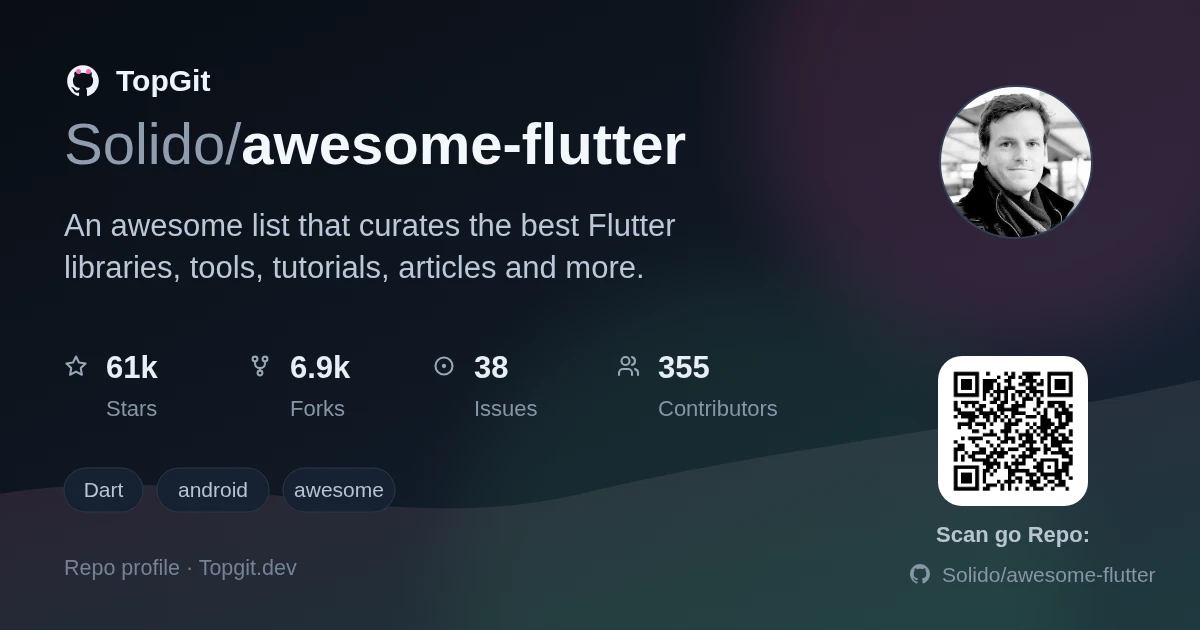
Awesome Flutter is a link index of Flutter libraries, tutorials, and articles maintained on GitHub by Solido, sorted into sections like Articles, Videos, and Components instead of one flat list. Reach for it when you're stuck on a UI pattern and want to see what others already built; skip it if you want one guided course, since it's a directory of other people's content, not a lesson plan of its own.
What is the Awesome Flutter Resource Collection?
Awesome Flutter is a GitHub repository, Solido/awesome-flutter, that collects links to Flutter packages, UI widgets, tutorials, and articles under topic headings instead of hosting any code of its own. It follows the standard awesome-list format: markdown sections like Articles, Videos, and Components, each entry a link plus a short description and, in most cases, credit to the author.
Key Categories of Curated Flutter Content
- ✓An Articles section split by skill level, Introduction, Beginner, Intermediate, and Advanced, with entries on Flutter's rendering pipeline, gesture system, and InheritedWidget-based state.
- ✓A Components section broken into UI categories: Demonstrations, UI, Libraries, List, Drawers, Bottom bars, Bottom Sheets, Sliders, UI Helpers, Material Design, and Effect, each entry linking to its own package repository.
- ✓A Videos section pointing to YouTube channels and playlists, from beginner walkthroughs to more advanced Flutter series.
- ✓A Howtos subsection covering concrete workflows, like defining build flavors for Android and iOS.
- ✓An Advanced graphics rendering section with entries on fragment shaders.
- ✓Most entries include a one-line description of what the linked resource covers and name the author or maintainer, rather than listing a bare URL.
Who Benefits from This Flutter Resource?
Awesome Flutter suits developers who already know Flutter basics and want a fast route to a specific widget, package, or article instead of searching pub.dev or Medium themselves. It also works for newcomers willing to follow the Beginner and Introduction subsections before jumping to Advanced material. Skip it if you want one authoritative course. It's an index of other people's content, not original teaching material.
Strengths
- ✓Entries are grouped into real categories, Articles, Videos, Components, and skill-level tiers, instead of one long undifferentiated list.
- ✓The Components section pre-sorts UI packages by type (sliders, drawers, bottom sheets, bottom bars, Material Design, and more), which matches how you actually search for a widget.
- ✓Most links carry a short description and author credit, so you know what a resource does before opening it.
- ✓Covers reading material and videos alongside code, so it isn't purely a package index.
Understanding the Scope of This Resource
- △Some linked articles reference older Flutter milestones, including a 2018 Google I/O talk on Material theming, so parts of the Introduction and Beginner subsections predate more recent Flutter releases.
- △There's no documented review process for what gets merged, so the quality and upkeep of a given entry depends on that linked project, not on Awesome Flutter itself.
- △Entries are one-line links with a short description, not annotated with screenshots or code samples, so you still have to open each repository to judge fit.
- △License information for the list itself isn't clearly documented in the repository metadata.
Other Ways to Discover Flutter Content
Frequently Asked Questions
Awesome Flutter curates articles, blog posts, video tutorials, and UI component packages, organized under headings like Articles, Videos, and Components rather than one flat list.
Awesome Flutter includes a Beginner subsection under Articles, with entries like a visual roadmap for Flutter newcomers and a getting-started guide, plus a separate Introduction section.
Awesome Flutter has a dedicated Advanced articles subsection covering the rendering pipeline, gesture system, and InheritedWidget-based state, plus a separate Advanced graphics rendering section on shaders.
Awesome Flutter's Components section links to widget packages sorted by type, including sliders, bottom sheets, bottom navigation bars, drawers, and Material Design pieces.
Awesome Flutter has a Videos section linking to YouTube channels and playlists, ranging from beginner walkthroughs to more advanced Flutter content.
Flutter, Google's toolkit for cross-platform UI development, compiles one codebase into native apps for mobile, web, and desktop; Awesome Flutter's Components section reflects that same reach with widgets meant to work across all three platforms.
Best use cases
- •Finding a pre-built widget for a specific UI pattern, a slider, a bottom sheet, a drawer, by browsing the matching Components subsection instead of guessing search terms on pub.dev.
- •Onboarding a new Flutter developer through the Beginner and Introduction subsections before pointing them at Intermediate and Advanced material.
- •Reading up on how Flutter's rendering pipeline and gesture system work via the linked Advanced articles, useful once a bug forces you below the widget layer.
- •Comparing state management approaches by starting with the linked article on minimalist state management before committing to a package.
Related repositories
Want a second opinion on awesome-flutter?
Ask an AI that can read this page — one click and you get its take on awesome-flutter.