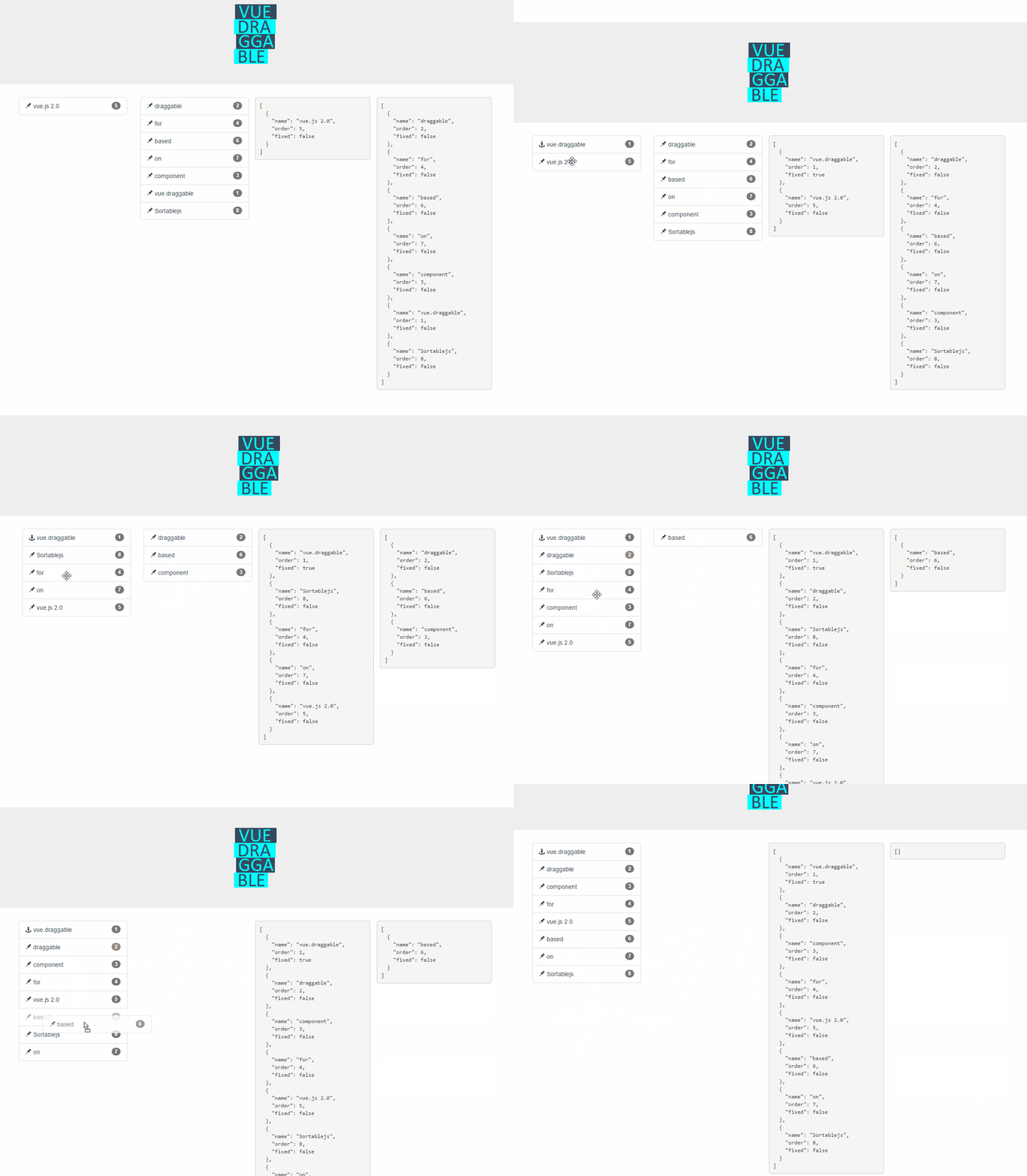
SortableJS/Vue.Draggable is a JavaScript project with 20.6k stars in the UI / UX space. Vue drag-and-drop component based on Sortable.js
Snapshot summary built from the project's own GitHub metadata — there's no written TopGit review yet. The page will update automatically when a full review is published.
WHY NO REVIEW YET
TopGit writes full reviews for the most-starred, most-requested repositories. This page is a snapshot until then — see the READ ME tab for the original README in full.
Input array to draggable component. Typically same array as referenced by inner element v-for directive.
This is the preferred way to use Vue.draggable as it is compatible with Vuex.
It should not be used directly but only though the v-model directive:
<draggable v-model="myArray">
list
Type: Array
Required: false
Default: null
Alternative to the value prop, list is an array to be synchronized with drag-and-drop.
The main difference is that list prop is updated by draggable component using splice method, whereas value is immutable. Do not use in conjunction with value prop.
All sortable options
New in version 2.19
Sortable options can be set directly as vue.draggable props since version 2.19.
This means that all sortable option are valid sortable props with the notable exception of all the method starting by "on" as draggable component expose the same API via events.
kebab-case propery are supported: for example ghost-class props will be converted to ghostClass sortable option.
Example setting handle, sortable and a group option:
HTML node type of the element that draggable component create as outer element for the included slot.
It is also possible to pass the name of vue component as element. In this case, draggable attribute will be passed to the create component.
See also componentData if you need to set props or event to the created component.
clone
Type: Function
Required: false
Default: (original) => { return original;}
Function called on the source component to clone element when clone option is true. The unique argument is the viewModel element to be cloned and the returned value is its cloned version.
By default vue.draggable reuses the viewModel element, so you have to use this hook if you want to clone or deep clone it.
move
Type: Function
Required: false
Default: null
If not null this function will be called in a similar way as Sortable onMove callback.
Returning false will cancel the drag operation.
function onMoveCallback(evt, originalEvent){
   ...
    // return false; — for cancel
}
evt object has same property as Sortable onMove event, and 3 additional properties:
draggedContext: context linked to dragged element
index: dragged element index
element: dragged element underlying view model element
futureIndex: potential index of the dragged element if the drop operation is accepted
relatedContext: context linked to current drag operation
start, add, remove, update, end, choose, unchoose, sort, filter, clone
Events are called whenever onStart, onAdd, onRemove, onUpdate, onEnd, onChoose, onUnchoose, onSort, onClone are fired by Sortable.js with the same argument.
See here for reference
Note that SortableJS OnMove callback is mapped with the move prop
HTML:
<draggable :list="list" @end="onEnd">
change event
change event is triggered when list prop is not null and the corresponding array is altered due to drag-and-drop operation.
This event is called with one argument containing one of the following properties:
added: contains information of an element added to the array
newIndex: the index of the added element
element: the added element
removed: contains information of an element removed from to the array
oldIndex: the index of the element before remove
element: the removed element
moved: contains information of an element moved within the array
newIndex: the current index of the moved element
oldIndex: the old index of the moved element
element: the moved element
Slots
Limitation: neither header or footer slot works in conjunction with transition-group.
Header
Use the header slot to add none-draggable element inside the vuedraggable component.
Important: it should be used in conjunction with draggable option to tag draggable element.
Note that header slot will always be added before the default slot regardless its position in the template.
Ex:
Use the footer slot to add none-draggable element inside the vuedraggable component.
Important: it should be used in conjunction with draggable option to tag draggable elements.
Note that footer slot will always be added after the default slot regardless its position in the template.
Ex:
How active is development on SortableJS/Vue.Draggable?
The most recent commit recorded on SortableJS/Vue.Draggable was 2.6 years ago, based on the GitHub push timestamp. The repository has 2.8k forks — one of the better signals of community interest.
How many stars does SortableJS/Vue.Draggable have?
SortableJS/Vue.Draggable has 20.6k GitHub stars — refresh the page for the live number, or check github.com/SortableJS/Vue.Draggable. TopGit mirrors GitHub's count but does not claim minute-by-minute accuracy.
Is SortableJS/Vue.Draggable open source?
Yes — SortableJS/Vue.Draggable ships under the MIT license, which makes its source code freely readable (and, depending on license terms, forkable and reusable). Source: github.com/SortableJS/Vue.Draggable.
What else is in the UI / UX space?
SortableJS/Vue.Draggable is tracked by TopGit under the UI / UX category, alongside 3 GitHub-tagged topics. Trending and Topics pages list peer repositories of comparable stars and language.
What is SortableJS/Vue.Draggable?
SortableJS/Vue.Draggable (SortableJS/Vue.Draggable) is a JavaScript project on GitHub. From the project's own README: Vue drag-and-drop component based on Sortable.js
What language is SortableJS/Vue.Draggable written in?
SortableJS/Vue.Draggable is written primarily in JavaScript. GitHub's language field is based on the largest share of bytes in the default branch.
What license does SortableJS/Vue.Draggable use?
SortableJS/Vue.Draggable is released under the MIT license. Always verify the LICENSE file directly on GitHub for the authoritative terms — license strings can be edited out of sync with a project's actual stance.
Where do I read more about SortableJS/Vue.Draggable?
This TopGit page is a snapshot — the READ ME tab shows the project's own README content (links stripped, images preserved). The GitHub repository at github.com/SortableJS/Vue.Draggable is the definitive source.
Read full README in the tab above.
Want a second opinion on Vue.Draggable?
Ask an AI that can read this page — one click and you get its take on Vue.Draggable.
 /Vue.Draggable