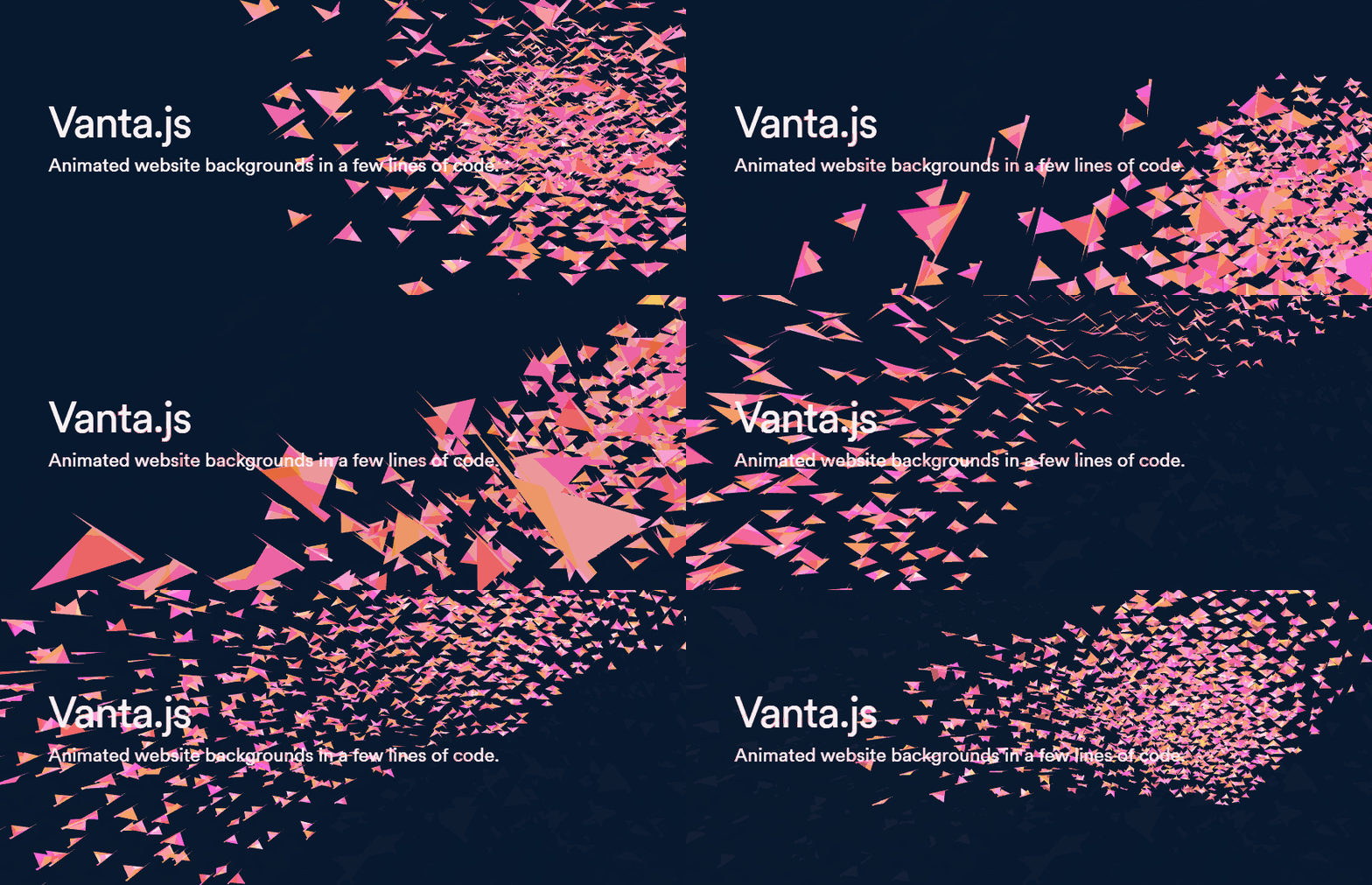
tengbao/vanta is a design-focused project on GitHub with 7.4k stars, written primarily in JavaScript. Animated 3D backgrounds for your website
Snapshot summary built from the project's own GitHub metadata — there's no written TopGit review yet. The page will update automatically when a full review is published.
WHY NO REVIEW YET
TopGit writes full reviews for the most-starred, most-requested repositories. This page is a snapshot until then — see the READ ME tab for the original README in full.
VANTA.WAVES({
  el: '#my-background', // element selector string or DOM object reference
  color: 0x000000,
  waveHeight: 20,
  shininess: 50,
  waveSpeed: 1.5,
  zoom: 0.75
})
el: The container element.
The Vanta canvas will be appended as a child of this element, and will assume the width and height of this element. (If you want a fullscreen canvas, make sure this container element is fullscreen.)
This container can have other children. The other children will appear as foreground content, in front of the Vanta canvas.
mouseControls: (defaults to true) Set to false to disable mouse controls. Only applies to certain effects.
touchControls: (defaults to true) Set to false to disable touch controls. Only applies to certain effects.
gyroControls: (defaults to false) Set to true to allow gyroscope to imitate mouse. Only applies to certain effects.
NOTE: Each effect has its own specific parameters. Explore them all at www.vantajs.com!
Updating options after init:
const effect = VANTA.WAVES({
  el: '#my-background',
  color: 0x000000
})

// Later, when you want to update an animation in progress with new options
effect.setOptions({
  color: 0xff88cc
})

// Later, if the container changes size and you want to force Vanta to redraw at the new canvas size
effect.resize()
Cleanup:
const effect = VANTA.WAVES('#my-background')
effect.destroy() // e.g. call this in React's componentWillUnmount
Usage with React Hooks:
npm i vanta, then import a specific effect as follows. Make sure three.js or p5.js has already been included via <script> tag.
import React, { useState, useEffect, useRef } from 'react'
import BIRDS from 'vanta/dist/vanta.birds.min'
// Make sure window.THREE is defined, e.g. by including three.min.js in the document head using a <script> tag

const MyComponent = (props) => {
  const [vantaEffect, setVantaEffect] = useState(null)
  const myRef = useRef(null)
  useEffect(() => {
    if (!vantaEffect) {
      setVantaEffect(BIRDS({
        el: myRef.current
      }))
    }
    return () => {
      if (vantaEffect) vantaEffect.destroy()
    }
  }, [vantaEffect])
  return <div ref={myRef}>
    Foreground content goes here
  </div>
}
View fiddle →
Usage with React Classes:
npm i vanta, then import a specific effect as follows. Make sure three.js or p5.js has already been included via <script> tag.
import React from 'react'
import BIRDS from 'vanta/dist/vanta.birds.min'
// Make sure window.THREE is defined, e.g. by including three.min.js in the document head using a <script> tag

class MyComponent extends React.Component {
  constructor() {
    super()
    this.vantaRef = React.createRef()
  }
  componentDidMount() {
    this.vantaEffect = BIRDS({
      el: this.vantaRef.current
    })
  }
  componentWillUnmount() {
    if (this.vantaEffect) this.vantaEffect.destroy()
  }
  render() {
    return <div ref={this.vantaRef}>
      Foreground content goes here
    </div>
  }
}
View fiddle →
Usage with Vue 2 (SFC):
<template>
  <div ref='vantaRef'>
    Foreground content here
  </div>
</template>

<script>
import BIRDS from 'vanta/dist/vanta.birds.min'
// Make sure window.THREE is defined, e.g. by including three.min.js in the document head using a <script> tag

export default {
  mounted() {
    this.vantaEffect = BIRDS({
      el: this.$refs.vantaRef
    })
  },
  beforeDestroy() {
    if (this.vantaEffect) {
      this.vantaEffect.destroy()
    }
  }
}
</script>
Using THREE or p5 from npm
For effects that use three.js, you can import three from npm, and pass it into the effect function.
import React from 'react'
import * as THREE from 'three'
import BIRDS from 'vanta/dist/vanta.birds.min'

...
  componentDidMount() {
    this.vantaEffect = BIRDS({
      el: this.vantaRef.current,
      THREE: THREE // use a custom THREE when initializing
    })
  }
...
For effects that use p5.js, you can import p5 from npm, and pass it into the effect function.
import React from 'react'
import p5 from 'p5'
import TRUNK from 'vanta/dist/vanta.trunk.min'

...
  componentDidMount() {
    this.vantaEffect = TRUNK({
      el: this.vantaRef.current,
      p5: p5 // use a custom p5 when initializing
    })
  }
...
Local dev:
Clone the repo, switch to the gallery branch, run npm install and npm run dev, and go to localhost:8080.
Credits
General inspiration from shadertoy.com, #generative, /r/generative, /r/creativecoding, etc
Birds effect from https://threejs.org/examples/?q=birds#webgl_gpgpu_birds by @zz85
Fog effect from https://thebookofshaders.com/13/ by @patriciogonzalezvivo
Clouds effect from https://www.shadertoy.com/view/XslGRr by Inigo Quilez
Clouds2 effect from https://www.shadertoy.com/view/lsBfDz by Rune Stubbe
Trunk, Topology effects from http://generated.space/ by Kjetil Midtgarden Golid @kgolid
The most recent commit recorded on tengbao/vanta was 2.7 years ago, based on the GitHub push timestamp. The repository has 1.1k forks — one of the better signals of community interest.
How many stars does tengbao/vanta have?
tengbao/vanta has 7.4k GitHub stars — refresh the page for the live number, or check github.com/tengbao/vanta. TopGit mirrors GitHub's count but does not claim minute-by-minute accuracy.
Is tengbao/vanta open source?
Yes — tengbao/vanta ships under the MIT license, which makes its source code freely readable (and, depending on license terms, forkable and reusable). Source: github.com/tengbao/vanta.
What else is in the UI / UX space?
tengbao/vanta is tracked by TopGit under the UI / UX category, alongside 6 GitHub-tagged topics. Trending and Topics pages list peer repositories of comparable stars and language.
What is tengbao/vanta?
tengbao/vanta (tengbao/vanta) is a JavaScript project on GitHub. From the project's own README: Animated 3D backgrounds for your website
What language is tengbao/vanta written in?
tengbao/vanta is written primarily in JavaScript. GitHub's language field is based on the largest share of bytes in the default branch.
What license does tengbao/vanta use?
tengbao/vanta is released under the MIT license. Always verify the LICENSE file directly on GitHub for the authoritative terms — license strings can be edited out of sync with a project's actual stance.
Where do I read more about tengbao/vanta?
This TopGit page is a snapshot — the READ ME tab shows the project's own README content (links stripped, images preserved). The GitHub repository at github.com/tengbao/vanta is the definitive source.
Read full README in the tab above.
Want a second opinion on vanta?
Ask an AI that can read this page — one click and you get its take on vanta.

 /vanta