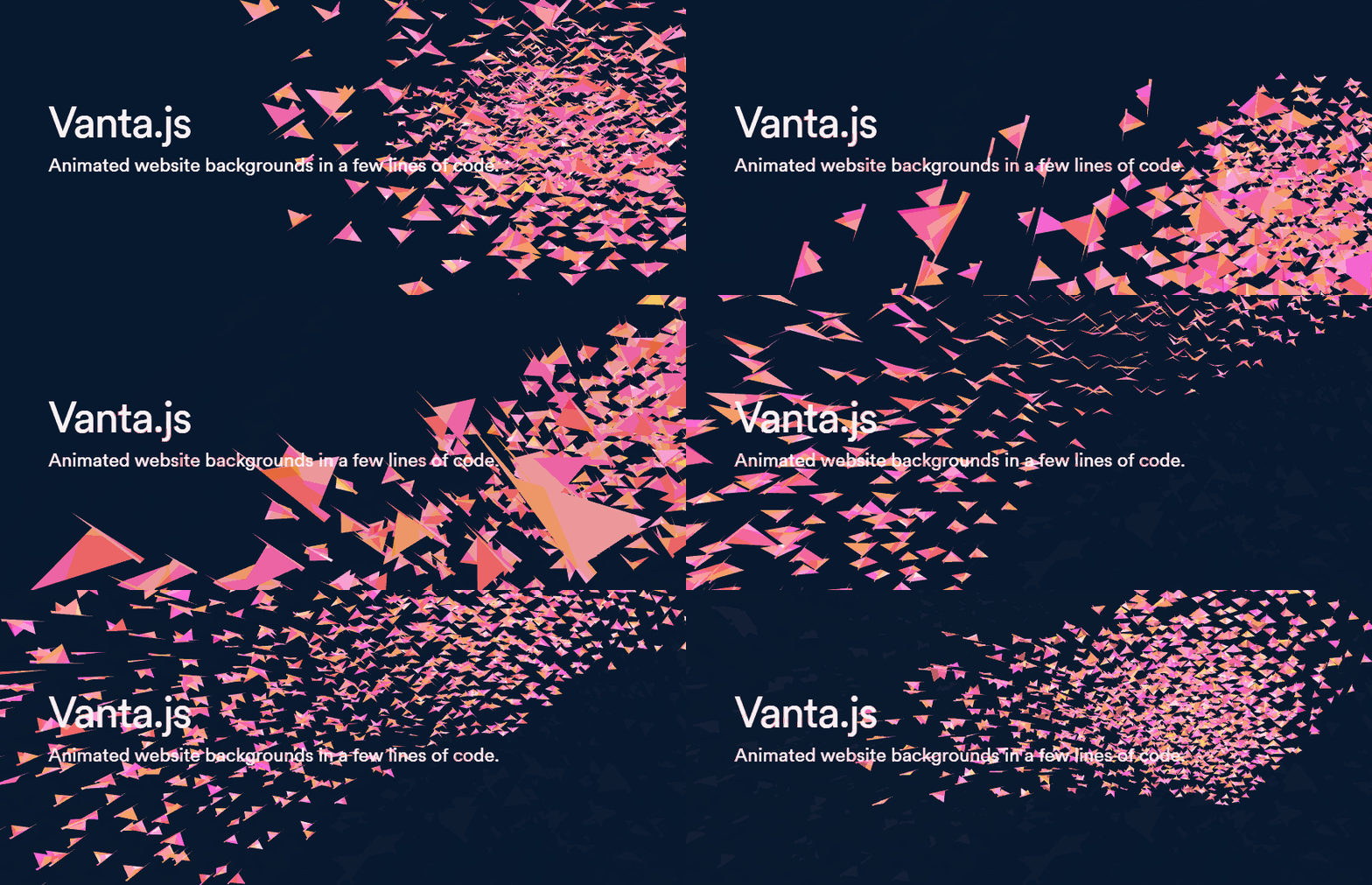
tengbao/vanta là dự án JavaScript với 7.4k sao trong nhóm UI / UX. Animated 3D backgrounds for your website
Tóm tắt dựng từ metadata GitHub của chính dự án — chưa có bài review TopGit. Trang sẽ tự động cập nhật khi bài review đầy đủ được xuất bản.
VÌ SAO CHƯA CÓ REVIEW
TopGit viết bài đầy đủ cho repo có nhiều sao nhất và được yêu cầu nhiều nhất. Trang này là snapshot trong thời gian chờ — xem README gốc ở tab READ ME.
VANTA.WAVES({
  el: '#my-background', // element selector string or DOM object reference
  color: 0x000000,
  waveHeight: 20,
  shininess: 50,
  waveSpeed: 1.5,
  zoom: 0.75
})
el: The container element.
The Vanta canvas will be appended as a child of this element, and will assume the width and height of this element. (If you want a fullscreen canvas, make sure this container element is fullscreen.)
This container can have other children. The other children will appear as foreground content, in front of the Vanta canvas.
mouseControls: (defaults to true) Set to false to disable mouse controls. Only applies to certain effects.
touchControls: (defaults to true) Set to false to disable touch controls. Only applies to certain effects.
gyroControls: (defaults to false) Set to true to allow gyroscope to imitate mouse. Only applies to certain effects.
NOTE: Each effect has its own specific parameters. Explore them all at www.vantajs.com!
Updating options after init:
const effect = VANTA.WAVES({
  el: '#my-background',
  color: 0x000000
})

// Later, when you want to update an animation in progress with new options
effect.setOptions({
  color: 0xff88cc
})

// Later, if the container changes size and you want to force Vanta to redraw at the new canvas size
effect.resize()
Cleanup:
const effect = VANTA.WAVES('#my-background')
effect.destroy() // e.g. call this in React's componentWillUnmount
Usage with React Hooks:
npm i vanta, then import a specific effect as follows. Make sure three.js or p5.js has already been included via <script> tag.
import React, { useState, useEffect, useRef } from 'react'
import BIRDS from 'vanta/dist/vanta.birds.min'
// Make sure window.THREE is defined, e.g. by including three.min.js in the document head using a <script> tag

const MyComponent = (props) => {
  const [vantaEffect, setVantaEffect] = useState(null)
  const myRef = useRef(null)
  useEffect(() => {
    if (!vantaEffect) {
      setVantaEffect(BIRDS({
        el: myRef.current
      }))
    }
    return () => {
      if (vantaEffect) vantaEffect.destroy()
    }
  }, [vantaEffect])
  return <div ref={myRef}>
    Foreground content goes here
  </div>
}
View fiddle →
Usage with React Classes:
npm i vanta, then import a specific effect as follows. Make sure three.js or p5.js has already been included via <script> tag.
import React from 'react'
import BIRDS from 'vanta/dist/vanta.birds.min'
// Make sure window.THREE is defined, e.g. by including three.min.js in the document head using a <script> tag

class MyComponent extends React.Component {
  constructor() {
    super()
    this.vantaRef = React.createRef()
  }
  componentDidMount() {
    this.vantaEffect = BIRDS({
      el: this.vantaRef.current
    })
  }
  componentWillUnmount() {
    if (this.vantaEffect) this.vantaEffect.destroy()
  }
  render() {
    return <div ref={this.vantaRef}>
      Foreground content goes here
    </div>
  }
}
View fiddle →
Usage with Vue 2 (SFC):
<template>
  <div ref='vantaRef'>
    Foreground content here
  </div>
</template>

<script>
import BIRDS from 'vanta/dist/vanta.birds.min'
// Make sure window.THREE is defined, e.g. by including three.min.js in the document head using a <script> tag

export default {
  mounted() {
    this.vantaEffect = BIRDS({
      el: this.$refs.vantaRef
    })
  },
  beforeDestroy() {
    if (this.vantaEffect) {
      this.vantaEffect.destroy()
    }
  }
}
</script>
Using THREE or p5 from npm
For effects that use three.js, you can import three from npm, and pass it into the effect function.
import React from 'react'
import * as THREE from 'three'
import BIRDS from 'vanta/dist/vanta.birds.min'

...
  componentDidMount() {
    this.vantaEffect = BIRDS({
      el: this.vantaRef.current,
      THREE: THREE // use a custom THREE when initializing
    })
  }
...
For effects that use p5.js, you can import p5 from npm, and pass it into the effect function.
import React from 'react'
import p5 from 'p5'
import TRUNK from 'vanta/dist/vanta.trunk.min'

...
  componentDidMount() {
    this.vantaEffect = TRUNK({
      el: this.vantaRef.current,
      p5: p5 // use a custom p5 when initializing
    })
  }
...
Local dev:
Clone the repo, switch to the gallery branch, run npm install and npm run dev, and go to localhost:8080.
Credits
General inspiration from shadertoy.com, #generative, /r/generative, /r/creativecoding, etc
Birds effect from https://threejs.org/examples/?q=birds#webgl_gpgpu_birds by @zz85
Fog effect from https://thebookofshaders.com/13/ by @patriciogonzalezvivo
Clouds effect from https://www.shadertoy.com/view/XslGRr by Inigo Quilez
Clouds2 effect from https://www.shadertoy.com/view/lsBfDz by Rune Stubbe
Trunk, Topology effects from http://generated.space/ by Kjetil Midtgarden Golid @kgolid
tengbao/vanta thuộc nhóm UI / UX trên TopGit, cùng 6 topic GitHub. Trang Trending và Topics liệt kê các repo cùng số sao và cùng ngôn ngữ để so sánh.
Đọc thêm về tengbao/vanta ở đâu?
Trang TopGit này là một snapshot — tab "Readme" hiển thị nguyên văn README của repo (đã bỏ link, giữ ảnh). Repo GitHub ở github.com/tengbao/vanta là nguồn chính thức.
tengbao/vanta có bao nhiêu sao?
tengbao/vanta có 7.4k sao GitHub — tải lại trang để xem số mới nhất, hoặc xem trực tiếp github.com/tengbao/vanta. TopGit phản chiếu số sao của GitHub nhưng không cam kết đến từng phút.
tengbao/vanta có phải mã nguồn mở không?
Có — tengbao/vanta phát hành theo license MIT, nghĩa là mã nguồn mở để đọc, fork và (tùy license) tái sử dụng. Mã: github.com/tengbao/vanta.
tengbao/vanta còn đang phát triển không?
Commit gần nhất trên tengbao/vanta là 2.7 năm trước (theo timestamp GitHub). Repo có 1.1k fork — một chỉ báo về mức độ quan tâm của cộng đồng.
tengbao/vanta dùng license gì?
tengbao/vanta phát hành theo license MIT. Nên mở file LICENSE trên GitHub để xác nhận — license metadata đôi khi lệch với thực tế dự án.
tengbao/vanta là gì?
tengbao/vanta (tengbao/vanta) là dự án JavaScript trên GitHub. Theo mô tả gốc: Animated 3D backgrounds for your website
tengbao/vanta viết bằng ngôn ngữ gì?
tengbao/vanta chủ yếu viết bằng JavaScript. Trường "language" của GitHub dựa trên phần lớn byte ở nhánh mặc định.
Đọc đầy đủ README ở tab phía trên.
Chưa chắc vanta có hợp với bạn?
Để ChatGPT, Claude hoặc Perplexity tìm hiểu giúp — bấm bên dưới và xem AI nói gì về vanta.

 /vanta