thu-ml/TurboDiffusion

Snapshot of thu-ml/TurboDiffusion: 3.9k★, Python, AI Tools. TurboDiffusion: 100–200× Acceleration for Video Diffusion Models
Snapshot summary built from the project's own GitHub metadata — there's no written TopGit review yet. The page will update automatically when a full review is published.
TopGit writes full reviews for the most-starred, most-requested repositories. This page is a snapshot until then — see the READ ME tab for the original README in full.
Snapshot
Top contributors
Show top contributors
TurboDiffusion

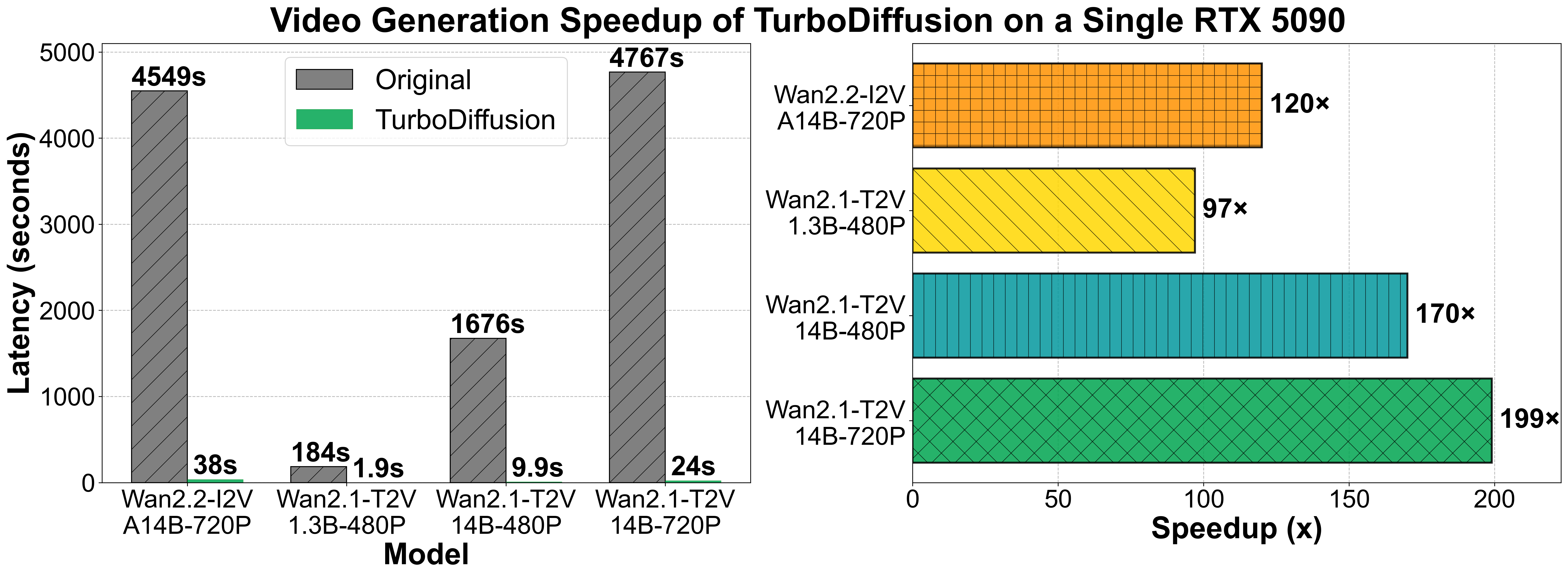
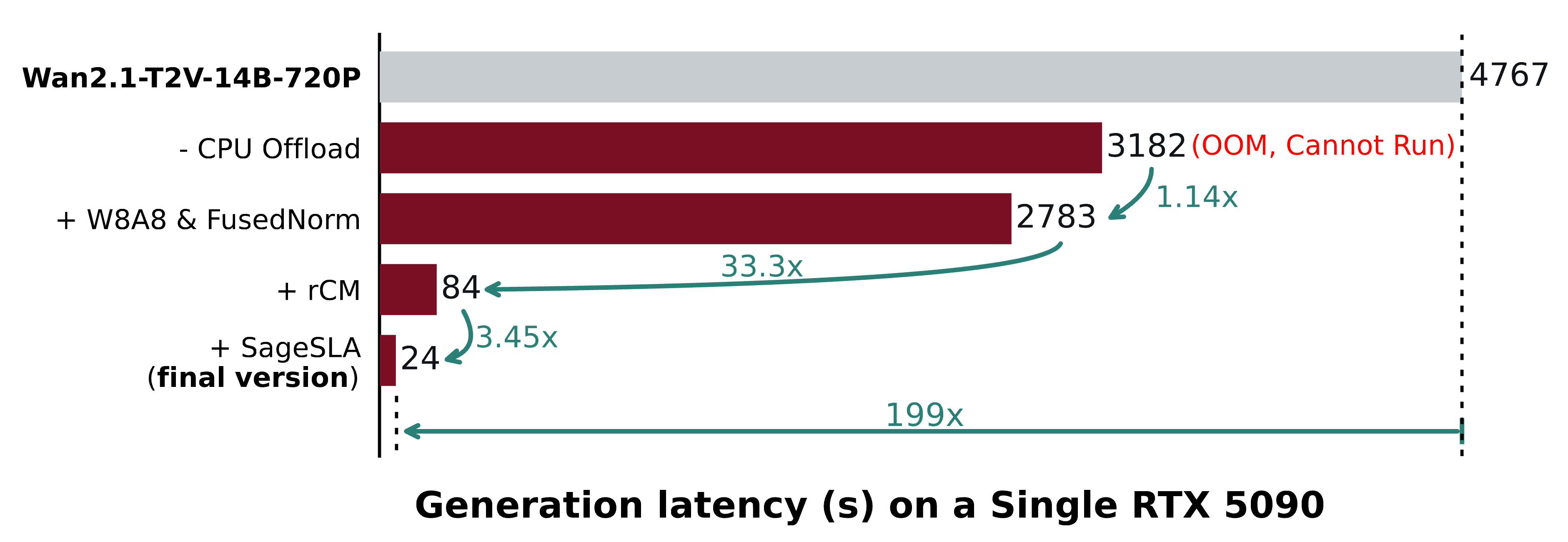
This repository provides the official implementation of TurboDiffusion, a video generation acceleration framework that can speed up end-to-end diffusion generation by $100 \sim 200\times$ on a single RTX 5090, while maintaining video quality.
TurboDiffusion primarily uses SageAttention, SLA (Sparse-Linear Attention) for attention acceleration, and rCM for timestep distillation.
Paper: TurboDiffusion: Accelerating Video Diffusion Models by 100-200 Times
Note: The current models are only trained on long English prompts. If you use other types of prompts, please augment them to get better performance.
The checkpoints and paper are not finalized, and will be updated later to improve quality.
|
Original, E2E Time: 184s
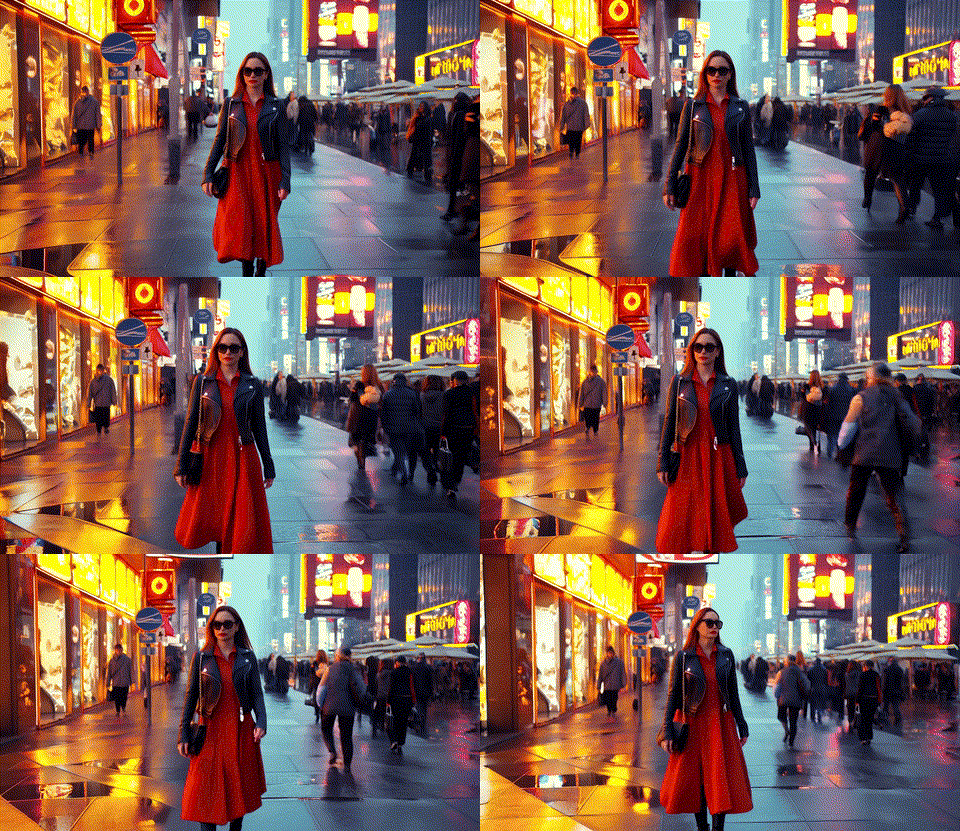 |
TurboDiffusion, E2E Time: 1.9s
 |
Available Models
| Model Name | Checkpoint Link | Best Resolution |
|---|---|---|
TurboWan2.2-I2V-A14B-720P | Huggingface Model | 720p |
TurboWan2.1-T2V-1.3B-480P | Huggingface Model | 480p |
TurboWan2.1-T2V-14B-480P | Huggingface Model | 480p |
TurboWan2.1-T2V-14B-720P | Huggingface Model | 720p |
Note: All checkpoints support generating videos at 480p or 720p. The "Best Resolution" column indicates the resolution at which the model provides the best video quality.
Installation
Base environment: python>=3.9, torch>=2.7.0. torch==2.8.0 is recommended, as higher versions may cause OOM.
Install TurboDiffusion by pip:
conda create -n turbodiffusion python=3.12
conda activate turbodiffusion

pip install turbodiffusion --no-build-isolation
Or compile from source:
git clone https://github.com/thu-ml/TurboDiffusion.git
cd TurboDiffusion
git submodule update --init --recursive
pip install -e . --no-build-isolation
To enable SageSLA, a fast SLA forward pass based on SageAttention, install SpargeAttn first:
pip install git+https://github.com/thu-ml/SpargeAttn.git --no-build-isolation
Inference
For GPUs with more than 40GB of GPU memory, e.g., H100, please use the unquantized checkpoints (without -quant) and remove --quant_linear from the command. For RTX 5090, RTX 4090, or similar GPUs, please use the quantized checkpoints (with -quant) and add --quant_linear in the command.)
-
Download the VAE (applicable for both Wan2.1 and Wan2.2) and umT5 text encoder checkpoints:
mkdir checkpoints cd checkpoints wget https://huggingface.co/Wan-AI/Wan2.1-T2V-1.3B/resolve/main/Wan2.1_VAE.pth wget https://huggingface.co/Wan-AI/Wan2.1-T2V-1.3B/resolve/main/models_t5_umt5-xxl-enc-bf16.pth -
Download our quantized model checkpoints (For RTX 5090 or similar GPUs):
# For Wan2.1-T2V-1.3B
wget https://huggingface.co/TurboDiffusion/TurboWan2.1-T2V-1.3B-480P/resolve/main/TurboWan2.1-T2V-1.3B-480P-quant.pth

# For Wan2.2-I2V-14B
wget https://huggingface.co/TurboDiffusion/TurboWan2.2-I2V-A14B-720P/resolve/main/TurboWan2.2-I2V-A14B-high-720P-quant.pth
wget https://huggingface.co/TurboDiffusion/TurboWan2.2-I2V-A14B-720P/resolve/main/TurboWan2.2-I2V-A14B-low-720P-quant.pth
Or download our unquantized model checkpoints (For H100 or similar GPUs):
# For Wan2.1-T2V-1.3B wget https://huggingface.co/TurboDiffusion/TurboWan2.1-T2V-1.3B-480P/resolve/main/TurboWan2.1-T2V-1.3B-480P.pth # For Wan2.2-I2V-14B wget https://huggingface.co/TurboDiffusion/TurboWan2.2-I2V-A14B-720P/resolve/main/TurboWan2.2-I2V-A14B-high-720P.pth wget https://huggingface.co/TurboDiffusion/TurboWan2.2-I2V-A14B-720P/resolve/main/TurboWan2.2-I2V-A14B-low-720P.pth -
Use the inference script for the T2V models:
export PYTHONPATH=turbodiffusion

# Arguments:
# --dit_path            Path to the finetuned TurboDiffusion checkpoint
# --model               Model to use: Wan2.1-1.3B or Wan2.1-14B (default: Wan2.1-1.3B)
# --num_samples         Number of videos to generate (default: 1)
# --num_steps           Sampling steps, 1–4 (default: 4)
# --sigma_max           Initial sigma for rCM (default: 80); larger choices (e.g., 1600) reduce diversity but may enhance quality
# --vae_path            Path to Wan2.1 VAE (default: checkpoints/Wan2.1_VAE.pth)
# --text_encoder_path   Path to umT5 text encoder (default: checkpoints/models_t5_umt5-xxl-enc-bf16.pth)
# --num_frames          Number of frames to generate (default: 81)
# --prompt              Text prompt for video generation
# --resolution          Output resolution: "480p" or "720p" (default: 480p)
# --aspect_ratio        Aspect ratio in W:H format (default: 16:9)
# --seed                Random seed for reproducibility (default: 0)
# --save_path           Output file path including extension (default: output/generated_video.mp4)
# --attention_type      Attention module to use: original, sla or sagesla (default: sagesla)
# --sla_topk            Top-k ratio for SLA/SageSLA attention (default: 0.1), we recommend using 0.15 for better video quality
# --quant_linear        Enable quantization for linear layers, pass this if using a quantized checkpoint
# --default_norm        Use the original LayerNorm and RMSNorm of Wan models

python turbodiffusion/inference/wan2.1_t2v_infer.py \
    --model Wan2.1-1.3B \
    --dit_path checkpoints/TurboWan2.1-T2V-1.3B-480P-quant.pth \
    --resolution 480p \
    --prompt "A stylish woman walks down a Tokyo street filled with warm glowing neon and animated city signage. She wears a black leather jacket, a long red dress, and black boots, and carries a black purse. She wears sunglasses and red lipstick. She walks confidently and casually. The street is damp and reflective, creating a mirror effect of the colorful lights. Many pedestrians walk about." \
    --num_samples 1 \
    --num_steps 4 \
    --quant_linear \
    --attention_type sagesla \
    --sla_topk 0.1
Or the script for the I2V model:
export PYTHONPATH=turbodiffusion

# --image_path              Path to the input image
# --high_noise_model_path   Path to the high noise TurboDiffusion checkpoint
# --low_noise_model_path    Path to the high noise TurboDiffusion checkpoint
# --boundary                Timestep boundary for switching from high to low noise model (default: 0.9)
# --model                   Model to use: Wan2.2-A14B (default: Wan2.2-A14B)
# --num_samples             Number of videos to generate (default: 1)
# --num_steps               Sampling steps, 1–4 (default: 4)
# --sigma_max               Initial sigma for rCM (default: 200); larger choices (e.g., 1600) reduce diversity but may enhance quality
# --vae_path                Path to Wan2.2 VAE (default: checkpoints/Wan2.2_VAE.pth)
# --text_encoder_path       Path to umT5 text encoder (default: checkpoints/models_t5_umt5-xxl-enc-bf16.pth)
# --num_frames              Number of frames to generate (default: 81)
# --prompt                  Text prompt for video generation
# --resolution              Output resolution: "480p" or "720p" (default: 720p)
# --aspect_ratio            Aspect ratio in W:H format (default: 16:9)
# --adaptive_resolution     Enable adaptive resolution based on input image size
# --ode                     Use ODE for sampling (sharper but less robust than SDE)
# --seed                    Random seed for reproducibility (default: 0)
# --save_path               Output file path including extension (default: output/generated_video.mp4)
# --attention_type          Attention module to use: original, sla or sagesla (default: sagesla)
# --sla_topk                Top-k ratio for SLA/SageSLA attention (default: 0.1), we recommend using 0.15 for better video quality
# --quant_linear            Enable quantization for linear layers, pass this if using a quantized checkpoint
# --default_norm            Use the original LayerNorm and RMSNorm of Wan models

python turbodiffusion/inference/wan2.2_i2v_infer.py \
    --model Wan2.2-A14B \
    --low_noise_model_path checkpoints/TurboWan2.2-I2V-A14B-low-720P-quant.pth \
    --high_noise_model_path checkpoints/TurboWan2.2-I2V-A14B-high-720P-quant.pth \
    --resolution 720p \
    --adaptive_resolution \
    --image_path assets/i2v_inputs/i2v_input_0.jpg \
    --prompt "POV selfie video, ultra-messy and extremely fast. A white cat in sunglasses stands on a surfboard with a neutral look when the board suddenly whips sideways, throwing cat and camera into the water; the frame dives sharply downward, swallowed by violent bursts of bubbles, spinning turbulence, and smeared water streaks as the camera sinks. Shadows thicken, pressure ripples distort the edges, and loose bubbles rush upward past the lens, showing the camera is still sinking. Then the cat kicks upward with explosive speed, dragging the view through churning bubbles and rapidly brightening water as sunlight floods back in; the camera races upward, water streaming off the lens, and finally breaks the surface in a sudden blast of light and spray, snapping back into a crooked, frantic selfie as the cat resurfaces." \
    --num_samples 1 \
    --num_steps 4 \
    --quant_linear \
    --attention_type sagesla \
    --sla_topk 0.1 \
    --ode
Interactive inference via the terminal is available at turbodiffusion/serve/. This allows multi-turn video generation without reloading the model.
Evaluation
We evaluate video generation on a single RTX 5090 GPU. The E2E Time refers to the end-to-end diffusion generation latency, excluding text encoding and VAE decoding.
Wan-2.2-I2V-A14B-720P
|
Original, E2E Time: 4549s
 |
TurboDiffusion, E2E Time: 38s
 |
|
Original, E2E Time: 4549s
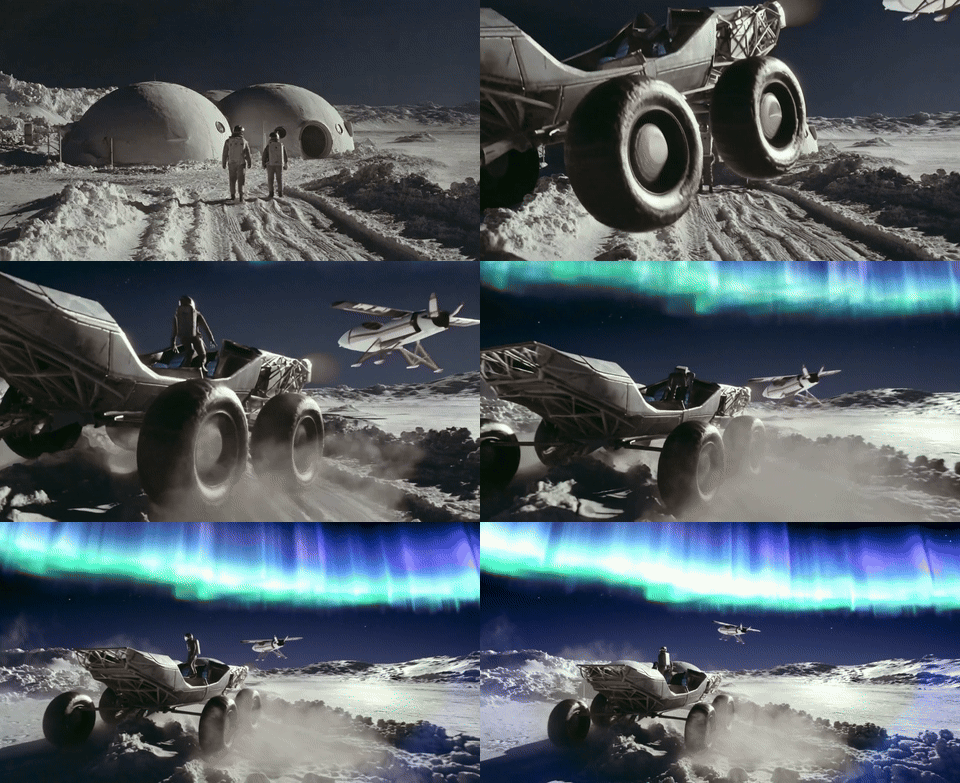 |
TurboDiffusion, E2E Time: 38s
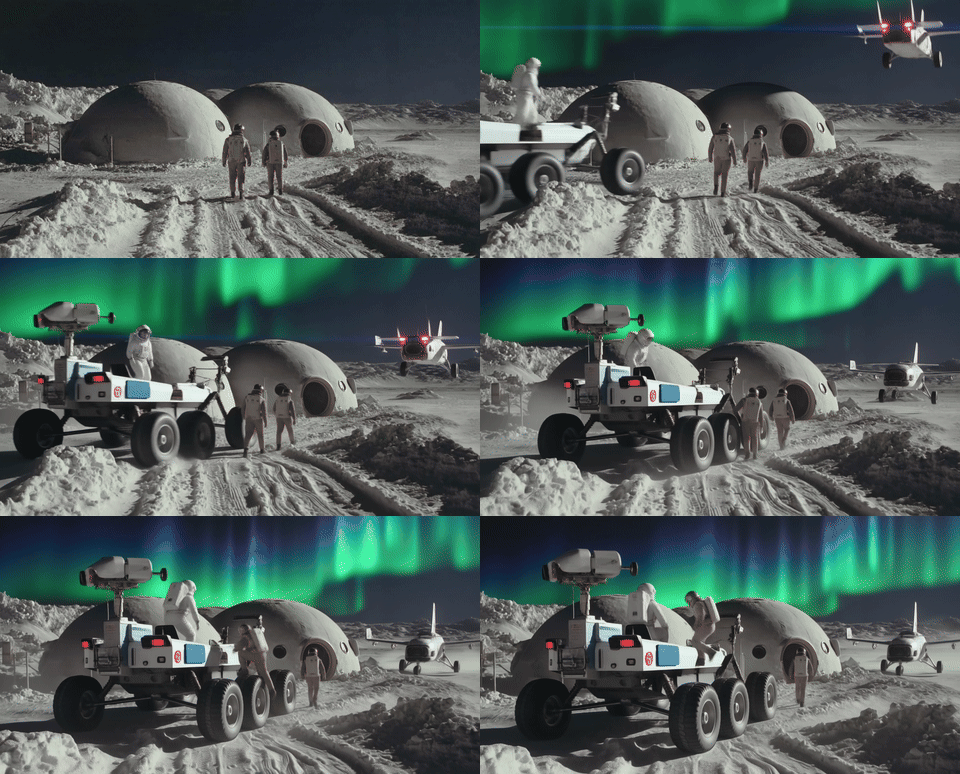 |
|
Original, E2E Time: 4549s
 |
TurboDiffusion, E2E Time: 38s
 |
|
Original, E2E Time: 4549s
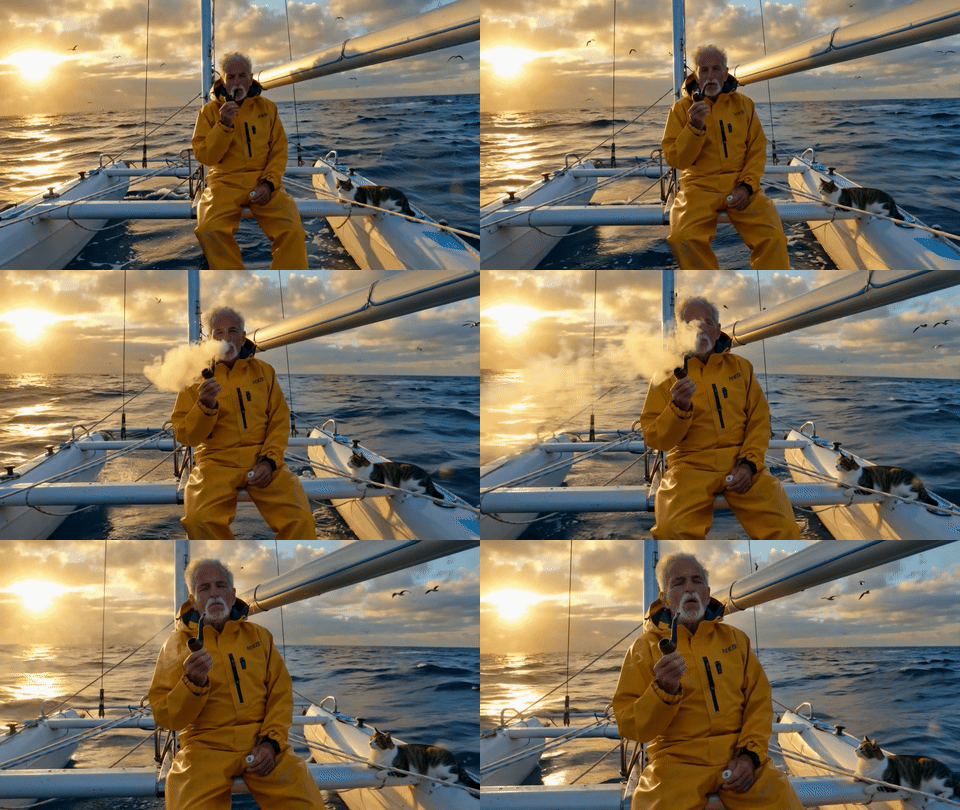 |
TurboDiffusion, E2E Time: 38s
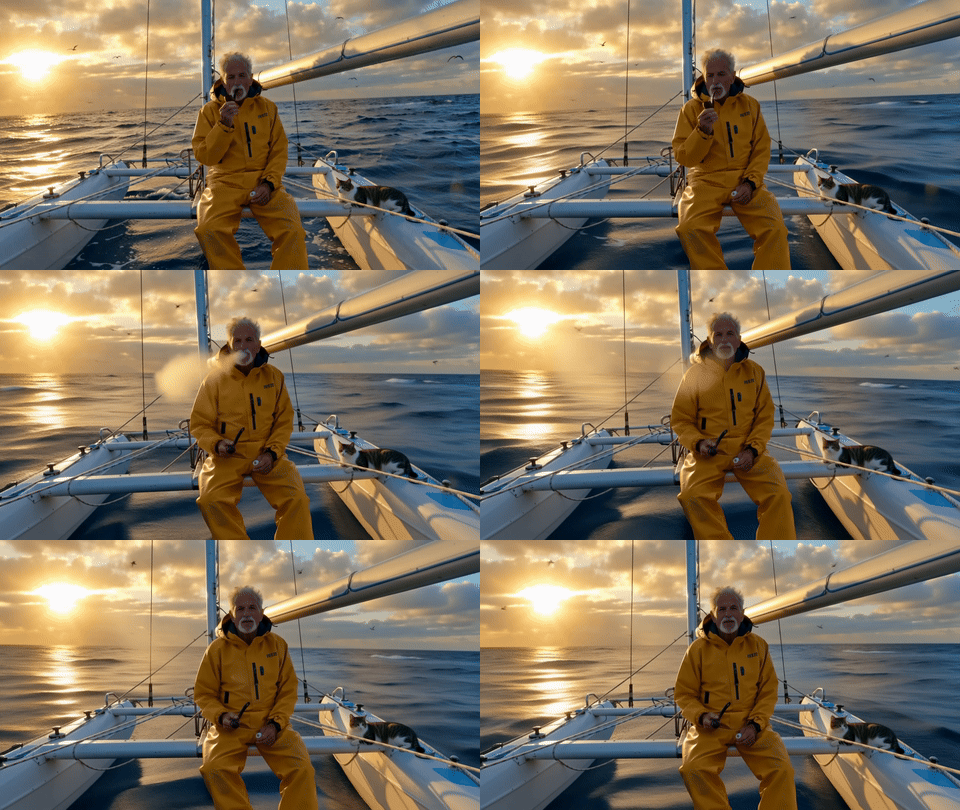 |
|
Original, E2E Time: 4549s
 |
TurboDiffusion, E2E Time: 38s
 |
|
Original, E2E Time: 4549s
 |
TurboDiffusion, E2E Time: 38s
 |
|
Original, E2E Time: 4549s
 |
TurboDiffusion, E2E Time: 38s
 |
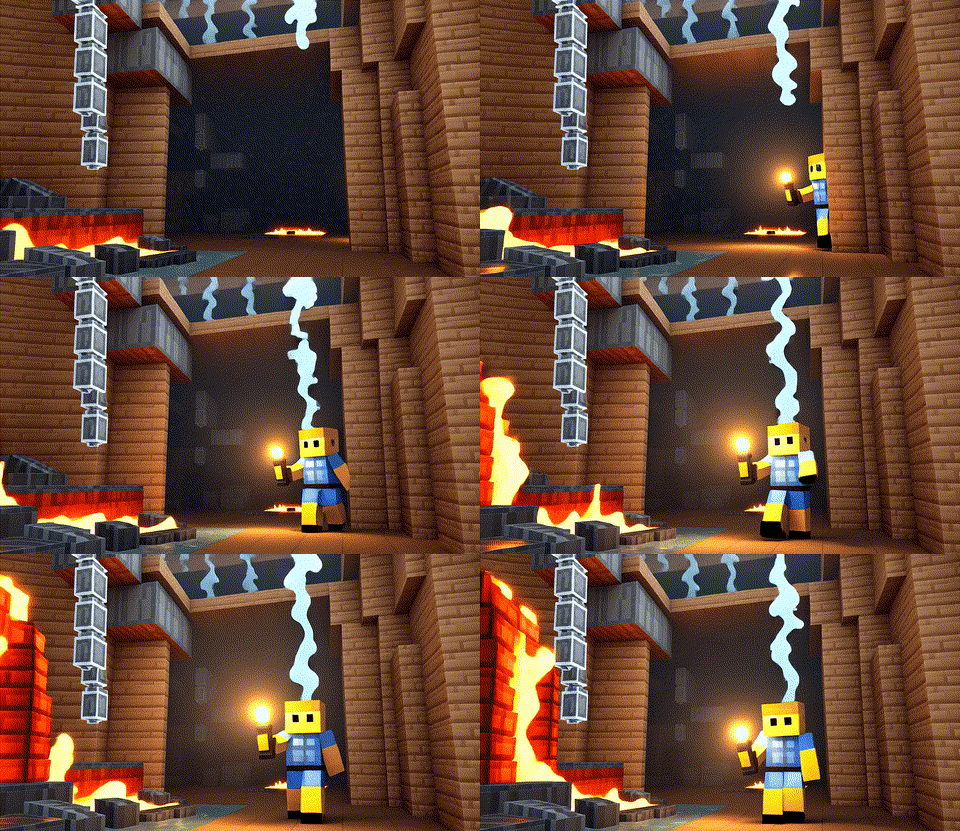
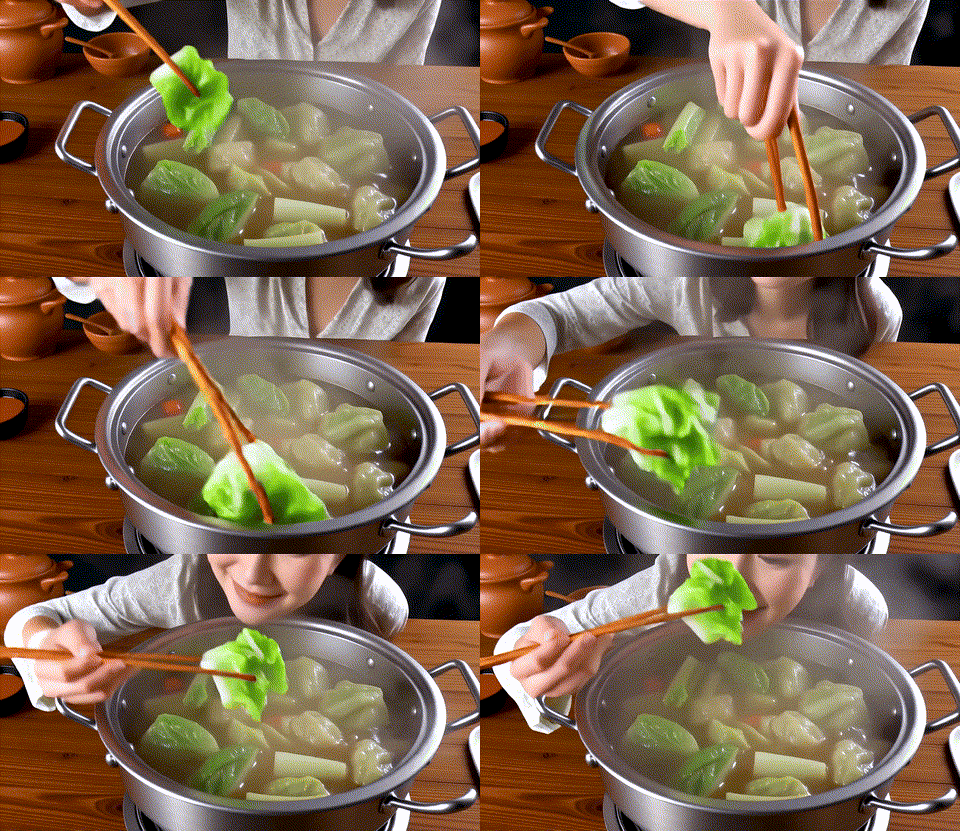
Wan-2.1-T2V-1.3B-480P
|
Original, E2E Time: 184s
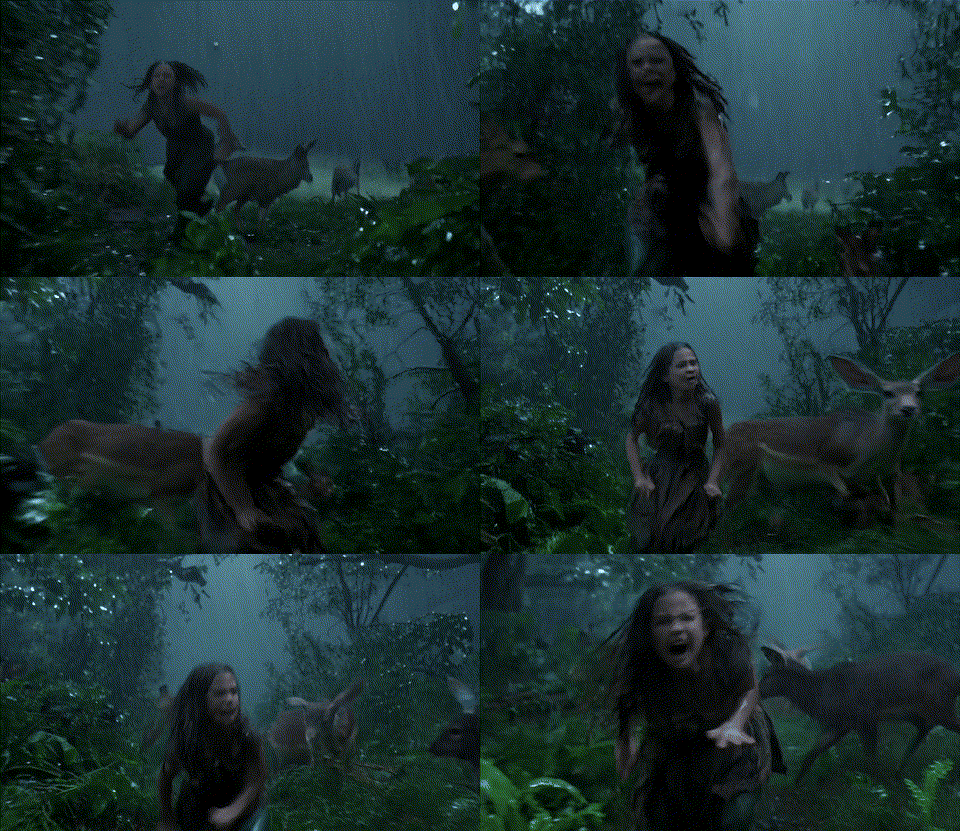 |
FastVideo, E2E Time: 5.3s
 |
TurboDiffusion, E2E Time: 1.9s
 |
|
Original, E2E Time: 184s
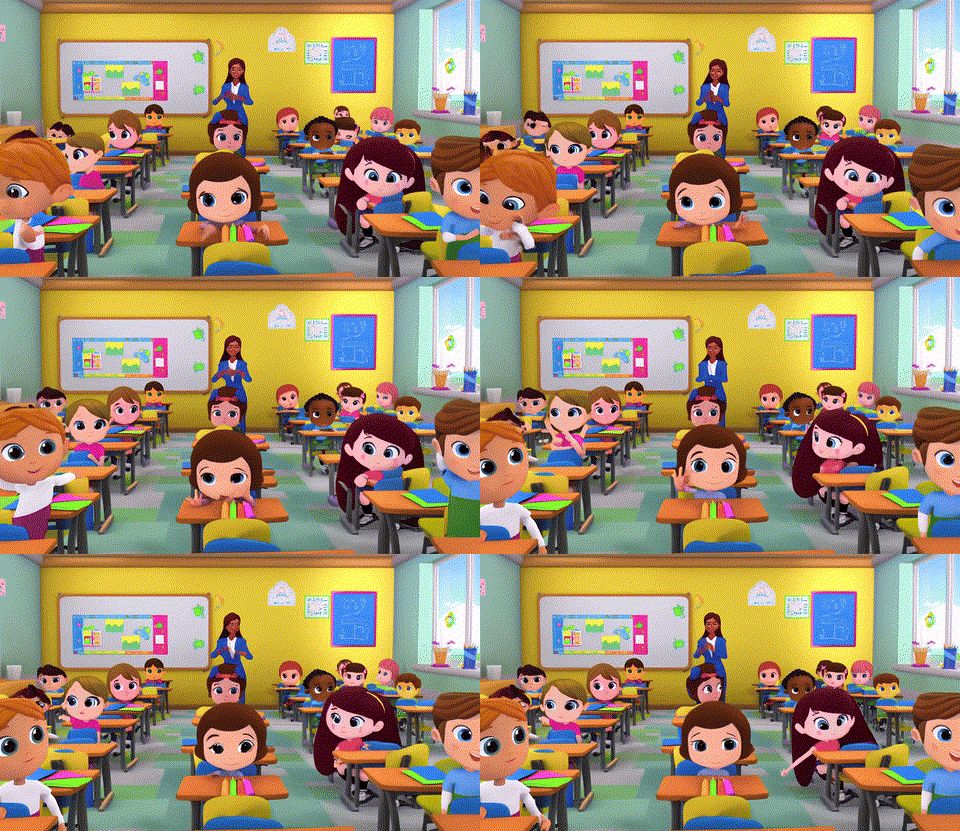 |
FastVideo, E2E Time: 5.3s
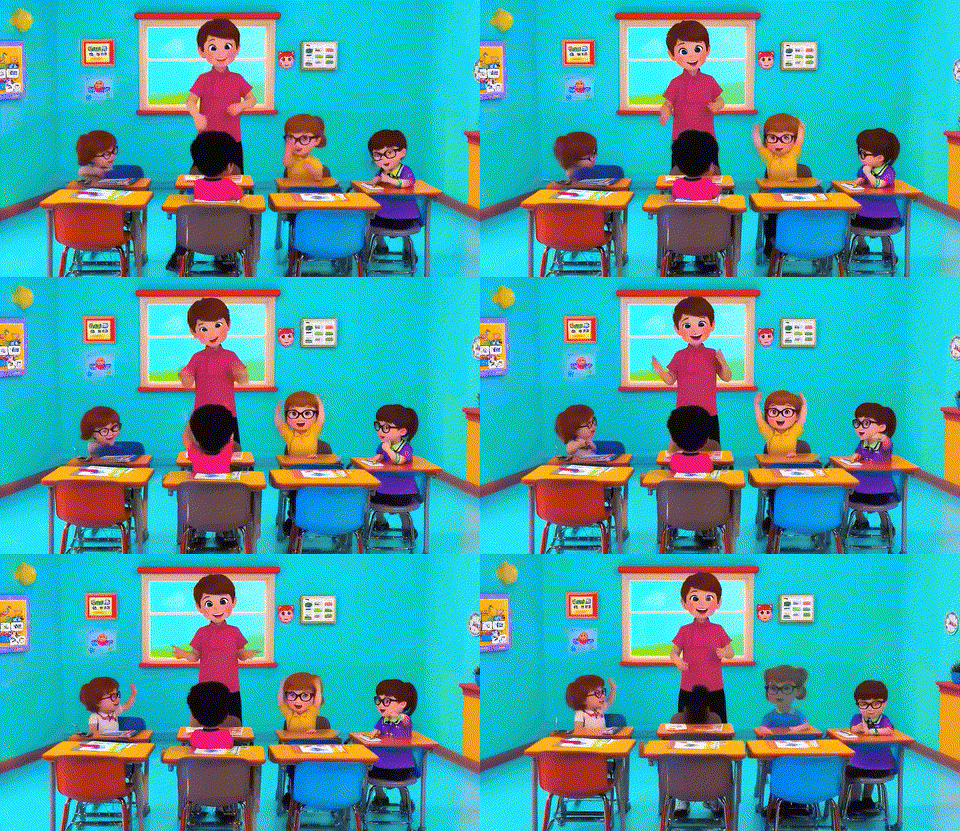 |
TurboDiffusion, E2E Time: 1.9s
 |
|
Original, E2E Time: 184s
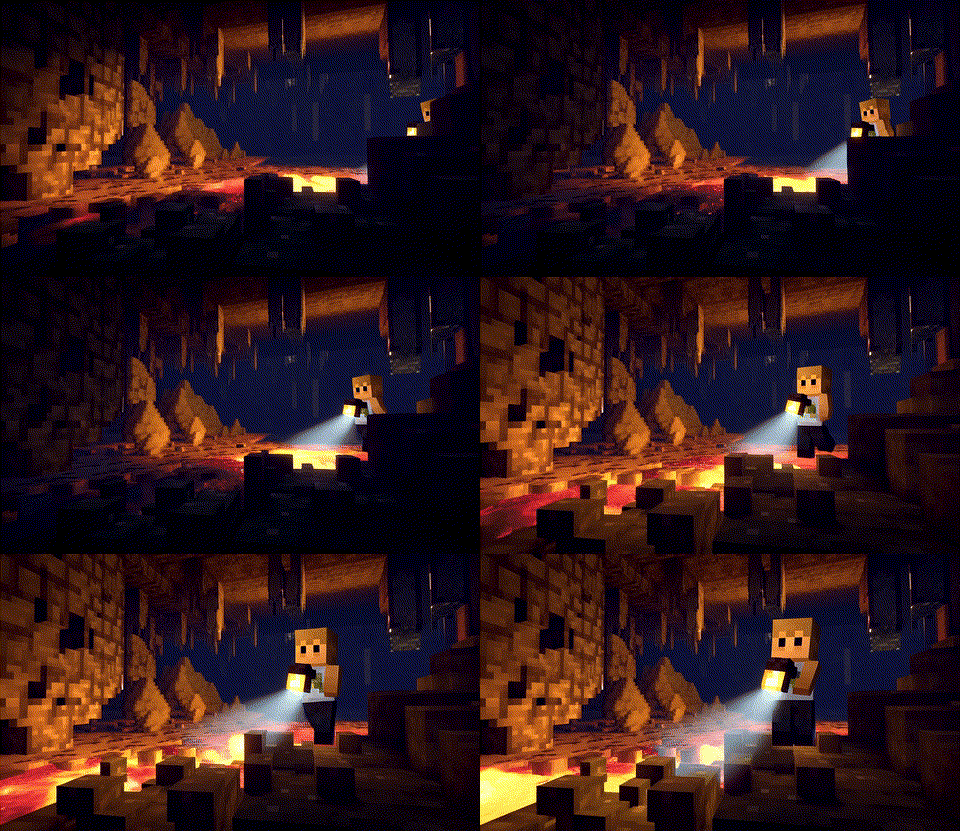 |
FastVideo, E2E Time: 5.3s
 |
TurboDiffusion, E2E Time: 1.9s
 |
|
Original, E2E Time: 184s
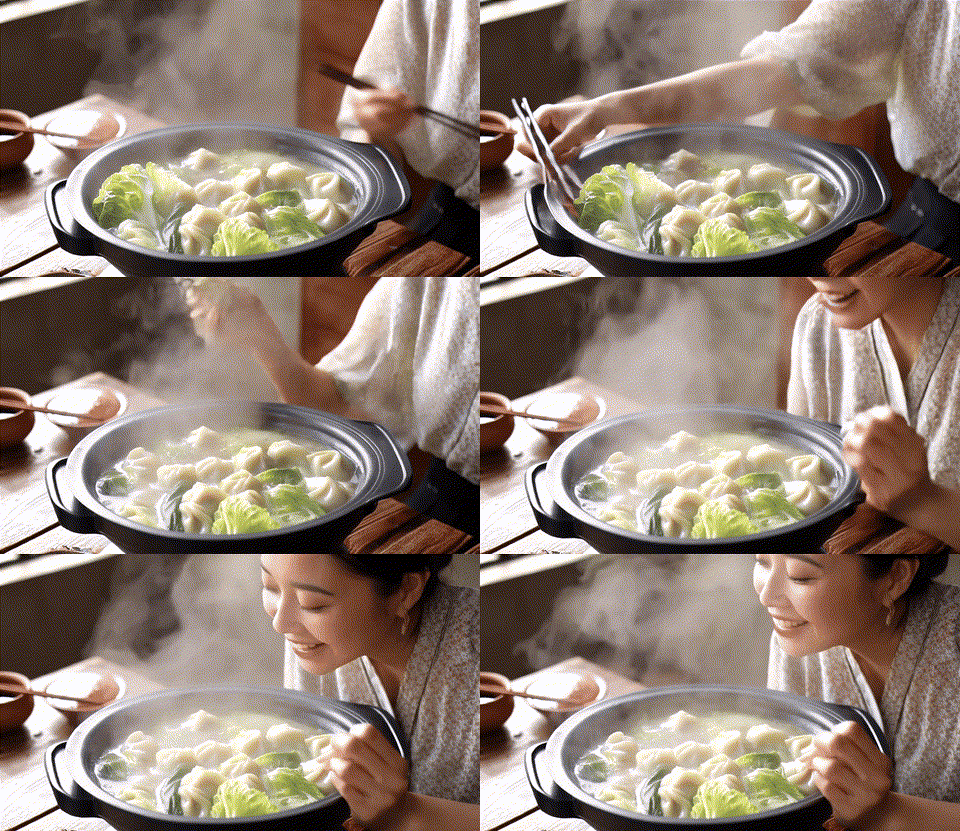 |
FastVideo, E2E Time: 5.3s
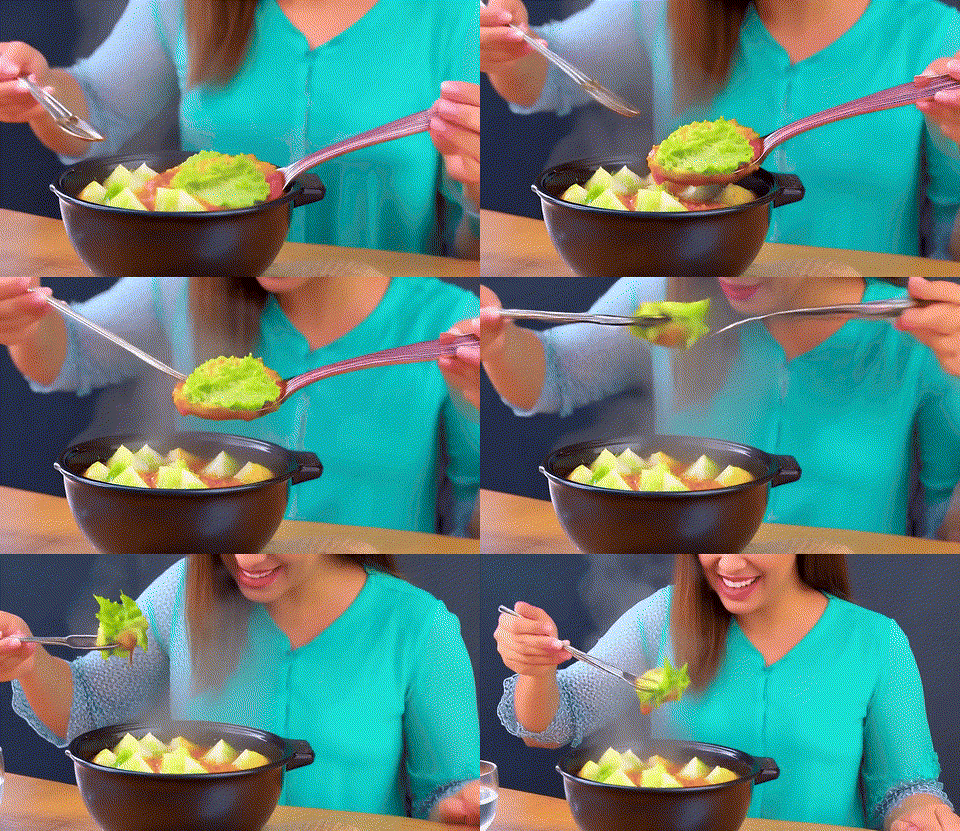 |
TurboDiffusion, E2E Time: 1.9s
 |
|
Original, E2E Time: 184s
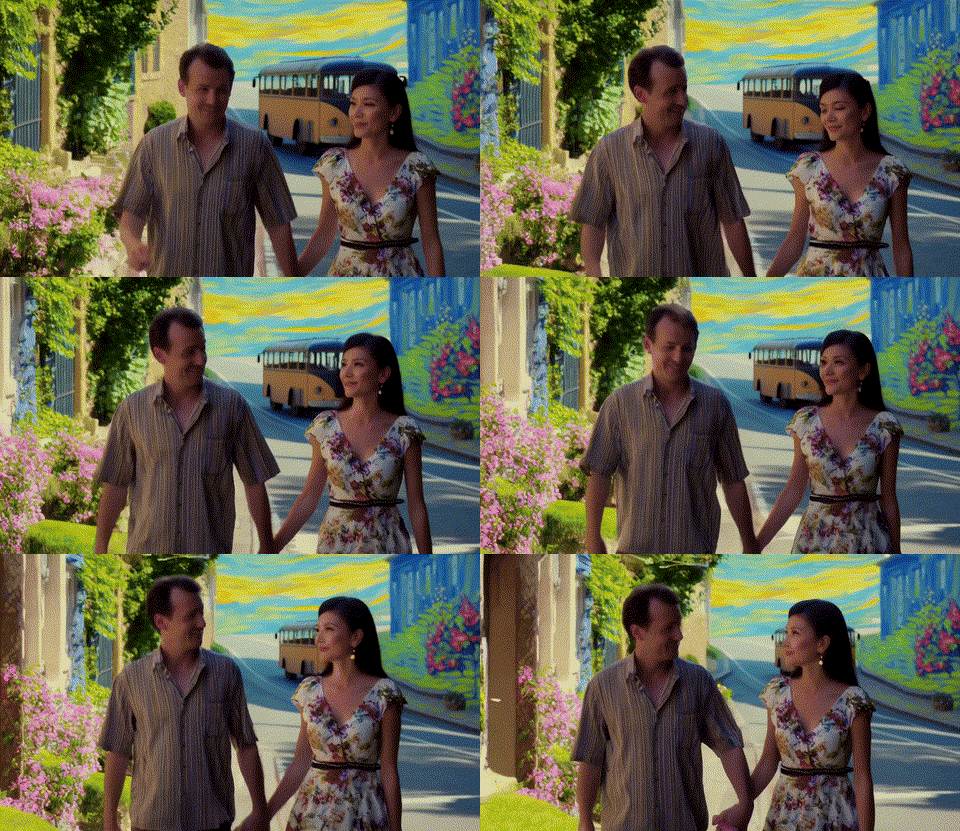 |
FastVideo, E2E Time: 5.3s
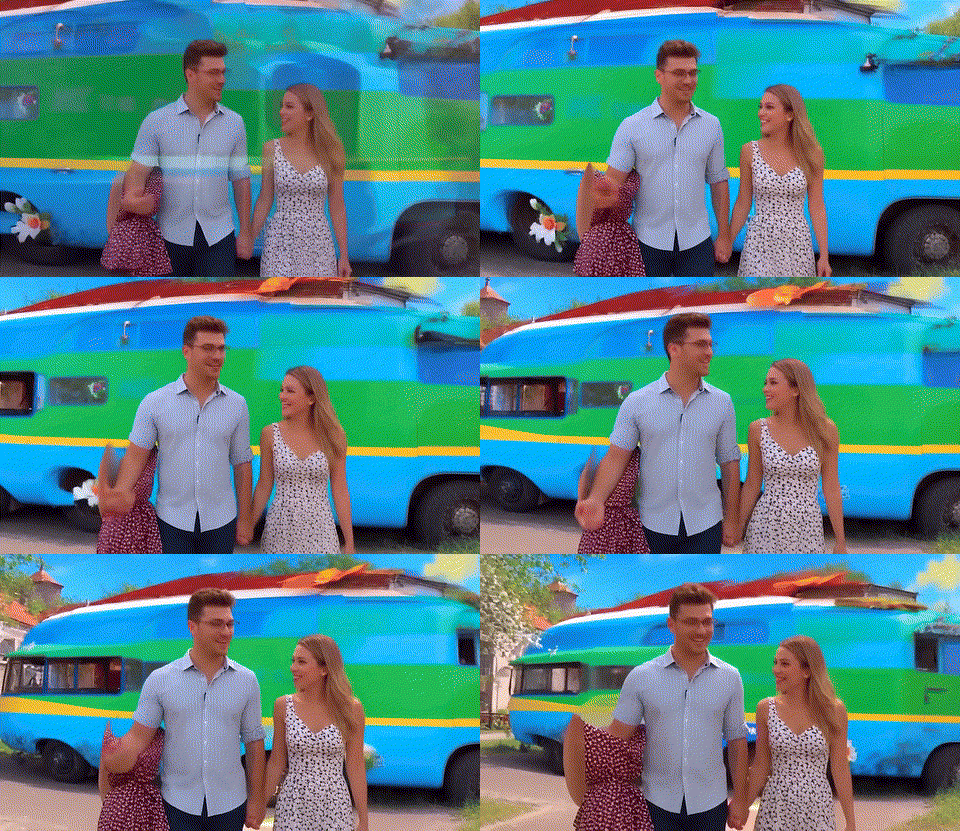 |
TurboDiffusion, E2E Time: 1.9s
 |
|
Original, E2E Time: 184s
|
FastVideo, E2E Time: 5.3s
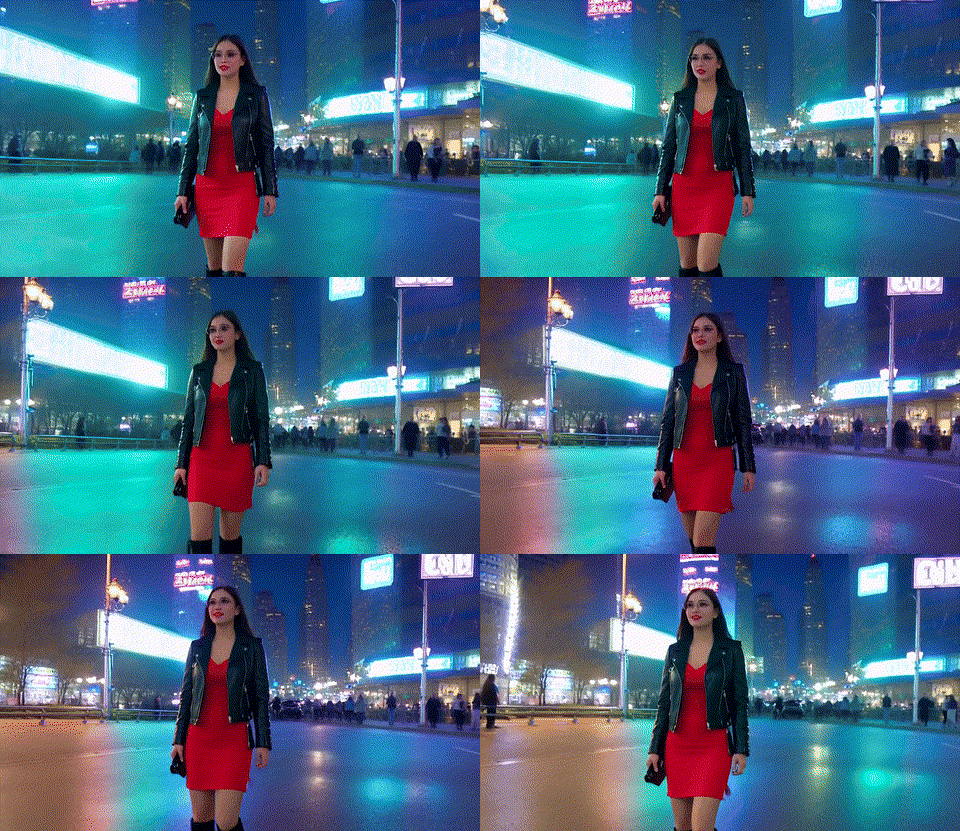 |
TurboDiffusion, E2E Time: 1.9s
|
|
Original, E2E Time: 184s
 |
FastVideo, E2E Time: 5.3s
 |
TurboDiffusion, E2E Time: 1.9s
 |
|
Original, E2E Time: 184s
 |
FastVideo, E2E Time: 5.3s
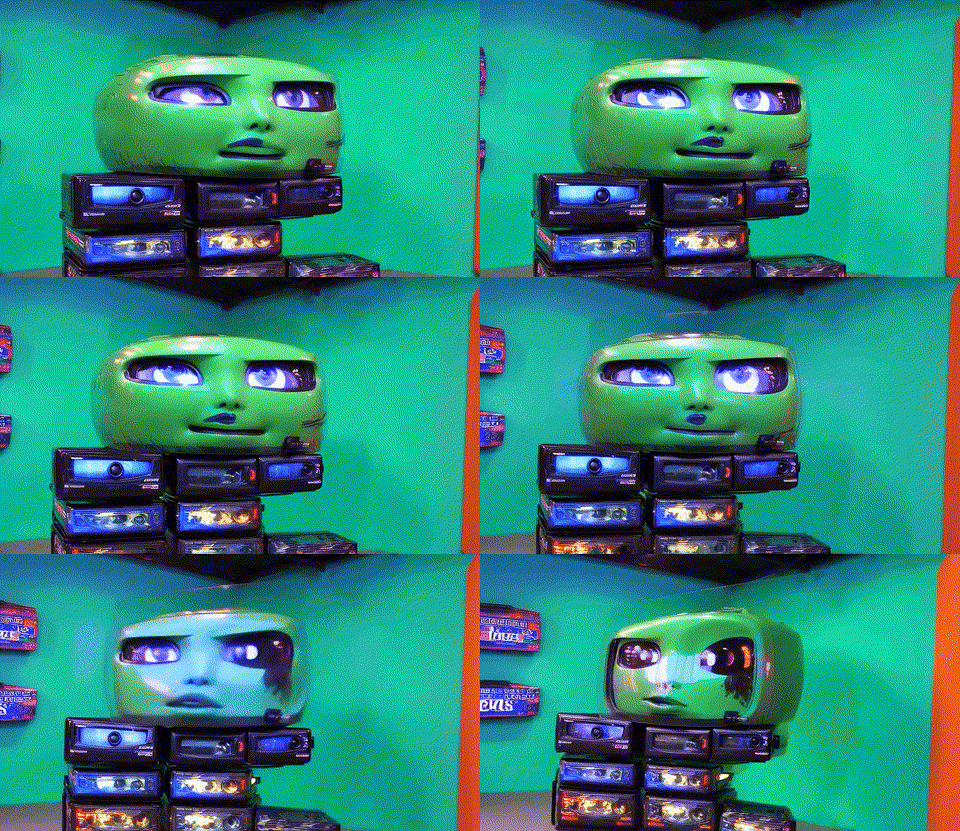 |
TurboDiffusion, E2E Time: 1.9s
 |
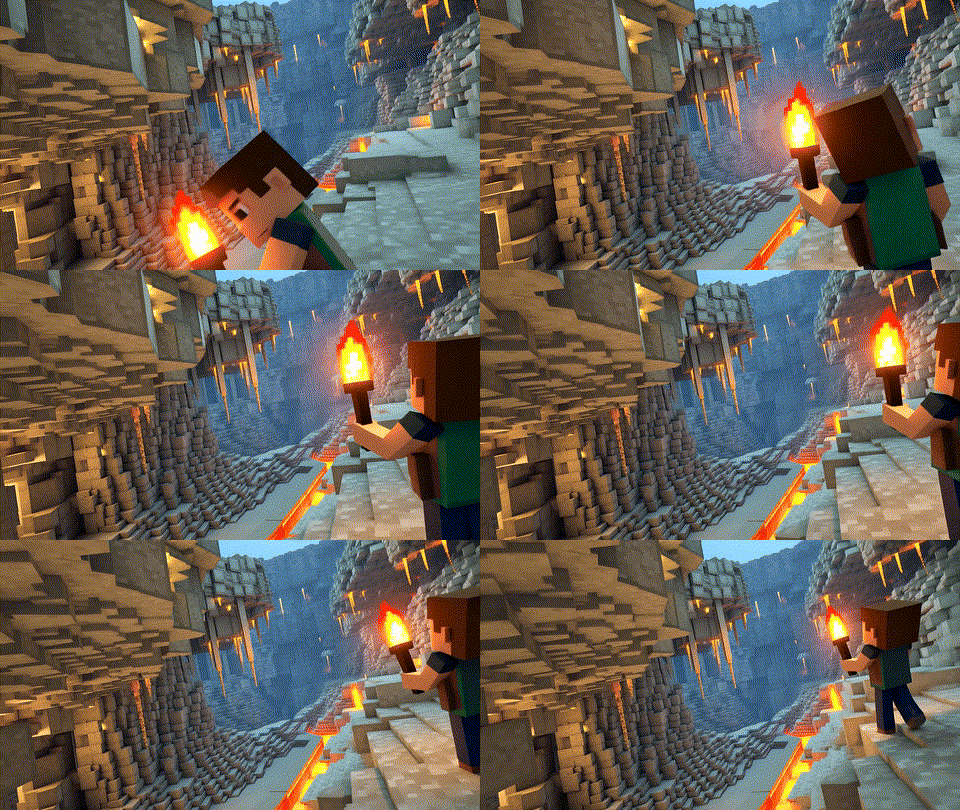
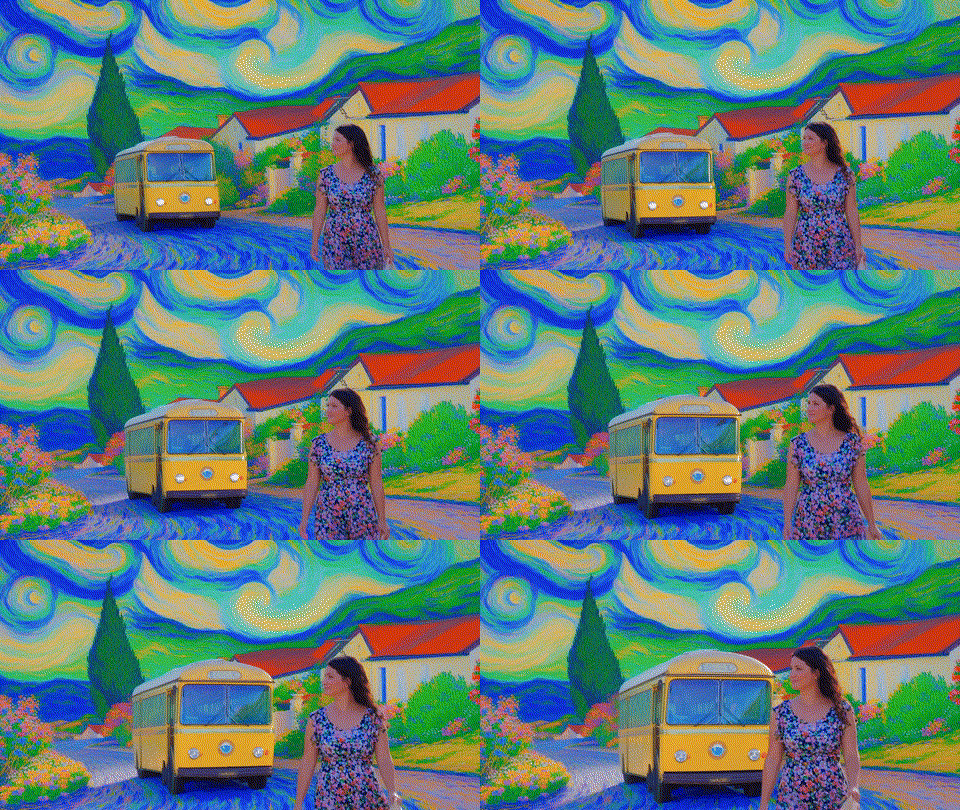
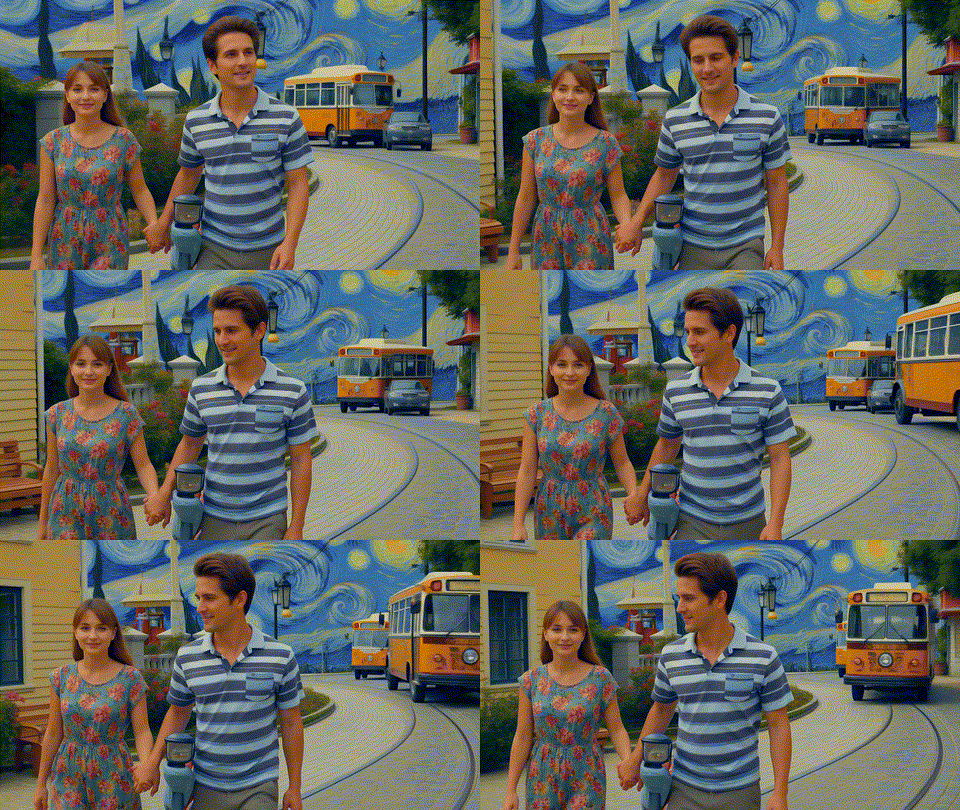
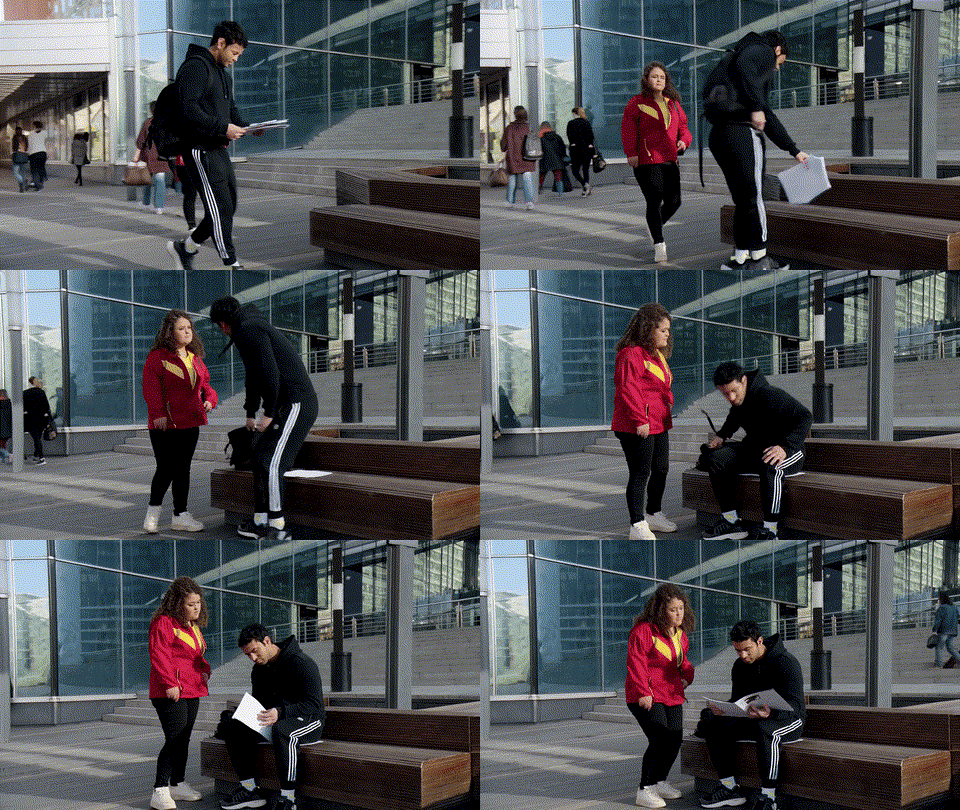
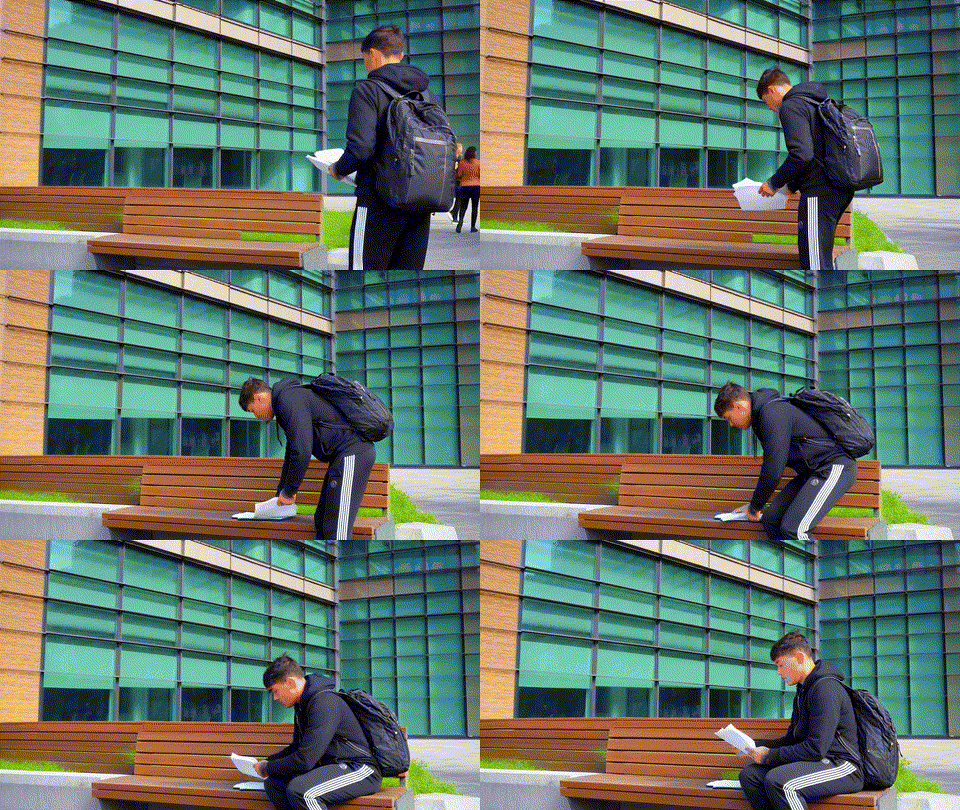
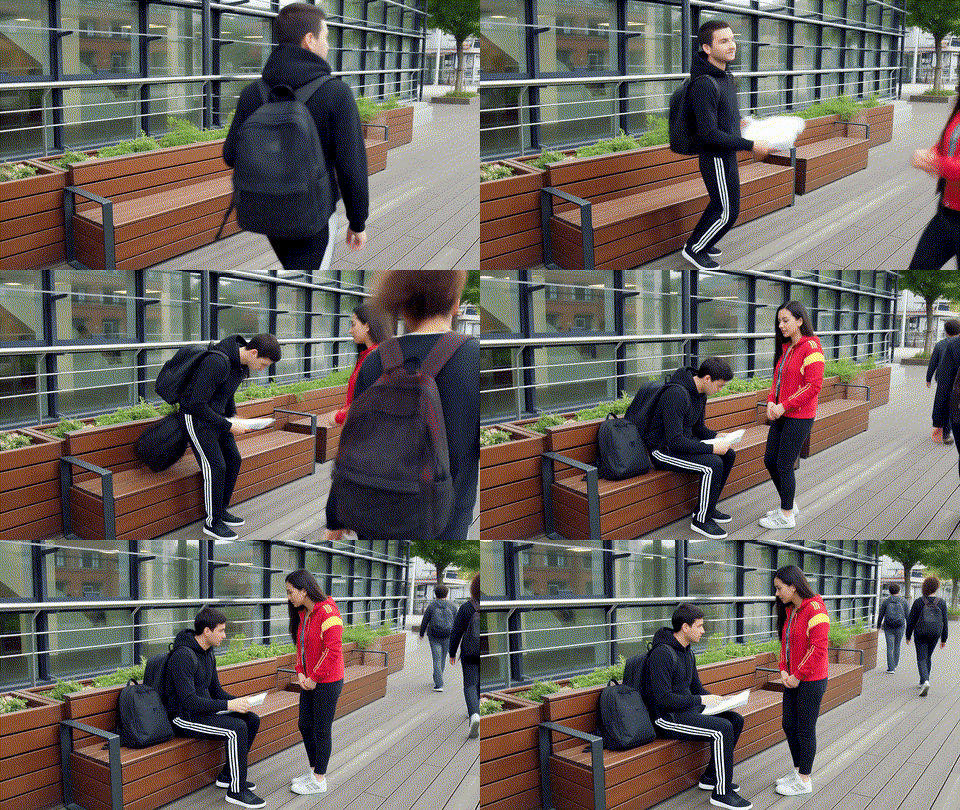
Wan-2.1-T2V-14B-720P
|
Original, E2E Time: 4767s
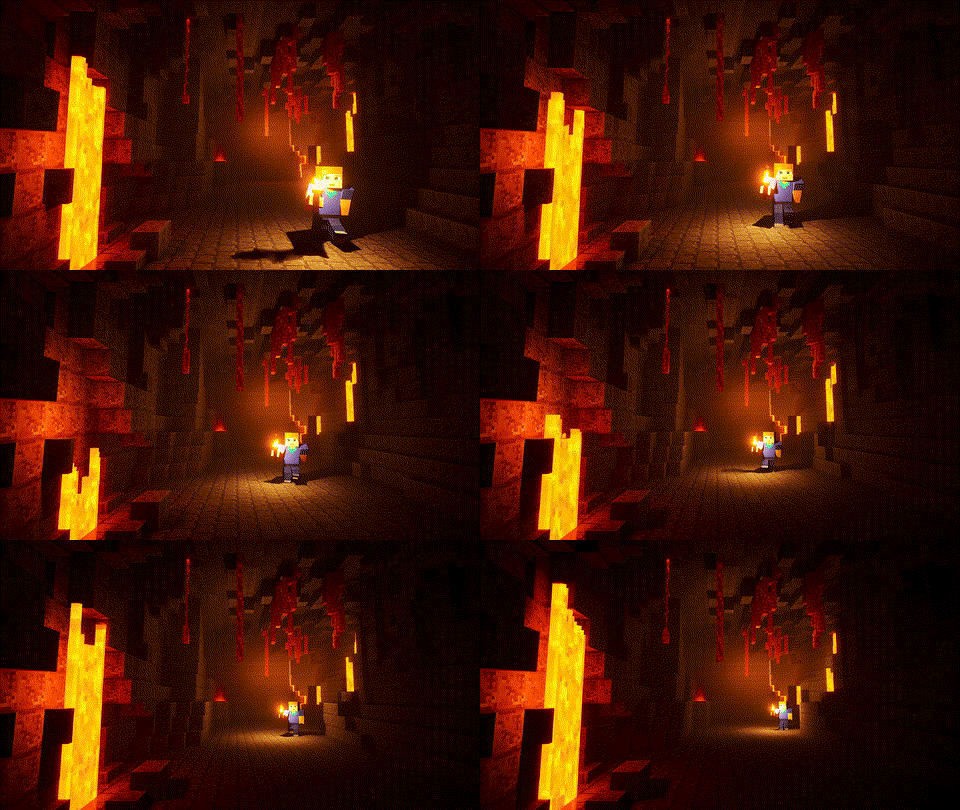 |
FastVideo, E2E Time: 72.6s
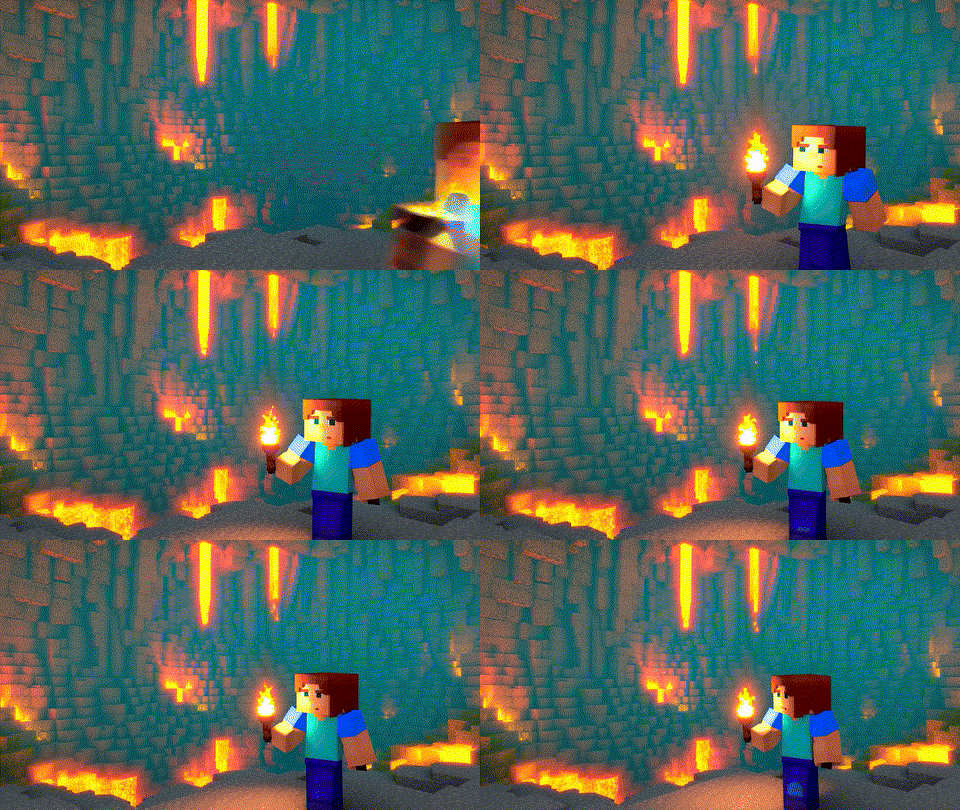 |
TurboDiffusion, E2E Time: 24s
 |
|
Original, E2E Time: 4767s
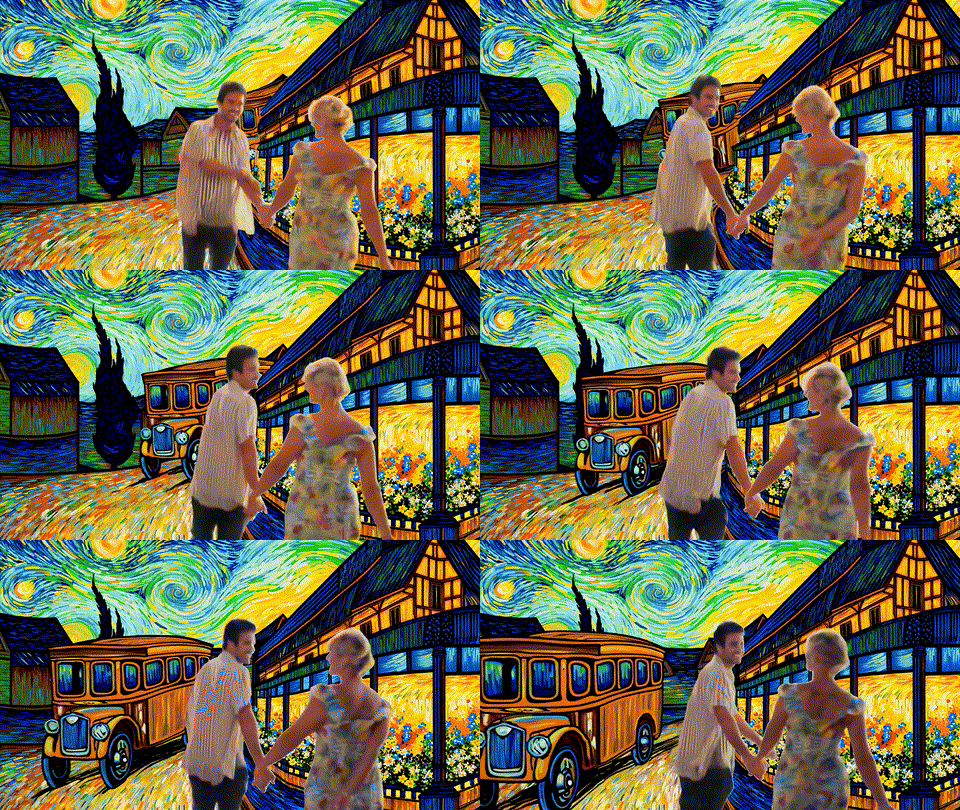 |
FastVideo, E2E Time: 72.6s
 |
TurboDiffusion, E2E Time: 24s
 |
|
Original, E2E Time: 4767s
 |
FastVideo, E2E Time: 72.6s
 |
TurboDiffusion, E2E Time: 24s
 |
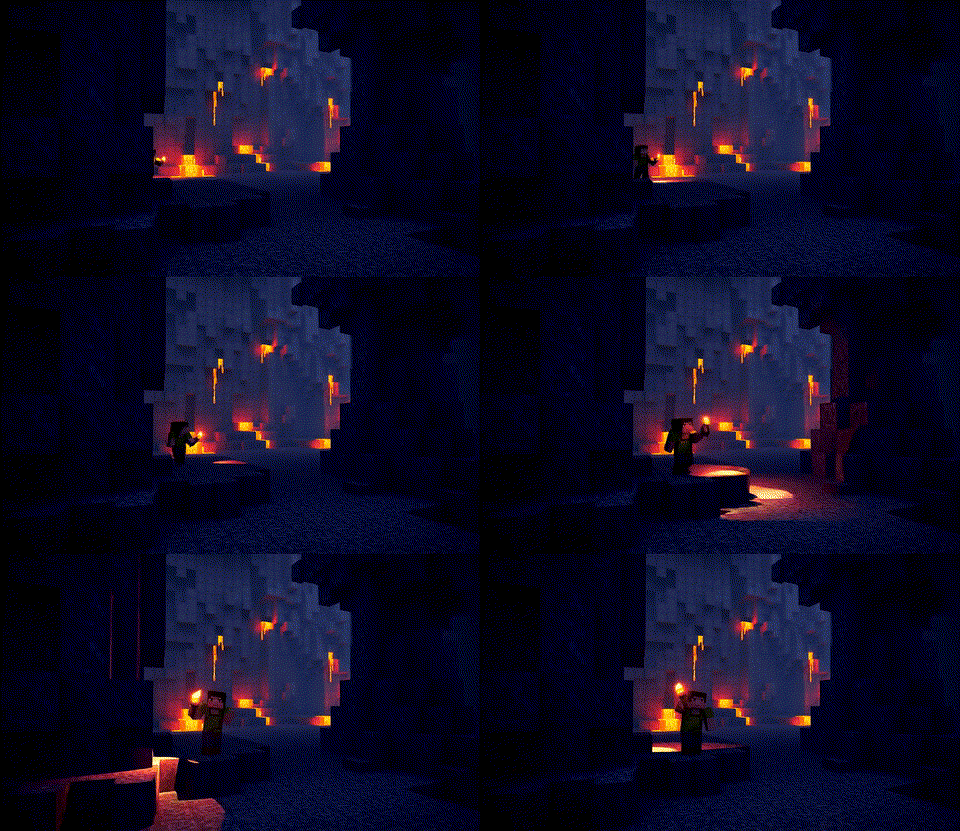
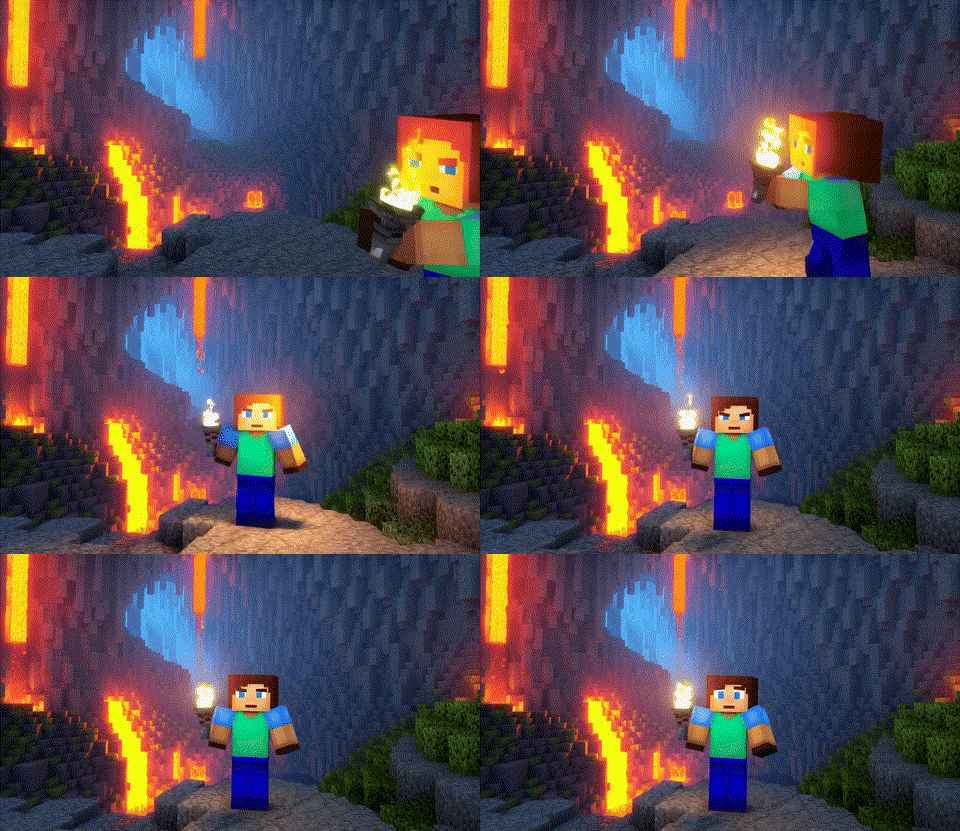
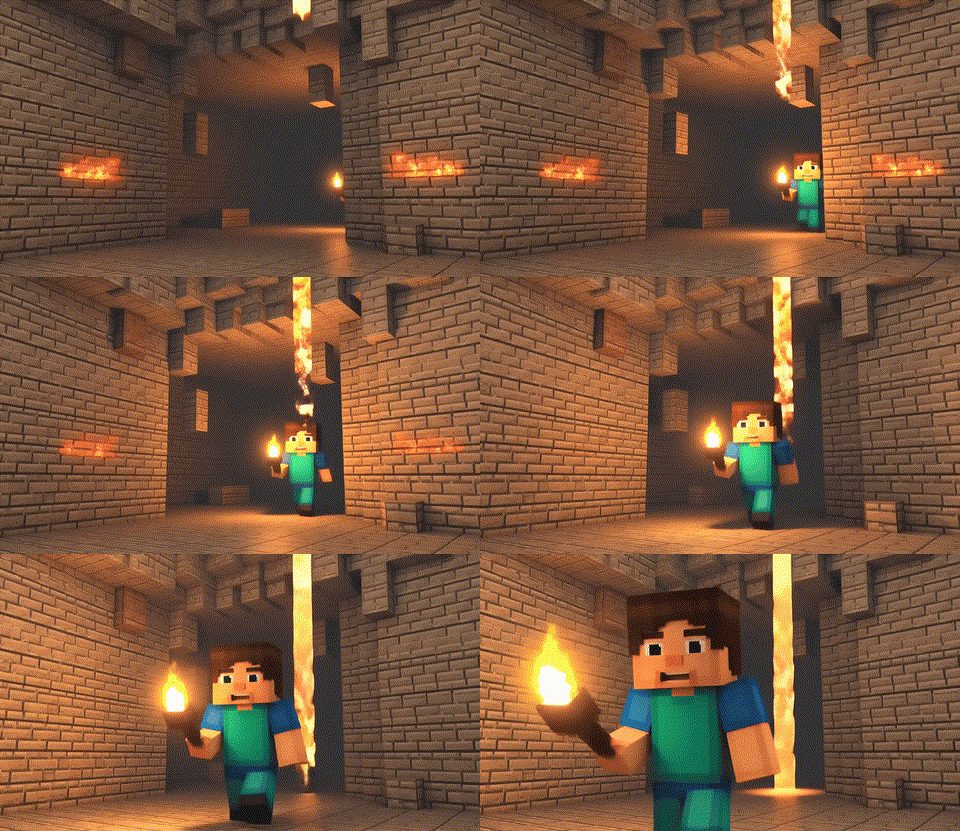
Wan-2.1-T2V-14B-480P
|
Original, E2E Time: 1676s
 |
FastVideo, E2E Time: 26.3s
 |
TurboDiffusion, E2E Time: 9.9s
 |
|
Original, E2E Time: 1676s
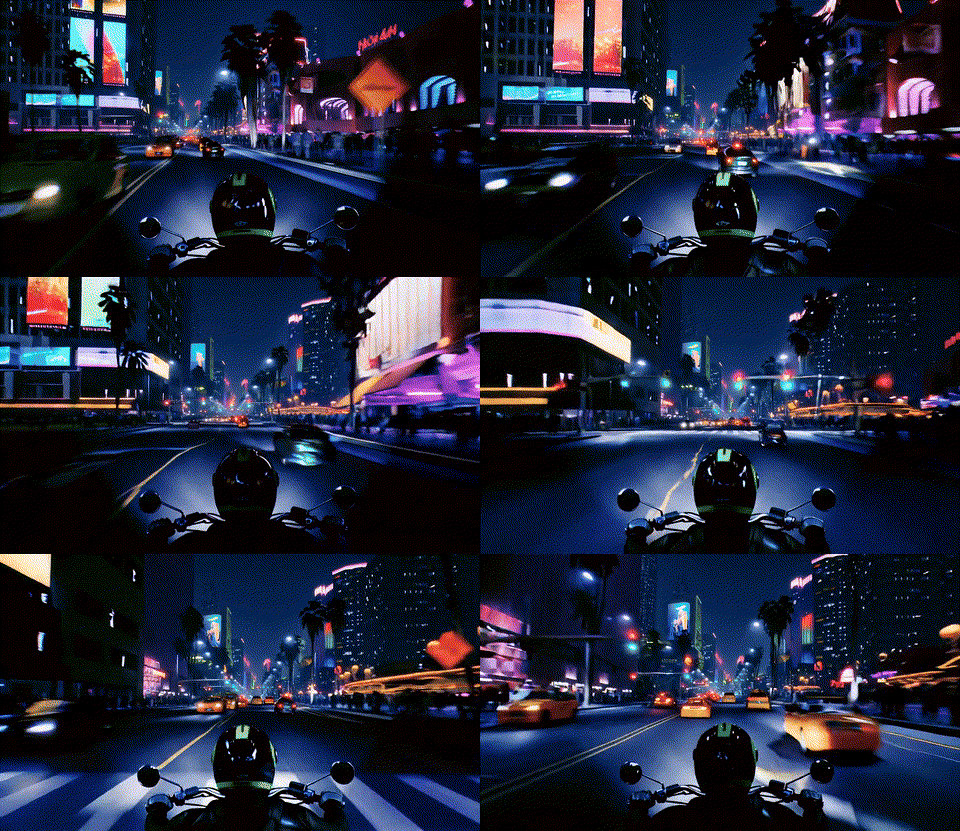 |
FastVideo, E2E Time: 26.3s
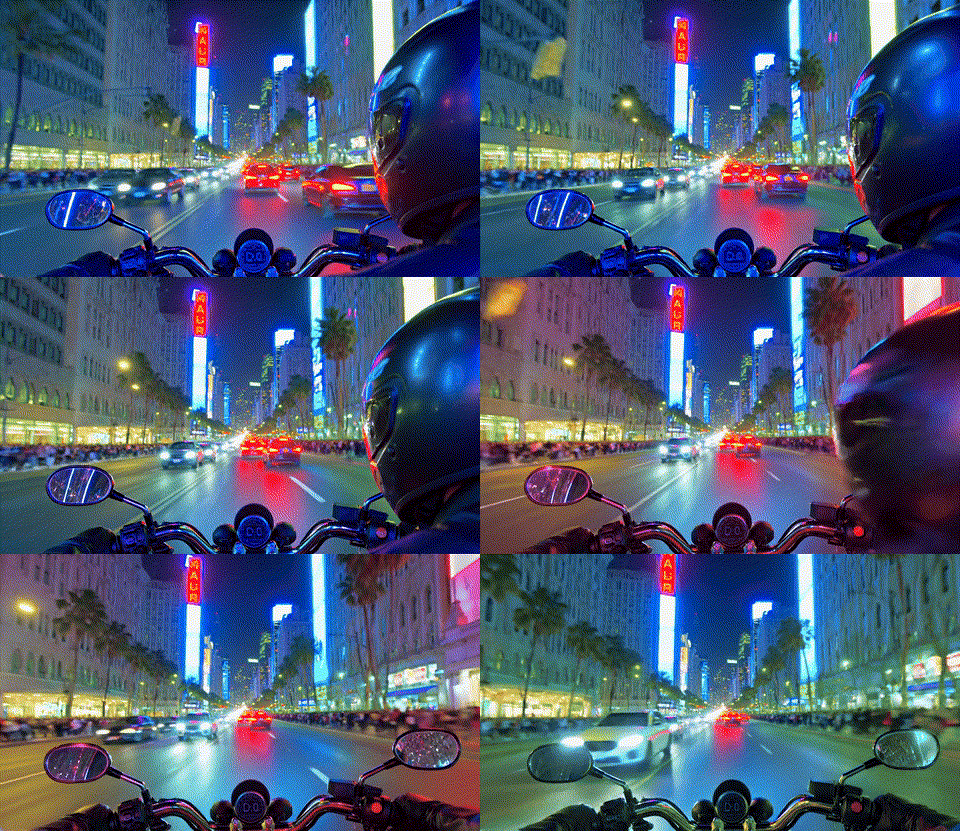 |
TurboDiffusion, E2E Time: 9.9s
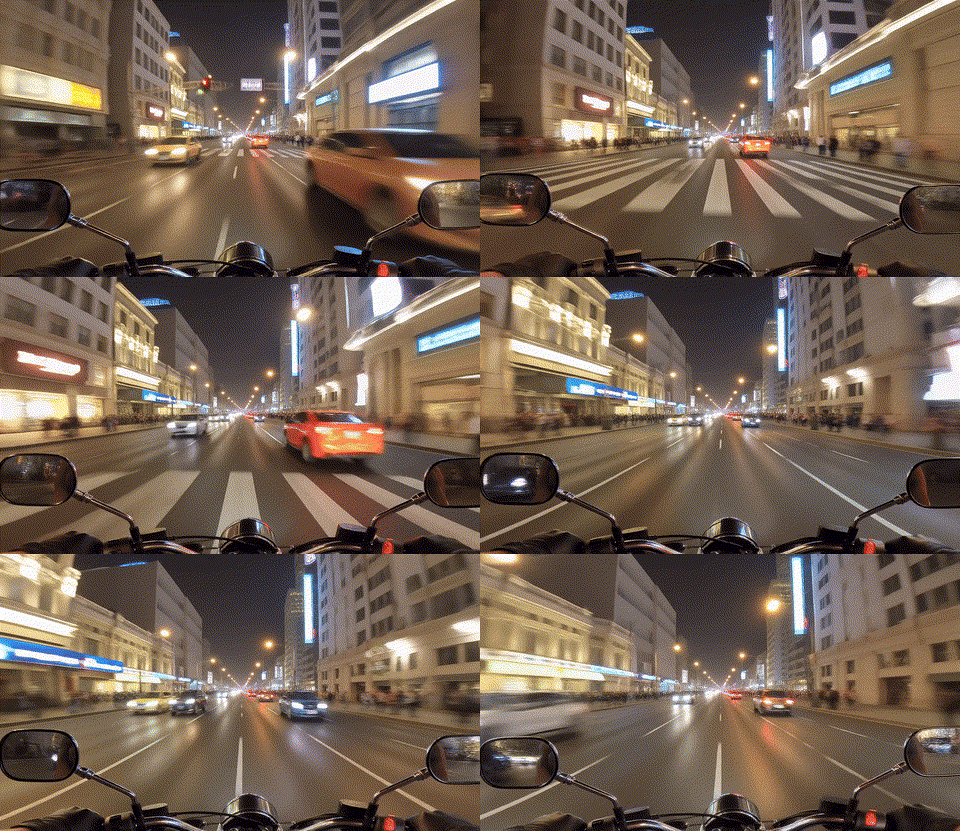 |
|
Original, E2E Time: 1676s
 |
FastVideo, E2E Time: 26.3s
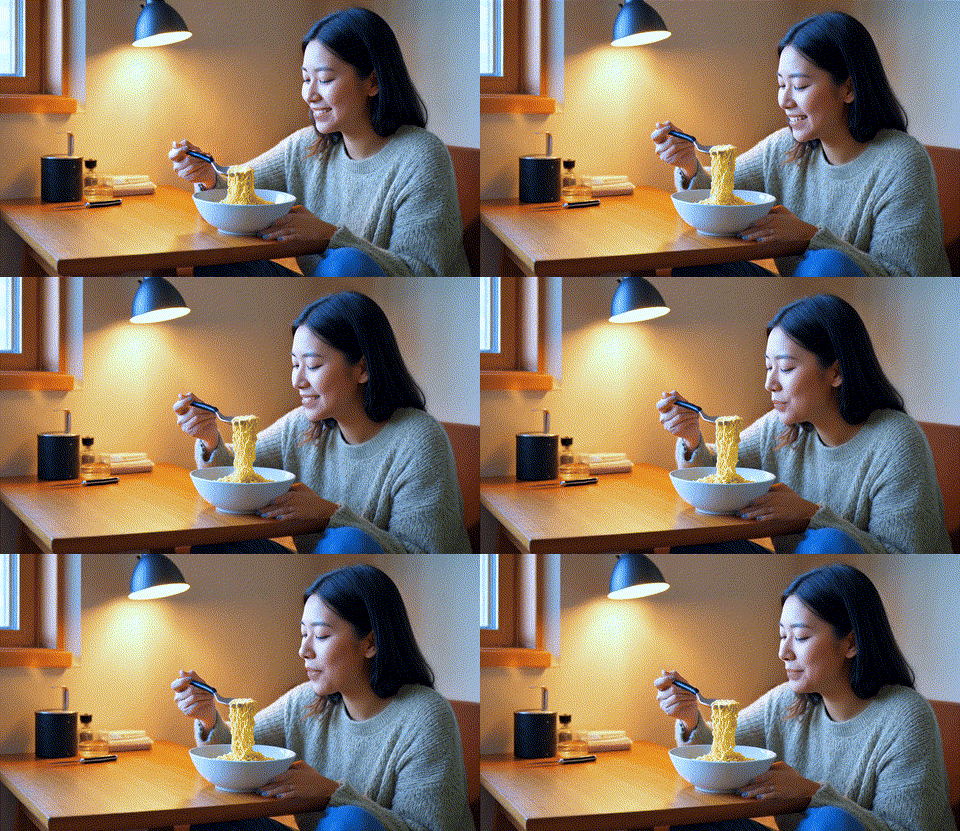 |
TurboDiffusion, E2E Time: 9.9s
 |
|
Original, E2E Time: 1676s
 |
FastVideo, E2E Time: 26.3s
 |
TurboDiffusion, E2E Time: 9.9s
 |
Training
In this repo, we provide training code based on Wan2.1 and its synthetic data. The training builds on the rCM codebase (https://github.com/NVlabs/rcm), with infrastructure support including FSDP2, Ulysses CP, and selective activation checkpointing (SAC). For rCM training instructions, please refer to the original rCM repository; SLA (Sparse-Linear Attention) training guidance is provided here.
Additional Installation
For rCM/SLA training, additionally run:
pip install megatron-core hydra-core wandb webdataset
pip install --no-build-isolation transformer_engine[pytorch]
Checkpoints Downloading
Download the Wan2.1 pretrained checkpoints in .pth format and VAE/text encoder to assets/checkpoints:
# make sure git lfs is installed
git clone https://huggingface.co/worstcoder/Wan assets/checkpoints
FSDP2 relies on Distributed Checkpoint (DCP) for loading and saving checkpoints. Before training, convert .pth teacher checkpoints to .dcp first:
python -m torch.distributed.checkpoint.format_utils torch_to_dcp assets/checkpoints/Wan2.1-T2V-1.3B.pth assets/checkpoints/Wan2.1-T2V-1.3B.dcp
After training, the saved .dcp checkpoints can be converted to .pth using the script scripts/dcp_to_pth.py.
Dataset Downloading
We provide Wan2.1-14B-synthesized datasets. Download to assets/datasets using:
# make sure git lfs is installed
git clone https://huggingface.co/datasets/worstcoder/Wan_datasets assets/datasets
Start Training
We implement white-box SLA training by aligning the predictions of the SLA-enabled model with those of the full-attention pretrained model. Unlike black-box training in the original paper, which tunes the pretrained model using diffusion loss, white-box training mitigates distribution shift and is less sensitive to the training data.
Single-node training example:
WORKDIR="/path/to/TurboDiffusion"
cd $WORKDIR
export PYTHONPATH=turbodiffusion

# the "IMAGINAIRE_OUTPUT_ROOT" environment variable is the path to save experiment output files
export IMAGINAIRE_OUTPUT_ROOT=${WORKDIR}/outputs
CHECKPOINT_ROOT=${WORKDIR}/assets/checkpoints
DATASET_ROOT=${WORKDIR}/assets/datasets/Wan2.1_14B_480p_16:9_Euler-step100_shift-3.0_cfg-5.0_seed-0_250K

# your Wandb information
export WANDB_API_KEY=xxx
export WANDB_ENTITY=xxx

registry=registry_sla
experiment=wan2pt1_1pt3B_res480p_t2v_SLA

torchrun --nproc_per_node=8 \
    -m scripts.train --config=turbodiffusion/rcm/configs/${registry}.py -- experiment=${experiment} \
        model.config.teacher_ckpt=${CHECKPOINT_ROOT}/Wan2.1-T2V-1.3B.dcp \
        model.config.tokenizer.vae_pth=${CHECKPOINT_ROOT}/Wan2.1_VAE.pth \
        model.config.text_encoder_path=${CHECKPOINT_ROOT}/models_t5_umt5-xxl-enc-bf16.pth \
        model.config.neg_embed_path=${CHECKPOINT_ROOT}/umT5_wan_negative_emb.pt \
        dataloader_train.tar_path_pattern=${DATASET_ROOT}/shard*.tar
Please refer to turbodiffusion/rcm/configs/experiments/sla/wan2pt1_t2v.py for the 14B config or perform modifications as needed.
Model Merging
The parameter updates from SLA training can be merged into rCM checkpoints using turbodiffusion/scripts/merge_models.py, enabling rCM to perform sparse attention inference. Specify --base as the rCM model, --diff_base as the pretrained model, and --diff_target as the SLA-tuned model.
ComfyUI Integration
We thank the community effort Comfyui_turbodiffusion for integrating TurboDiffusion into ComfyUI.
TurboT2VA
The turbot2va directory provides LTX-2 text-to-audio-video distillation and inference. turbot2va uses an isolated environment and does not modify the main TurboDiffusion runtime. See turbot2va/README.md for installation, checkpoints, demos, and reproducibility instructions.
Roadmap
We're actively working on the following features and improvements:
- Organize and release training code
- Optimize infrastructure to support flattened context parallel
- Acceleration for MiniMax-H3
- vLLM-Omni integration
- Support for autoregressive video generation models
We welcome community members to help maintain and extend TurboDiffusion. Welcome to join the TurboDiffusion Team and contribute together!
Citation
If you use this code or find our work valuable, please cite:
@article{zhang2025turbodiffusion,
  title={TurboDiffusion: Accelerating Video Diffusion Models by 100-200 Times},
  author={Zhang, Jintao and Zheng, Kaiwen and Jiang, Kai and Wang, Haoxu and Stoica, Ion and Gonzalez, Joseph E and Chen, Jianfei and Zhu, Jun},
  journal={arXiv preprint arXiv:2512.16093},
  year={2025}
}

@inproceedings{zhang2025sageattention,
  title={SageAttention: Accurate 8-Bit Attention for Plug-and-play Inference Acceleration},
  author={Zhang, Jintao and Wei, Jia and Zhang, Pengle and Zhu, Jun and Chen, Jianfei},
  booktitle={International Conference on Learning Representations (ICLR)},
  year={2025}
}

@article{zhang2025sla,
  title={SLA: Beyond Sparsity in Diffusion Transformers via Fine-Tunable Sparse-Linear Attention},
  author={Zhang, Jintao and Wang, Haoxu and Jiang, Kai and Yang, Shuo and Zheng, Kaiwen and Xi, Haocheng and Wang, Ziteng and Zhu, Hongzhou and Zhao, Min and Stoica, Ion and others},
  journal={arXiv preprint arXiv:2509.24006},
  year={2025}
}

@article{zheng2025rcm,
  title={Large Scale Diffusion Distillation via Score-Regularized Continuous-Time Consistency},
  author={Zheng, Kaiwen and Wang, Yuji and Ma, Qianli and Chen, Huayu and Zhang, Jintao and Balaji, Yogesh and Chen, Jianfei and Liu, Ming-Yu and Zhu, Jun and Zhang, Qinsheng},
  journal={arXiv preprint arXiv:2510.08431},
  year={2025}
}

@inproceedings{zhang2024sageattention2,
  title={Sageattention2: Efficient attention with thorough outlier smoothing and per-thread int4 quantization},
  author={Zhang, Jintao and Huang, Haofeng and Zhang, Pengle and Wei, Jia and Zhu, Jun and Chen, Jianfei},
  booktitle={International Conference on Machine Learning (ICML)},
  year={2025}
}
Related repositories
Superpowers is an open-source (MIT) skills library and bootstrap instruction set that turns a coding agent's ad-hoc habits into a fixed pipeline: brainstorm a spec, write a plan, build under TDD, review, then close out the branch. Skills trigger automatically once installed, and the same methodology works across eleven different agent harnesses, each requiring its own install step.
Free domain registration and practical DNS learning resources for everyone.
TensorFlow is Google's open-source, end-to-end platform for machine learning, hosted at tensorflow/tensorflow under the Apache-2.0 license. It was originally built within Google Brain's Machine Intelligence team for ML and neural network research, and today it ships stable Python and C++ APIs alongside GPU, CPU-only, and Docker install paths. The README positions it as covering both research work and shipping ML-powered applications.
Firecrawl is an API and set of SDKs for turning any URL into Markdown, structured JSON, or a screenshot, handling JS rendering and proxy rotation itself. It's built for feeding AI agents and LLM pipelines clean web data, with dedicated search, crawl, map, and agent endpoints, an MCP server, and SDKs for nine languages.
Quick answers
How active is development on thu-ml/TurboDiffusion?
The most recent commit recorded on thu-ml/TurboDiffusion was 2 months ago, based on the GitHub push timestamp. The repository has 278 forks — one of the better signals of community interest.
Is thu-ml/TurboDiffusion open source?
Yes — thu-ml/TurboDiffusion ships under the Apache-2.0 license, which makes its source code freely readable (and, depending on license terms, forkable and reusable). Source: github.com/thu-ml/TurboDiffusion.
What license does thu-ml/TurboDiffusion use?
thu-ml/TurboDiffusion is released under the Apache-2.0 license. Always verify the LICENSE file directly on GitHub for the authoritative terms — license strings can be edited out of sync with a project's actual stance.
What topics is thu-ml/TurboDiffusion associated with?
GitHub's repository topics for thu-ml/TurboDiffusion: "ai-infra", "consistency-model", "diffusion-models", "distillation", "inference-acceleration", "mlsystem", "rcm", "sageattention", "sparse-linear-attention", "video-generation". TopGit's editorial category is AI Tools.
Where can I see thu-ml/TurboDiffusion in action?
The project maintains a homepage at https://arxiv.org/pdf/2512.16093. The README tab on this page also usually contains screenshots and a quickstart.
Where do I read more about thu-ml/TurboDiffusion?
This TopGit page is a snapshot — the READ ME tab shows the project's own README content (links stripped, images preserved). The GitHub repository at github.com/thu-ml/TurboDiffusion is the definitive source.
Read full README in the tab above.
Want a second opinion on TurboDiffusion?
Ask an AI that can read this page — one click and you get its take on TurboDiffusion.