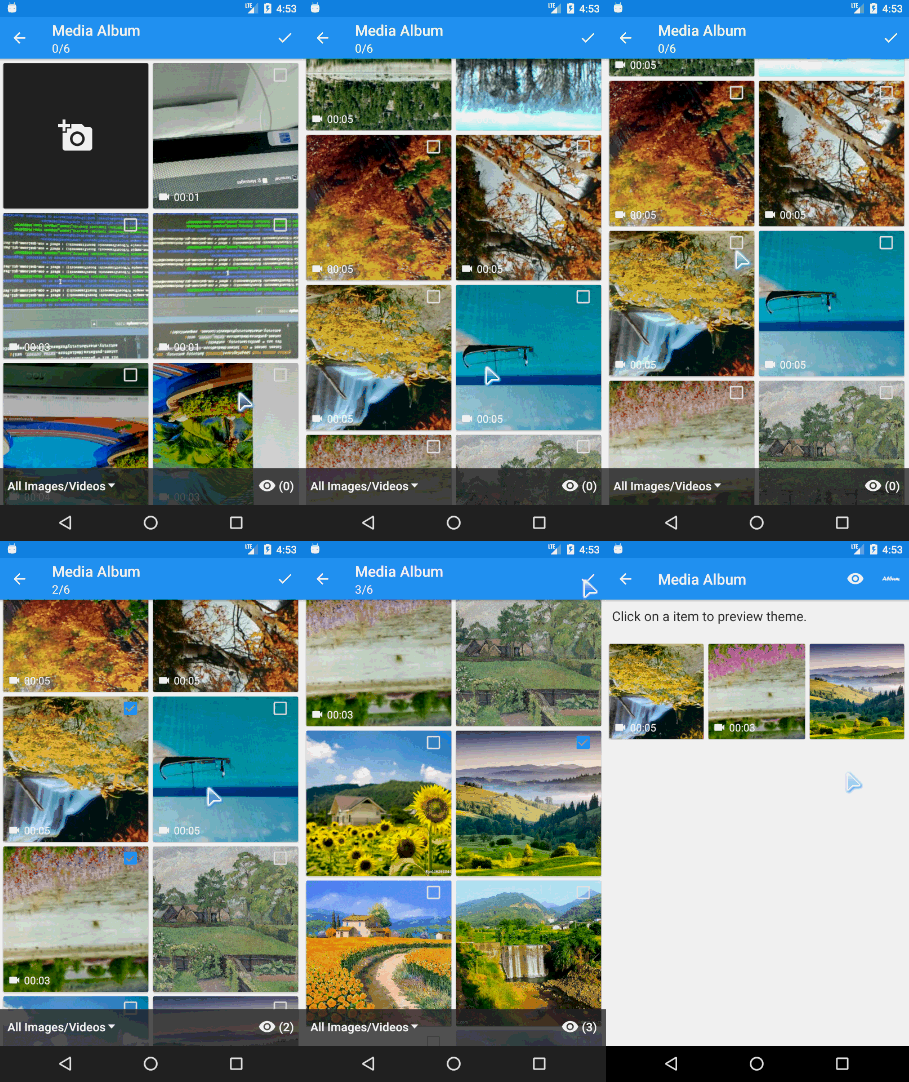
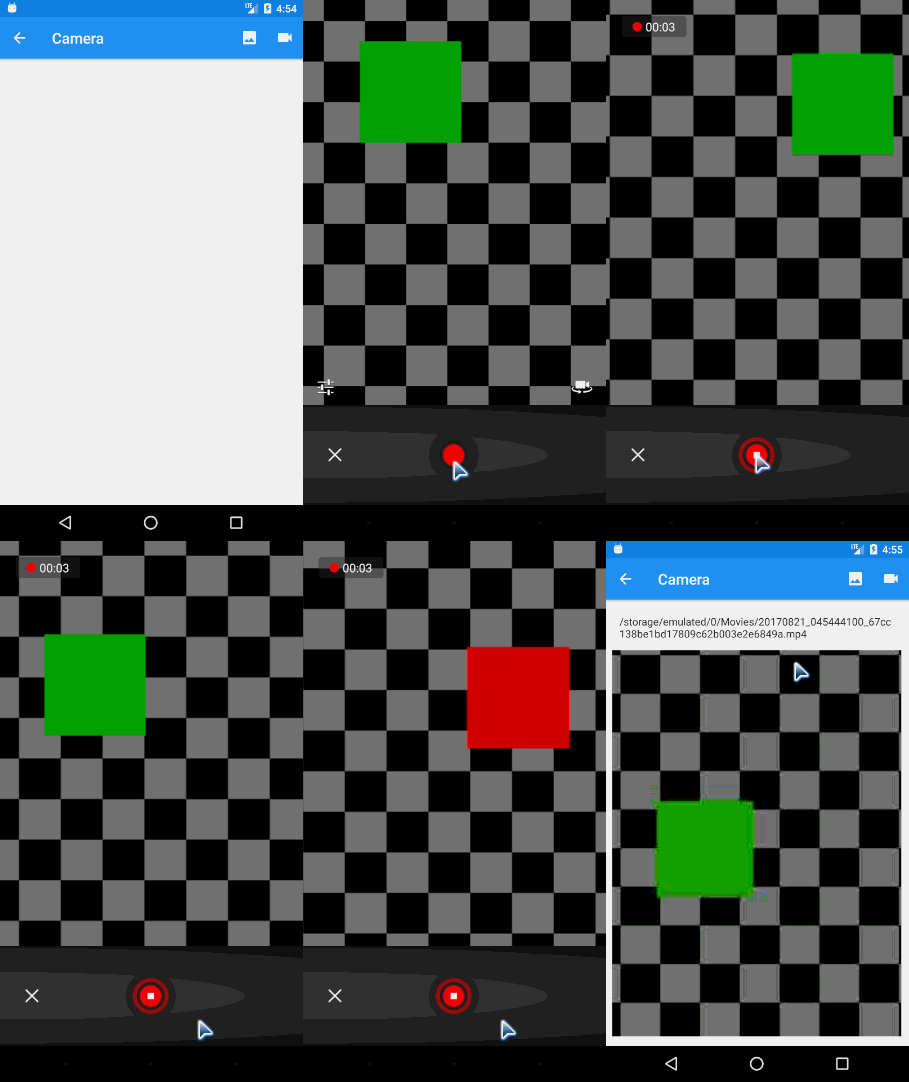
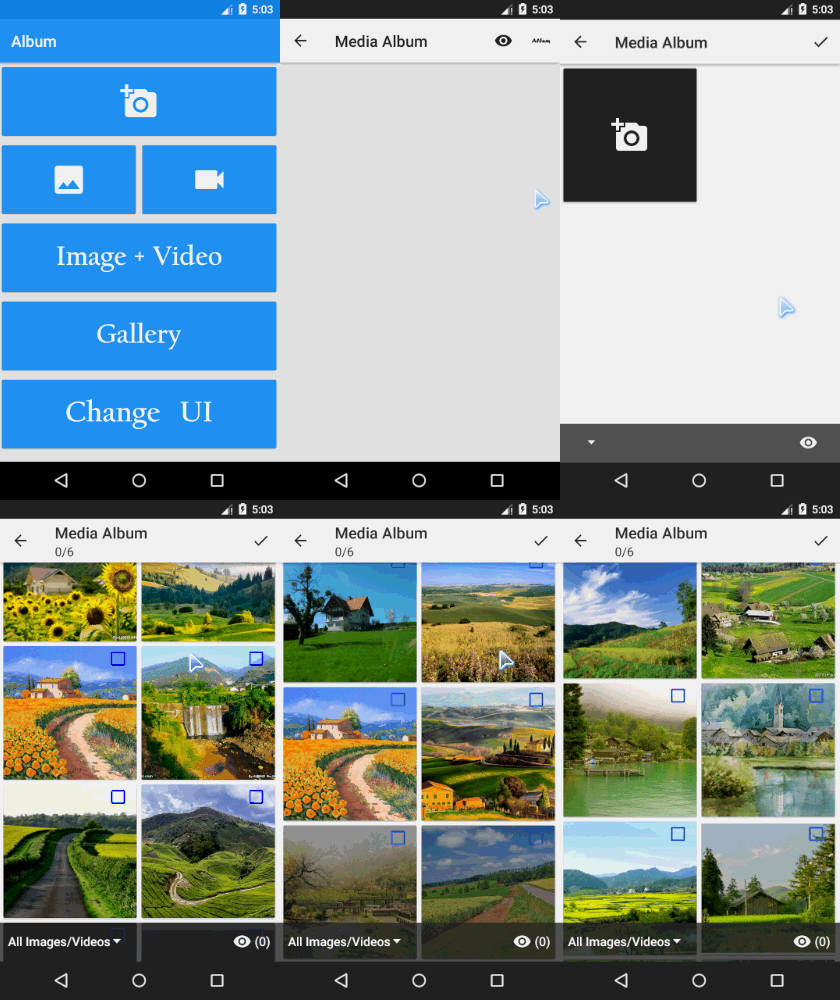
Snapshot of yanzhenjie/Album: 2.5k★, Java, Image Tools. :watermelon: Album and Gallery for Android platform.
Snapshot summary built from the project's own GitHub metadata — there's no written TopGit review yet. The page will update automatically when a full review is published.
WHY NO REVIEW YET
TopGit writes full reviews for the most-starred, most-requested repositories. This page is a snapshot until then — see the READ ME tab for the original README in full.
Album.album(this) // Image and video mix options.
    .multipleChoice() // Multi-Mode, Single-Mode: singleChoice().
    .columnCount() // The number of columns in the page list.
    .selectCount()  // Choose up to a few images.
    .camera() // Whether the camera appears in the Item.
    .cameraVideoQuality(1) // Video quality, [0, 1].
    .cameraVideoLimitDuration(Long.MAX_VALUE) // The longest duration of the video is in milliseconds.
    .cameraVideoLimitBytes()(Long.MAX_VALUE) // Maximum size of the video, in bytes.
    .checkedList() // To reverse the list.
    .filterSize() // Filter the file size.
    .filterMimeType() // Filter file format.
    .filterDuration() // Filter video duration.
    .afterFilterVisibility() // Show the filtered files, but they are not available.
    .onResult(new Action<ArrayList<AlbumFile>>() {
        @Override
        public void onAction(@NonNull ArrayList<AlbumFile> result) {
            // TODO accept the result.
        }
    })
    .onCancel(new Action<String>() {
        @Override
        public void onAction(@NonNull String result) {
            // The user canceled the operation.
        }
    })
    .start();
Image Selection
Album.image(this) // Image selection.
    .multipleChoice()
    .camera()
    .columnCount()
    .selectCount()
    .checkedList(mAlbumFiles)
    .filterSize() // Filter the file size.
    .filterMimeType() // Filter file format.
    .afterFilterVisibility() // Show the filtered files, but they are not available.
    .onResult(new Action<ArrayList<AlbumFile>>() {
        @Override
        public void onAction(@NonNull ArrayList<AlbumFile> result) {
        }
    })
    .onCancel(new Action<String>() {
        @Override
        public void onAction(@NonNull String result) {
        }
    })
    .start();
If developer want to crop the image, please use Durban.
Video Selection
Album.video(this) // Video selection.
    .multipleChoice()
    .camera(true)
    .columnCount(2)
    .selectCount(6)
    .checkedList(mAlbumFiles)
    .filterSize()
    .filterMimeType()
    .filterDuration()
    .afterFilterVisibility() // Show the filtered files, but they are not available.
    .onResult(new Action<ArrayList<AlbumFile>>() {
        @Override
        public void onAction(@NonNull ArrayList<AlbumFile> result) {
        }
    })
    .onCancel(new Action<String>() {
        @Override
        public void onAction(@NonNull String result) {
        }
    })
    .start();
Take Picture
Album.camera(this) // Camera function.
    .image() // Take Picture.
    .filePath() // File save path, not required.
    .onResult(new Action<String>() {
        @Override
        public void onAction(@NonNull String result) {
        }
    })
    .onCancel(new Action<String>() {
        @Override
        public void onAction(@NonNull String result) {
        }
    })
    .start();
If developer want to crop the image, please use Durban.
Record Video
Album.camera(this)
    .video() // Record Video.
    .filePath()
    .quality(1) // Video quality, [0, 1].
    .limitDuration(Long.MAX_VALUE) // The longest duration of the video is in milliseconds.
    .limitBytes(Long.MAX_VALUE) // Maximum size of the video, in bytes.
    .onResult(new Action<String>() {
        @Override
        public void onAction(@NonNull String result) {
        }
    })
    .onCancel(new Action<String>() {
        @Override
        public void onAction(@NonNull String result) {
        }
    })
    .start();
Gallery
// Preview AlbumFile:
Album.galleryAlbum(this)
...

// Preview path:
Album.gallery(this)
    .checkedList(imageList) // List of image to view: ArrayList<String>.
    .checkable(true) // Whether there is a selection function.
    .onResult(new Action<ArrayList<String>>() { // If checkable(false), action not required.
        @Override
        public void onAction(@NonNull ArrayList<String> result) {
        }
    })
    .onCancel(new Action<String>() {
        @Override
        public void onAction(@NonNull String result) {
        }
    })
    .start();
If checkable(false), listener not required, the CheckBox and the FinishButton will be not appear.
The user may click or long press on the preview image and the developer can listen to both events:
AlbumFile is the result of the selection of images and videos, The properties of the image and video are different, and their different attributes are listed below.
Image
public int getMediaType(); // File type, the image is AlbumFile.TYPE_IMAGE.
public String getPath(); // File path, must not be empty.
public String getBucketName(); // The name of the folder where the file is located.
public String getMimeType(); // File MimeType, for example: image/jpeg.
public long getAddDate(); // File to add date, must have.
public float getLatitude(); // The latitude of the file, may be zero.
public float getLongitude(); // The longitude of the file, may be zero.
public long getSize(); // File size in bytes.
public String getThumbPath(); // This is a small thumbnail.
Video
public int getMediaType(); // File type, the video is AlbumFile.TYPE_VIDEO.
public String getPath(); // File path, must not be empty.
public String getBucketName(); // The name of the folder where the file is located.
public String getMimeType(); // File MimeType, for example: image/jpeg.
public long getAddDate(); // File to add date, must have.
public float getLatitude(); // The latitude of the file, may be zero.
public float getLongitude(); // The longitude of the file, may be zero.
public long getSize(); // File size in bytes.
public long getDuration(); // Video duration, must have.
public String getThumbPath(); // This is a small thumbnail.
Customize UI
Through Widget, developer can configure the title, color of StatusBar, color of NavigationBar and so on.
// Such as image video mix:
 Album.album(this)
    .multipleChoice()
    .widget(...)
    ...

// Image selection:
Album.image(this)
    .multipleChoice()
    .widget(...)
    ...

// Video selection:
Album.video(this)
    .multipleChoice()
    .widget(...)
    ...

// Gallery, preview AlbumFile:
Album.galleryAlbum(this)
    .widget(...)
    ...

// Gallery, preview path:
Album.gallery(this)
    .widget(...)
    ...
So we only need to pass in a Widget parameter just fine:
// StatusBar is a dark background when building:
Widget.newDarkBuilder(this)
...

// StatusBar is a light background when building:
Widget.newLightBuilder(this)
...

// Such as:
Widget.xxxBuilder(this)
    .title(...) // Title.
    .statusBarColor(Color.WHITE) // StatusBar color.
    .toolBarColor(Color.WHITE) // Toolbar color.
    .navigationBarColor(Color.WHITE) // Virtual NavigationBar color of Android5.0+.
    .mediaItemCheckSelector(Color.BLUE, Color.GREEN) // Image or video selection box.
    .bucketItemCheckSelector(Color.RED, Color.YELLOW) // Select the folder selection box.
    .buttonStyle( // Used to configure the style of button when the image/video is not found.
        Widget.ButtonStyle.newLightBuilder(this) // With Widget's Builder model.
            .setButtonSelector(Color.WHITE, Color.WHITE) // Button selector.
            .build()
    )
    .build()
Configuration language
Album defaults to English and changes with the system language. Unfortunately, Album only supports English, Simplified Chinese, Traditional Chinese and Portuguese. However, developers can copy the items in Album's string.xml into your project for translation, the best thing is that you can contribute and submit pull requests to perfect Album.
Copyright 2017 Yan Zhenjie

Licensed under the Apache License, Version 2.0 (the "License");
you may not use this file except in compliance with the License.
You may obtain a copy of the License at

   http://www.apache.org/licenses/LICENSE-2.0

Unless required by applicable law or agreed to in writing, software
distributed under the License is distributed on an "AS IS" BASIS,
WITHOUT WARRANTIES OR CONDITIONS OF ANY KIND, either express or implied.
See the License for the specific language governing permissions and
limitations under the License.
The most recent commit recorded on yanzhenjie/Album was 4.3 years ago, based on the GitHub push timestamp. The repository has 501 forks — one of the better signals of community interest.
How many stars does yanzhenjie/Album have?
yanzhenjie/Album has 2.5k GitHub stars — refresh the page for the live number, or check github.com/yanzhenjie/Album. TopGit mirrors GitHub's count but does not claim minute-by-minute accuracy.
What language is yanzhenjie/Album written in?
yanzhenjie/Album is written primarily in Java. GitHub's language field is based on the largest share of bytes in the default branch.
What license does yanzhenjie/Album use?
yanzhenjie/Album is released under the Apache-2.0 license. Always verify the LICENSE file directly on GitHub for the authoritative terms — license strings can be edited out of sync with a project's actual stance.
What topics is yanzhenjie/Album associated with?
GitHub's repository topics for yanzhenjie/Album: "album", "camera", "gallery", "image", "video". TopGit's editorial category is Image Tools.
Where can I see yanzhenjie/Album in action?
The project maintains a homepage at https://github.com/yanzhenjie/Album. The README tab on this page also usually contains screenshots and a quickstart.
Where do I read more about yanzhenjie/Album?
This TopGit page is a snapshot — the READ ME tab shows the project's own README content (links stripped, images preserved). The GitHub repository at github.com/yanzhenjie/Album is the definitive source.
Read full README in the tab above.
Want a second opinion on Album?
Ask an AI that can read this page — one click and you get its take on Album.

 /Album