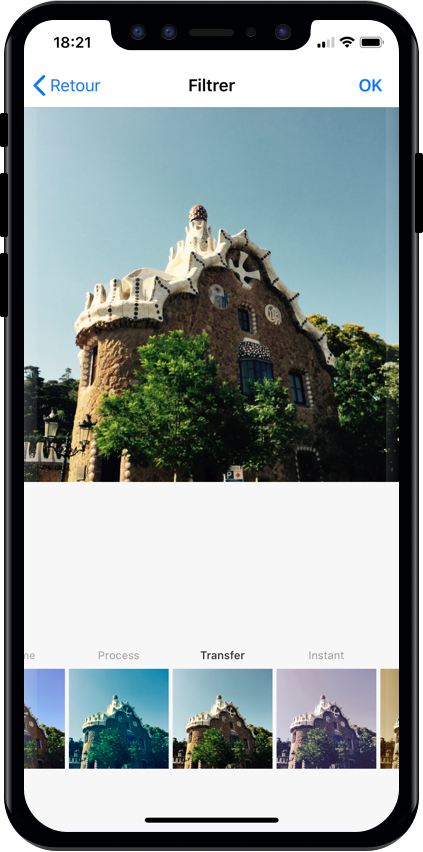
TopGit tracks Yummypets/YPImagePicker on GitHub as part of the Image Tools family. The project has 4.5k stars. 📸 Instagram-like image picker & filters for iOS
Snapshot summary built from the project's own GitHub metadata — there's no written TopGit review yet. The page will update automatically when a full review is published.
WHY NO REVIEW YET
TopGit writes full reviews for the most-starred, most-requested repositories. This page is a snapshot until then — see the READ ME tab for the original README in full.
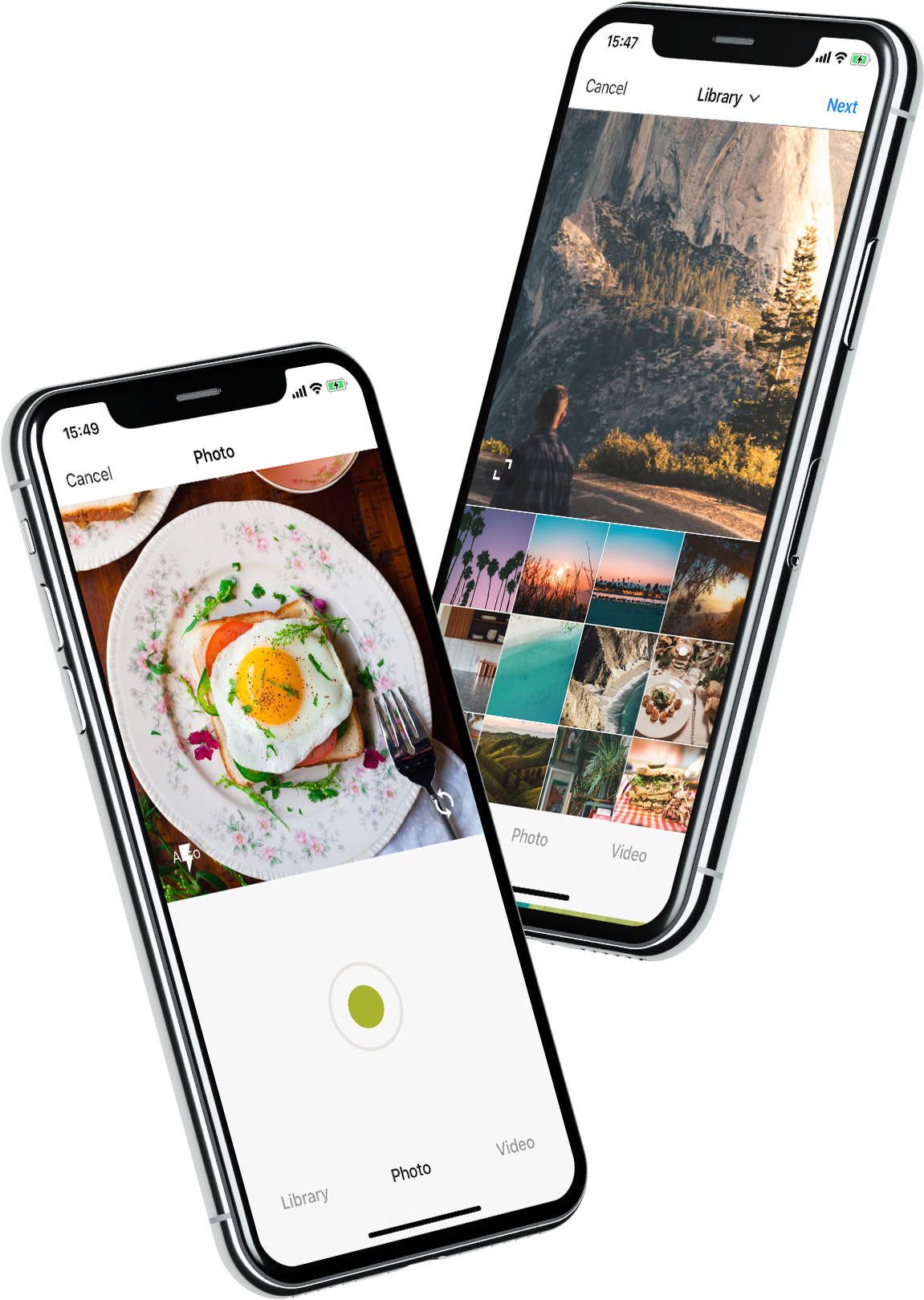
YPImagePicker is an instagram-like photo/video picker for iOS written in pure Swift. It is feature-rich and highly customizable to match your App's requirements.
Installation - Configuration - Usage - Languages - UI Customization
Give it a quick try :
pod repo update then pod try YPImagePicker
Those features are available just with a few lines of code!
Notable Features
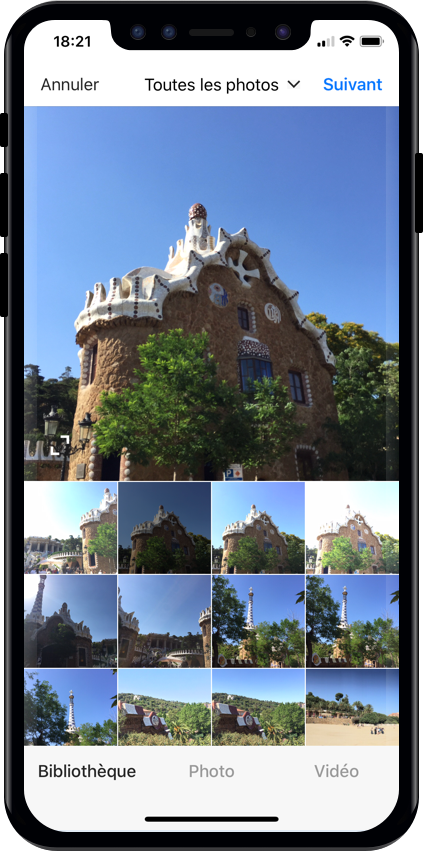
🌅 Library
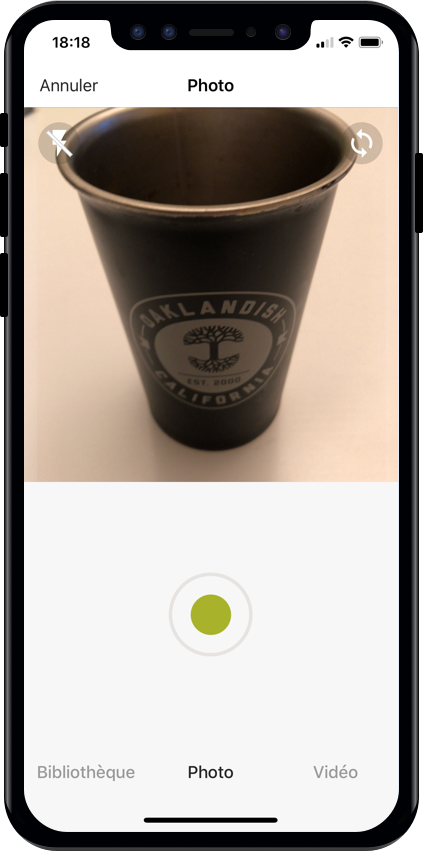
📷 Photo
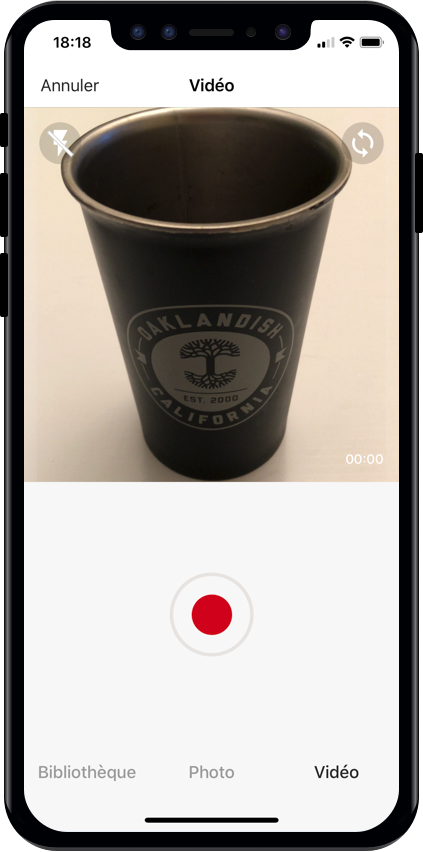
🎥 Video
✂️ Crop
⚡️ Flash
🖼 Filters
📁 Albums
🔢 Multiple Selection
📏 Video Trimming & Cover selection
📐 Output image size
And many more...
Installation
Using CocoaPods
First, be sure to run pod repo update to get the latest version available.
Add pod 'YPImagePicker' to your Podfile and run pod install. Also, add use_frameworks! to the Podfile.
target 'MyApp'
pod 'YPImagePicker'
use_frameworks!
Using Swift Package Manager
Open SPM dependency manager through File > Swift Packages > Add Package Dependency....
and insert repository URL:
https://github.com/Yummypets/YPImagePicker.git
To add dependency in your own package, just specify a package in dependencies of your Package.swift:
All the configuration endpoints are in the YPImagePickerConfiguration struct.
Below are the default value for reference, feel free to play around :)
var config = YPImagePickerConfiguration()
// [Edit configuration here ...]
// Build a picker with your configuration
let picker = YPImagePicker(configuration: config)
// Set the default configuration for all pickers
YPImagePickerConfiguration.shared = config

// And then use the default configuration like so:
let picker = YPImagePicker()
When displaying picker on iPad, picker will support one size only you should set it before displaying it:
let preferredContentSize = CGSize(width: 500, height: 600);
YPImagePickerConfiguration.widthOniPad = preferredContentSize.width;

// Now you can Display the picker with preferred size in dialog, popup etc
Usage
First things first import YPImagePicker.
The picker only has one callback didFinishPicking enabling you to handle all the cases. Let's see some typical use cases 🤓
Single Photo
let picker = YPImagePicker()
picker.didFinishPicking { [unowned picker] items, _ in
    if let photo = items.singlePhoto {
        print(photo.fromCamera) // Image source (camera or library)
        print(photo.image) // Final image selected by the user
        print(photo.originalImage) // original image selected by the user, unfiltered
        print(photo.modifiedImage) // Transformed image, can be nil
        print(photo.exifMeta) // Print exif meta data of original image.
    }
    picker.dismiss(animated: true, completion: nil)
}
present(picker, animated: true, completion: nil)
Single video
// Here we configure the picker to only show videos, no photos.
var config = YPImagePickerConfiguration()
config.screens = [.library, .video]
config.library.mediaType = .video

let picker = YPImagePicker(configuration: config)
picker.didFinishPicking { [unowned picker] items, _ in
    if let video = items.singleVideo {
        print(video.fromCamera)
        print(video.thumbnail)
        print(video.url)
    }
    picker.dismiss(animated: true, completion: nil)
}
present(picker, animated: true, completion: nil)
As you can see singlePhoto and singleVideo helpers are here to help you handle single media which are very common, while using the same callback for all your use-cases \o/
Multiple selection
To enable multiple selection make sure to set library.maxNumberOfItems in the configuration like so:
var config = YPImagePickerConfiguration()
config.library.maxNumberOfItems = 3
let picker = YPImagePicker(configuration: config)
Then you can handle multiple selection in the same callback you know and love :
picker.didFinishPicking { [unowned picker] items, cancelled in
    for item in items {
        switch item {
        case .photo(let photo):
            print(photo)
        case .video(let video):
            print(video)
        }
    }
    picker.dismiss(animated: true, completion: nil)
}
Handle Cancel event (if needed)
picker.didFinishPicking { [unowned picker] items, cancelled in
    if cancelled {
        print("Picker was canceled")
    }
    picker.dismiss(animated: true, completion: nil)
}
let attributes = [NSAttributedString.Key.font : UIFont.systemFont(ofSize: 30, weight: .bold) ]
UINavigationBar.appearance().titleTextAttributes = attributes // Title fonts
UIBarButtonItem.appearance().setTitleTextAttributes(attributes, for: .normal) // Bar Button fonts
Navigation bar Text colors
UINavigationBar.appearance().titleTextAttributes = [NSAttributedString.Key.foregroundColor : UIColor.yellow ] // Title color
UINavigationBar.appearance().tintColor = .red // Left. bar buttons
config.colors.tintColor = .green // Right bar buttons (actions)
Original Project & Author
This project has been first inspired by Fusuma
Considering the big code, design changes, and all the additional features added along the way, this moved from a fork to a standalone separate repo, also for discoverability purposes.
Original Fusuma author is ytakz
YPImagePicker relies on prynt/PryntTrimmerView for provide video trimming and cover features. Big thanks to @HHK1 for making this open source :)
Obj-C support
Objective-C is not supported and this is not on our roadmap.
Swift is the future and dropping Obj-C is the price to pay to keep our velocity on this library :)
License
YPImagePicker is released under the MIT license.
See LICENSE for details.
Does Yummypets/YPImagePicker have a project website?
No homepage URL was recorded for Yummypets/YPImagePicker in TopGit's last sync. The README tab above frequently contains screenshots and demo links, or check the repository description on GitHub.
Is Yummypets/YPImagePicker open source?
Yes — Yummypets/YPImagePicker ships under the MIT license, which makes its source code freely readable (and, depending on license terms, forkable and reusable). Source: github.com/Yummypets/YPImagePicker.
What else is in the Image Tools space?
Yummypets/YPImagePicker is tracked by TopGit under the Image Tools category, alongside 14 GitHub-tagged topics. Trending and Topics pages list peer repositories of comparable stars and language.
What is Yummypets/YPImagePicker?
Yummypets/YPImagePicker (Yummypets/YPImagePicker) is a Swift project on GitHub. From the project's own README: 📸 Instagram-like image picker & filters for iOS
What license does Yummypets/YPImagePicker use?
Yummypets/YPImagePicker is released under the MIT license. Always verify the LICENSE file directly on GitHub for the authoritative terms — license strings can be edited out of sync with a project's actual stance.
Where do I read more about Yummypets/YPImagePicker?
This TopGit page is a snapshot — the READ ME tab shows the project's own README content (links stripped, images preserved). The GitHub repository at github.com/Yummypets/YPImagePicker is the definitive source.
Why is Yummypets/YPImagePicker categorized under Image Tools?
TopGit places Yummypets/YPImagePicker in the Image Tools category based on its GitHub topics and description (tagged: "camera", "filter", "gallery"). Categories are assigned from real repository metadata, not editorial guesswork.
Read full README in the tab above.
Want a second opinion on YPImagePicker?
Ask an AI that can read this page — one click and you get its take on YPImagePicker.
 /YPImagePicker