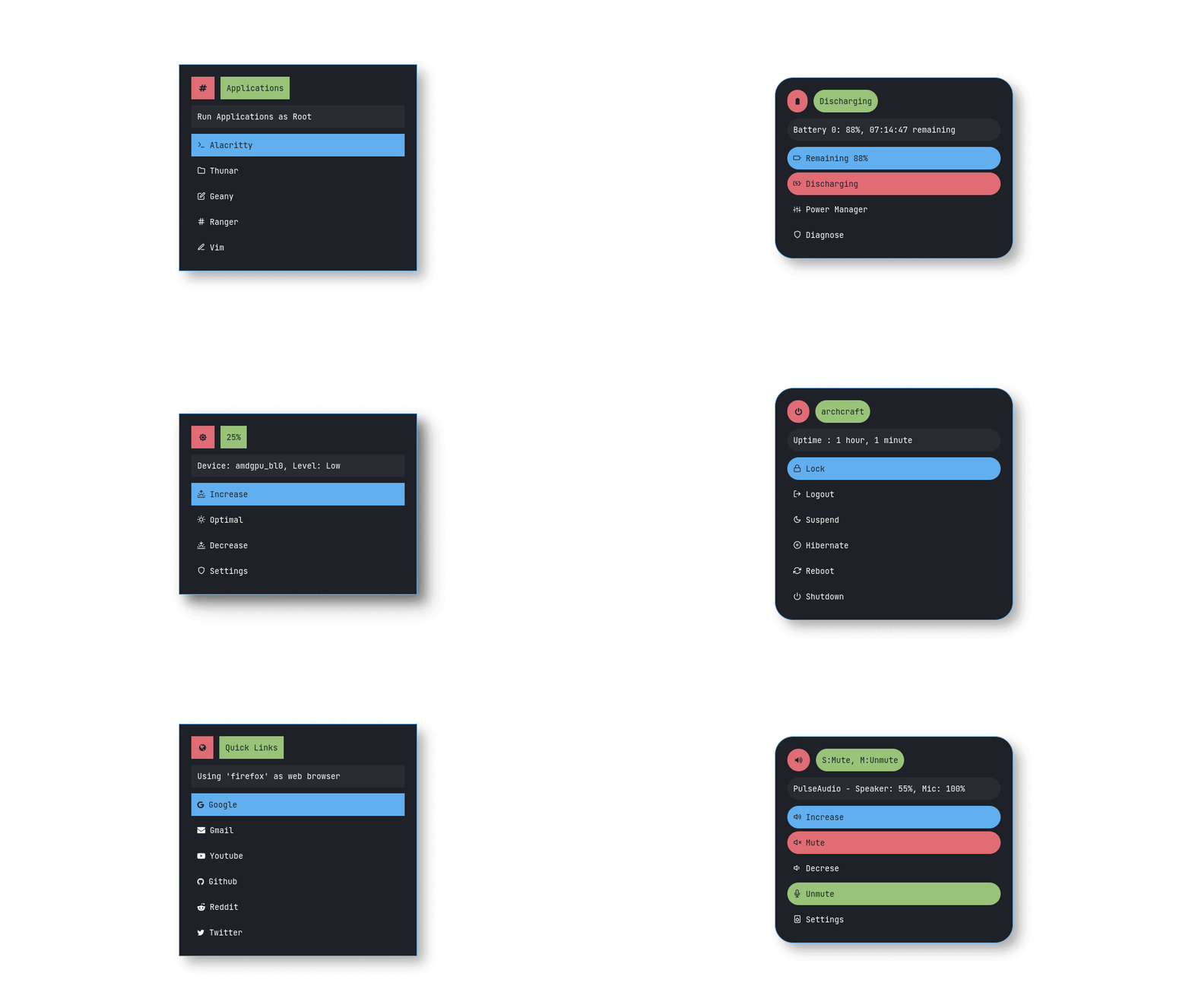
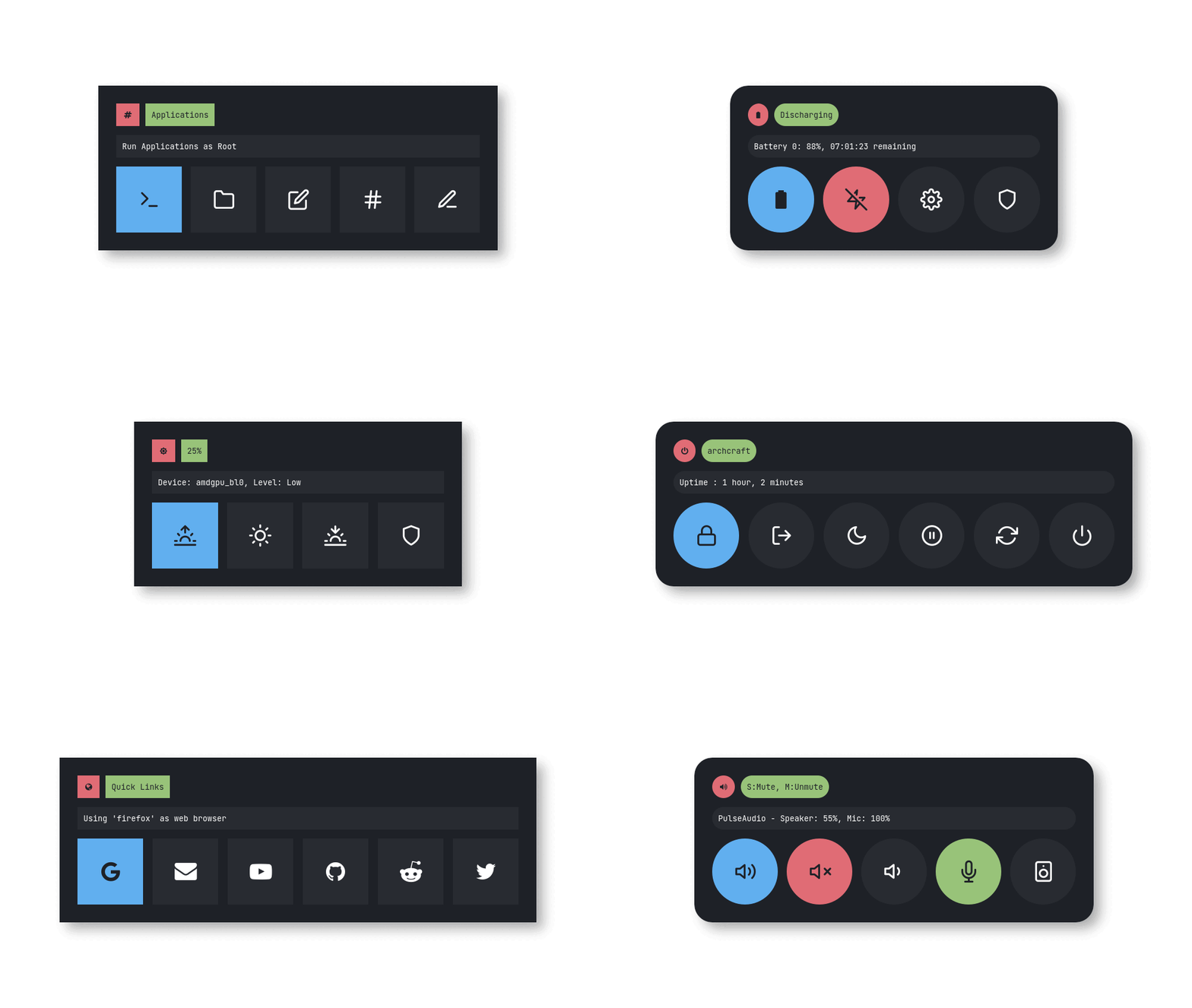
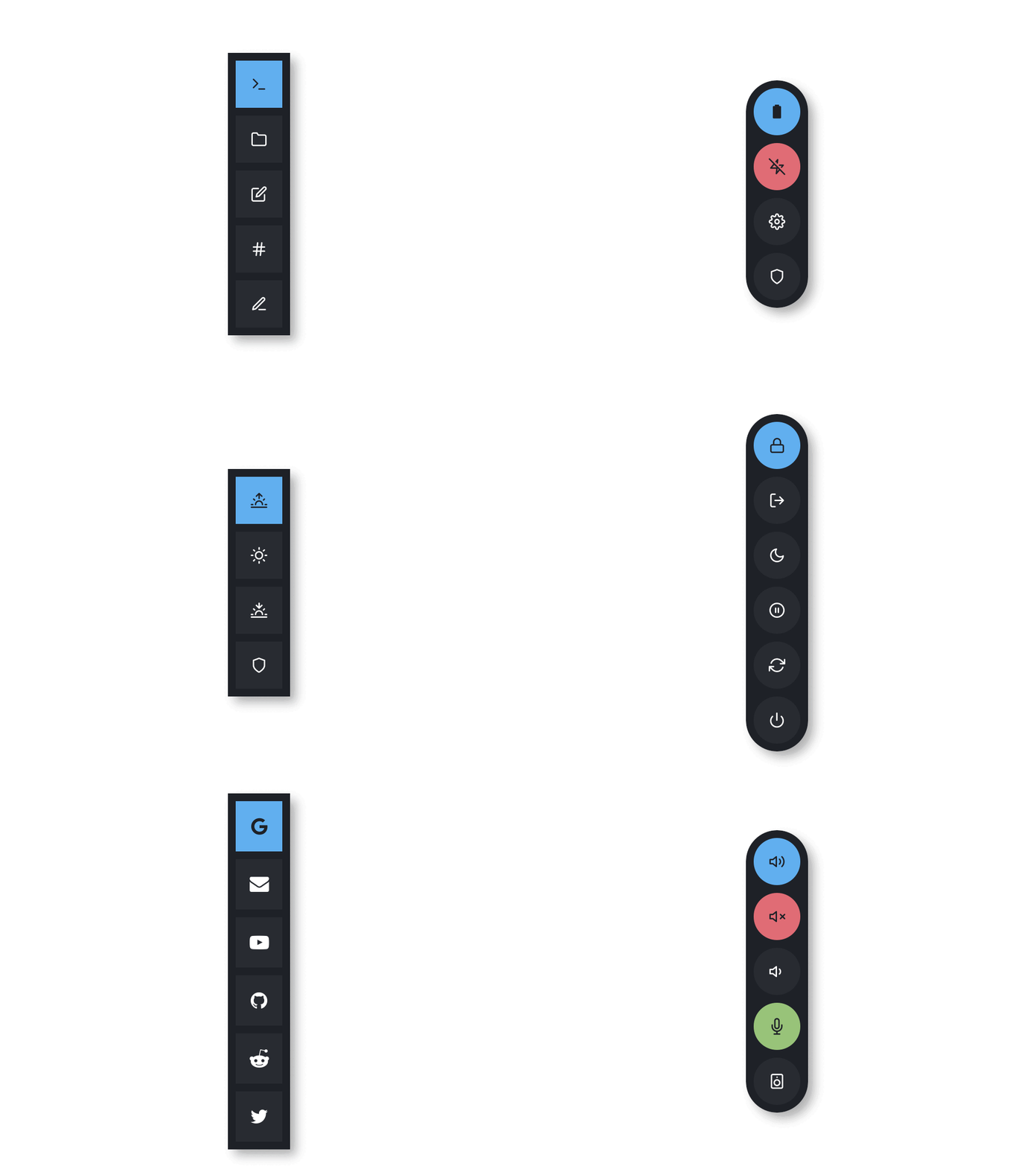
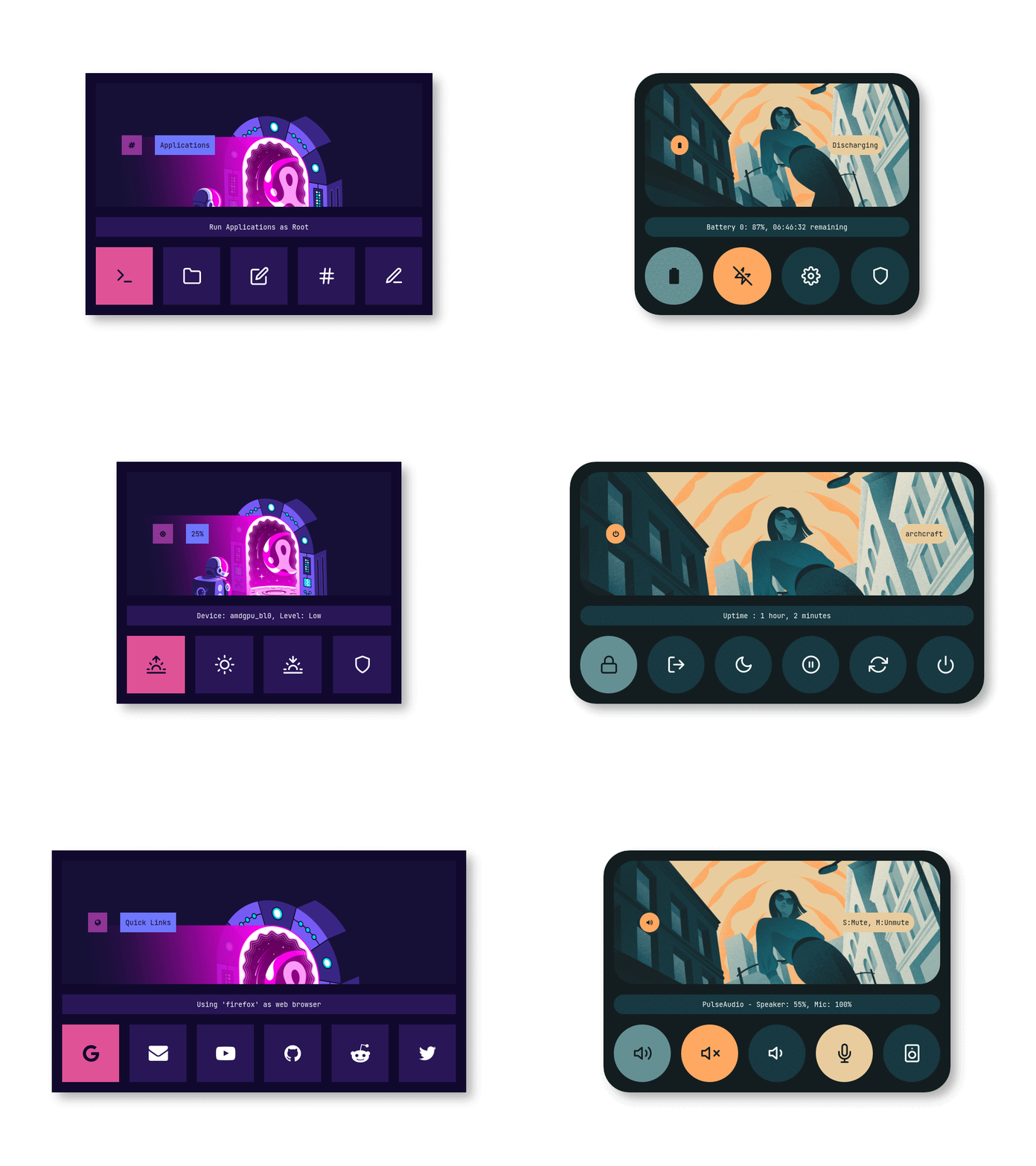
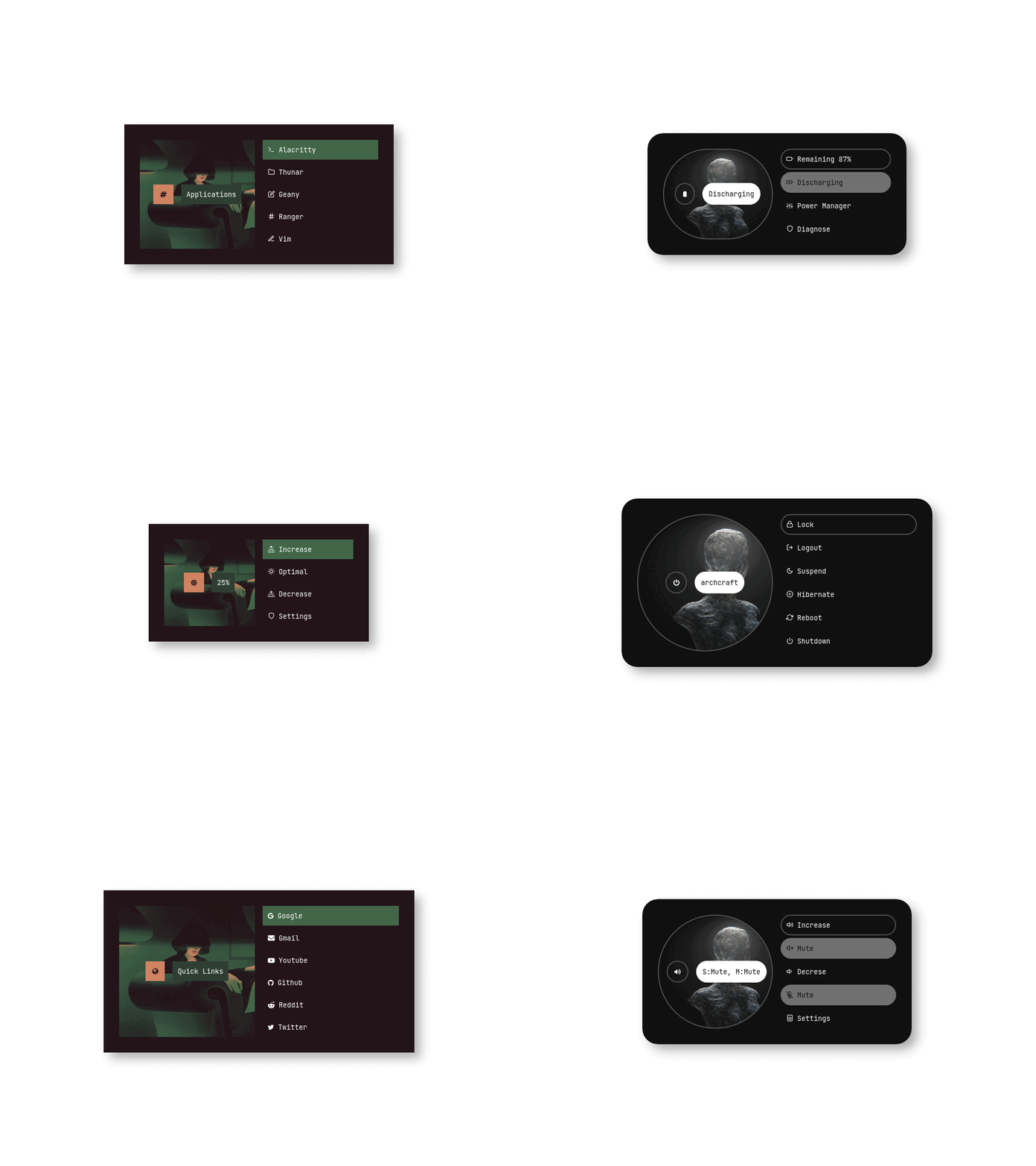
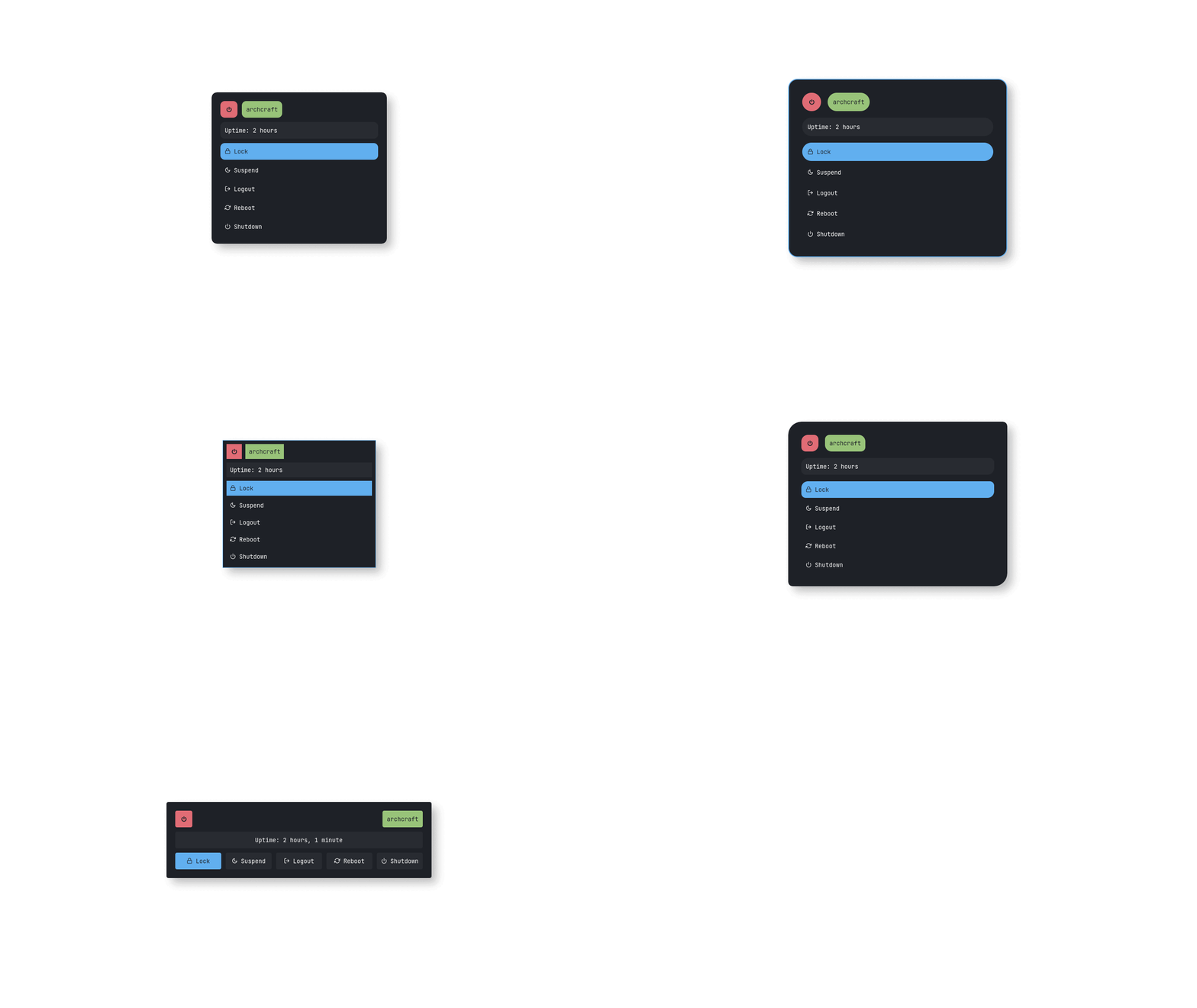
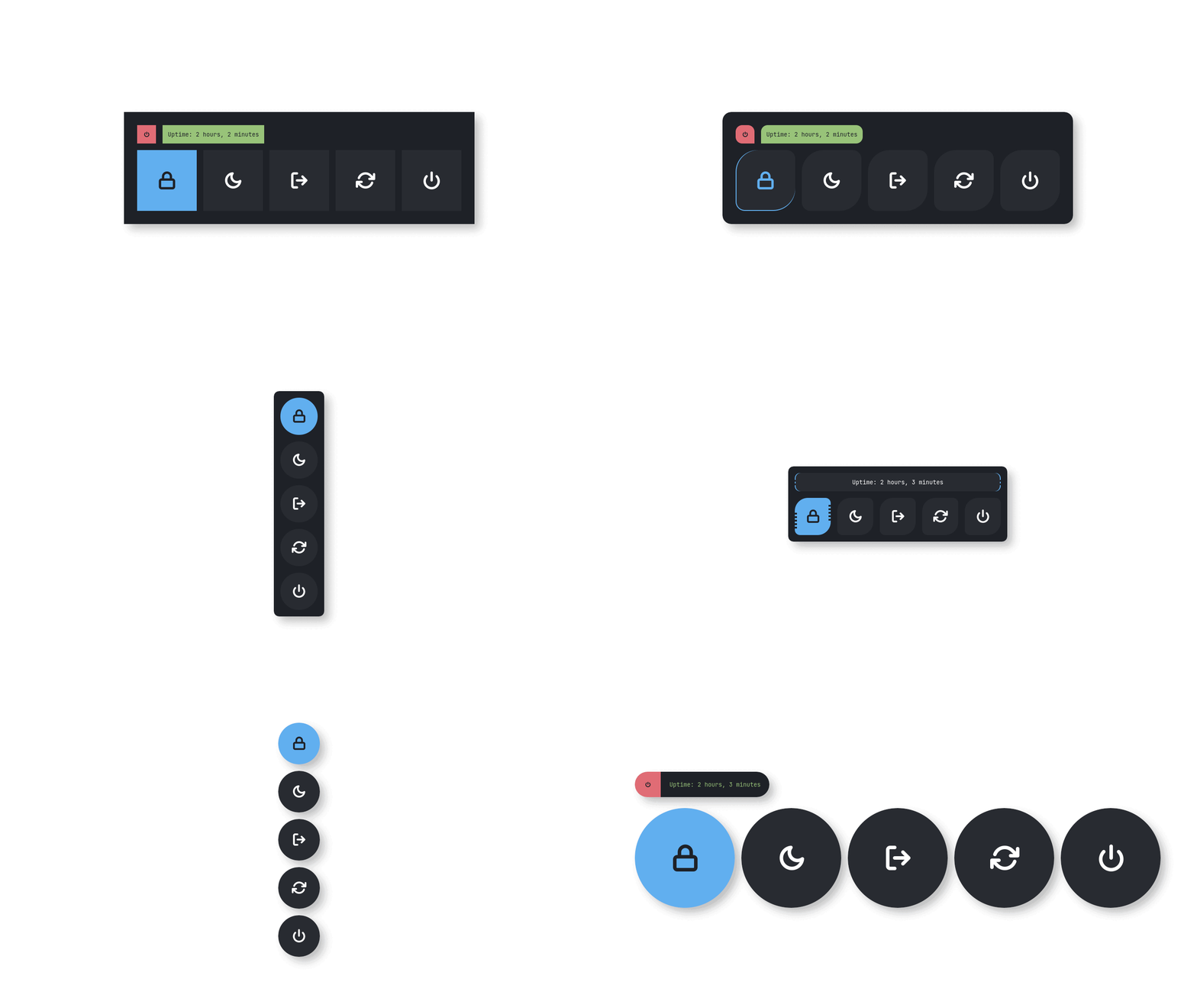
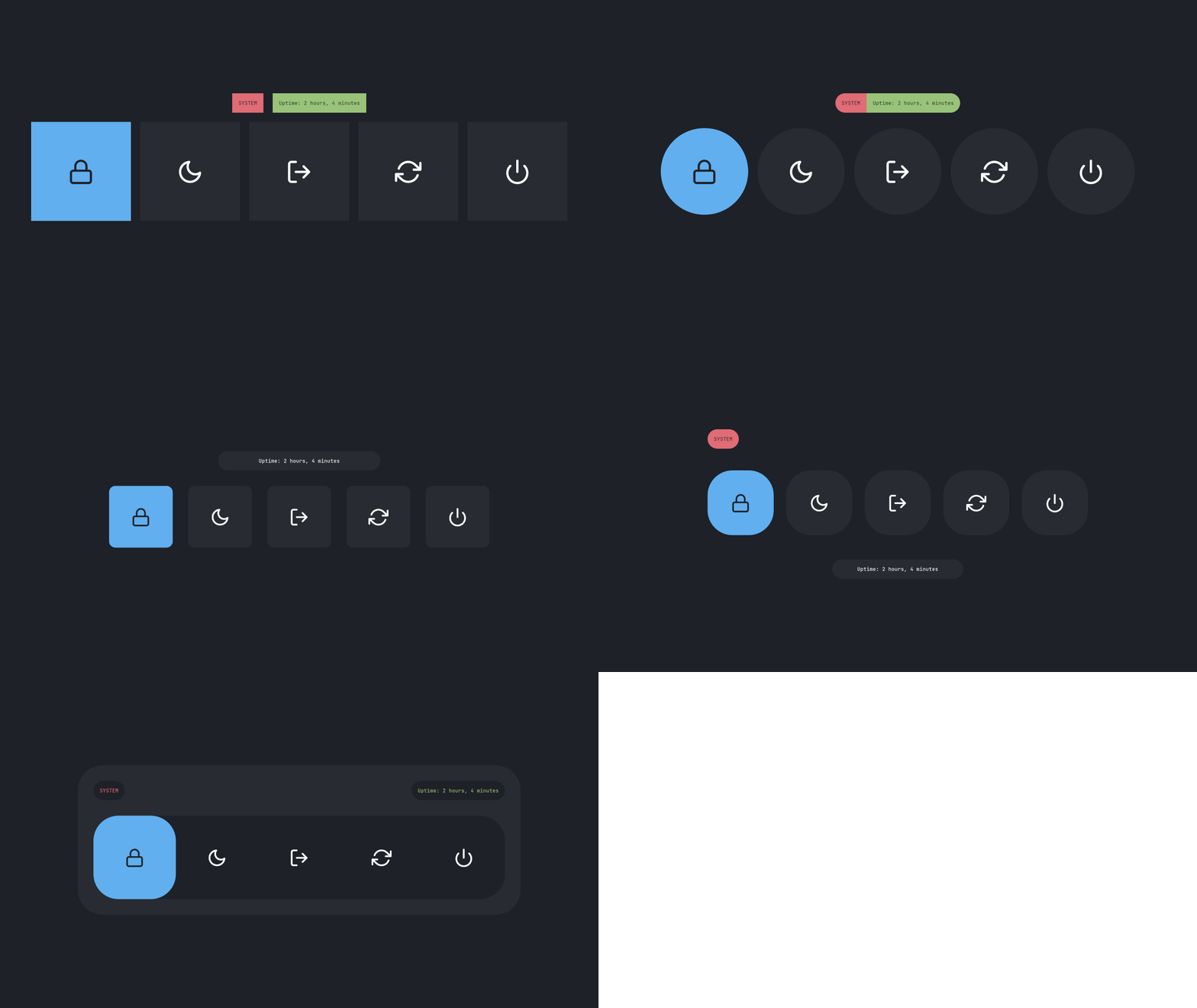
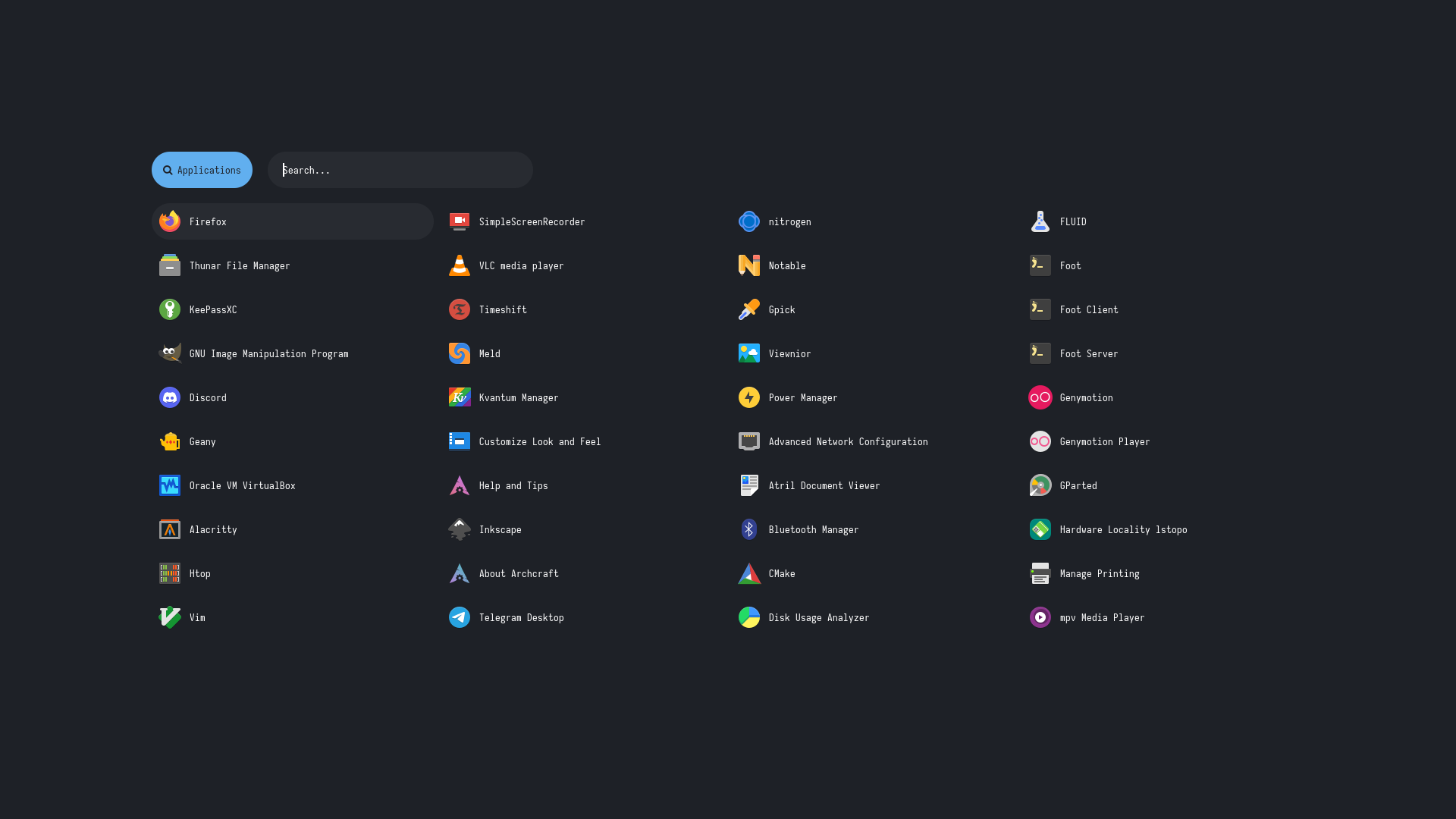
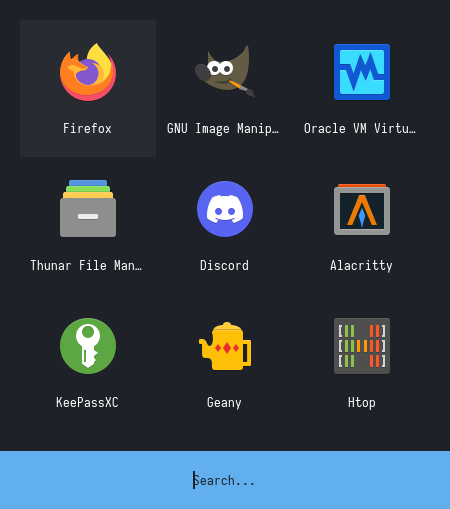
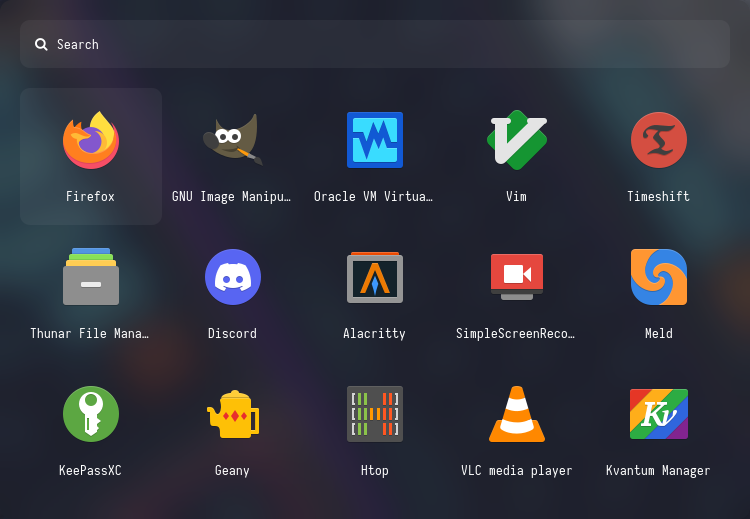
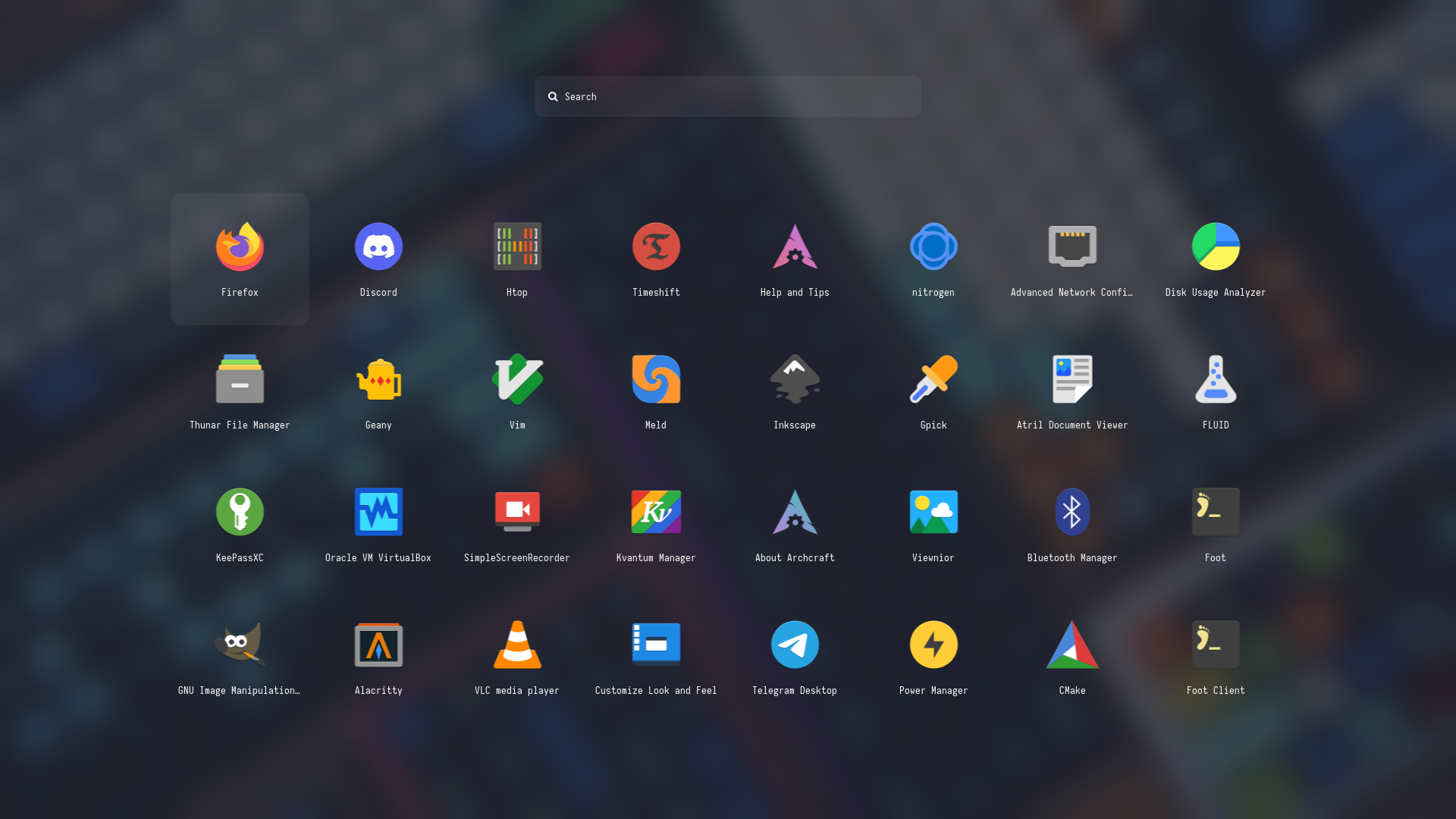
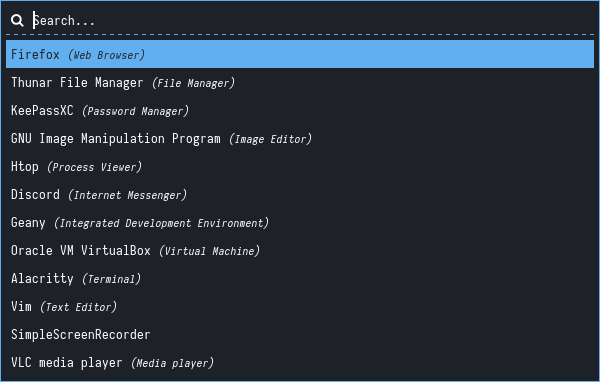
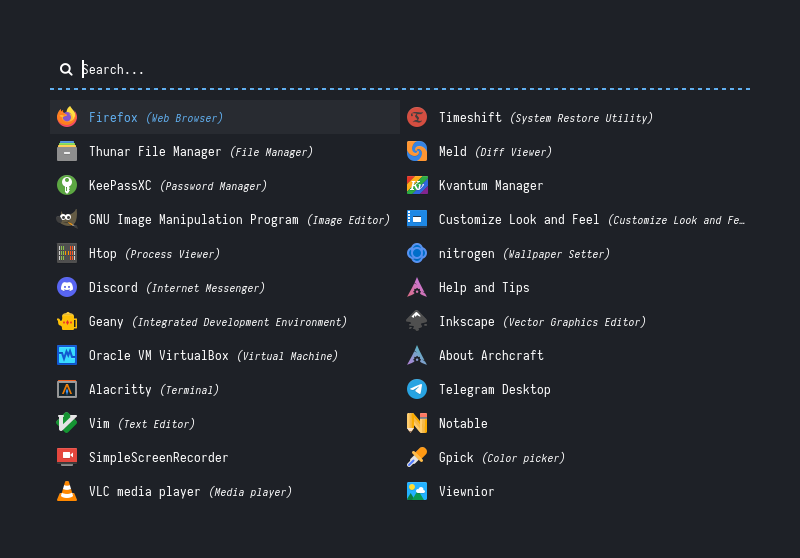
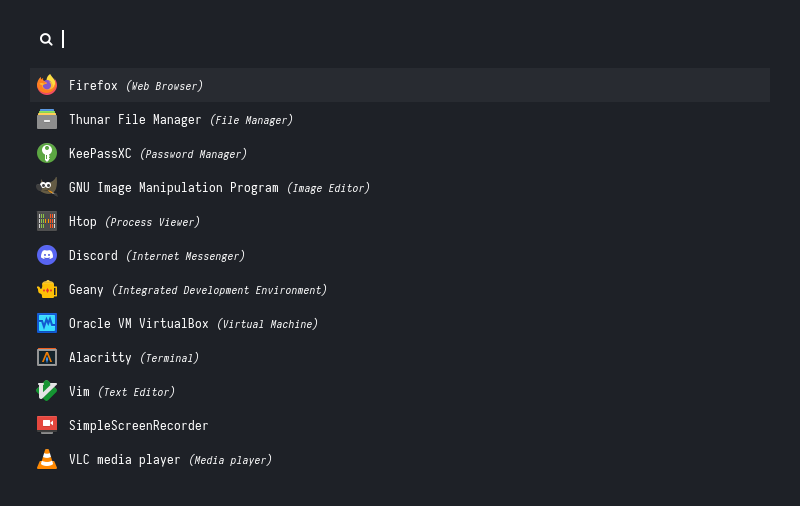
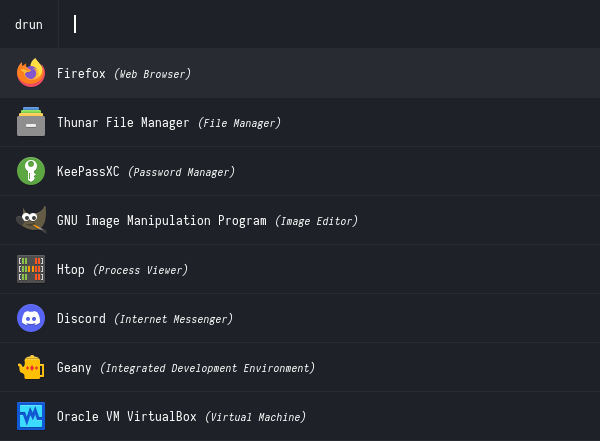
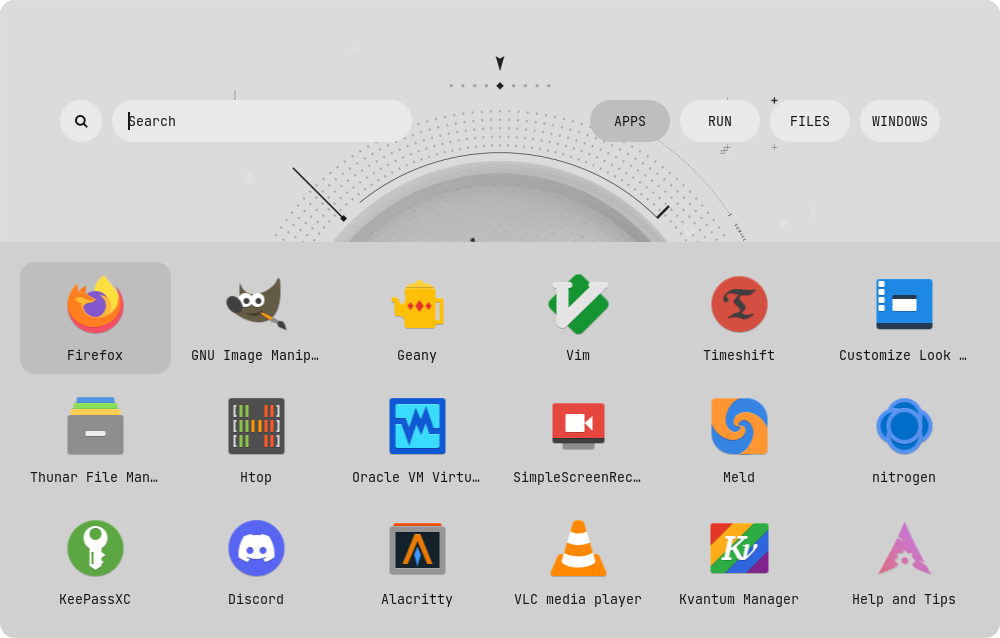
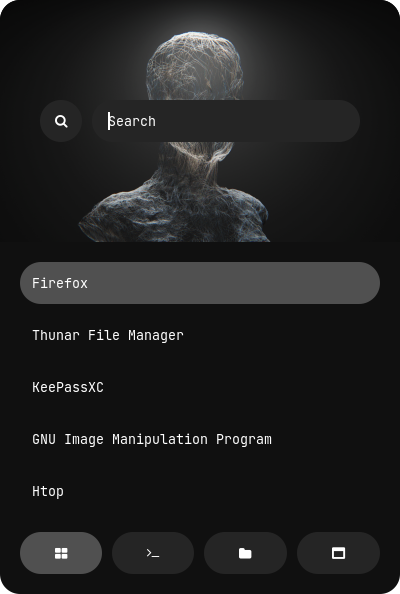
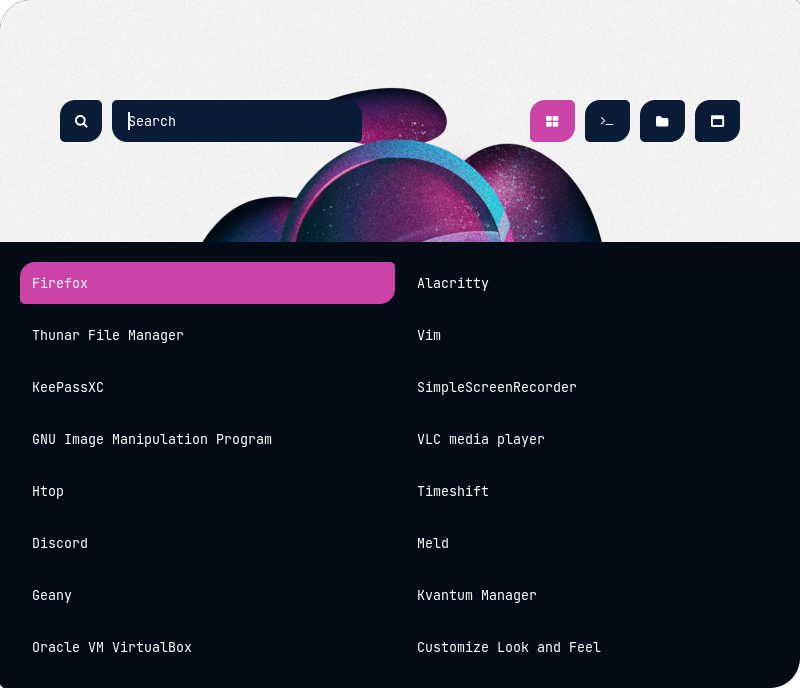
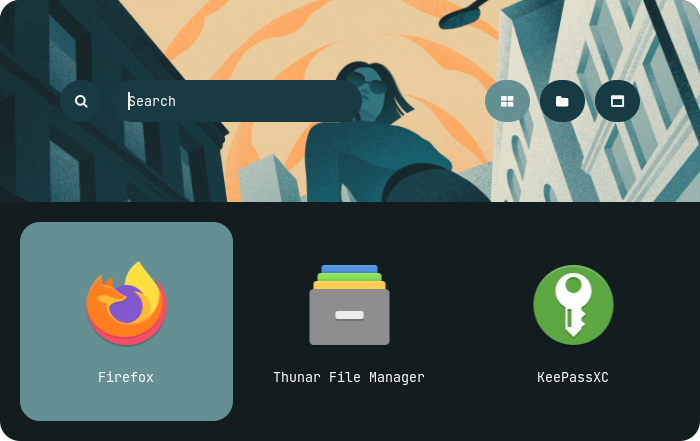
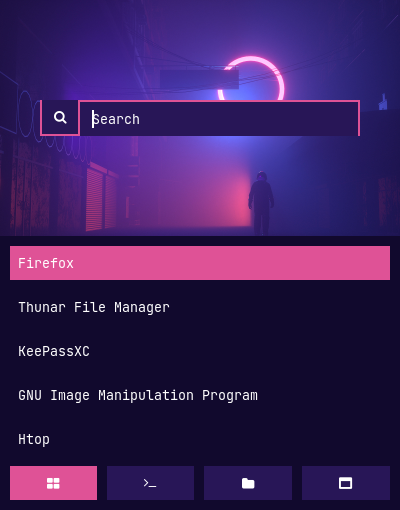
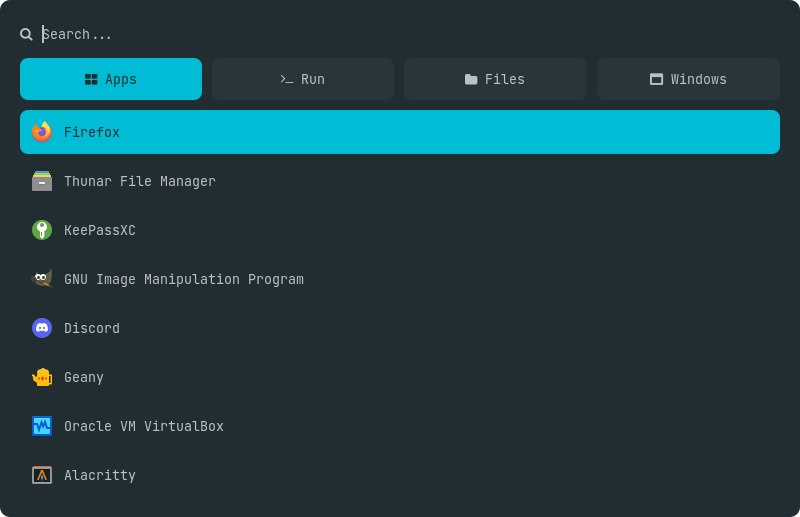
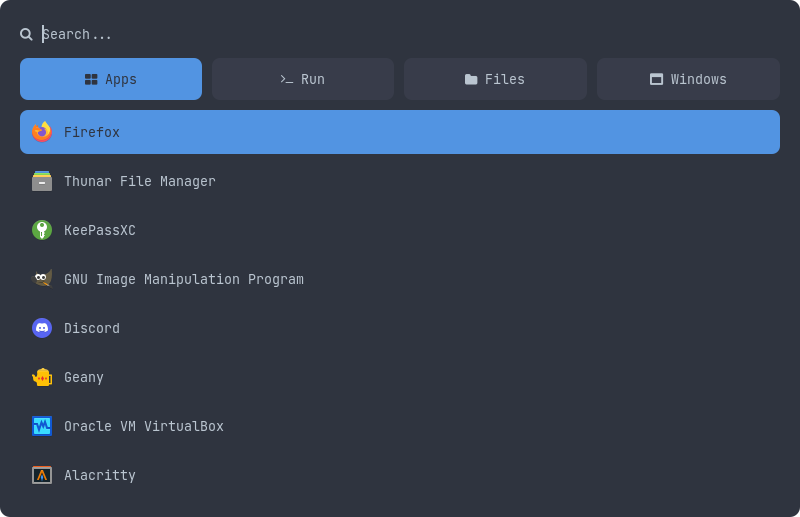
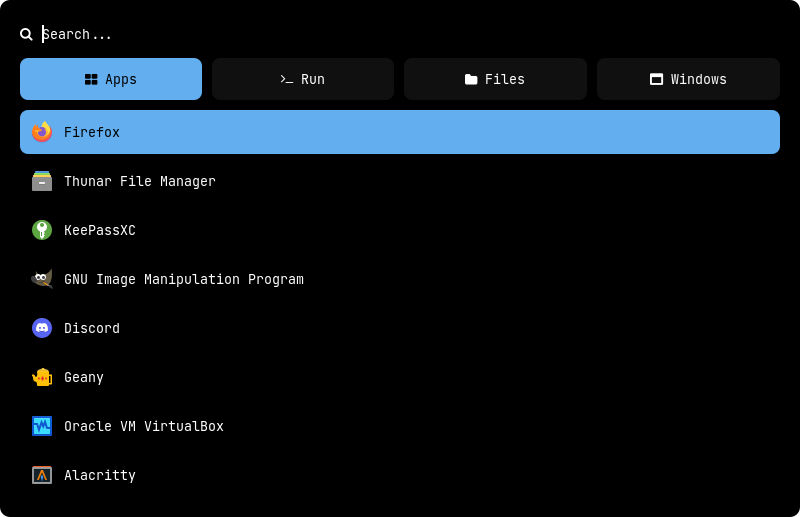
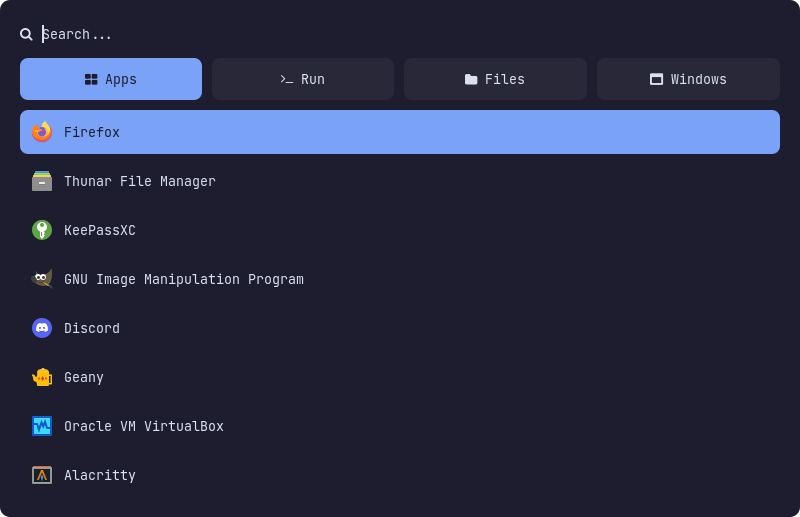
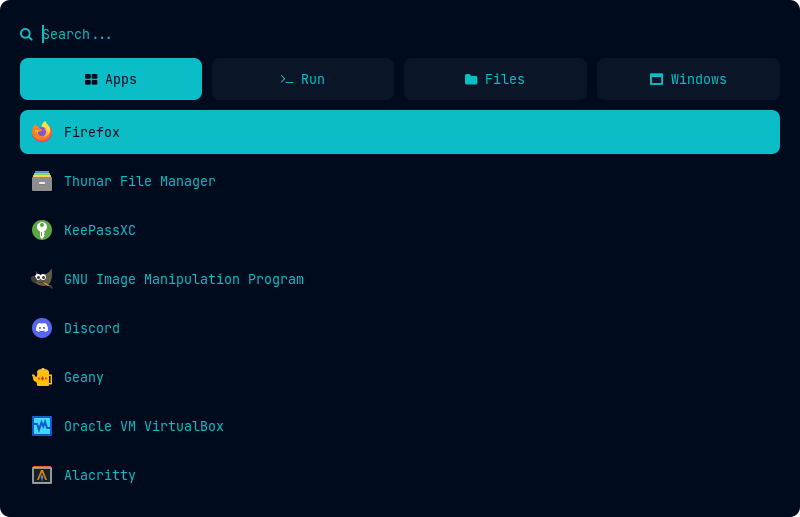
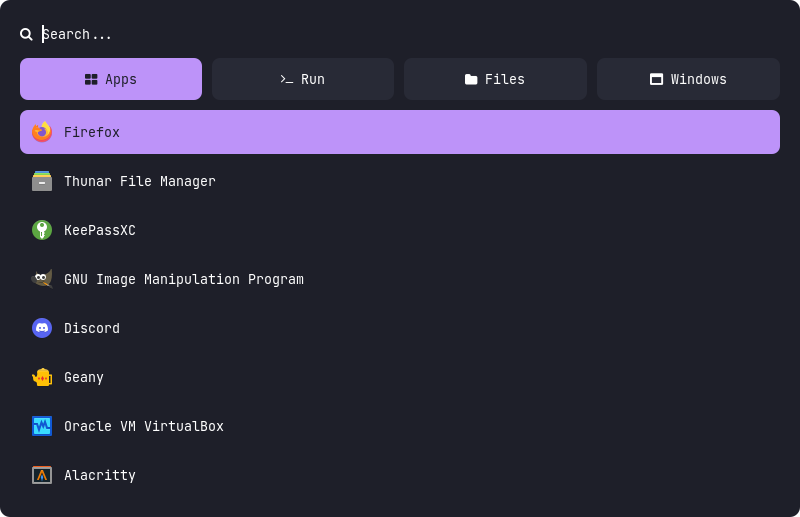
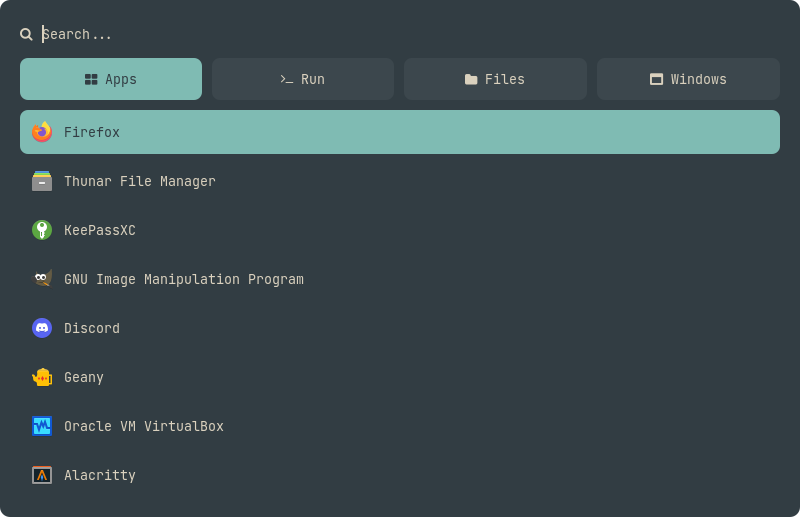
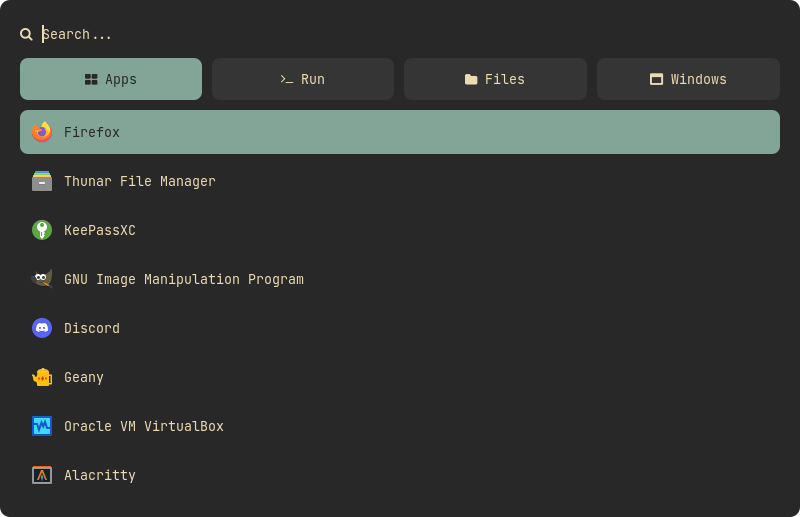
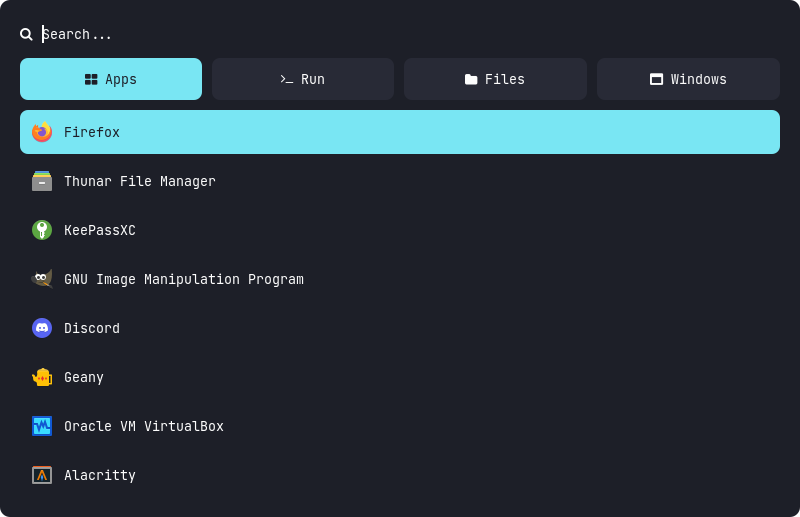
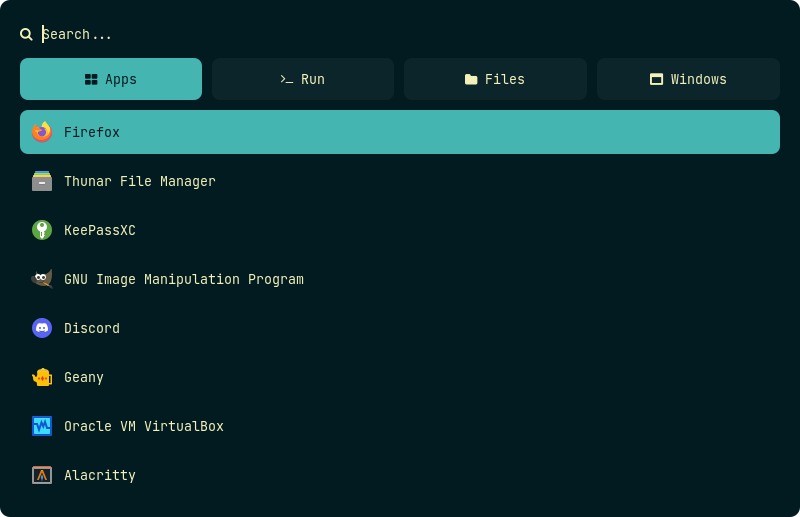
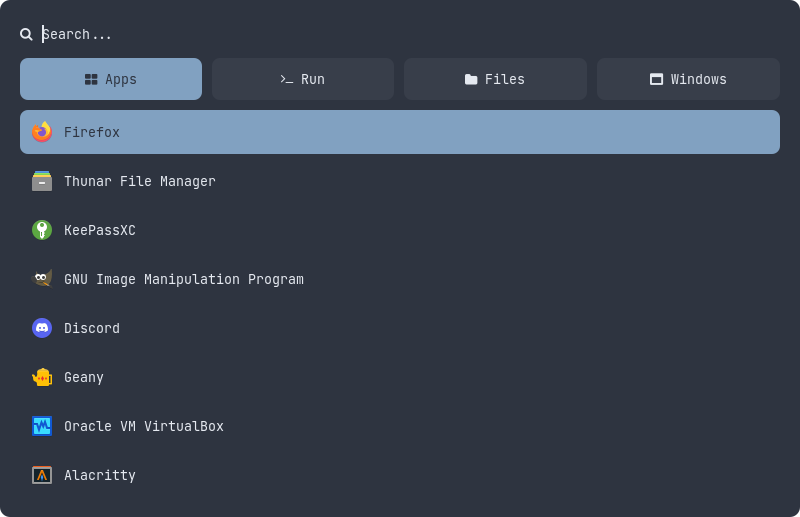
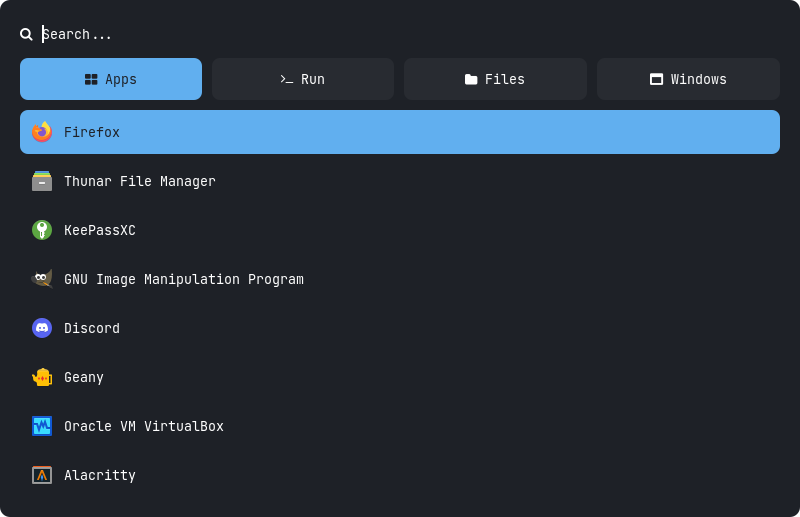
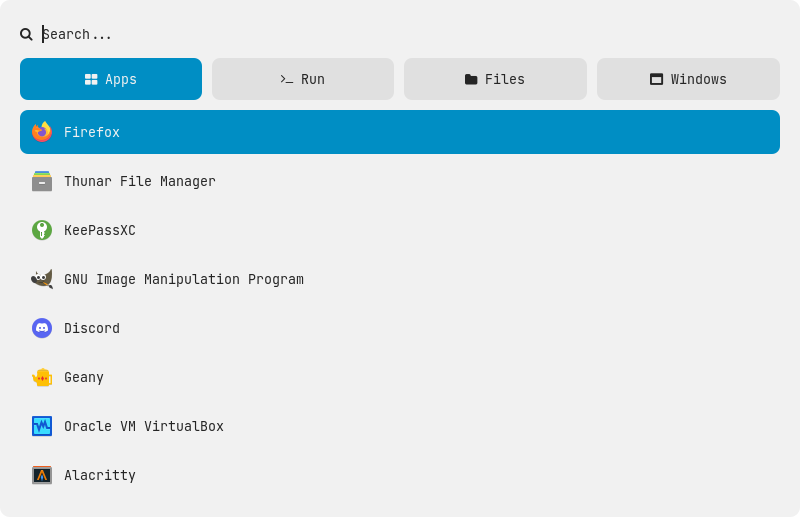
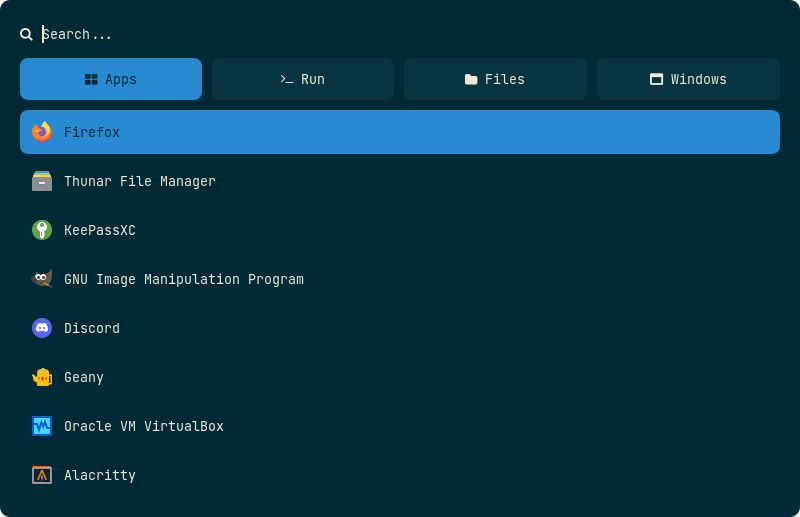
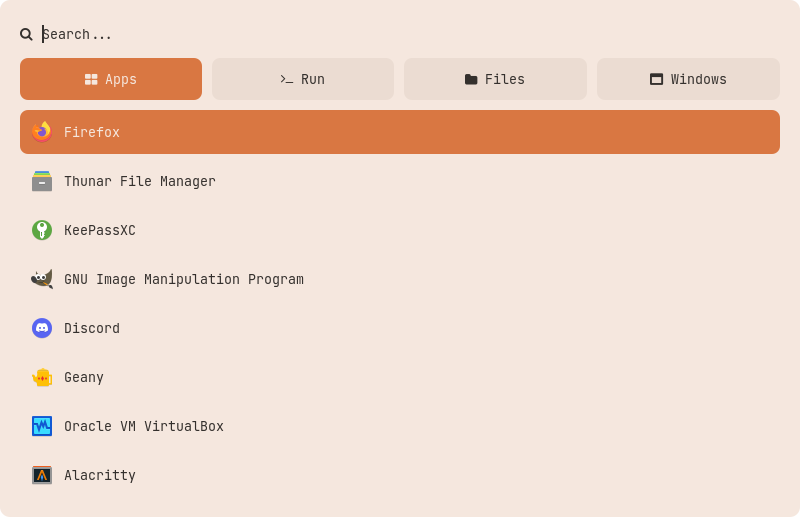
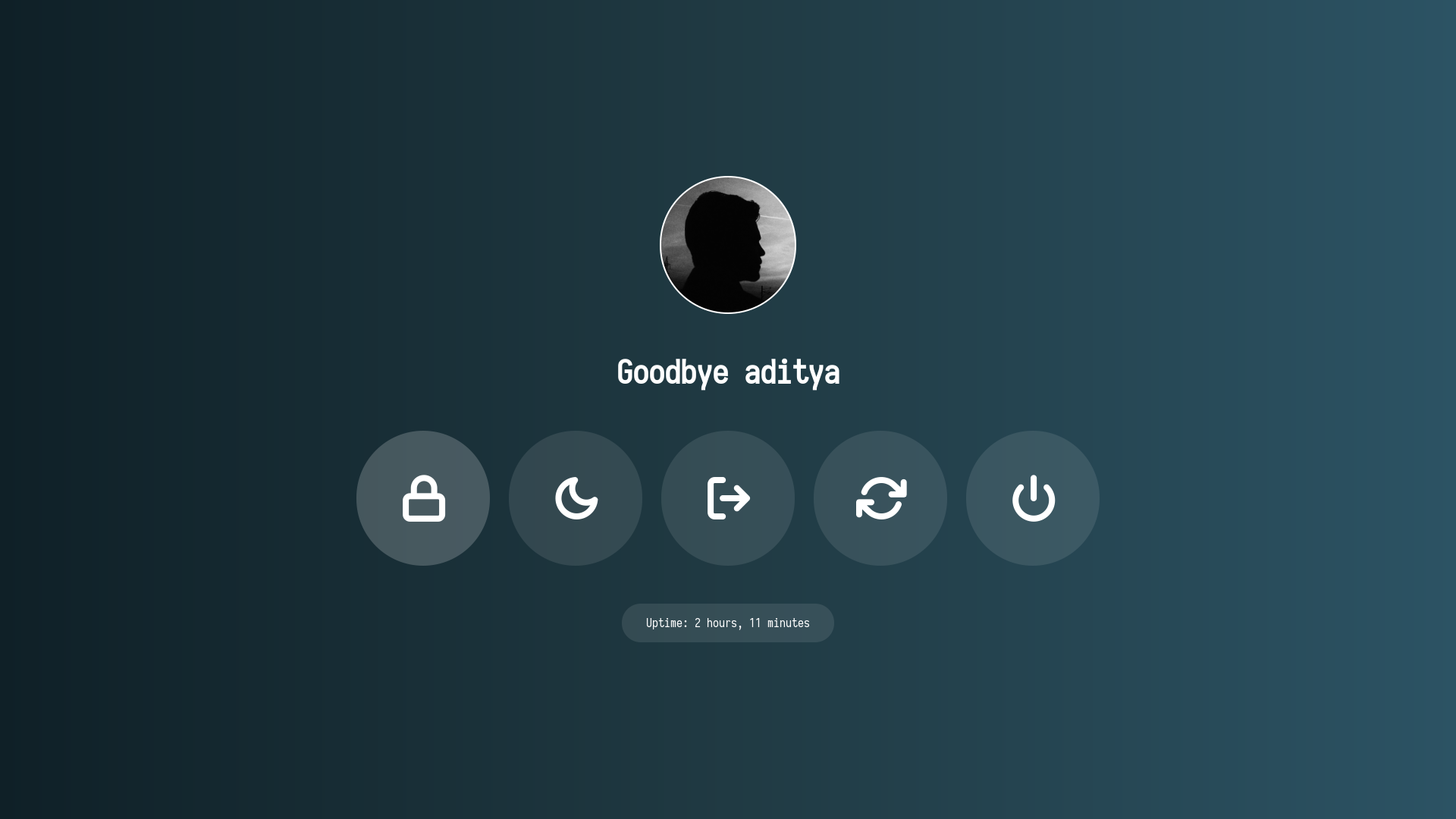
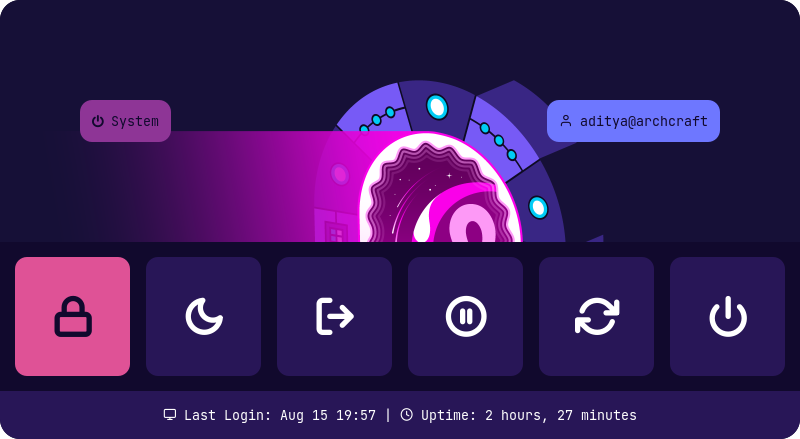
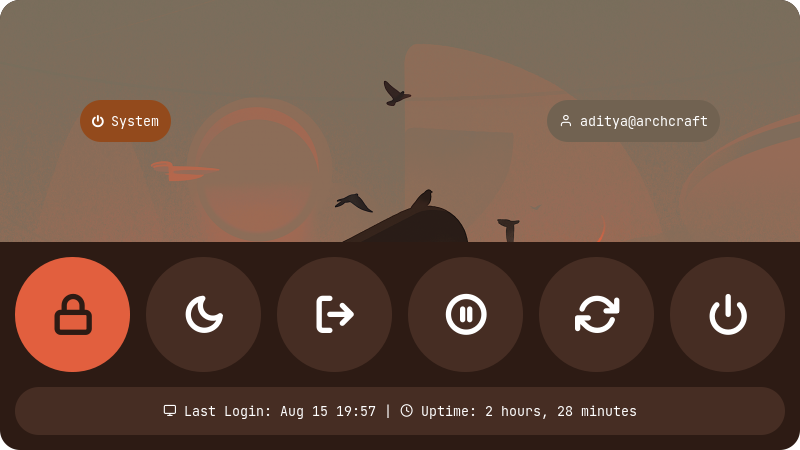
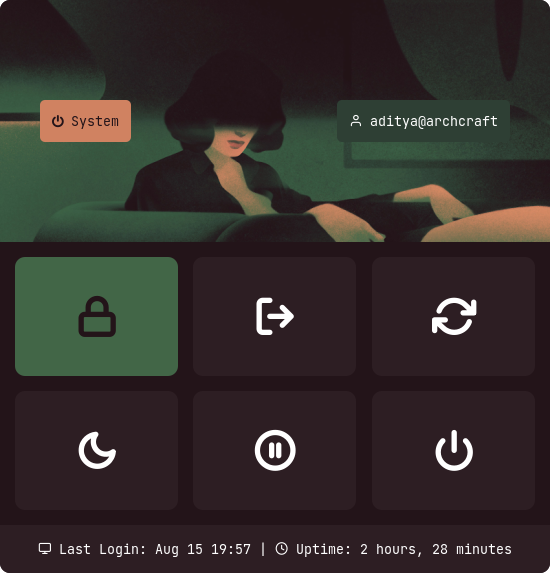
adi1090x/rofi là dự án mã nguồn mở trên GitHub, viết chủ yếu bằng Shell, với 8.8k sao. A huge collection of Rofi based custom Applets, Launchers & Powermenus.
Tóm tắt dựng từ metadata GitHub của chính dự án — chưa có bài review TopGit. Trang sẽ tự động cập nhật khi bài review đầy đủ được xuất bản.
VÌ SAO CHƯA CÓ REVIEW
TopGit viết bài đầy đủ cho repo có nhiều sao nhất và được yêu cầu nhiều nhất. Trang này là snapshot trong thời gian chờ — xem README gốc ở tab READ ME.
A huge collection of Rofi based custom Applets, Launchers & Powermenus.
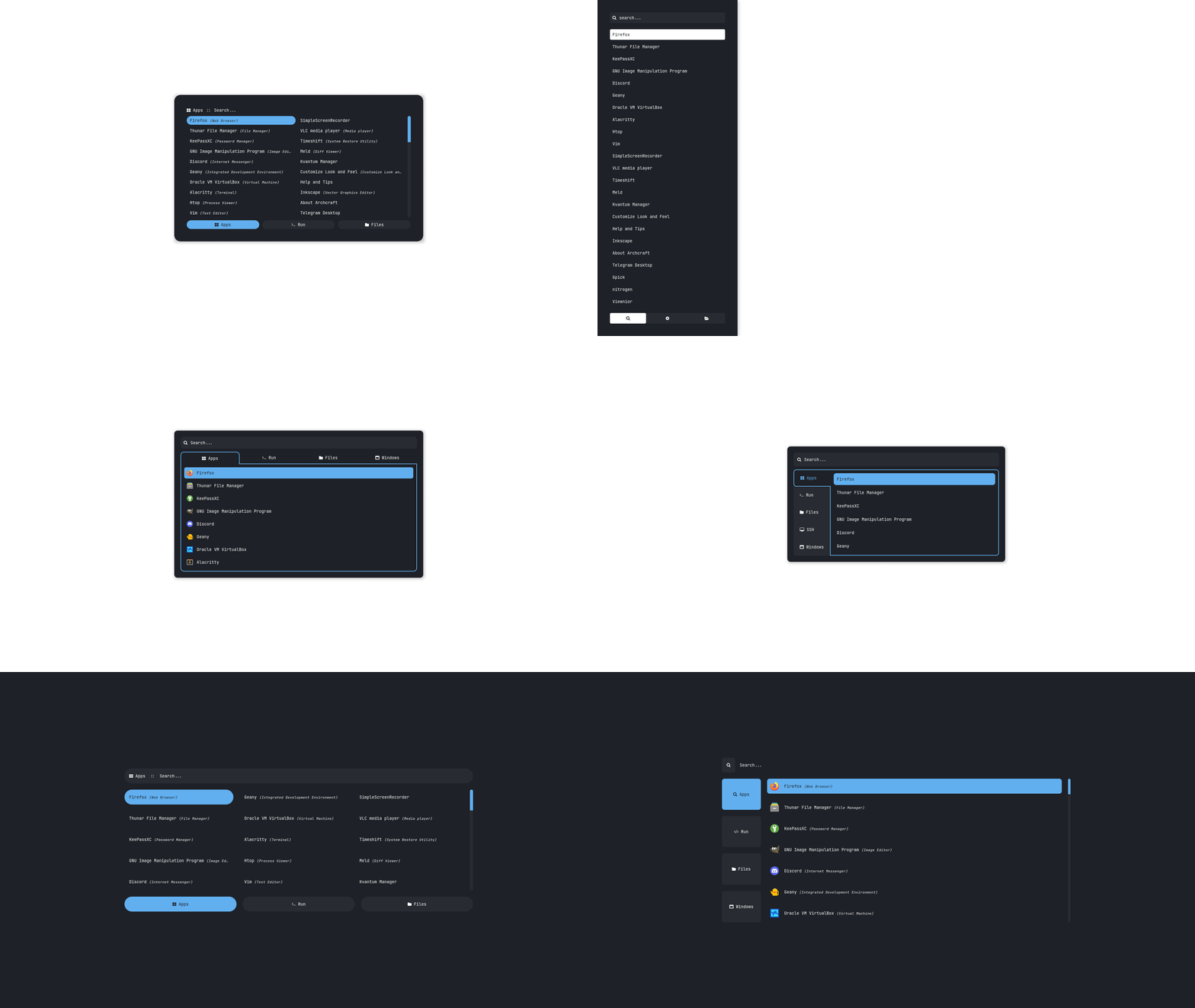
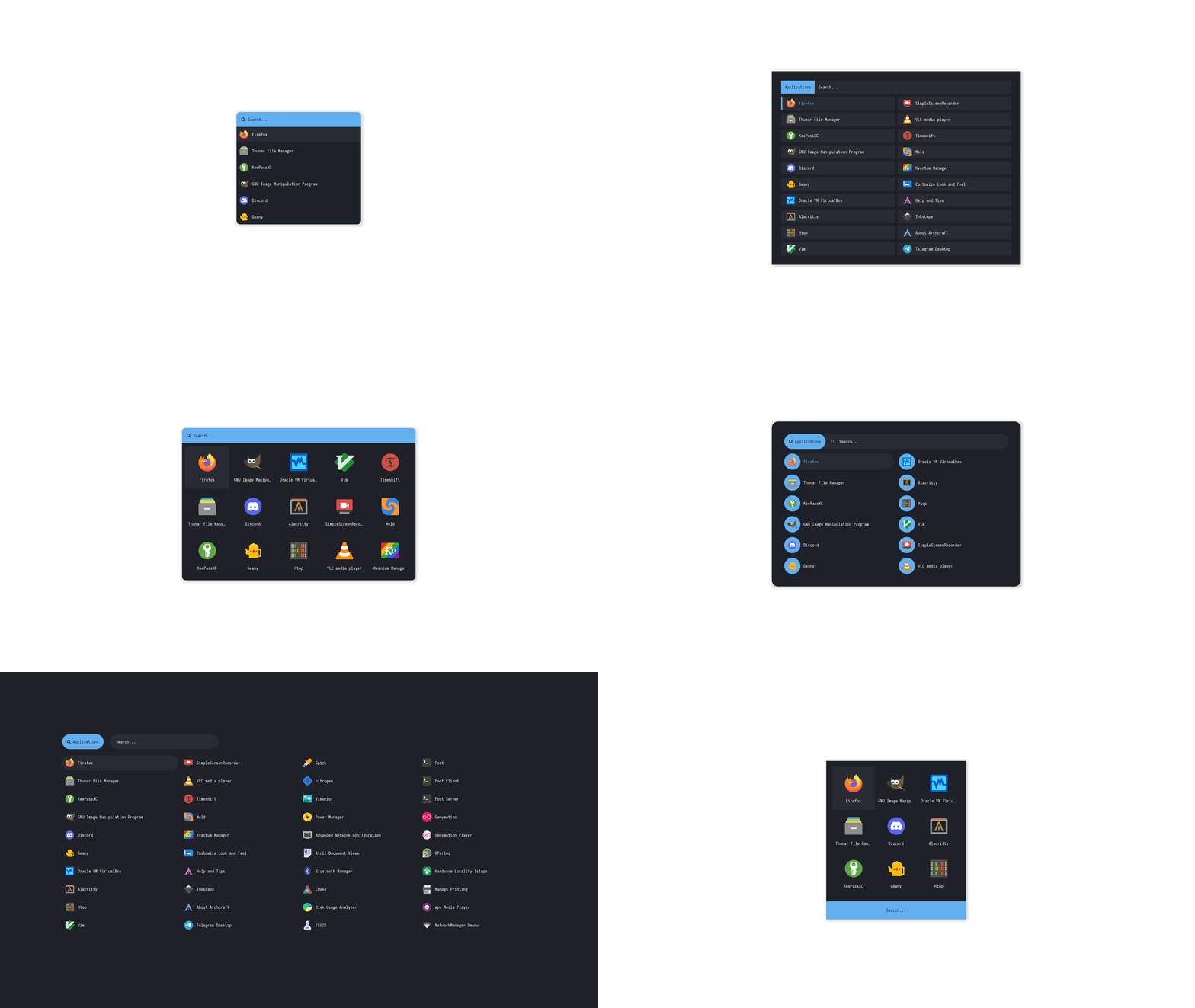
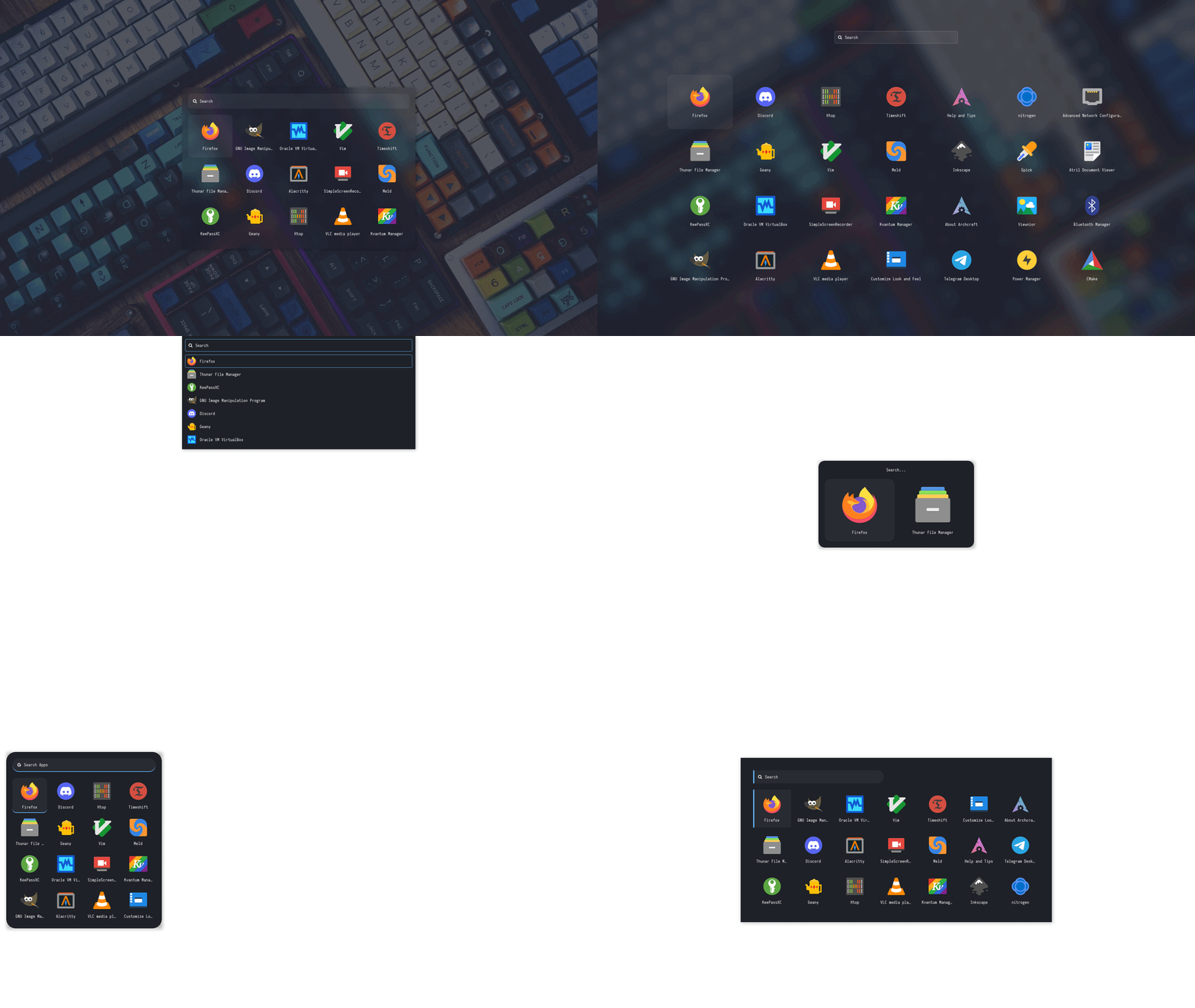
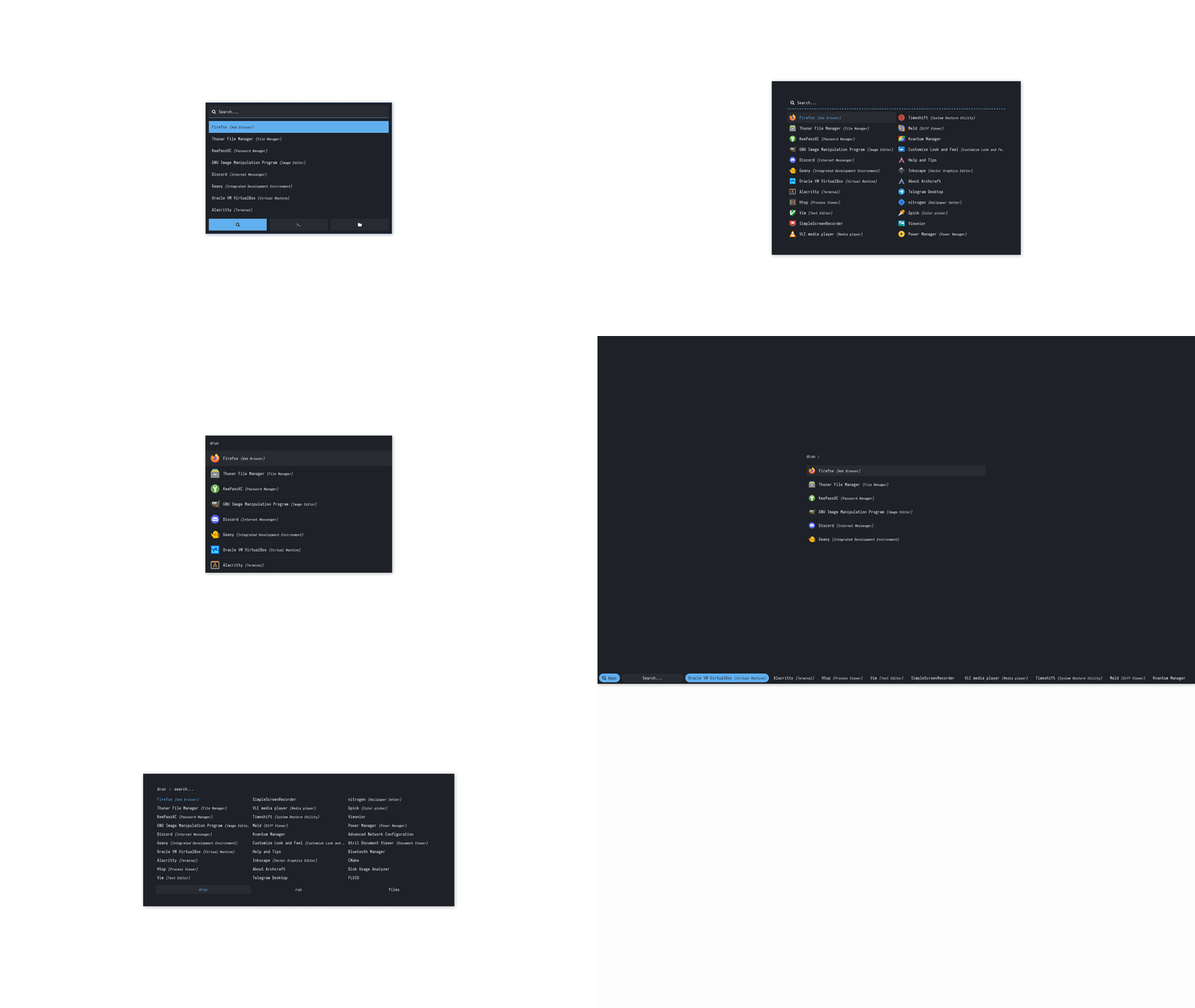
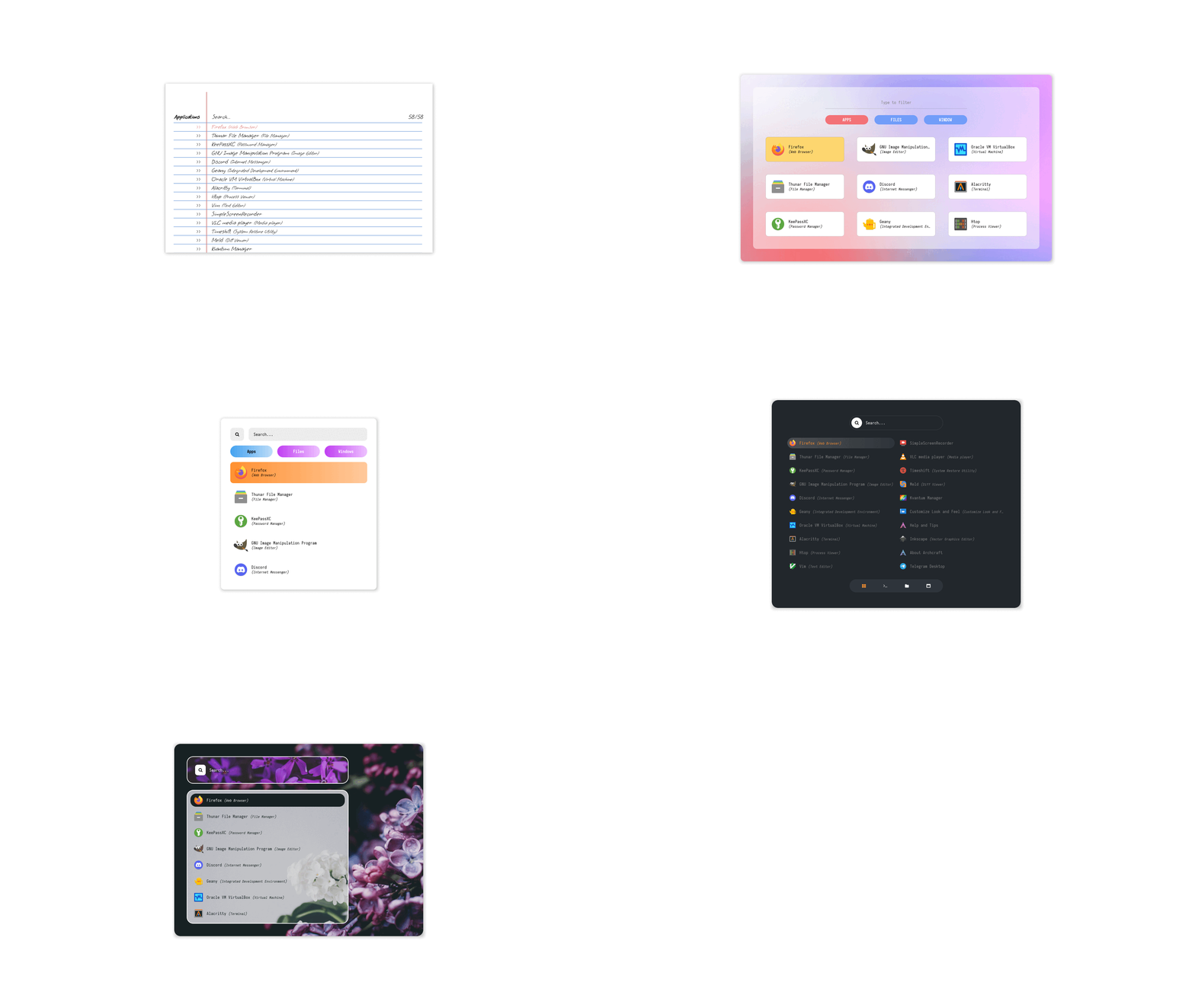
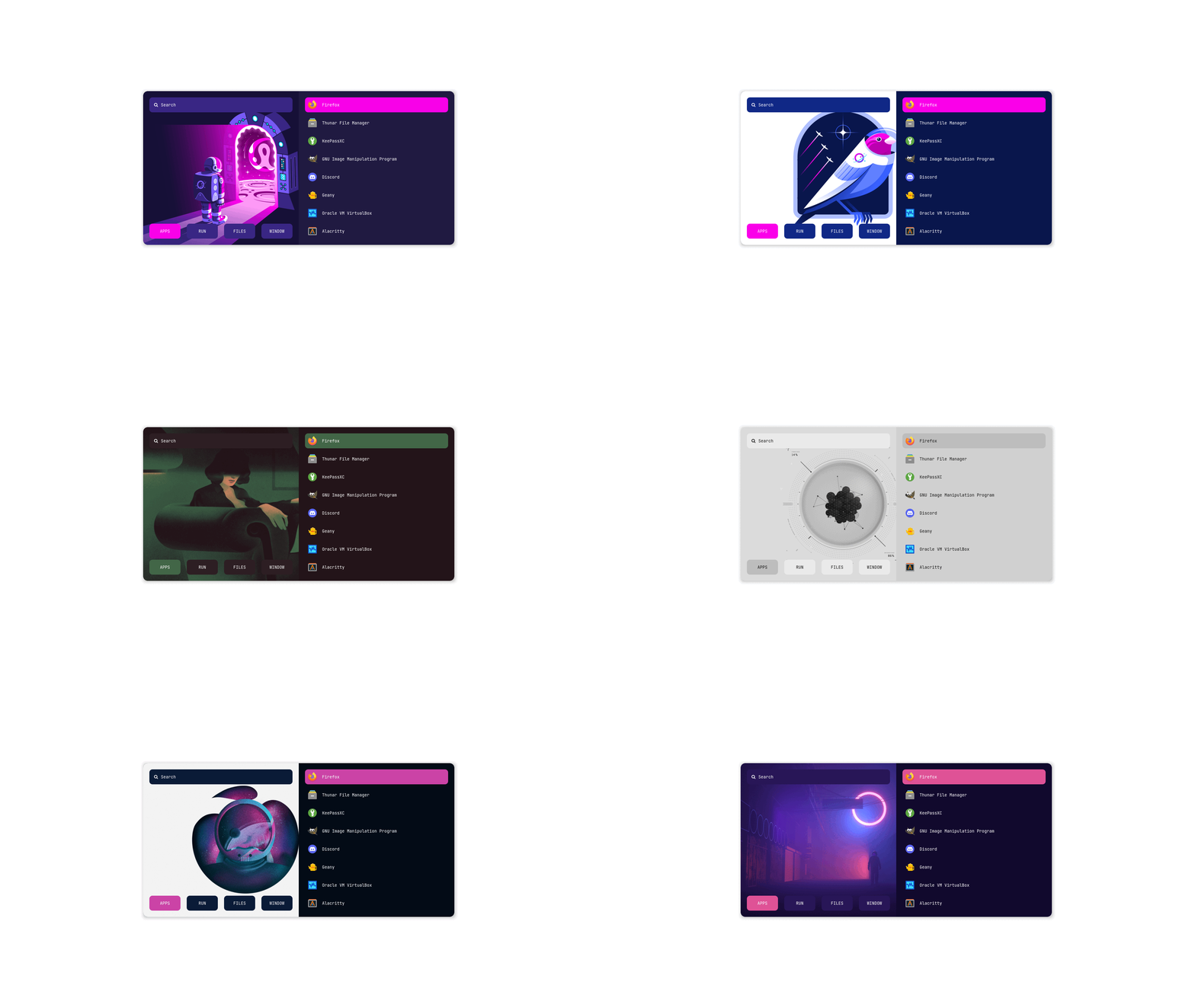
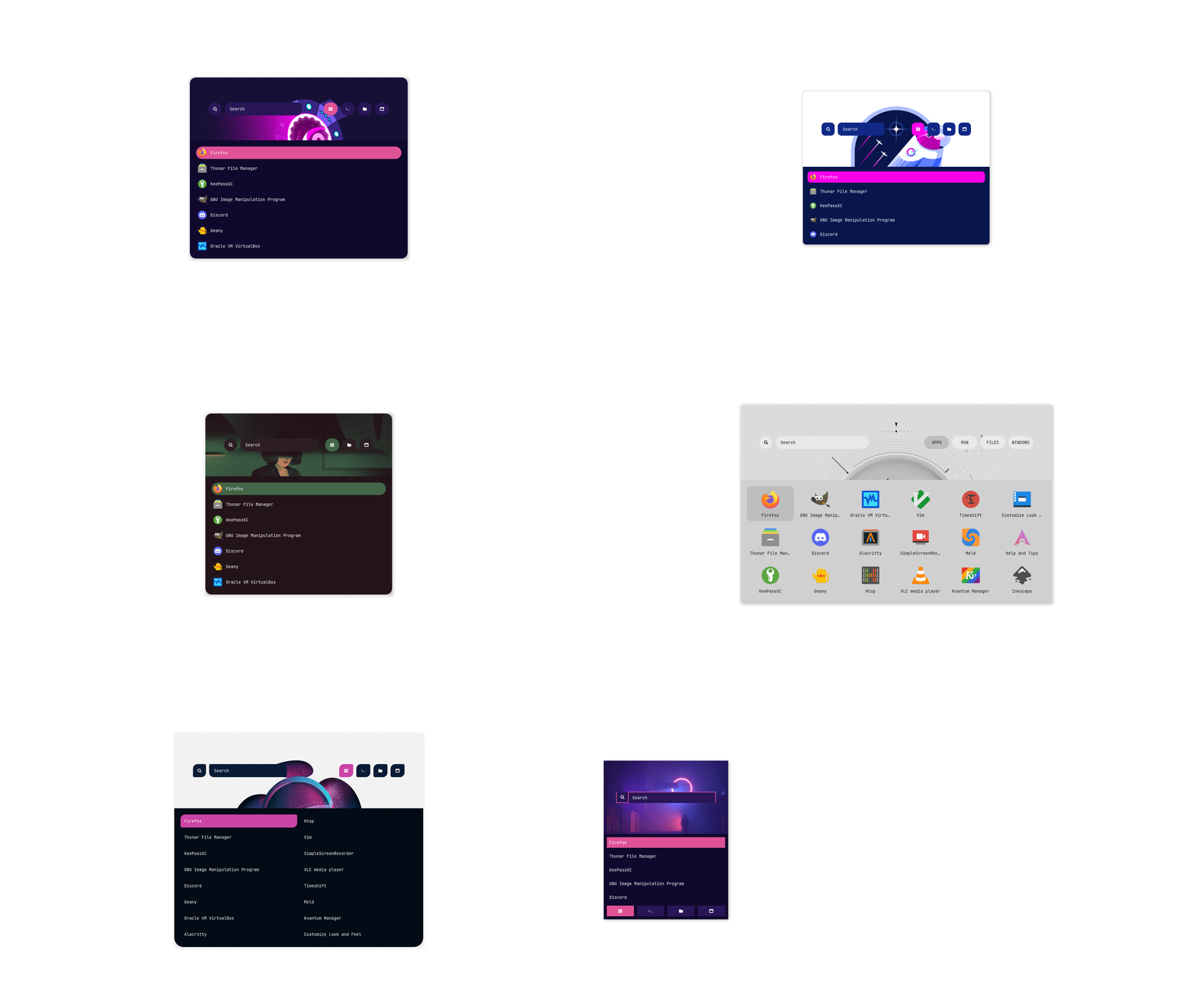
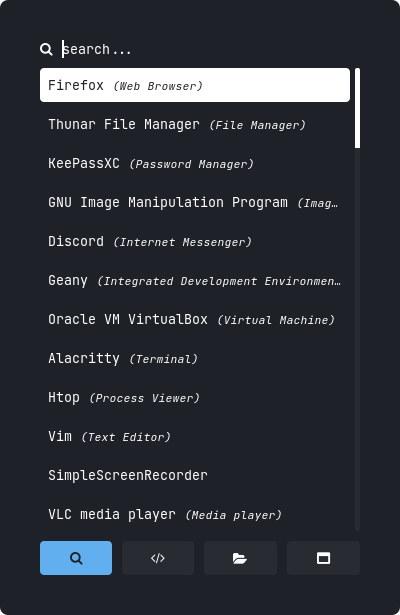
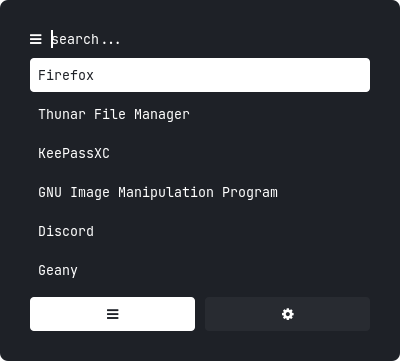
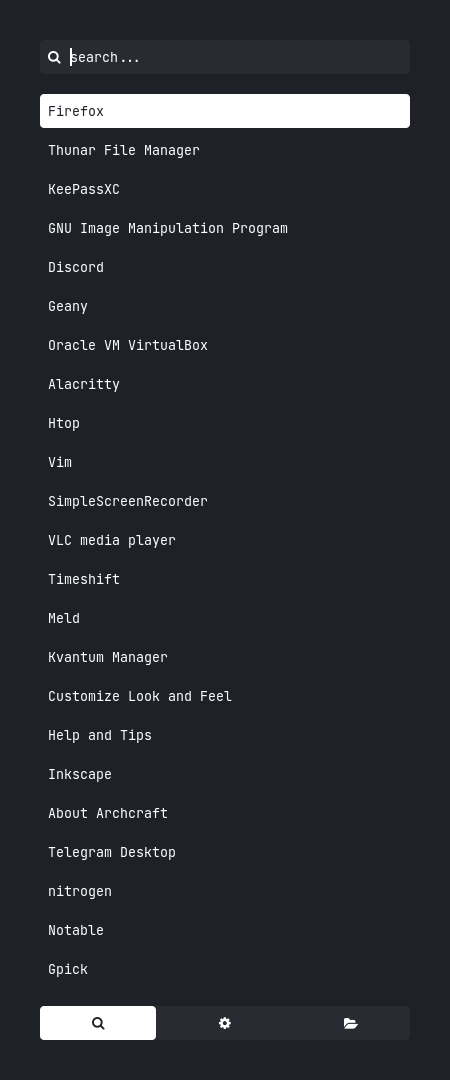
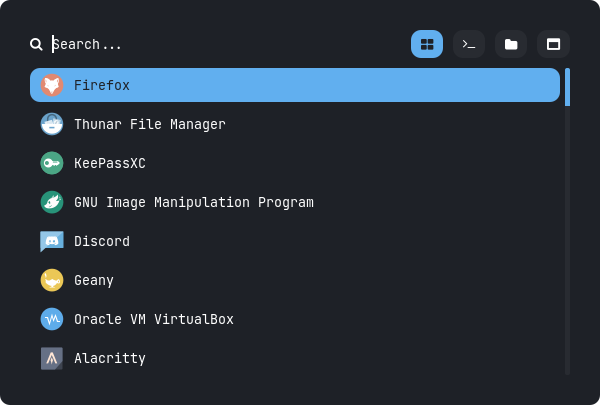
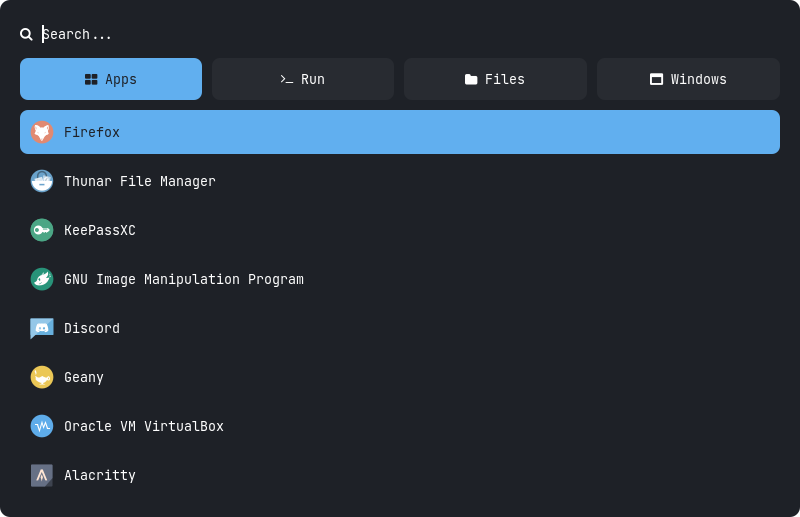
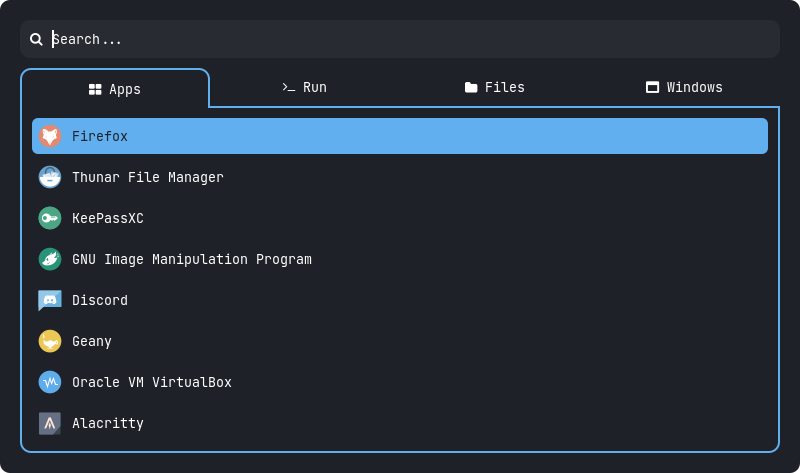
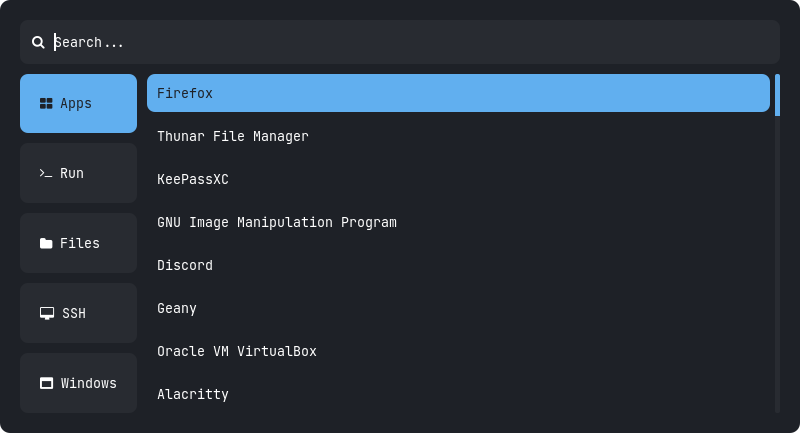
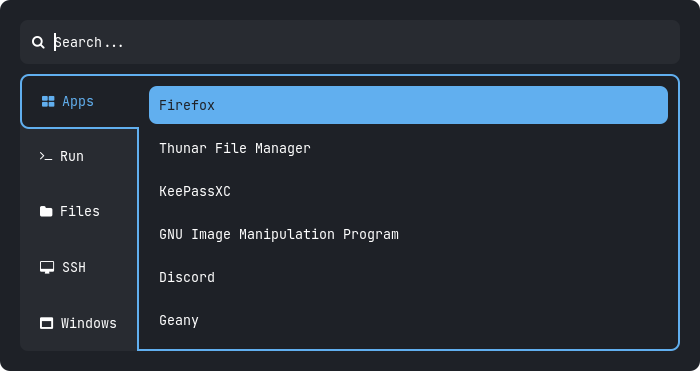
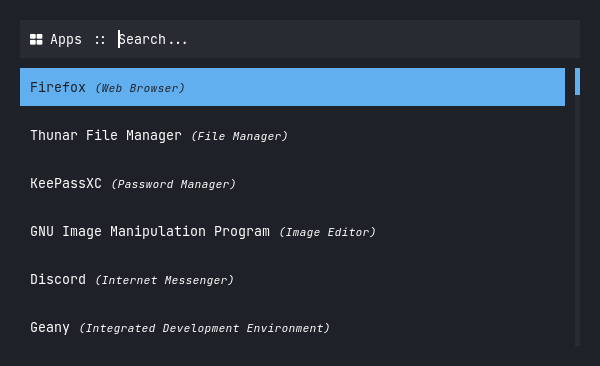
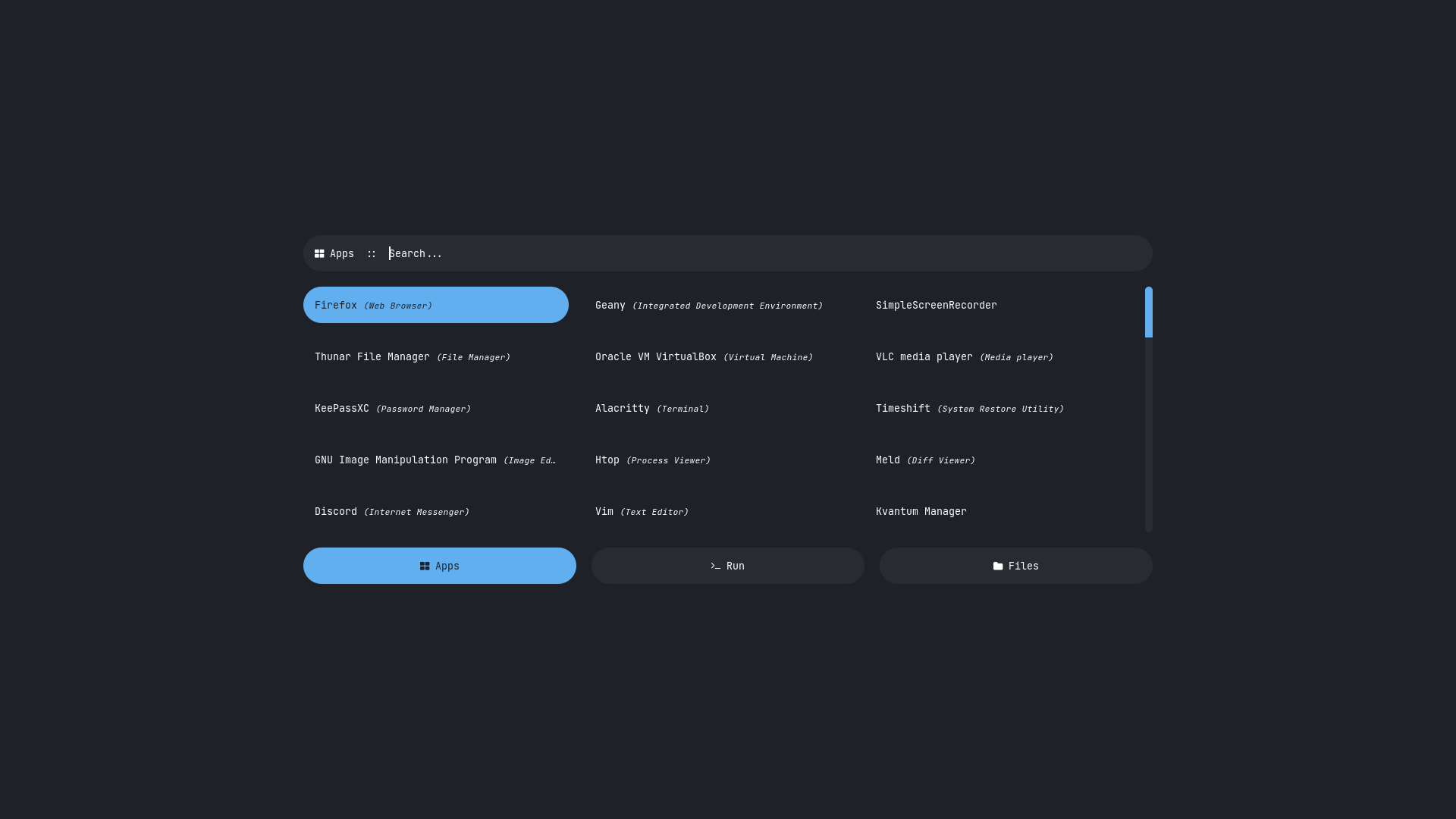
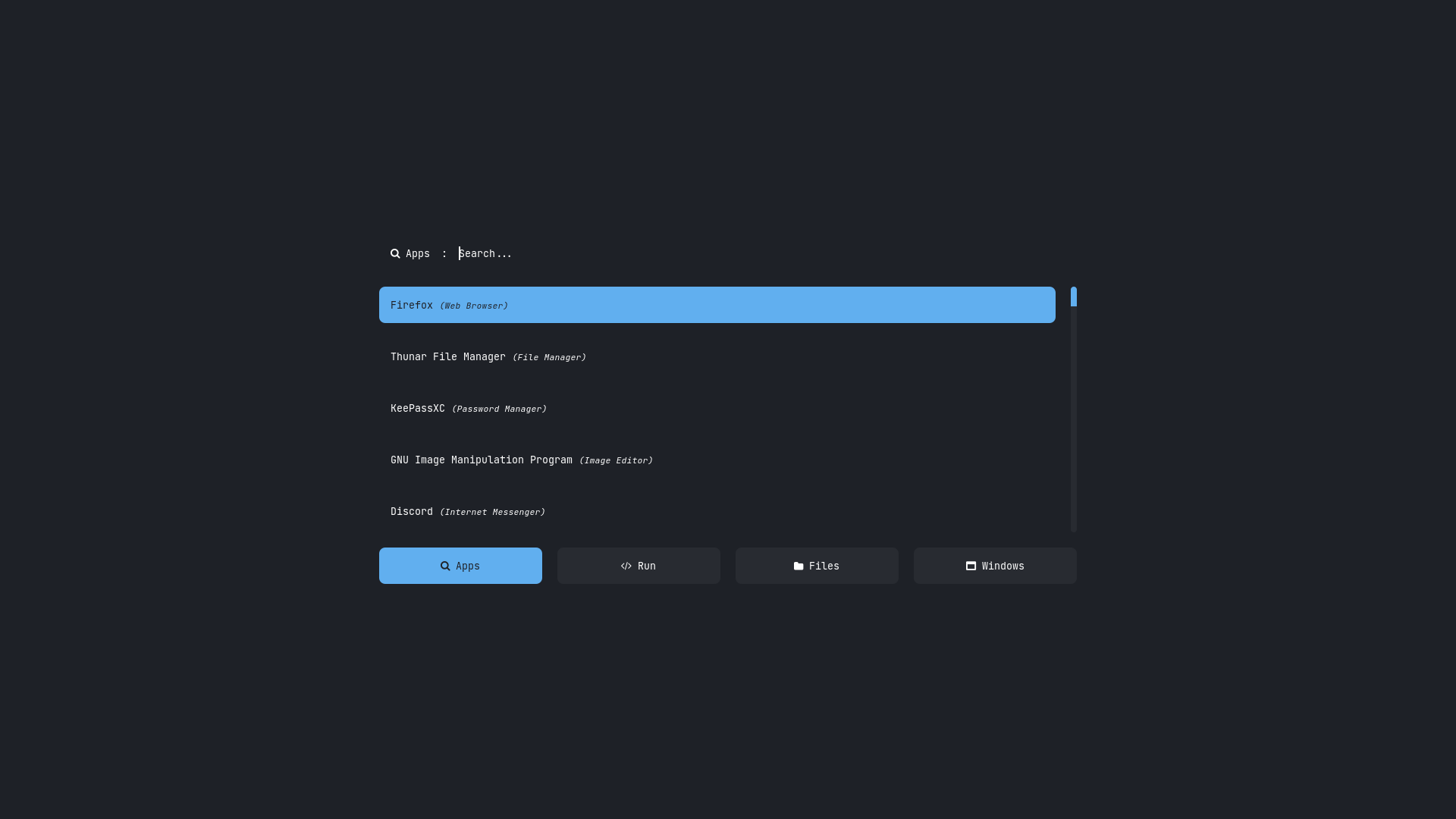
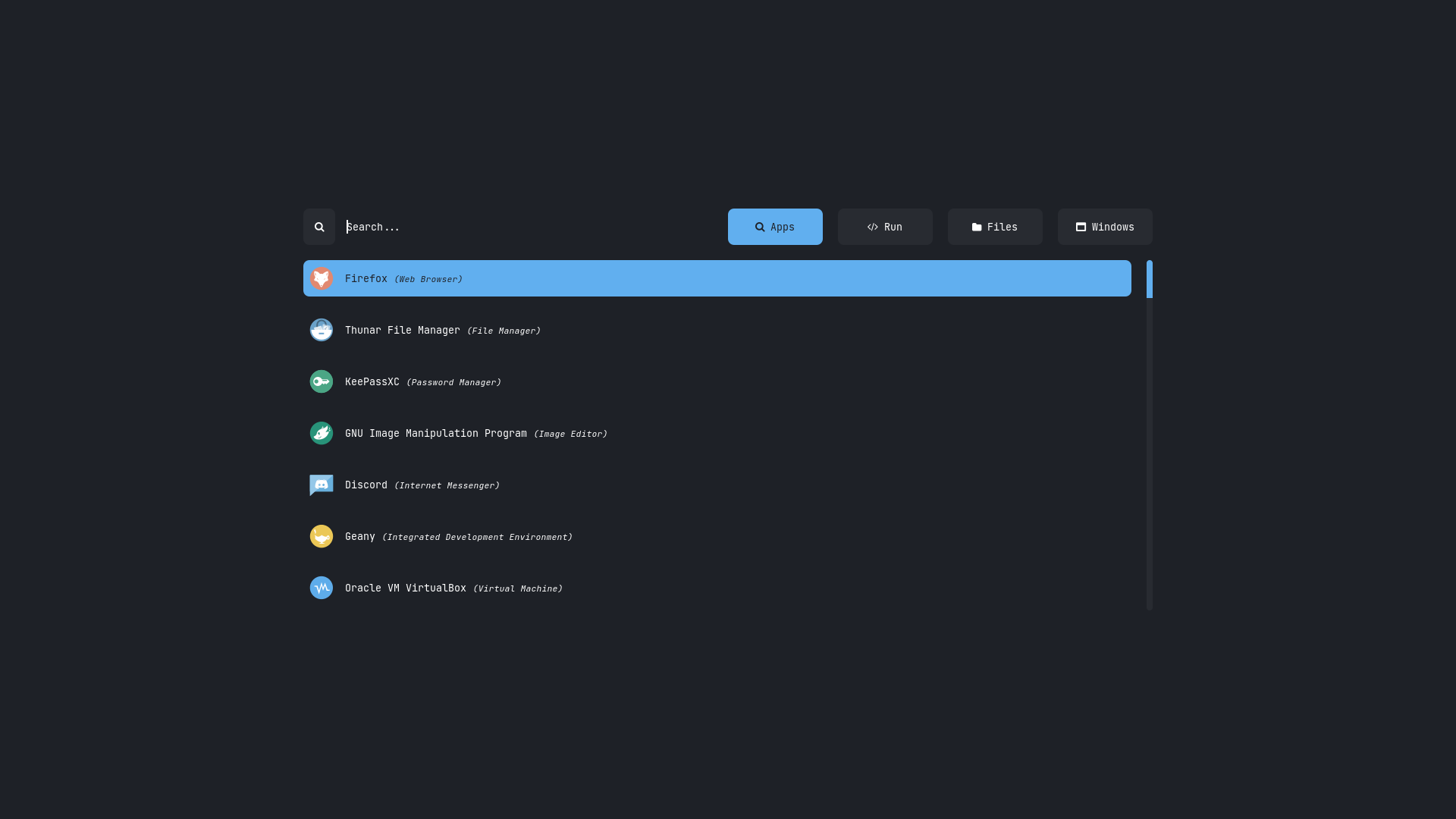
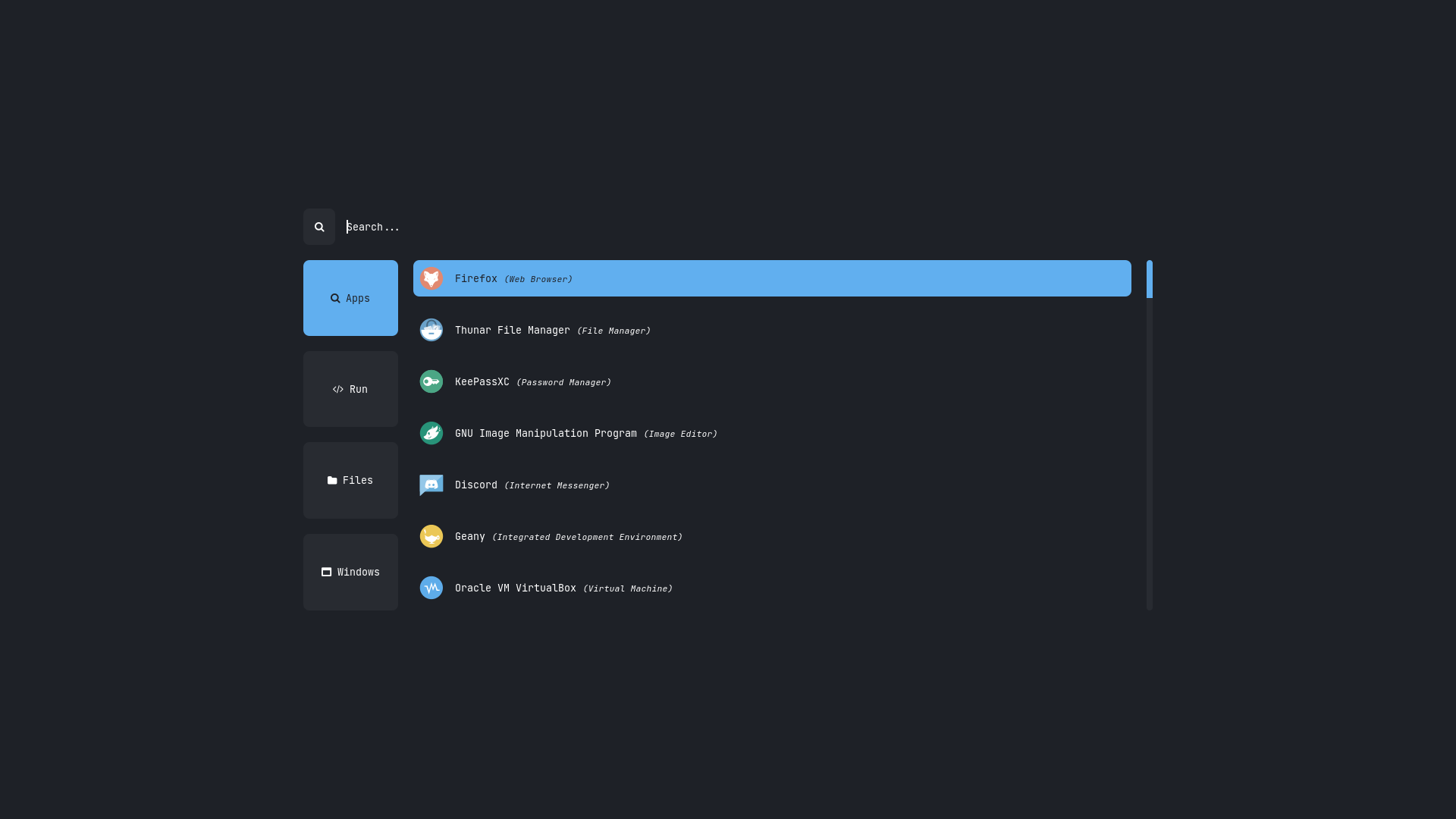
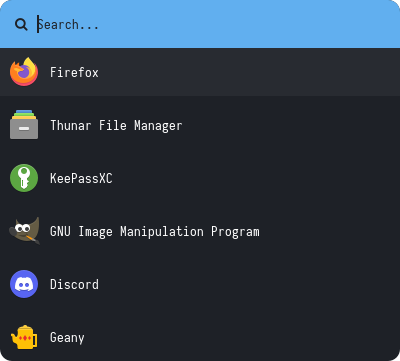
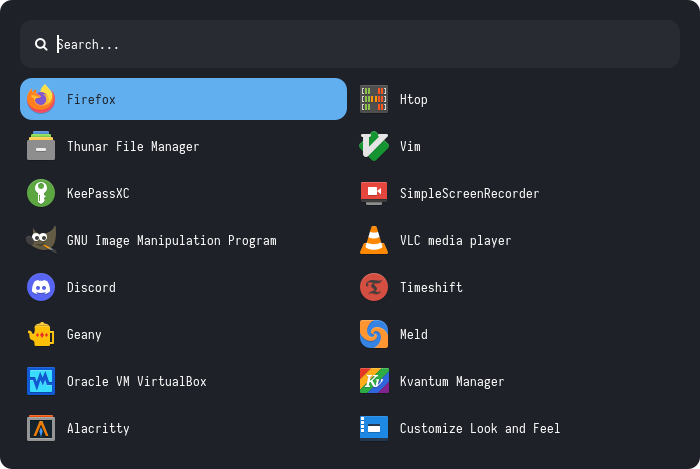
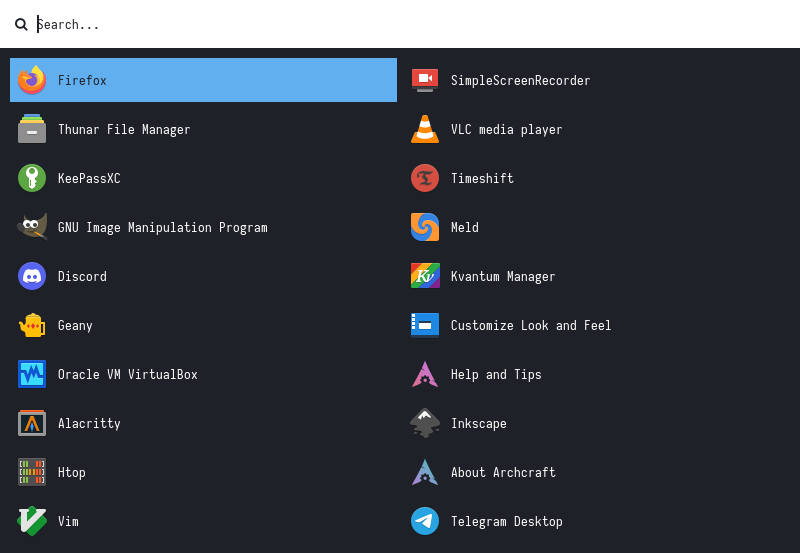
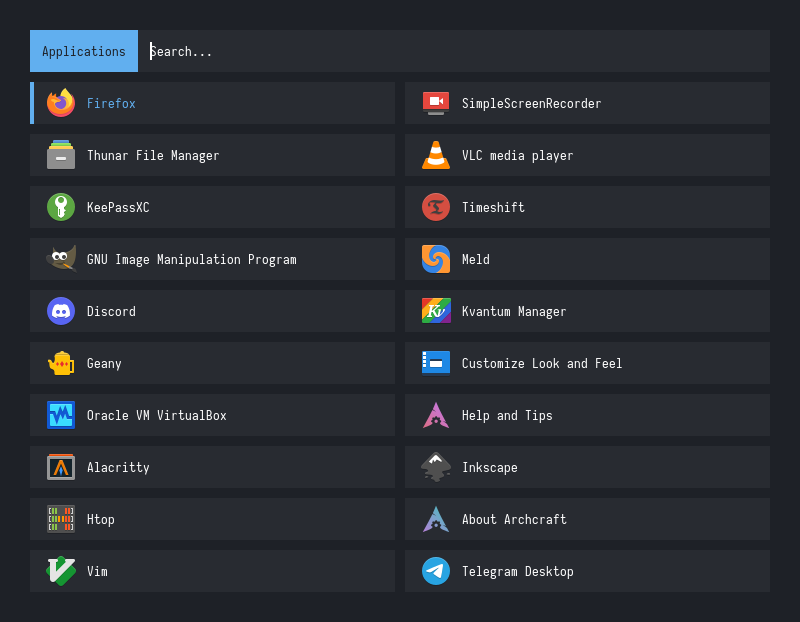
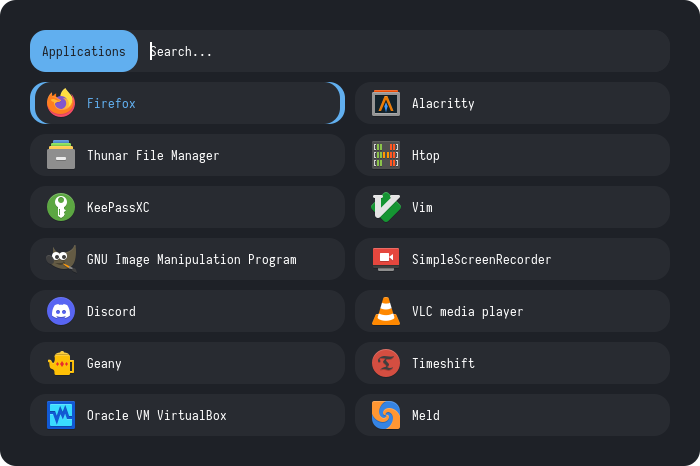
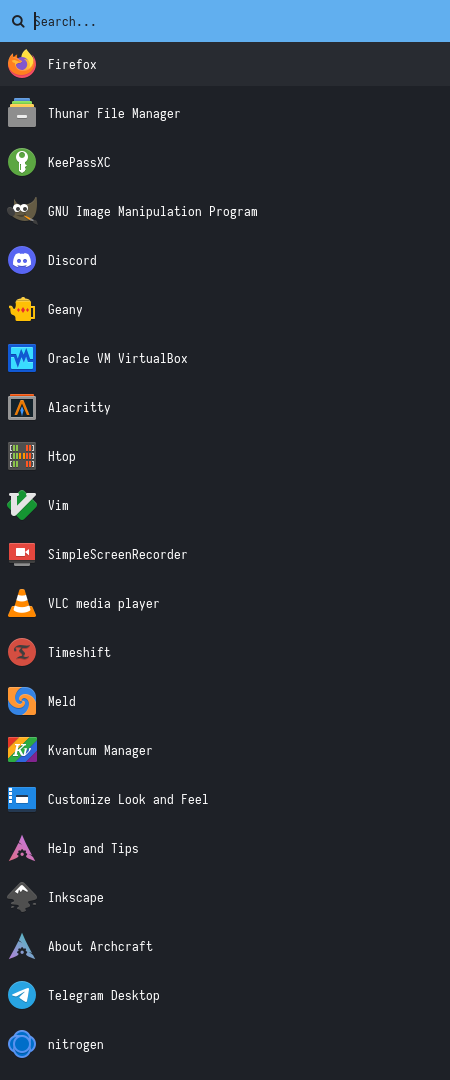
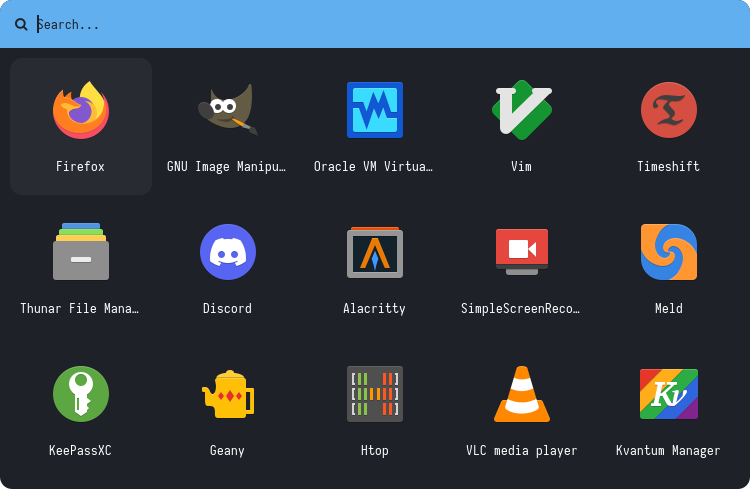
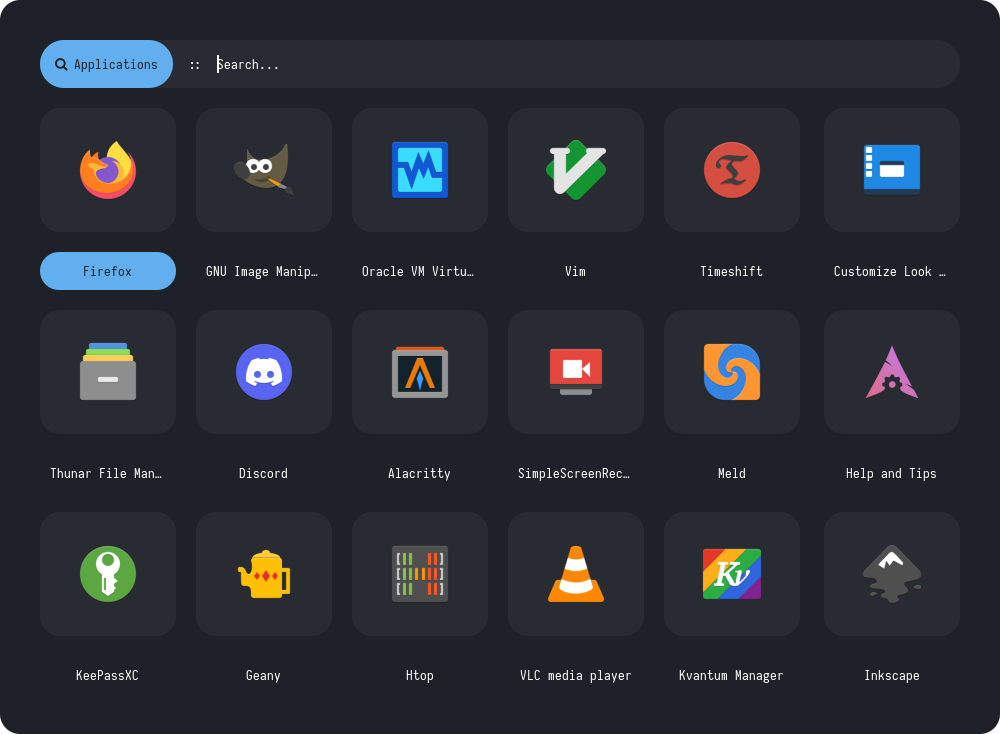
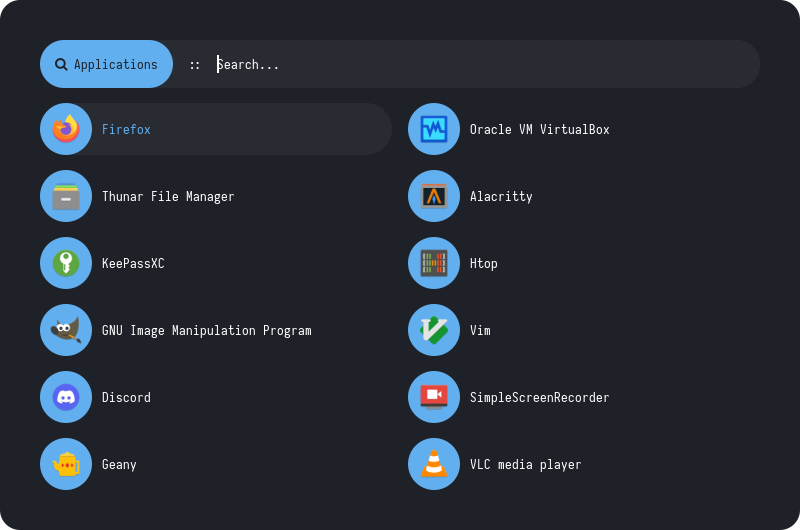
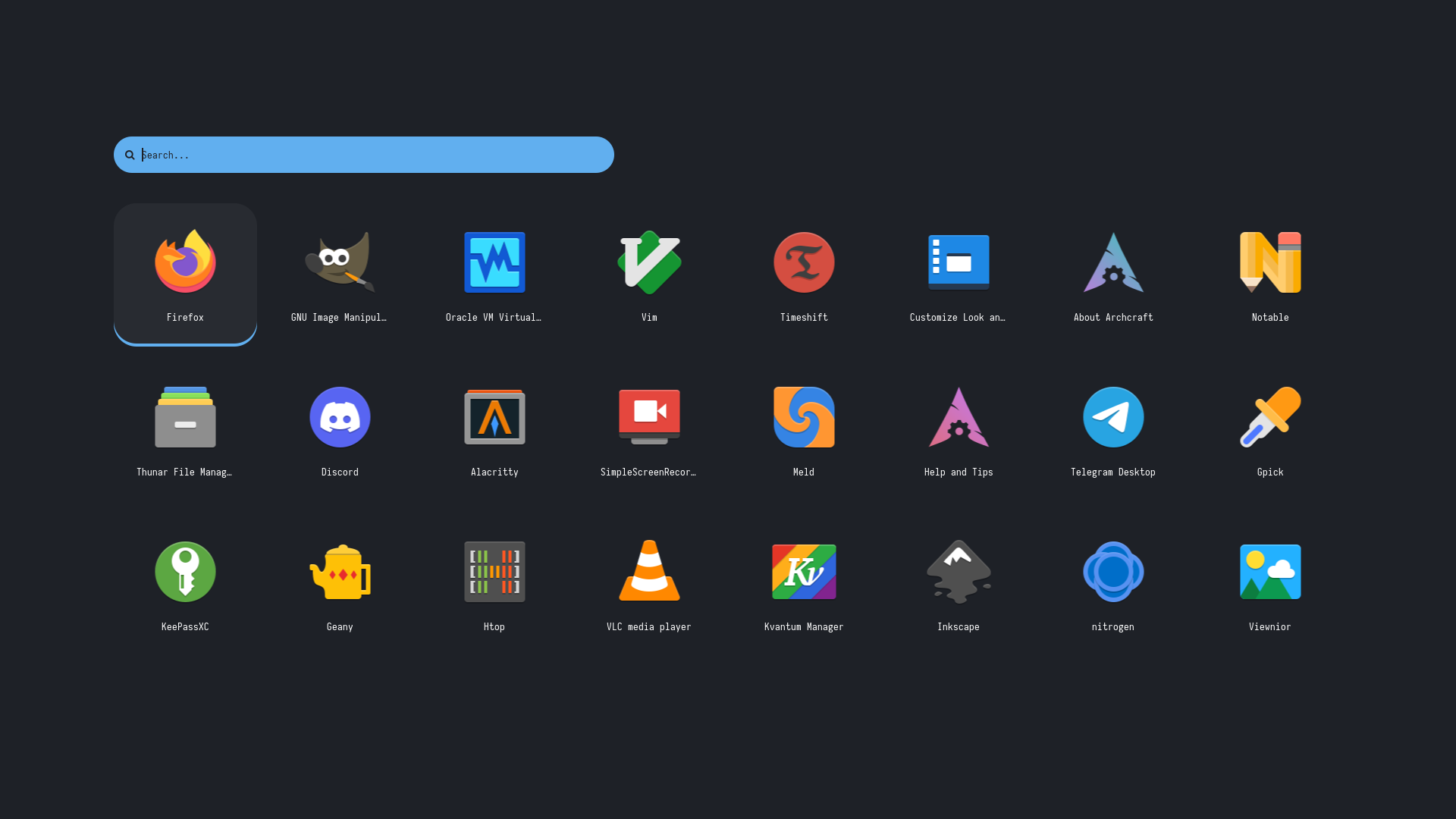
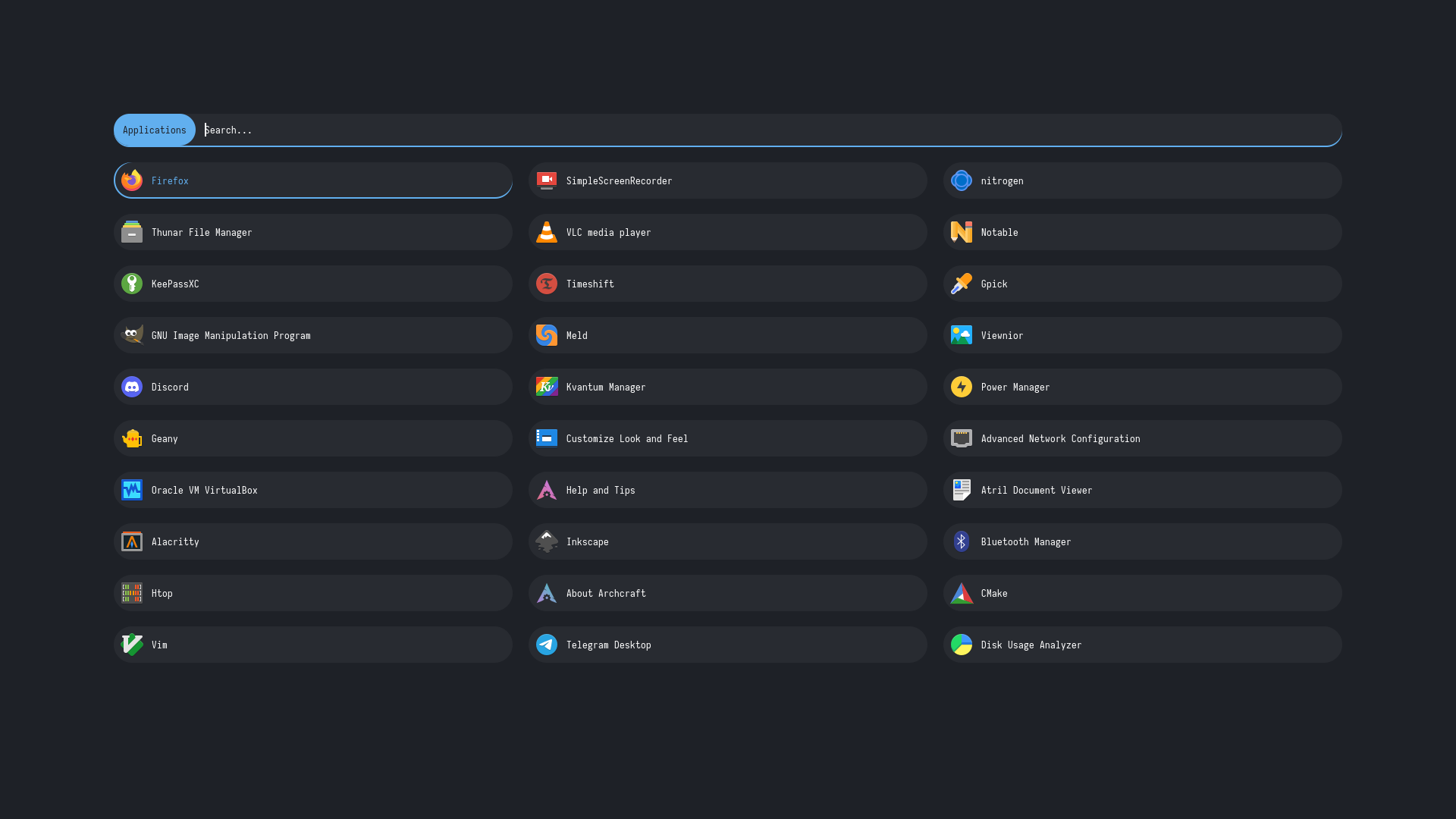
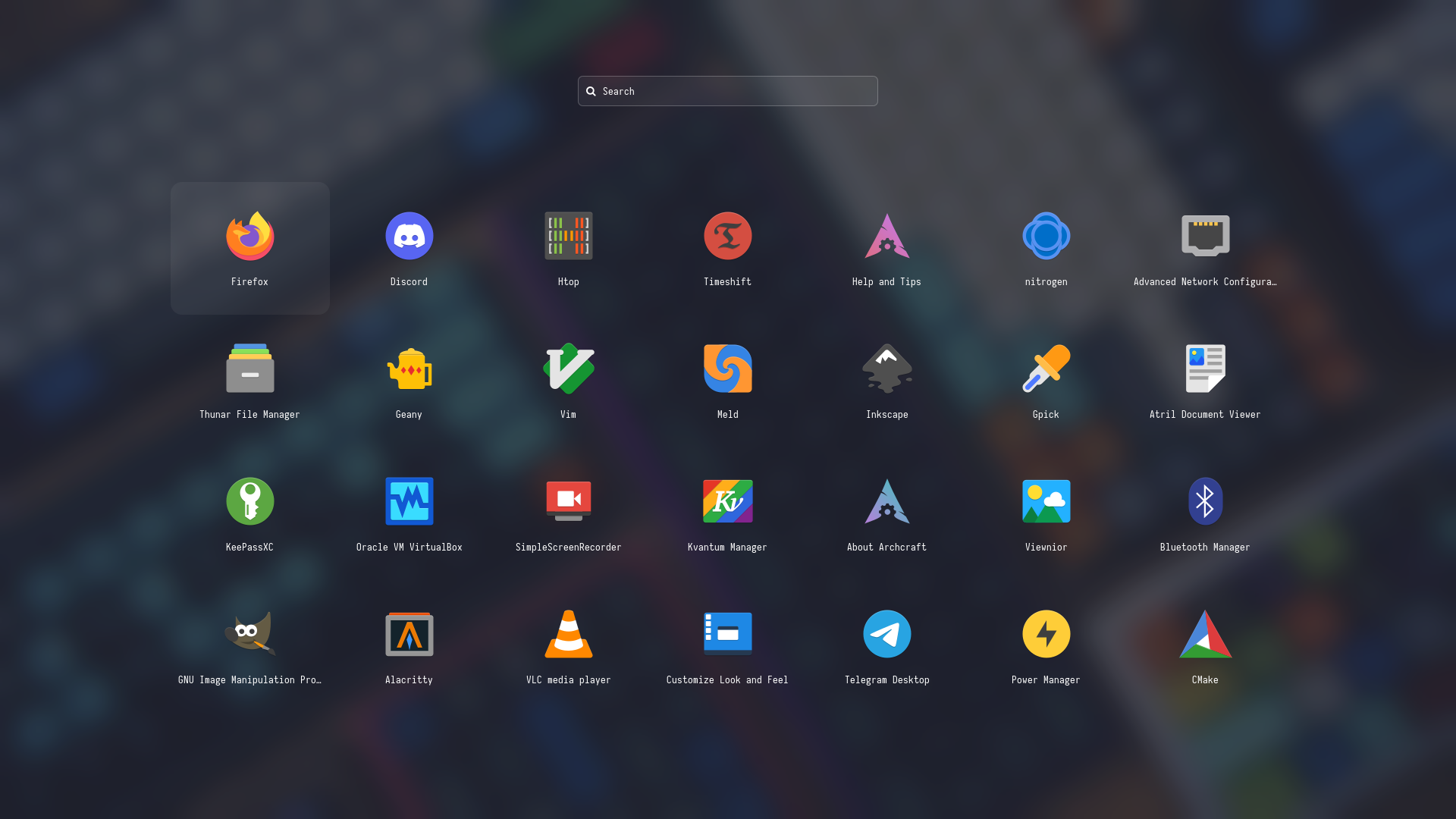
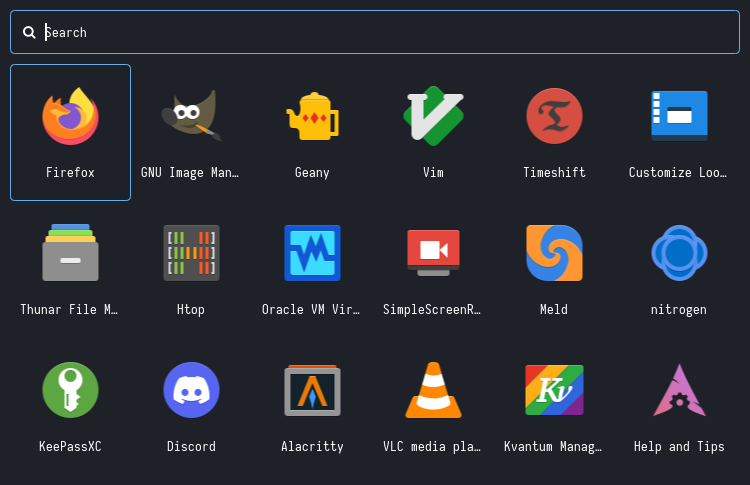
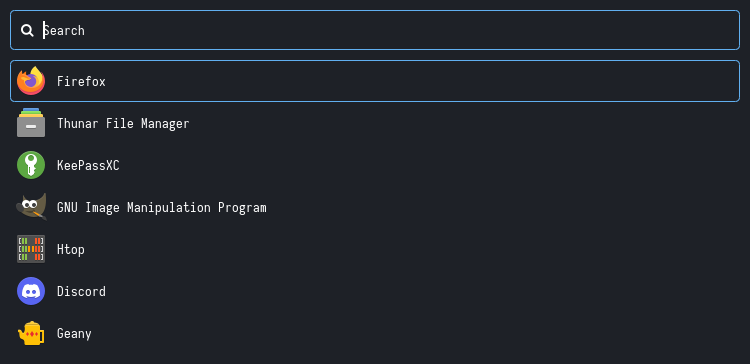
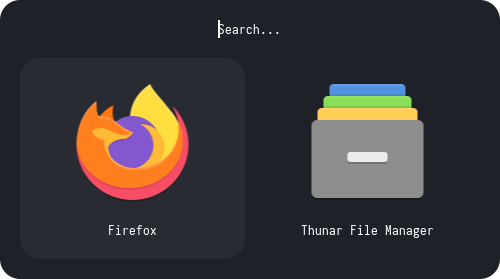
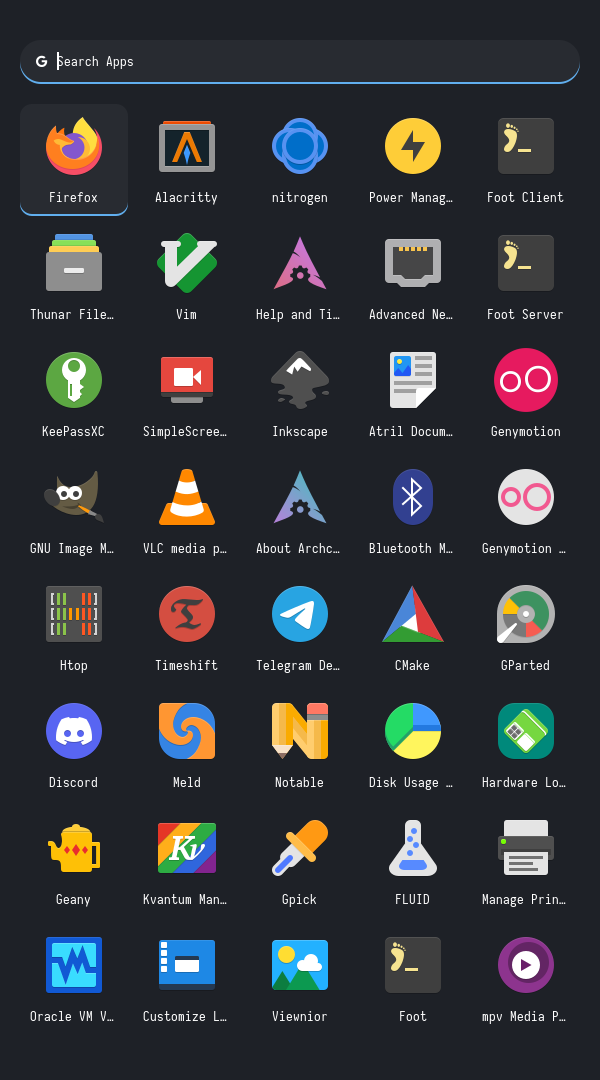
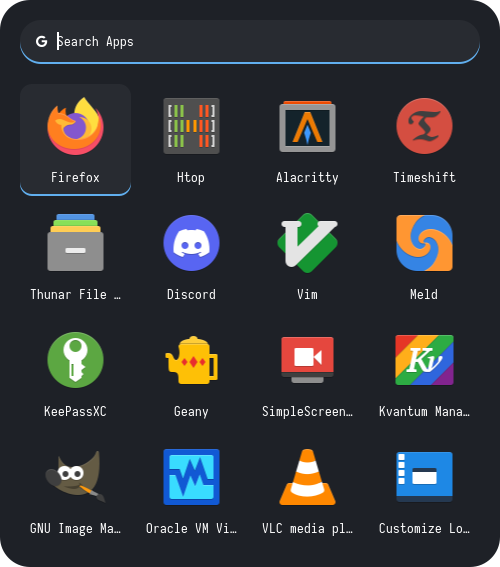
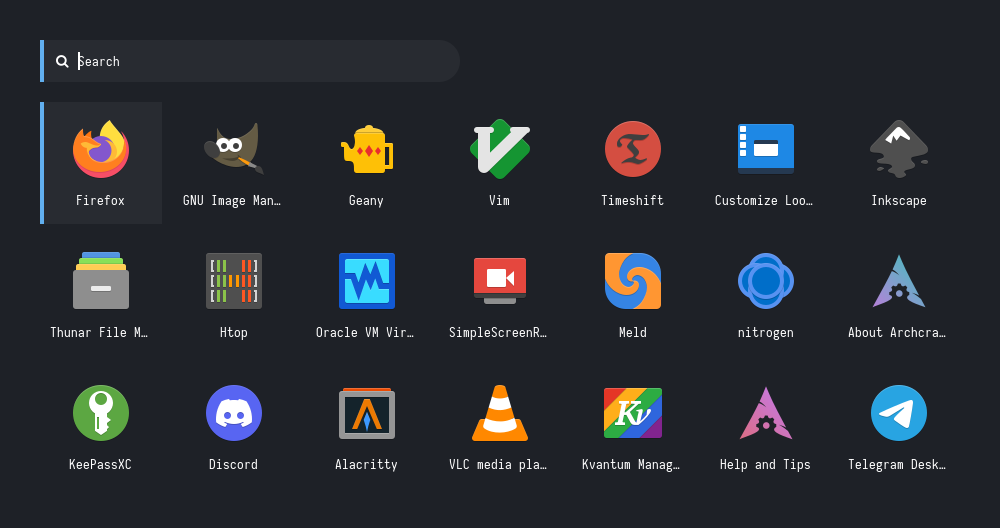
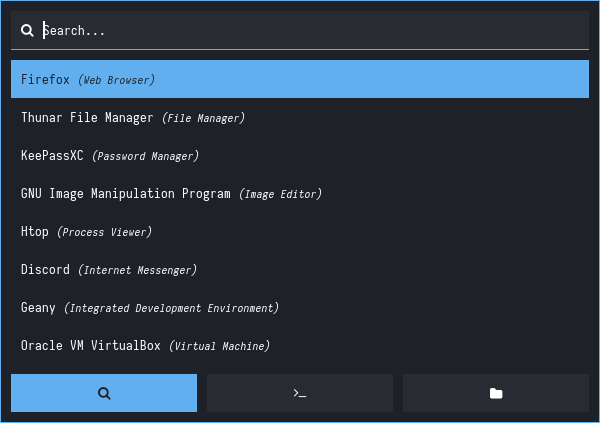
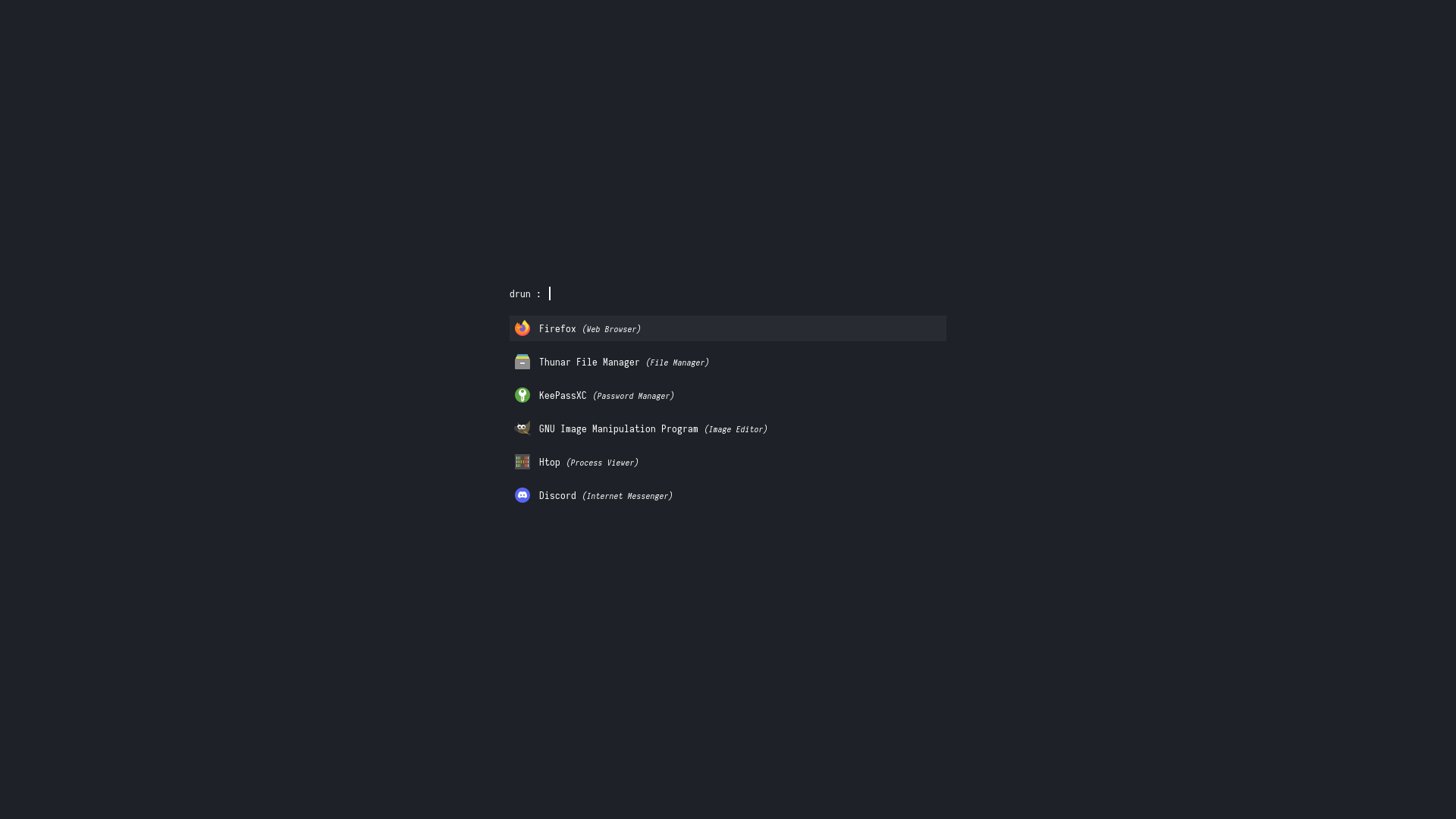
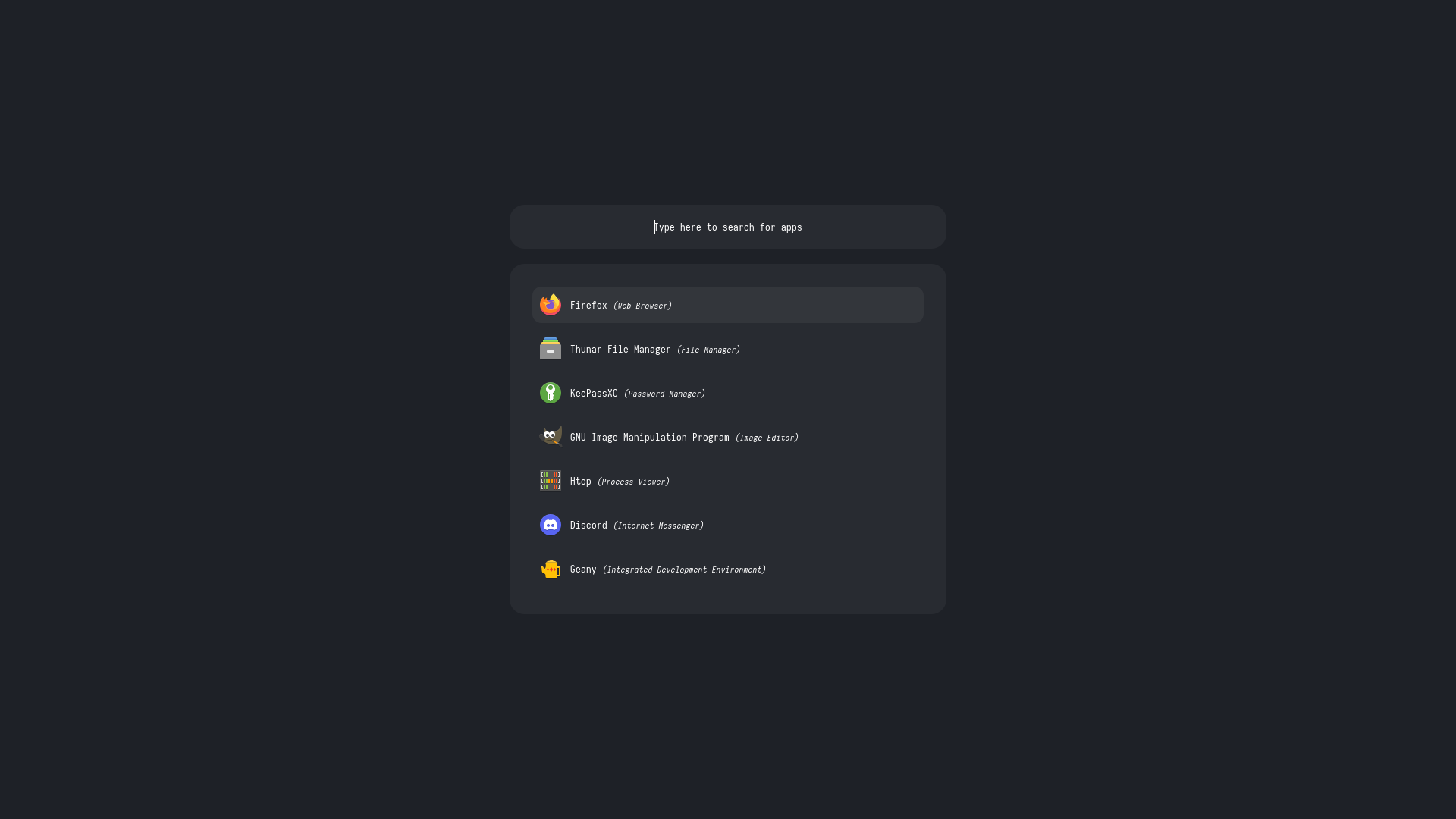
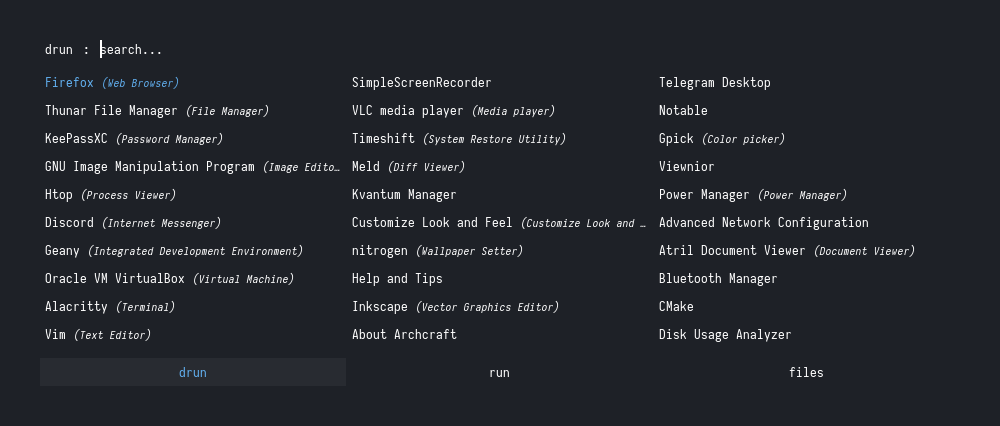
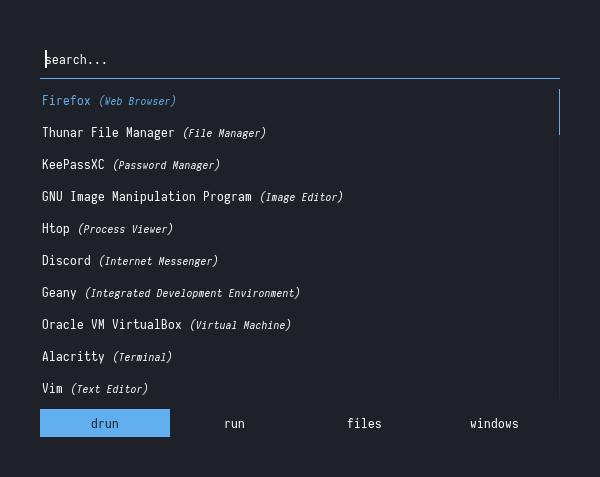
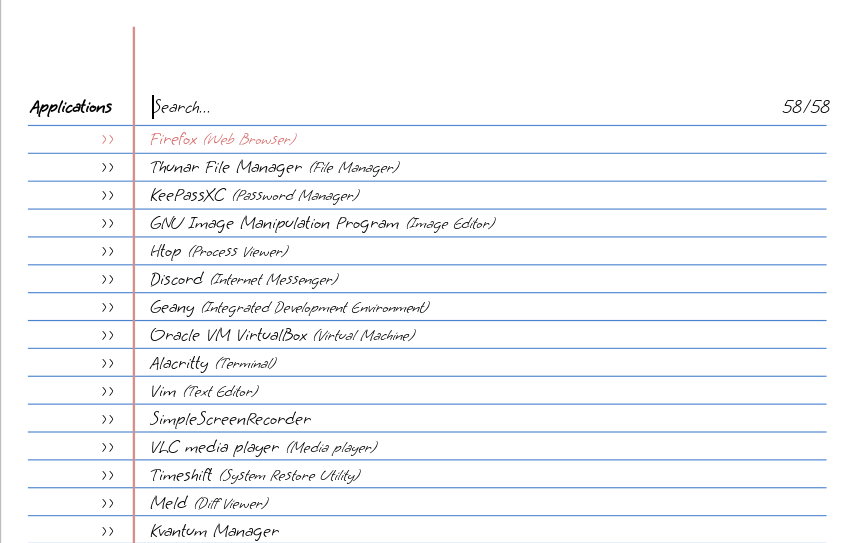
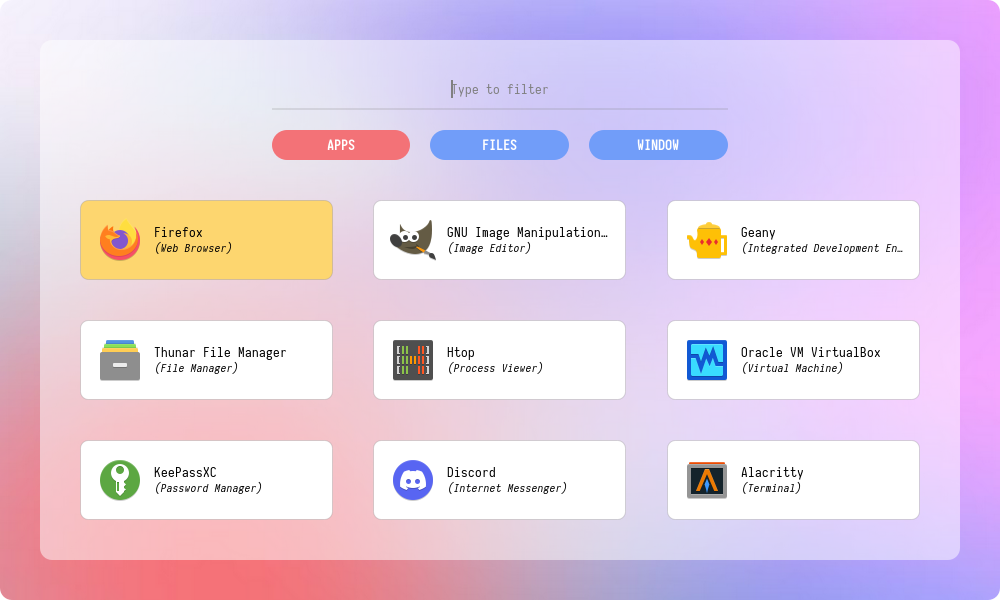
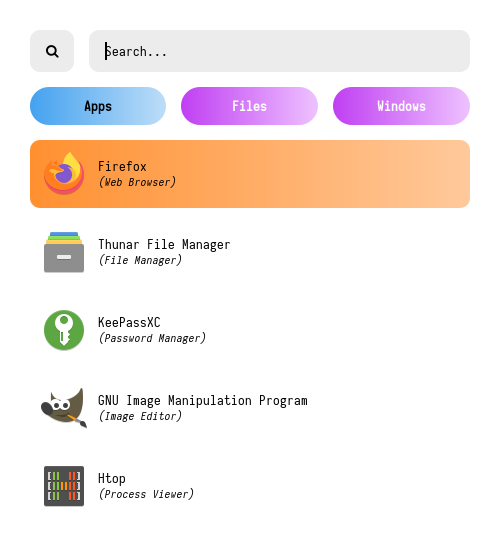
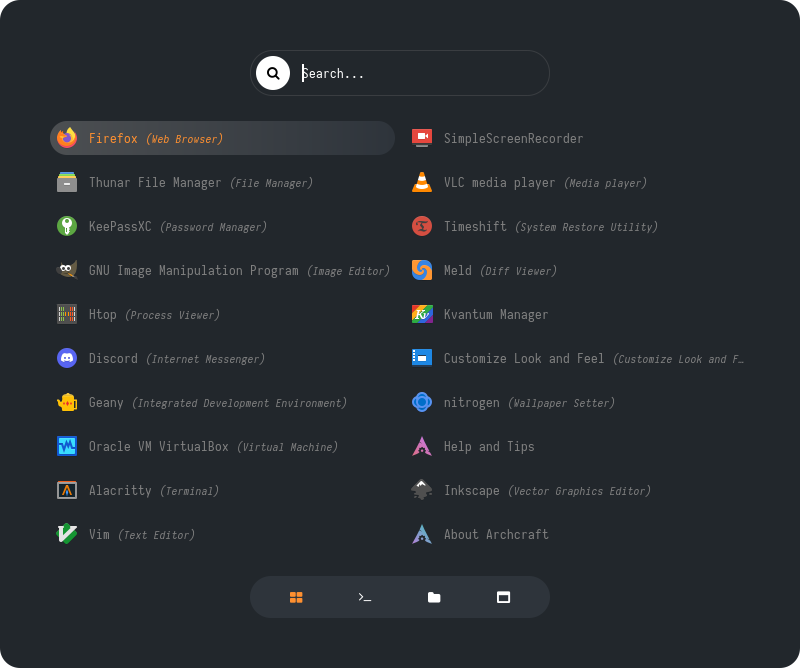
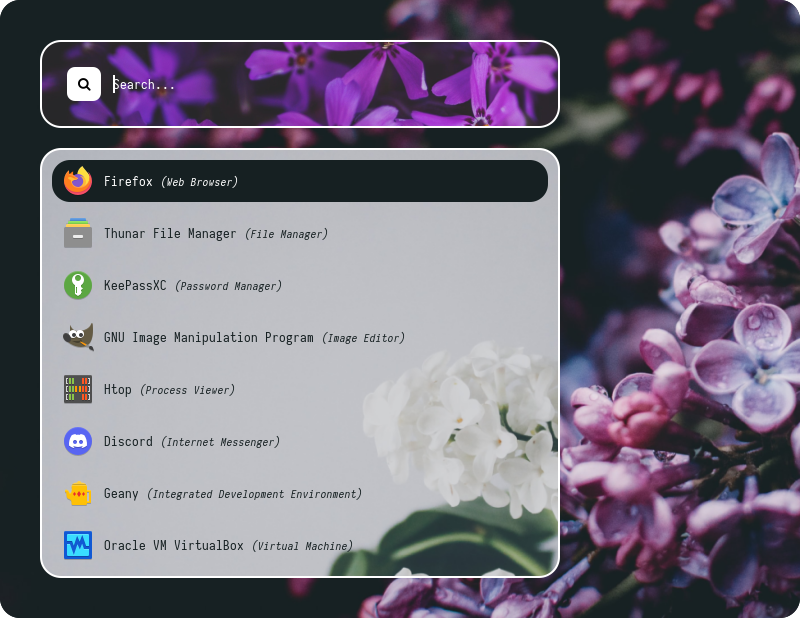
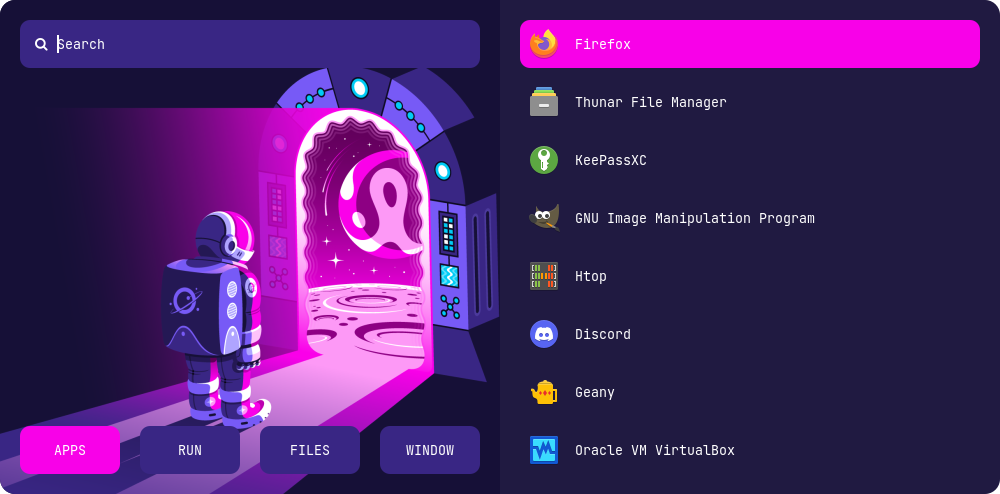
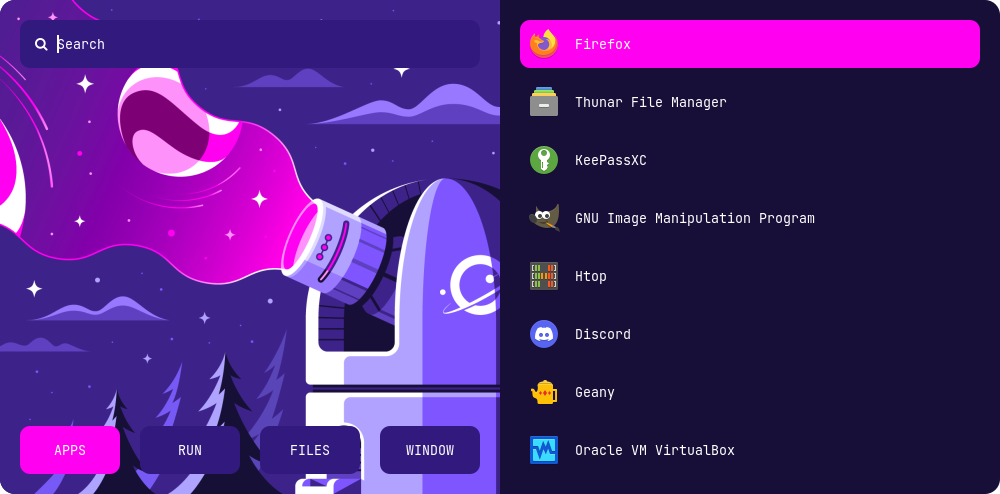
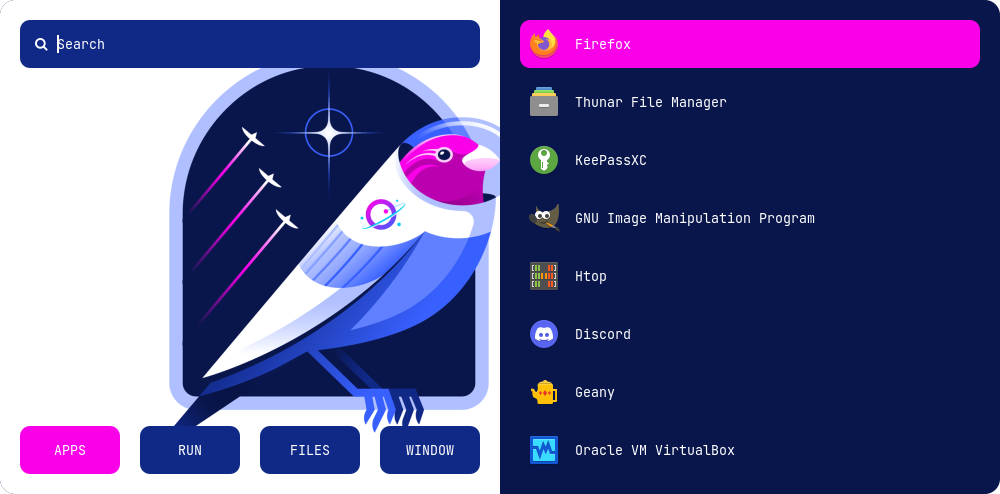
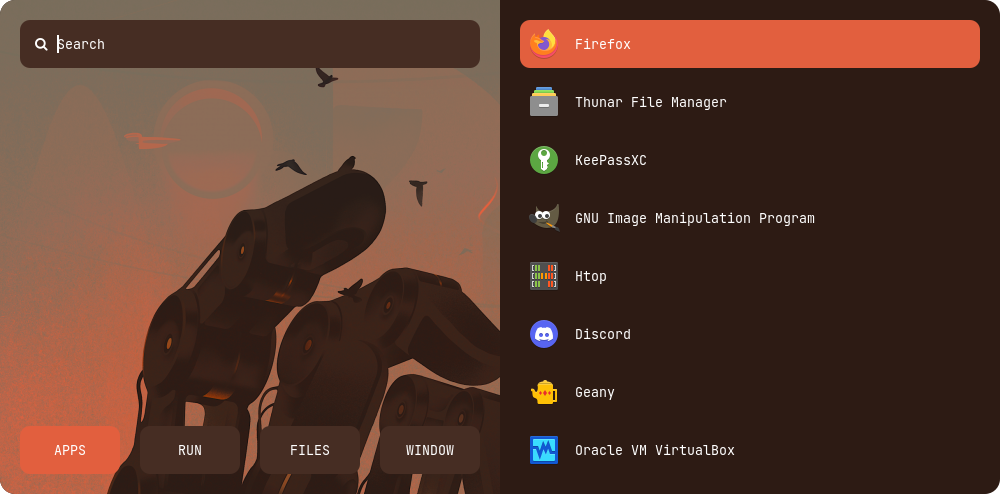
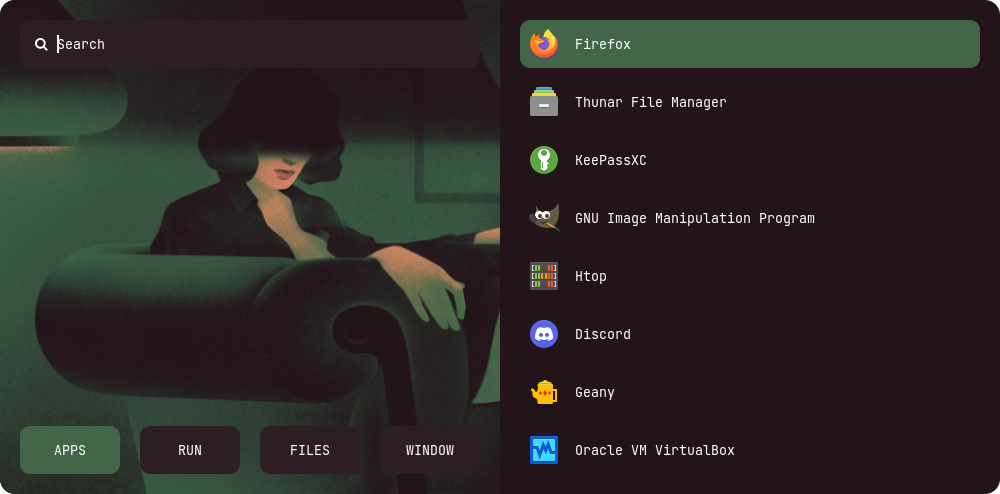
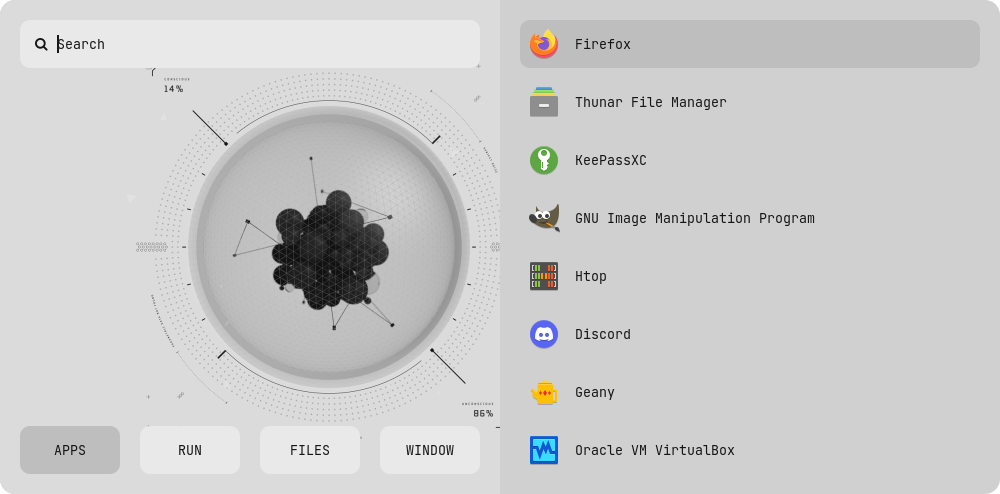
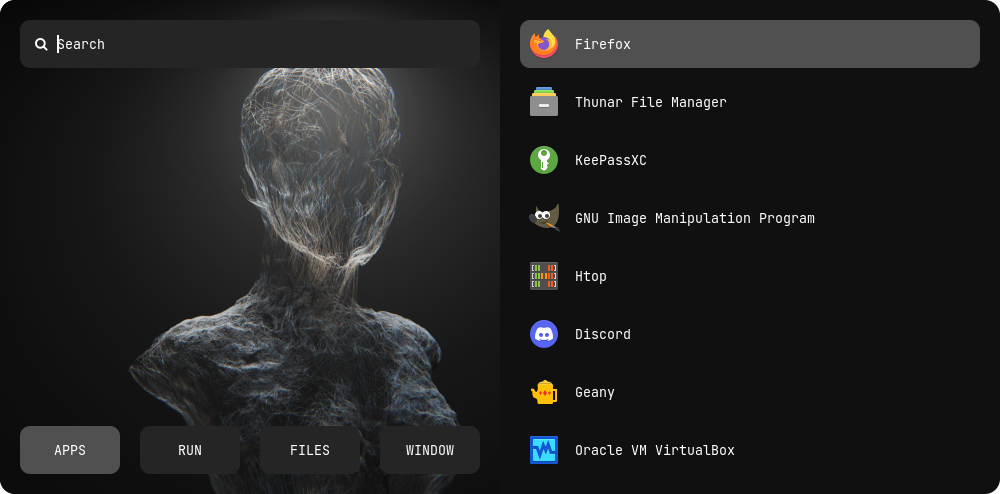
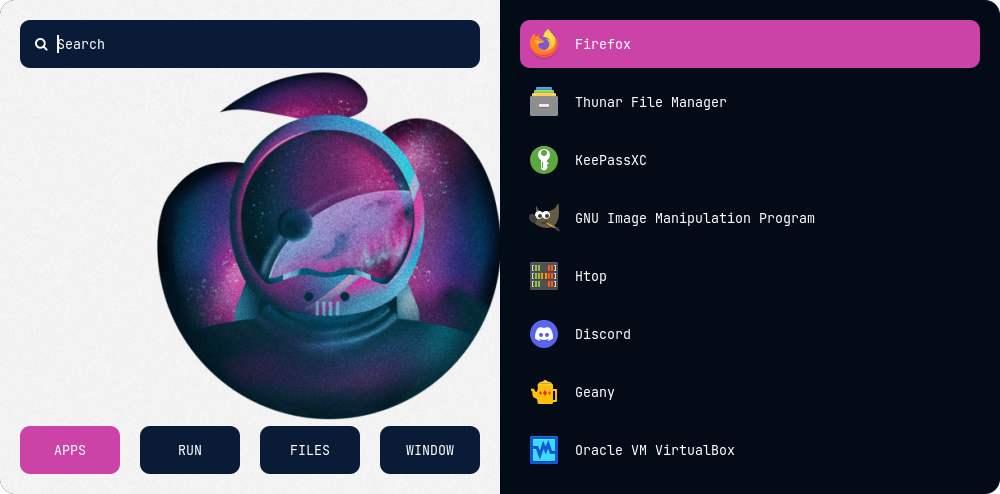
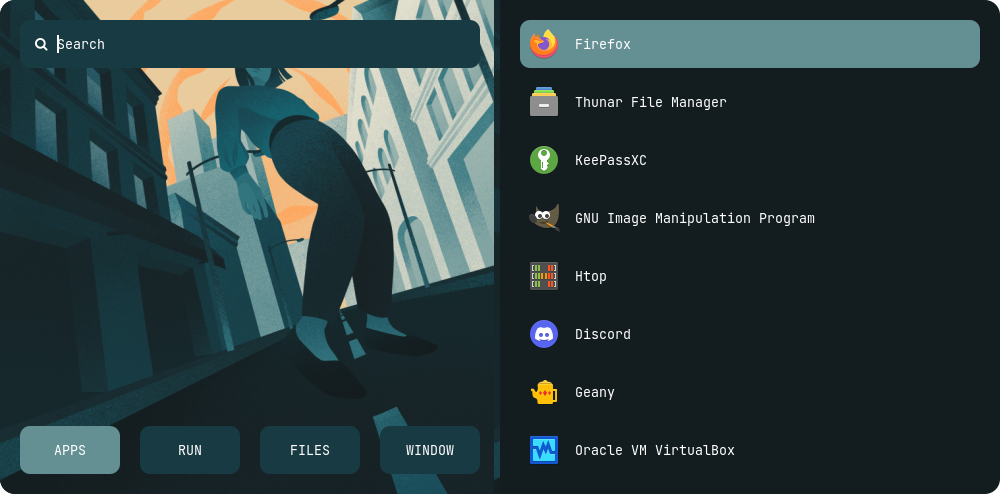
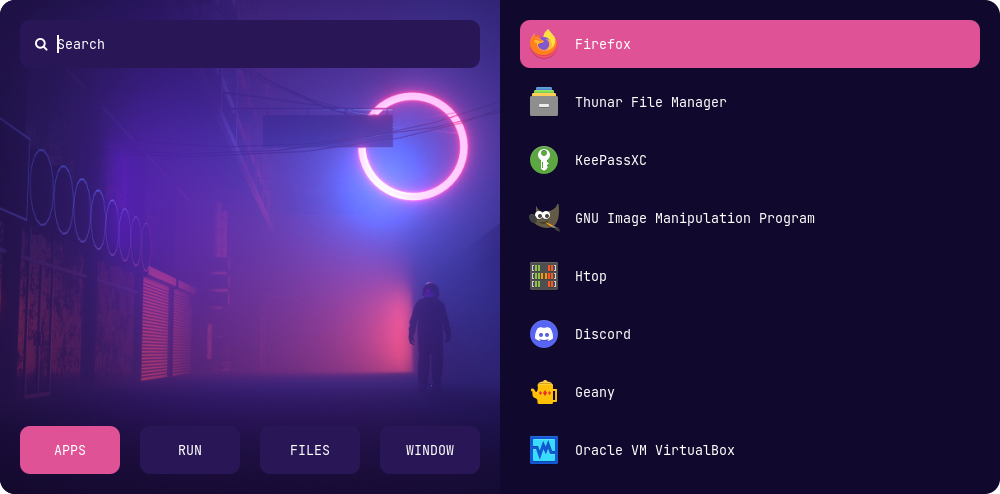
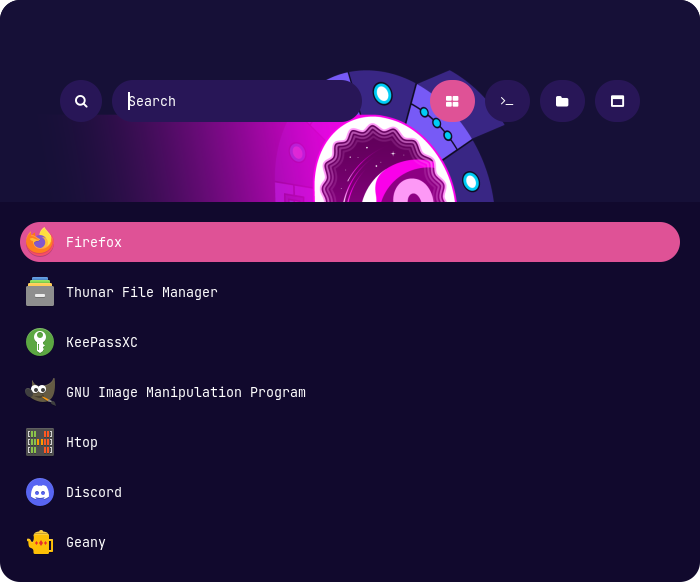
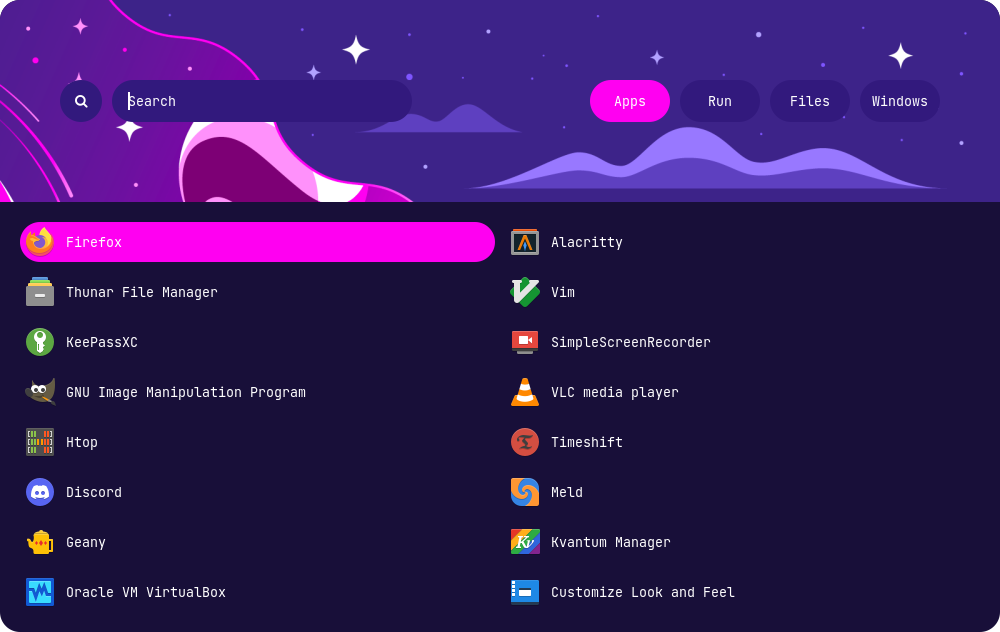
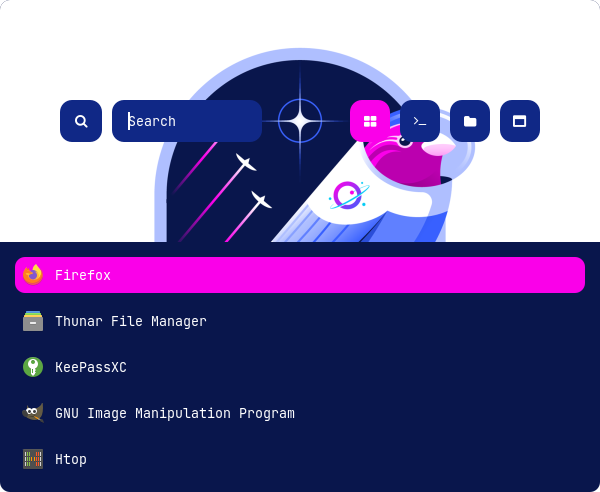
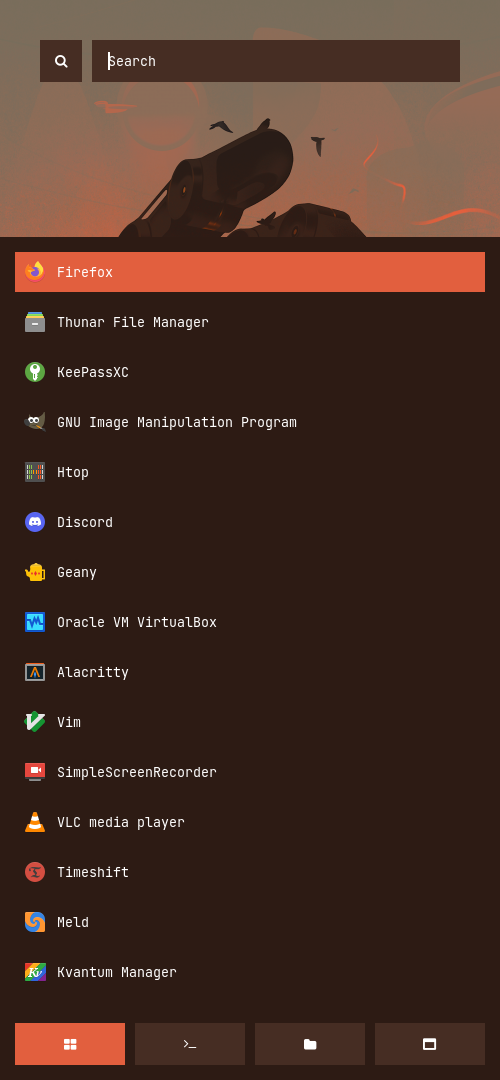
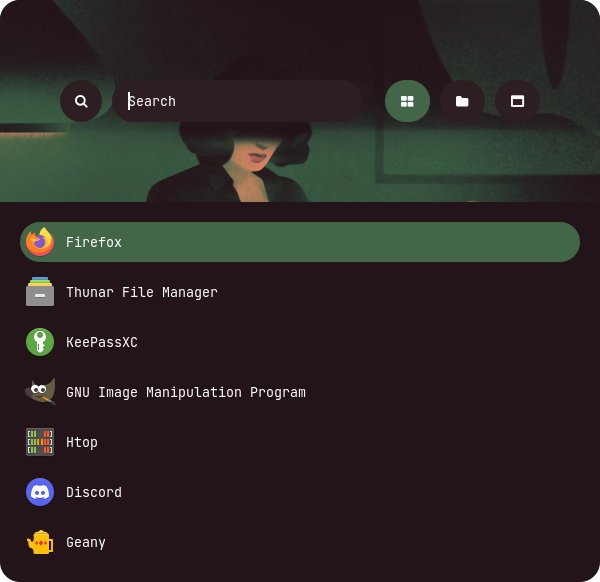
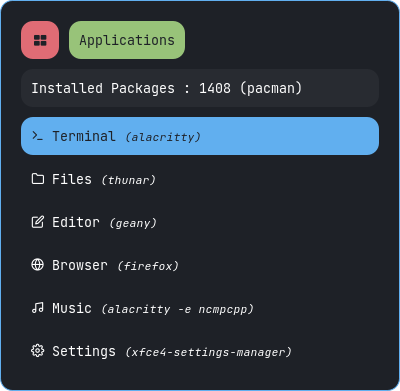
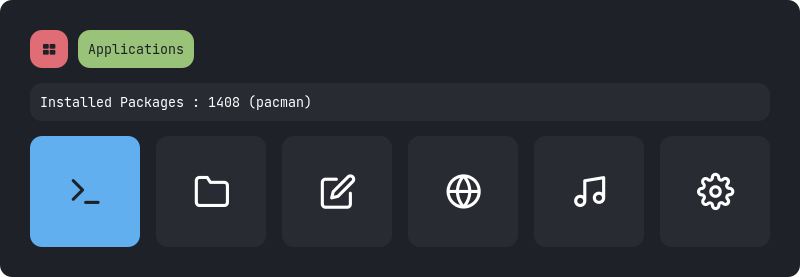
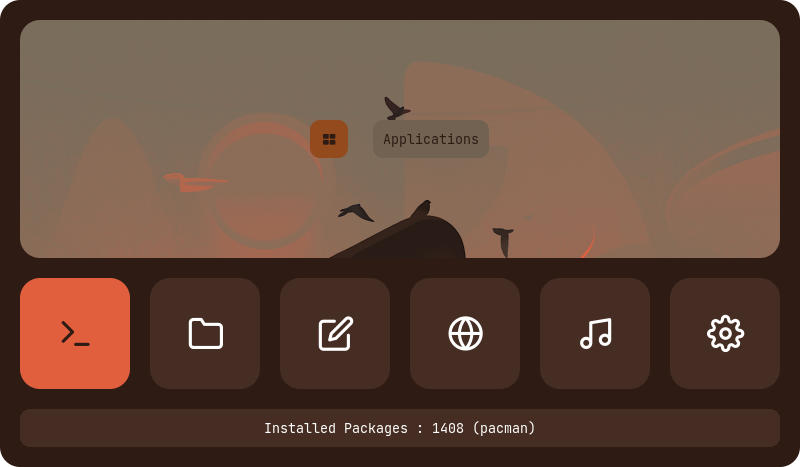
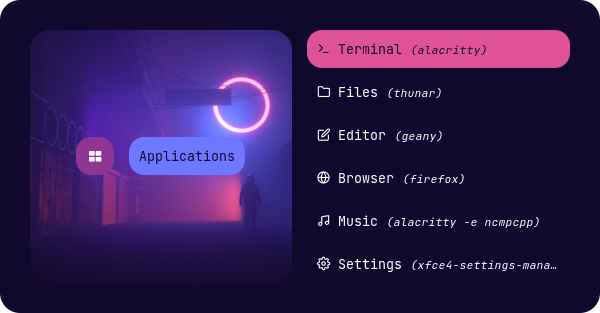
Launchers
Type 1
Type 2
Type 3
Type 4
Type 5
Type 6
Type 7
Applets
Type 1
Type 2
Type 3
Type 4
Type 5
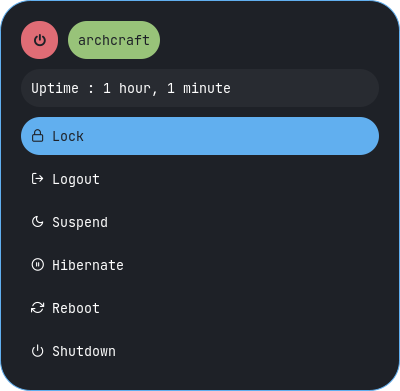
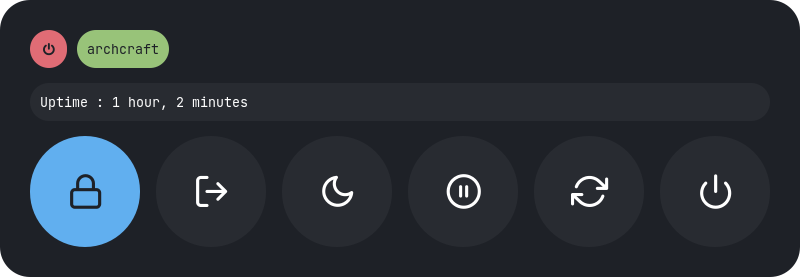
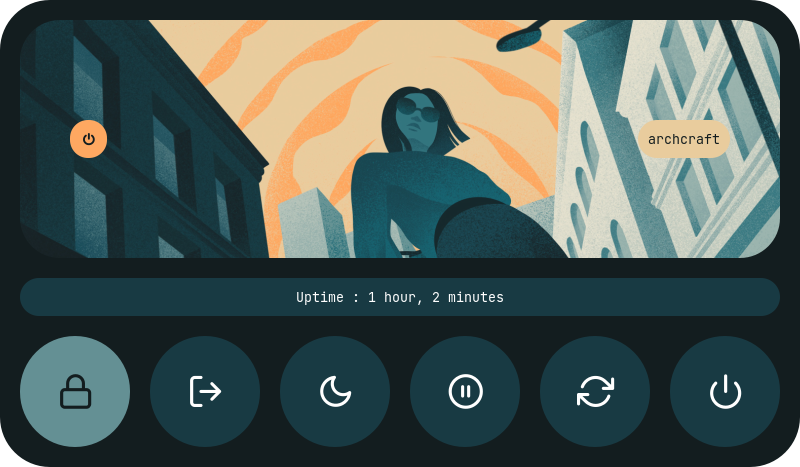
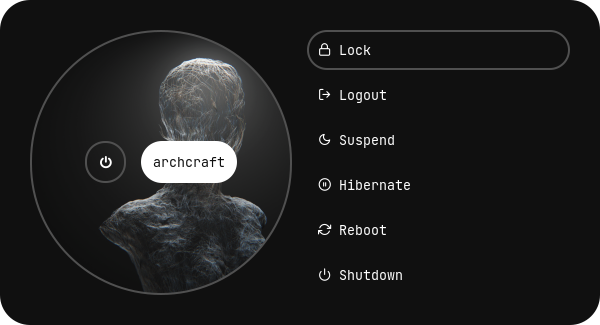
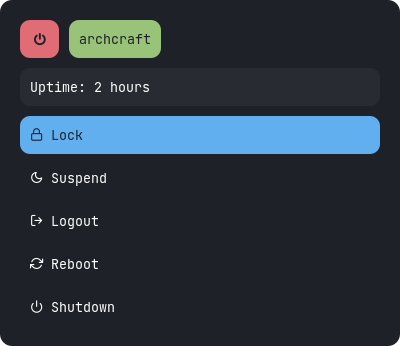
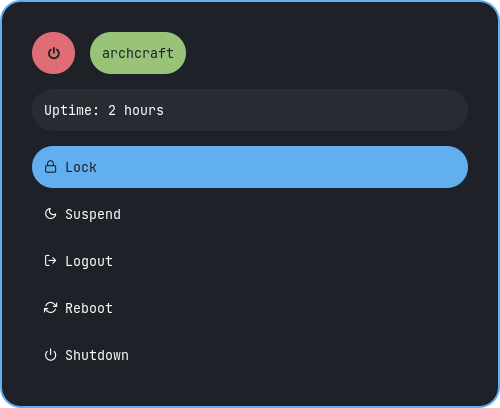
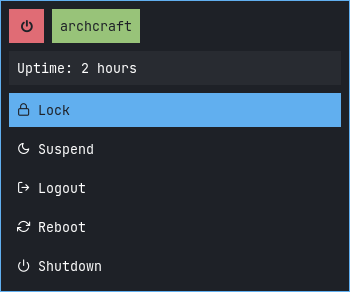
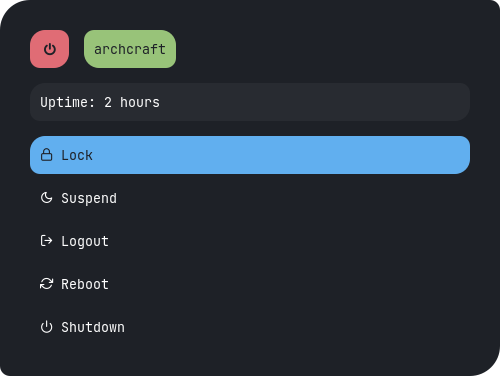
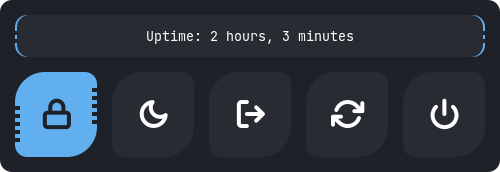
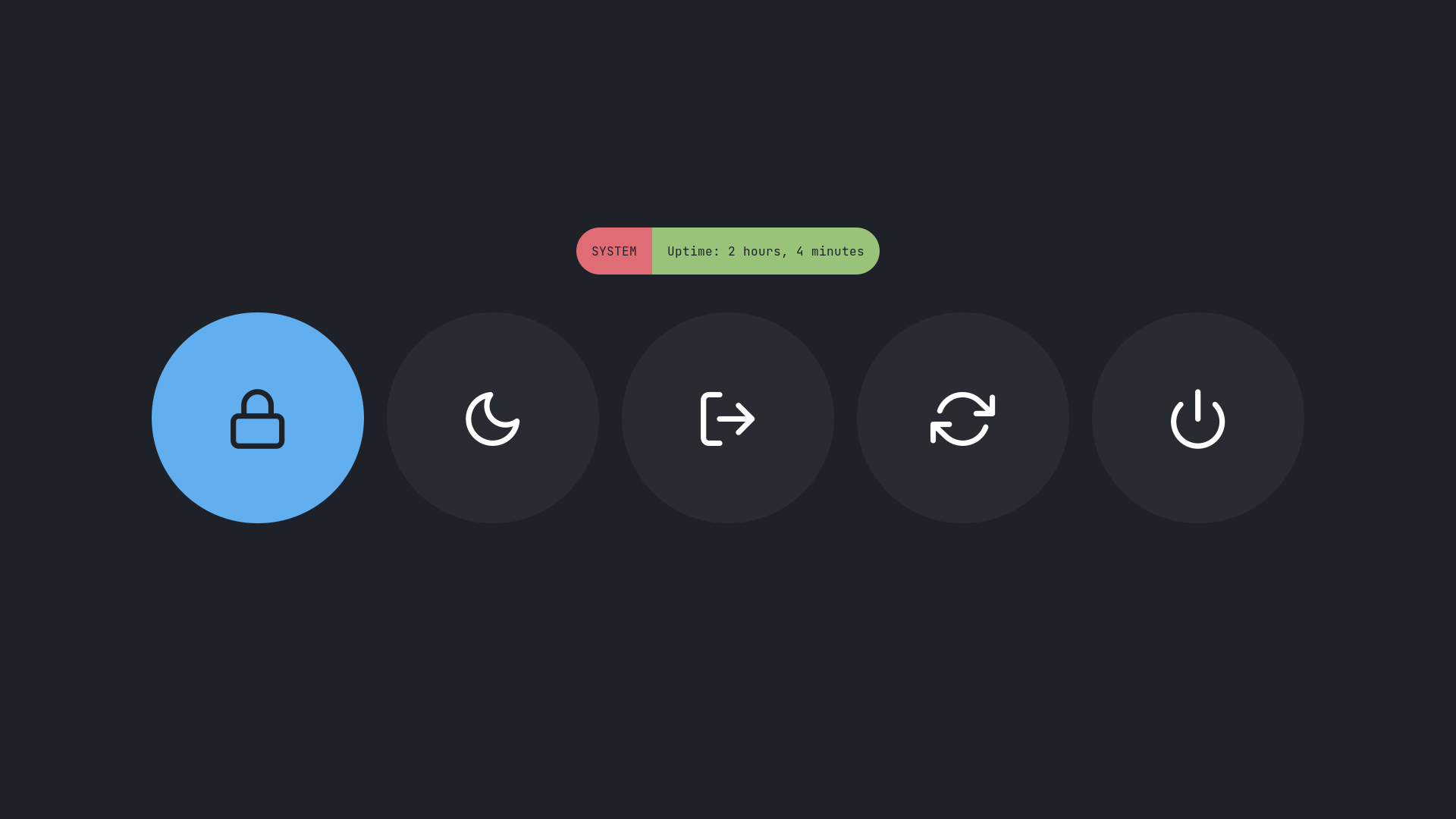
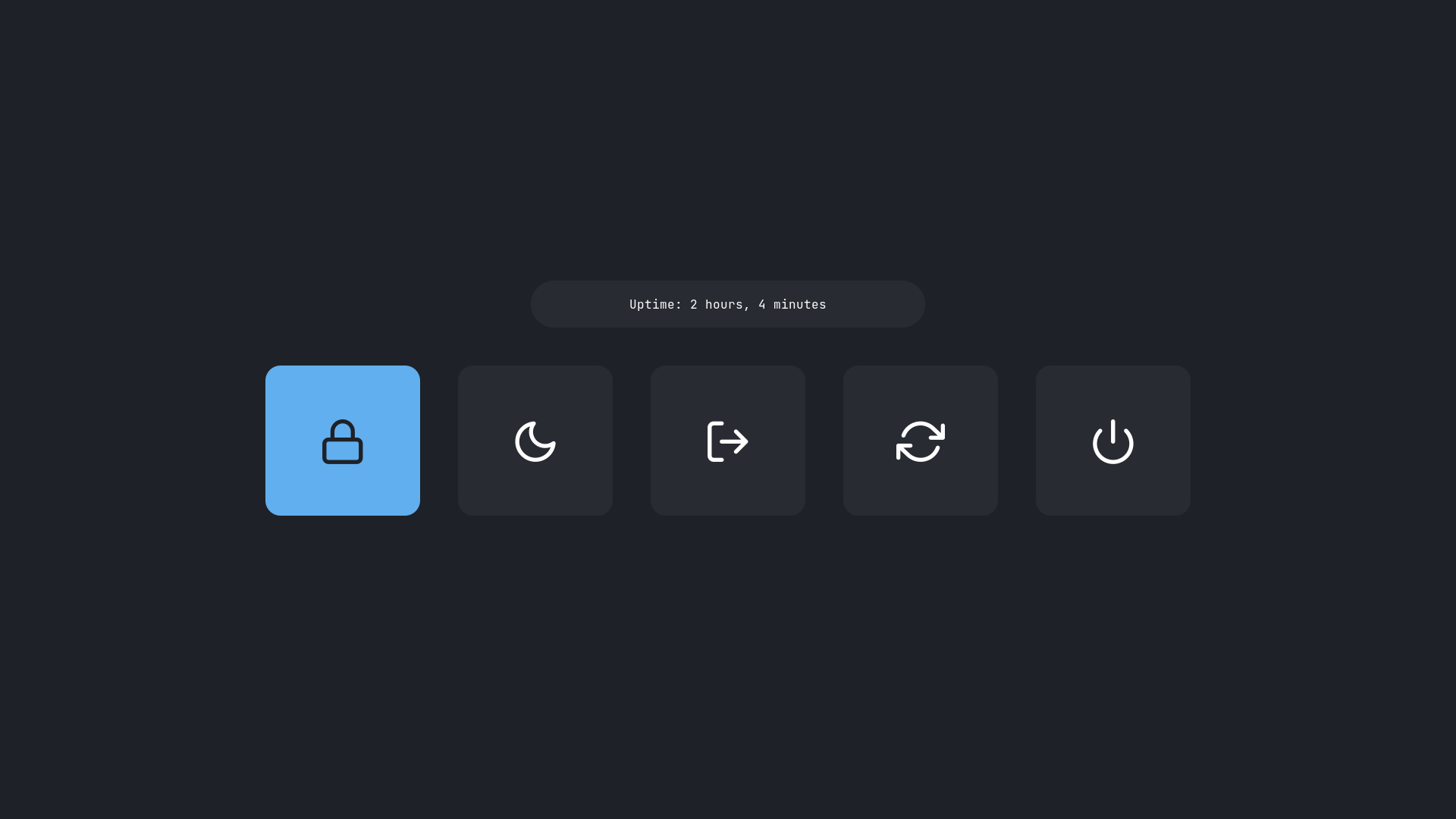
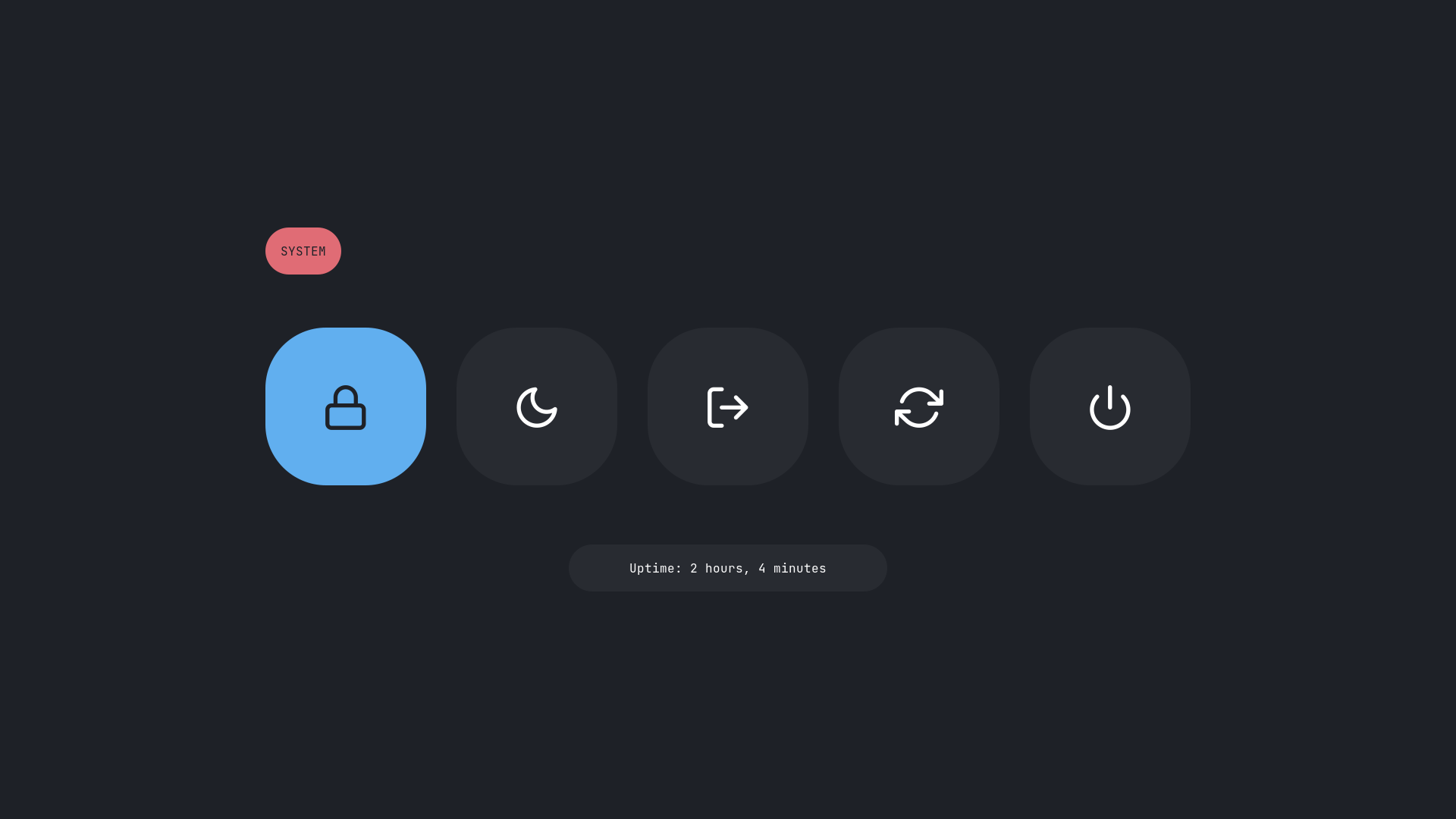
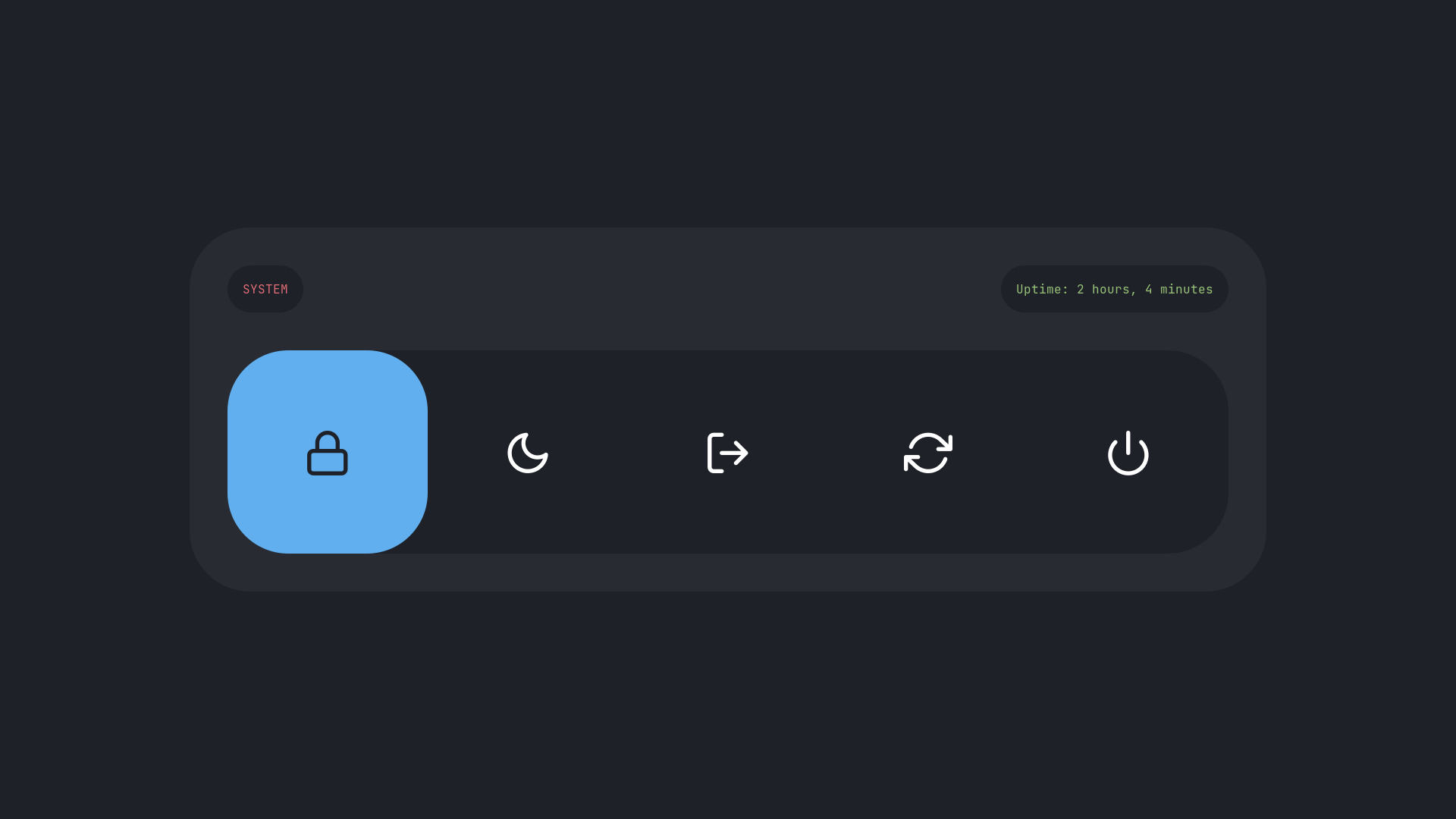
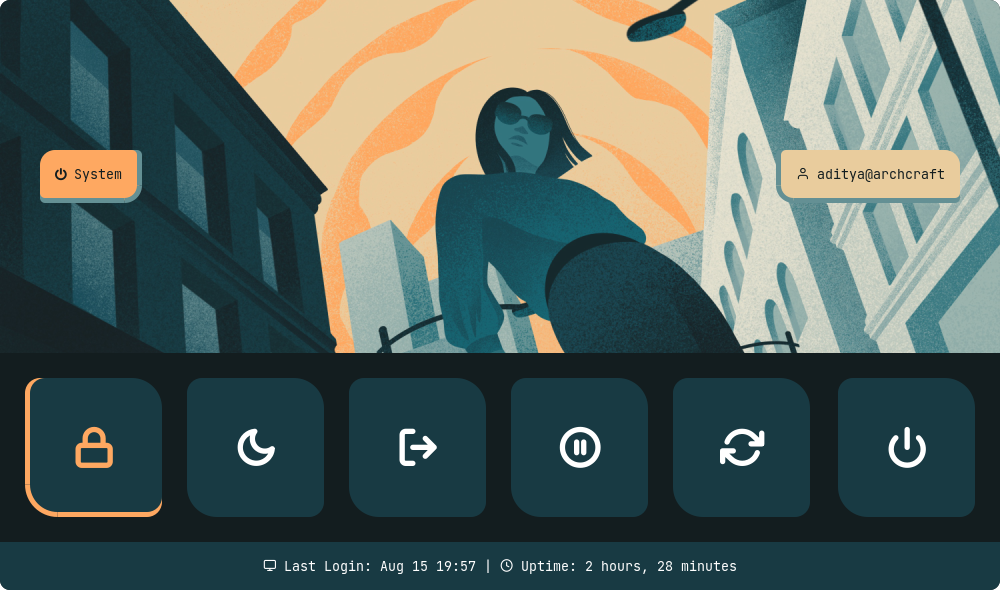
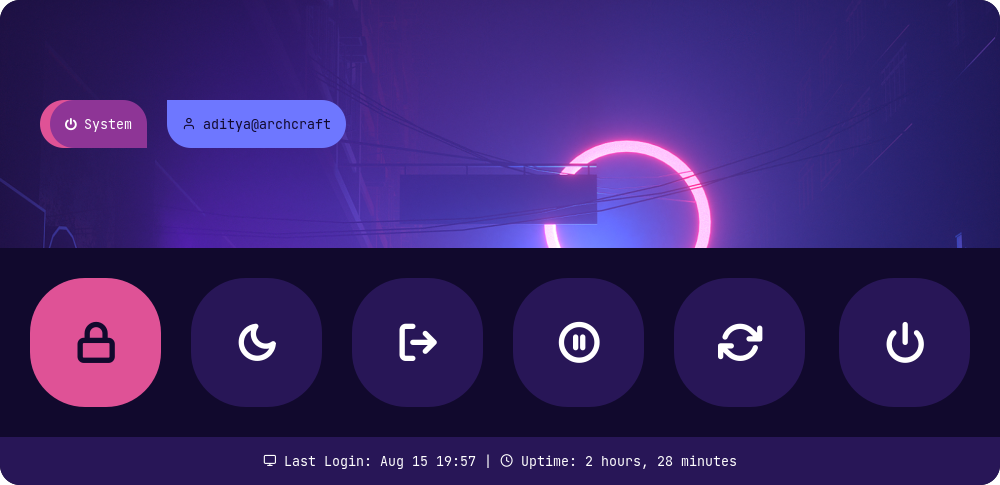
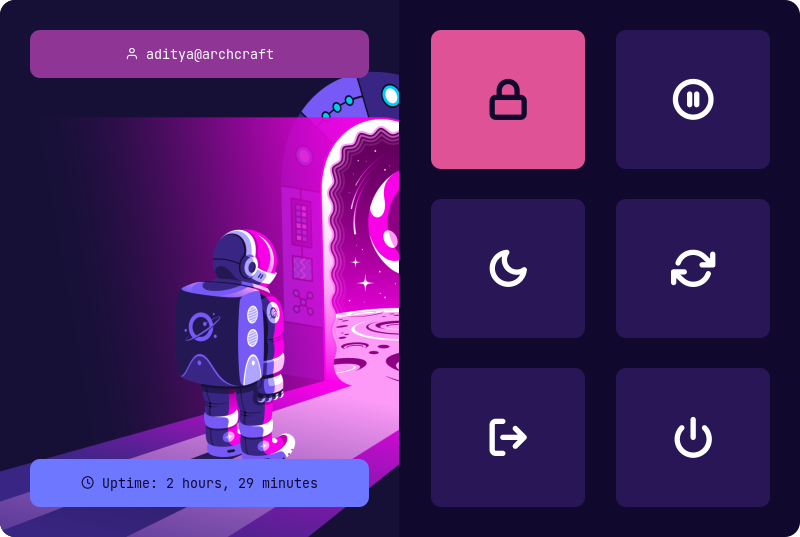
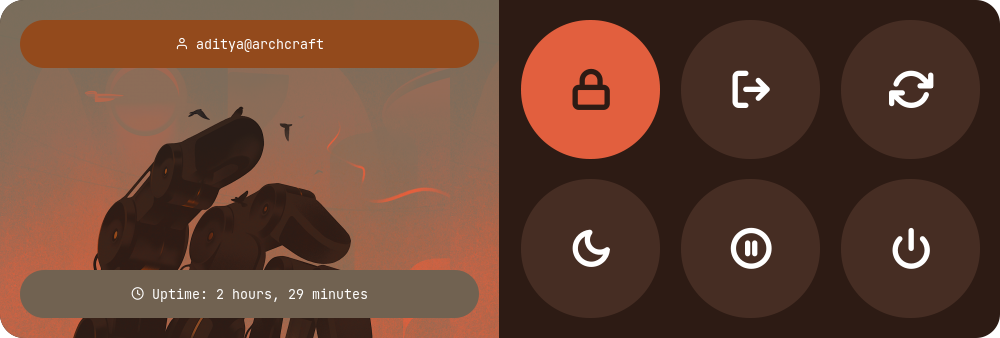
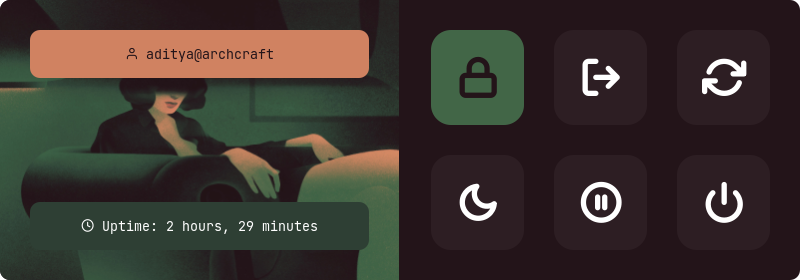
Powermenus
Type 1
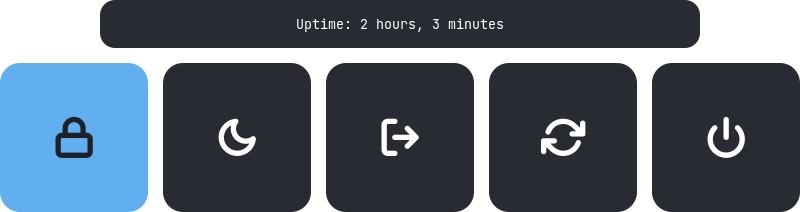
Type 2
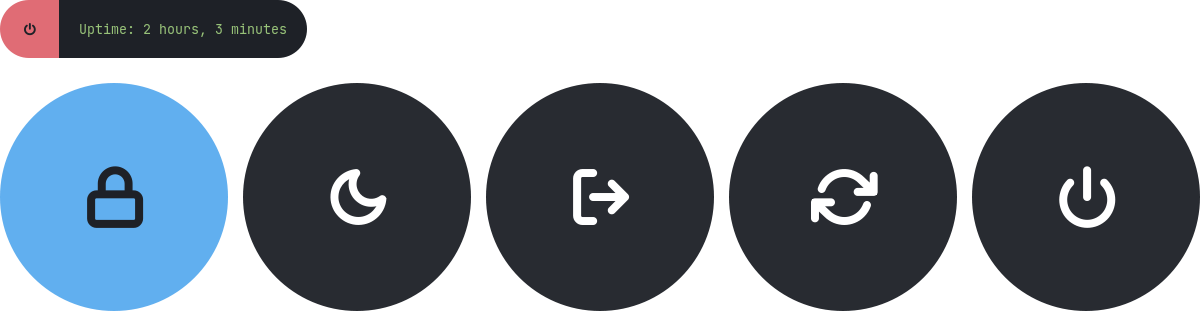
Type 3
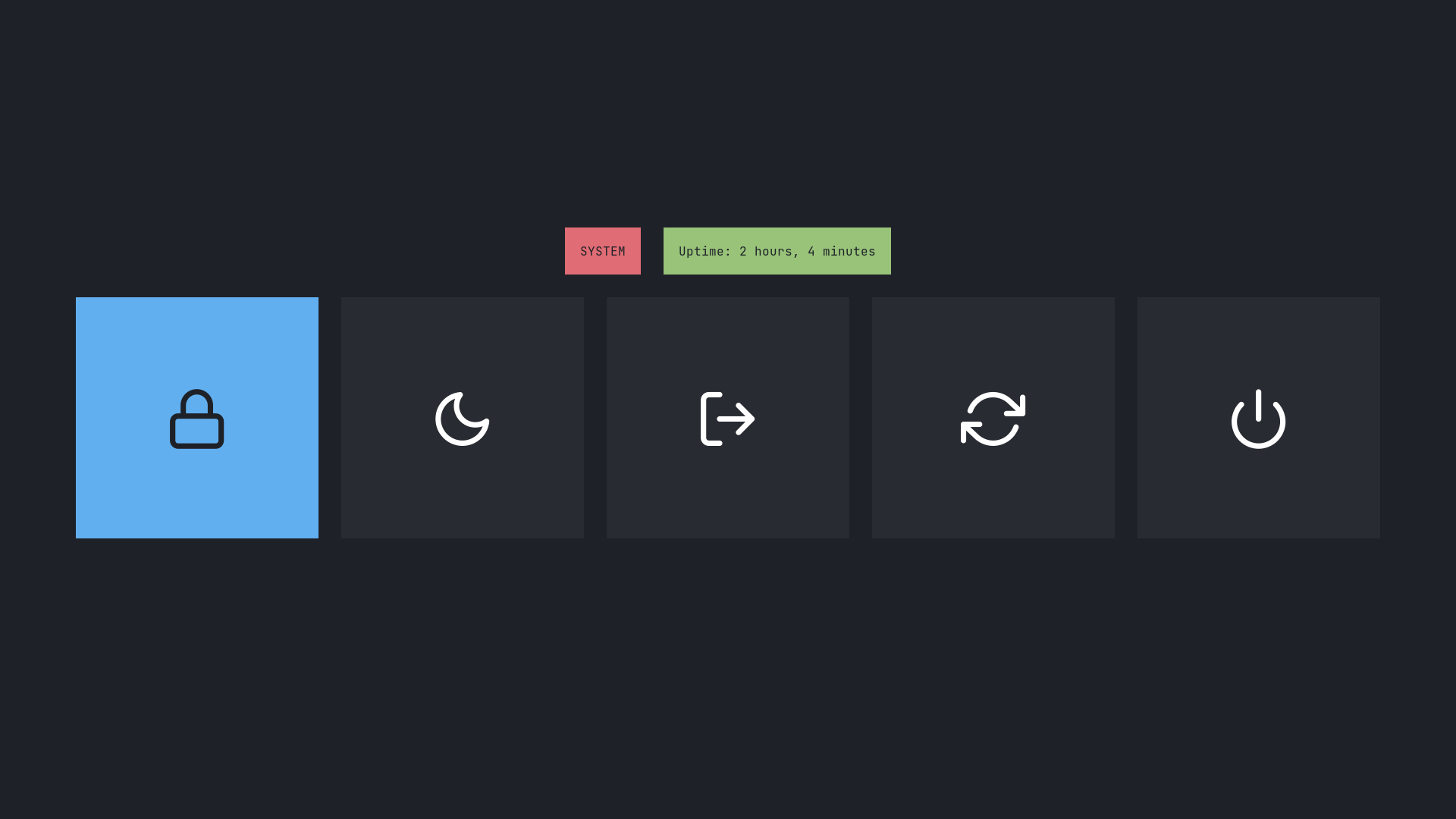
Type 4
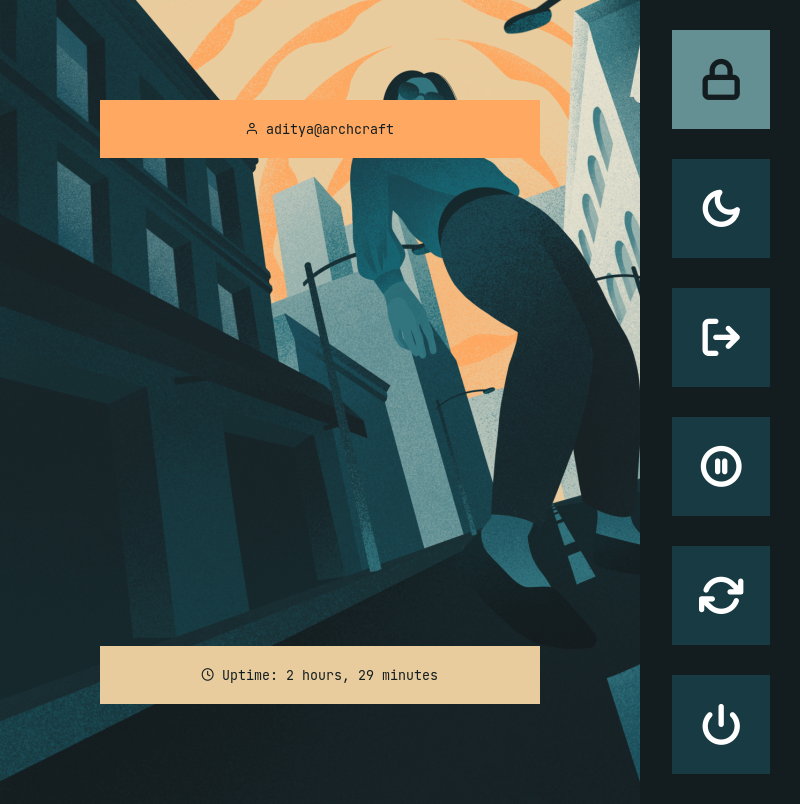
Type 5
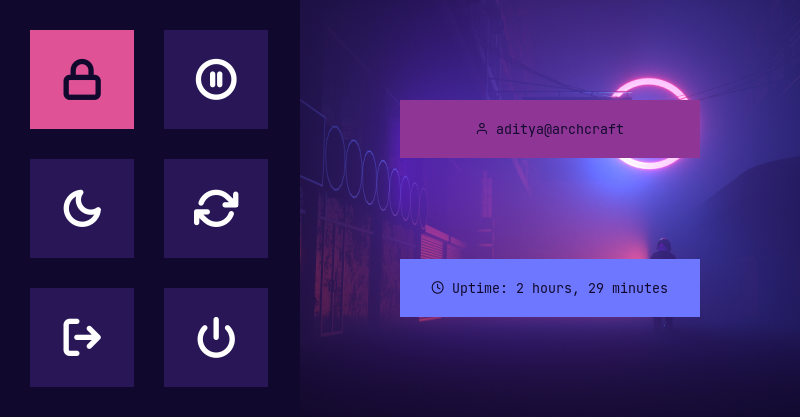
Type 6
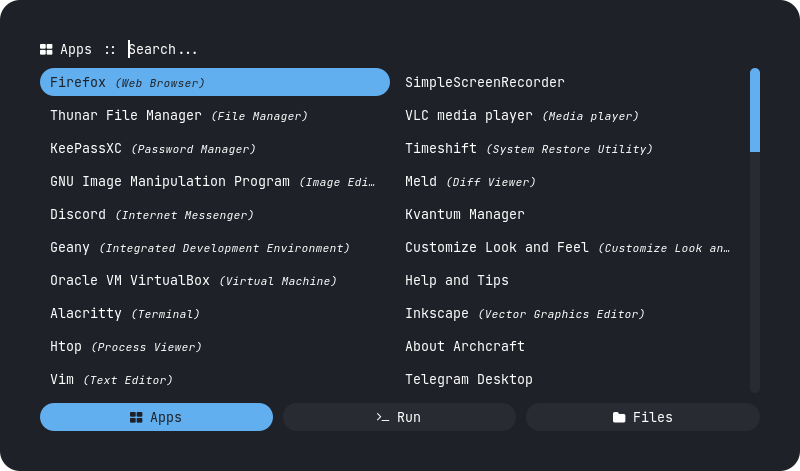
What is Rofi?
Rofi is A window switcher, Application launcher and dmenu replacement. Rofi started as a clone of simpleswitcher and It has been extended with extra features, like an application launcher and ssh-launcher, and can act as a drop-in dmenu replacement, making it a very versatile tool. Rofi, like dmenu, will provide the user with a textual list of options where one or more can be selected. This can either be running an application, selecting a window, or options provided by an external script.
Installation
Everything here is created on rofi version : 1.7.4
First, Make sure you have the same (stable) version of rofi installed.
Change to cloned directory and make setup.sh executable -
$ cd rofi
$ chmod +x setup.sh
Run setup.sh to install the configs -
$ ./setup.sh

[*] Installing fonts...
[*] Updating font cache...

[*] Creating a backup of your rofi configs...
[*] Installing rofi configs...
[*] Successfully Installed.
That's it, These themes are now installed on your system.
Note : These themes are like an ecosystem, everything here is connected with each other in some way. So... before modifying anything by your own, make sure you know what you doing.
Special thanks to all the Sponsors. Maintenance of this project is made possible by you guys. If you'd like to sponsor this project and have your avatar appear below, click here 💖
Launchers
Change Style : Edit ~/.config/rofi/launchers/type-X/launcher.sh script and edit the following line to use the style you like.
theme='style-1'
Change Colors : Edit ~/.config/rofi/launchers/type-X/shared/colors.rasi file and edit the following line to use the color-scheme you like.
@import "~/.config/rofi/colors/onedark.rasi"
Colors in type-5, type-6 and type-7 are hard-coded (based on image colors) and can be changed by editing the respective style-X.rasi file.
Change Colors : Edit ~/.config/rofi/applets/shared/colors.rasi file and edit the following line to use the color-scheme you like.
@import "~/.config/rofi/colors/onedark.rasi"
Colors in type-4 and type-5 are hard-coded (based on image colors) and can be changed by editing the respective style-X.rasi file.
Previews
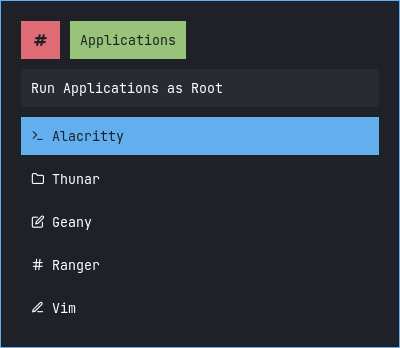
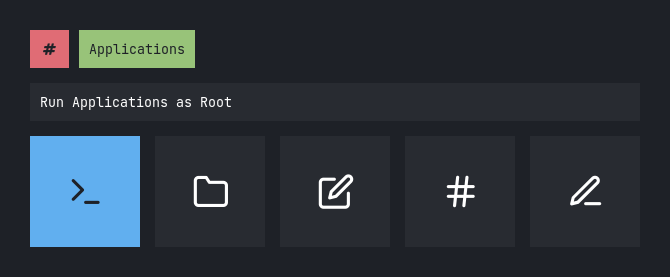
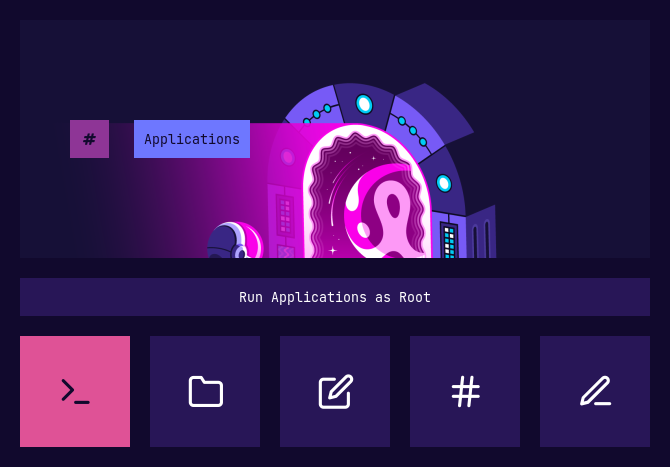
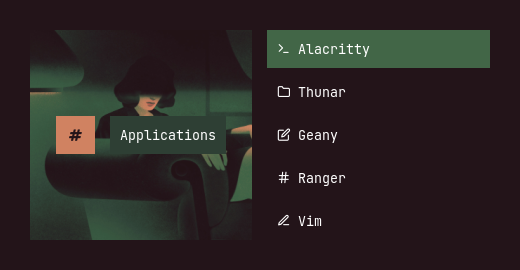
Apps as root
Type 1
Type 2
Type 3
Type 4
Type 5
Apps
Type 1
Type 2
Type 3
Type 4
Type 5
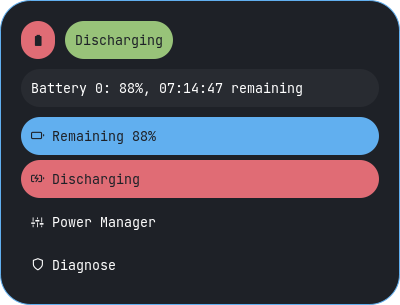
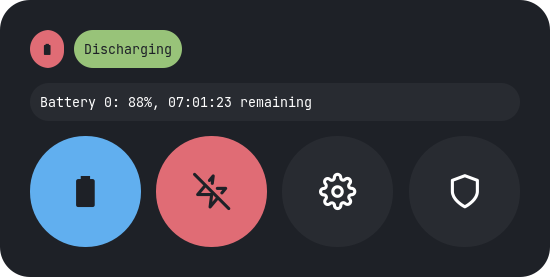
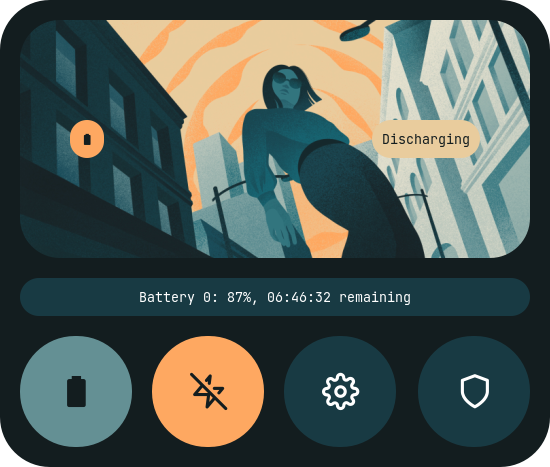
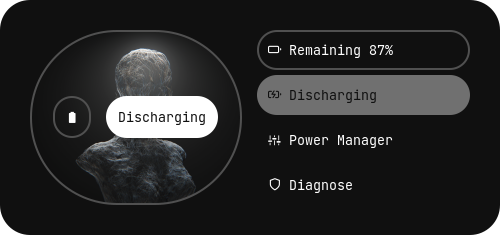
Battery
Type 1
Type 2
Type 3
Type 4
Type 5
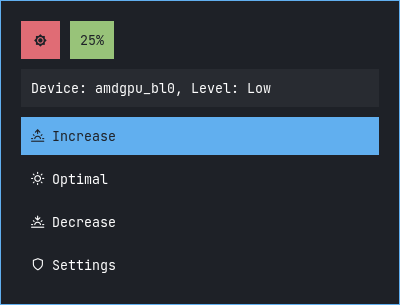
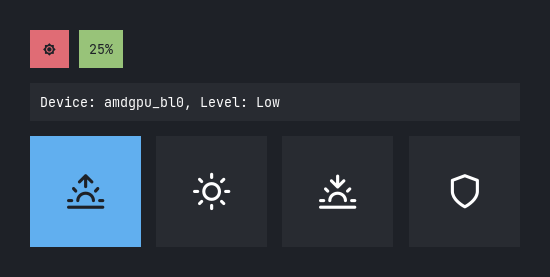
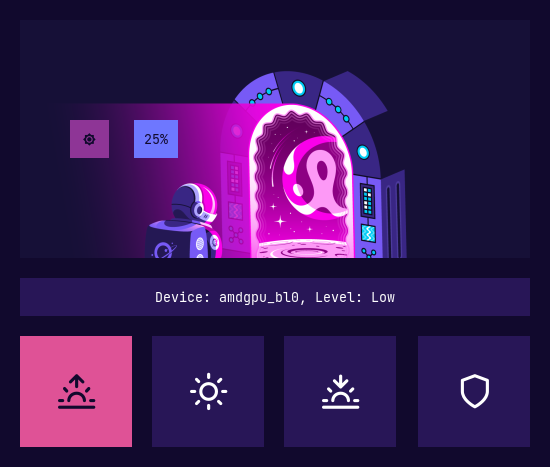
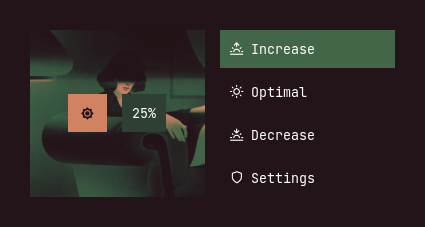
Brightness
Type 1
Type 2
Type 3
Type 4
Type 5
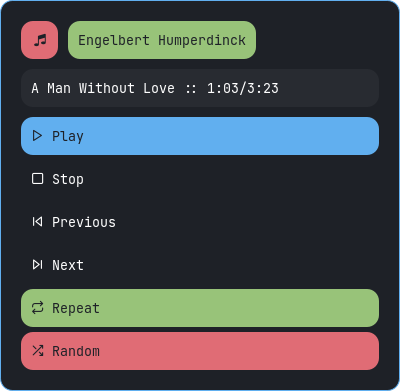
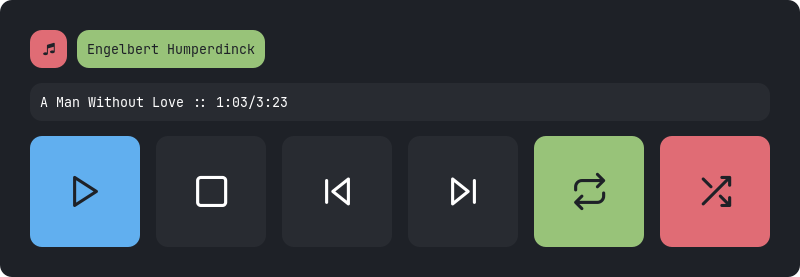
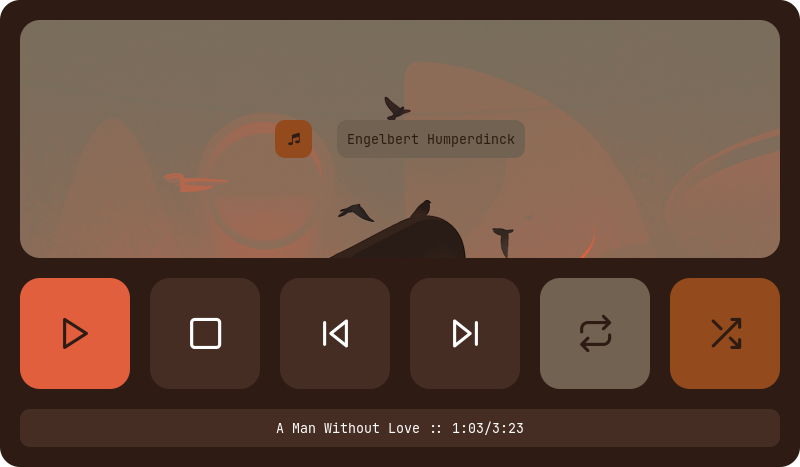
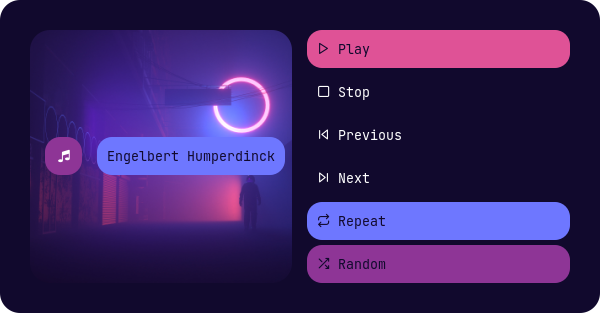
MPD
Type 1
Type 2
Type 3
Type 4
Type 5
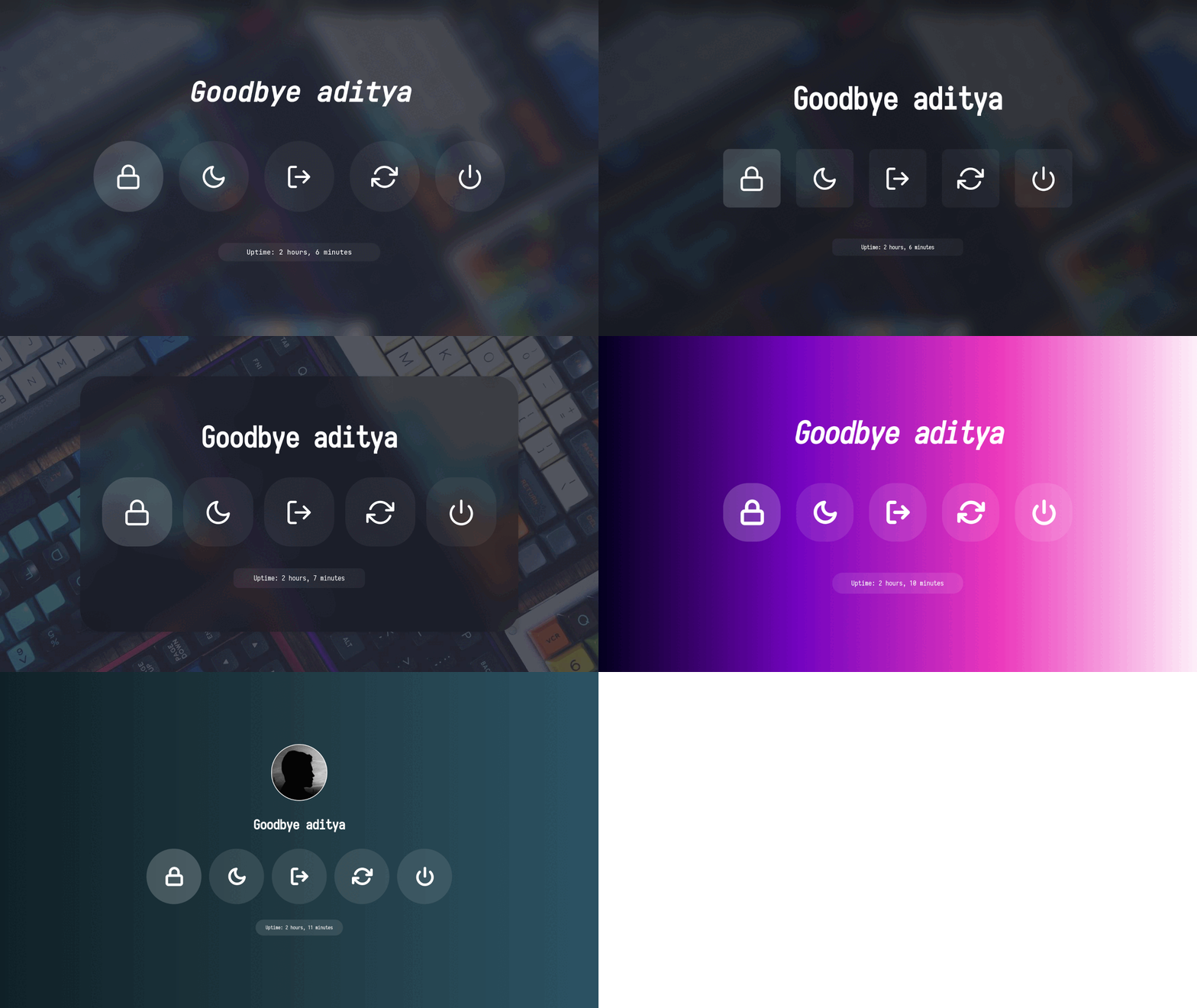
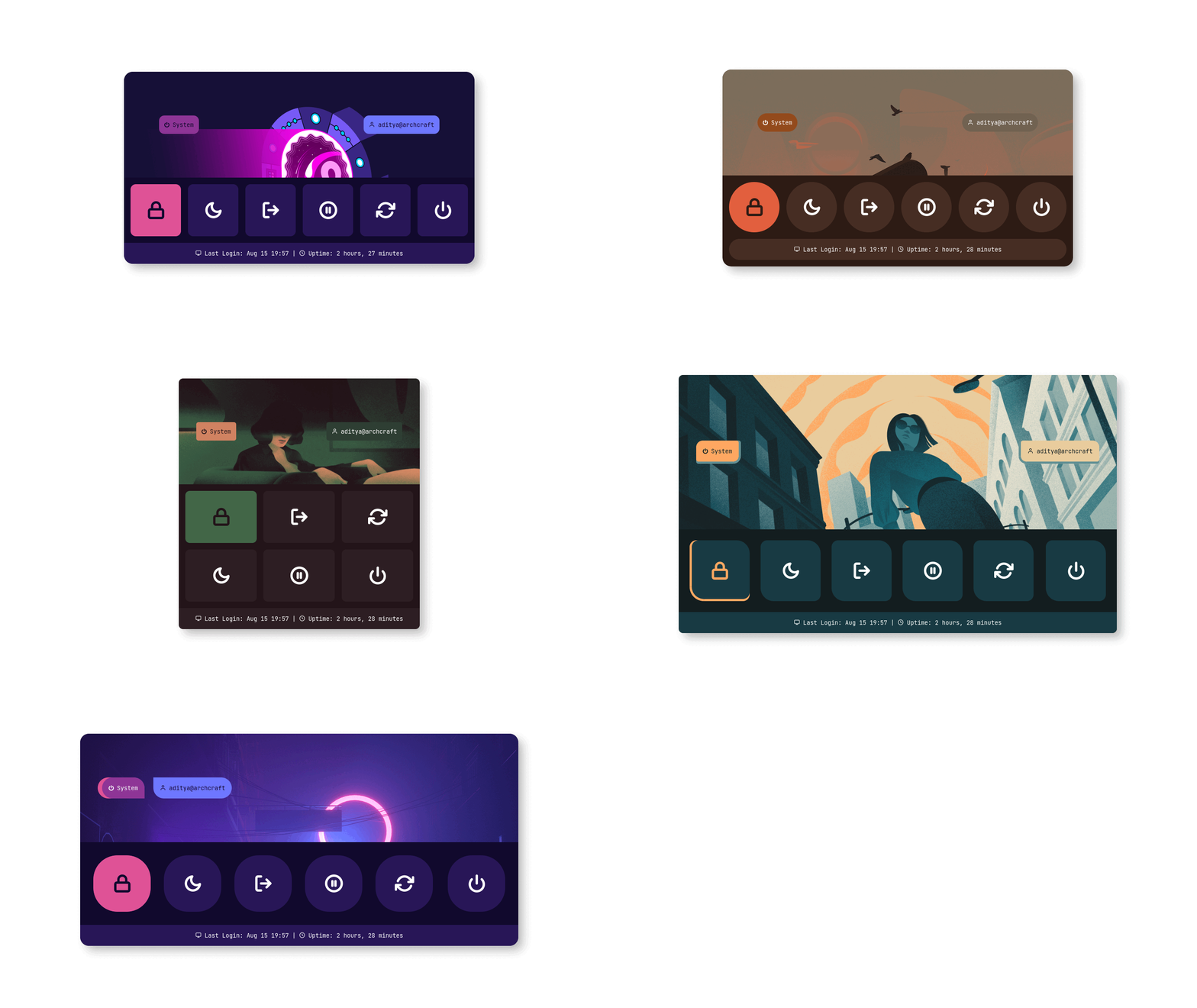
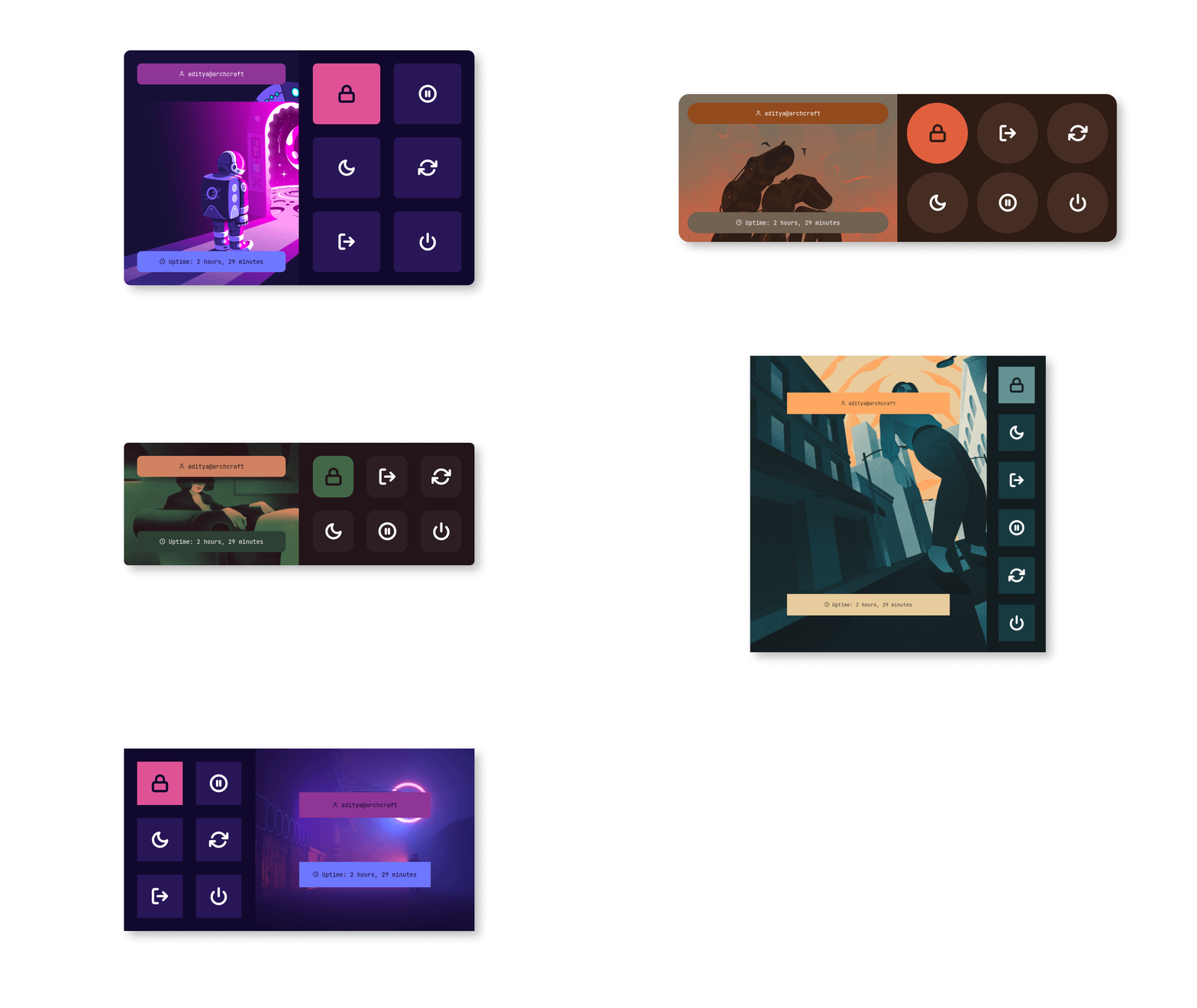
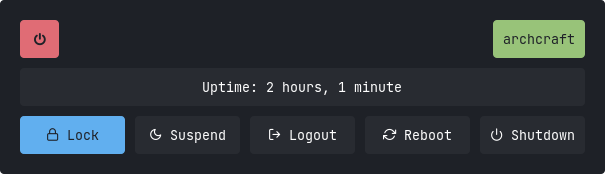
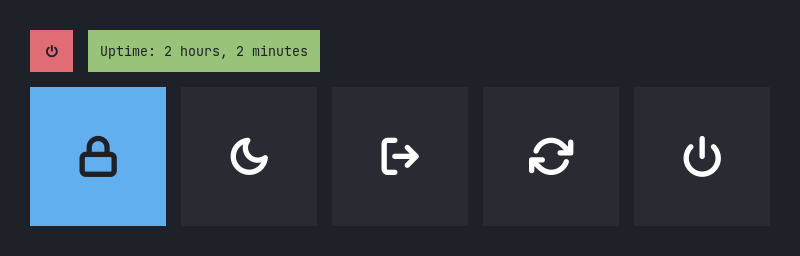
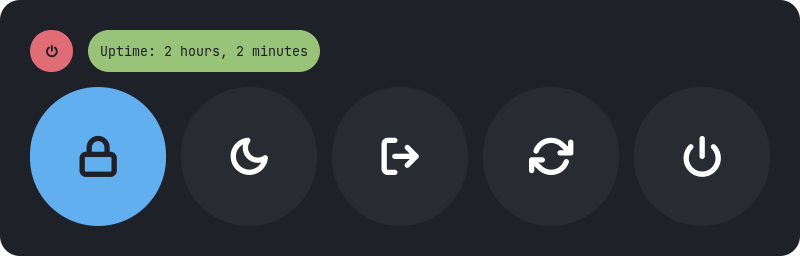
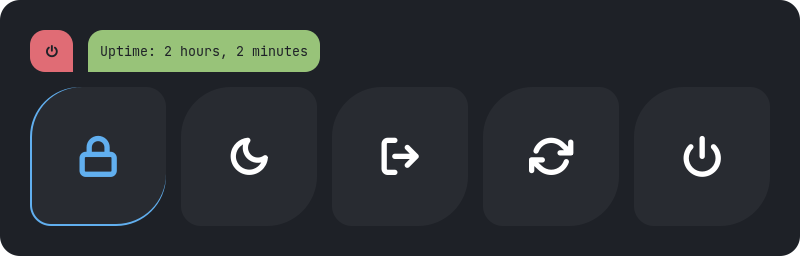
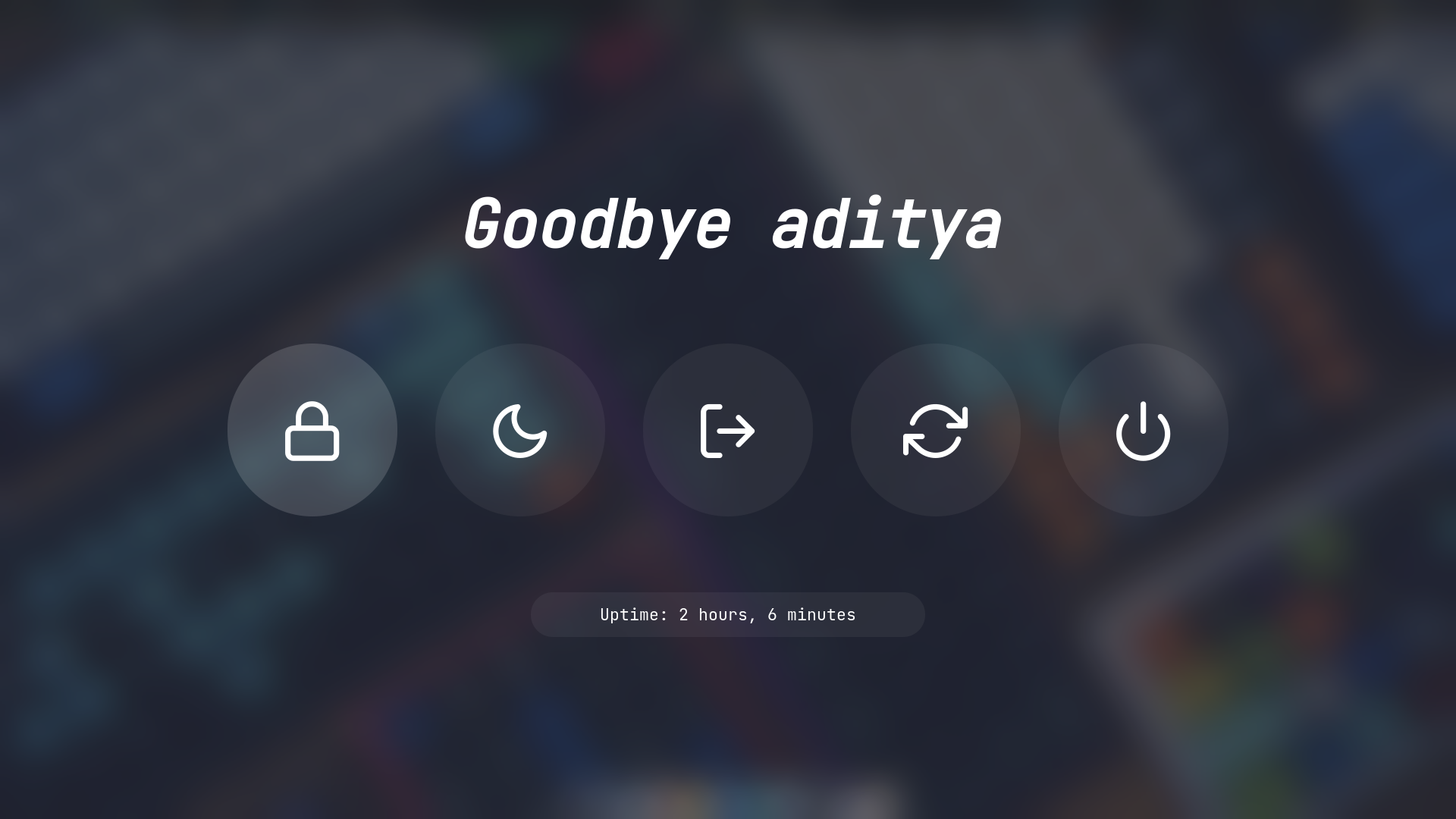
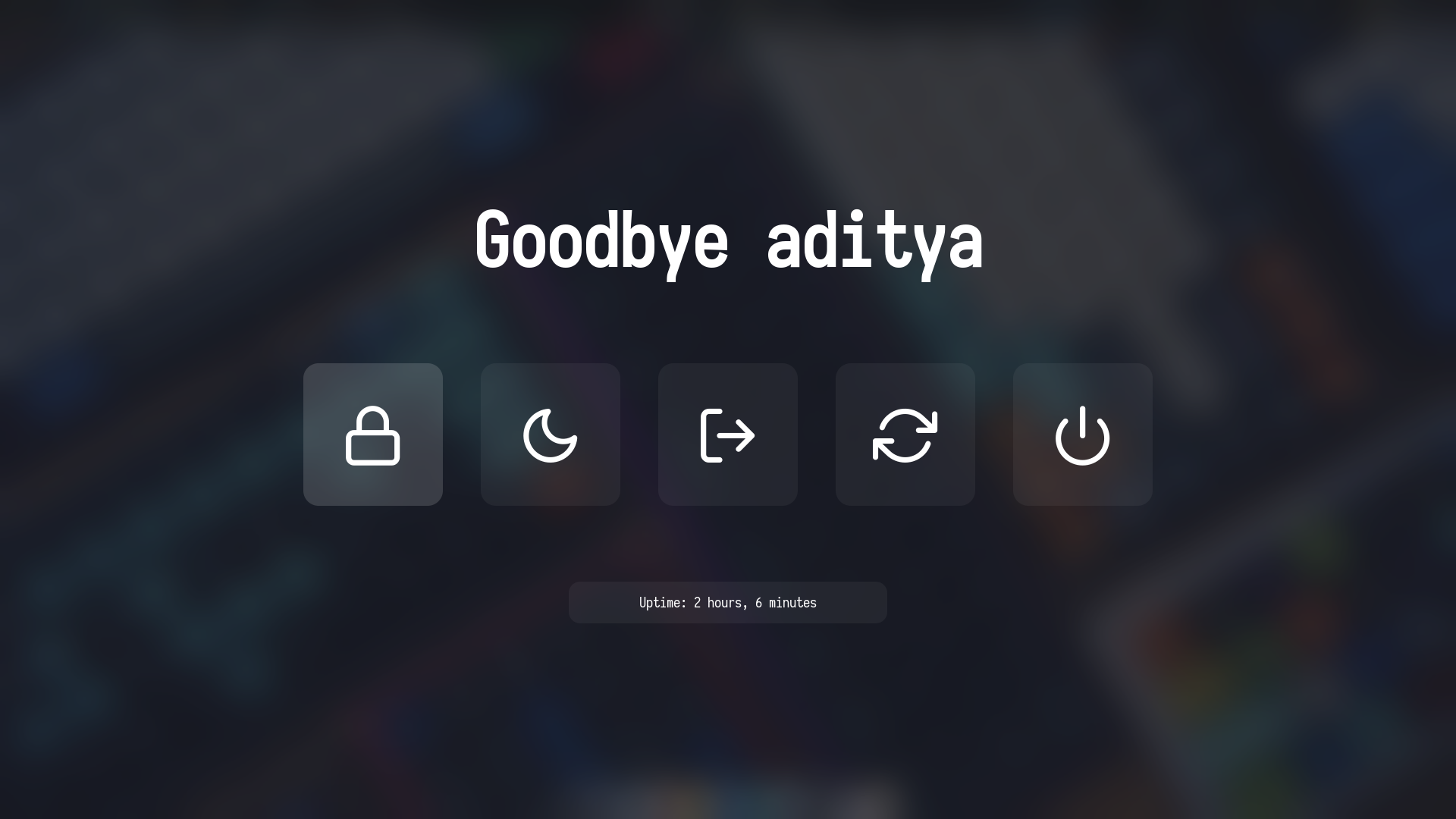
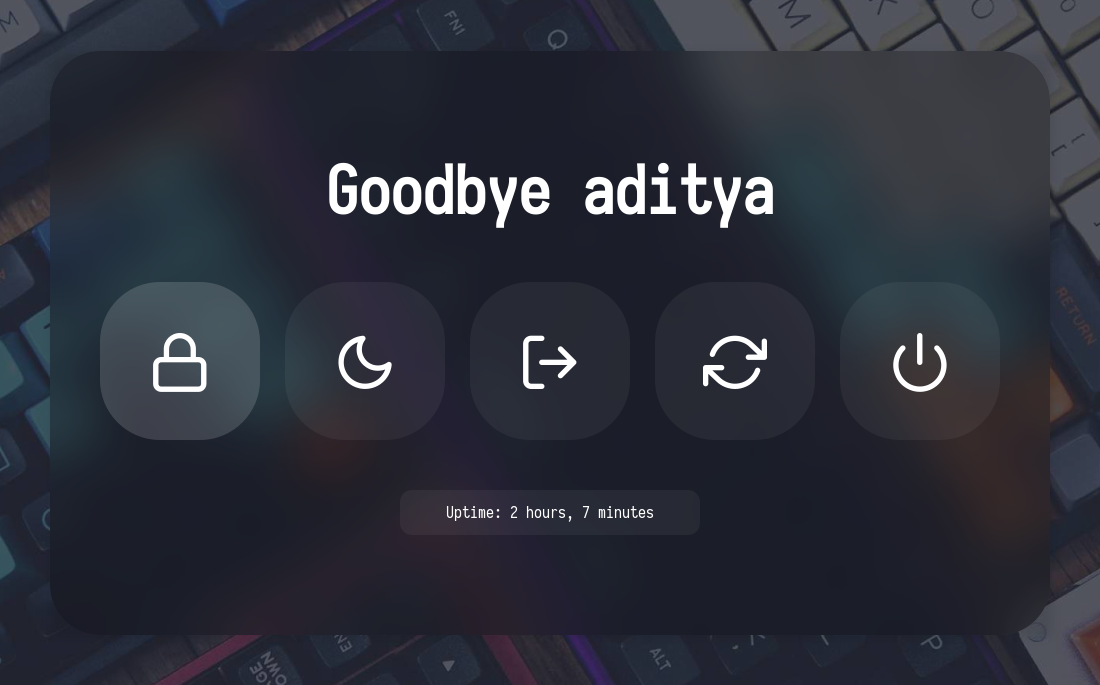
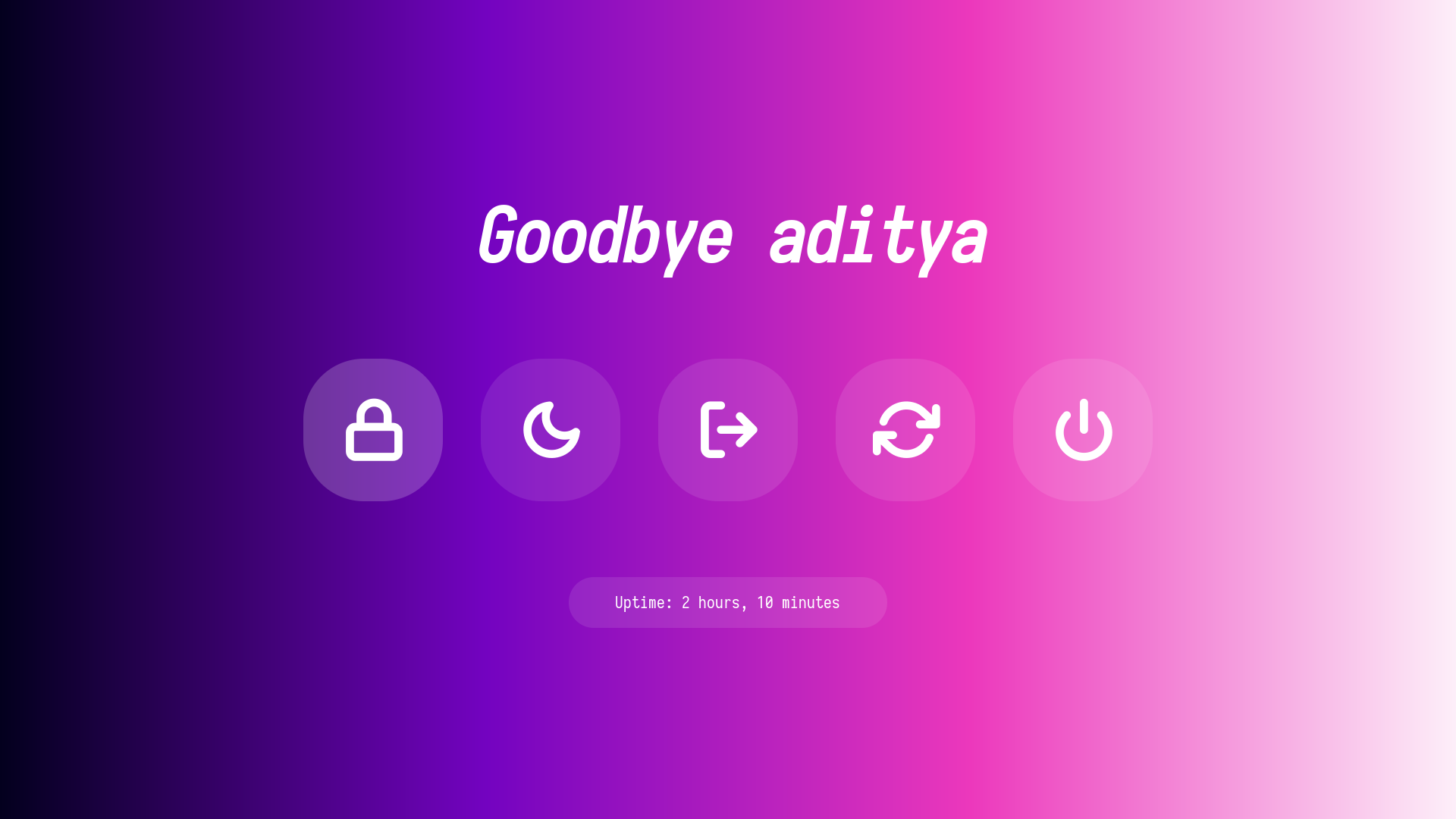
Powermenu
Type 1
Type 2
Type 3
Type 4
Type 5
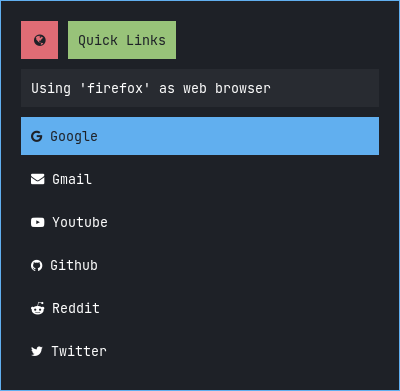
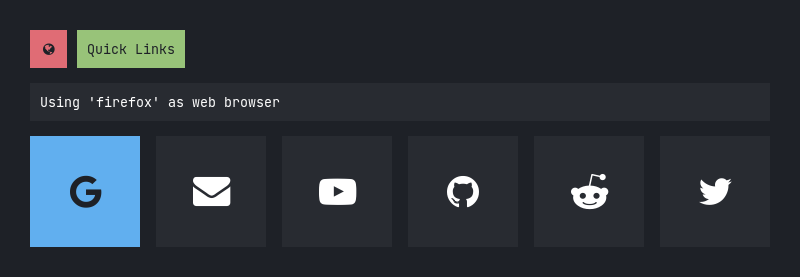
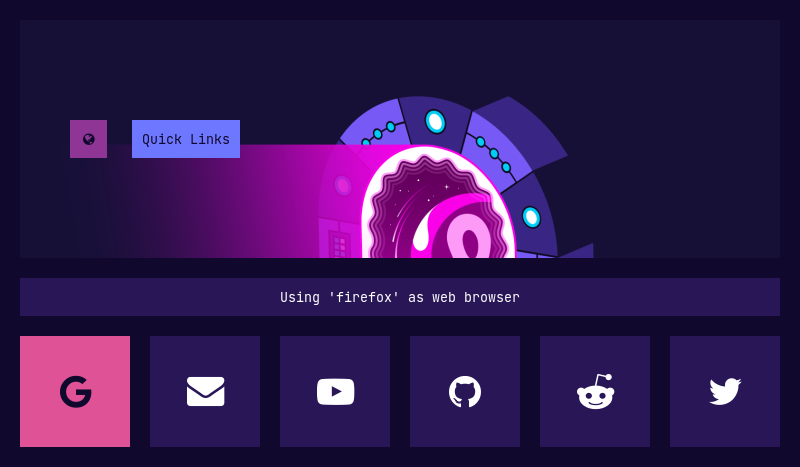
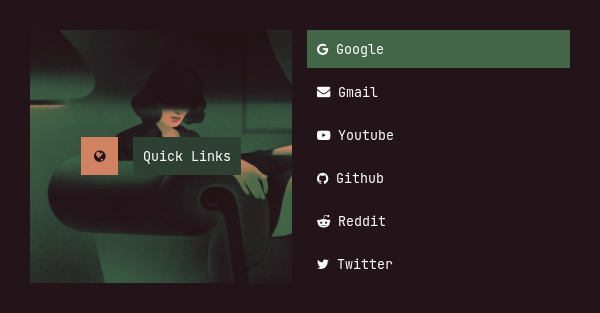
Quicklinks
Type 1
Type 2
Type 3
Type 4
Type 5
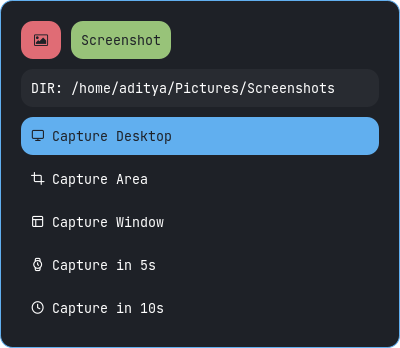
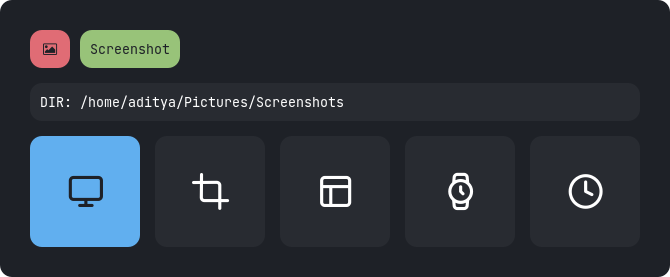
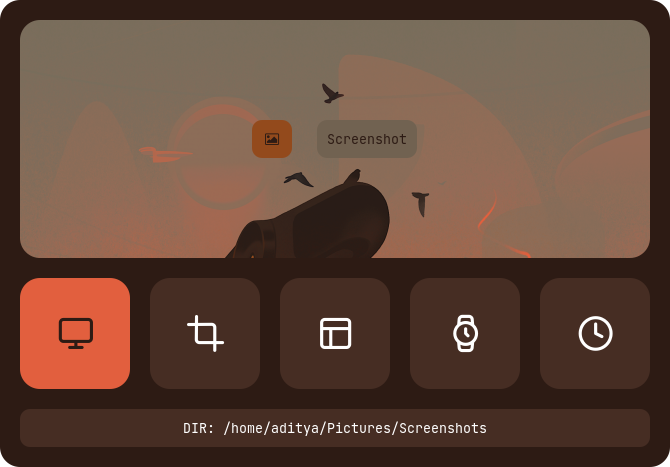
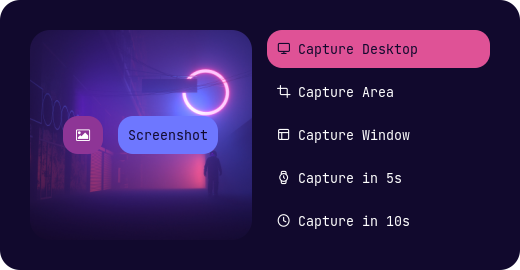
Screenshot
Type 1
Type 2
Type 3
Type 4
Type 5
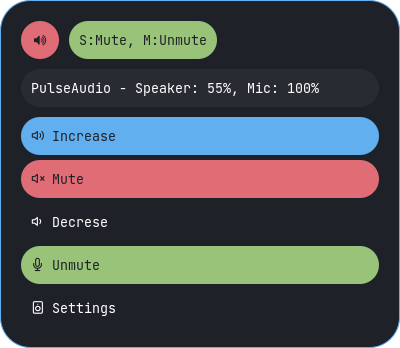
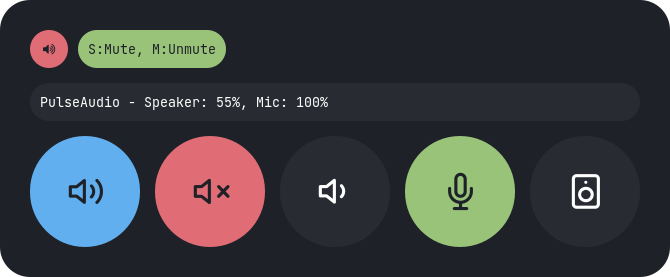
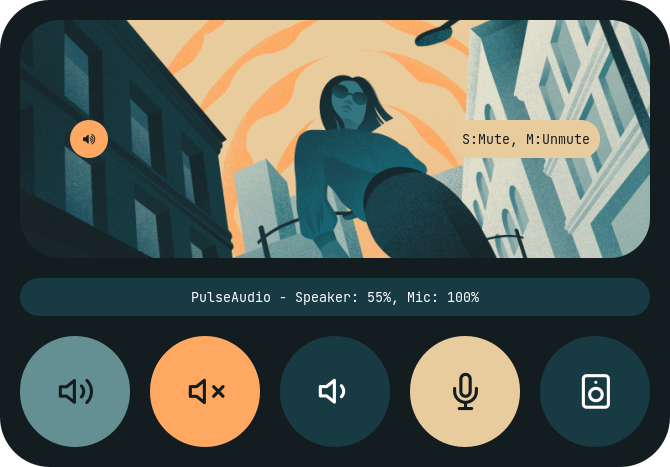
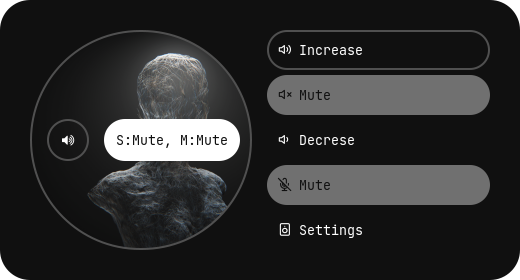
Volume
Type 1
Type 2
Type 3
Type 4
Type 5
Powermenus
Change Style : Edit ~/.config/rofi/powermenu/type-X/powermenu.sh script and edit the following line to use the style you like.
theme='style-1'
Change Colors : Edit ~/.config/rofi/powermenu/type-X/shared/colors.rasi file and edit the following line to use the color-scheme you like.
@import "~/.config/rofi/colors/onedark.rasi"
Colors in type-5 and type-6 are hard-coded (based on image colors) and can be changed by editing the respective style-X.rasi file.
Previews
Type 1
Style 1
Style 2
Style 3
Style 4
Style 5
Type 2
Style 1
Style 2
Style 3
Style 4
Style 5
Style 6
Style 7
Style 8
Style 9
Style 10
Type 3
Style 1
Style 2
Style 3
Style 4
Style 5
Type 4
Style 1
Style 2
Style 3
Style 4
Style 5
Type 5
Style 1
Style 2
Style 3
Style 4
Style 5
Type 6
Style 1
Style 2
Style 3
Style 4
Style 5
Tips
Simple way to execute scripts
There's a $HOME/.config/rofi/scripts directory, which contains links to each script. you can execute these links to open any type of Launcher, Applet or Powermenu.
You can add $HOME/.config/rofi/scripts directory to your $PATH variable so that entering t7_launcher in the terminal (or executing this command) will summon the type-7 launcher. you can do it by -
In bash
# Add directory to the $PATH variable
echo "PATH=$PATH:~/.config/rofi/scripts" >> ~/.profile
In zsh (oh-my-zsh)
# Edit .zshrc and add this line
export PATH=$HOME/.config/rofi/scripts:$PATH
Warning: After changing the shell files, Logout and Login back again to update the $PATH environment variable.
Usage
with polybar
You can use these launchers, powermenus or applets with polybar by simply adding a module like that:
;; Application Launcher Module
[module/launcher]
type = custom/text

content = 異
content-background = black
content-foreground = green

click-left = ~/.config/rofi/launchers/type-1/launcher.sh
click-right = launcher_t1

;; Power Menu Module
[module/powermenu]
type = custom/text

content = 襤
content-background = black
content-foreground = red

click-left = ~/.config/rofi/powermenu/type-1/powermenu.sh
click-right = powermenu_t1
with i3wm
You can also use them with the keybindings on your window manager, For example:
For previous versions, check the respective branch, 1.7.0 is the most recent branch.
These themes are created on a display with 1920x1080 resolution. Everything should work fine on your display as well, except fullscreen themes. So Adjust the margin and padding by yourself.
The purpose of this repository is to provide you a complete (almost) reference. So by using the files as reference, You can theme rofi by yourself.
adi1090x/rofi có 8.8k sao GitHub — tải lại trang để xem số mới nhất, hoặc xem trực tiếp github.com/adi1090x/rofi. TopGit phản chiếu số sao của GitHub nhưng không cam kết đến từng phút.
adi1090x/rofi có phải mã nguồn mở không?
Có — adi1090x/rofi phát hành theo license GPL-3.0, nghĩa là mã nguồn mở để đọc, fork và (tùy license) tái sử dụng. Mã: github.com/adi1090x/rofi.
adi1090x/rofi còn đang phát triển không?
Commit gần nhất trên adi1090x/rofi là 5 tháng trước (theo timestamp GitHub). Repo có 400 fork — một chỉ báo về mức độ quan tâm của cộng đồng.
adi1090x/rofi dùng license gì?
adi1090x/rofi phát hành theo license GPL-3.0. Nên mở file LICENSE trên GitHub để xác nhận — license metadata đôi khi lệch với thực tế dự án.
adi1090x/rofi là gì?
adi1090x/rofi (adi1090x/rofi) là dự án Shell trên GitHub. Theo mô tả gốc: A huge collection of Rofi based custom Applets, Launchers & Powermenus.
adi1090x/rofi viết bằng ngôn ngữ gì?
adi1090x/rofi chủ yếu viết bằng Shell. Trường "language" của GitHub dựa trên phần lớn byte ở nhánh mặc định.
Đọc thêm về adi1090x/rofi ở đâu?
Trang TopGit này là một snapshot — tab "Readme" hiển thị nguyên văn README của repo (đã bỏ link, giữ ảnh). Repo GitHub ở github.com/adi1090x/rofi là nguồn chính thức.
Đọc đầy đủ README ở tab phía trên.
Muốn nghe thêm một ý kiến về rofi?
Hỏi một AI đọc được trang này — một cú bấm là có ngay nhận định về rofi.

 /rofi