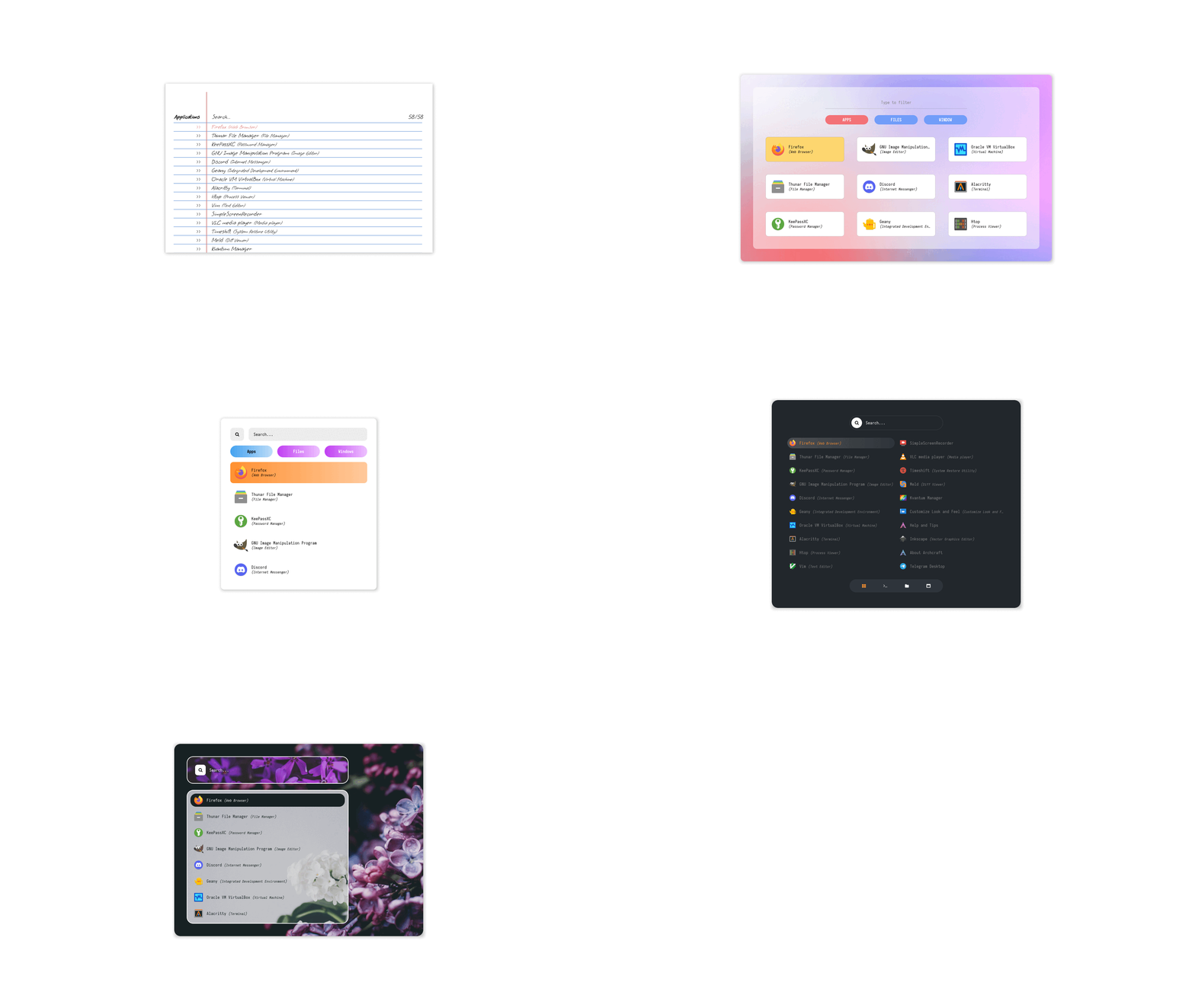
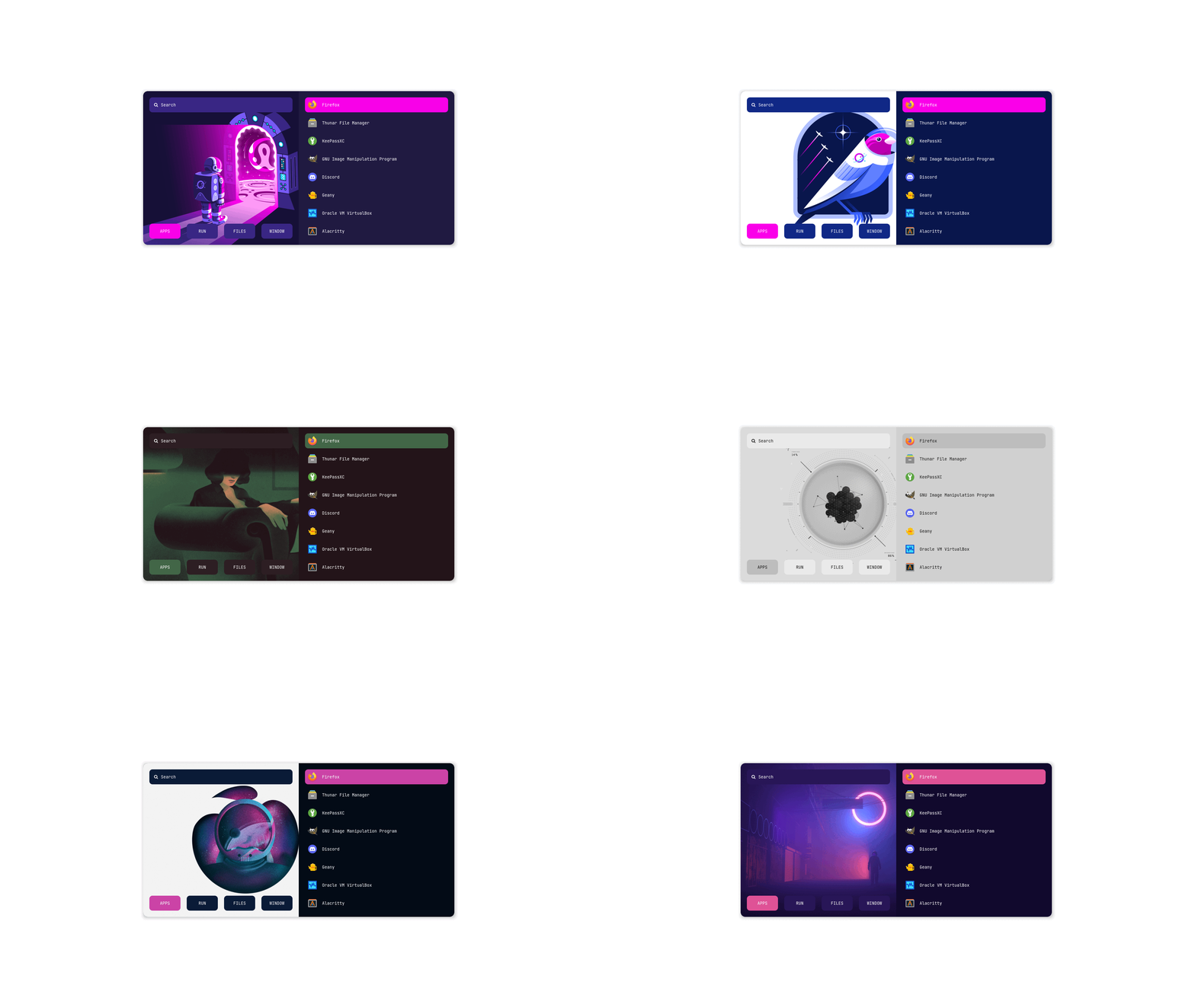
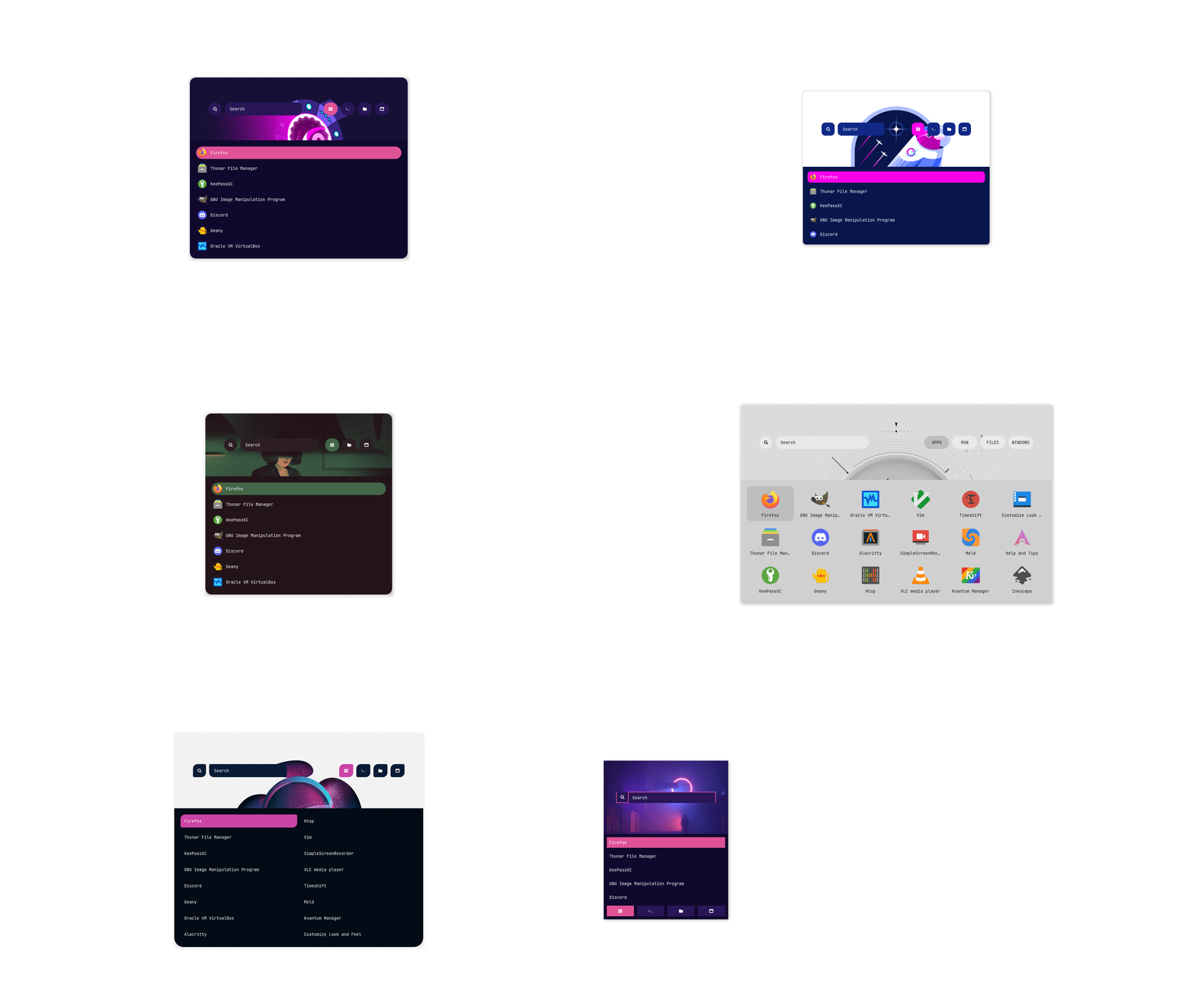
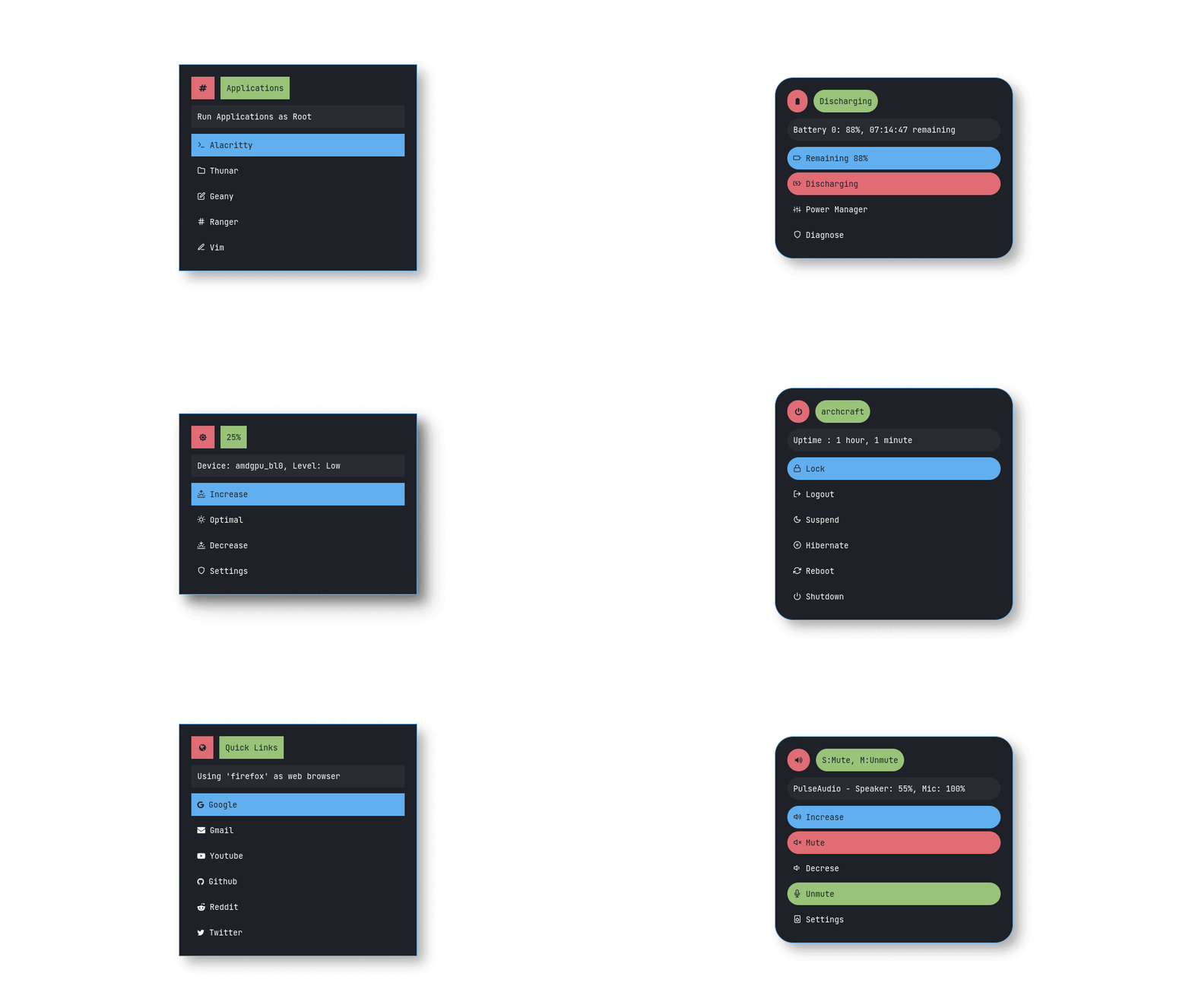
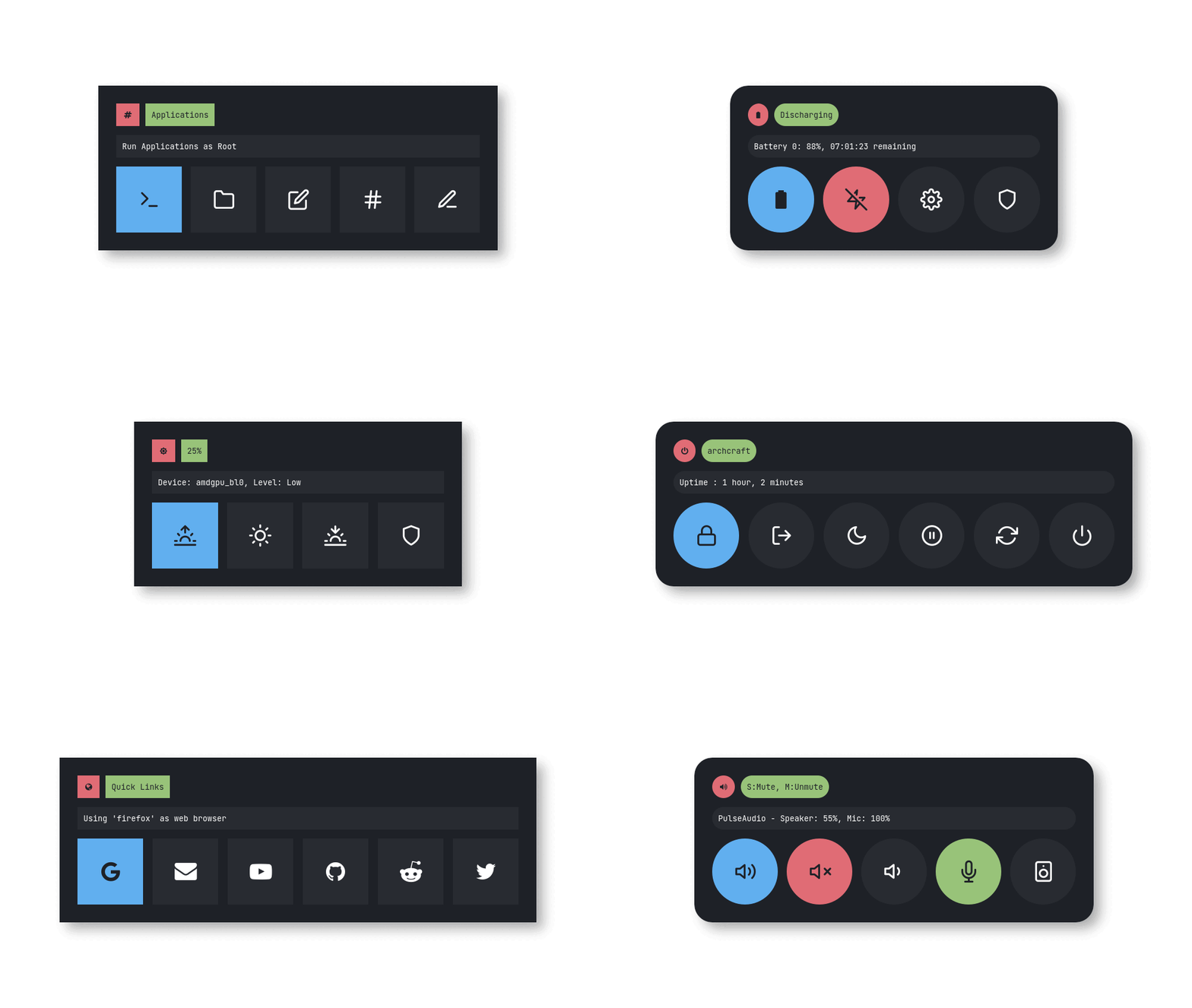
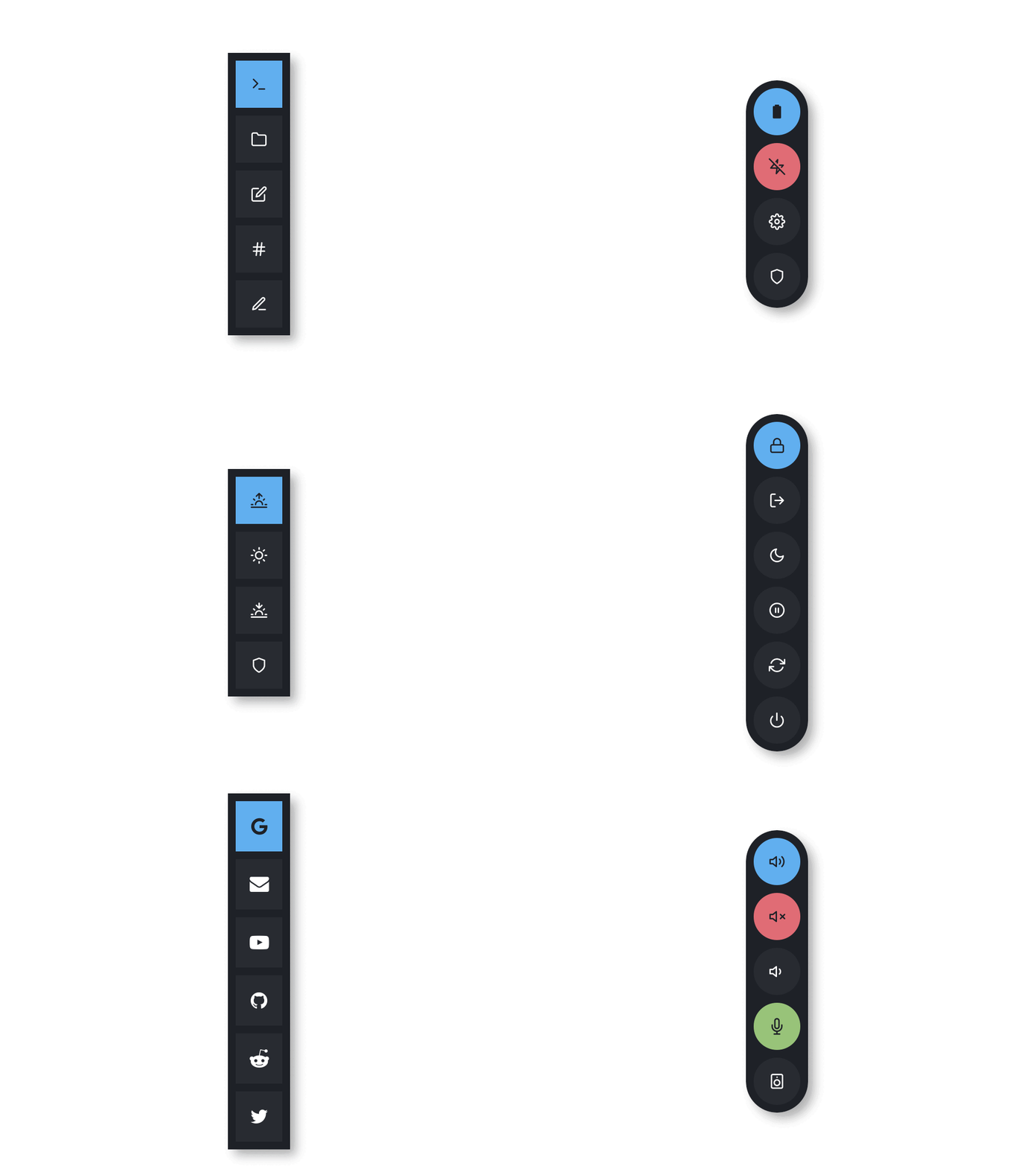
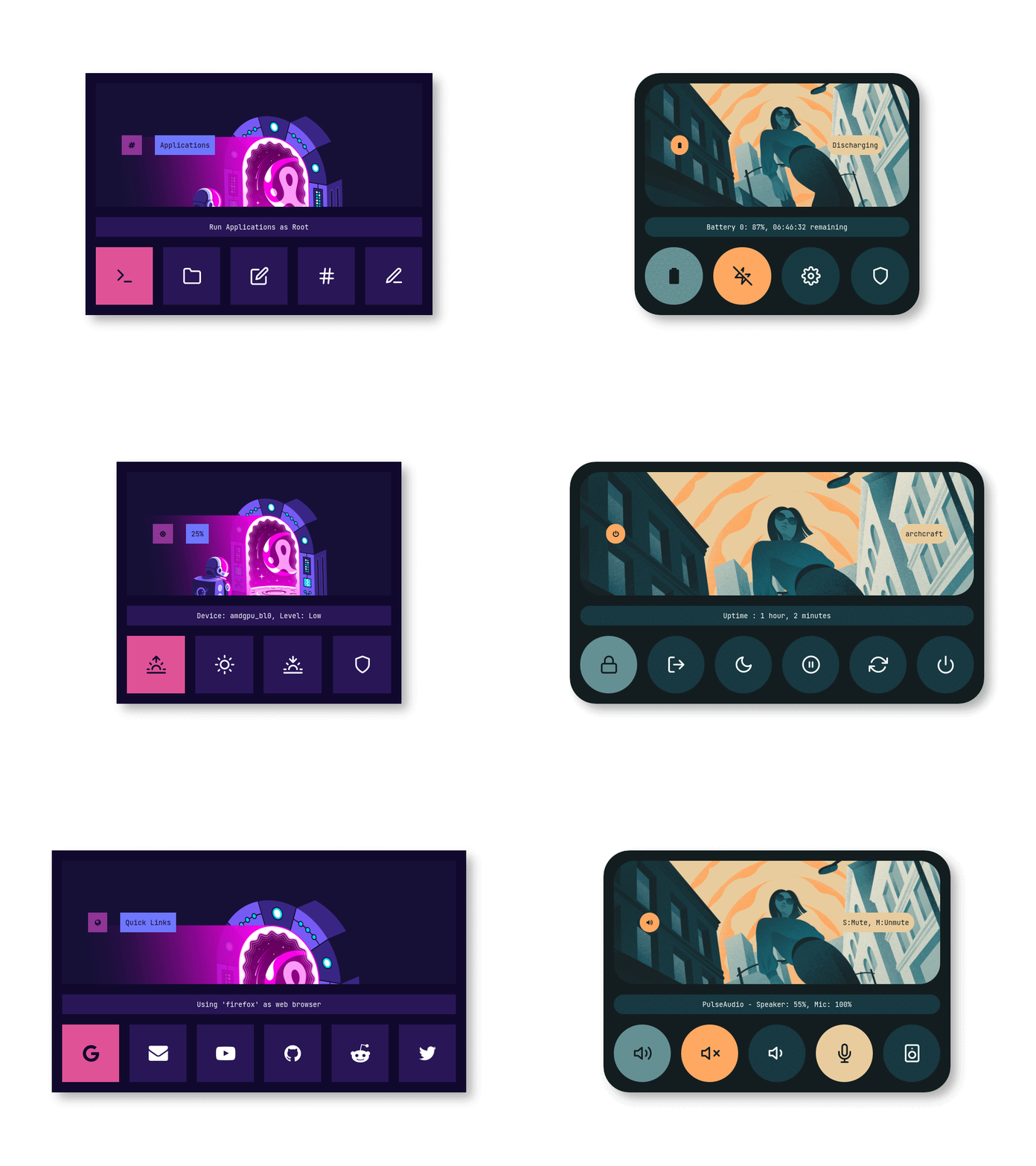
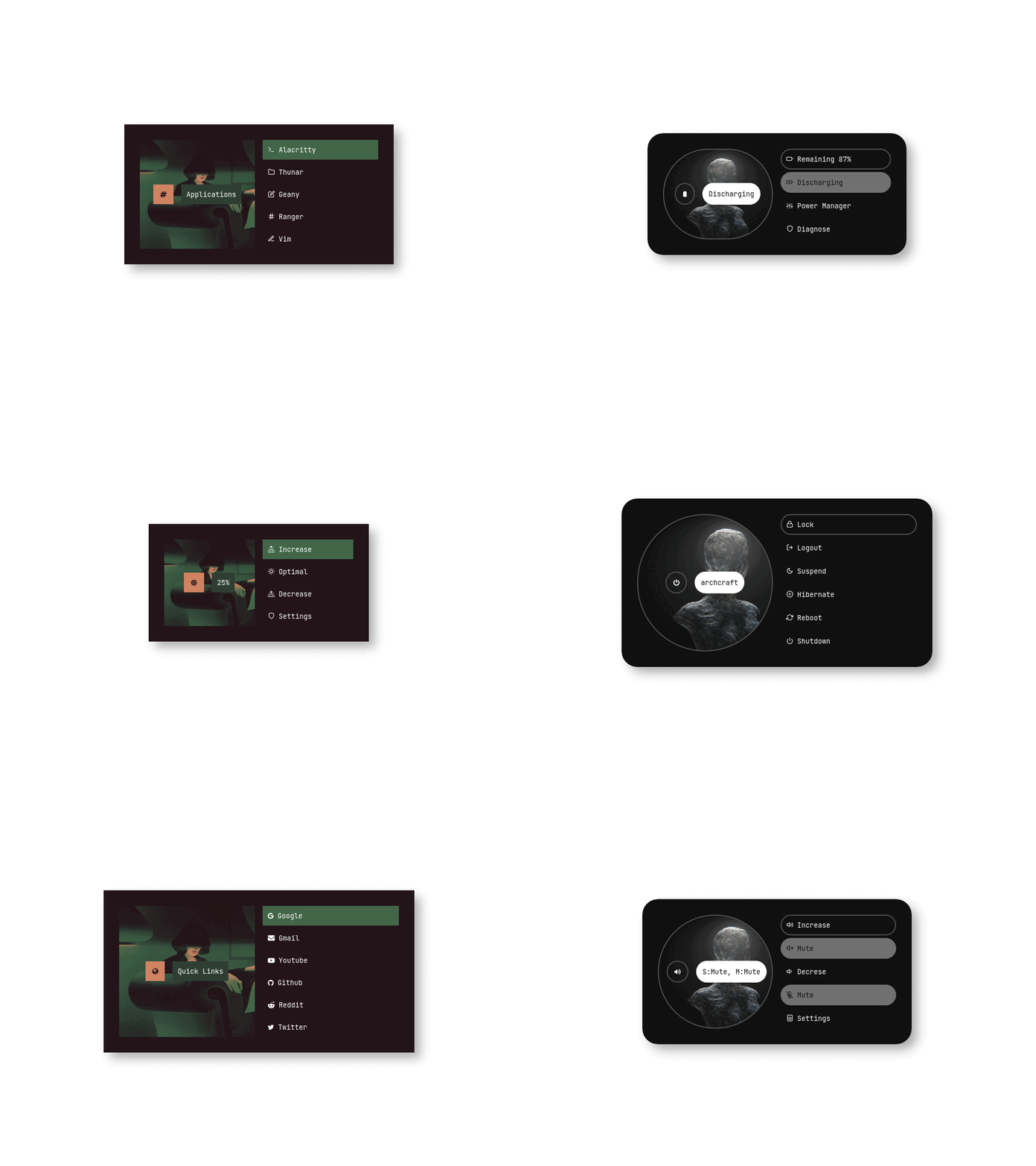
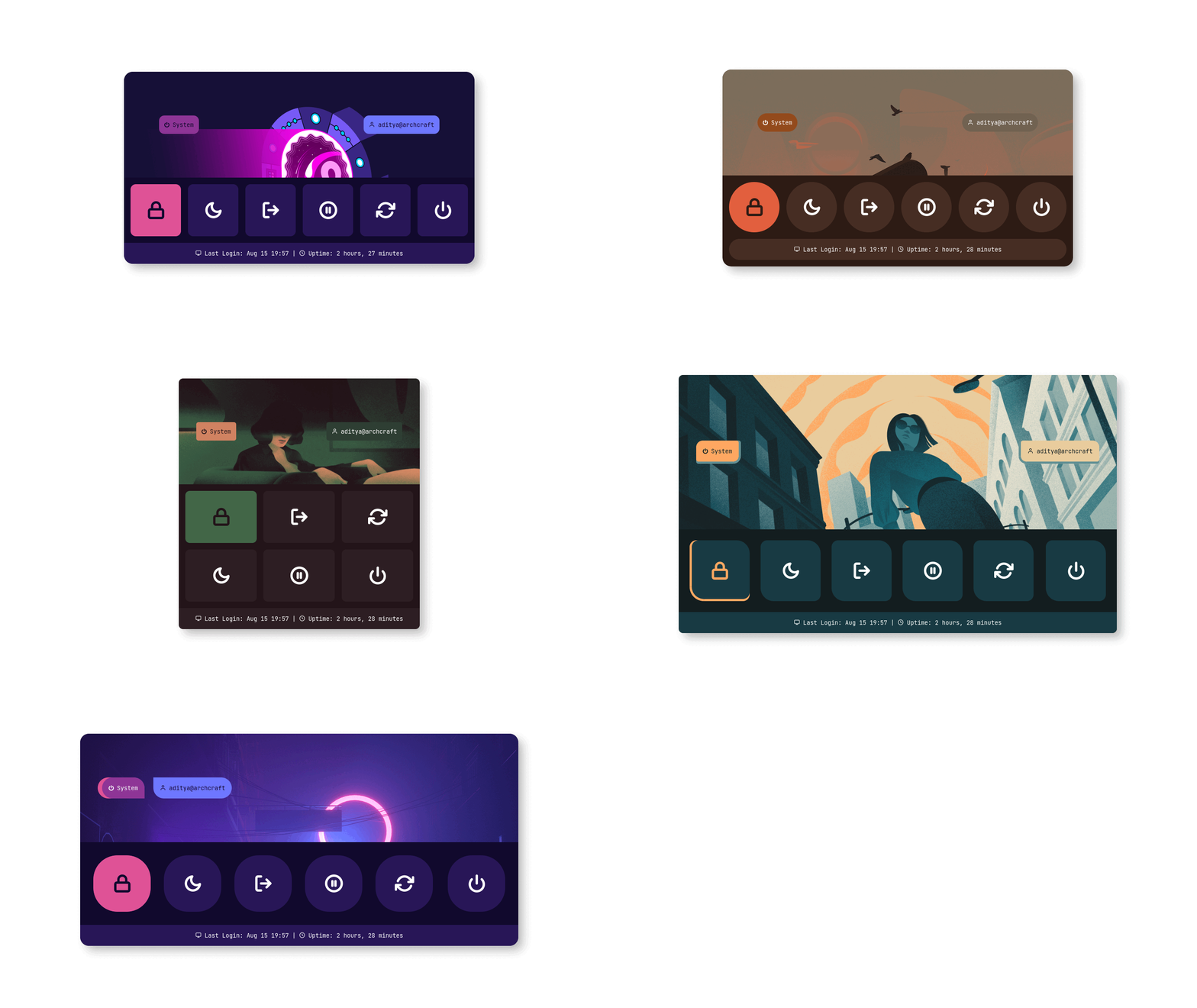
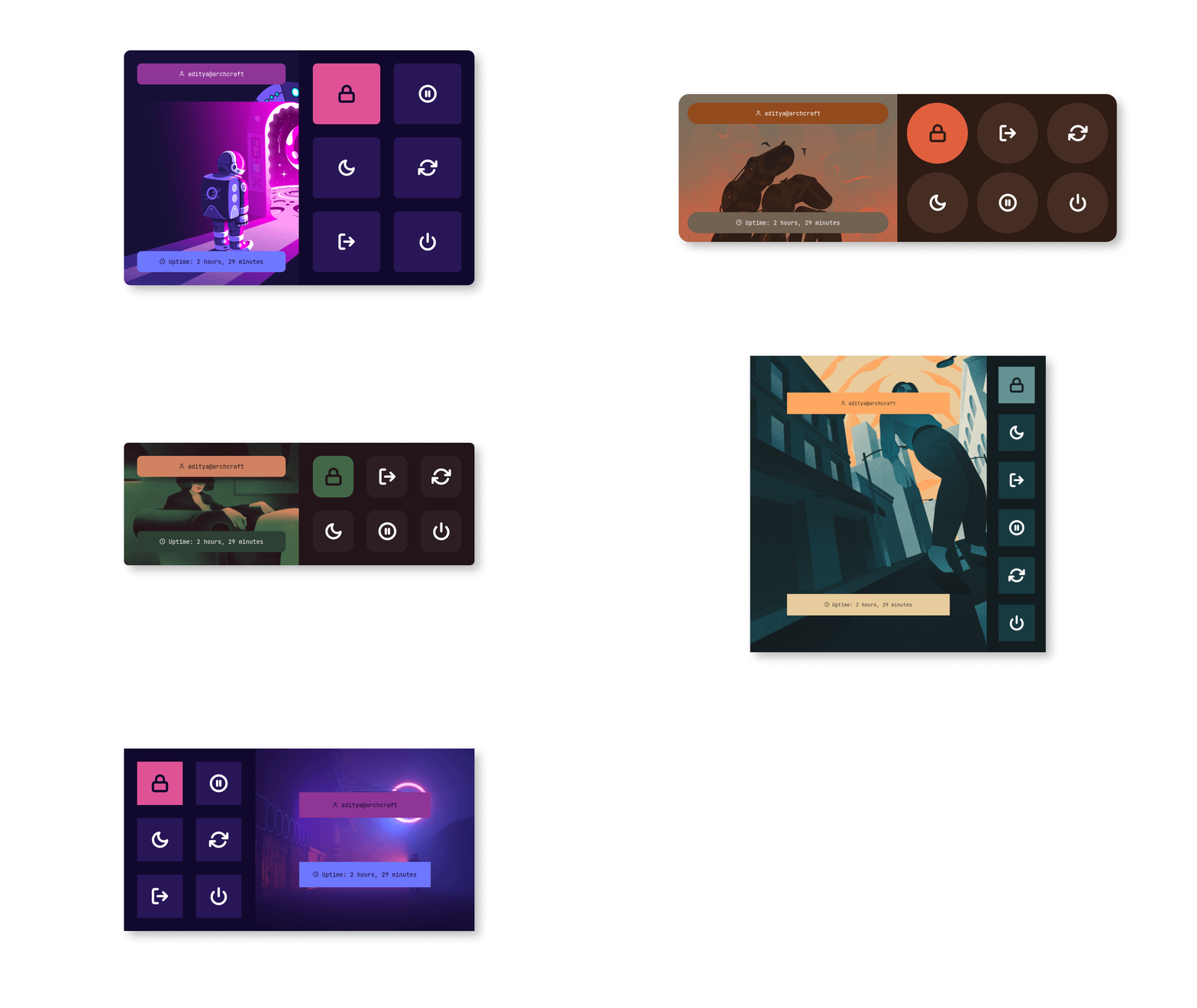
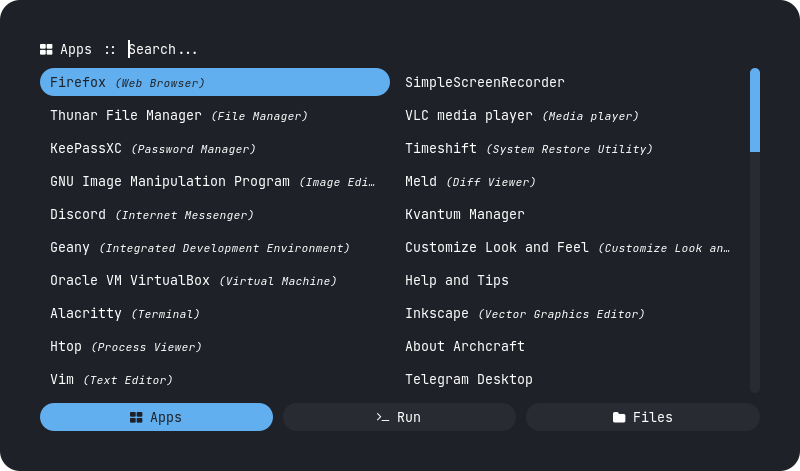
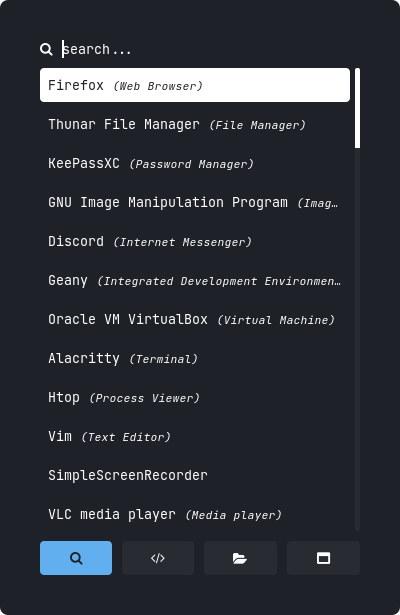
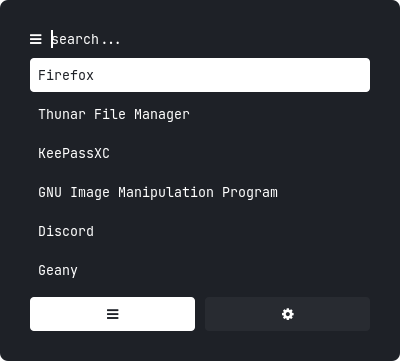
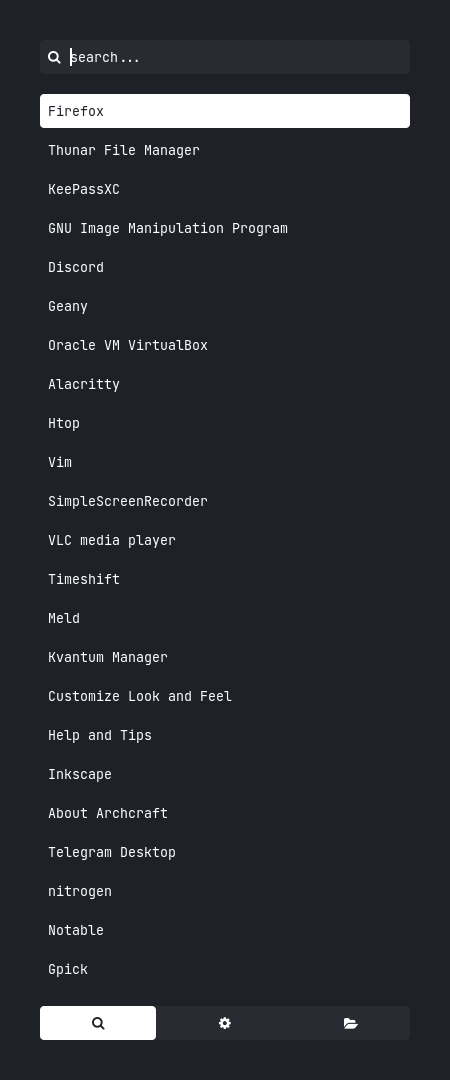
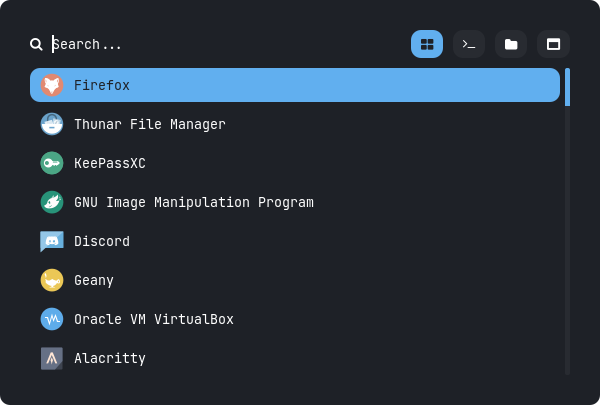
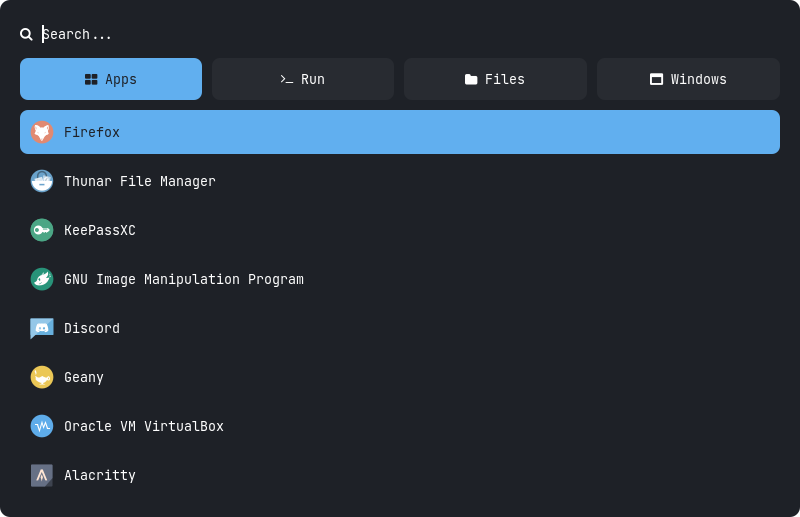
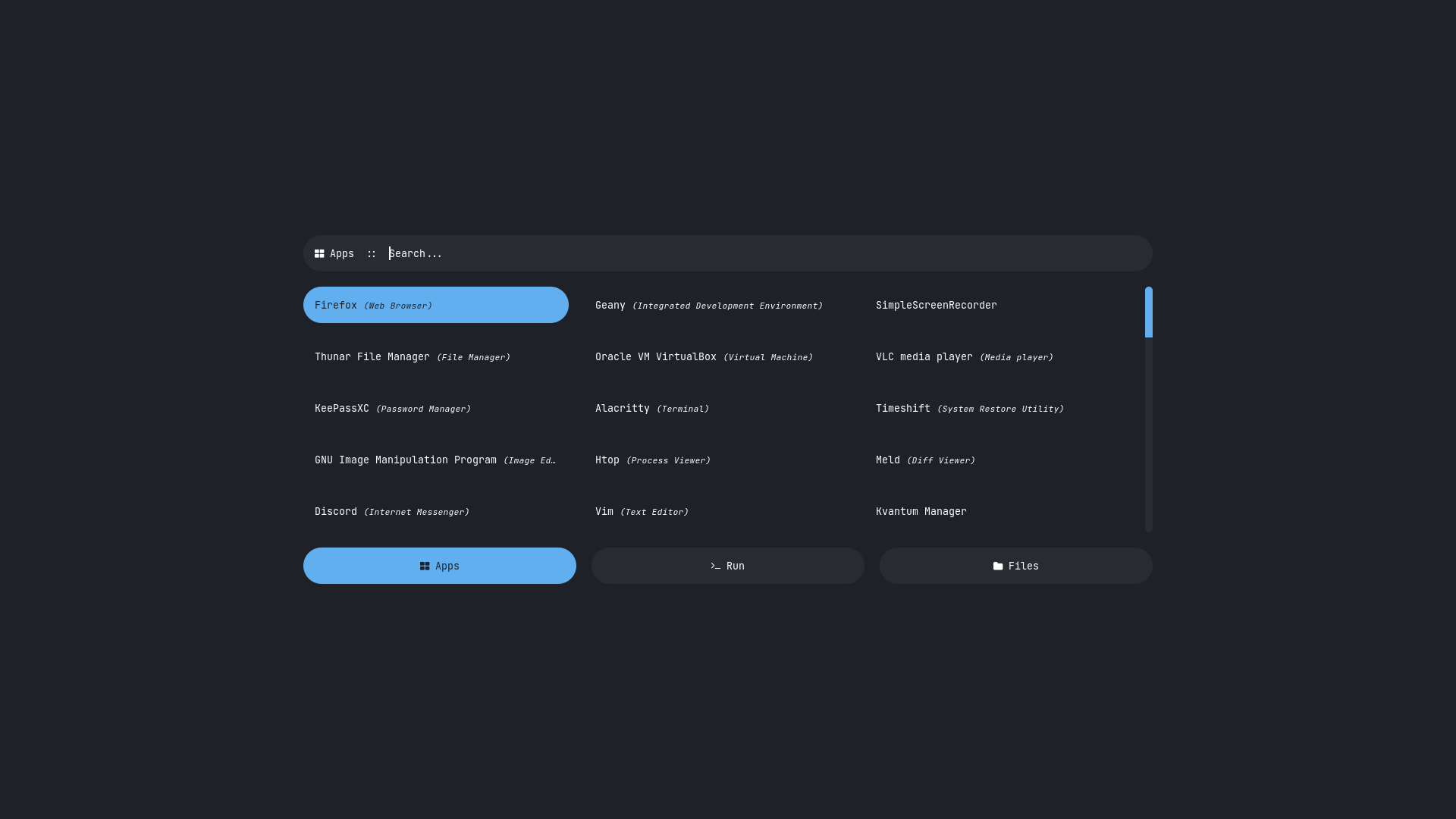
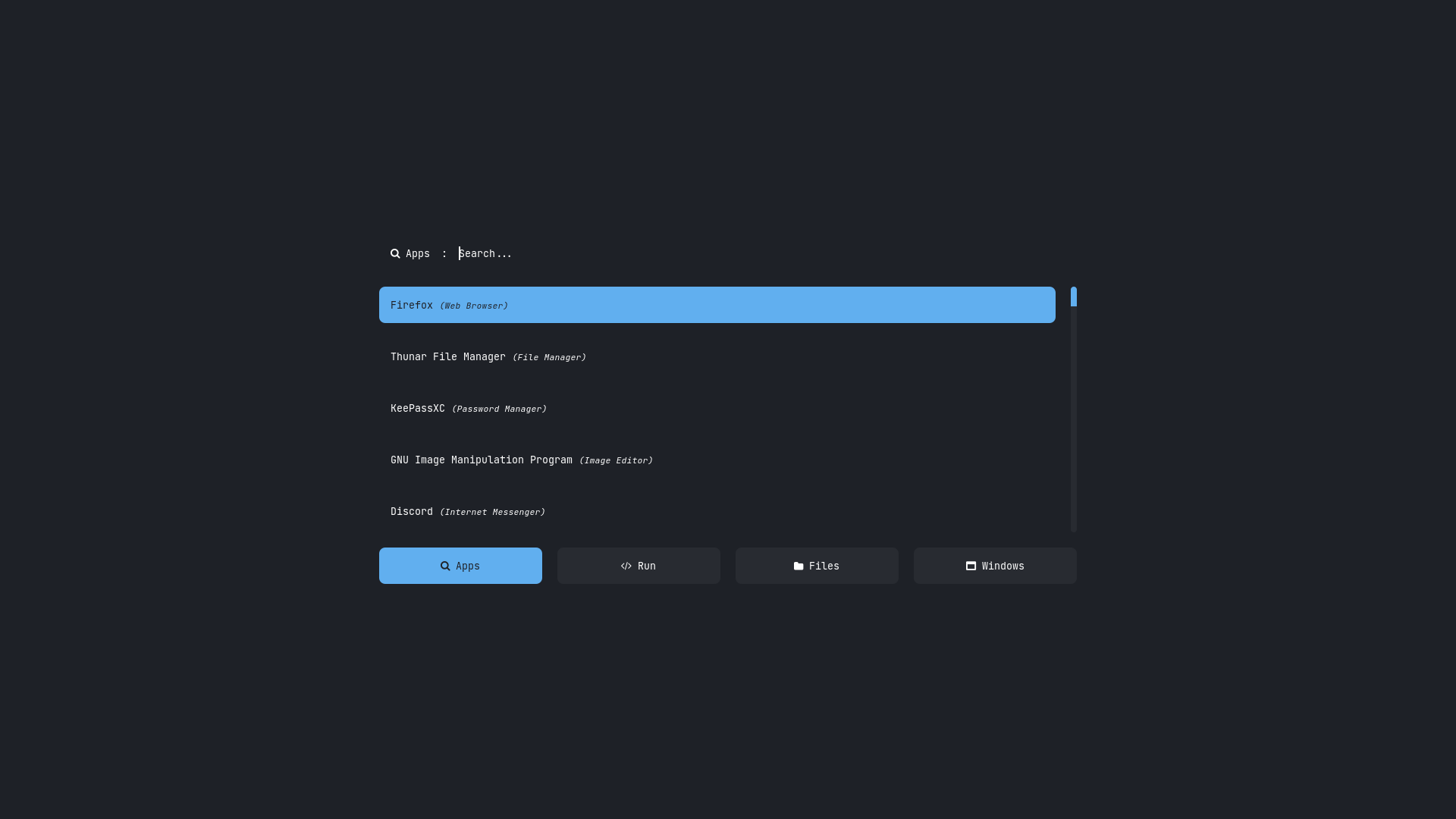
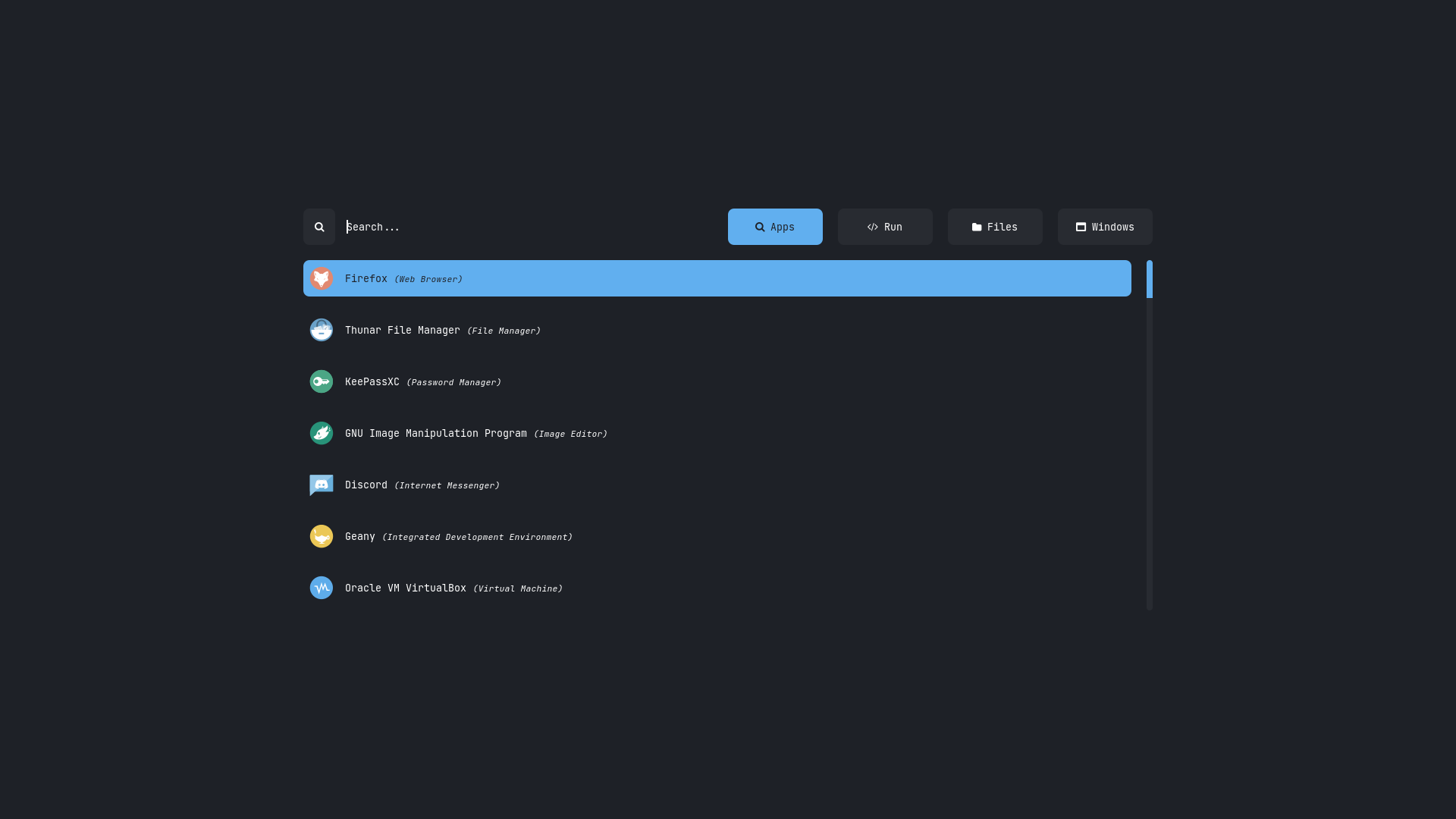
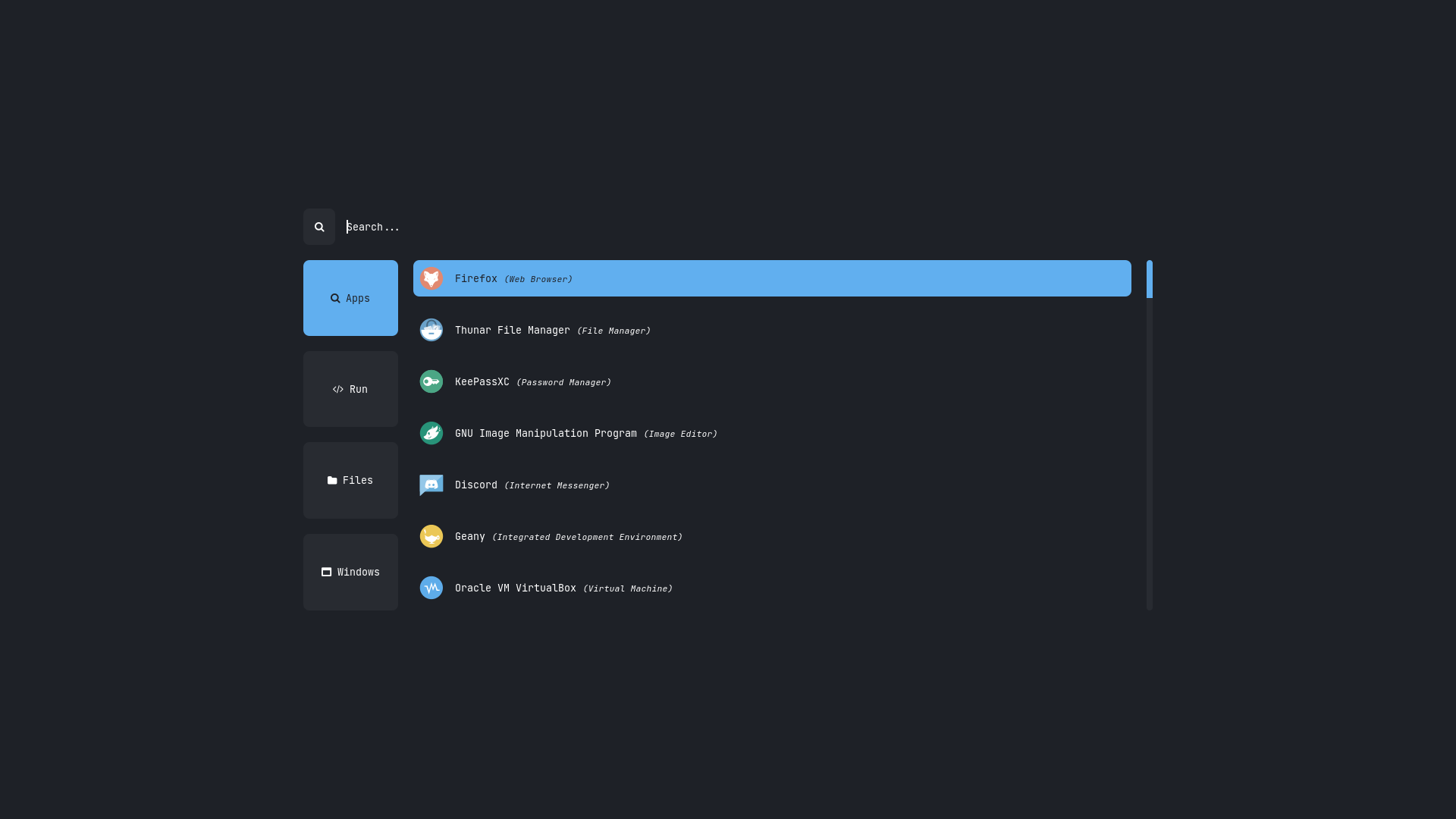
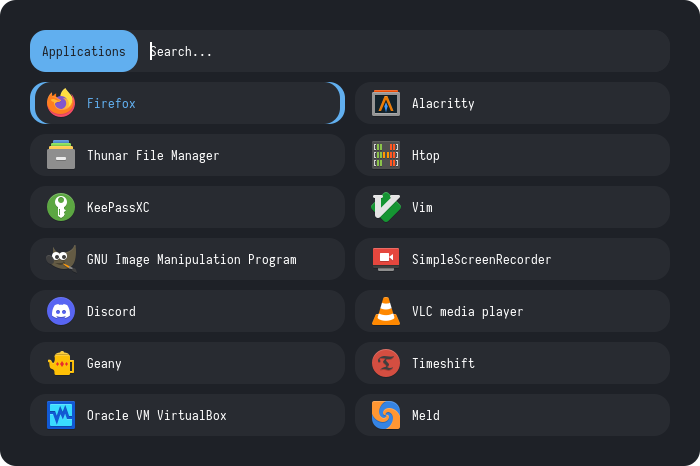
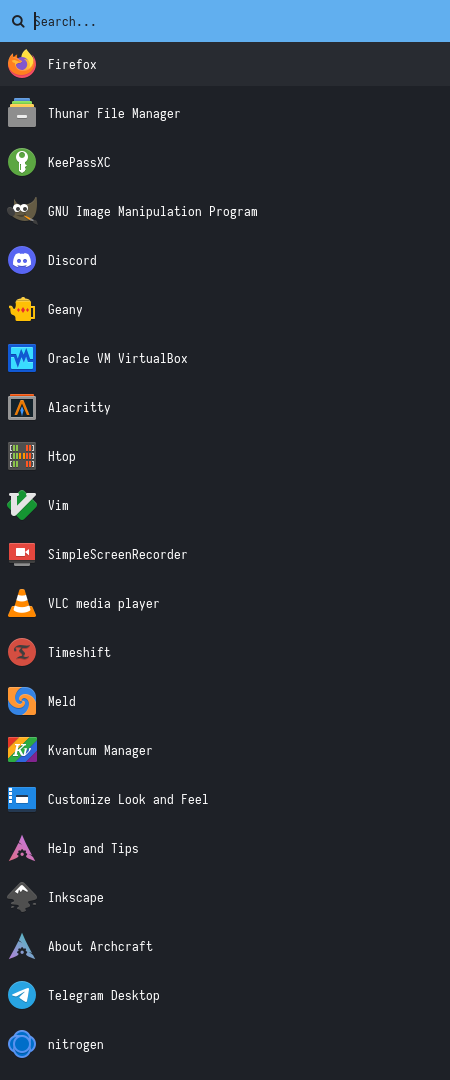
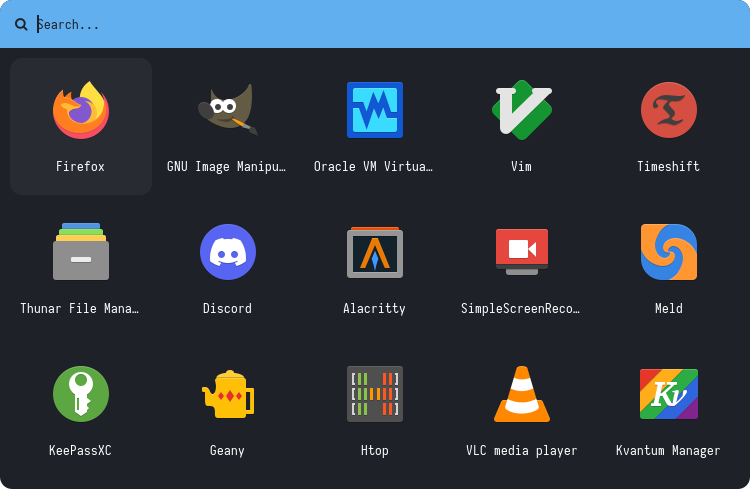
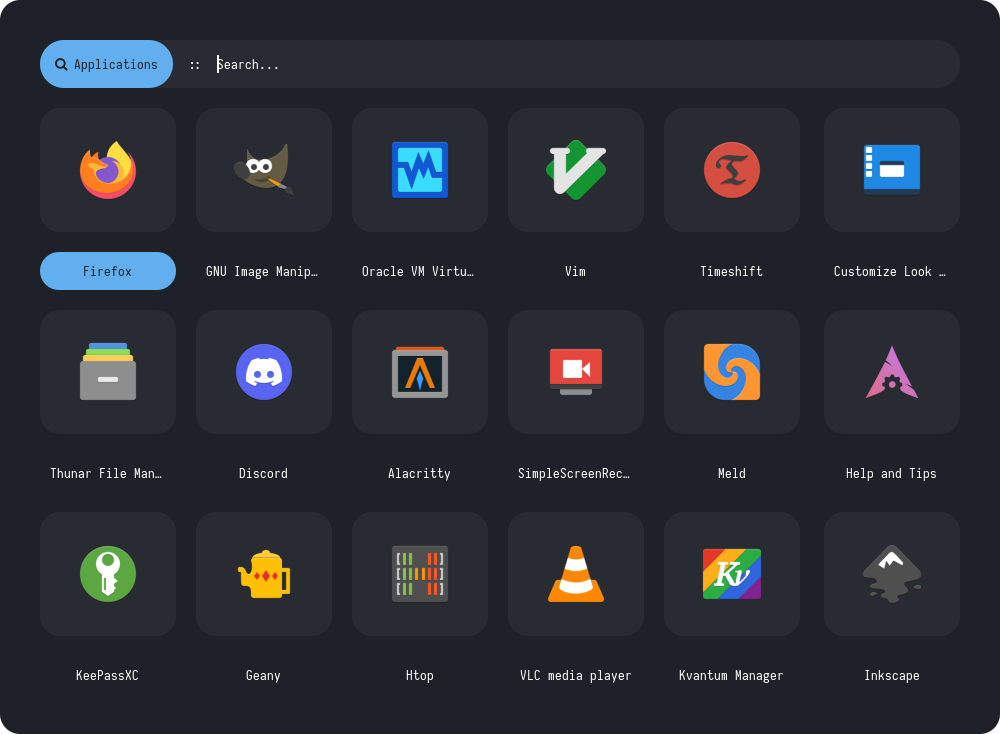
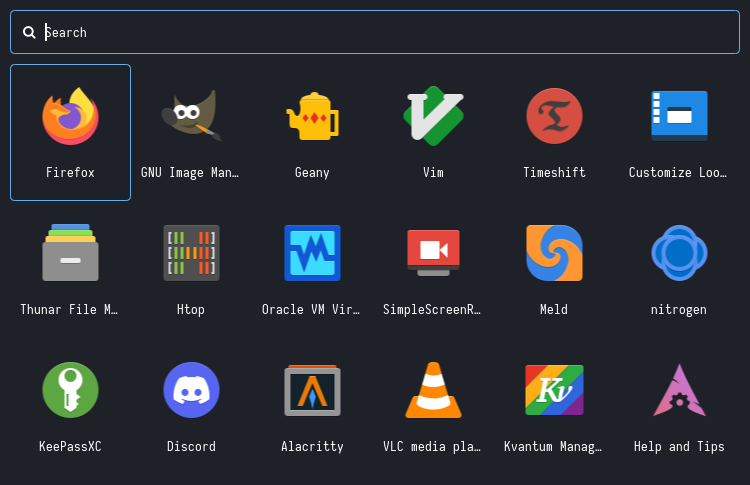
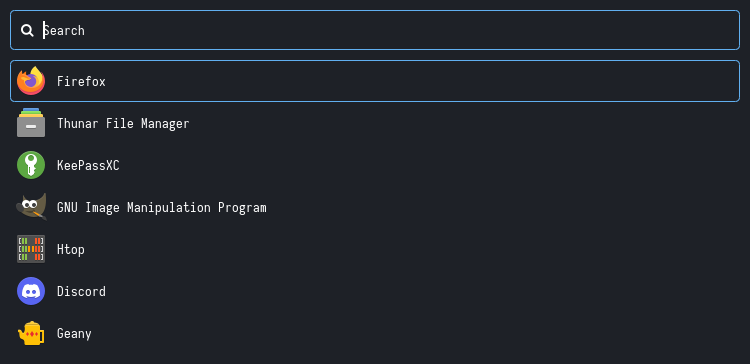
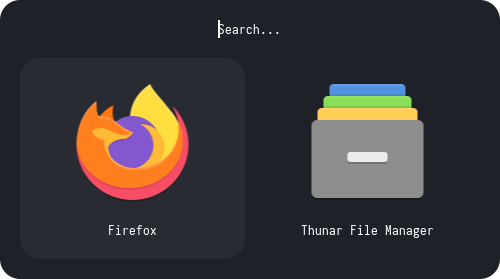
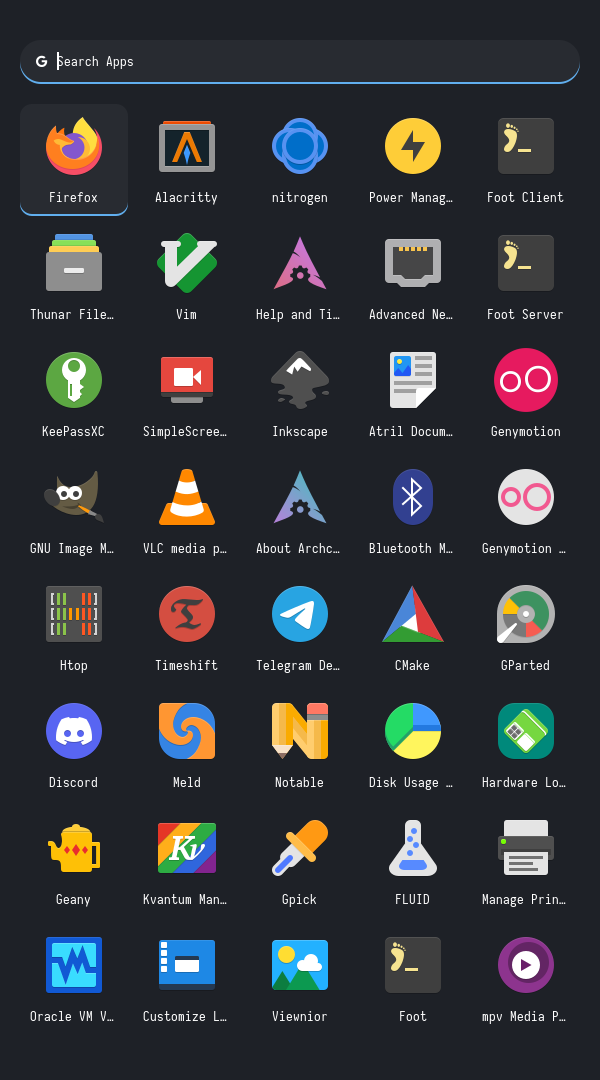
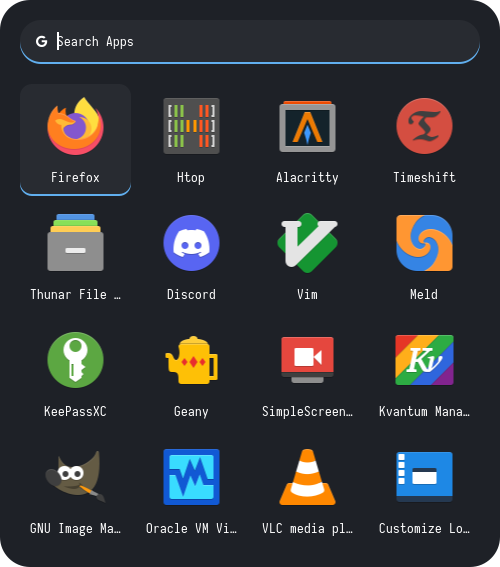
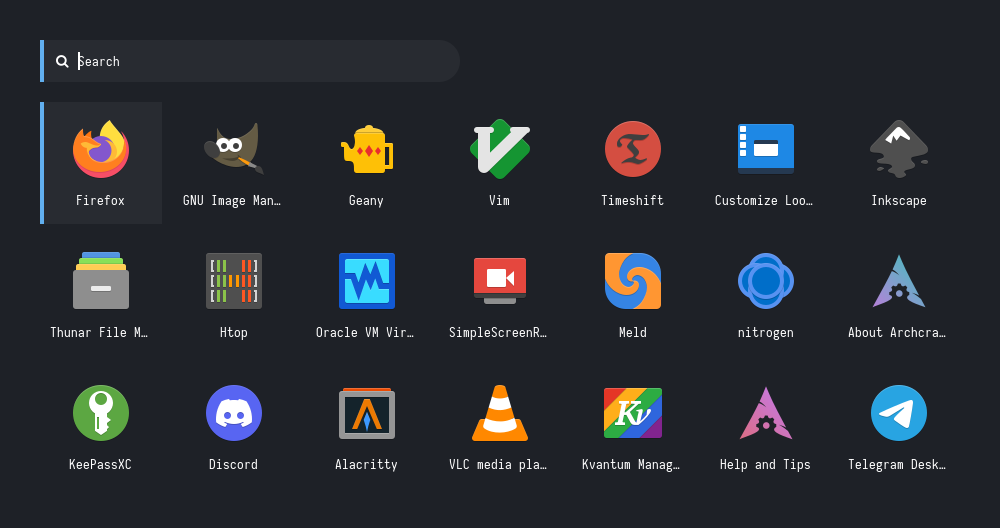
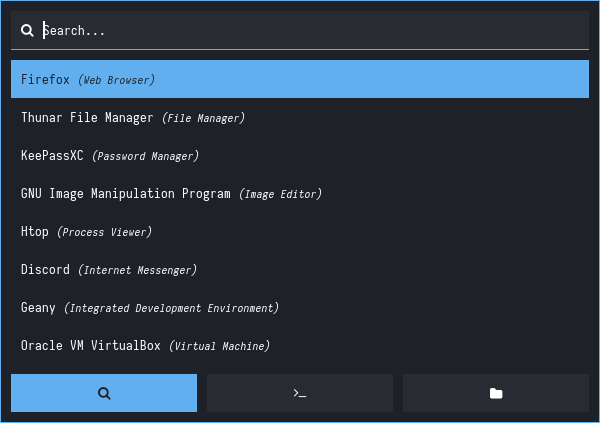
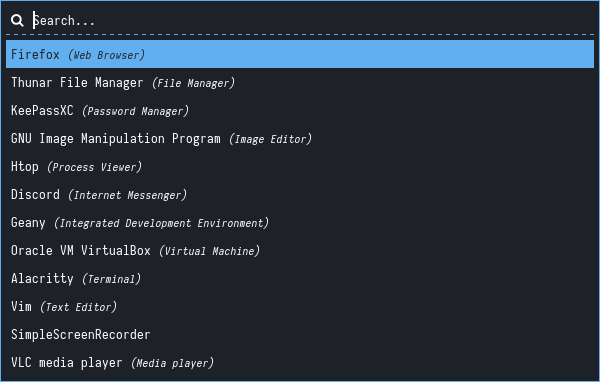
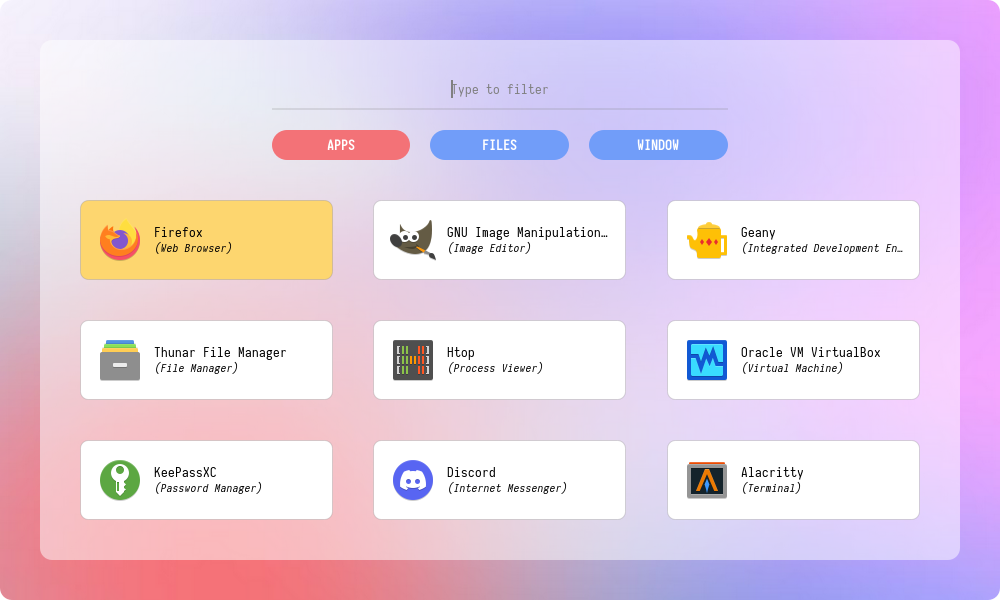
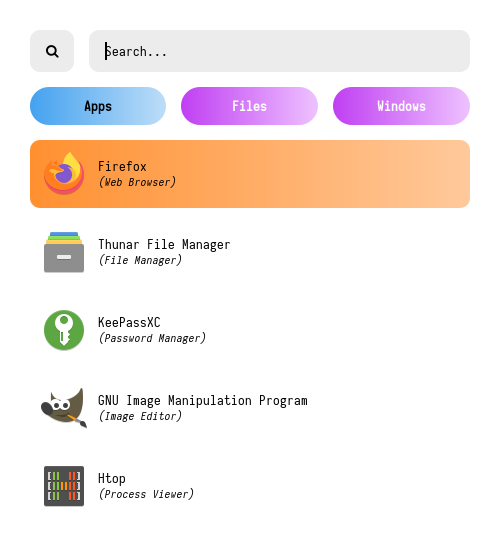
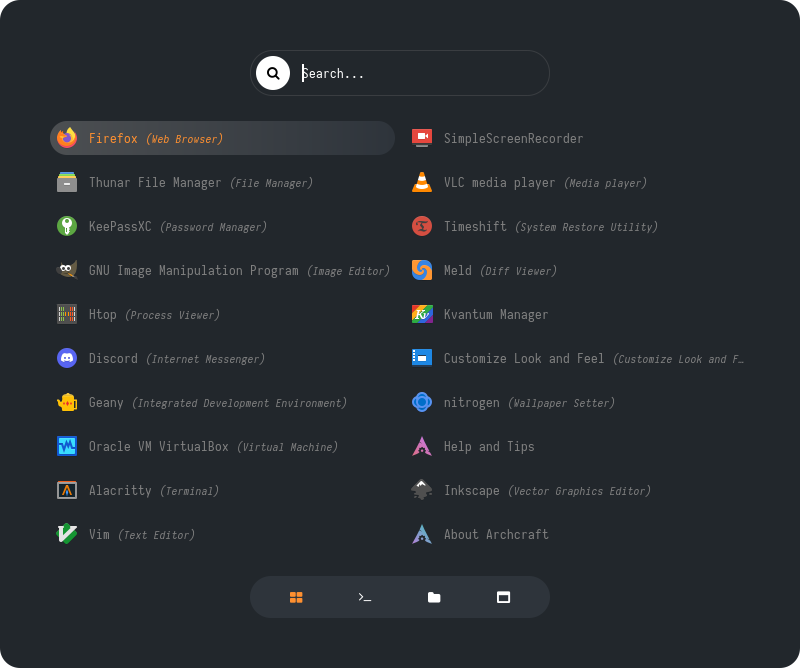
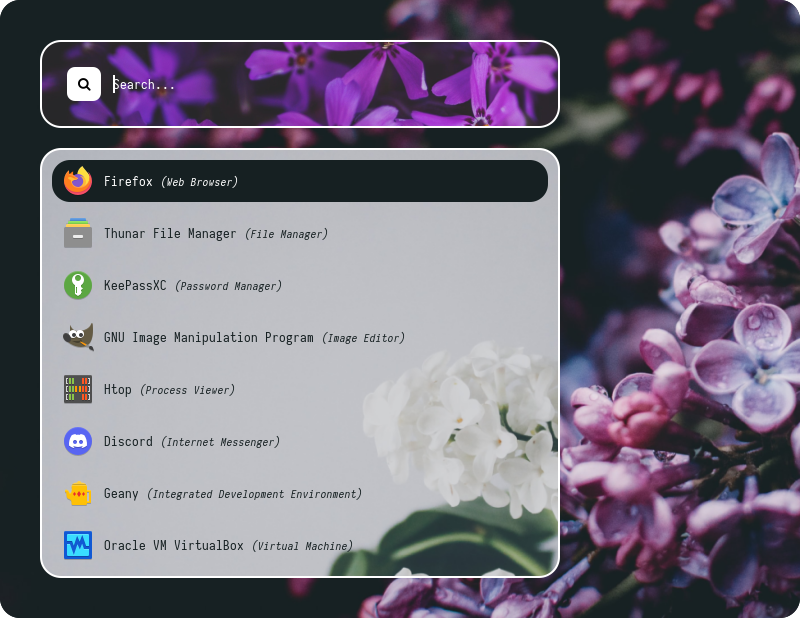
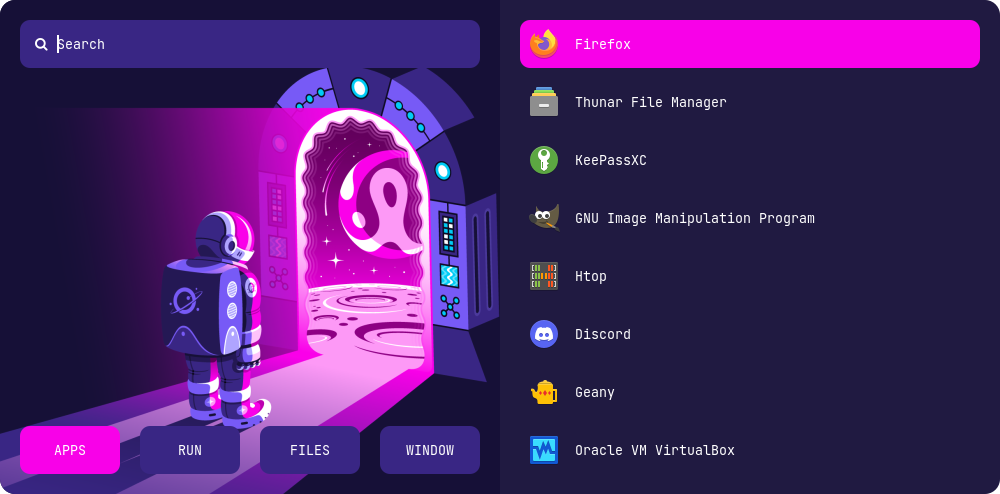
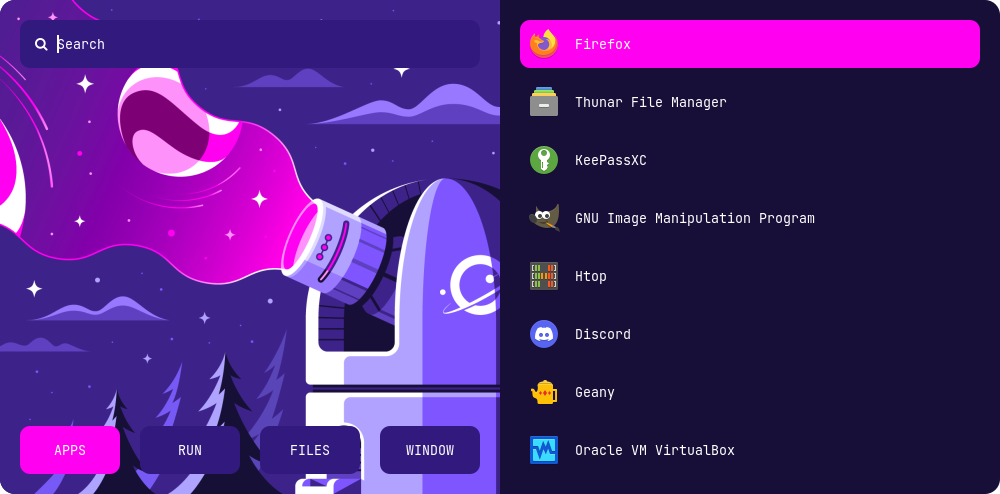
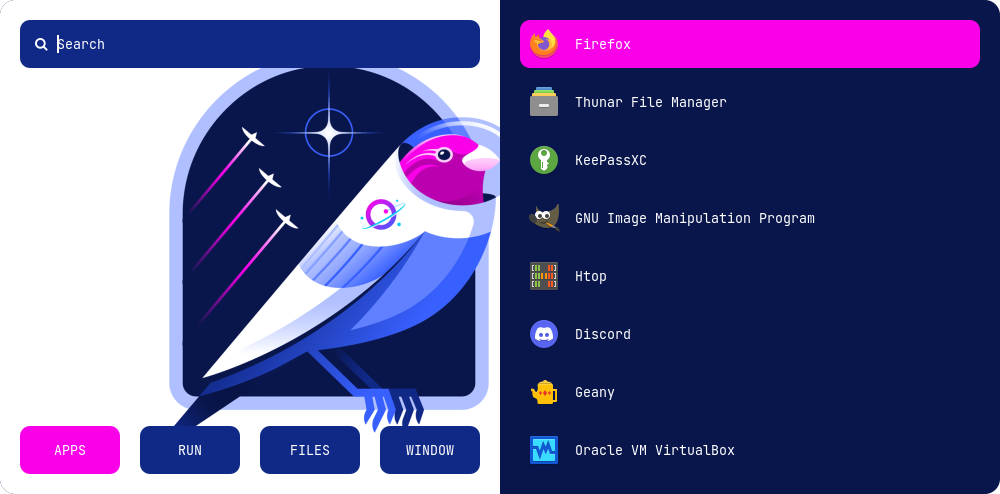
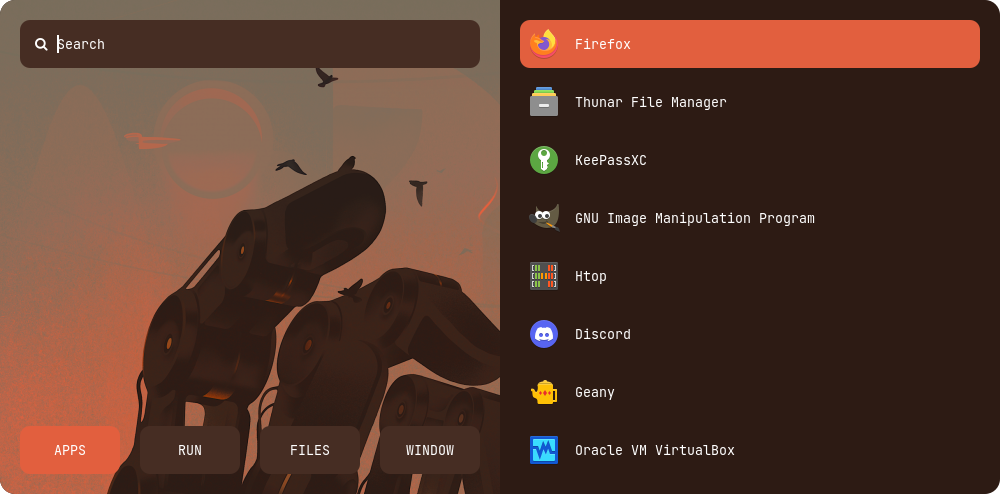
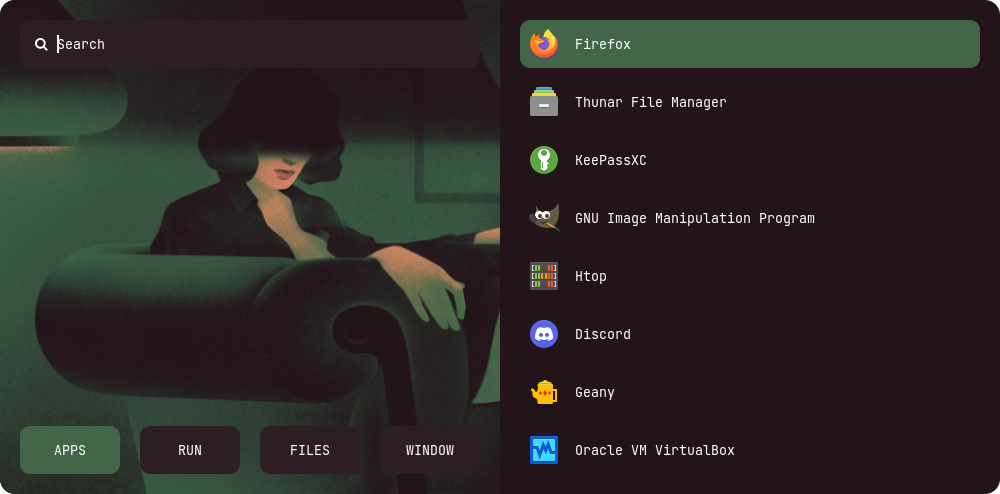
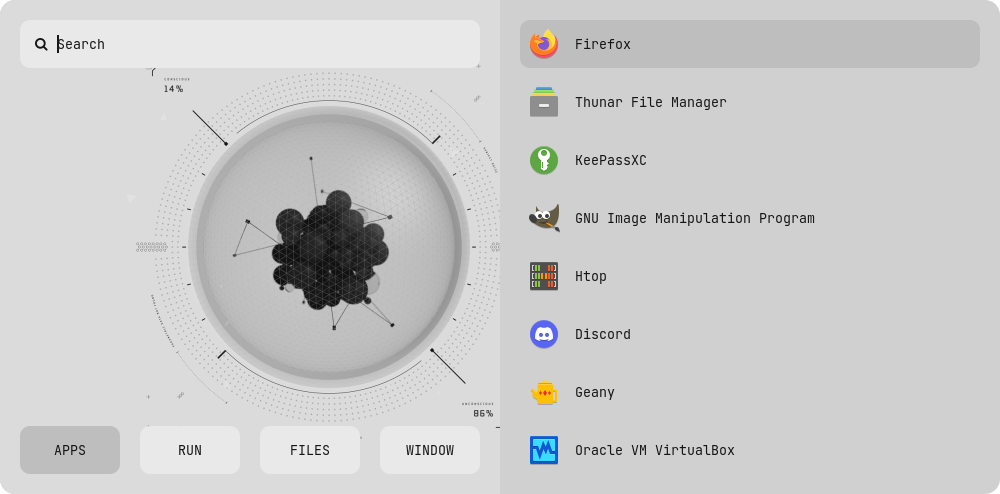
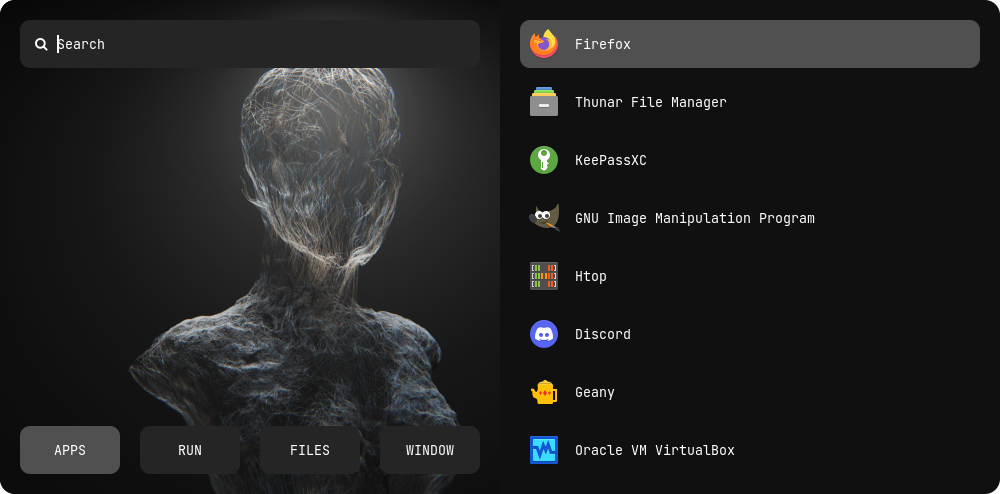
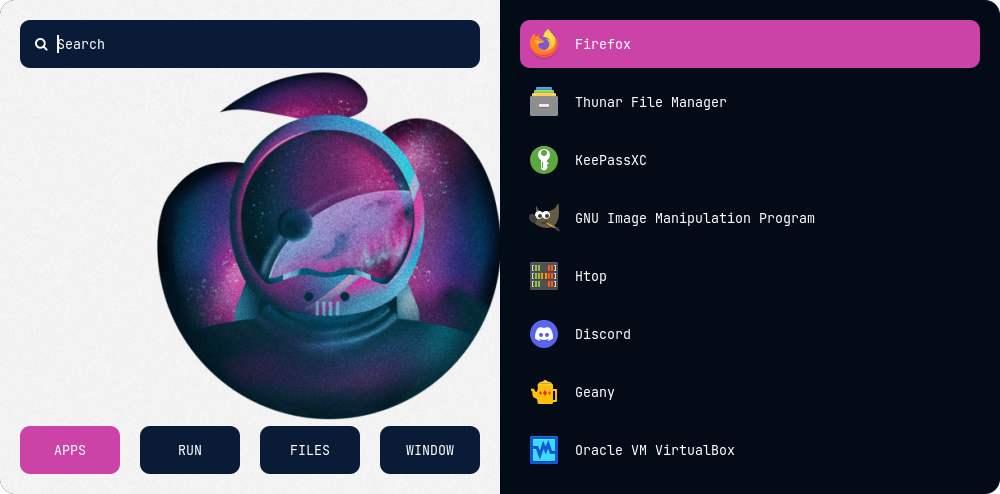
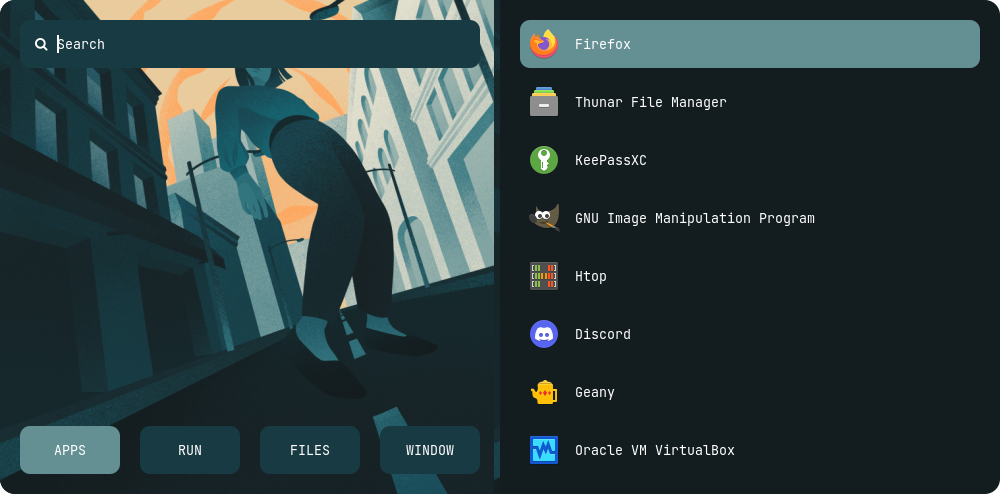
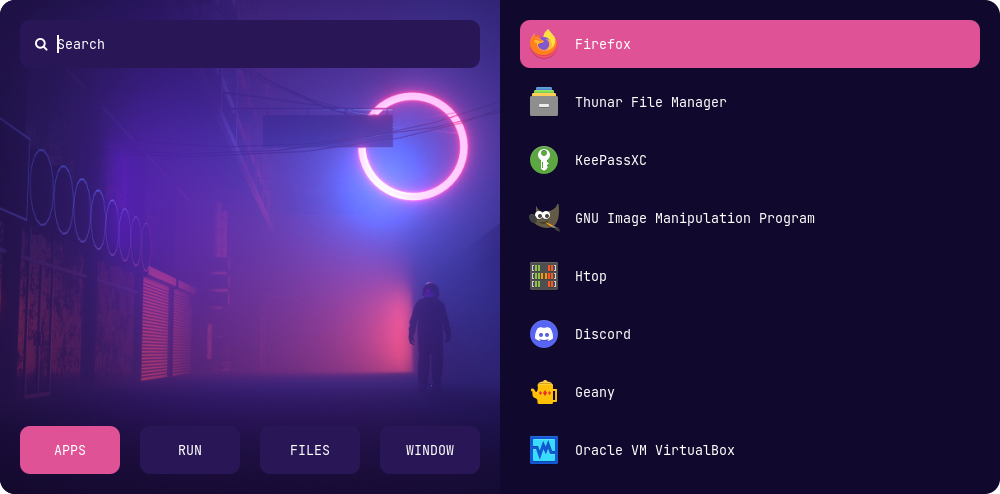
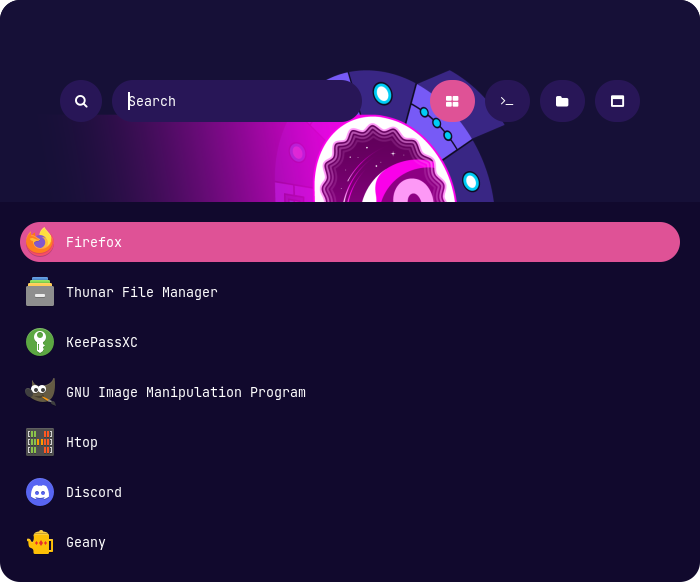
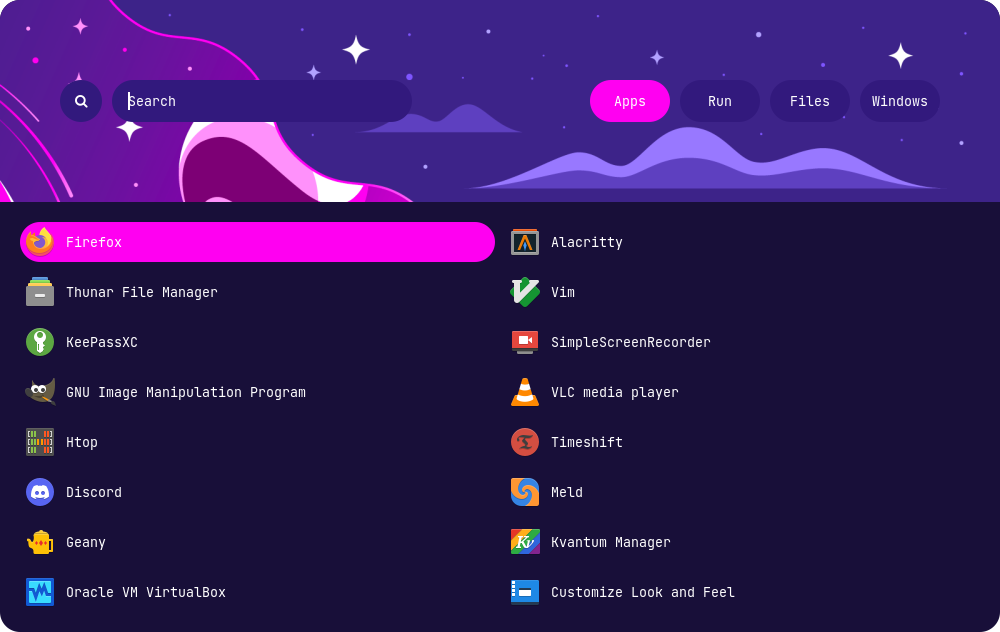
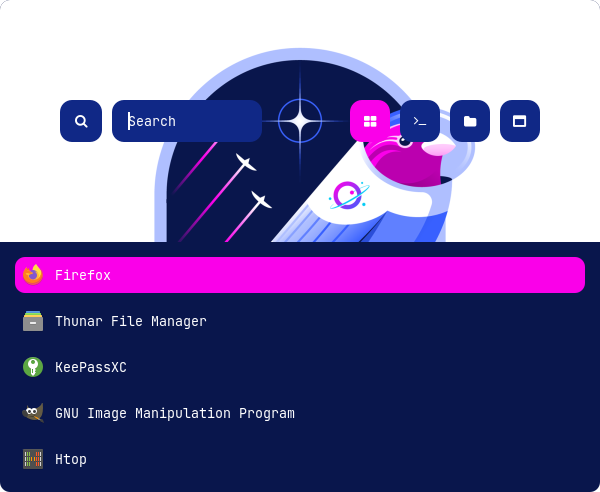
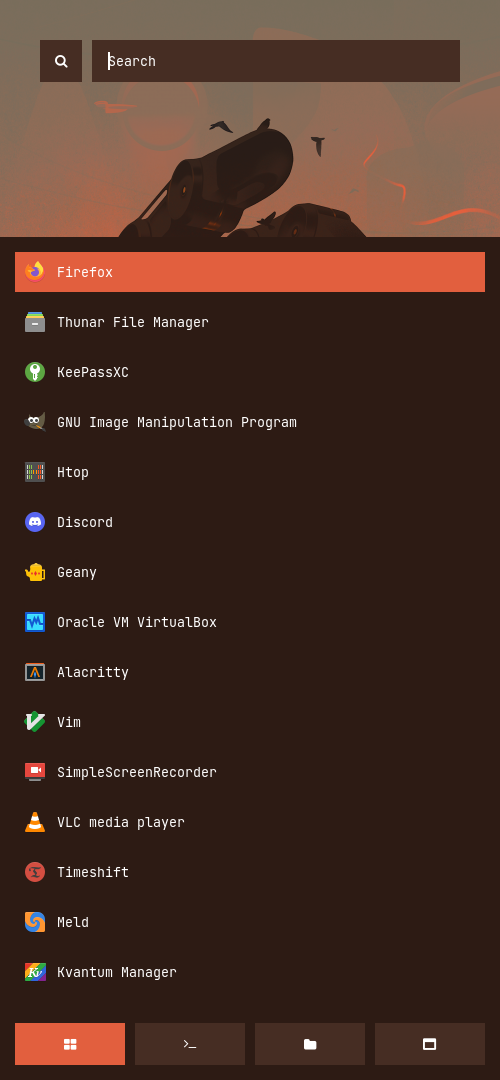
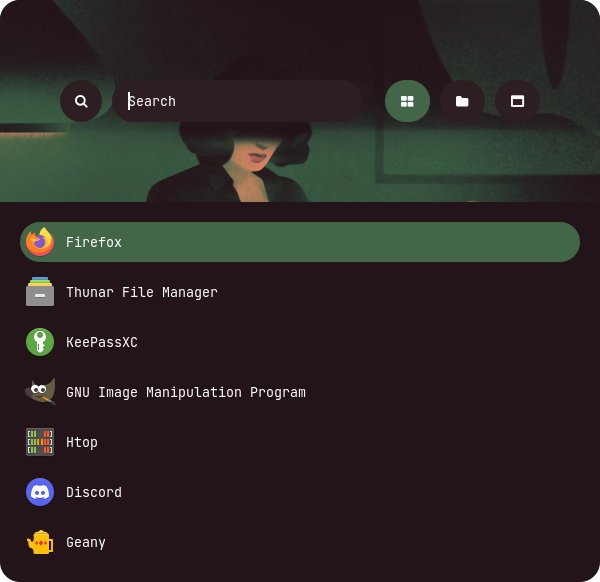
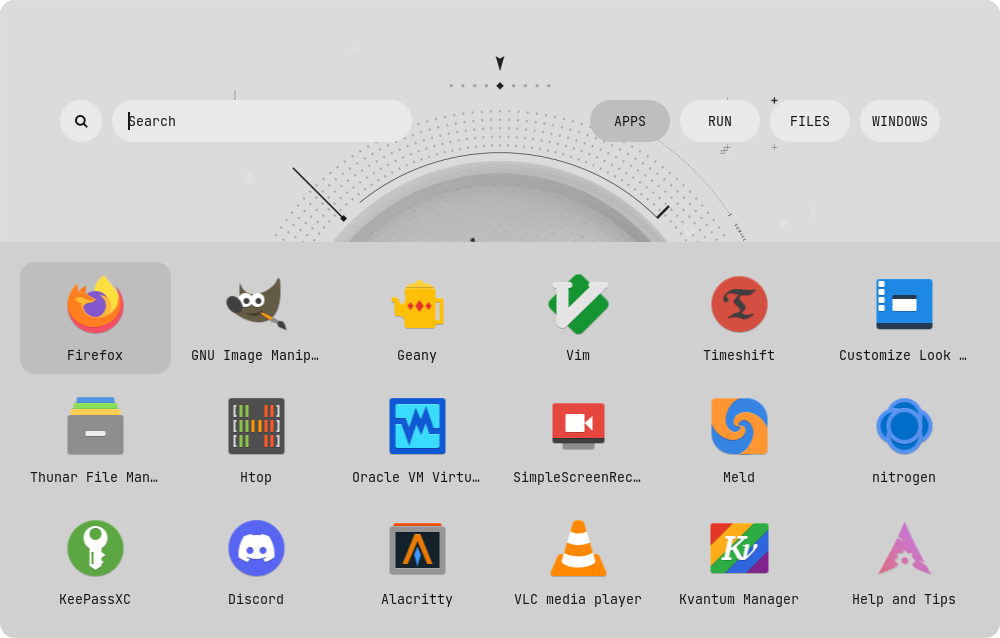
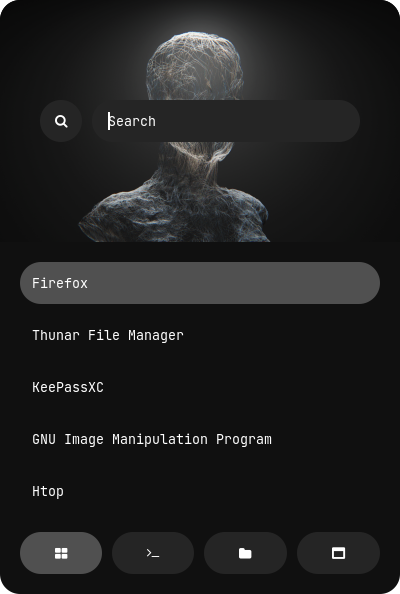
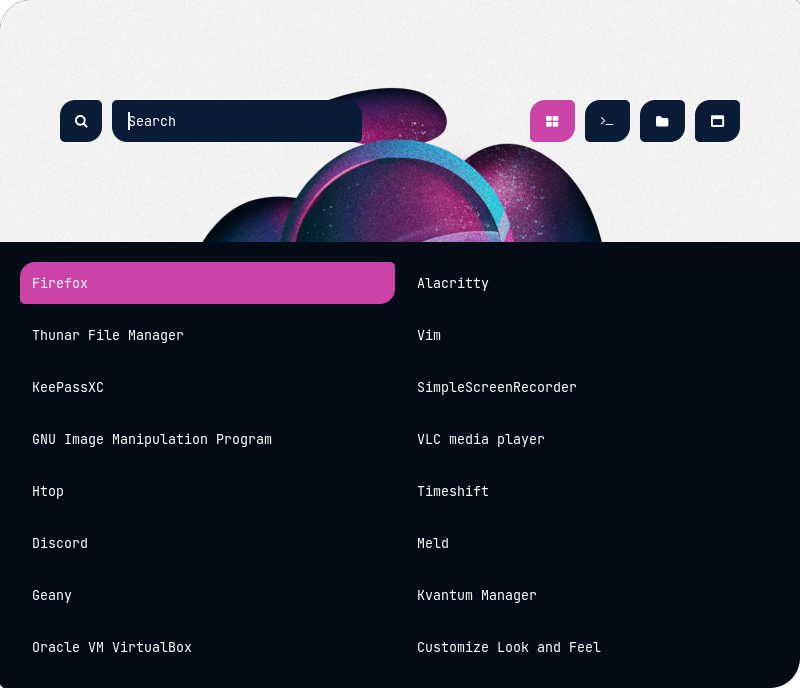
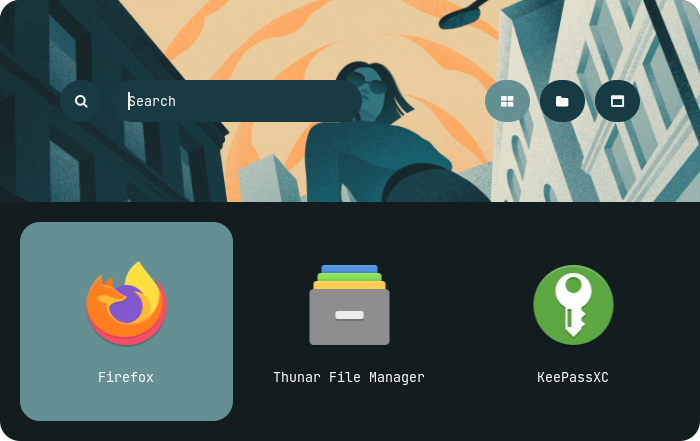
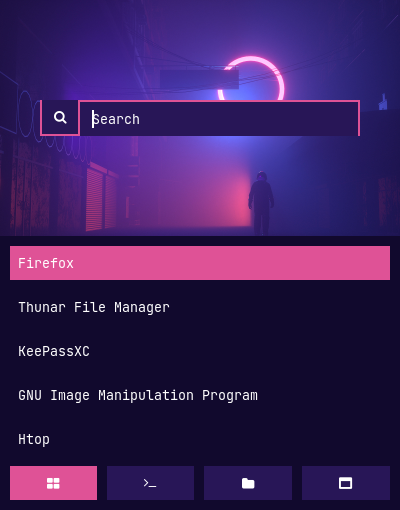
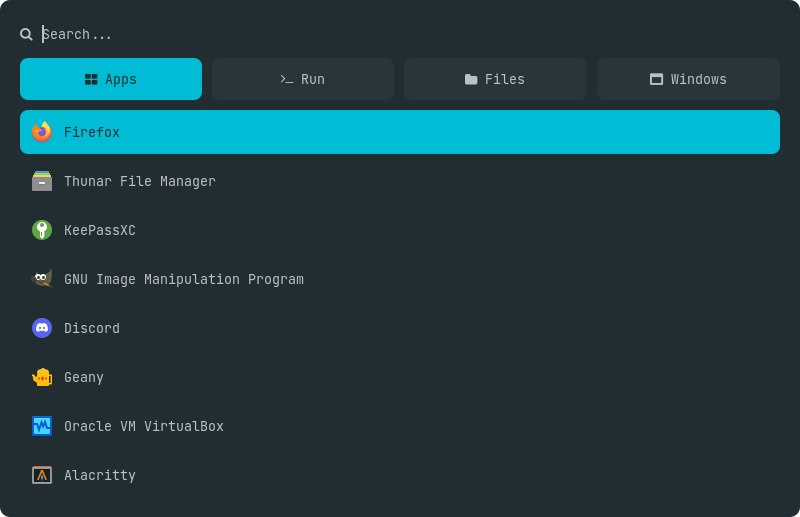
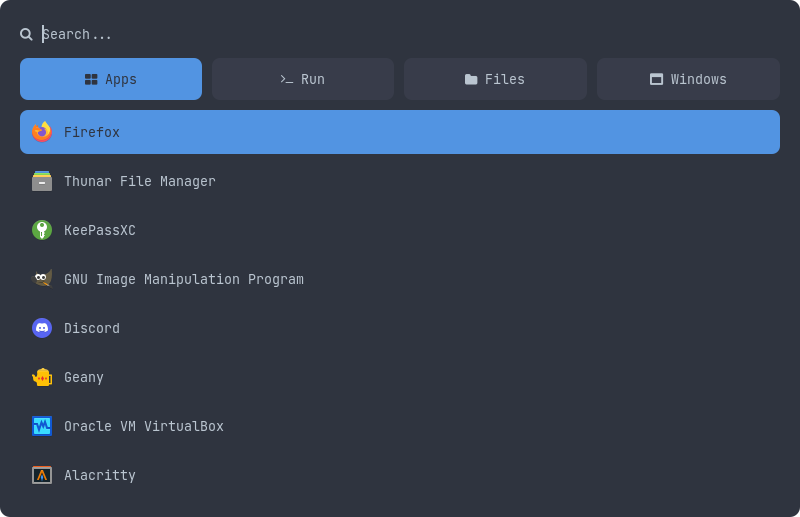
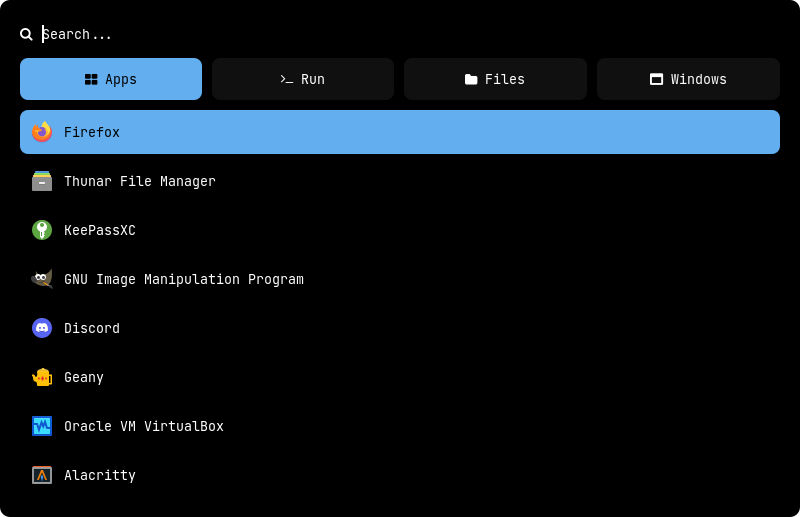
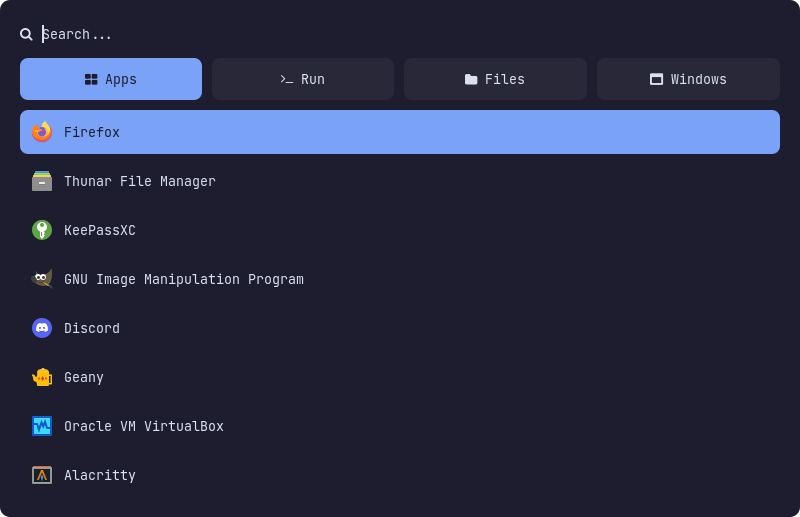
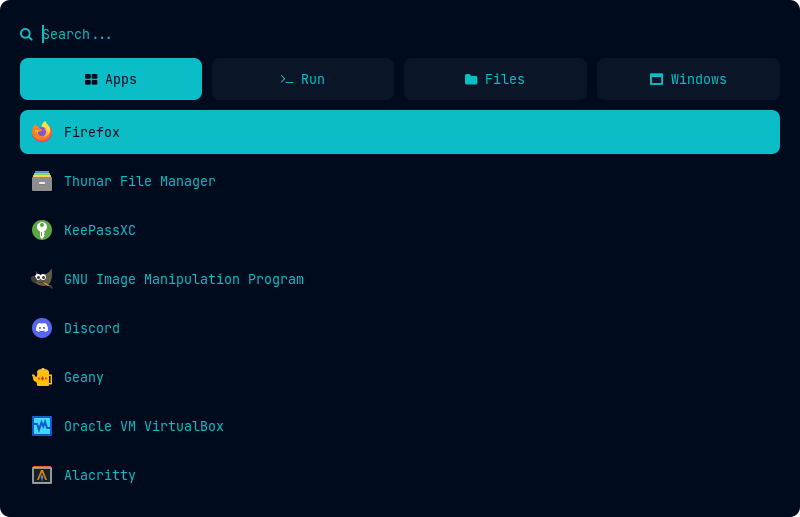
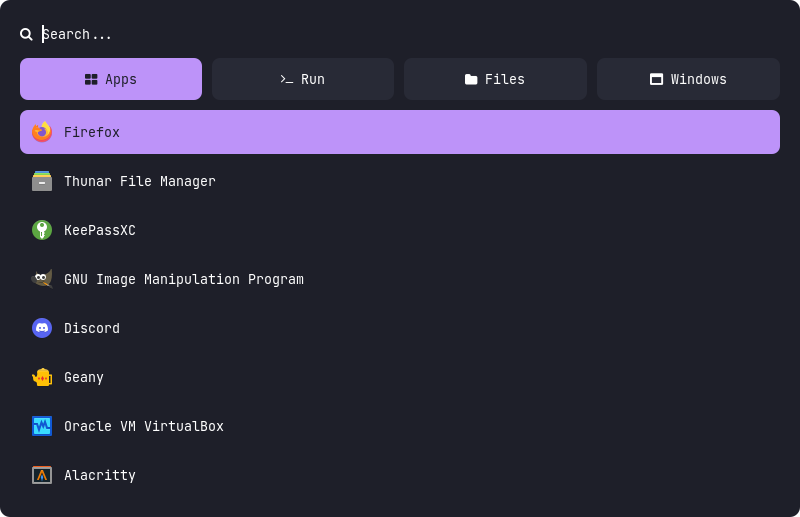
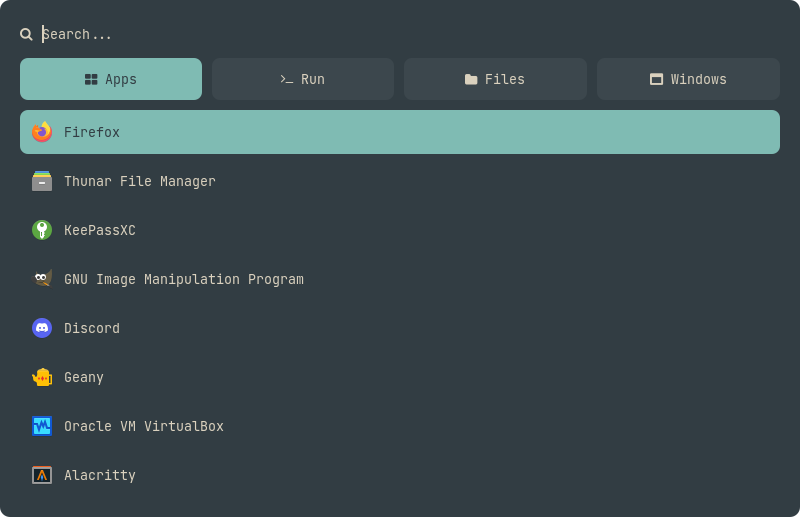
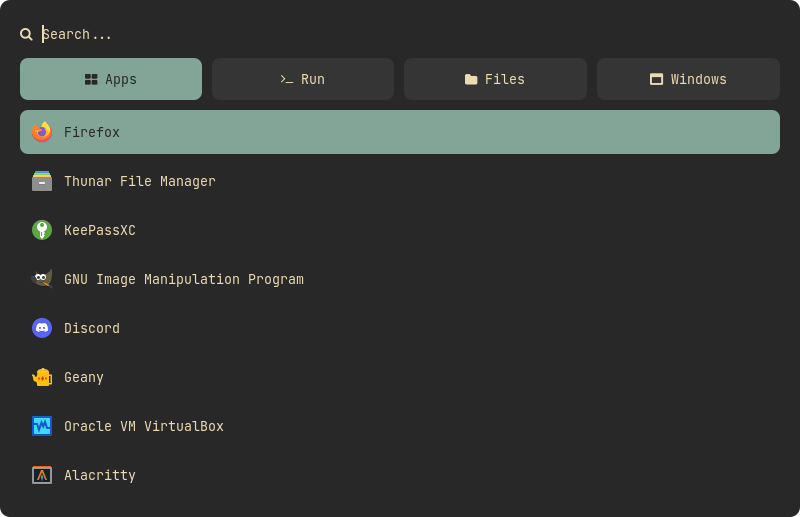
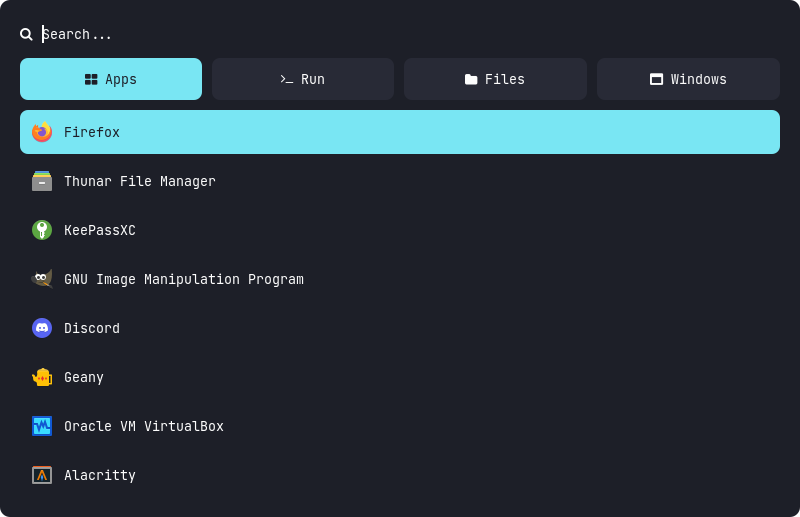
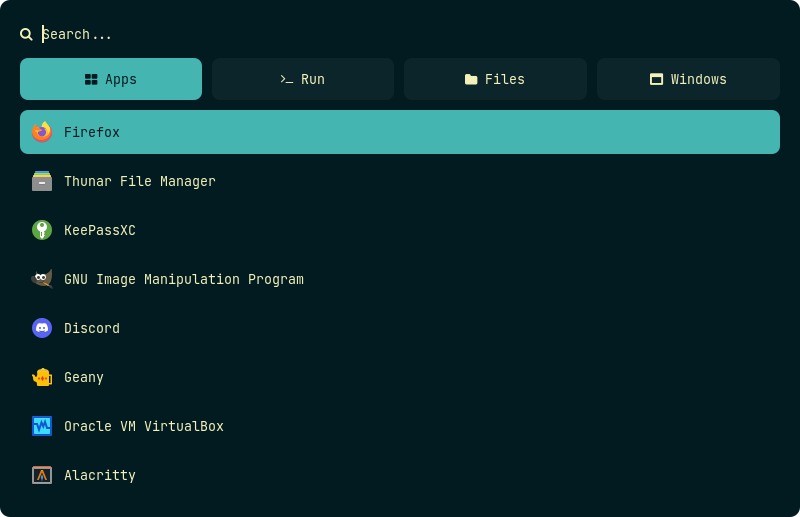
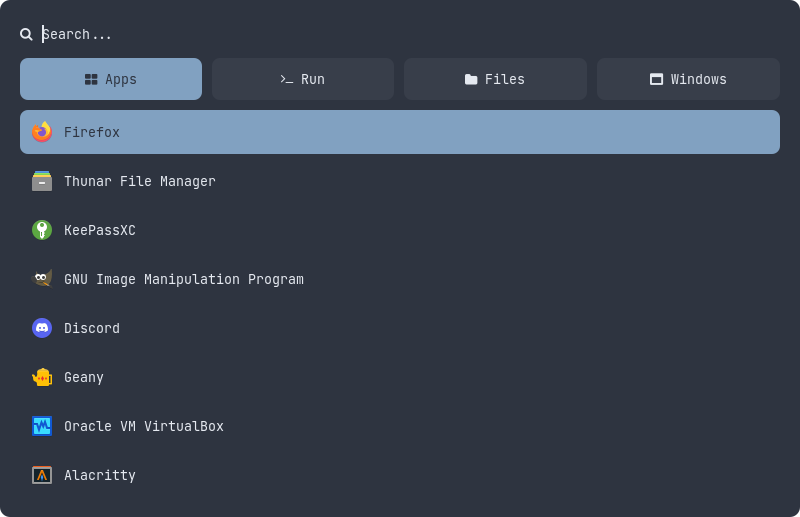
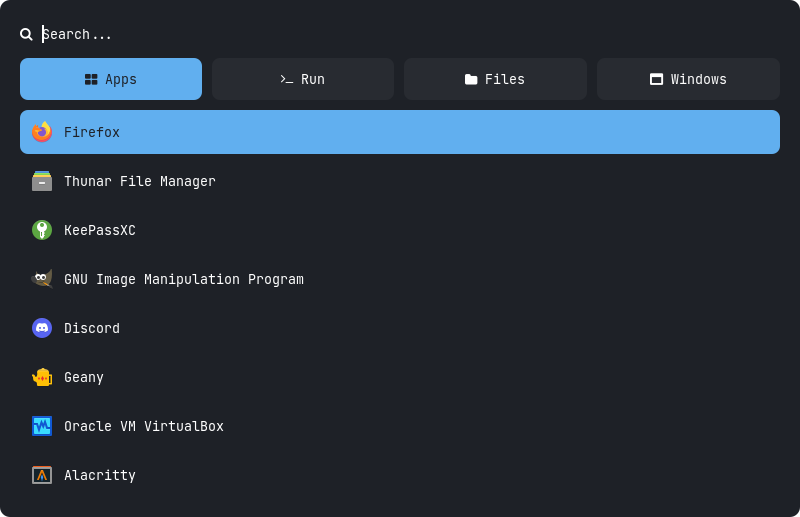
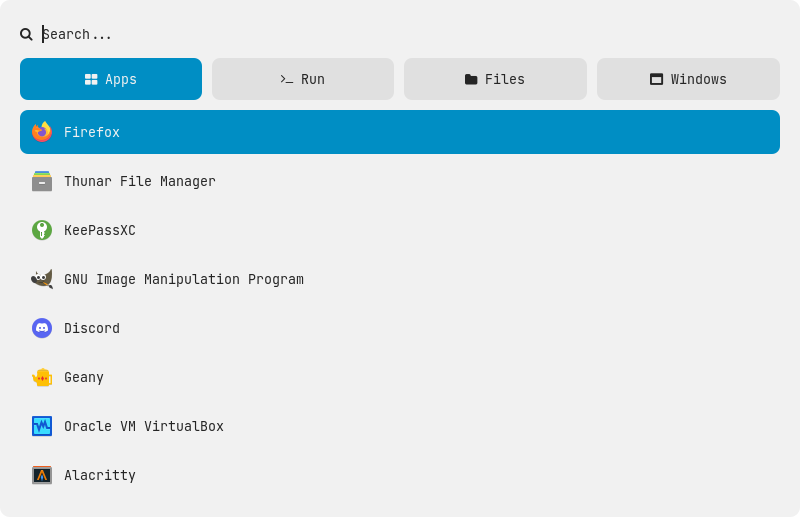
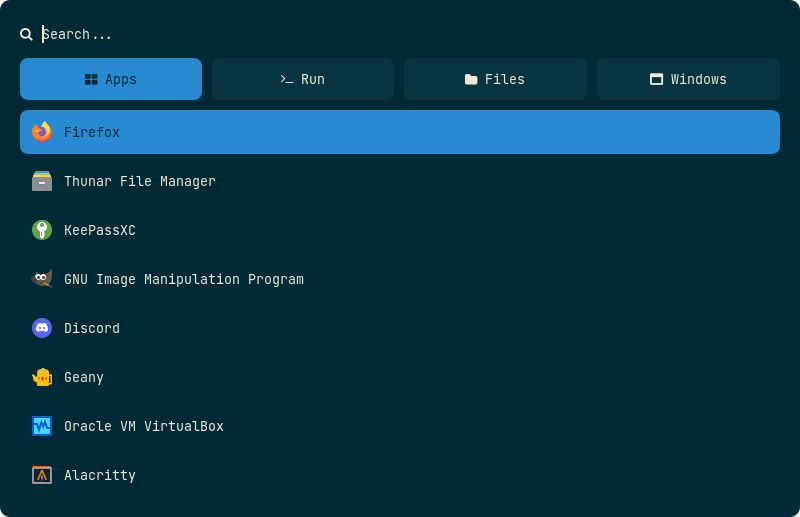
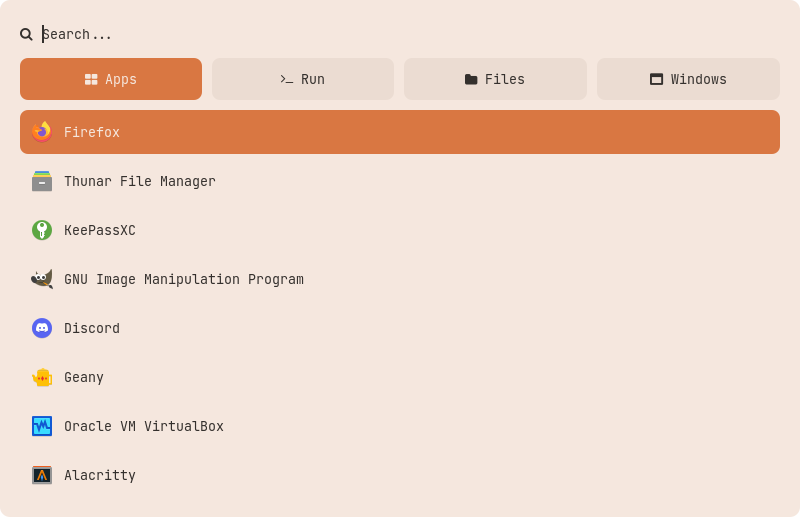
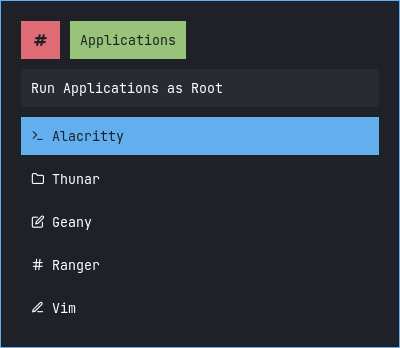
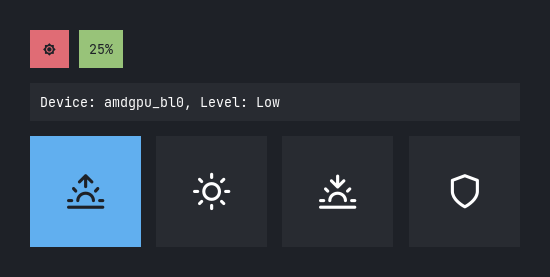
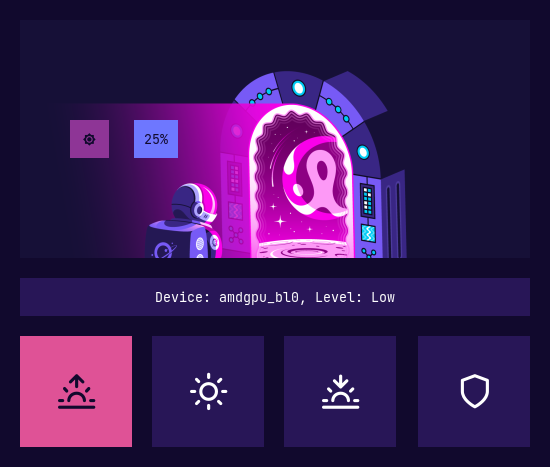
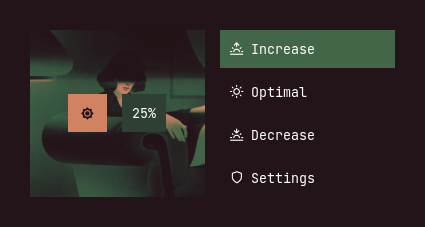
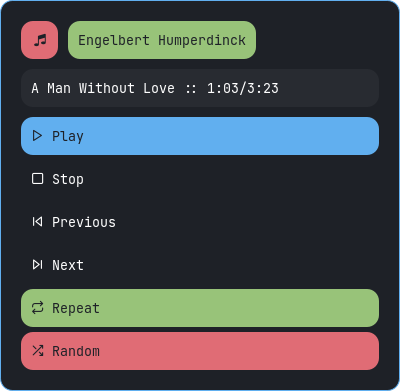
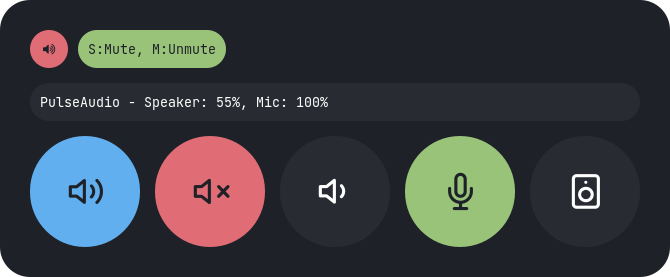
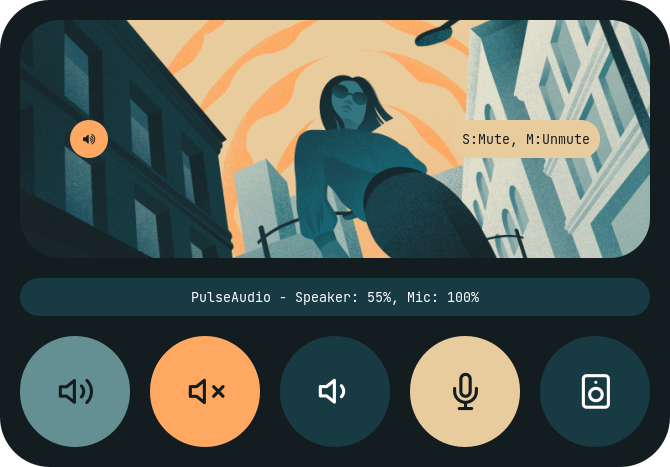
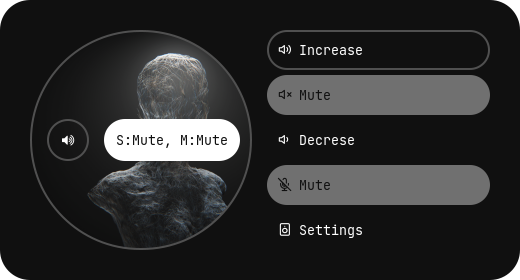
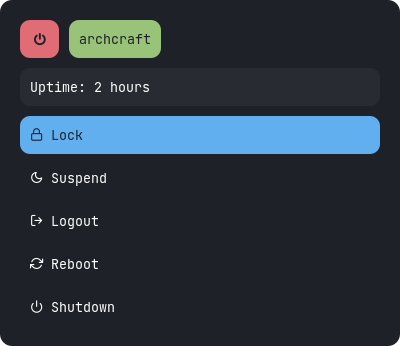
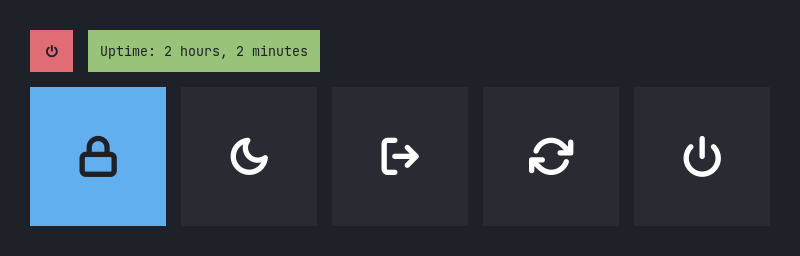
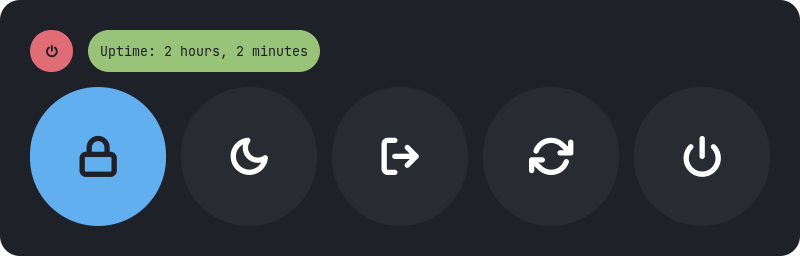
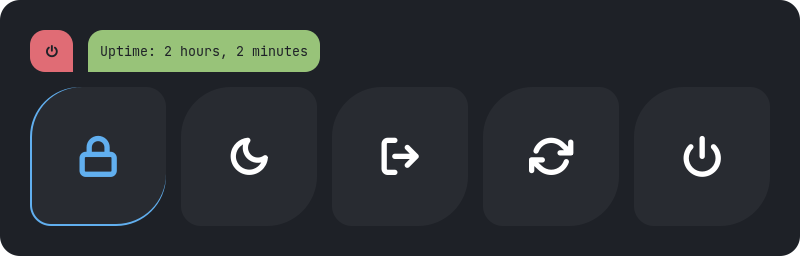
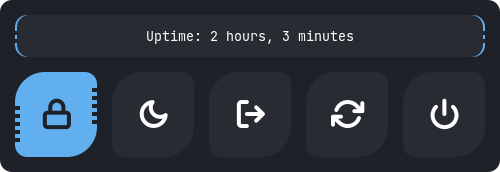
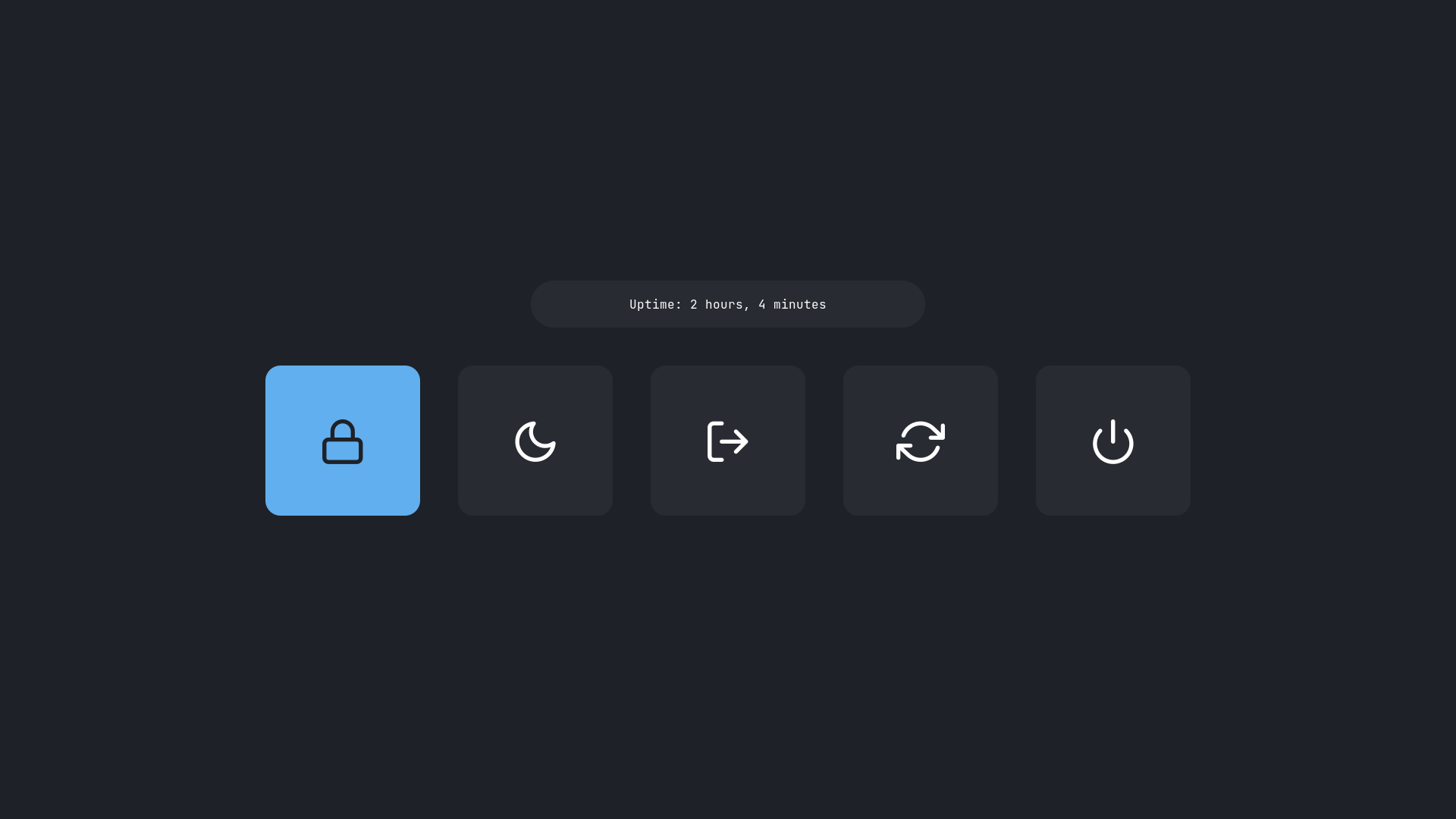
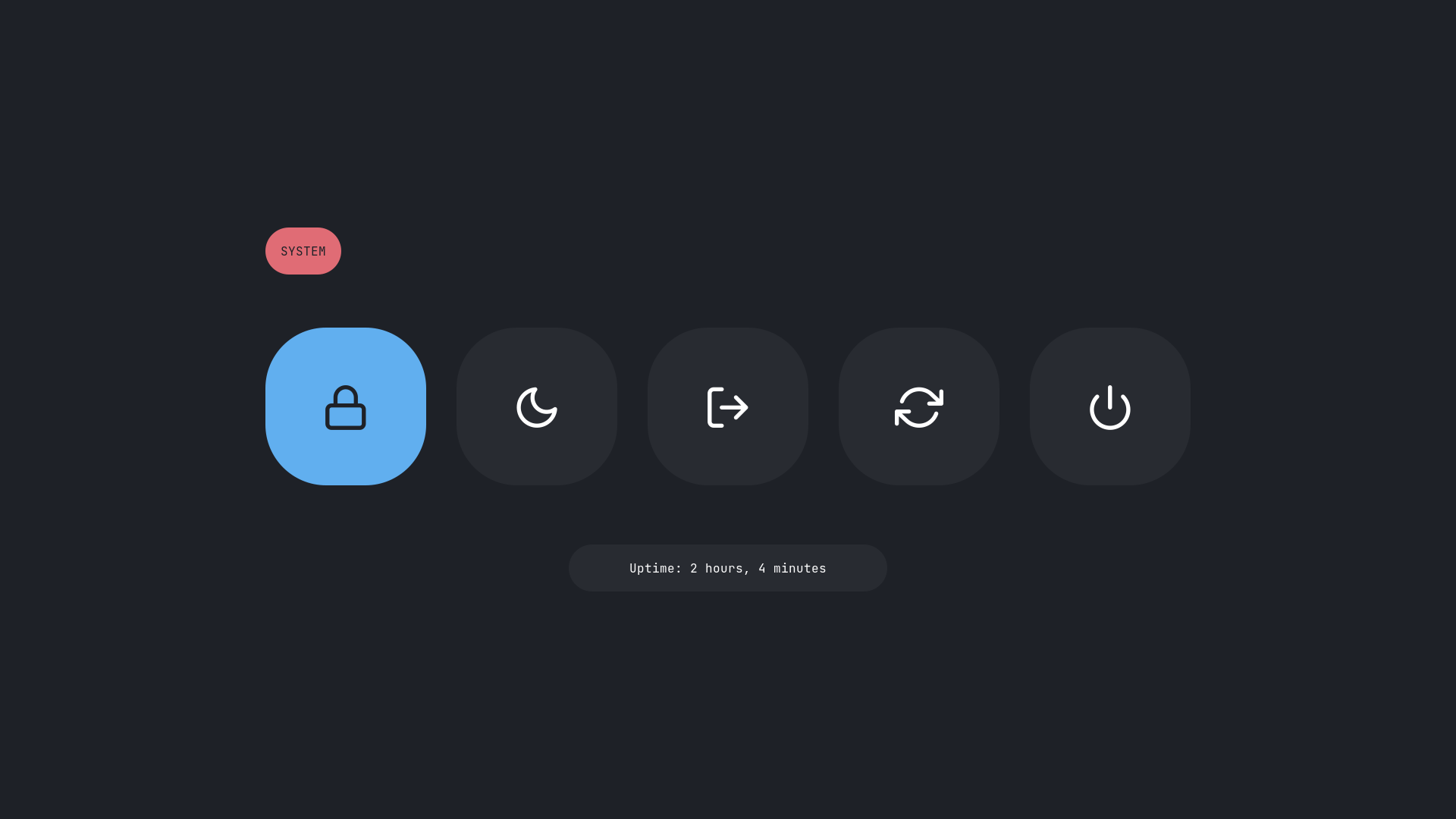
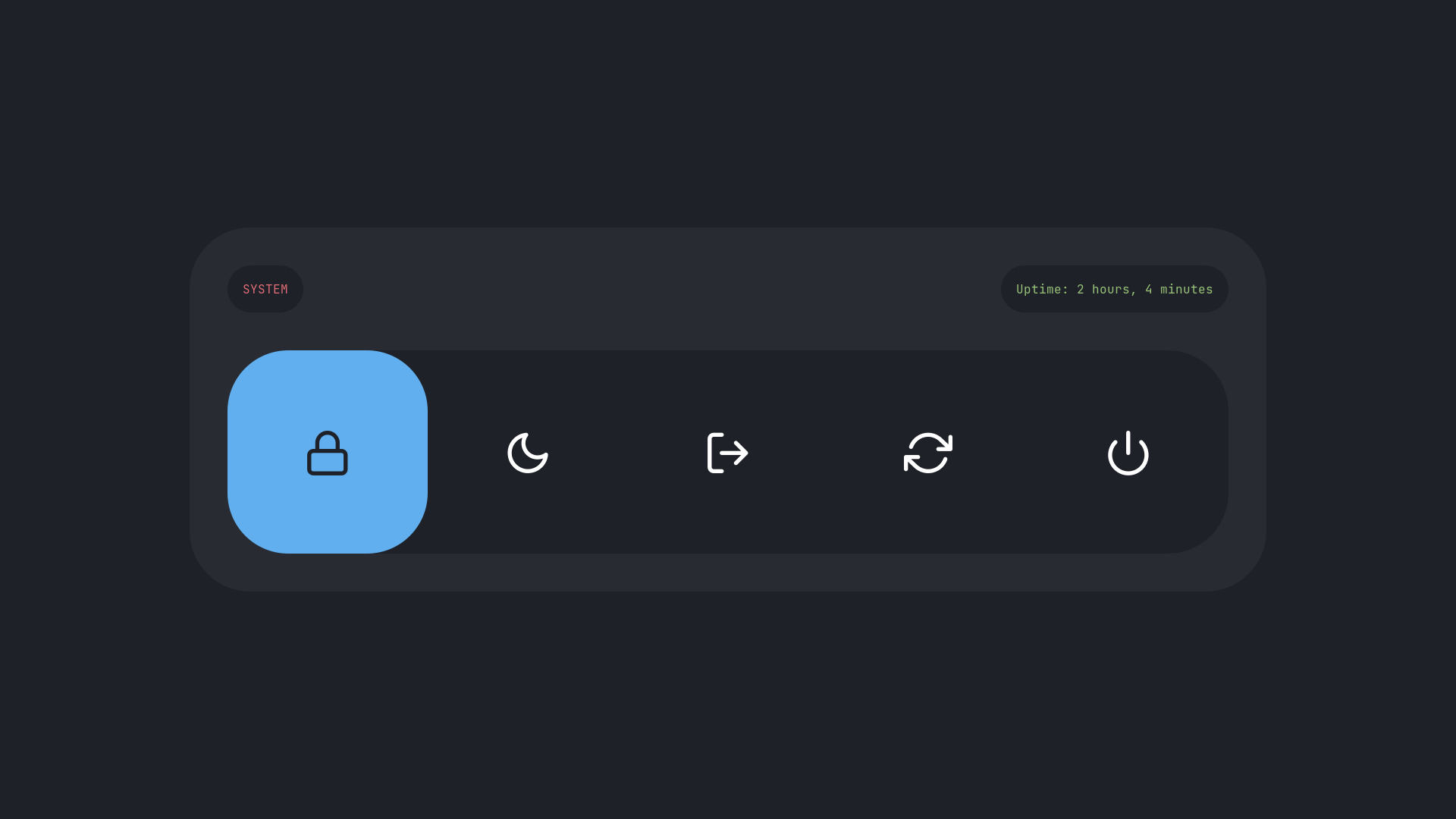
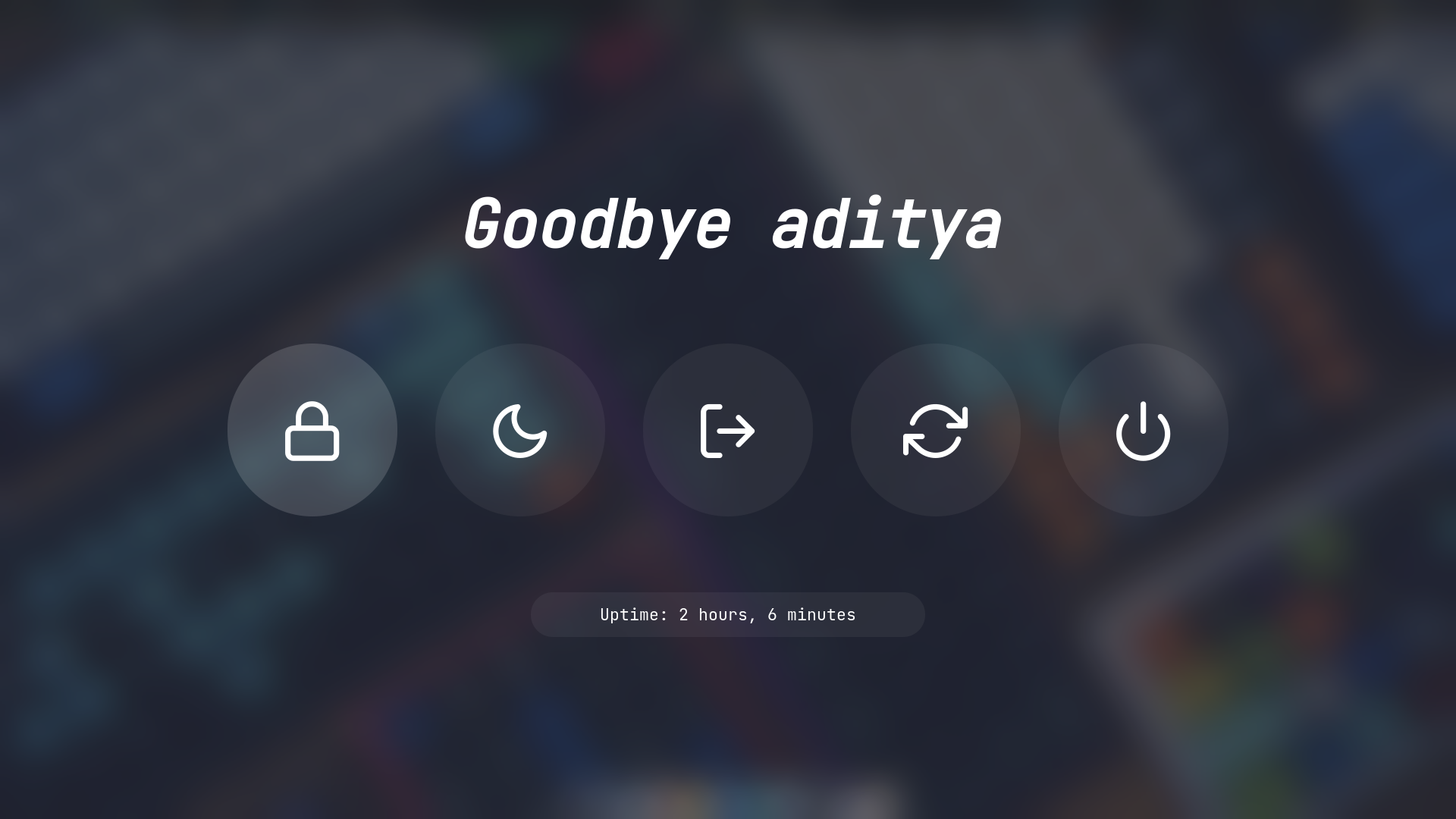
adi1090x/rofi — an open-source project — sits at 8.8k GitHub stars. A huge collection of Rofi based custom Applets, Launchers & Powermenus.
Snapshot summary built from the project's own GitHub metadata — there's no written TopGit review yet. The page will update automatically when a full review is published.
WHY NO REVIEW YET
TopGit writes full reviews for the most-starred, most-requested repositories. This page is a snapshot until then — see the READ ME tab for the original README in full.
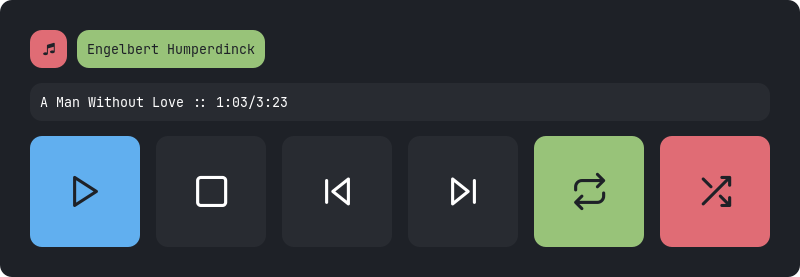
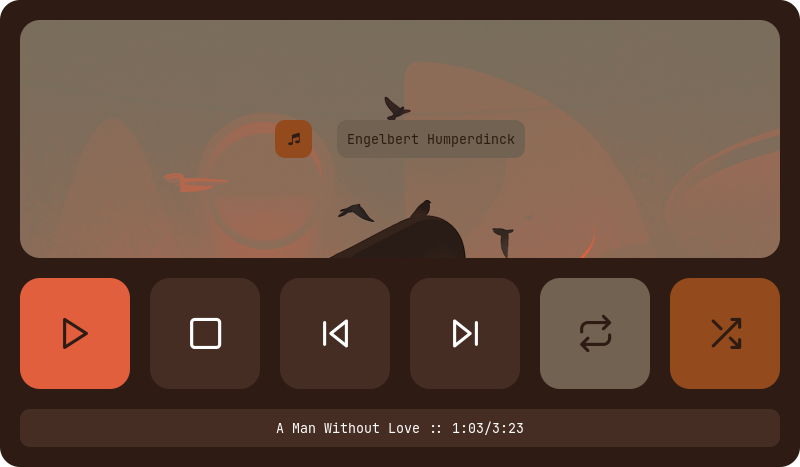
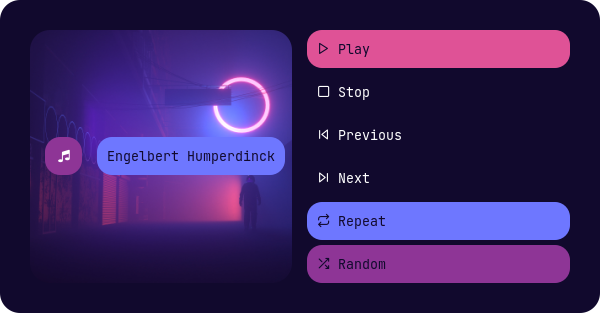
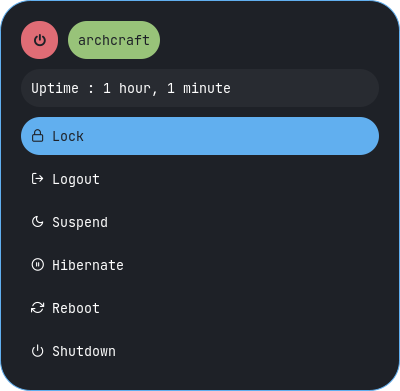
A huge collection of Rofi based custom Applets, Launchers & Powermenus.
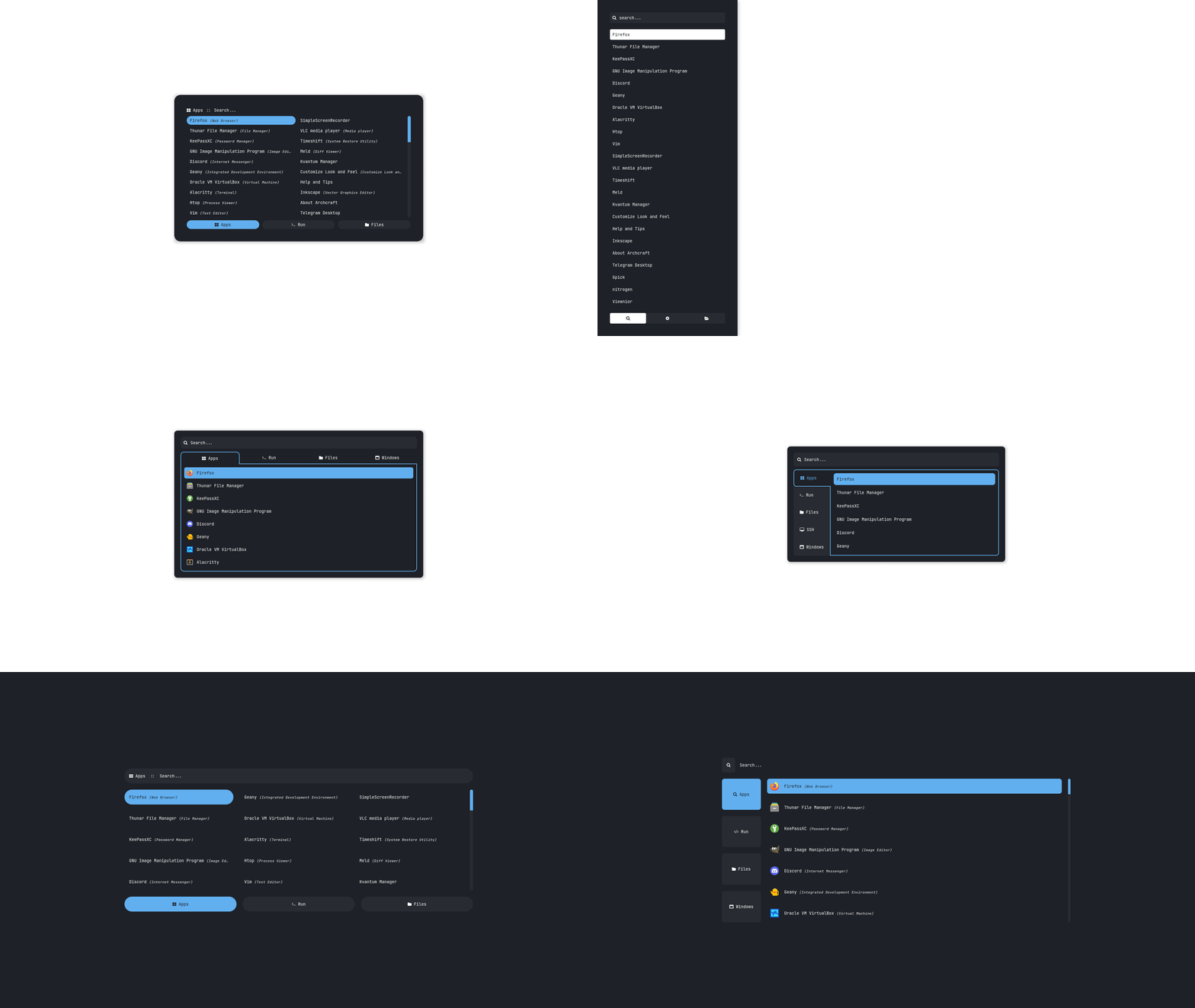
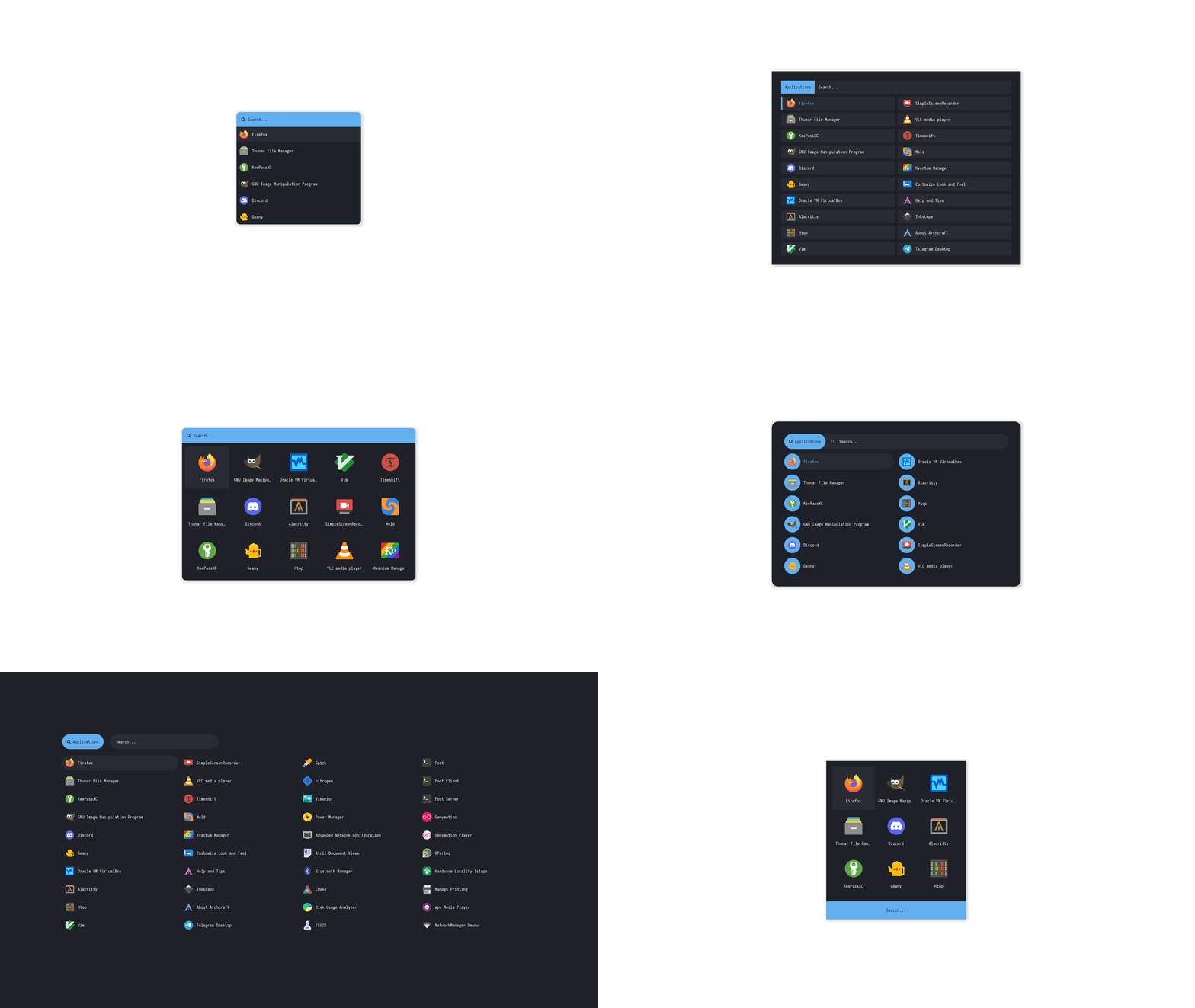
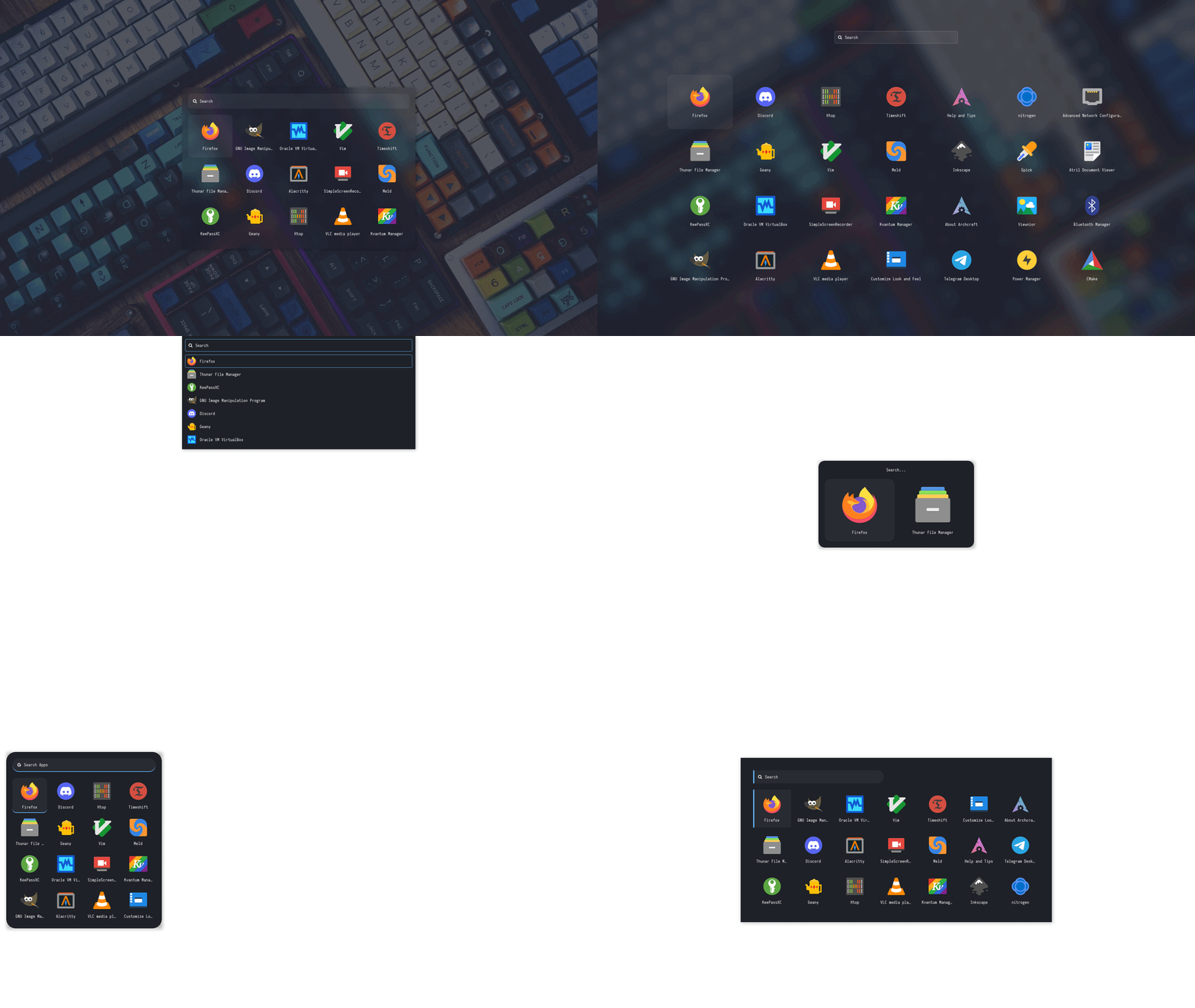
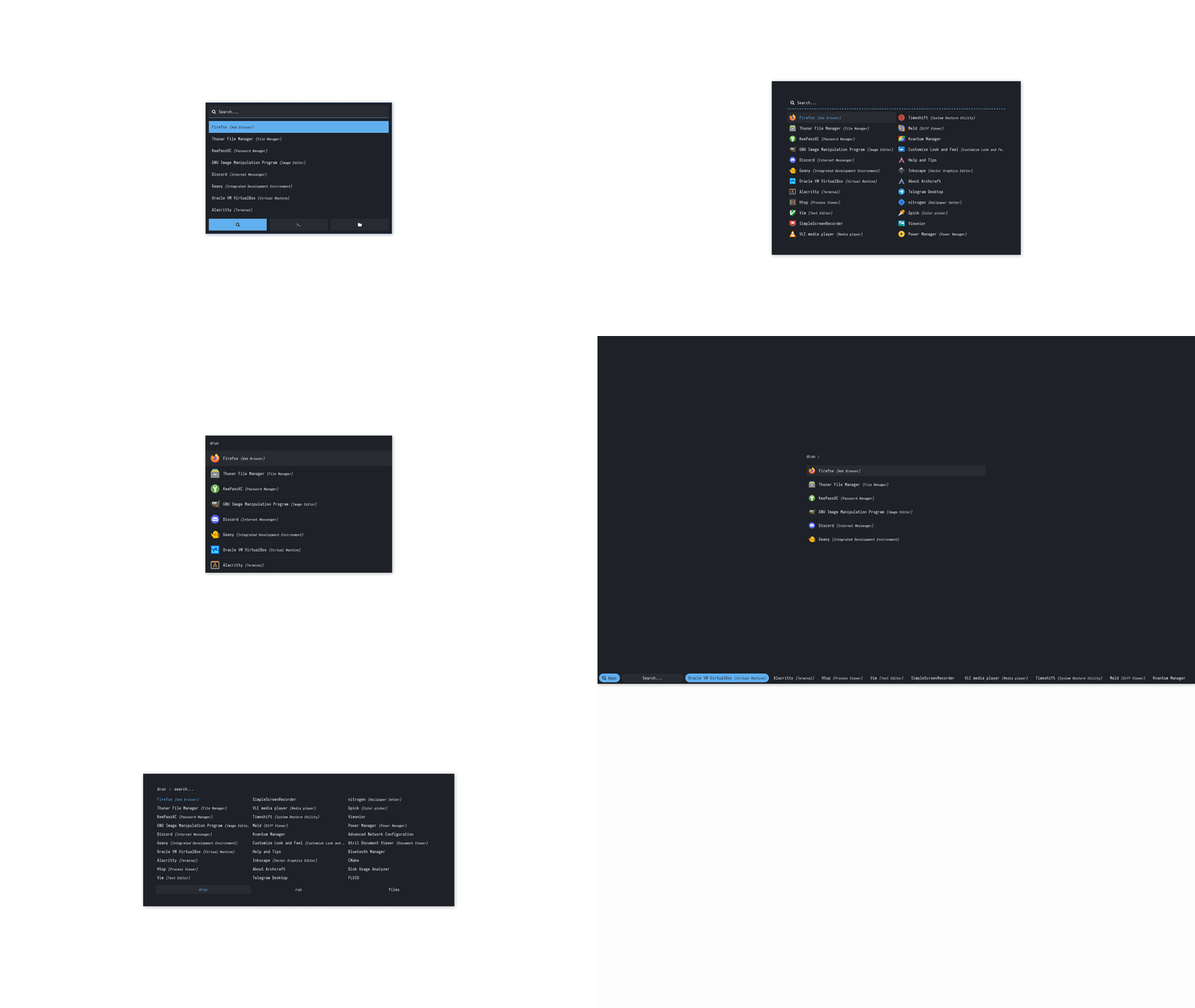
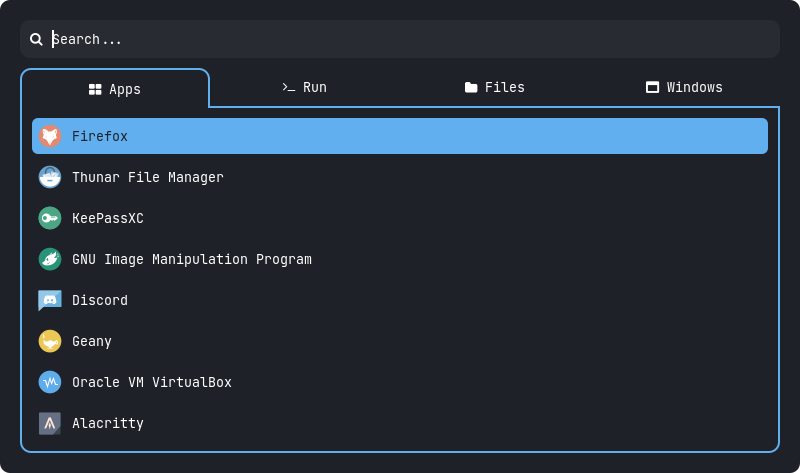
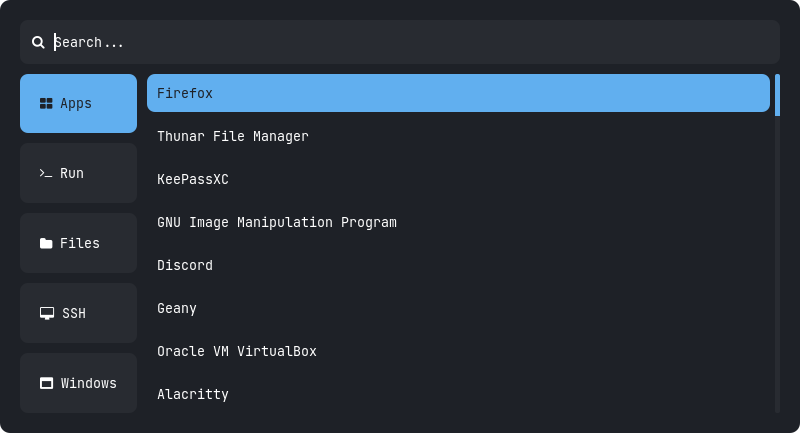
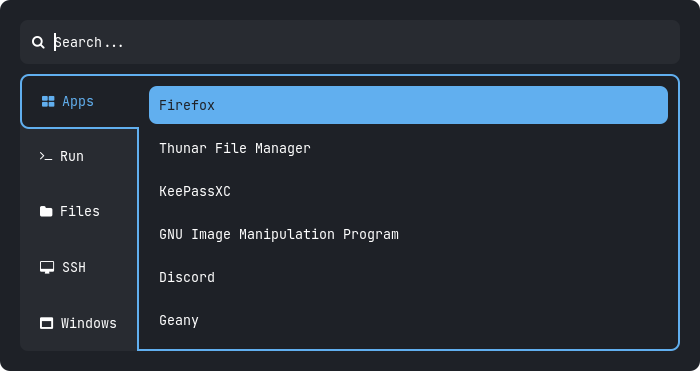
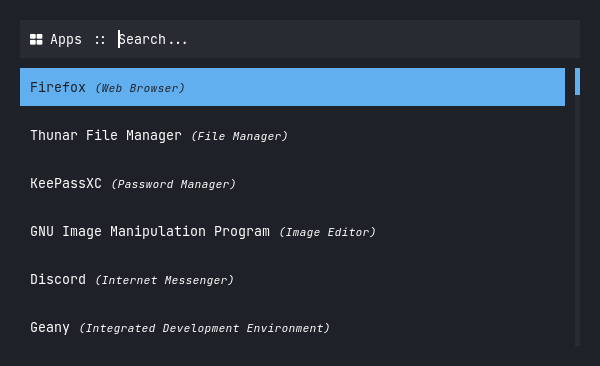
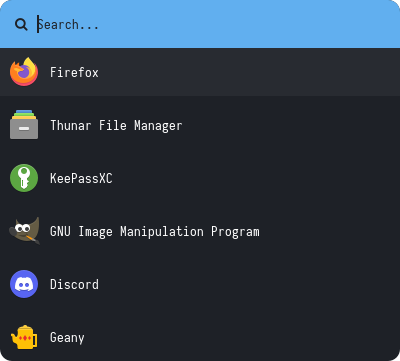
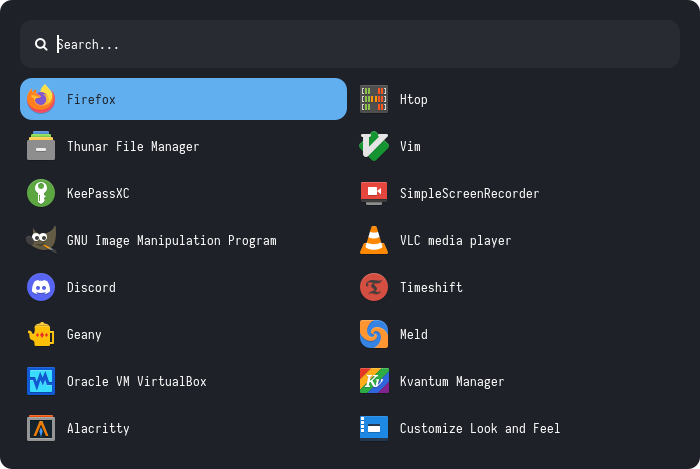
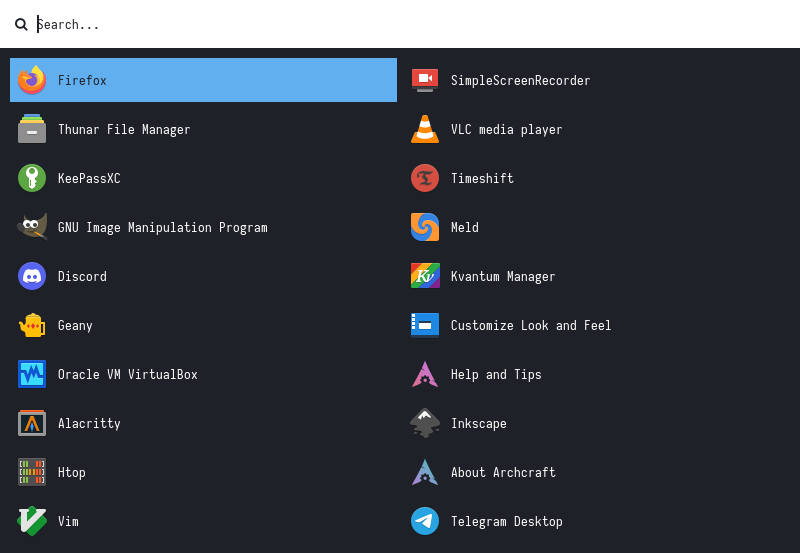
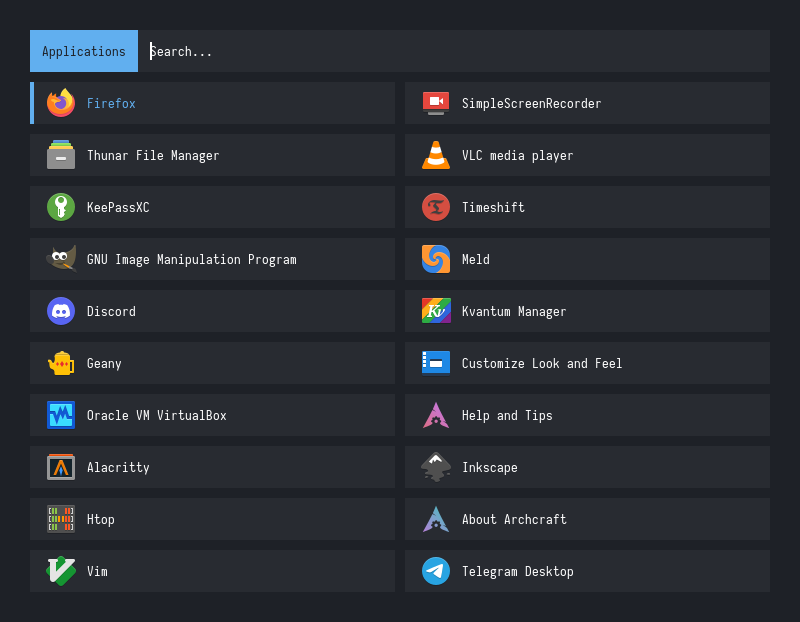
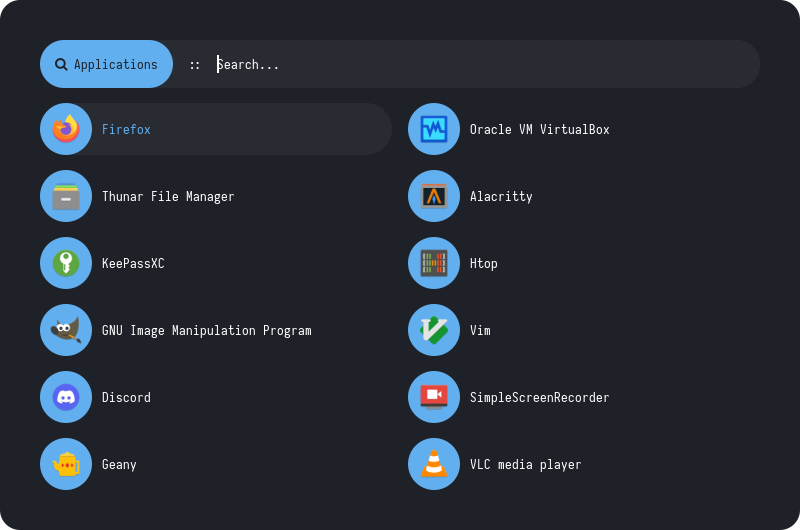
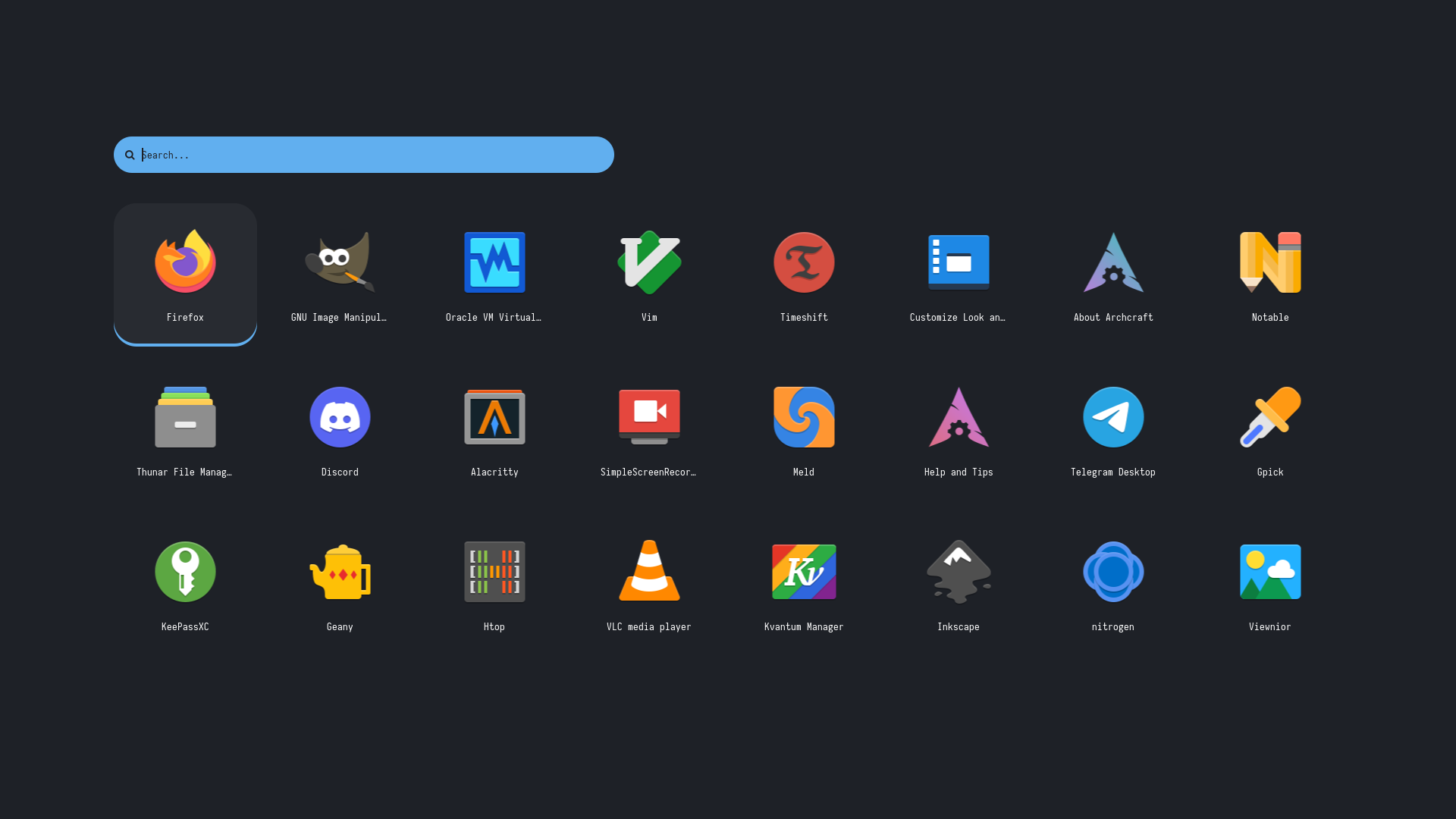
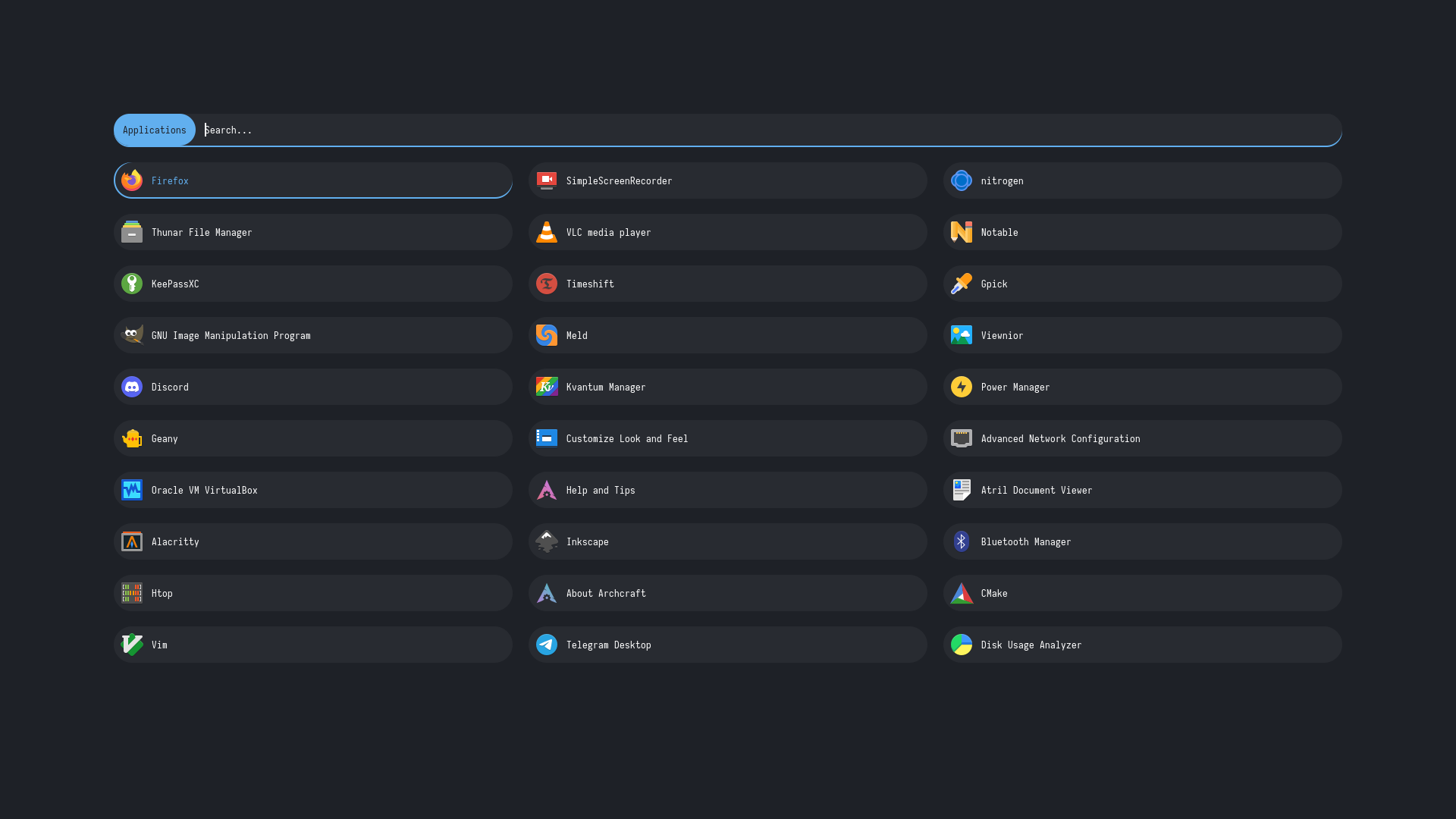
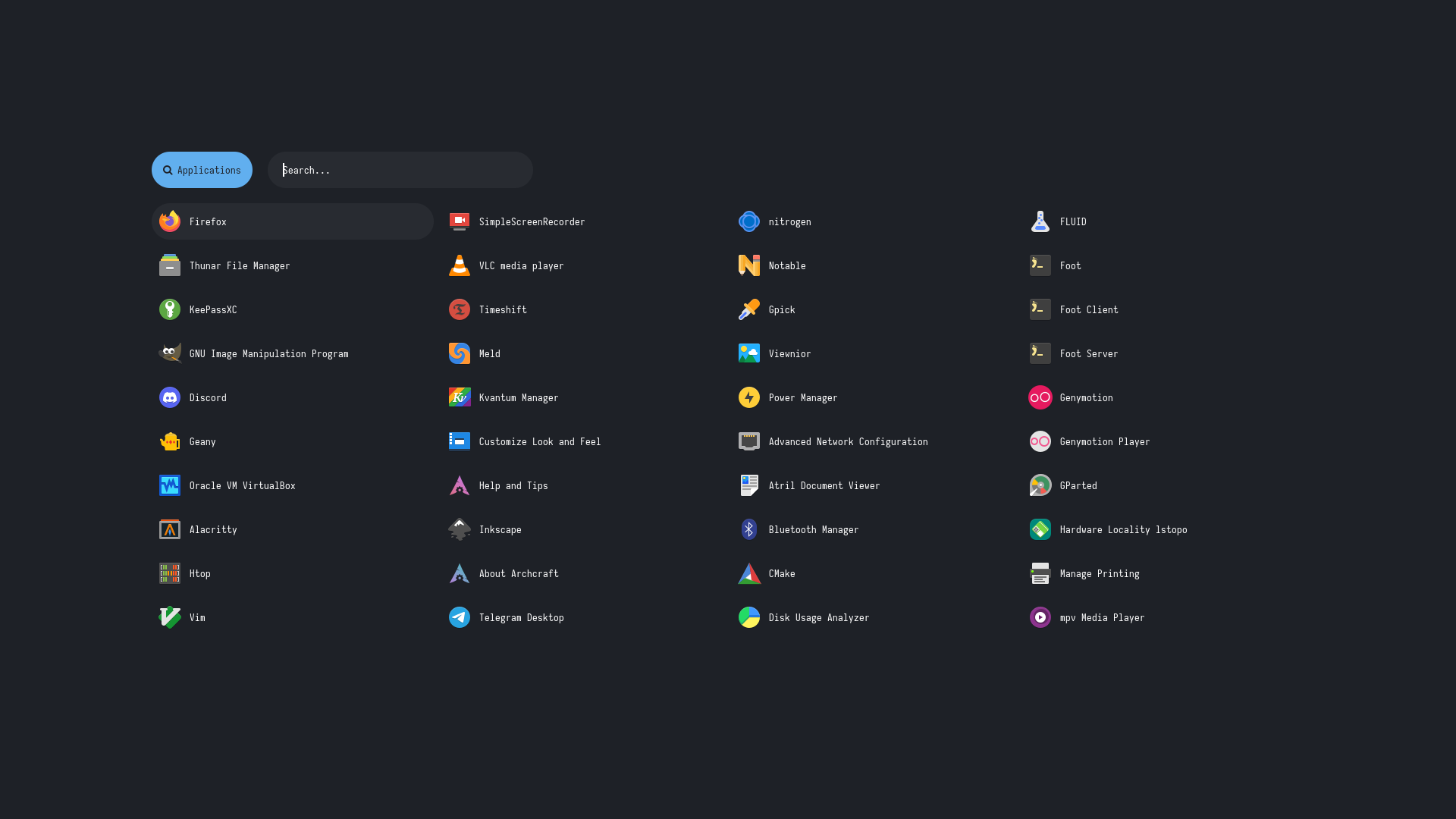
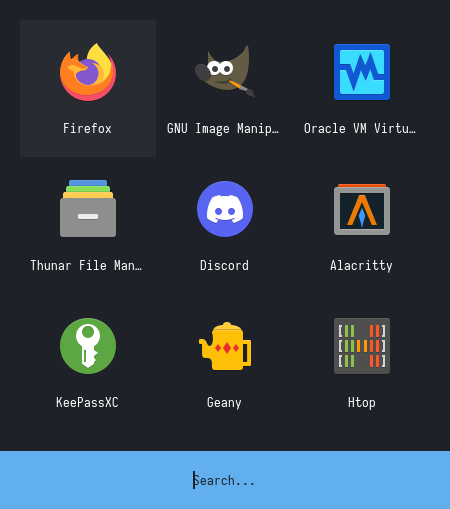
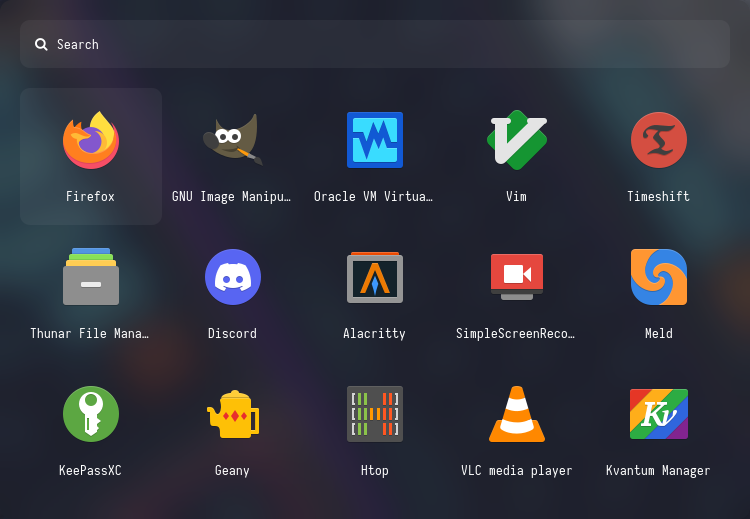
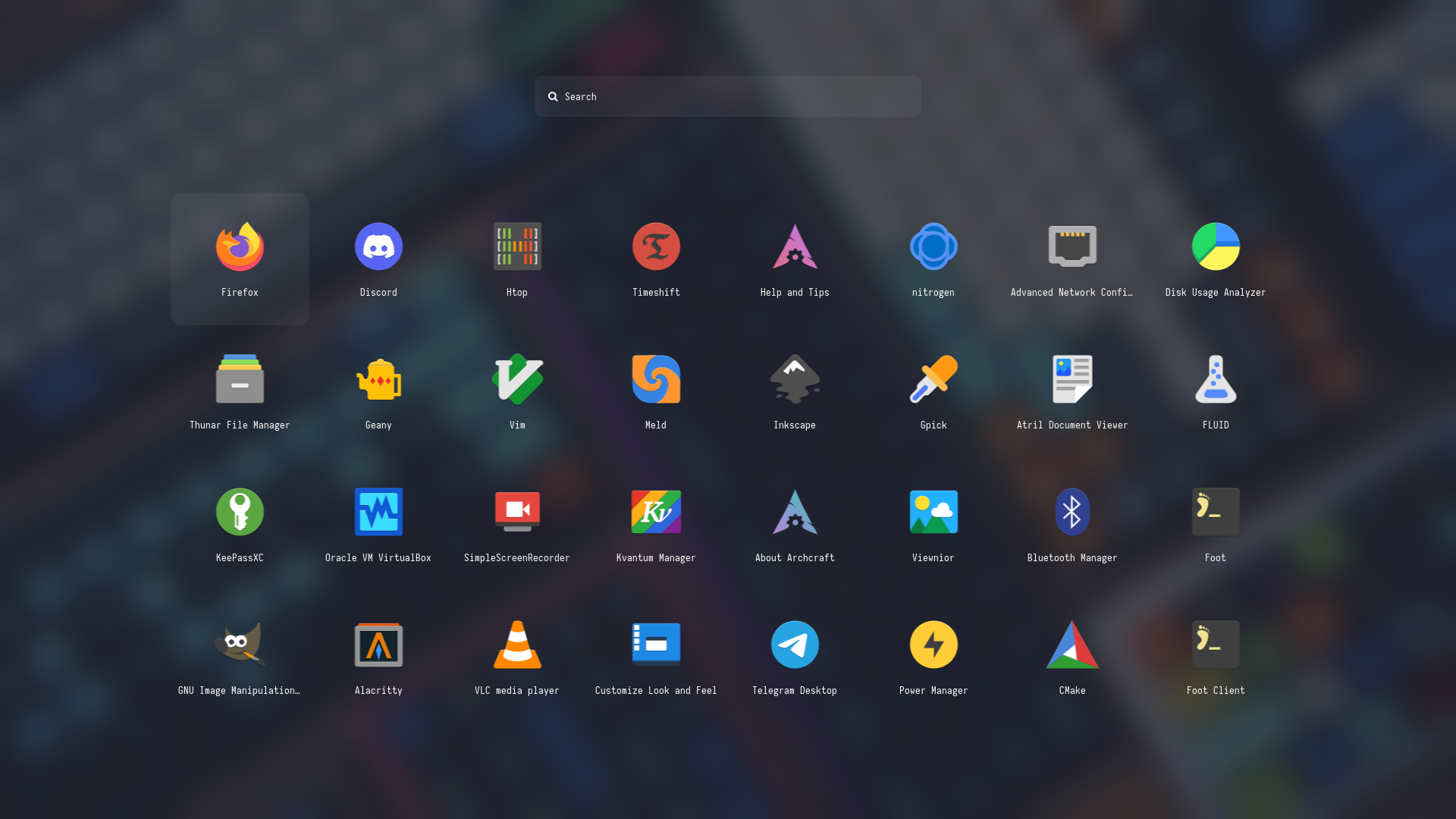
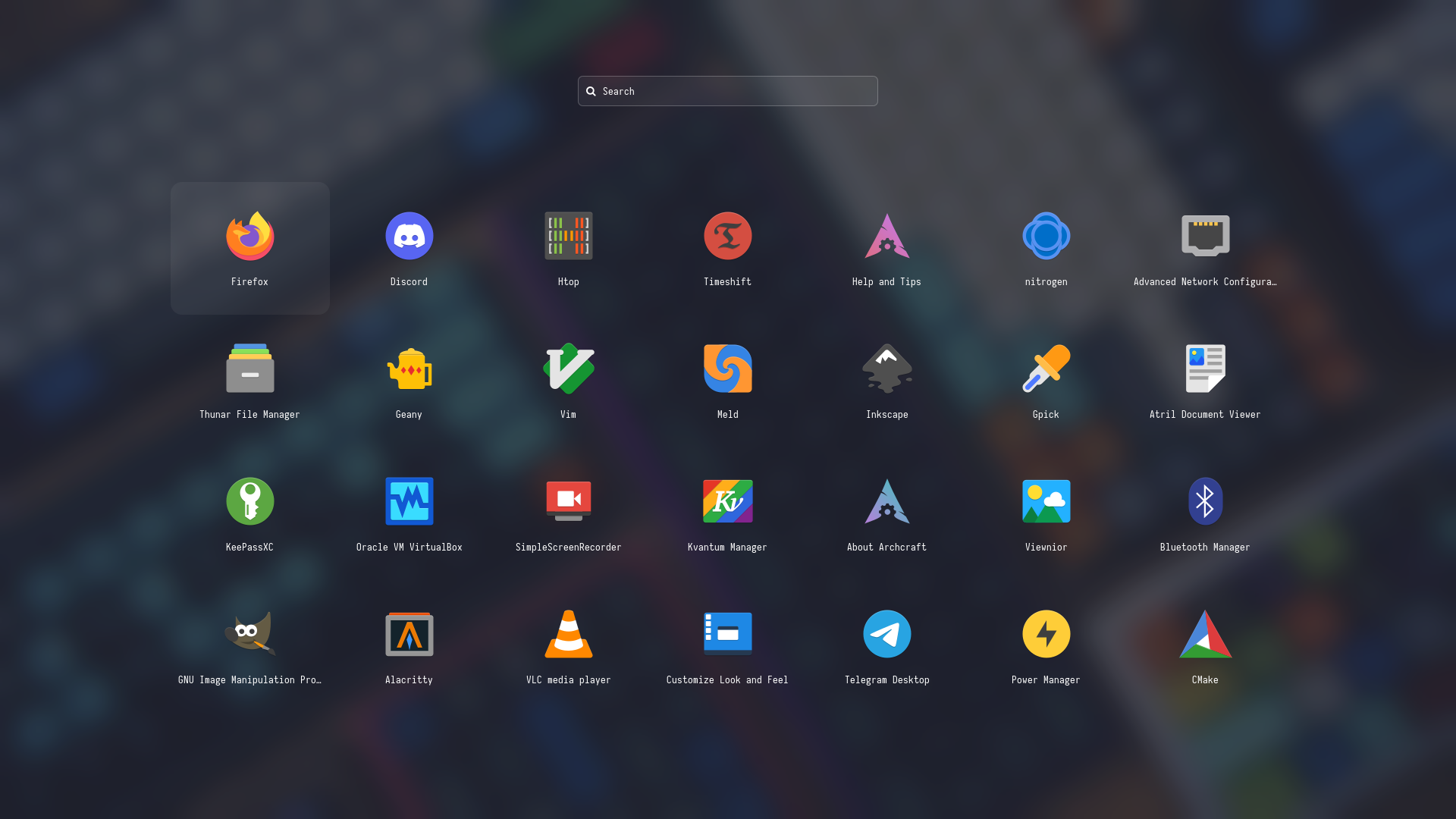
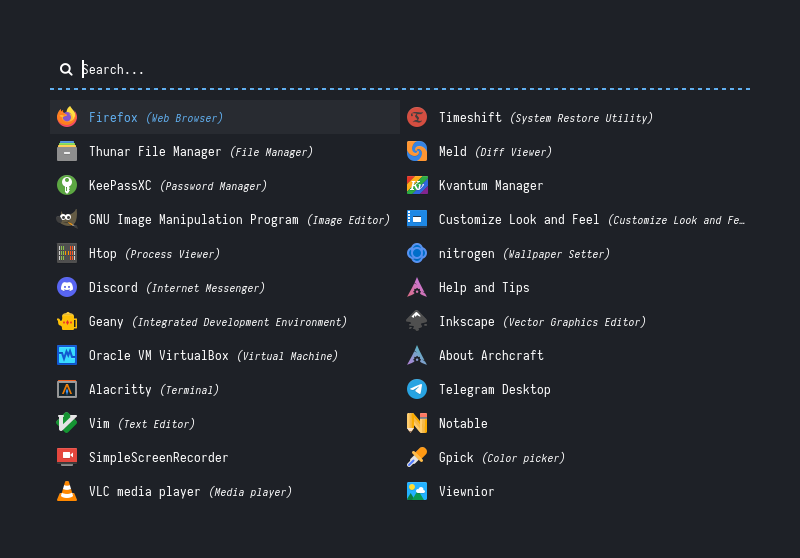
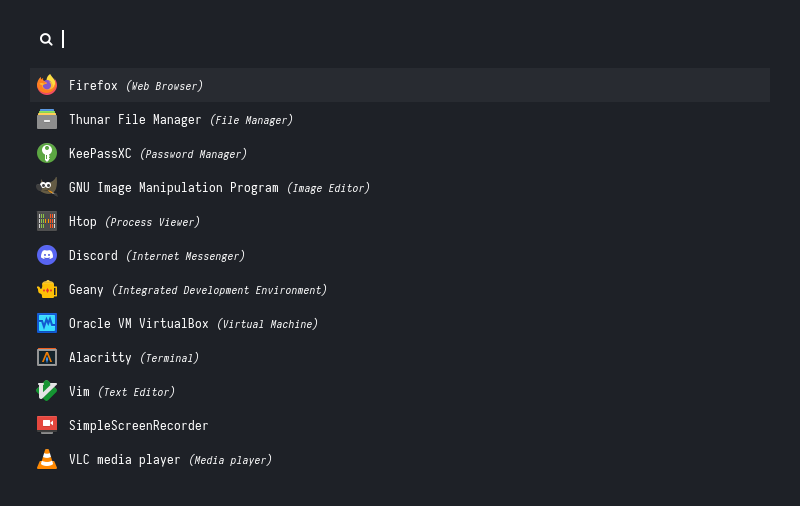
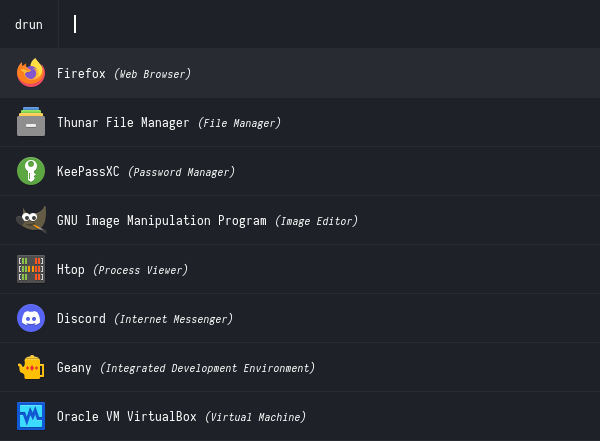
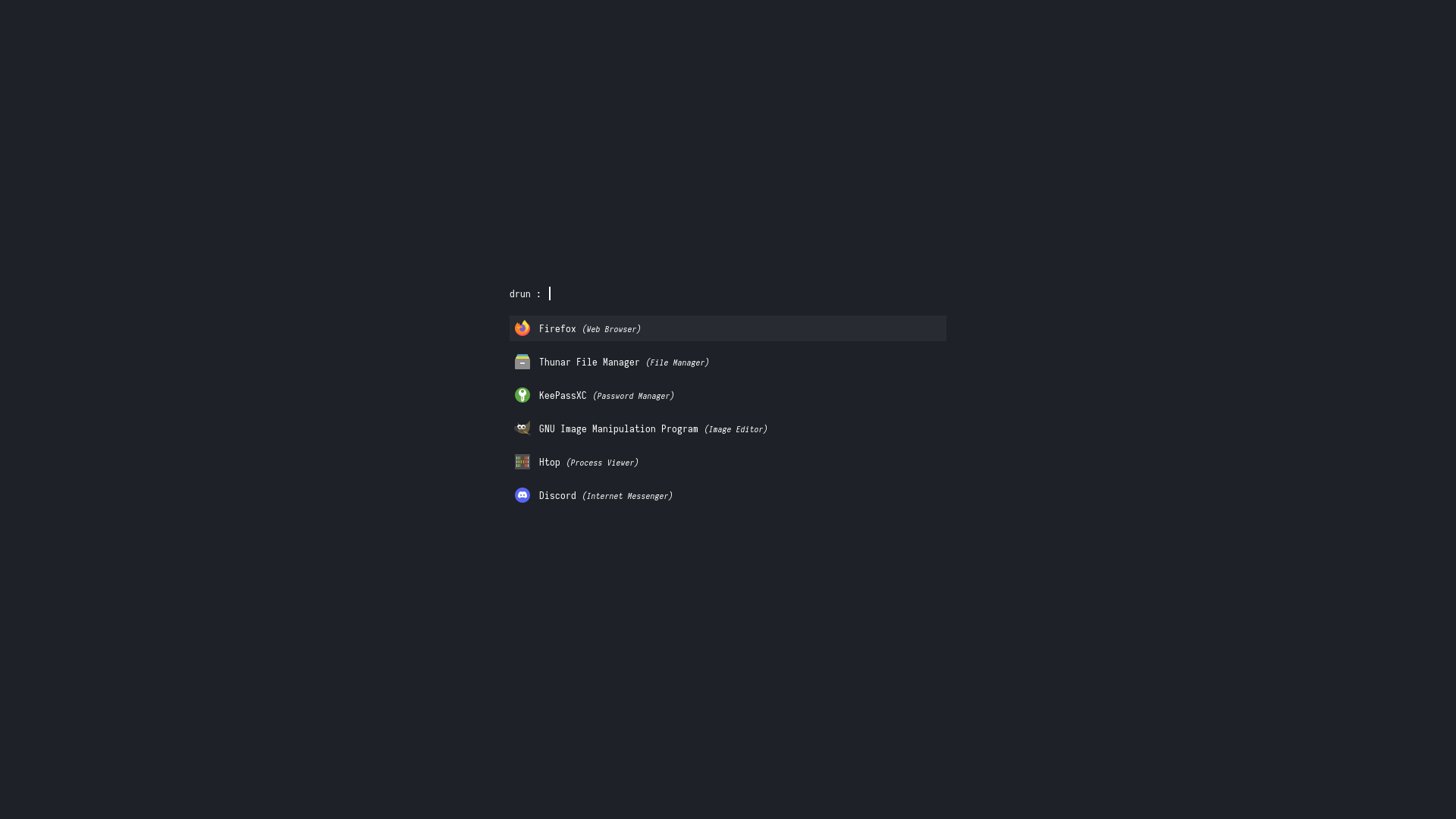
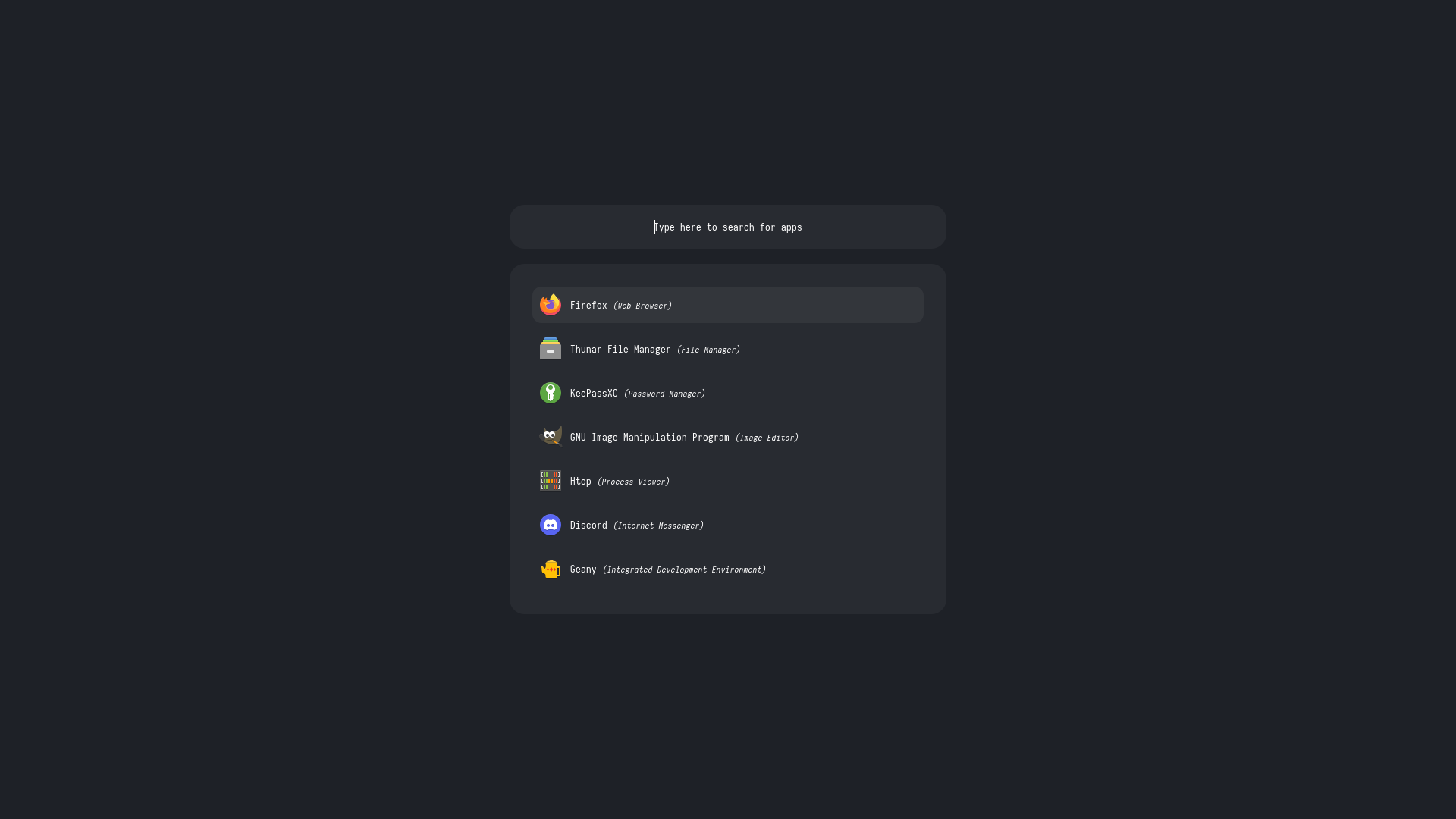
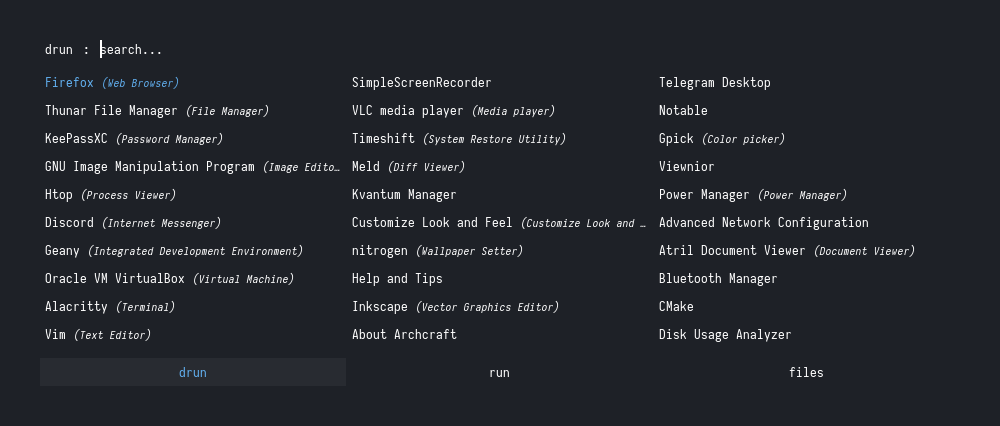
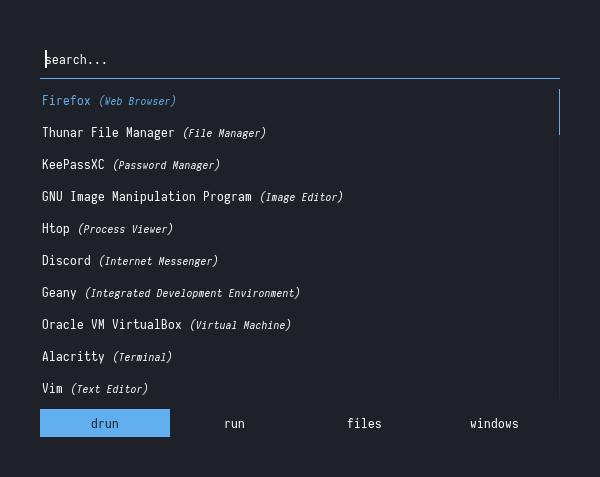
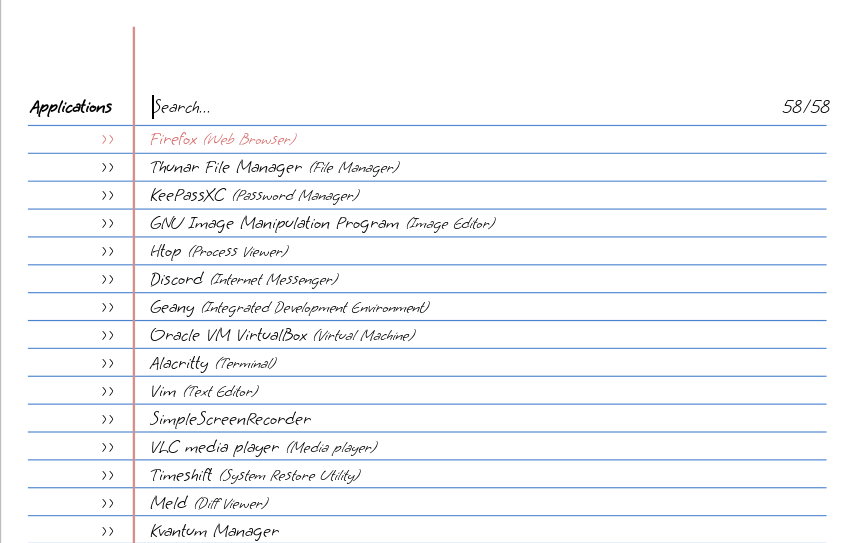
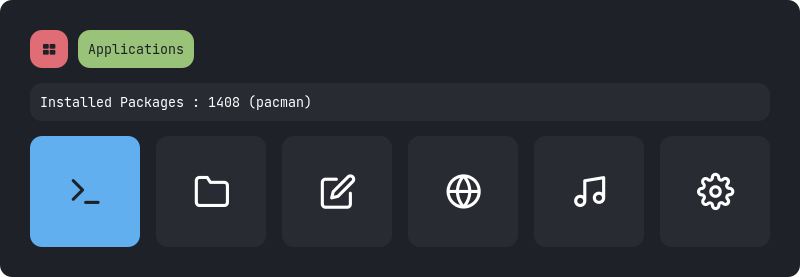
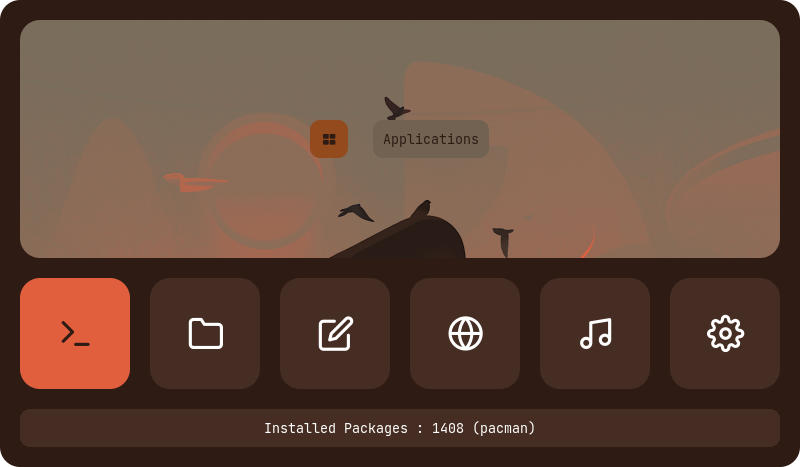
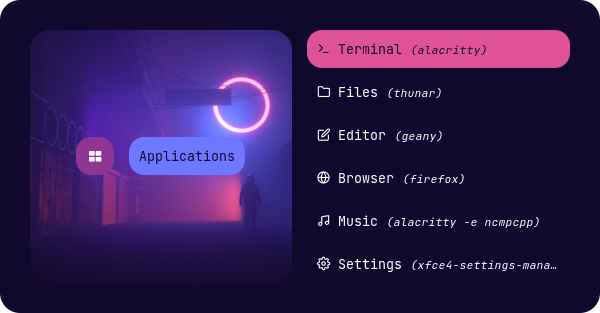
Launchers
Type 1
Type 2
Type 3
Type 4
Type 5
Type 6
Type 7
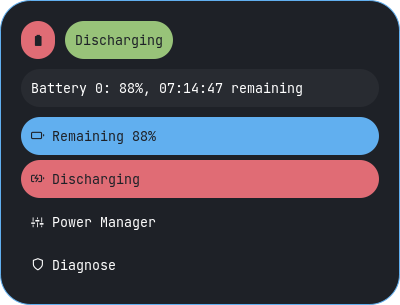
Applets
Type 1
Type 2
Type 3
Type 4
Type 5
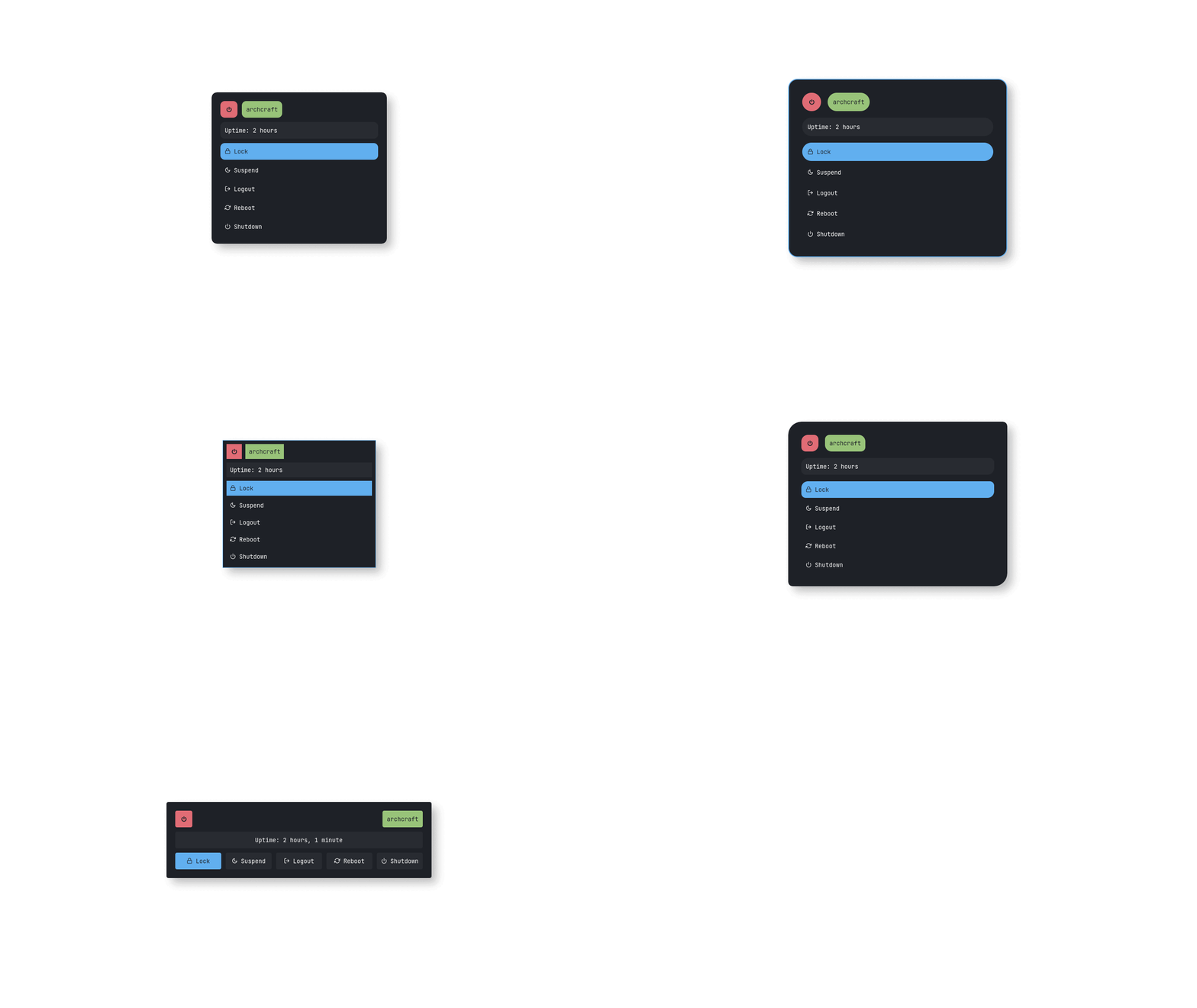
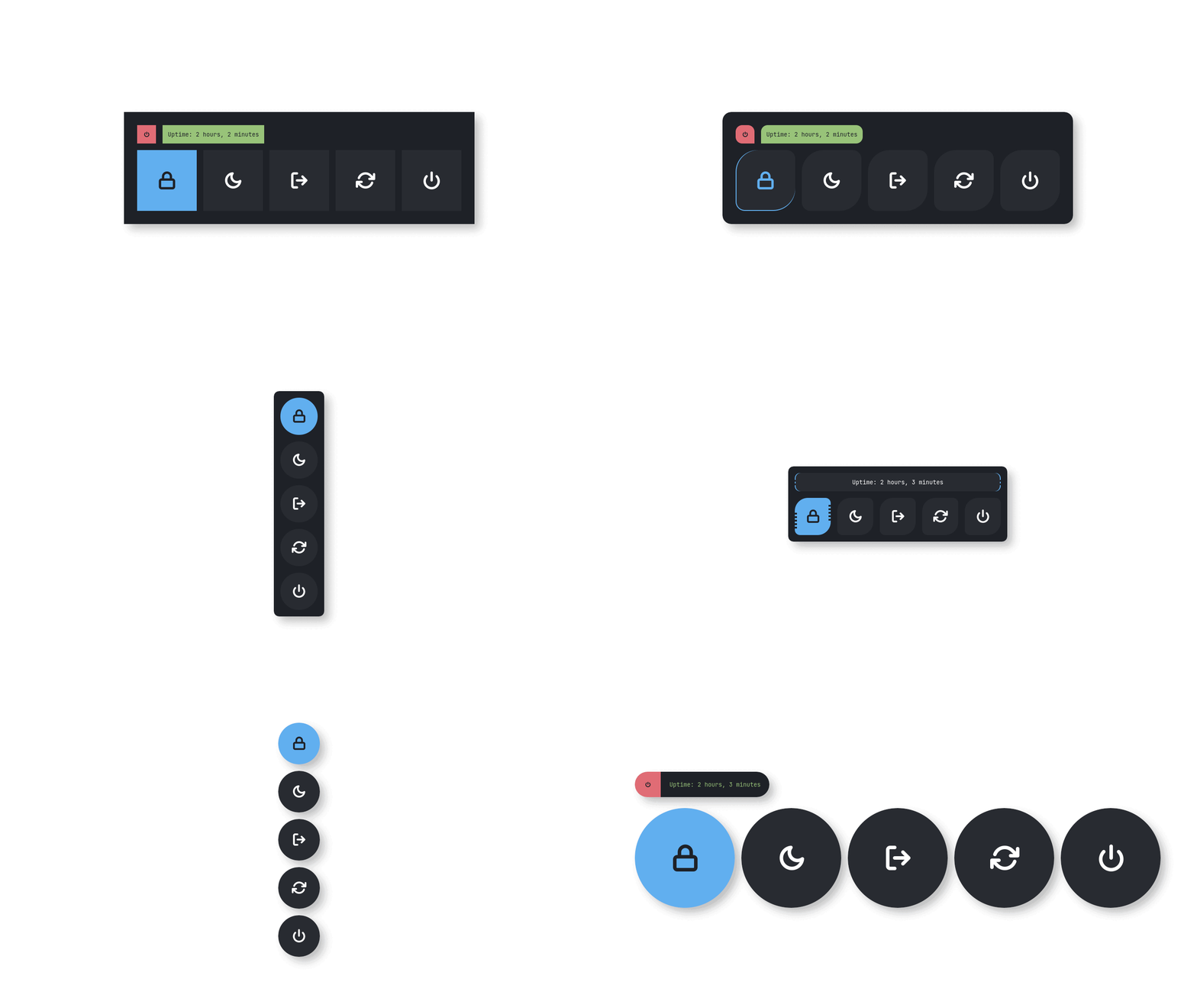
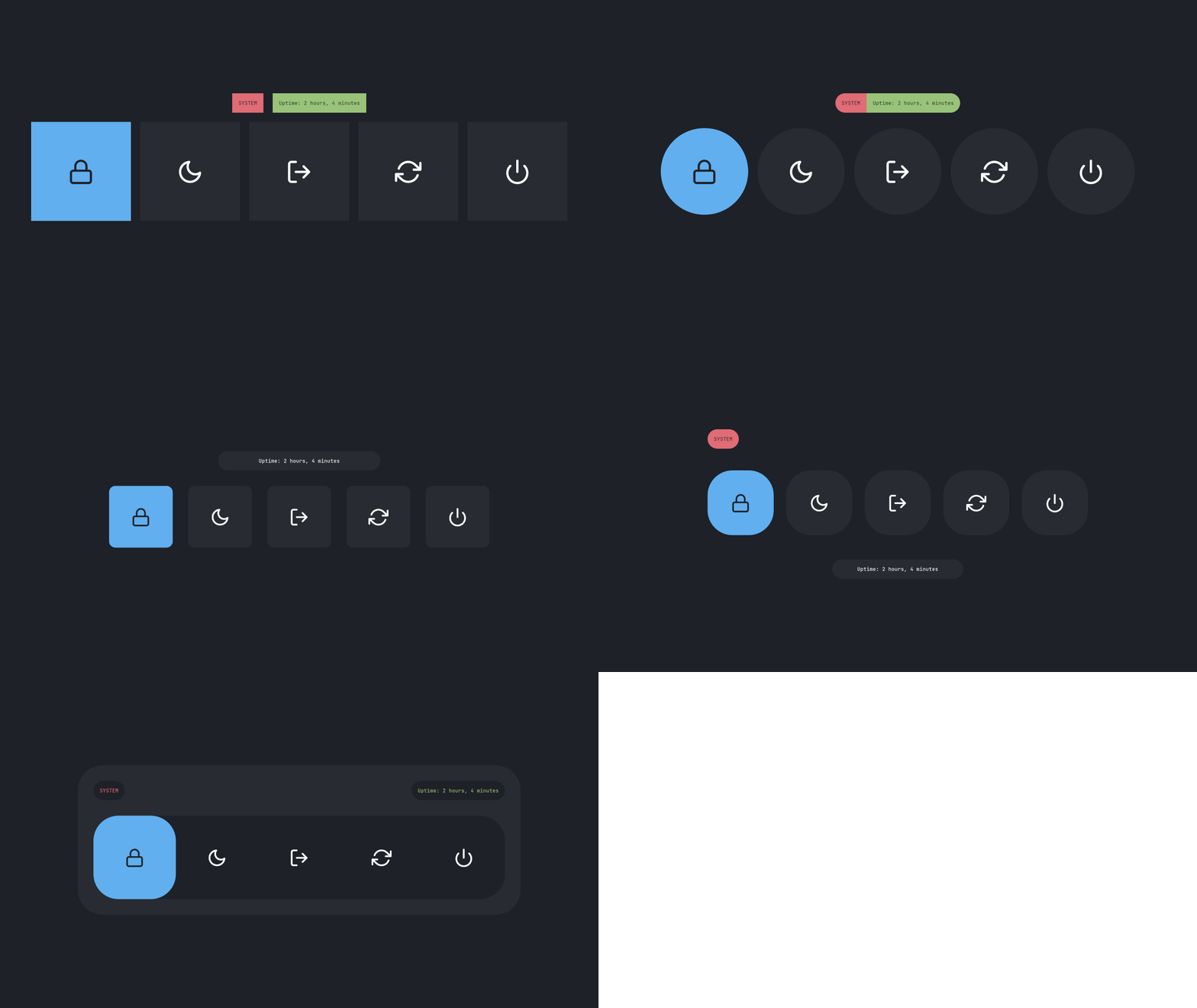
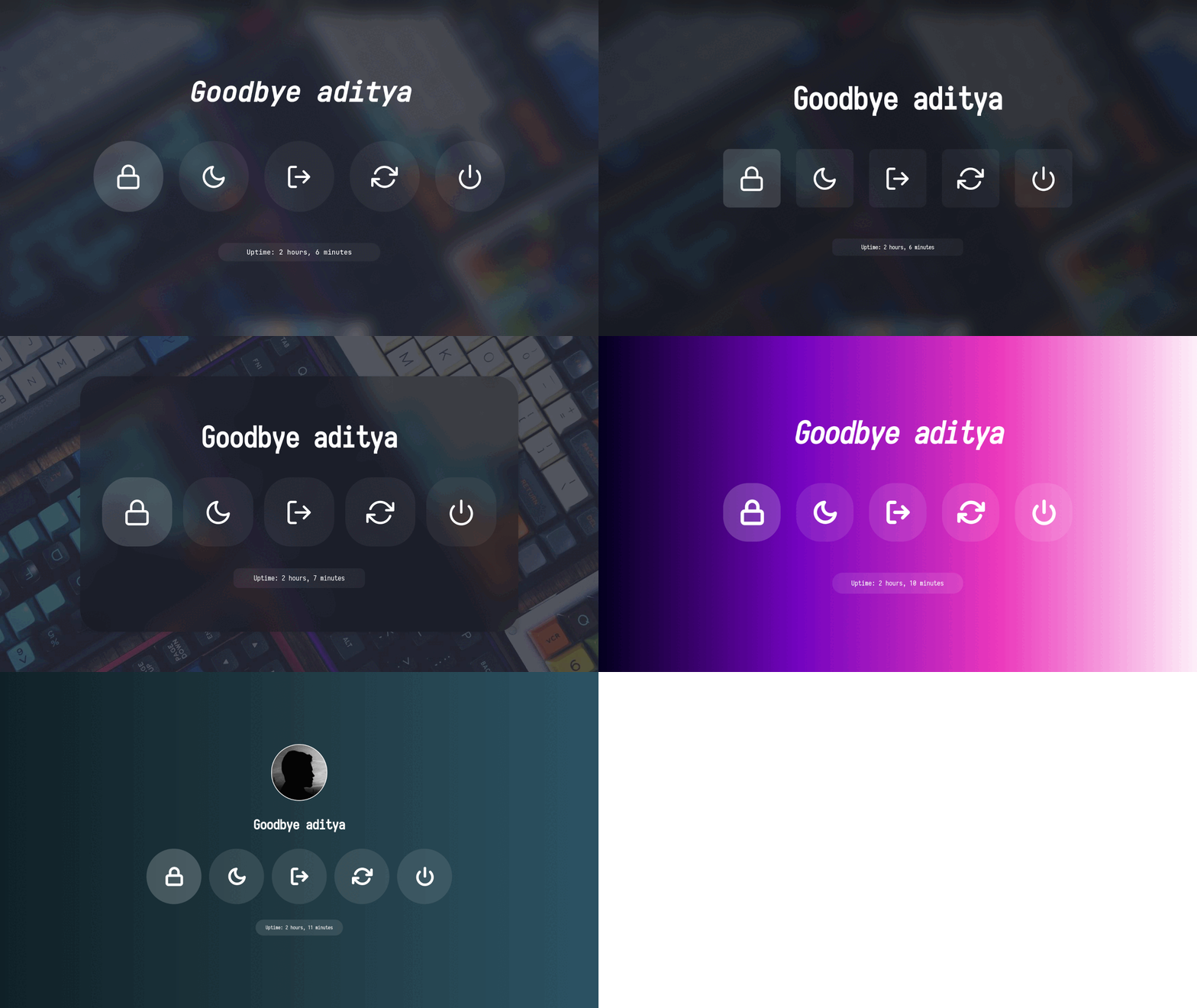
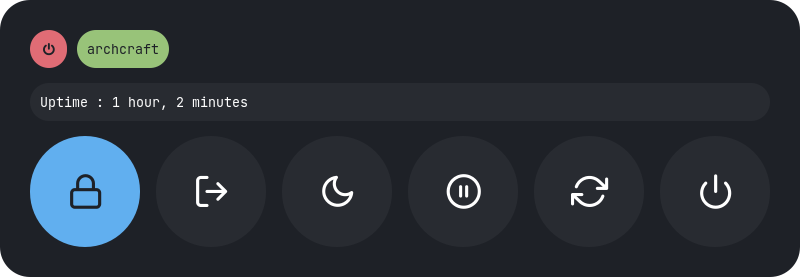
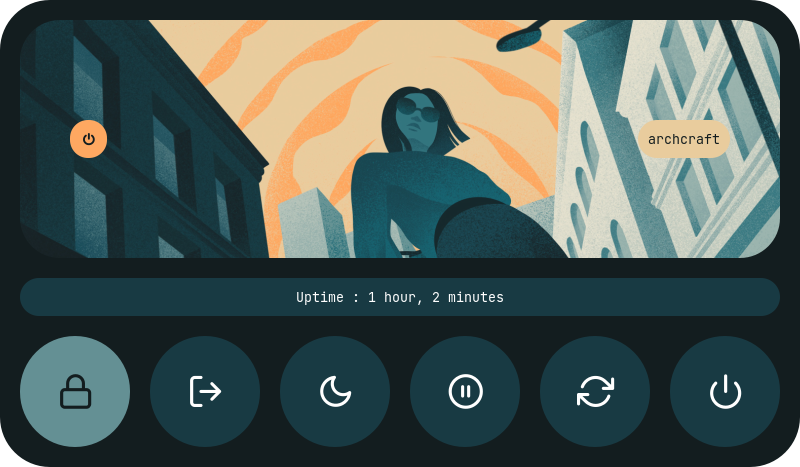
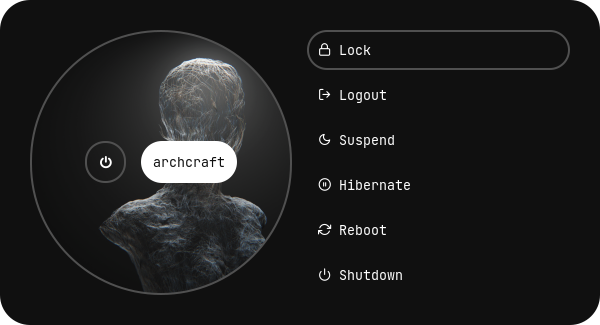
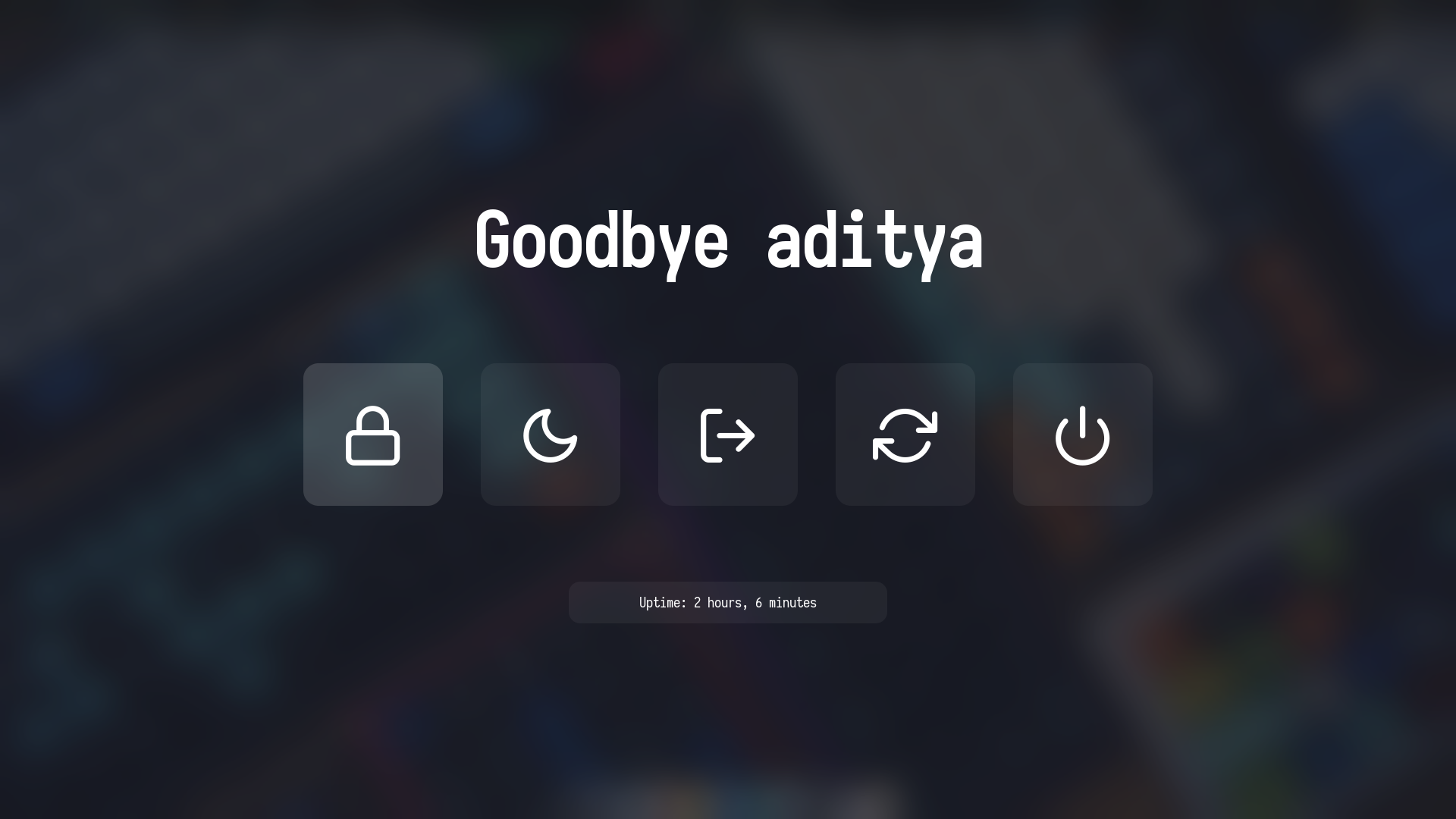
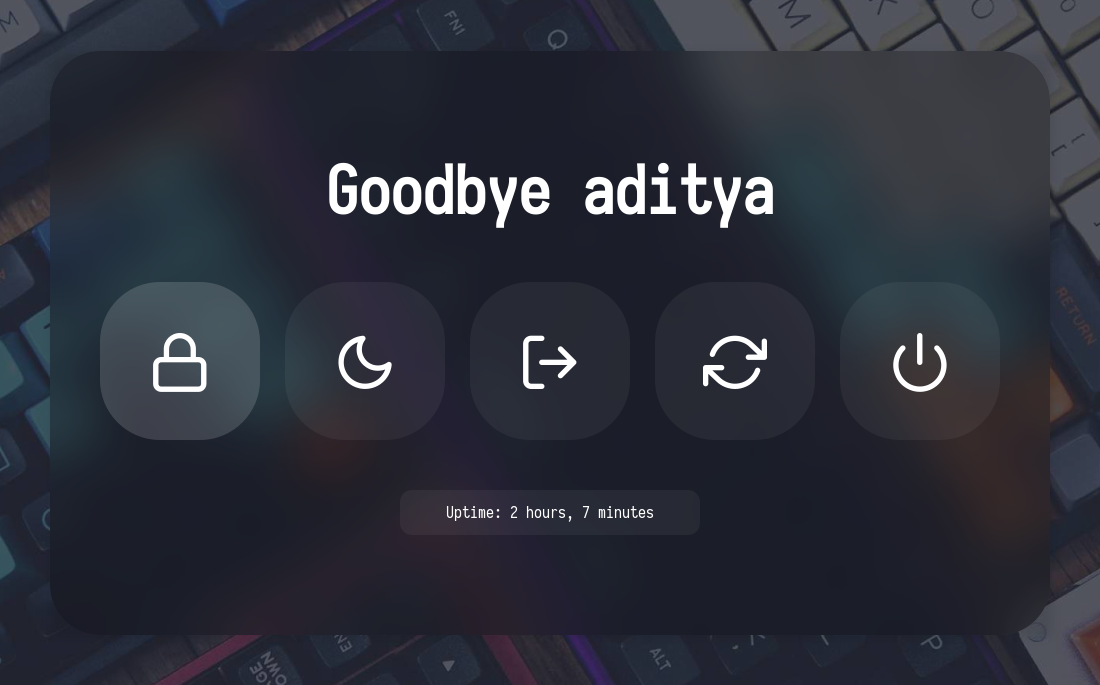
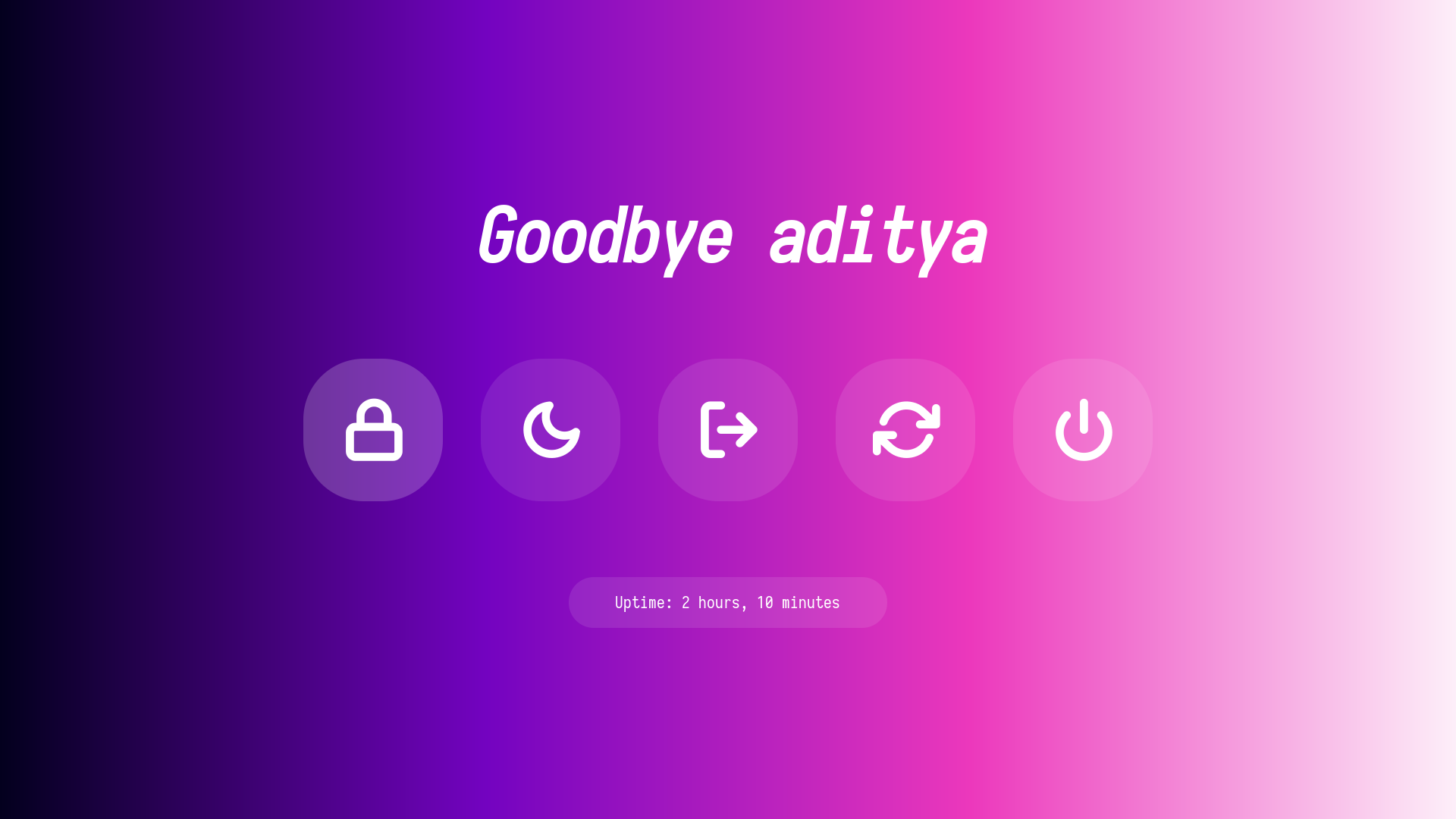
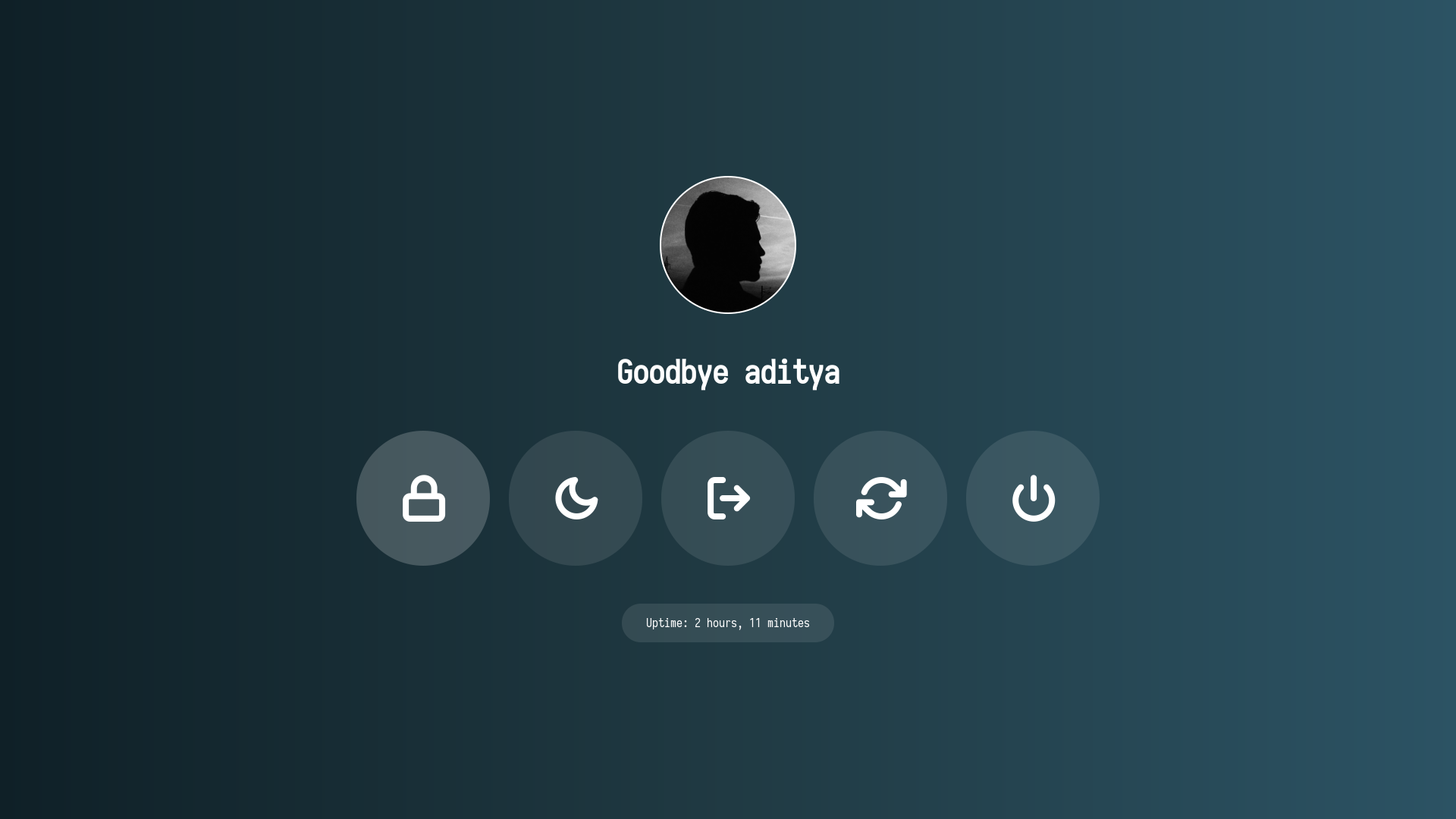
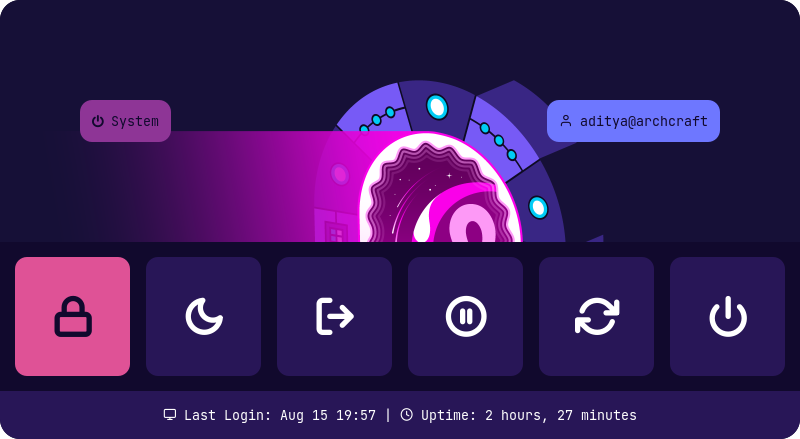
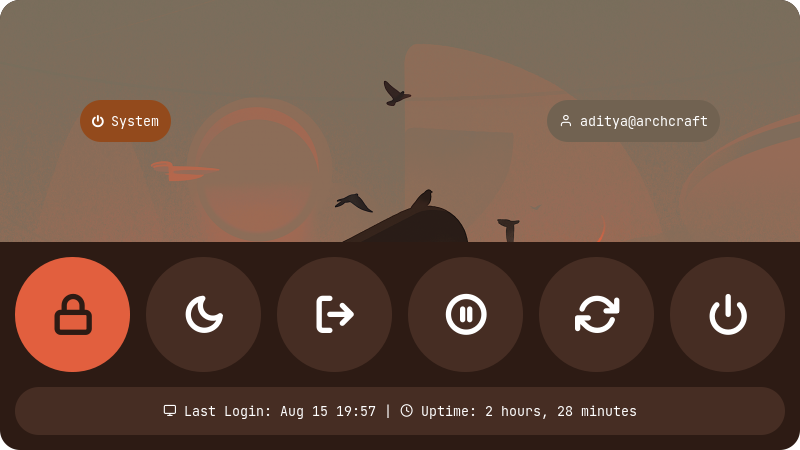
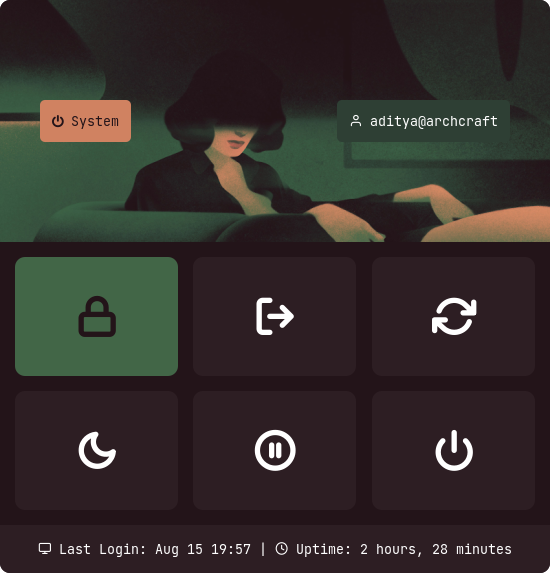
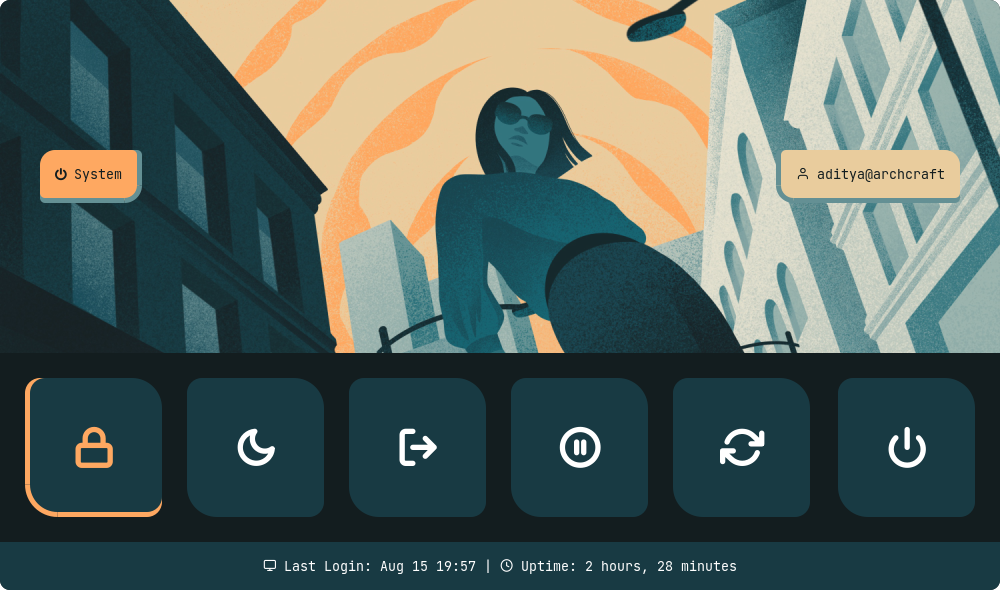
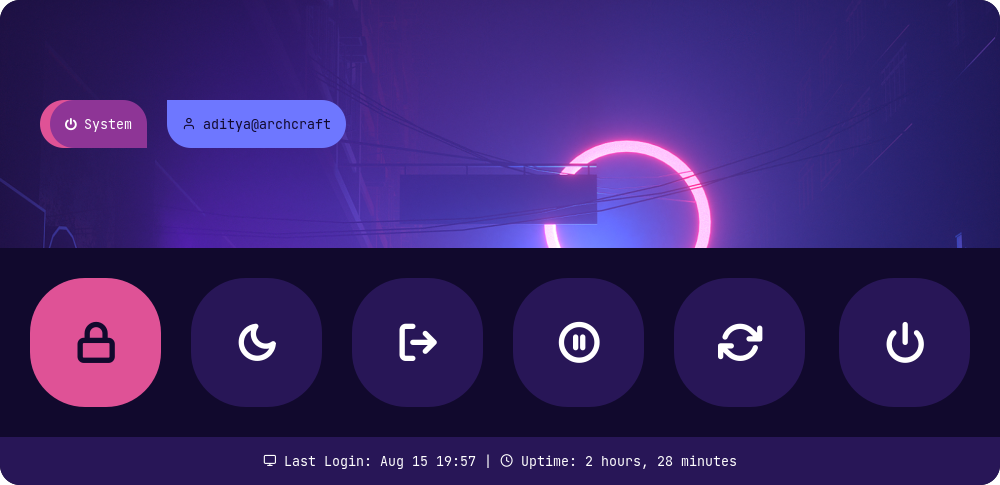
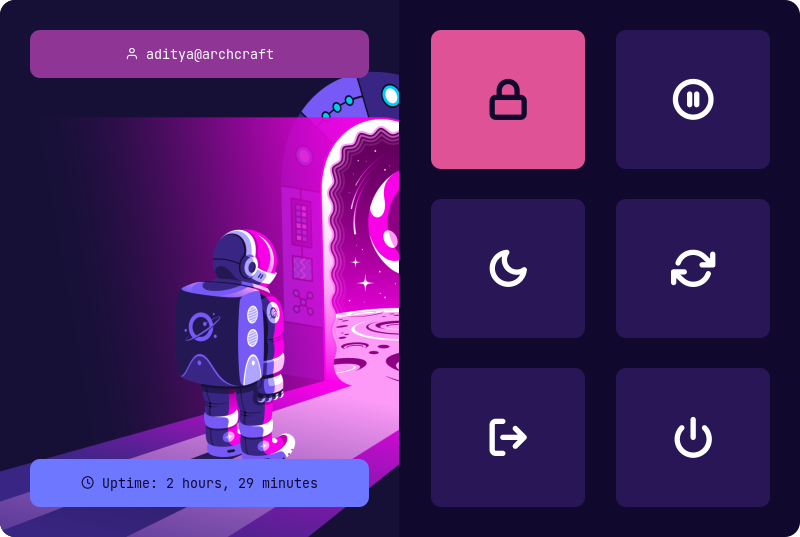
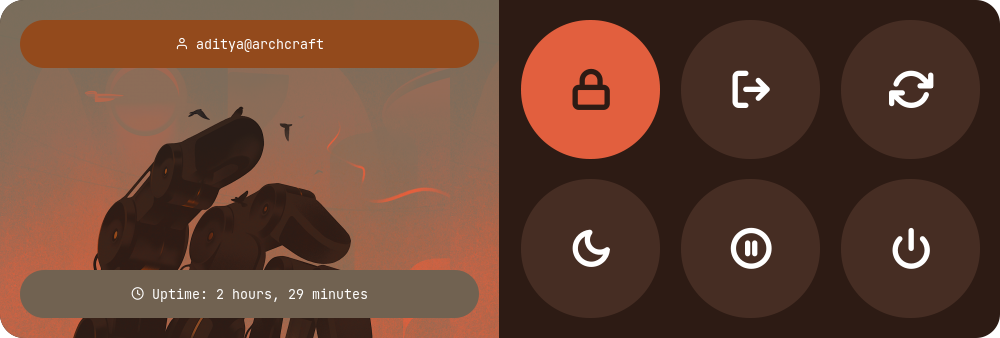
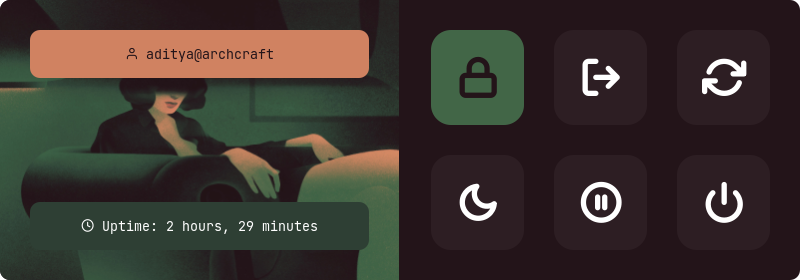
Powermenus
Type 1
Type 2
Type 3
Type 4
Type 5
Type 6
What is Rofi?
Rofi is A window switcher, Application launcher and dmenu replacement. Rofi started as a clone of simpleswitcher and It has been extended with extra features, like an application launcher and ssh-launcher, and can act as a drop-in dmenu replacement, making it a very versatile tool. Rofi, like dmenu, will provide the user with a textual list of options where one or more can be selected. This can either be running an application, selecting a window, or options provided by an external script.
Installation
Everything here is created on rofi version : 1.7.4
First, Make sure you have the same (stable) version of rofi installed.
Change to cloned directory and make setup.sh executable -
$ cd rofi
$ chmod +x setup.sh
Run setup.sh to install the configs -
$ ./setup.sh

[*] Installing fonts...
[*] Updating font cache...

[*] Creating a backup of your rofi configs...
[*] Installing rofi configs...
[*] Successfully Installed.
That's it, These themes are now installed on your system.
Note : These themes are like an ecosystem, everything here is connected with each other in some way. So... before modifying anything by your own, make sure you know what you doing.
Special thanks to all the Sponsors. Maintenance of this project is made possible by you guys. If you'd like to sponsor this project and have your avatar appear below, click here 💖
Launchers
Change Style : Edit ~/.config/rofi/launchers/type-X/launcher.sh script and edit the following line to use the style you like.
theme='style-1'
Change Colors : Edit ~/.config/rofi/launchers/type-X/shared/colors.rasi file and edit the following line to use the color-scheme you like.
@import "~/.config/rofi/colors/onedark.rasi"
Colors in type-5, type-6 and type-7 are hard-coded (based on image colors) and can be changed by editing the respective style-X.rasi file.
Change Colors : Edit ~/.config/rofi/applets/shared/colors.rasi file and edit the following line to use the color-scheme you like.
@import "~/.config/rofi/colors/onedark.rasi"
Colors in type-4 and type-5 are hard-coded (based on image colors) and can be changed by editing the respective style-X.rasi file.
Previews
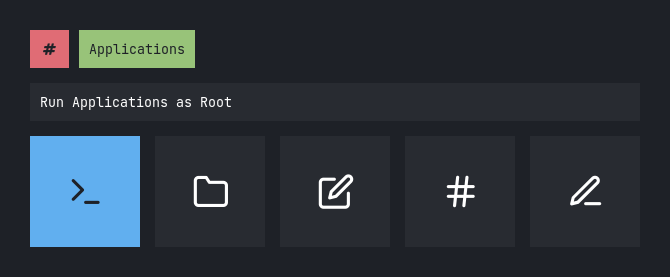
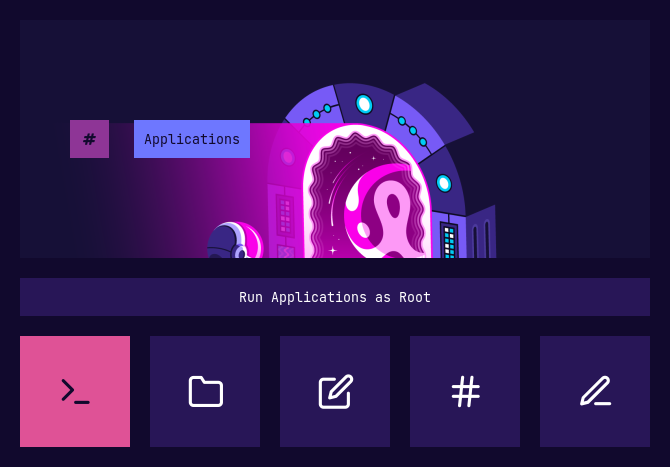
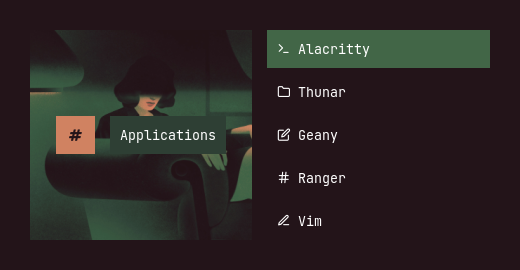
Apps as root
Type 1
Type 2
Type 3
Type 4
Type 5
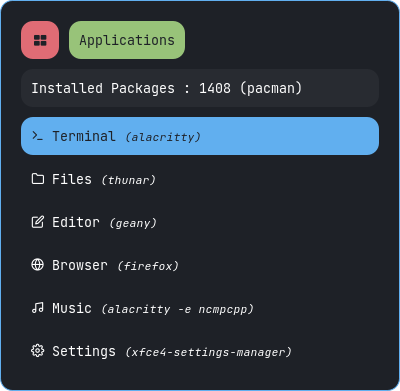
Apps
Type 1
Type 2
Type 3
Type 4
Type 5
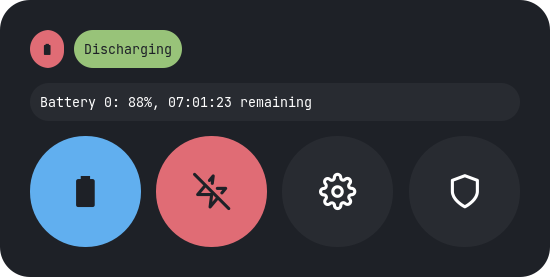
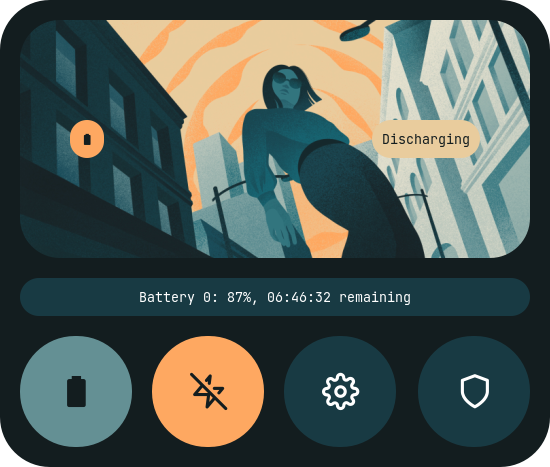
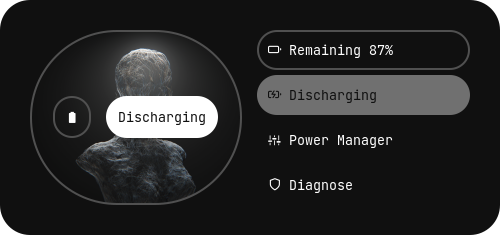
Battery
Type 1
Type 2
Type 3
Type 4
Type 5
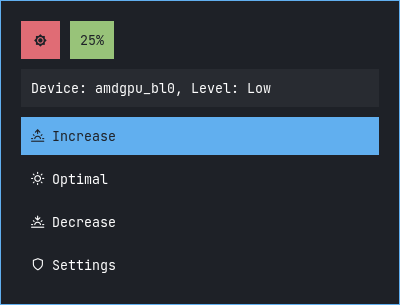
Brightness
Type 1
Type 2
Type 3
Type 4
Type 5
MPD
Type 1
Type 2
Type 3
Type 4
Type 5
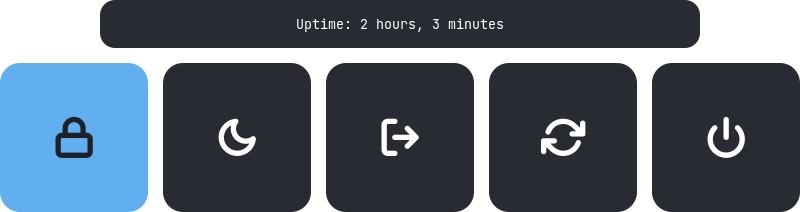
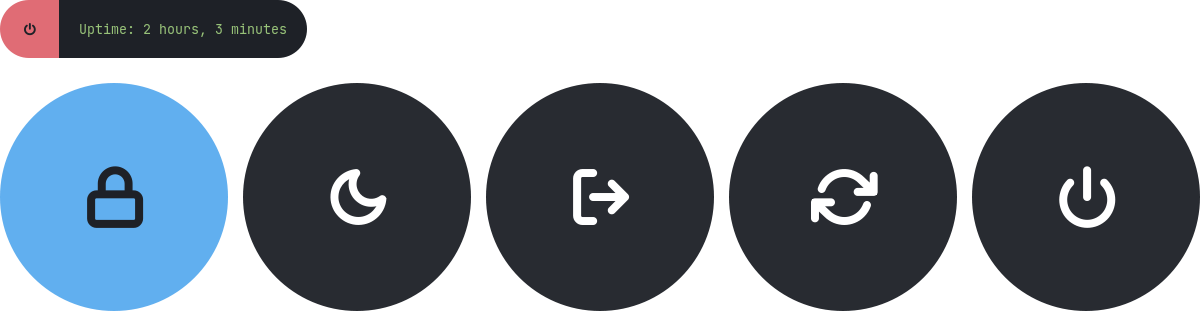
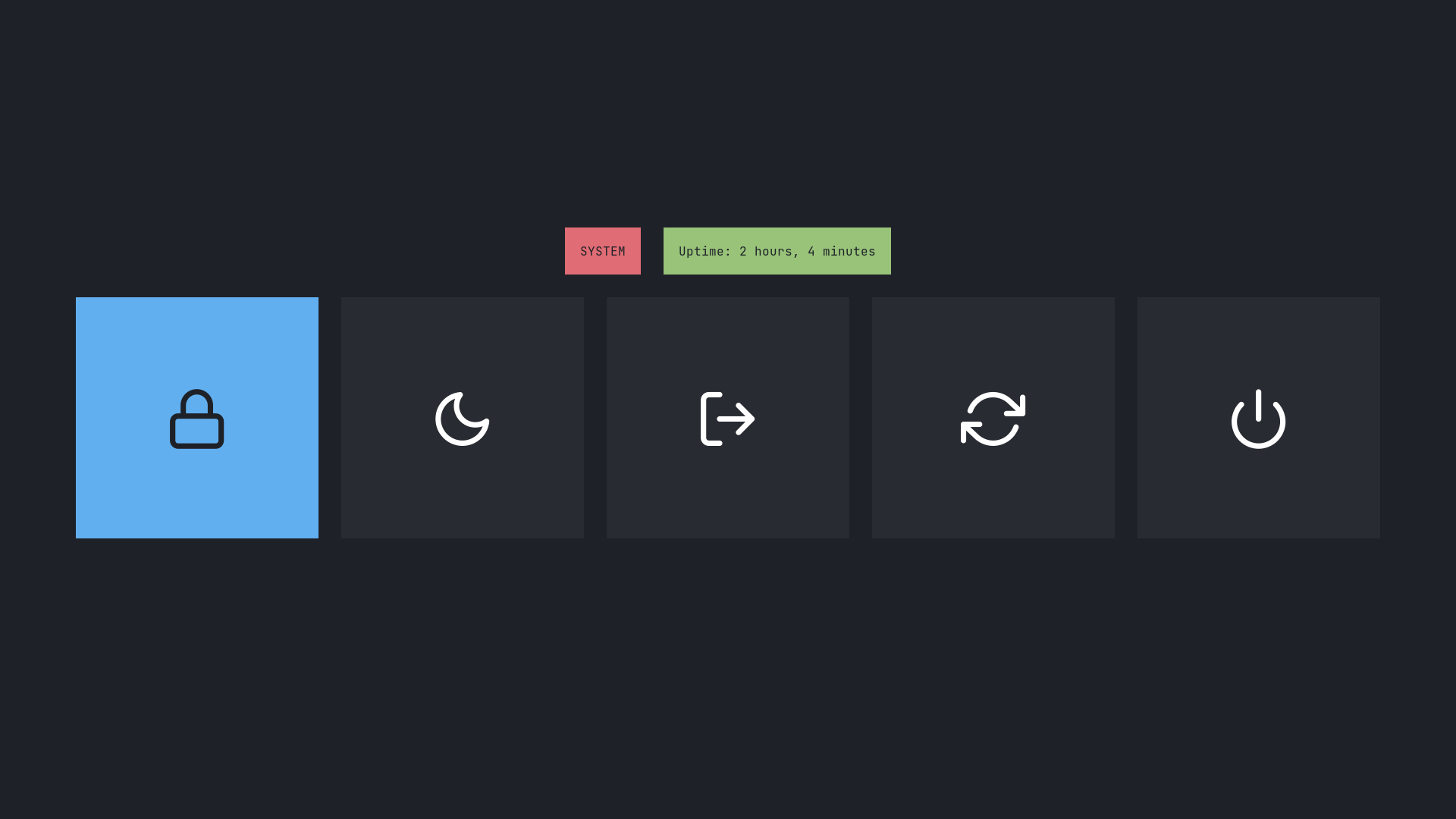
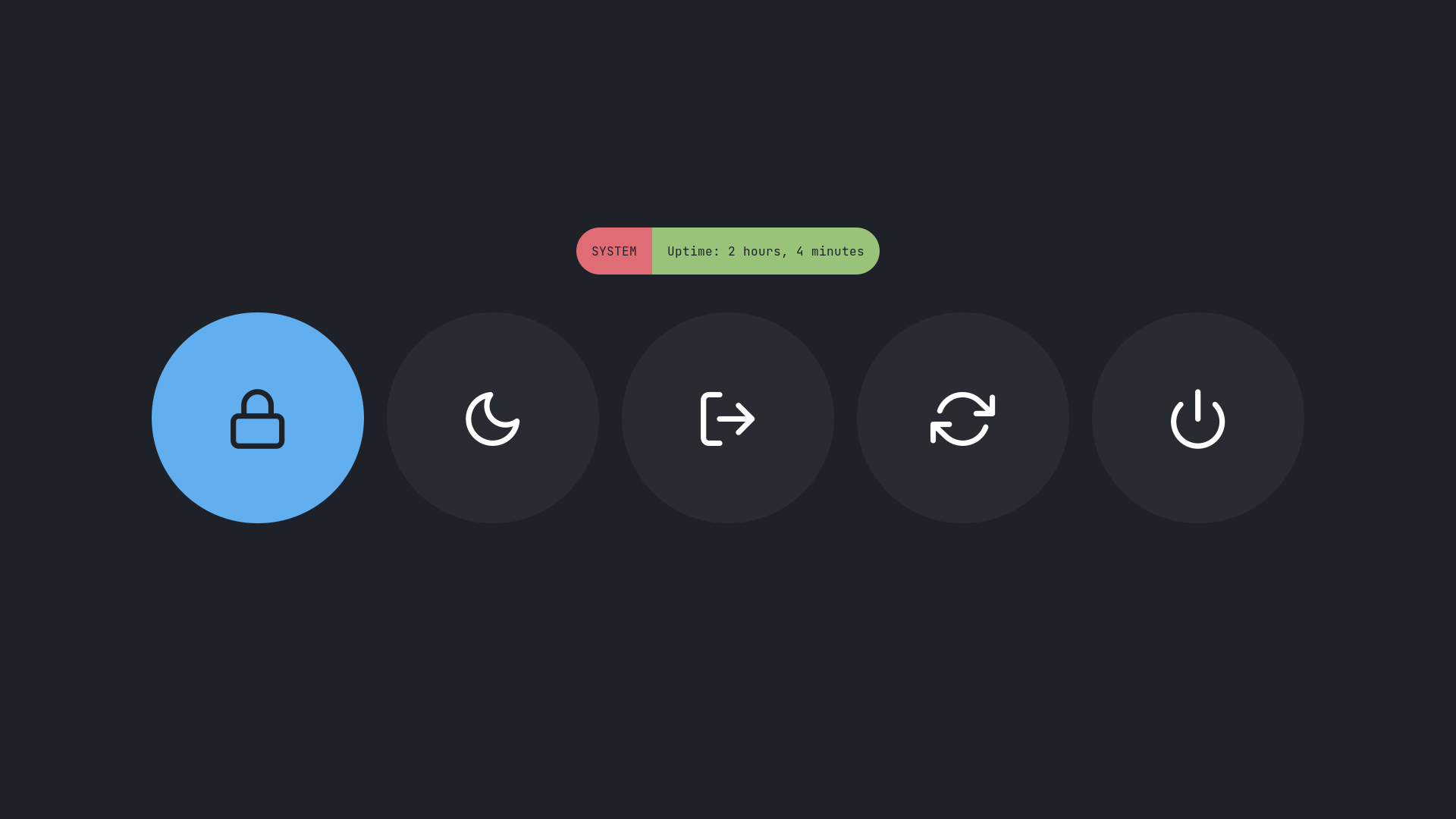
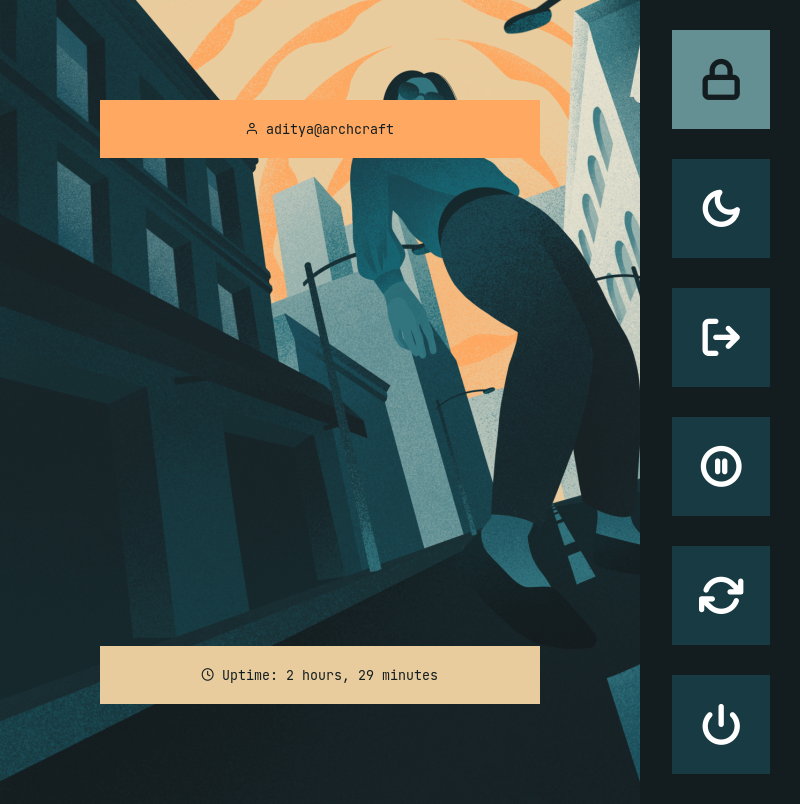
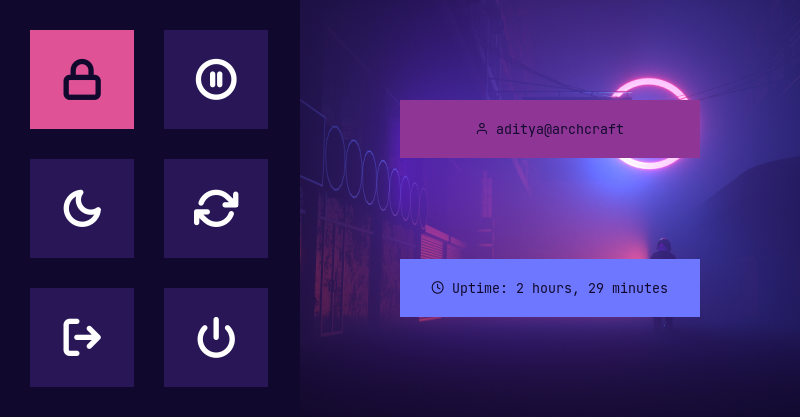
Powermenu
Type 1
Type 2
Type 3
Type 4
Type 5
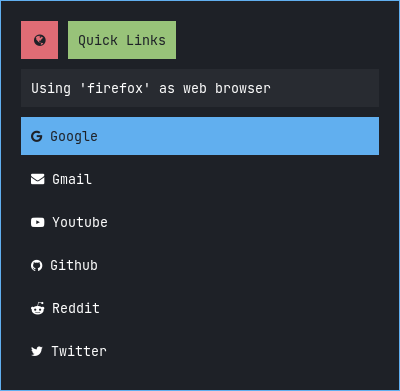
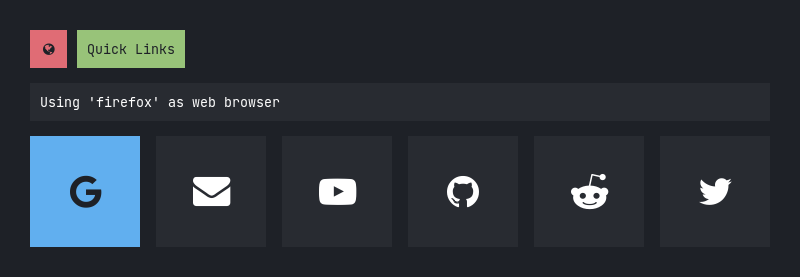
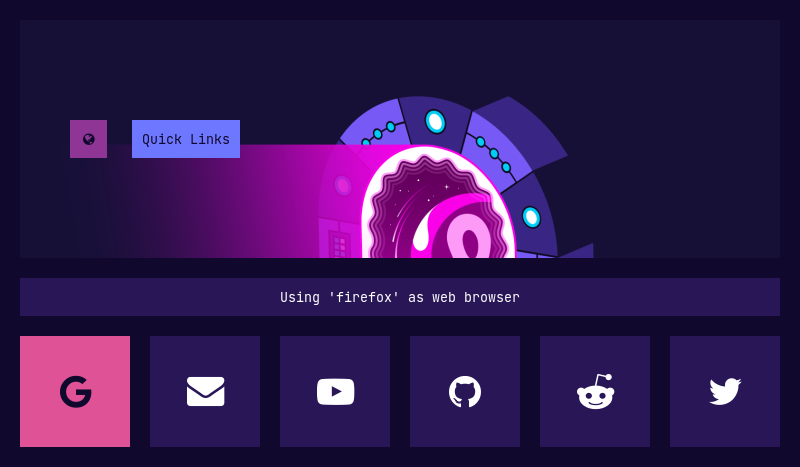
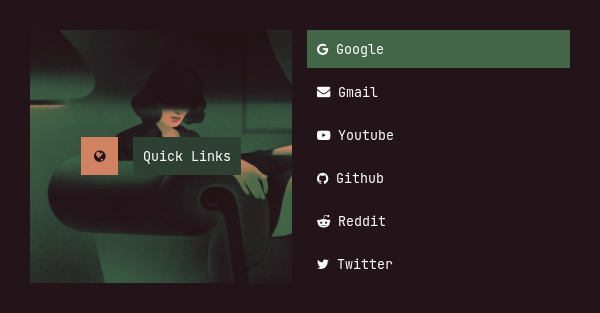
Quicklinks
Type 1
Type 2
Type 3
Type 4
Type 5
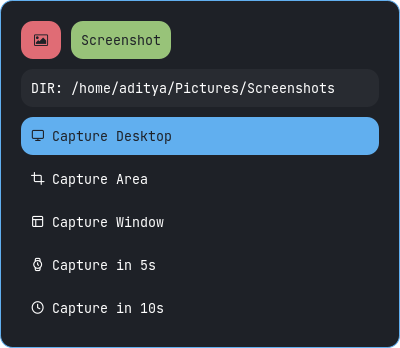
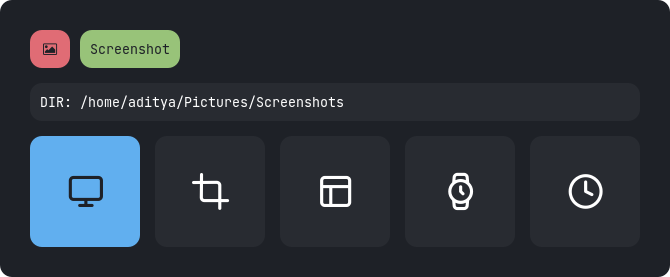
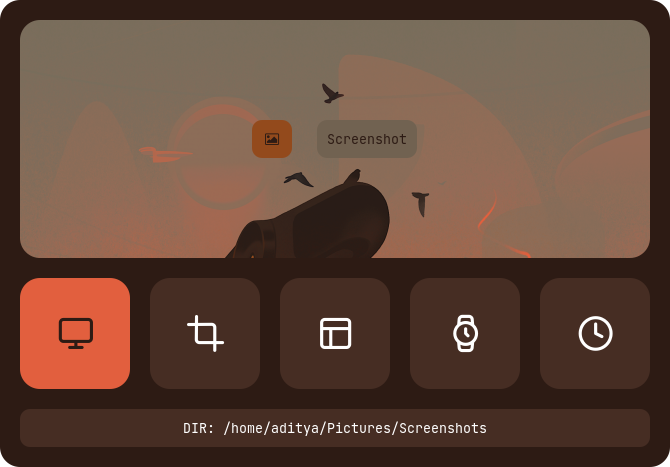
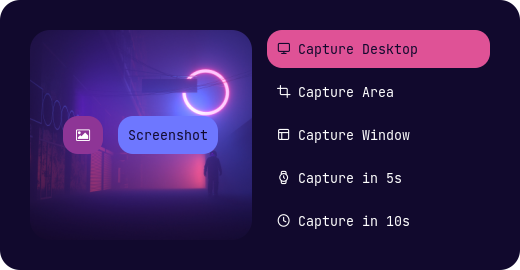
Screenshot
Type 1
Type 2
Type 3
Type 4
Type 5
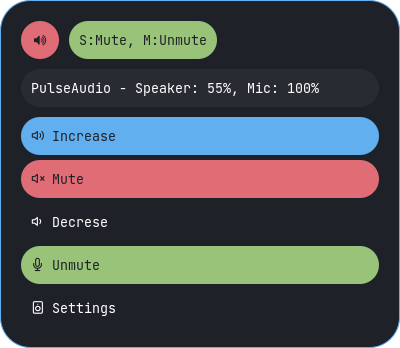
Volume
Type 1
Type 2
Type 3
Type 4
Type 5
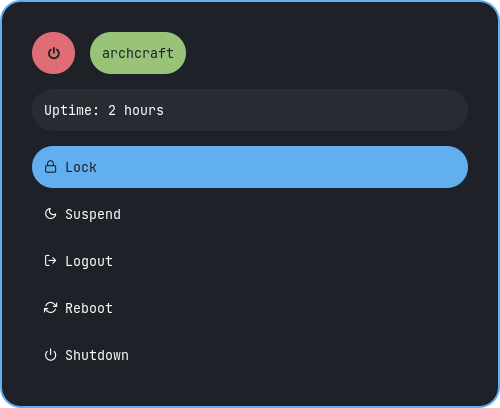
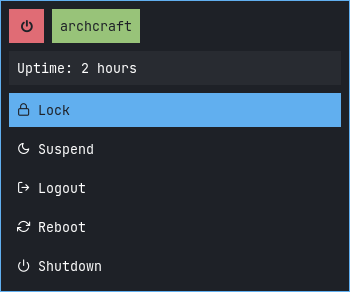
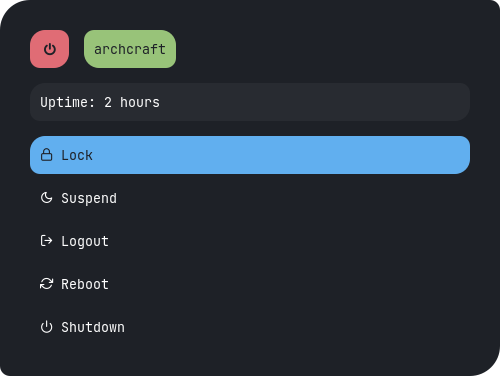
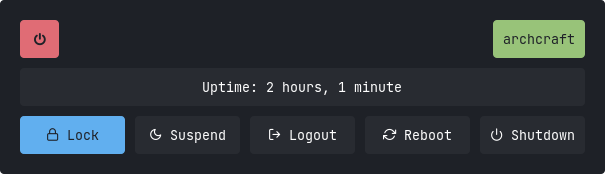
Powermenus
Change Style : Edit ~/.config/rofi/powermenu/type-X/powermenu.sh script and edit the following line to use the style you like.
theme='style-1'
Change Colors : Edit ~/.config/rofi/powermenu/type-X/shared/colors.rasi file and edit the following line to use the color-scheme you like.
@import "~/.config/rofi/colors/onedark.rasi"
Colors in type-5 and type-6 are hard-coded (based on image colors) and can be changed by editing the respective style-X.rasi file.
Previews
Type 1
Style 1
Style 2
Style 3
Style 4
Style 5
Type 2
Style 1
Style 2
Style 3
Style 4
Style 5
Style 6
Style 7
Style 8
Style 9
Style 10
Type 3
Style 1
Style 2
Style 3
Style 4
Style 5
Type 4
Style 1
Style 2
Style 3
Style 4
Style 5
Type 5
Style 1
Style 2
Style 3
Style 4
Style 5
Type 6
Style 1
Style 2
Style 3
Style 4
Style 5
Tips
Simple way to execute scripts
There's a $HOME/.config/rofi/scripts directory, which contains links to each script. you can execute these links to open any type of Launcher, Applet or Powermenu.
You can add $HOME/.config/rofi/scripts directory to your $PATH variable so that entering t7_launcher in the terminal (or executing this command) will summon the type-7 launcher. you can do it by -
In bash
# Add directory to the $PATH variable
echo "PATH=$PATH:~/.config/rofi/scripts" >> ~/.profile
In zsh (oh-my-zsh)
# Edit .zshrc and add this line
export PATH=$HOME/.config/rofi/scripts:$PATH
Warning: After changing the shell files, Logout and Login back again to update the $PATH environment variable.
Usage
with polybar
You can use these launchers, powermenus or applets with polybar by simply adding a module like that:
;; Application Launcher Module
[module/launcher]
type = custom/text

content = 異
content-background = black
content-foreground = green

click-left = ~/.config/rofi/launchers/type-1/launcher.sh
click-right = launcher_t1

;; Power Menu Module
[module/powermenu]
type = custom/text

content = 襤
content-background = black
content-foreground = red

click-left = ~/.config/rofi/powermenu/type-1/powermenu.sh
click-right = powermenu_t1
with i3wm
You can also use them with the keybindings on your window manager, For example:
For previous versions, check the respective branch, 1.7.0 is the most recent branch.
These themes are created on a display with 1920x1080 resolution. Everything should work fine on your display as well, except fullscreen themes. So Adjust the margin and padding by yourself.
The purpose of this repository is to provide you a complete (almost) reference. So by using the files as reference, You can theme rofi by yourself.
The most recent commit recorded on adi1090x/rofi was 5 months ago, based on the GitHub push timestamp. The repository has 400 forks — one of the better signals of community interest.
How many stars does adi1090x/rofi have?
adi1090x/rofi has 8.8k GitHub stars — refresh the page for the live number, or check github.com/adi1090x/rofi. TopGit mirrors GitHub's count but does not claim minute-by-minute accuracy.
Is adi1090x/rofi open source?
Yes — adi1090x/rofi ships under the GPL-3.0 license, which makes its source code freely readable (and, depending on license terms, forkable and reusable). Source: github.com/adi1090x/rofi.
What is adi1090x/rofi?
adi1090x/rofi (adi1090x/rofi) is a Shell project on GitHub. From the project's own README: A huge collection of Rofi based custom Applets, Launchers & Powermenus.
What language is adi1090x/rofi written in?
adi1090x/rofi is written primarily in Shell. GitHub's language field is based on the largest share of bytes in the default branch.
What license does adi1090x/rofi use?
adi1090x/rofi is released under the GPL-3.0 license. Always verify the LICENSE file directly on GitHub for the authoritative terms — license strings can be edited out of sync with a project's actual stance.
Where do I read more about adi1090x/rofi?
This TopGit page is a snapshot — the READ ME tab shows the project's own README content (links stripped, images preserved). The GitHub repository at github.com/adi1090x/rofi is the definitive source.
Read full README in the tab above.
Want a second opinion on rofi?
Ask an AI that can read this page — one click and you get its take on rofi.

 /rofi