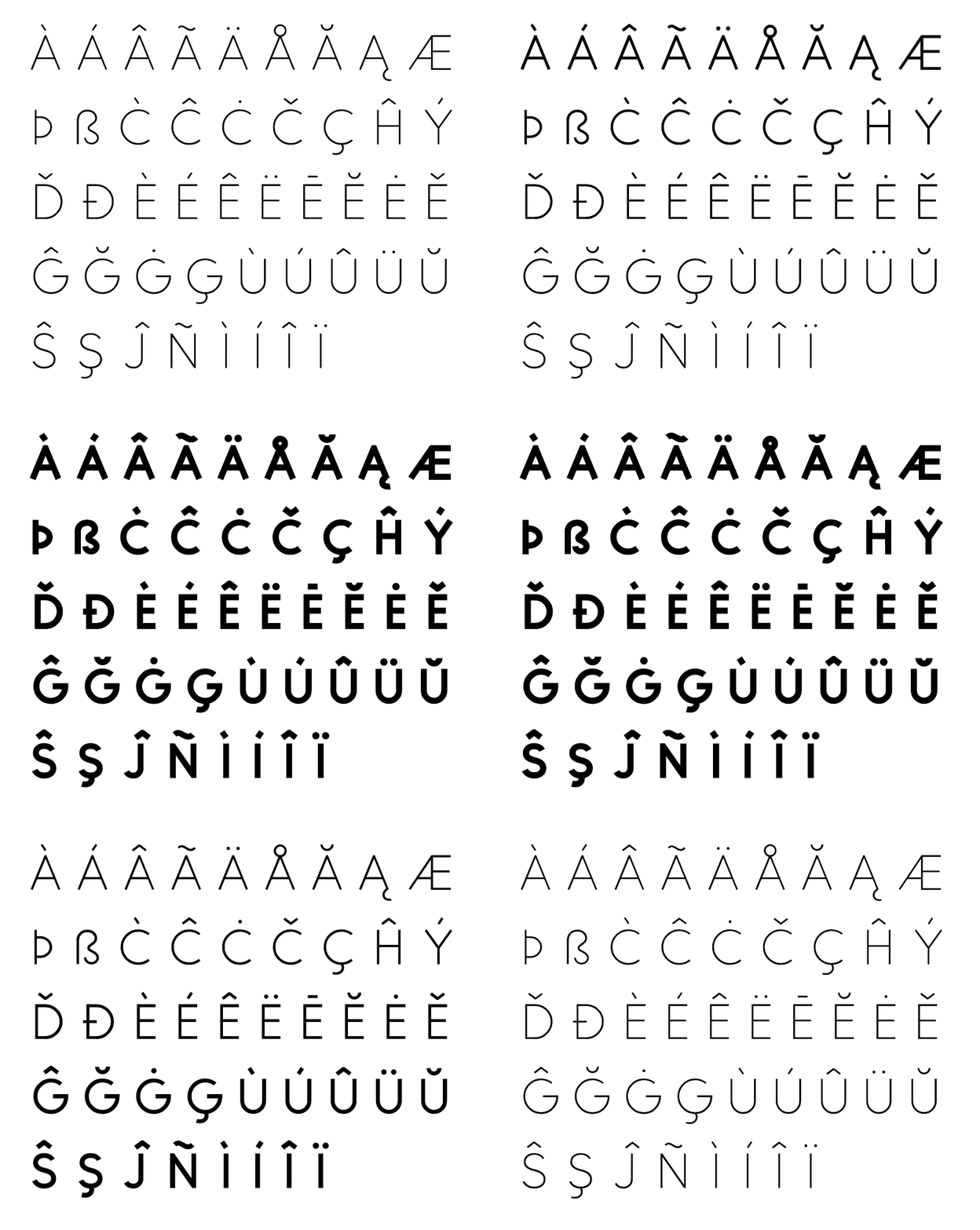
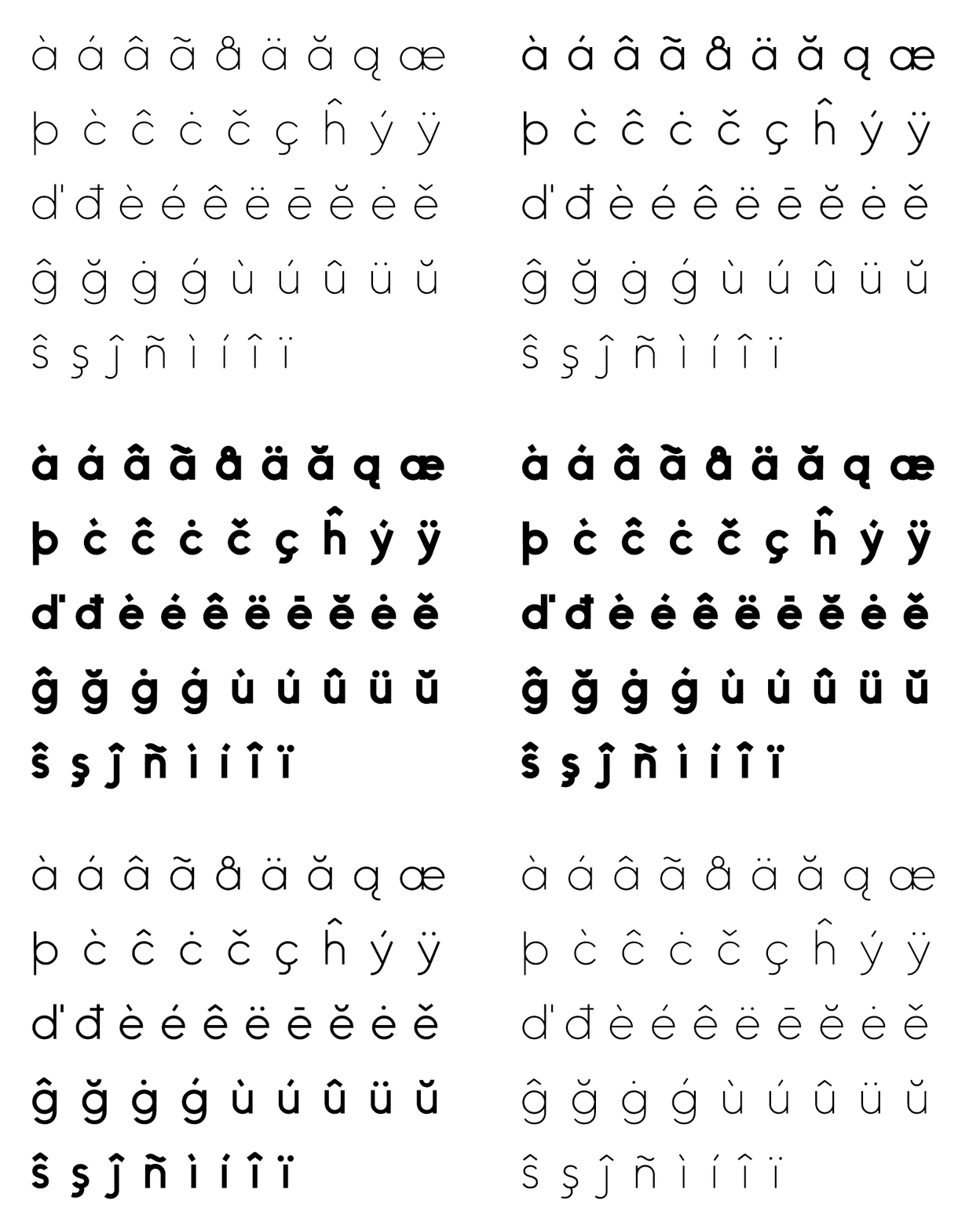
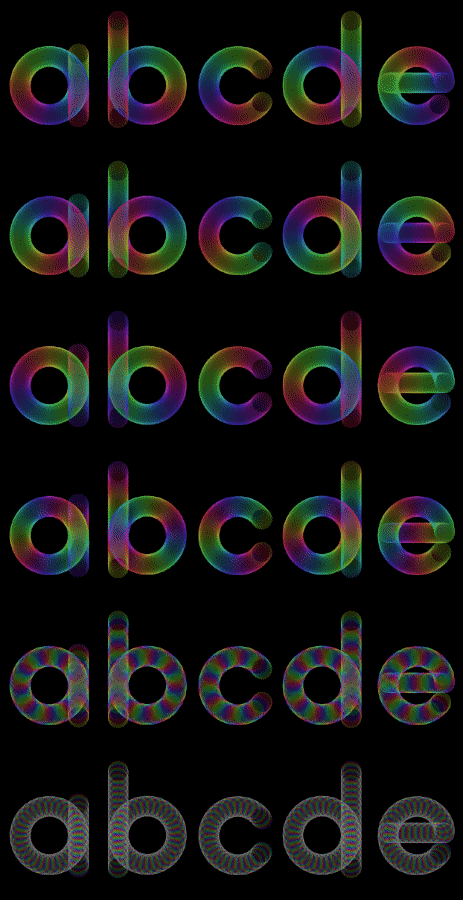
10.2k sao GitHub và vẫn tăng — cmiscm/leonsans là dự án JavaScript mà TopGit đang theo dõi trên nền tảng. Leon Sans is a geometric sans-serif typeface made with code in 2019 by Jongmin Kim.
Tóm tắt dựng từ metadata GitHub của chính dự án — chưa có bài review TopGit. Trang sẽ tự động cập nhật khi bài review đầy đủ được xuất bản.
VÌ SAO CHƯA CÓ REVIEW
TopGit viết bài đầy đủ cho repo có nhiều sao nhất và được yêu cầu nhiều nhất. Trang này là snapshot trong thời gian chờ — xem README gốc ở tab READ ME.
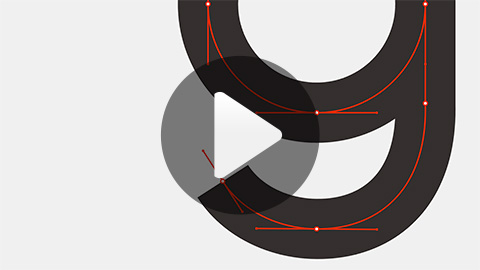
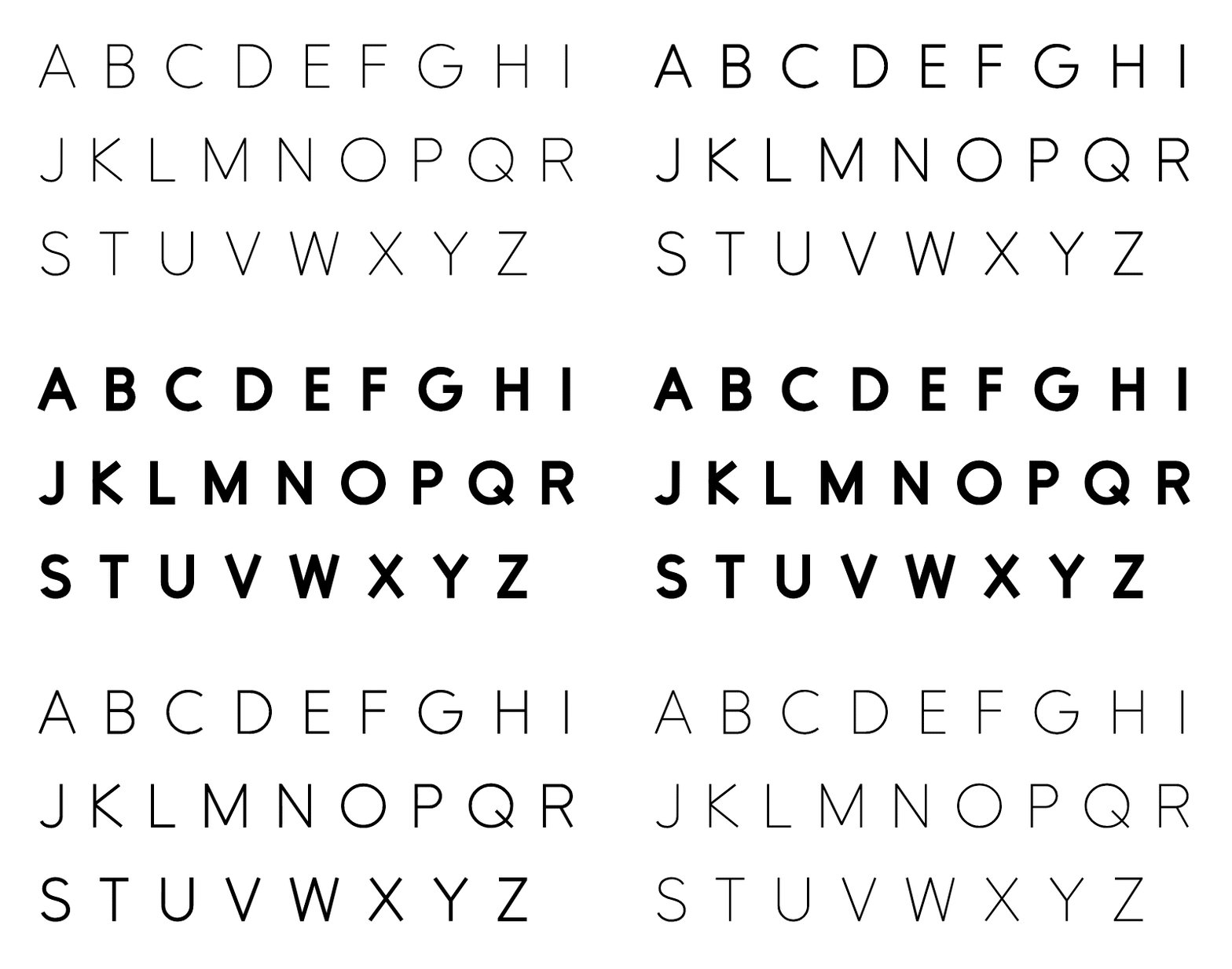
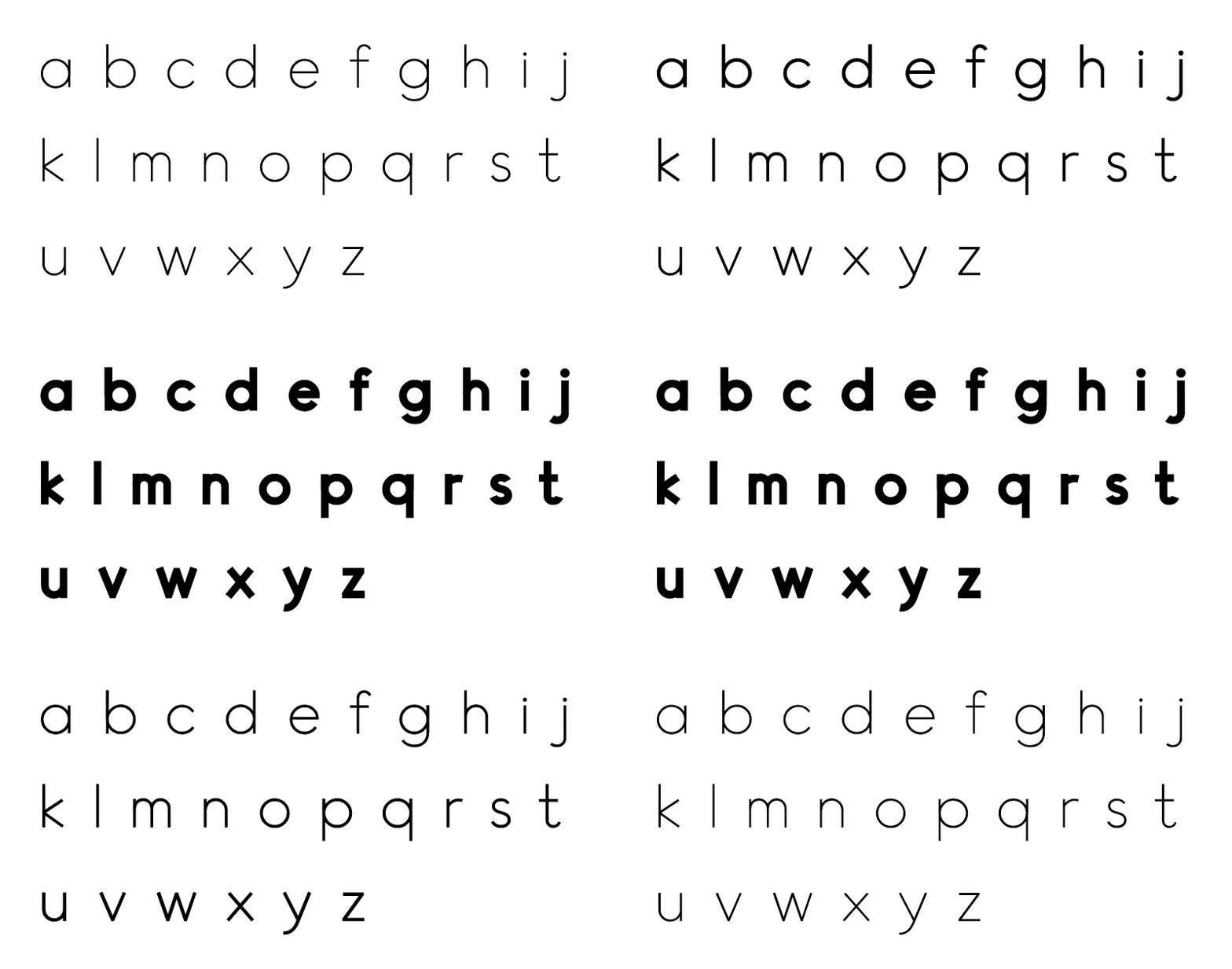
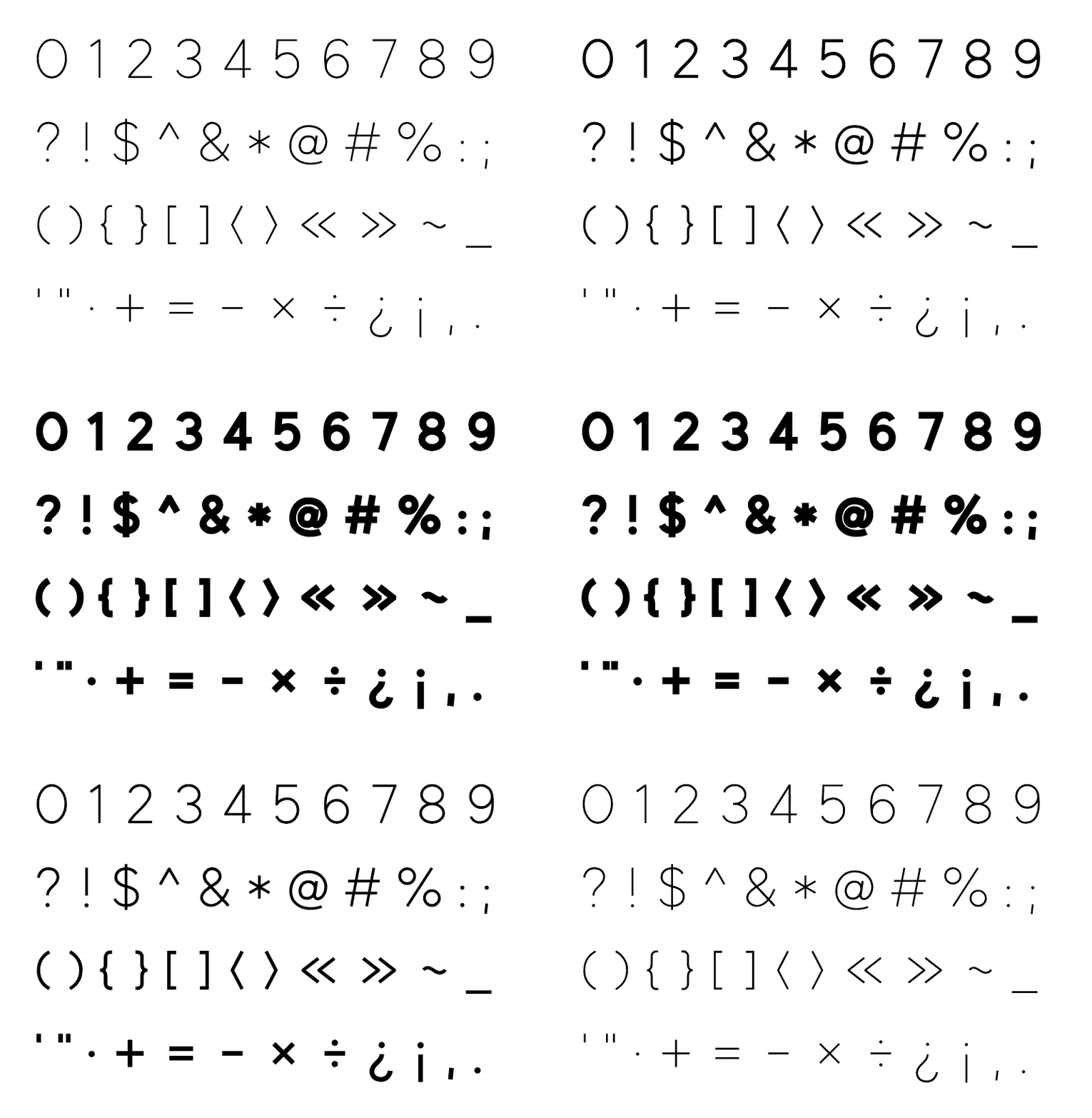
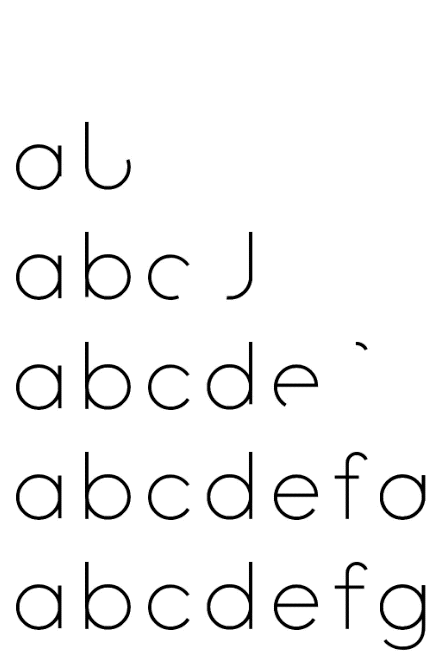
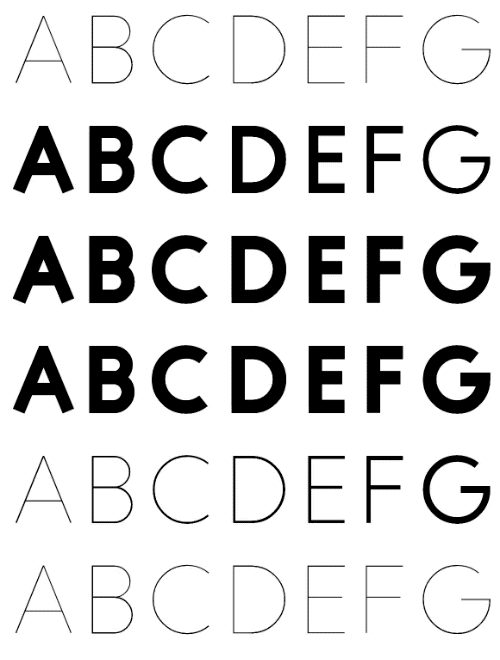
Leon Sans is a geometric sans-serif typeface made with code in 2019 by Jongmin Kim. It allows to change font weight dynamically and to create custom animations, effects or shapes in the Canvas element of HTML5. He designed the font to celebrate his newborn baby Leon.
There are live examples at https://leon-kim.com/examples/
And website at https://leon-kim.com/
What is special?
The font is made with code, it has coordinate values of the drawing points for each glyph. With the coordinate values, you can create custom shapes, effects or animations.
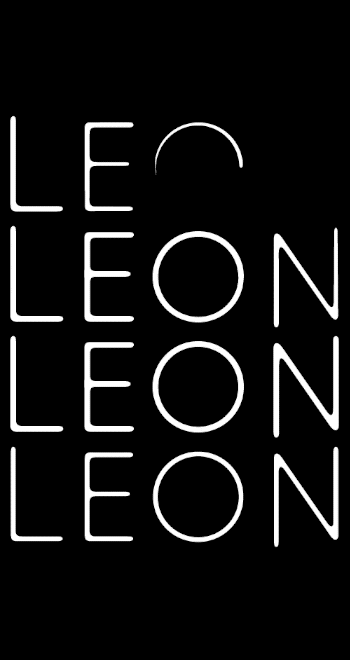
Drawing animation
Weight change
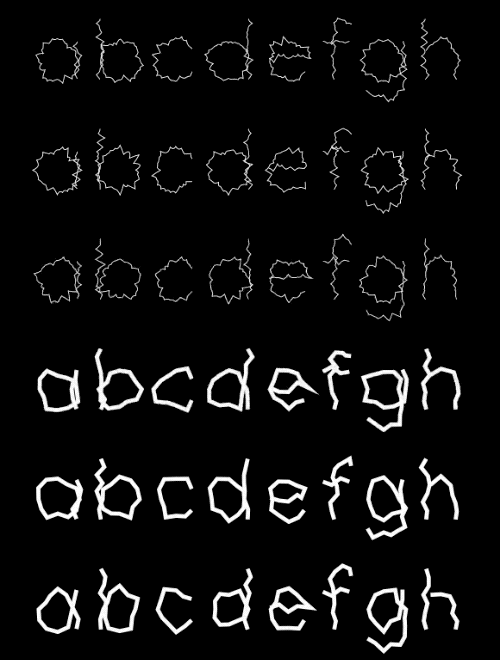
Wave
Metaball
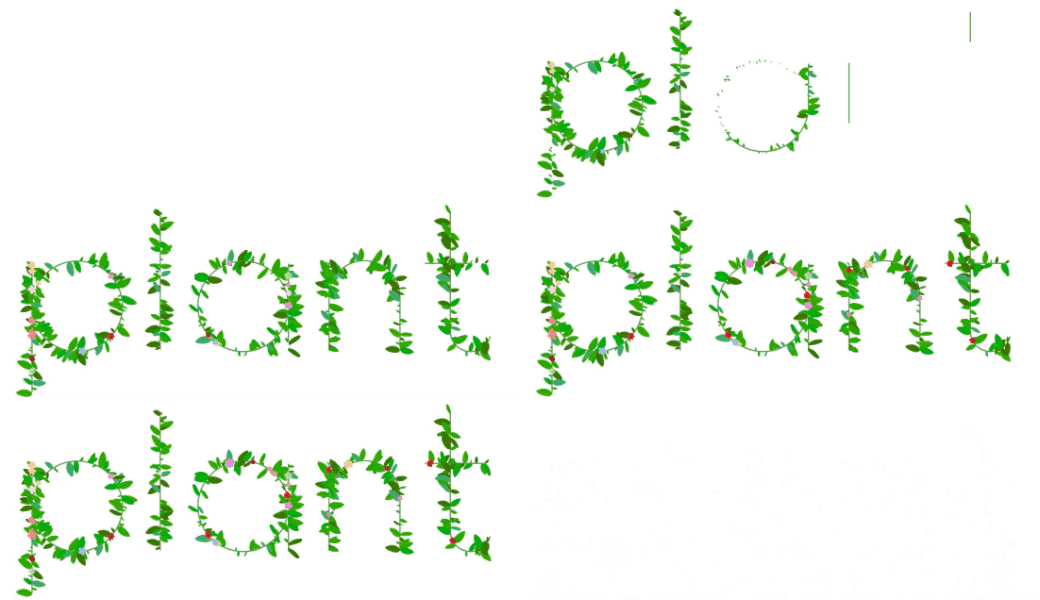
Plant
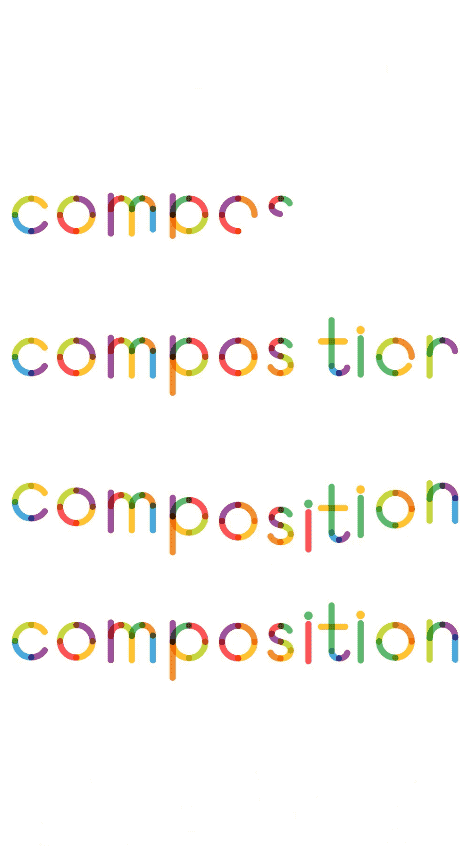
Colorful
Color pattern
Usage
Download the minified js file in dist folder and include it in your html.
<script src="js/leon.js"></script>
Generate LeonSans and draw it in the Canvas element of HTML5.
let leon, canvas, ctx;

const sw = 800;
const sh = 600;
const pixelRatio = 2;

function init() {
    canvas = document.createElement('canvas');
    document.body.appendChild(canvas);
    ctx = canvas.getContext("2d");

    canvas.width = sw * pixelRatio;
    canvas.height = sh * pixelRatio;
    canvas.style.width = sw + 'px';
    canvas.style.height = sh + 'px';
    ctx.scale(pixelRatio, pixelRatio);

    leon = new LeonSans({
        text: 'The quick brown\nfox jumps over\nthe lazy dog',
        color: ['#000000'],
        size: 80,
        weight: 200
    });

    requestAnimationFrame(animate);
}

function animate(t) {
    requestAnimationFrame(animate);

    ctx.clearRect(0, 0, sw, sh);

    const x = (sw - leon.rect.w) / 2;
    const y = (sh - leon.rect.h) / 2;
    leon.position(x, y);

    leon.draw(ctx);
}

window.onload = () => {
    init();
};
For the drawing animation, include TweenMax (JS animation library) in your html.
let i, total = leon.drawing.length;
for (i = 0; i < total; i++) {
    TweenMax.fromTo(leon.drawing[i], 1.6, {
        value: 0
    }, {
        delay: i * 0.05,
        value: 1,
        ease: Power4.easeOut
    });
}
Option list
Name
Type
Description
text
string
The text that needs to be shown.
size
integer
The size of the text.
weight
number
The weight of the font: 1 - 900. [Default: 1]
color
array
The colors of each characters. [Default: ['#000000']]
colorful
array
The colors for colorful effect. [Default: ['#c5d73f', '#9d529c', '#49a9db', '#fec330', '#5eb96e', '#fc5356', '#f38f31']]
tracking
integer
The spacing between the characters of a block of text. [Default: 0]
leading
integer
The distance between each line of text. [Default: 0]
align
string
How the text content of the element is horizontally aligned: left, center, right. [Default: left]
pathGap
number
The gap between each coordinate of the points on a line of each character: 0 - 1. [Default: 0.5]
amplitude
number
The amplitude of the wave effect: 0 - 1. [Default: 0.5]
maxWidth
number
The width of the text sentence.
breakWord
boolean
Words break when reaching the end of a line. [Default: false]
fps
number
The FPS for the wave effect. [Default: 30]
isPath
boolean
true to get the coordinate values of the points on a line of each character. [Default: false]
isWave
boolean
true for the wave effect. [Default: false]
Properties
Name
Type
Description
lineWidth
number
The thickness of lines of the character.
scale
number
The scale of the character. scale is 1 when the font size is 500.
drawing
array
The drawing object values for each character. 0 is the beginning of the animation, 1 is the end of the animation state.
data
array
An object of the raw data for the text.
paths
array
The coordinate values of the points on a line of each character.
drawingPaths
array
The coordinate values of the points on a line of each character to draw the drawing animation in WebGL. It has 1px distance of each path.
wavePaths
array
The coordinate values of the points on a line for the wave effect.
rect
Object
The size of the text and its position: {x: x position, y: y position, w: width, h: height}.
Methods
Name
Description
on()
Add update event.
off()
Remove update event.
position(x, y)
Set the position of the text.
updateDrawingPaths()
Update paths for drawing in WebGL (PIXI.js). It's very expensive, only call when it needs.
drawPixi(graphics)
Draw text in WebGL with PIXI.js.
draw(ctx)
Draw text in the Canvas element.
drawColorful(ctx)
Draw the colorful effect.
wave(ctx, t)
Draw the wave effect.
pattern(ctx, w, h)
Draw rectangle shapes at each path point
grid(ctx)
Draw grid for each type.
point(ctx)
Draw circles at each drawing point and lines for each type.
Có — cmiscm/leonsans phát hành theo license MIT, nghĩa là mã nguồn mở để đọc, fork và (tùy license) tái sử dụng. Mã: github.com/cmiscm/leonsans.
cmiscm/leonsans có trang demo không?
Dự án có trang chủ ở https://leon-kim.com/. Tab "Readme" ở trang này thường có ảnh chụp và hướng dẫn bắt đầu nhanh.
cmiscm/leonsans dùng license gì?
cmiscm/leonsans phát hành theo license MIT. Nên mở file LICENSE trên GitHub để xác nhận — license metadata đôi khi lệch với thực tế dự án.
cmiscm/leonsans là gì?
cmiscm/leonsans (cmiscm/leonsans) là dự án JavaScript trên GitHub. Theo mô tả gốc: Leon Sans is a geometric sans-serif typeface made with code in 2019 by Jongmin Kim.
Đọc thêm về cmiscm/leonsans ở đâu?
Trang TopGit này là một snapshot — tab "Readme" hiển thị nguyên văn README của repo (đã bỏ link, giữ ảnh). Repo GitHub ở github.com/cmiscm/leonsans là nguồn chính thức.
Đọc đầy đủ README ở tab phía trên.
Chưa chắc leonsans có hợp với bạn?
Để ChatGPT, Claude hoặc Perplexity tìm hiểu giúp — bấm bên dưới và xem AI nói gì về leonsans.

 /leonsans