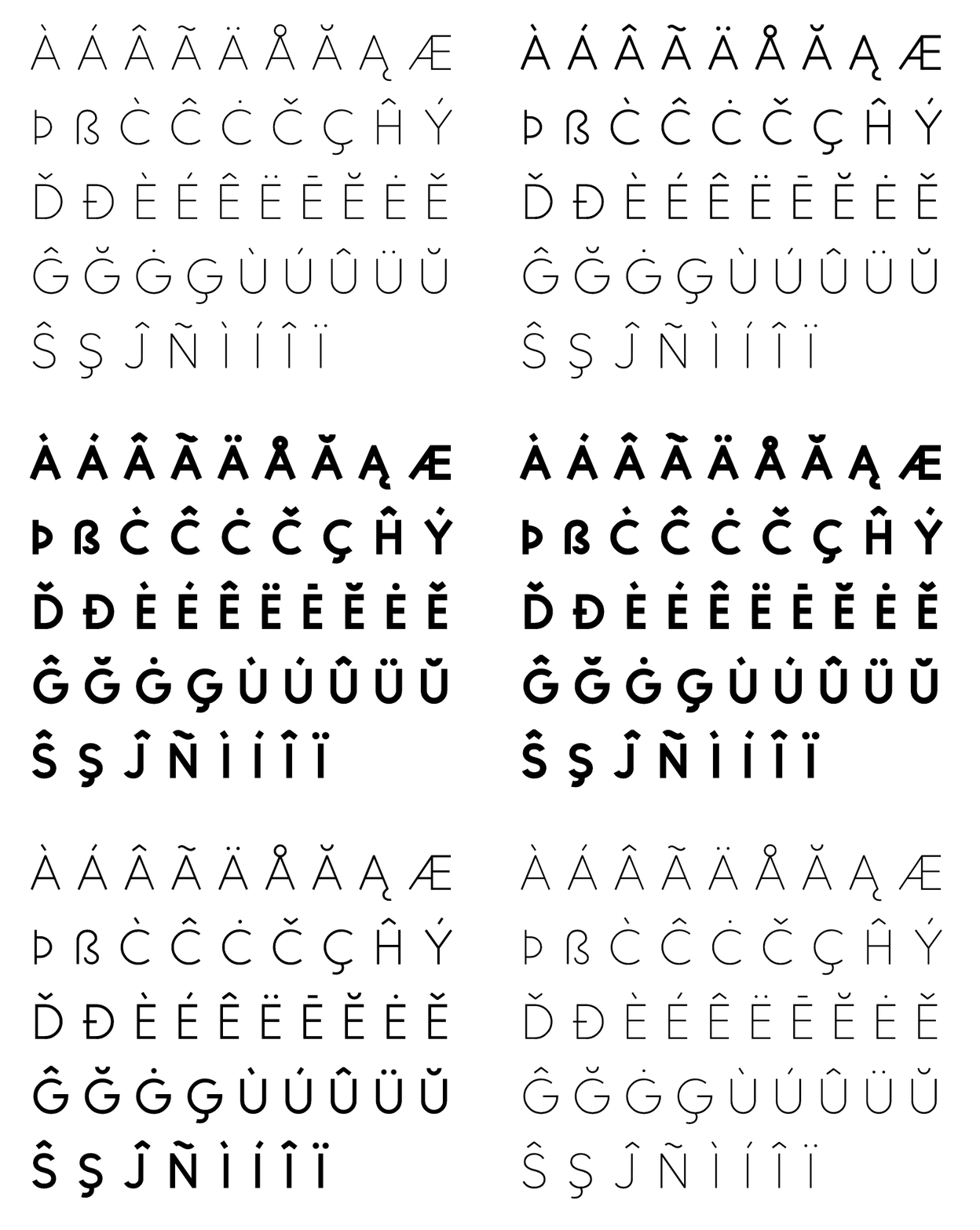
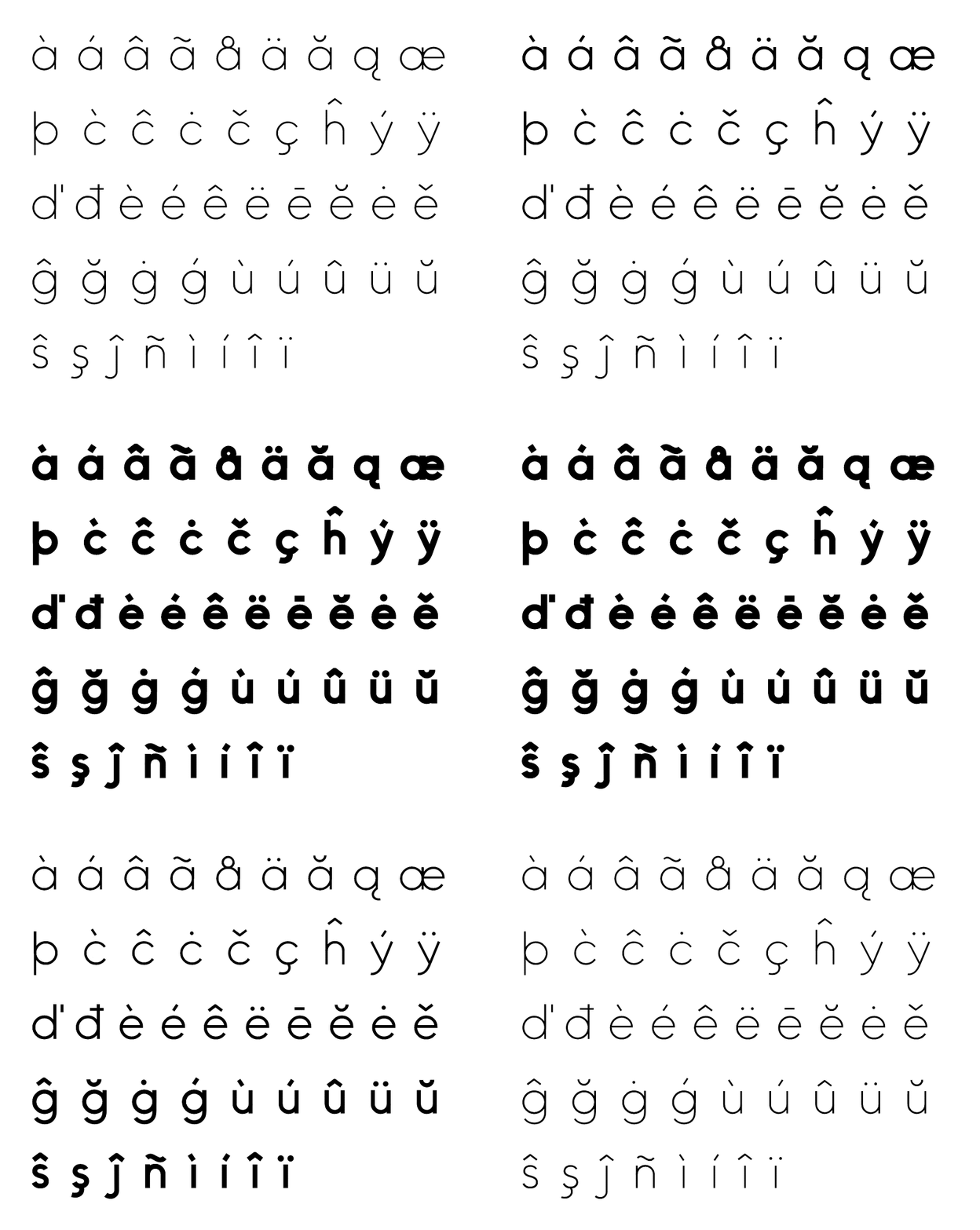
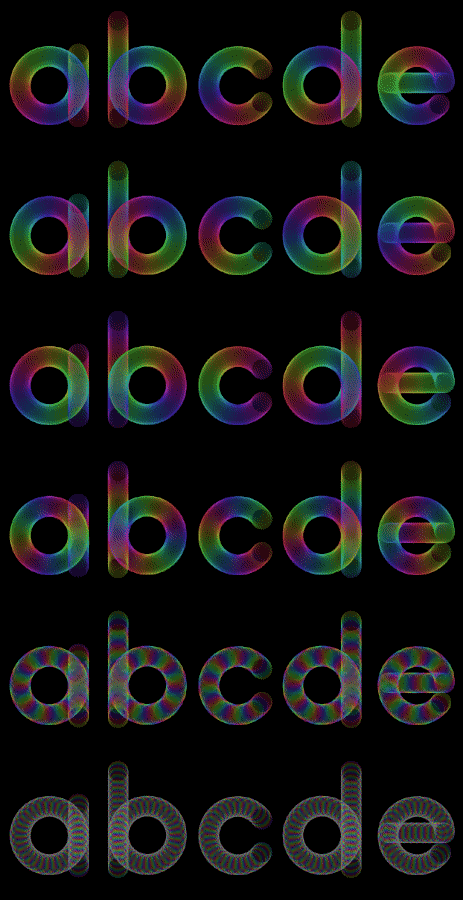
cmiscm/leonsans — 10.2k★ on GitHub (JavaScript). Leon Sans is a geometric sans-serif typeface made with code in 2019 by Jongmin Kim.
Snapshot summary built from the project's own GitHub metadata — there's no written TopGit review yet. The page will update automatically when a full review is published.
WHY NO REVIEW YET
TopGit writes full reviews for the most-starred, most-requested repositories. This page is a snapshot until then — see the READ ME tab for the original README in full.
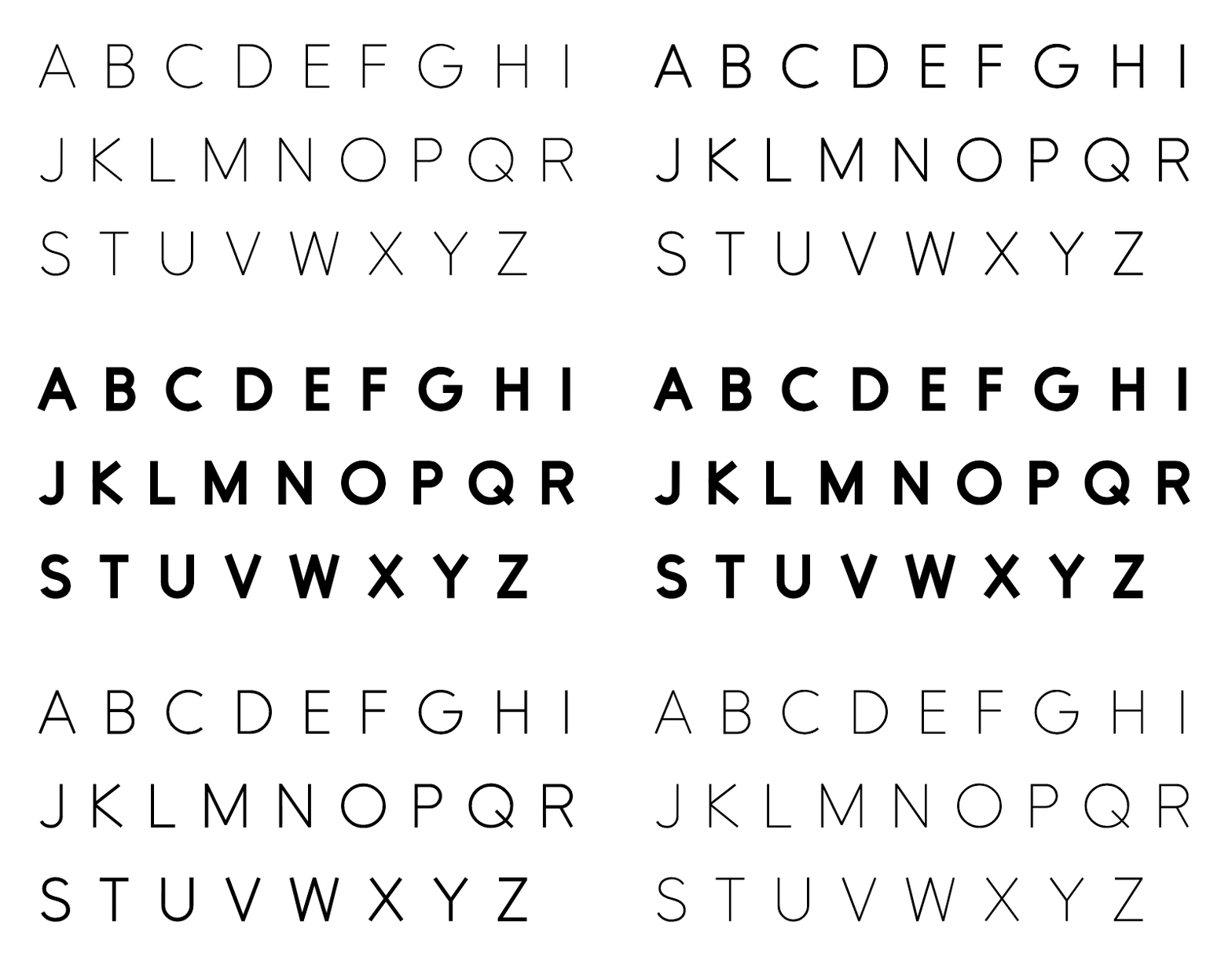
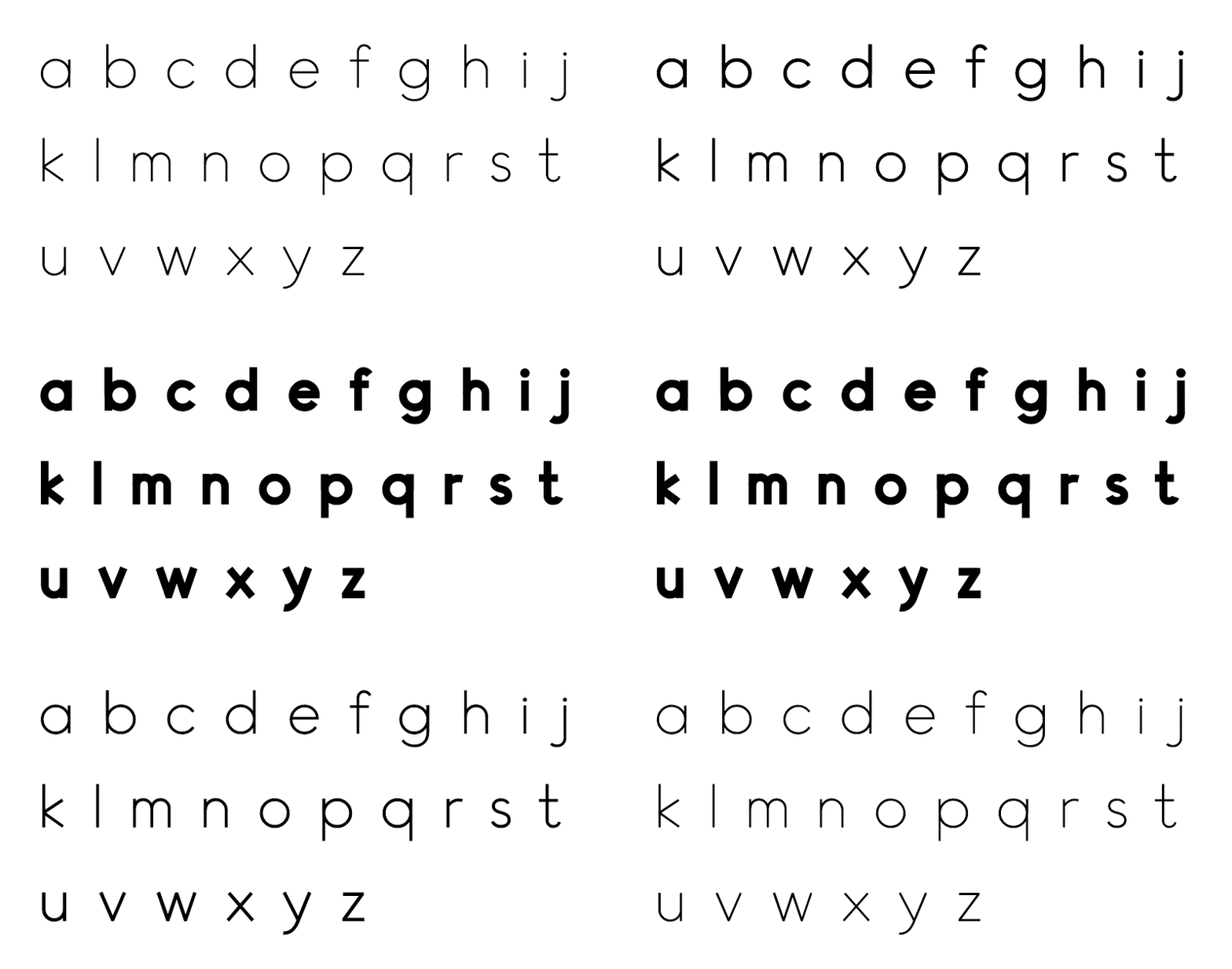
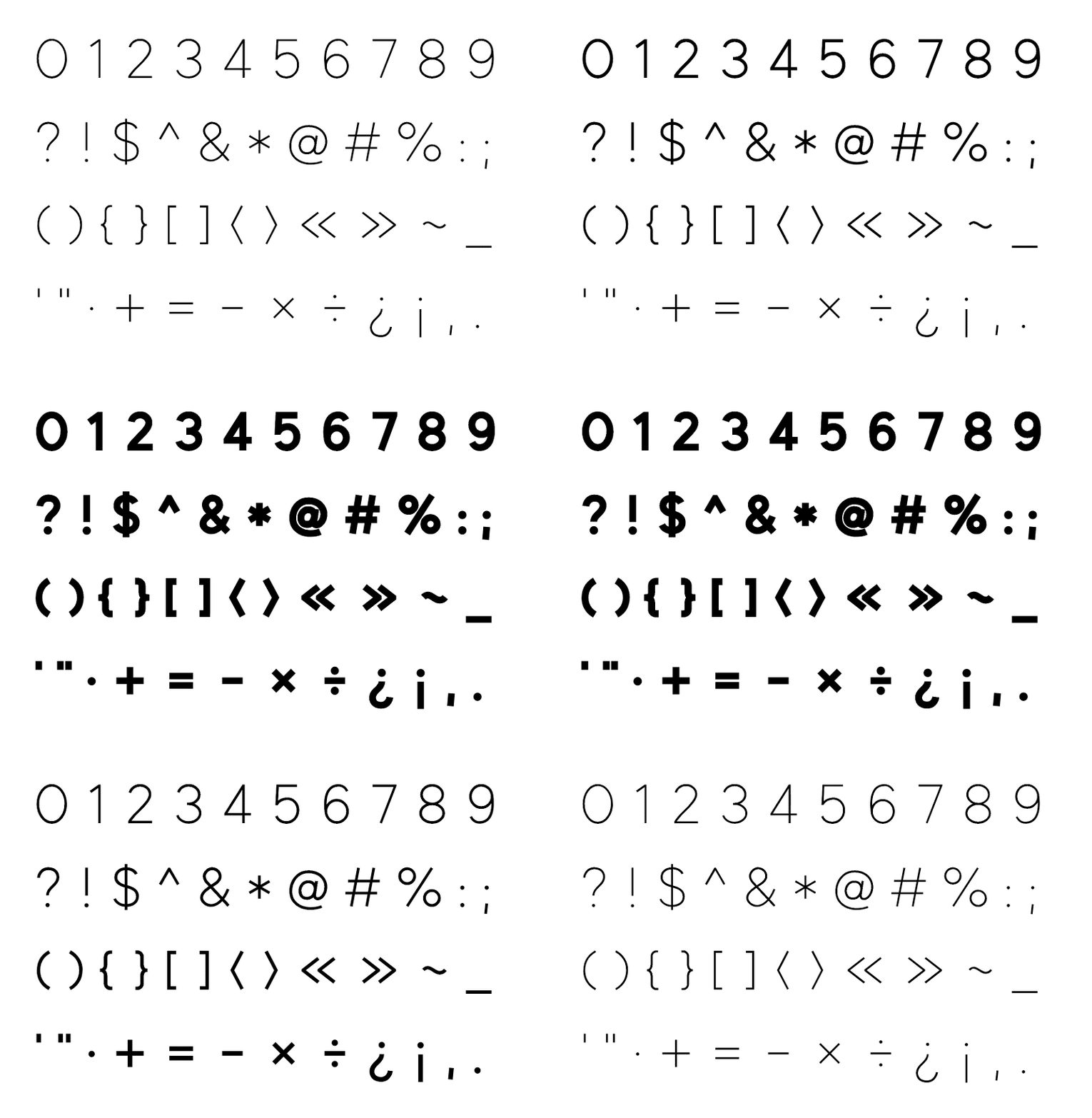
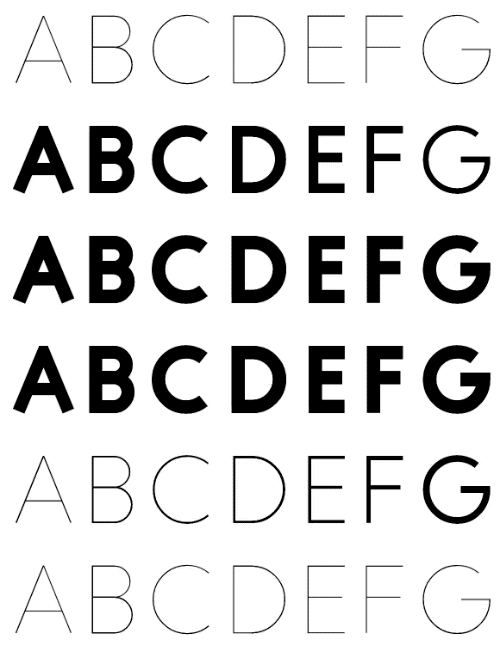
Leon Sans is a geometric sans-serif typeface made with code in 2019 by Jongmin Kim. It allows to change font weight dynamically and to create custom animations, effects or shapes in the Canvas element of HTML5. He designed the font to celebrate his newborn baby Leon.
There are live examples at https://leon-kim.com/examples/
And website at https://leon-kim.com/
What is special?
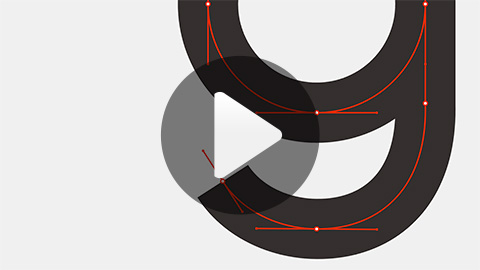
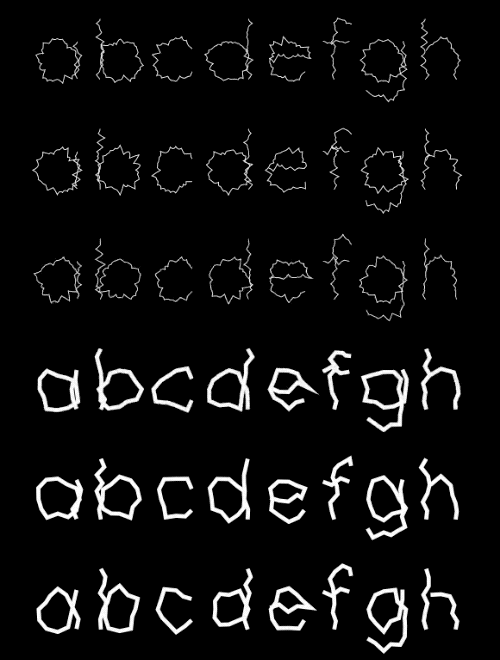
The font is made with code, it has coordinate values of the drawing points for each glyph. With the coordinate values, you can create custom shapes, effects or animations.
Drawing animation
Weight change
Wave
Metaball
Plant
Colorful
Color pattern
Usage
Download the minified js file in dist folder and include it in your html.
<script src="js/leon.js"></script>
Generate LeonSans and draw it in the Canvas element of HTML5.
let leon, canvas, ctx;

const sw = 800;
const sh = 600;
const pixelRatio = 2;

function init() {
    canvas = document.createElement('canvas');
    document.body.appendChild(canvas);
    ctx = canvas.getContext("2d");

    canvas.width = sw * pixelRatio;
    canvas.height = sh * pixelRatio;
    canvas.style.width = sw + 'px';
    canvas.style.height = sh + 'px';
    ctx.scale(pixelRatio, pixelRatio);

    leon = new LeonSans({
        text: 'The quick brown\nfox jumps over\nthe lazy dog',
        color: ['#000000'],
        size: 80,
        weight: 200
    });

    requestAnimationFrame(animate);
}

function animate(t) {
    requestAnimationFrame(animate);

    ctx.clearRect(0, 0, sw, sh);

    const x = (sw - leon.rect.w) / 2;
    const y = (sh - leon.rect.h) / 2;
    leon.position(x, y);

    leon.draw(ctx);
}

window.onload = () => {
    init();
};
For the drawing animation, include TweenMax (JS animation library) in your html.
let i, total = leon.drawing.length;
for (i = 0; i < total; i++) {
    TweenMax.fromTo(leon.drawing[i], 1.6, {
        value: 0
    }, {
        delay: i * 0.05,
        value: 1,
        ease: Power4.easeOut
    });
}
Option list
Name
Type
Description
text
string
The text that needs to be shown.
size
integer
The size of the text.
weight
number
The weight of the font: 1 - 900. [Default: 1]
color
array
The colors of each characters. [Default: ['#000000']]
colorful
array
The colors for colorful effect. [Default: ['#c5d73f', '#9d529c', '#49a9db', '#fec330', '#5eb96e', '#fc5356', '#f38f31']]
tracking
integer
The spacing between the characters of a block of text. [Default: 0]
leading
integer
The distance between each line of text. [Default: 0]
align
string
How the text content of the element is horizontally aligned: left, center, right. [Default: left]
pathGap
number
The gap between each coordinate of the points on a line of each character: 0 - 1. [Default: 0.5]
amplitude
number
The amplitude of the wave effect: 0 - 1. [Default: 0.5]
maxWidth
number
The width of the text sentence.
breakWord
boolean
Words break when reaching the end of a line. [Default: false]
fps
number
The FPS for the wave effect. [Default: 30]
isPath
boolean
true to get the coordinate values of the points on a line of each character. [Default: false]
isWave
boolean
true for the wave effect. [Default: false]
Properties
Name
Type
Description
lineWidth
number
The thickness of lines of the character.
scale
number
The scale of the character. scale is 1 when the font size is 500.
drawing
array
The drawing object values for each character. 0 is the beginning of the animation, 1 is the end of the animation state.
data
array
An object of the raw data for the text.
paths
array
The coordinate values of the points on a line of each character.
drawingPaths
array
The coordinate values of the points on a line of each character to draw the drawing animation in WebGL. It has 1px distance of each path.
wavePaths
array
The coordinate values of the points on a line for the wave effect.
rect
Object
The size of the text and its position: {x: x position, y: y position, w: width, h: height}.
Methods
Name
Description
on()
Add update event.
off()
Remove update event.
position(x, y)
Set the position of the text.
updateDrawingPaths()
Update paths for drawing in WebGL (PIXI.js). It's very expensive, only call when it needs.
drawPixi(graphics)
Draw text in WebGL with PIXI.js.
draw(ctx)
Draw text in the Canvas element.
drawColorful(ctx)
Draw the colorful effect.
wave(ctx, t)
Draw the wave effect.
pattern(ctx, w, h)
Draw rectangle shapes at each path point
grid(ctx)
Draw grid for each type.
point(ctx)
Draw circles at each drawing point and lines for each type.
Yes — cmiscm/leonsans ships under the MIT license, which makes its source code freely readable (and, depending on license terms, forkable and reusable). Source: github.com/cmiscm/leonsans.
What is cmiscm/leonsans?
cmiscm/leonsans (cmiscm/leonsans) is a JavaScript project on GitHub. From the project's own README: Leon Sans is a geometric sans-serif typeface made with code in 2019 by Jongmin Kim.
What license does cmiscm/leonsans use?
cmiscm/leonsans is released under the MIT license. Always verify the LICENSE file directly on GitHub for the authoritative terms — license strings can be edited out of sync with a project's actual stance.
Where can I see cmiscm/leonsans in action?
The project maintains a homepage at https://leon-kim.com/. The README tab on this page also usually contains screenshots and a quickstart.
Where do I read more about cmiscm/leonsans?
This TopGit page is a snapshot — the READ ME tab shows the project's own README content (links stripped, images preserved). The GitHub repository at github.com/cmiscm/leonsans is the definitive source.
Read full README in the tab above.
Still deciding about leonsans?
One click hands the question to an AI along with this page — see what it says about leonsans.

 /leonsans