Trên GitHub, dunovank/jupyter-themes đã đạt 9.8k sao, nhóm Frontend, ngôn ngữ CSS. Custom Jupyter Notebook Themes
Tóm tắt dựng từ metadata GitHub của chính dự án — chưa có bài review TopGit. Trang sẽ tự động cập nhật khi bài review đầy đủ được xuất bản.
VÌ SAO CHƯA CÓ REVIEW
TopGit viết bài đầy đủ cho repo có nhiều sao nhất và được yêu cầu nhiều nhất. Trang này là snapshot trong thời gian chờ — xem README gốc ở tab READ ME.
This project is no longer active and the library is not being supported. Thank you to everyone who contributed to jupyter-themes!
JupyterLab Themes:
JupyterLab themes with similar style/design conventions to jupyter-themes:
JupyterLab v3.0
Legos Theme.
Darkside Theme.
JupyterLab v4.0
Darkside Theme.
JT Customizable Features
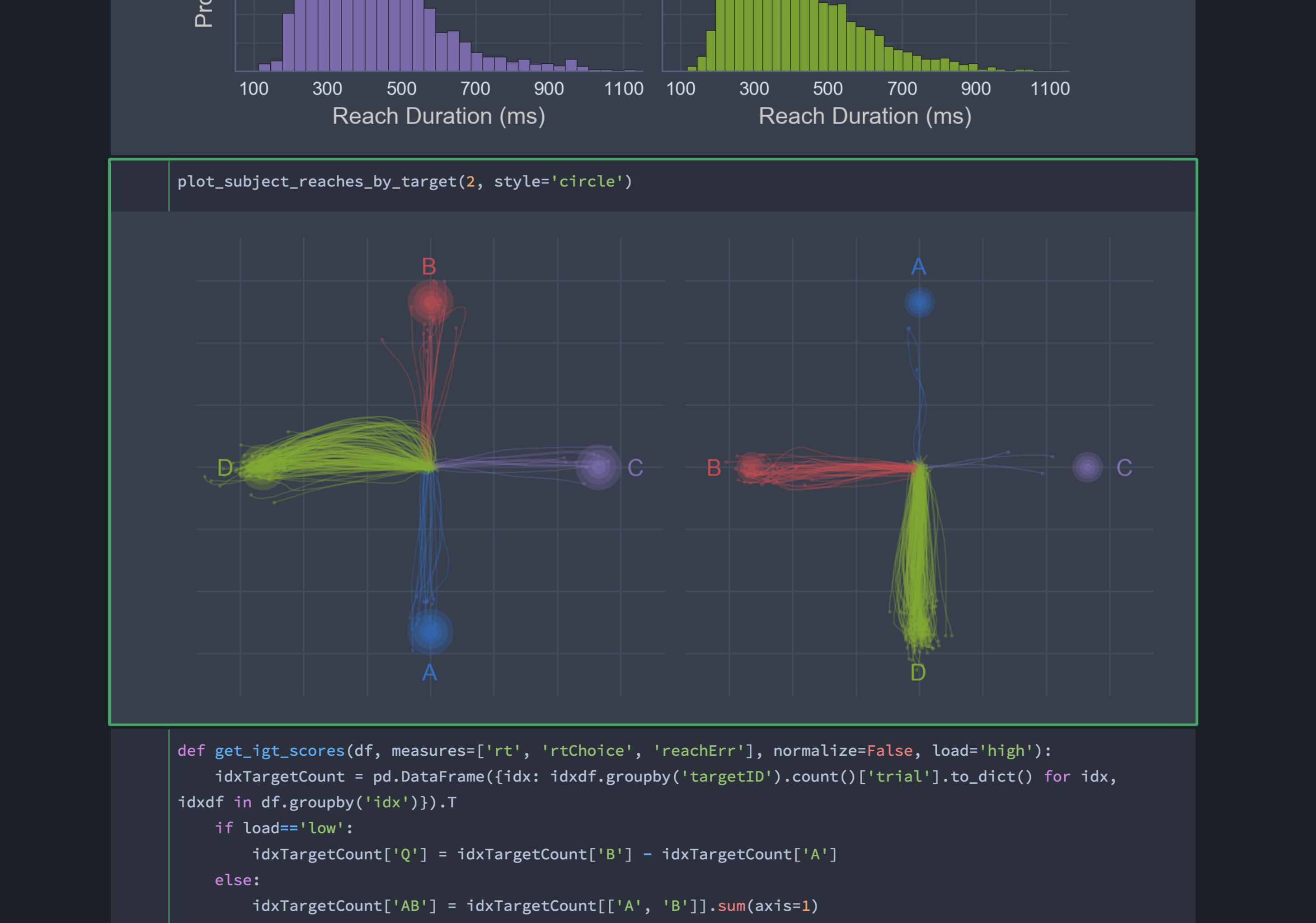
plotting style
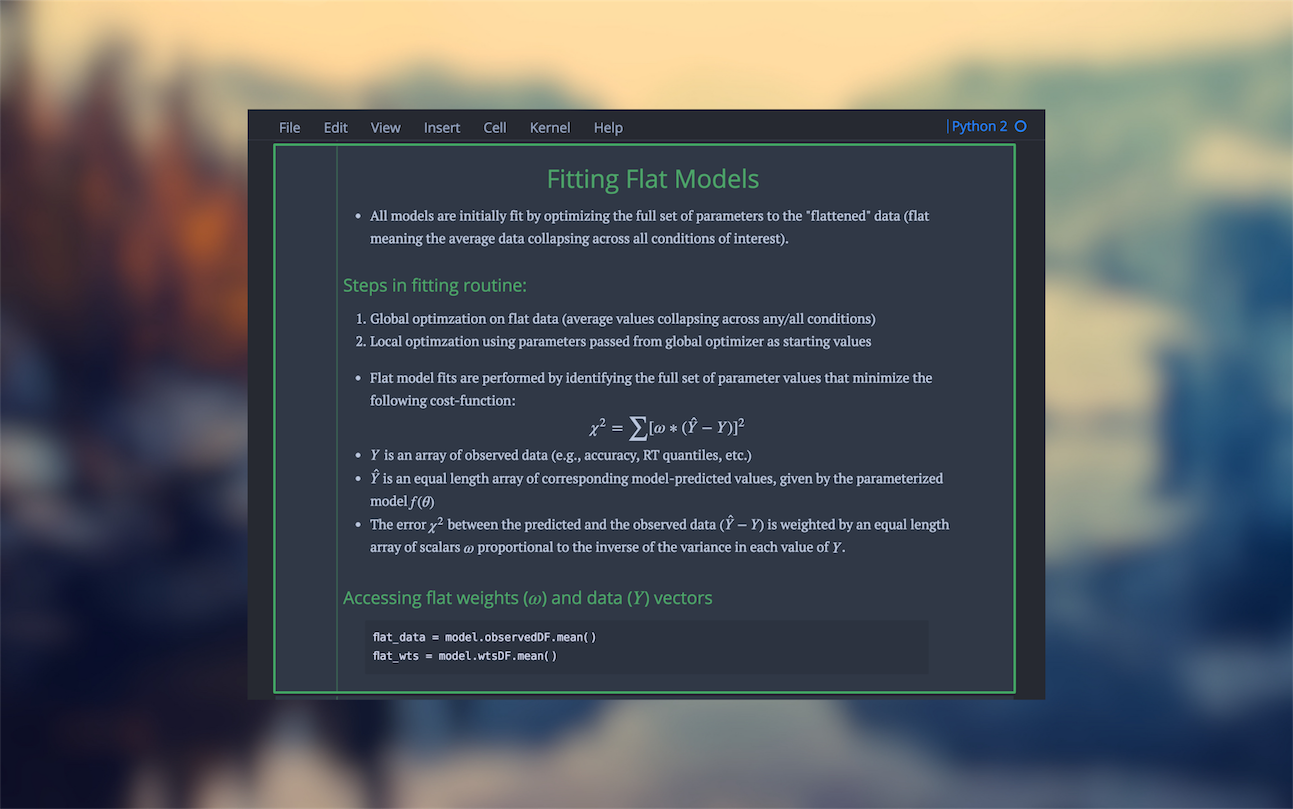
markdown/equations
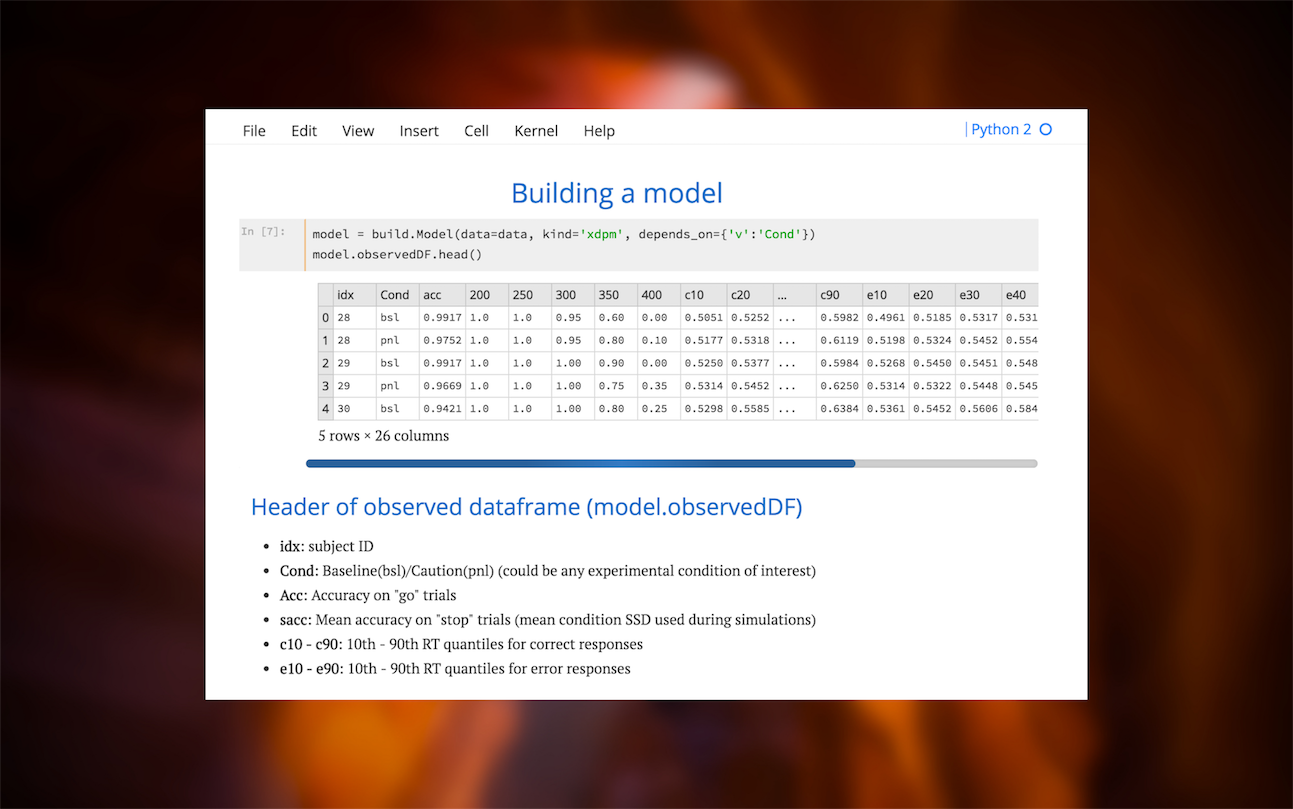
pandas dataframes
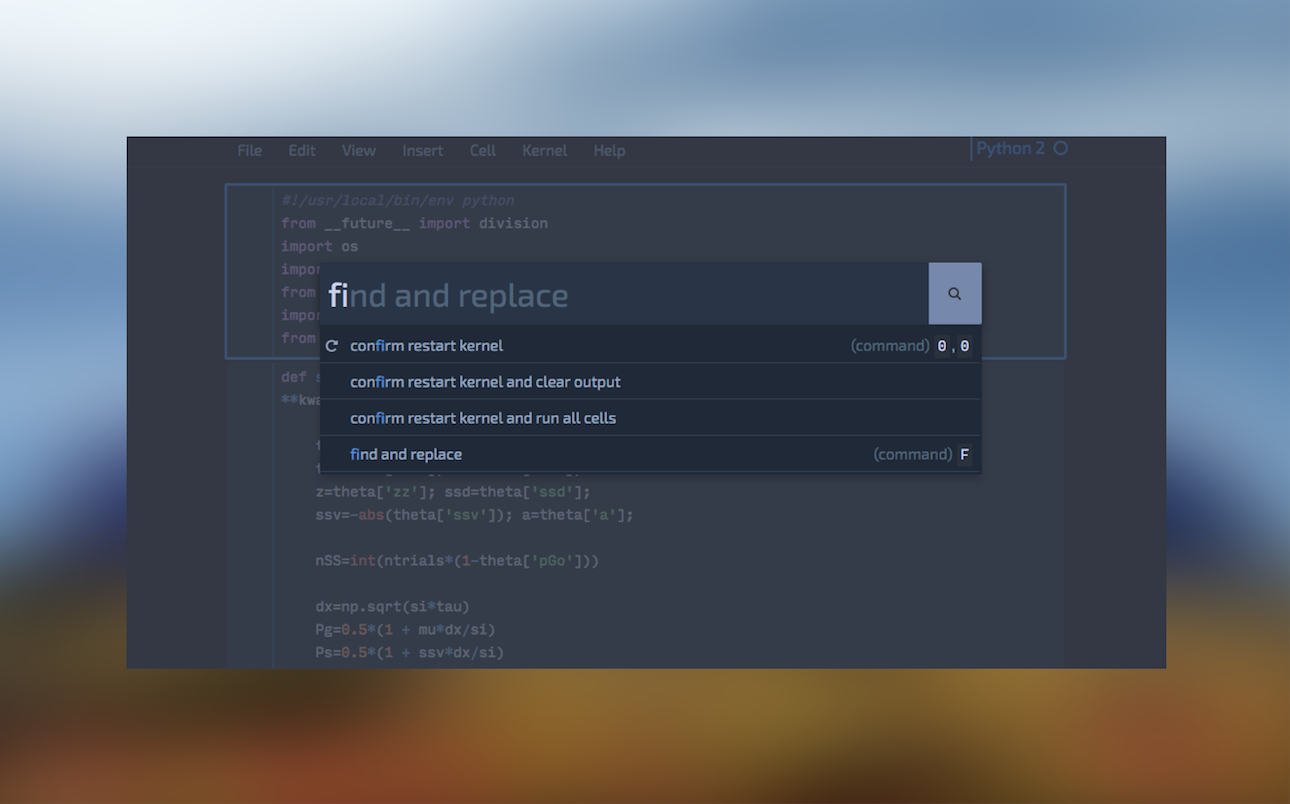
command palette
Links
jupyterthemes on PyPI
jupyterthemes on GitHub
Requirements
Python 3.4, 3.5, 3.6, 3.7 and 3.8
Jupyter (Anaconda recommended)
matplotlib
Install with pip
# install jupyterthemes
pip install jupyterthemes

# upgrade to latest version
pip install --upgrade jupyterthemes
Install with conda
# install jupyterthemes
conda install -c conda-forge jupyterthemes

# update to latest version
conda update jupyterthemes
Known issues
for best results: use notebook>=5.6.0 (pip install --upgrade notebook)
refreshing / removing / resetting: depending on your system, browser, etc., you may need to empty your browser cache after installing a new theme (-t) or attempting to restore the default (-r) in order for those changes to take effect. (see discussion here). At the very least you'll need to refresh your browser window (usually cmd+r or ctrl+r).
install issue: if you get an error saying jt is not recognized, try this fix.
# list available themes
# onedork | grade3 | oceans16 | chesterish | monokai | solarizedl | solarizedd
jt -l

# select theme...
jt -t chesterish

# restore default theme
# NOTE: Need to delete browser cache after running jt -r
# If this doesn't work, try starting a new notebook session.
jt -r

# toggle toolbar ON and notebook name ON
jt -t grade3 -T -N

# toggle kernel logo.  kernel logo is in same container as name
# toggled with -N.  That means that making the kernel logo visible is
# pointless without also making the name visible
jt -t grade3 -N -kl

# set code font to 'Roboto Mono' 12pt
# (see monospace font table below)
jt -t onedork -f roboto -fs 12

# set code font to Fira Mono, 11.5pt
# 3digit font-sizes get converted into float (115-->11.5)
# 2digit font-sizes > 25 get converted into float (85-->8.5)
jt -t solarizedd -f fira -fs 115

# set font/font-size of markdown (text cells) and notebook (interface)
# see sans-serif & serif font tables below
jt -t oceans16 -tf merriserif -tfs 10 -nf ptsans -nfs 13

# adjust cell width (% screen width) and line height
jt -t chesterish -cellw 90% -lineh 170

# or set the cell width in pixels by leaving off the '%' sign
jt -t solarizedl -cellw 860

# fix the container-margins on the intro page (defaults to 'auto')
jt -t monokai -m 200

# adjust cursor width (in px) and make cursor red
# options: b (blue), o (orange), r (red), p (purple), g (green), x (font color)
jt -t oceans16 -cursc r -cursw 5

# choose alternate prompt layout (narrower/no numbers)
jt -t grade3 -altp

# my two go-to styles
# dark
jt -t onedork -fs 95 -altp -tfs 11 -nfs 115 -cellw 88% -T
# light
jt -t grade3 -fs 95 -altp -tfs 11 -nfs 115 -cellw 88% -T
Set Plotting Style (from within notebook)
jtplot.style() makes changes to matplotlib's rcParams dictionary so that figure aesthetics match those of a chosen jupyterthemes style. In addition to setting the color scheme, jtplot.style() allows you to control various figure properties (spines, grid, font scale, etc.) as well as the plotting "context" (borrowed from seaborn).
Note, these commands do not need to be re-run every time you generate a new plot, just once at the beginning of your notebook or whenever style changes are desired after that.
Pro-tip: Include the following two lines in ~/.ipython/profile_default/startup/startup.ipy file to set plotting style automatically whenever you start a notebook:
# import jtplot submodule from jupyterthemes
from jupyterthemes import jtplot

# currently installed theme will be used to
# set plot style if no arguments provided
jtplot.style()
jtplot.style() Examples
# import jtplot module in notebook
from jupyterthemes import jtplot

# choose which theme to inherit plotting style from
# onedork | grade3 | oceans16 | chesterish | monokai | solarizedl | solarizedd
jtplot.style(theme='onedork')

# set "context" (paper, notebook, talk, poster)
# scale font-size of ticklabels, legend, etc.
# remove spines from x and y axes and make grid dashed
jtplot.style(context='talk', fscale=1.4, spines=False, gridlines='--')

# turn on X- and Y-axis tick marks (default=False)
# turn off the axis grid lines (default=True)
# and set the default figure size
jtplot.style(ticks=True, grid=False, figsize=(6, 4.5))

# reset default matplotlib rcParams
jtplot.reset()
dunovank/jupyter-themes thuộc nhóm Frontend trên TopGit, cùng 6 topic GitHub. Trang Trending và Topics liệt kê các repo cùng số sao và cùng ngôn ngữ để so sánh.
Đọc thêm về dunovank/jupyter-themes ở đâu?
Trang TopGit này là một snapshot — tab "Readme" hiển thị nguyên văn README của repo (đã bỏ link, giữ ảnh). Repo GitHub ở github.com/dunovank/jupyter-themes là nguồn chính thức.
dunovank/jupyter-themes có bao nhiêu sao?
dunovank/jupyter-themes có 9.8k sao GitHub — tải lại trang để xem số mới nhất, hoặc xem trực tiếp github.com/dunovank/jupyter-themes. TopGit phản chiếu số sao của GitHub nhưng không cam kết đến từng phút.
dunovank/jupyter-themes có phải mã nguồn mở không?
Có — dunovank/jupyter-themes phát hành theo license MIT, nghĩa là mã nguồn mở để đọc, fork và (tùy license) tái sử dụng. Mã: github.com/dunovank/jupyter-themes.
dunovank/jupyter-themes còn đang phát triển không?
Commit gần nhất trên dunovank/jupyter-themes là 1.4 năm trước (theo timestamp GitHub). Repo có 1.0k fork — một chỉ báo về mức độ quan tâm của cộng đồng.
dunovank/jupyter-themes dùng license gì?
dunovank/jupyter-themes phát hành theo license MIT. Nên mở file LICENSE trên GitHub để xác nhận — license metadata đôi khi lệch với thực tế dự án.
dunovank/jupyter-themes là gì?
dunovank/jupyter-themes (dunovank/jupyter-themes) là dự án CSS trên GitHub. Theo mô tả gốc: Custom Jupyter Notebook Themes
dunovank/jupyter-themes viết bằng ngôn ngữ gì?
dunovank/jupyter-themes chủ yếu viết bằng CSS. Trường "language" của GitHub dựa trên phần lớn byte ở nhánh mặc định.
Đọc đầy đủ README ở tab phía trên.
Vẫn đang phân vân về jupyter-themes?
Một cú bấm sẽ gửi câu hỏi kèm trang này cho AI — xem AI nói gì về jupyter-themes.

 /jupyter-themes