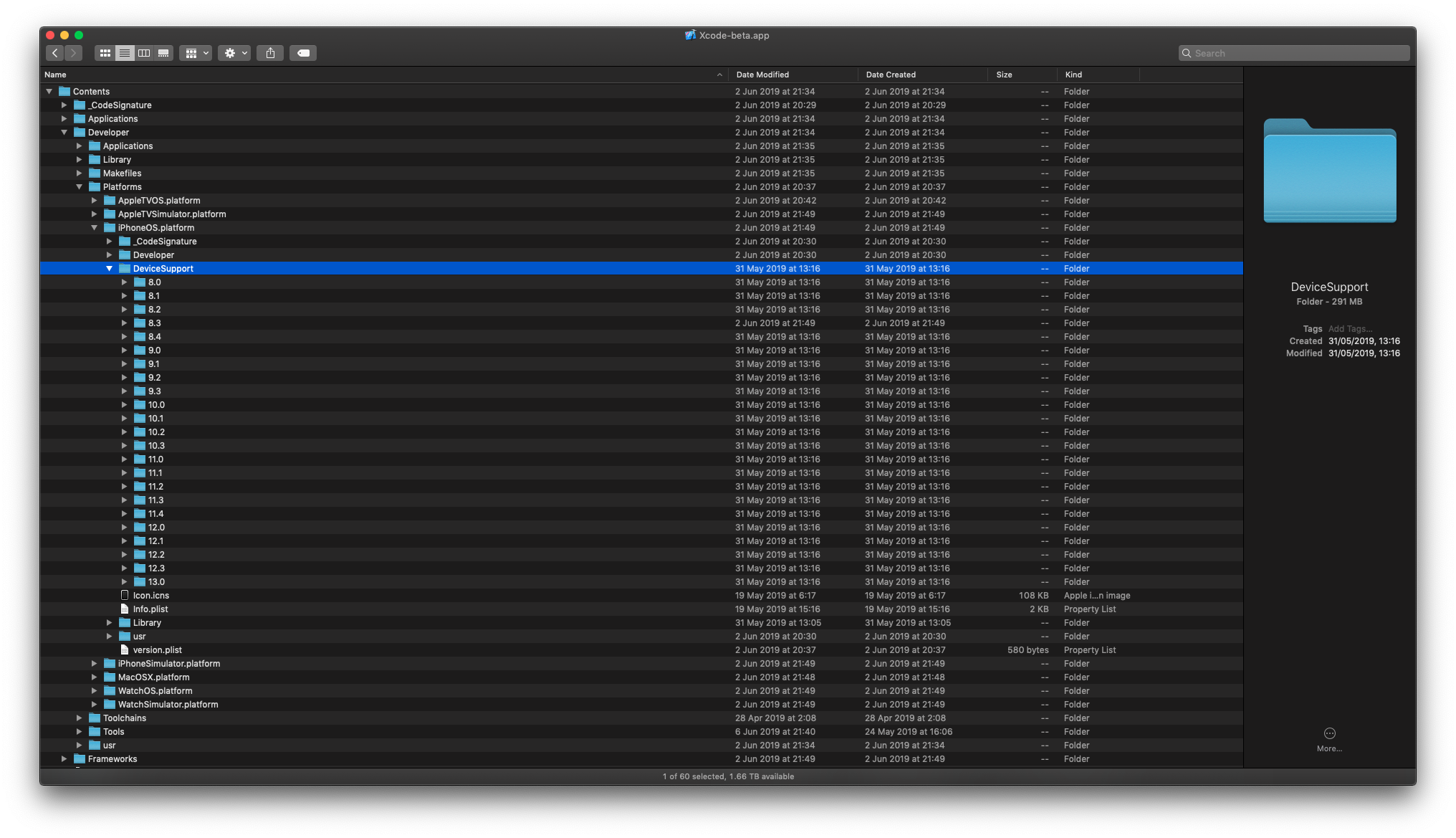
filsv/iOSDeviceSupport là dự án mã nguồn mở trên GitHub với 7.2k sao, viết chủ yếu bằng Shell. Xcode iPhoneOS (iOS) DeviceSupport files (6.0 - 17.0)
Tóm tắt dựng từ metadata GitHub của chính dự án — chưa có bài review TopGit. Trang sẽ tự động cập nhật khi bài review đầy đủ được xuất bản.
VÌ SAO CHƯA CÓ REVIEW
TopGit viết bài đầy đủ cho repo có nhiều sao nhất và được yêu cầu nhiều nhất. Trang này là snapshot trong thời gian chờ — xem README gốc ở tab READ ME.
Then restart Xcode 14 the iOS 17 device will show up in Xcode like below and you can run and debug the app as usual. (You may need to go to Devices and Simulators to pair/trust the device).
I have Xcode 15 beta installed alongside Xcode 14, I'm not sure if that's required or not.
Important Point: It turns out Xcode 15 is required to complete initial device setup for development.After the device setup is completed on Xcode 15, iOS 17 devices can be used with Xcode 14 too.
Based on this
Most recent releases:
iOS 17+
iOS 17.0 - Workaround or StackOverflow
iOS 16+
iOS 16.9 - Not Exist (use 16.5 or 16.6 and rename to 16.9)
iOS 16.8 - Not Exist (use 16.5 or 16.6 and rename to 16.8)
iOS 16.7 - Not Exist (use 16.5 or 16.6 and rename to 16.7)
iOS 16.6 - Download
iOS 16.5.1 Workaround
iOS 16.5 - Download
iOS 16.4 - Download
iOS 16.3 - Download
iOS 16.2 - Download
iOS 16.1 - Download
iOS 16.0 - Download
Turn on "Developer mode" on your iPhone (Settings -> Privacy & Security -> Developer Mode).
Resolution
Note
If you need upper version of the support files less than 1 iteration (eg. You have "15.0" and you need "15.1.5" - You can simply rename folder from "15.0" to "15.1.5" and it should work or try to use next iteration version of the support files, if exists "15.2", otherwise open an issue);
[!CAUTION]
Xcode 12 now encrypts the connection between Xcode and paired devices, protecting against an attacker in a privileged network position executing arbitrary code > on connected iOS, iPadOS, watchOS, or tvOS devices during a remote debug session. (60386733)
These security benefits are available when Xcode 12 connects to devices running iOS 14, iPadOS 14, watchOS 7, tvOS 14, or later versions.
These OS versions also refuse debugger connections from older Xcode releases.
Xcode 12 continues to support debugging for older OS versions, but without the new encryption.
Comment
For debugging in iOS 14 devices you need at least Xcode 12.
Cause Apple have updated their code for debugging apps on iOS 14 and that is not compatible on older version of Xcode.
Trang TopGit này là một snapshot — tab "Readme" hiển thị nguyên văn README của repo (đã bỏ link, giữ ảnh). Repo GitHub ở github.com/filsv/iOSDeviceSupport là nguồn chính thức.
filsv/iOSDeviceSupport có phải mã nguồn mở không?
TopGit chưa ghi nhận license cho filsv/iOSDeviceSupport. Phần lớn repo public trên GitHub là mã nguồn mở, nhưng điều khoản khác nhau từng repo — mở file LICENSE để xác nhận.
filsv/iOSDeviceSupport có tag gì không?
Bản đồng bộ chưa ghi nhận topic GitHub nào cho filsv/iOSDeviceSupport. GitHub topics hiển thị ở thanh bên phải trang repo — đó là nơi đáng kiểm tra nhất.
filsv/iOSDeviceSupport có website riêng không?
TopGit chưa ghi nhận URL trang chủ cho filsv/iOSDeviceSupport. Phần README ở tab phía trên thường có link demo, hoặc xem mô tả GitHub của repo.
filsv/iOSDeviceSupport còn đang phát triển không?
Commit gần nhất trên filsv/iOSDeviceSupport là 1.8 năm trước (theo timestamp GitHub). Repo có 945 fork — một chỉ báo về mức độ quan tâm của cộng đồng.
Đọc đầy đủ README ở tab phía trên.
iOSDeviceSupport có đáng để bạn bỏ thời gian?
ChatGPT, Claude và Perplexity đều đọc được trang này. Hỏi thử xem họ nghĩ gì về iOSDeviceSupport.

 /iOSDeviceSupport
 Easily install iOS Device Support files for Xcode using this terminal script: