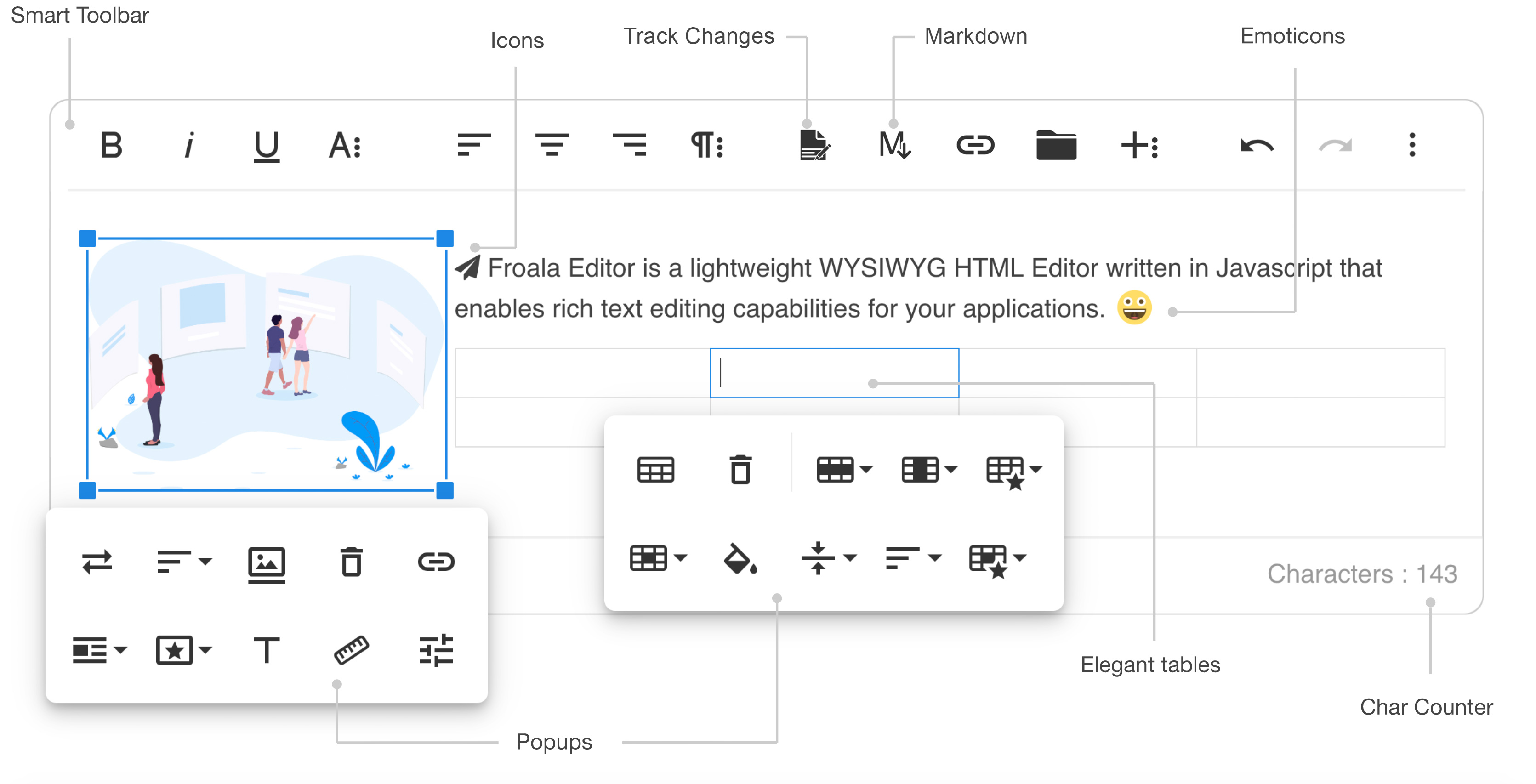
TopGit theo dõi froala/wysiwyg-editor trên GitHub trong nhóm Frontend, đã đạt 5.4k sao. The next generation Javascript WYSIWYG HTML Editor.
Tóm tắt dựng từ metadata GitHub của chính dự án — chưa có bài review TopGit. Trang sẽ tự động cập nhật khi bài review đầy đủ được xuất bản.
VÌ SAO CHƯA CÓ REVIEW
TopGit viết bài đầy đủ cho repo có nhiều sao nhất và được yêu cầu nhiều nhất. Trang này là snapshot trong thời gian chờ — xem README gốc ở tab READ ME.
Full list: https://www.froala.com/wysiwyg-editor/examples
Download and Install Froala Editor
Install from npm
npm install froala-editor
Install from bower
bower install froala-wysiwyg-editor
Load from CDN
Using Froala Editor from CDN is the easiest way to install it and we recommend using the jsDeliver CDN as it mirrors the NPM package.
<!-- Include Editor style. -->
<link href="https://cdn.jsdelivr.net/npm/froala-editor@latest/css/froala_editor.pkgd.min.css" rel="stylesheet" type="text/css" />

<!-- Create a tag that we will use as the editable area. -->
<!-- You can use a div tag as well. -->
<textarea></textarea>

<!-- Include Editor JS files. -->
<script type="text/javascript" src="https://cdn.jsdelivr.net/npm/froala-editor@latest/js/froala_editor.pkgd.min.js"></script>

<!-- Initialize the editor. -->
<script>
  new FroalaEditor('textarea');
</script>
Load from CDN as an AMD module
Froala Editor is compatible with AMD module loaders such as RequireJS. The following example shows how to load it along with the Algin plugin from CDN using RequireJS.
<html>
<head>
  <!-- Load CSS files. -->
  <link rel="stylesheet" type="text/css" href="https://cdn.jsdelivr.net/npm/froala-editor@latest/css/froala_editor.css">

  <script src="require.js"></script>
  <script>
    require.config({
      packages: [{
        name: 'froala-editor',
        main: 'js/froala_editor.min'
      }],
      paths: {
        // Change this to your server if you do not wish to use our CDN.
        'froala-editor': 'https://cdn.jsdelivr.net/npm/froala-editor@latest'
      }
    });
  </script>

  <style>
    body {
      text-align: center;
    }
    div#editor {
      width: 81%;
      margin: auto;
      text-align: left;
    }
    .ss {
      background-color: red;
    }
  </style>
</head>

<body>
  <div id="editor">
    <div id='edit' style='margin-top:30px;'>
    </div>
  </div>

  <script>
    require([
      'froala-editor',
      'froala-editor/js/plugins/align.min'
    ], function(FroalaEditor) {
      new FroalaEditor('#edit')
    });
  </script>
</body>

</html>
Load Froala Editor as a CommonJS Module
Froala Editor is using an UMD module pattern, as a result it has support for CommonJS. The following examples presumes you are using npm to install froala-editor, see Download and install FroalaEditor for more details.
var FroalaEditor = require('froala-editor');

// Load a plugin.
require('froala-editor/js/plugins/align.min');

// Initialize editor.
new FroalaEditor('#edit');
Load Froala Editor as a transpiled ES6/UMD module
Since Froala Editor supports ES6 (ESM - ECMAScript modules) and UMD (AMD, CommonJS), it can be also loaded as a module with the use of transpilers. E.g. Babel, Typescript. The following examples presumes you are using npm to install froala-editor, see Download and install FroalaEditor for more details.
import FroalaEditor from 'froala-editor'

// Load a plugin.
import 'froala-editor/js/plugins/align.min.js'

// Initialize editor.
new FroalaEditor('#edit')
For more details on customizing the editor, please check the editor documentation.
We use GitHub Issues as the official bug tracker for the Froala WYSIWYG HTML Editor. Here are some advices for our users that want to report an issue:
Make sure that you are using the latest version of the Froala WYSIWYG Editor. The issue that you are about to report may be already fixed in the latest master branch version: https://github.com/froala/froala-wysiwyg/tree/master/js.
Providing us reproducible steps for the issue will shorten the time it takes for it to be fixed. A JSFiddle is always welcomed, and you can start from this basic one.
Some issues may be browser specific, so specifying in what browser you encountered the issue might help.
Technical Support or Questions
If you have questions or need help integrating the editor please contact us instead of opening an issue.
Licensing
All plugins would be restricted for an unlicensed version. To try out the full functionality, you’ll need to register for a trial license here, which is valid for a limited time.
To continue using the Froala Editor beyond the trial period, you’ll need to purchase a commercial license that suits your use case.
For more details, visit our pricing plan page.
This software includes open-source components. License information is available in the License file in the root folder.
froala/wysiwyg-editor thuộc nhóm Frontend trên TopGit, cùng 6 topic GitHub. Trang Trending và Topics liệt kê các repo cùng số sao và cùng ngôn ngữ để so sánh.
Đọc thêm về froala/wysiwyg-editor ở đâu?
Trang TopGit này là một snapshot — tab "Readme" hiển thị nguyên văn README của repo (đã bỏ link, giữ ảnh). Repo GitHub ở github.com/froala/wysiwyg-editor là nguồn chính thức.
froala/wysiwyg-editor có bao nhiêu sao?
froala/wysiwyg-editor có 5.4k sao GitHub — tải lại trang để xem số mới nhất, hoặc xem trực tiếp github.com/froala/wysiwyg-editor. TopGit phản chiếu số sao của GitHub nhưng không cam kết đến từng phút.
froala/wysiwyg-editor có những chủ đề gì?
GitHub topics của froala/wysiwyg-editor: "froala", "javascript", "rich-text-editor", "wysiwyg", "wysiwyg-editor", "wysiwyg-html-editor". TopGit xếp repo vào nhóm Frontend.
froala/wysiwyg-editor có phải mã nguồn mở không?
TopGit chưa ghi nhận license cho froala/wysiwyg-editor. Phần lớn repo public trên GitHub là mã nguồn mở, nhưng điều khoản khác nhau từng repo — mở file LICENSE để xác nhận.
froala/wysiwyg-editor có trang demo không?
Dự án có trang chủ ở https://www.froala.com/wysiwyg-editor. Tab "Readme" ở trang này thường có ảnh chụp và hướng dẫn bắt đầu nhanh.
froala/wysiwyg-editor còn đang phát triển không?
Commit gần nhất trên froala/wysiwyg-editor là 1 tháng trước (theo timestamp GitHub). Repo có 3 fork — một chỉ báo về mức độ quan tâm của cộng đồng.
Đọc đầy đủ README ở tab phía trên.
Vẫn đang phân vân về wysiwyg-editor?
Một cú bấm sẽ gửi câu hỏi kèm trang này cho AI — xem AI nói gì về wysiwyg-editor.

 /wysiwyg-editor