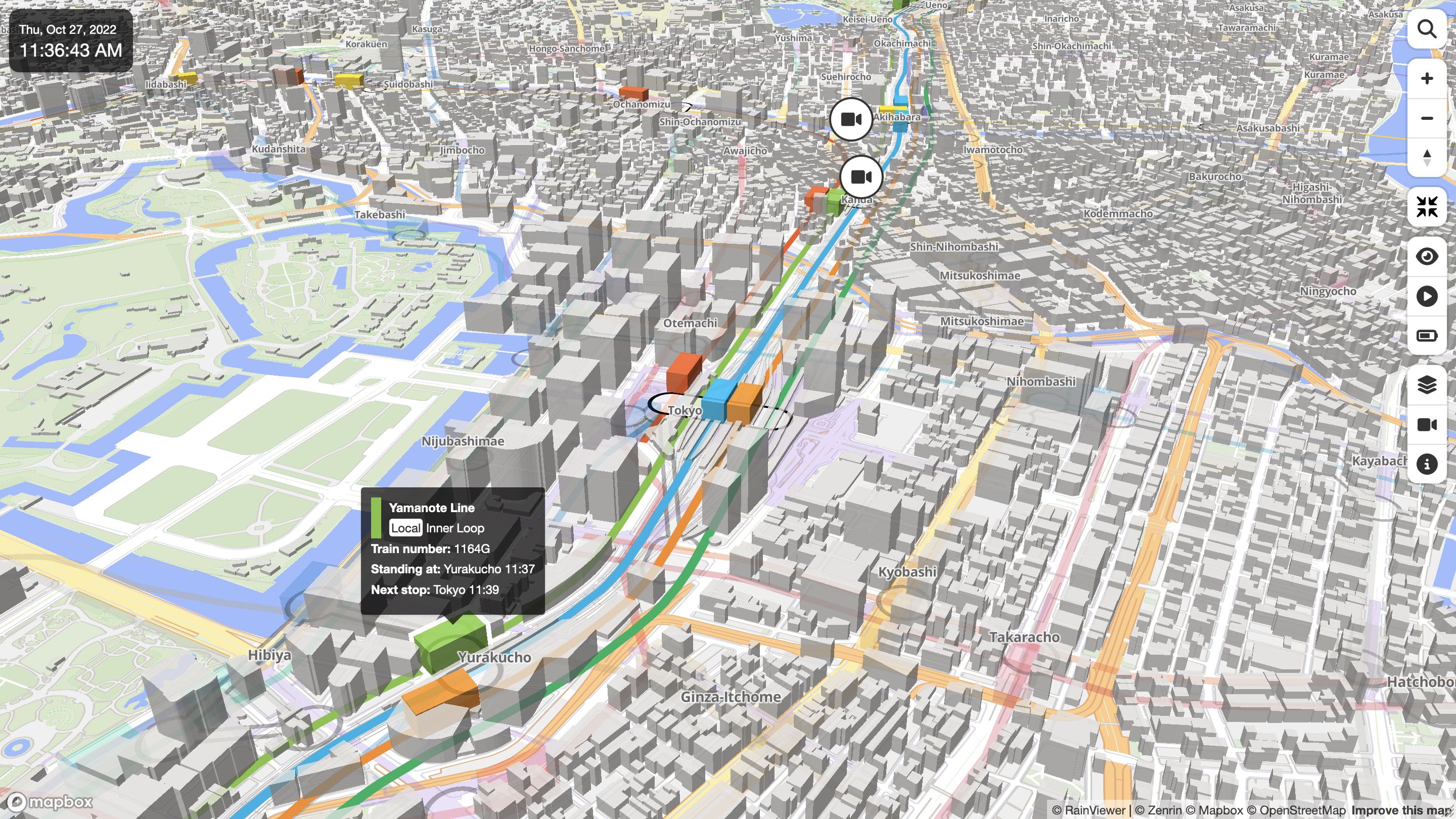
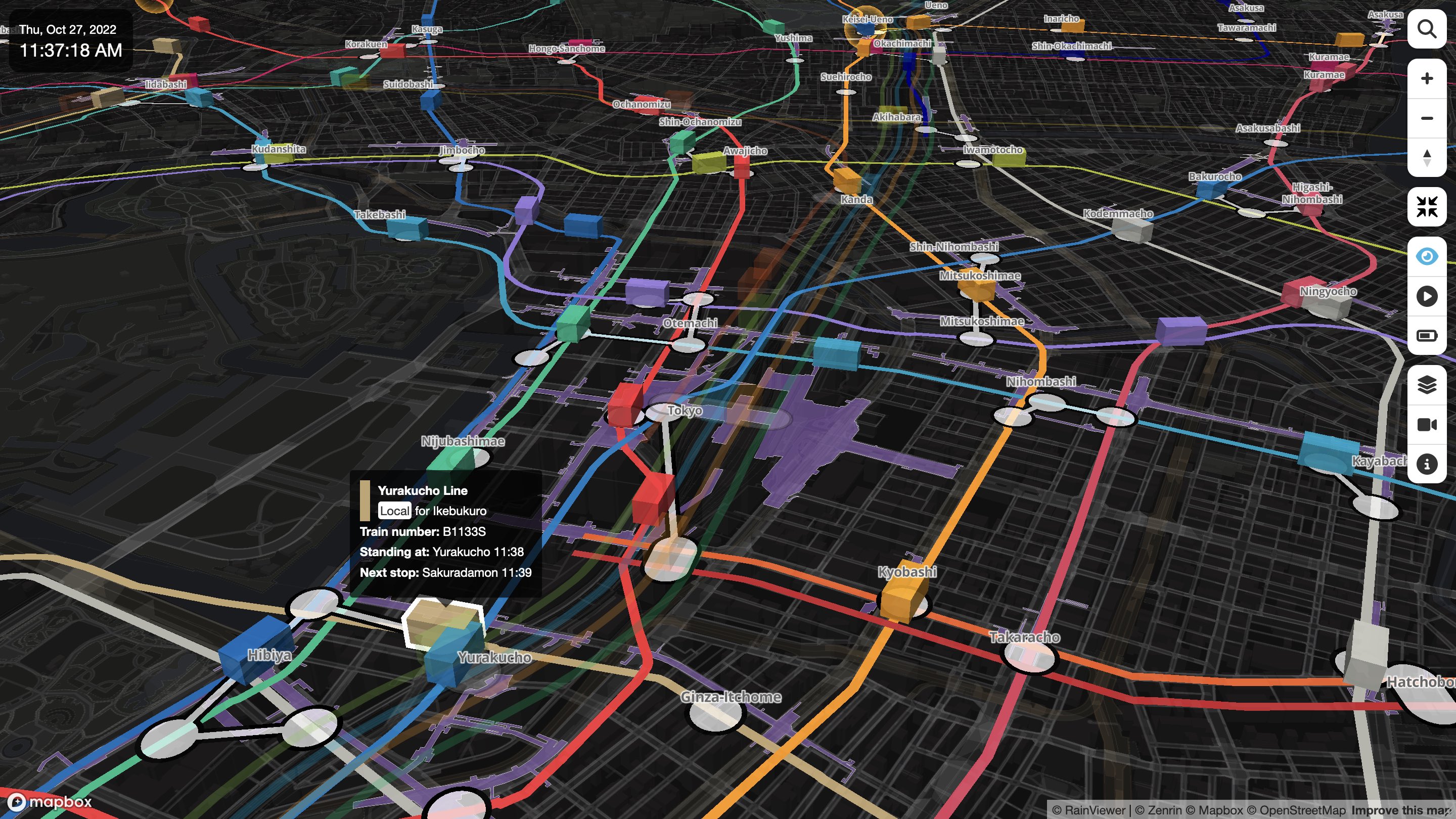
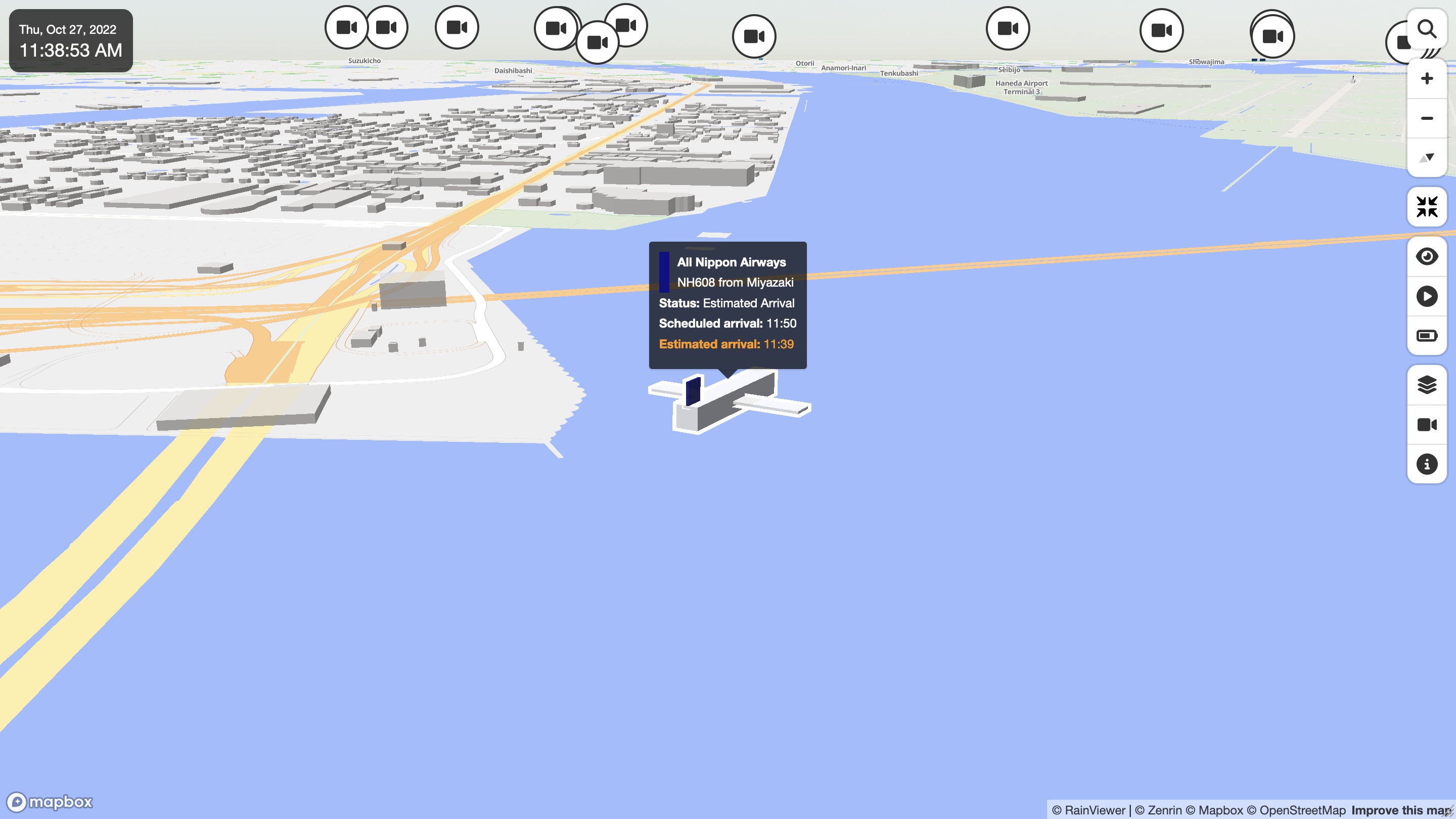
nagix/mini-tokyo-3d là dự án mã nguồn mở trên GitHub, viết chủ yếu bằng JavaScript, với 4.3k sao. A real-time 3D digital map of Tokyo's public transport system
Tóm tắt dựng từ metadata GitHub của chính dự án — chưa có bài review TopGit. Trang sẽ tự động cập nhật khi bài review đầy đủ được xuất bản.
VÌ SAO CHƯA CÓ REVIEW
TopGit viết bài đầy đủ cho repo có nhiều sao nhất và được yêu cầu nhiều nhất. Trang này là snapshot trong thời gian chờ — xem README gốc ở tab READ ME.
A real-time 3D digital map of Tokyo's public transport system.
See a Live Demo.
Demo Videos
Demo Video (2025, English)
Demo Video (2025, Japanese)
Demo Video (2021, English)
Demo Video (2021, Japanese)
Demo Video (2019, English)
Demo Video (2019, Japanese)
User Guides
User Guide (English)
User Guide (Japanese)
User Guide (French)
User Guide (Simplified Chinese)
Developer Guides
Developer Guide (English)
Developer Guide (Japanese)
Developer Guide (French)
Developer Guide (Simplified Chinese)
Cheat Sheet
Operation
Description
Mouse or finger drag
Pan
Mouse wheel rotation
Zoom in/out
Right click or Ctrl key + mouse drag
Tilt up/down and rotate
Shift key + mouse drag
Box zoom
Pinch in/out
Zoom in/out
Two-finger drag
Tilt up/down and rotate
Double-click or triple-tap
Zoom in
Shift key + Double-click or two-finger tap
Zoom out
Click or tap the search button
Show/hide the route search panel
Click or tap +/- buttons
Zoom in/out
Click or tap the compass button
Reset bearing to north
Click or tap the compass button + mouse or finder drag
Rotate
Click or tap the fullscreen button
Toggle the fullscreen mode
Click or tap the eye button
Toggle the underground mode
Click or tap the playback button
Toggle the playback mode
Click or tap the battery button
Toggle the eco mode
Click or tap the layer button
Show/hide the layer display settings panel
Click or tap the camera button
Show/hide the tracking mode settings panel
Click or tap the info button
Show/hide the app info panel
Click or tap a train/aircraft/station
Enable tracking or select station
Click or tap the map
Disable tracking or deselect station
Hover a train/aircraft/station
Show the train/aircraft/station information
Language Support
Currently, the following languages are supported. Any help or contribution with translations and additional language support is always greatly appreciated.
Language
User Interface
Map Labels
Stations, Railways, Airlines, etc.
User Guide
English
Yes
Yes
Yes
Yes
Japanese
Yes
Yes
Yes
Yes
French
Yes
Yes
Yes
Yes
Chinese (Simplified)
Yes
Yes
Yes
Yes
Chinese (Traditional)
Yes
Yes
Yes
-
Korean
Yes
Yes
Yes
-
Thai
Yes
-
-
-
Nepali
Yes
-
-
-
Portuguese (Brazil)
Yes
-
-
-
Spanish
Yes
-
-
-
German
Yes
-
-
-
If you want to contribute, please start with translating the UI messages in the dictionary-<ISO 639-1 code>.json file in the data directory. Then, if you have extra energy, add the title of each item in your language to airports.json, flight-statuses.json, operators.json, poi.json, rail-directions.json, railways.json, stations.json, train-types.json in the data directory.
About Data
The data for this visualization are sourced from the Public Transportation Open Data Center, which includes station information and train timetables as well as real-time data such as train location information and status information of multiple railway lines in the Greater Tokyo area.
How to Build
First, get access tokens for the public transportation data and map tiles by signing up at the Public Transportation Open Data Center and Mapbox. At the Public Transportation Open Data Center, you need to get both tokens for ODPT Center and Challenge 2026.
The latest version of Node.js is required. Move to the root directory of the application and install the dependencies.
npm install
Provide the access tokens through environment variables and run the build. The script, dataset and static web page will be generated in the build directory.
MAPBOX_ACCESS_TOKEN=<Mapbox access token> \
MT3D_SECRET_ODPT=<access token for Public Transportation Open Data Center> \
MT3D_SECRET_CHALLENGE=<access token for Open Data Challenge for Public Transportation 2026> \
npm run build-all
Finally, place all the files in the build directory on your web server.
See the Developer Guides for more details.
License
Mini Tokyo 3D is available under the MIT license.
Supporting Mini Tokyo 3D
Your support, large or small, helps keep this project strong!
Trang TopGit này là một snapshot — tab "Readme" hiển thị nguyên văn README của repo (đã bỏ link, giữ ảnh). Repo GitHub ở github.com/nagix/mini-tokyo-3d là nguồn chính thức.
nagix/mini-tokyo-3d có bao nhiêu sao?
nagix/mini-tokyo-3d có 4.3k sao GitHub — tải lại trang để xem số mới nhất, hoặc xem trực tiếp github.com/nagix/mini-tokyo-3d. TopGit phản chiếu số sao của GitHub nhưng không cam kết đến từng phút.
nagix/mini-tokyo-3d có phải mã nguồn mở không?
Có — nagix/mini-tokyo-3d phát hành theo license MIT, nghĩa là mã nguồn mở để đọc, fork và (tùy license) tái sử dụng. Mã: github.com/nagix/mini-tokyo-3d.
nagix/mini-tokyo-3d có trang demo không?
Dự án có trang chủ ở https://minitokyo3d.com. Tab "Readme" ở trang này thường có ảnh chụp và hướng dẫn bắt đầu nhanh.
nagix/mini-tokyo-3d là gì?
nagix/mini-tokyo-3d (nagix/mini-tokyo-3d) là dự án JavaScript trên GitHub. Theo mô tả gốc: A real-time 3D digital map of Tokyo's public transport system
Đọc đầy đủ README ở tab phía trên.
Chưa chắc mini-tokyo-3d có hợp với bạn?
Để ChatGPT, Claude hoặc Perplexity tìm hiểu giúp — bấm bên dưới và xem AI nói gì về mini-tokyo-3d.

 /mini-tokyo-3d