orhun/halp là một trong những repo hướng lập trình viên mà TopGit theo dõi, hiện có 769 sao, viết chủ yếu bằng Rust. A CLI tool to get help with CLI tools 🐙
Tóm tắt dựng từ metadata GitHub của chính dự án — chưa có bài review TopGit. Trang sẽ tự động cập nhật khi bài review đầy đủ được xuất bản.
VÌ SAO CHƯA CÓ REVIEW
TopGit viết bài đầy đủ cho repo có nhiều sao nhất và được yêu cầu nhiều nhất. Trang này là snapshot trong thời gian chờ — xem README gốc ở tab READ ME.
halp aims to help find the correct arguments for command-line tools by checking the predefined list of commonly used options/flags. Additionally, it provides a prompt for quick access to the manual page or cheat sheet of the given command.
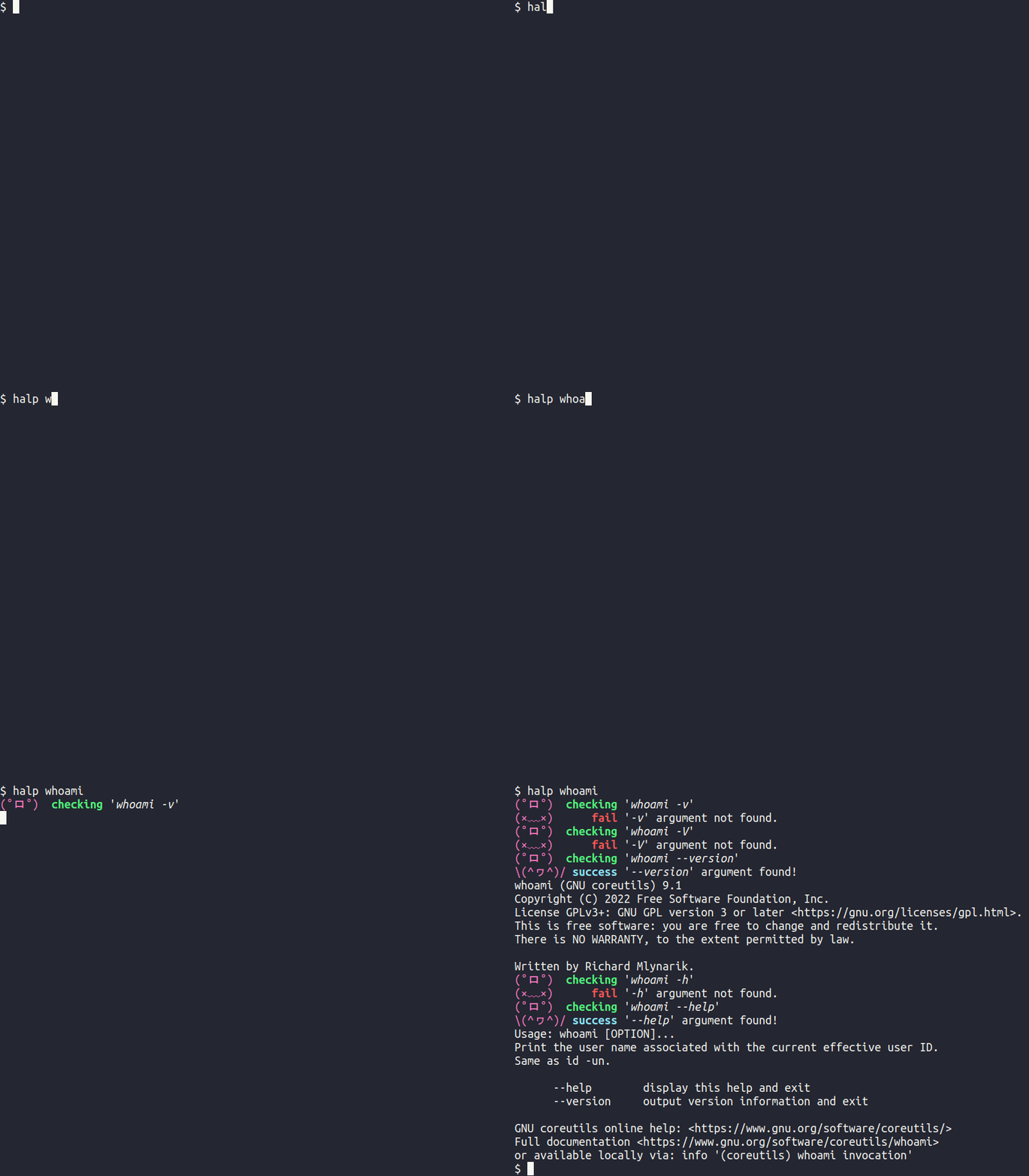
If you deal with command-line tools often, it might take some time to figure out how to get help or check the version of a particular command (especially when shell completions are not available). In that case, you might try the most-known flags such as -h and -v but unfortunately not all the command-line tools follow these conventions (either due to conflicts with other flags or they just use another form). Instead of brute-forcing manually into getting help, you can run halp <command> and it will check the following arguments for you:
for help: --help, -h, help, -H
for version info: --version, -v, version, -V
If one of these arguments succeeds (with exit code 0), it prints the output and exits. This way, you can get informed about the version and help in one single command. You can also customize this list with a configuration file or provide a list of arguments via command-line arguments.
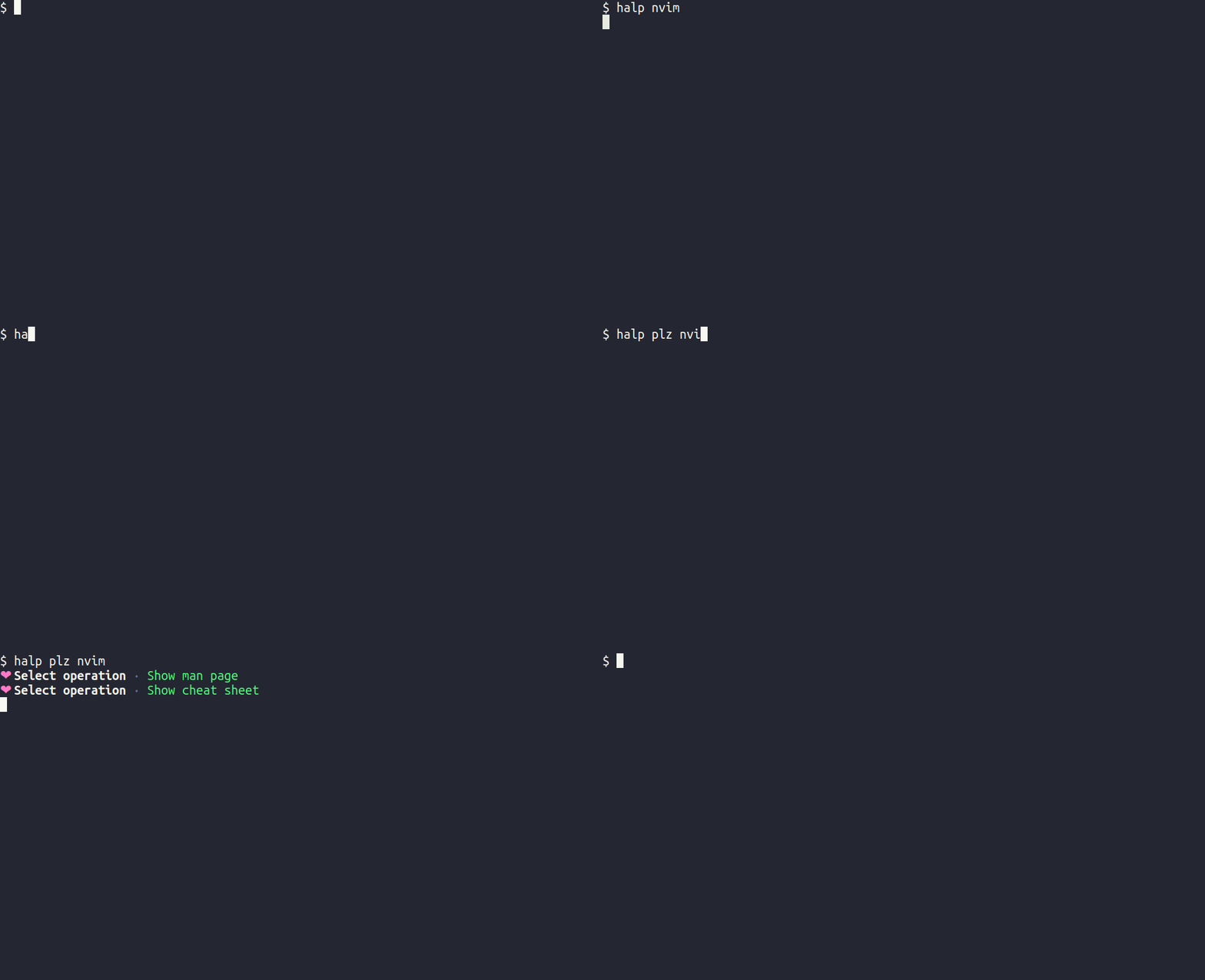
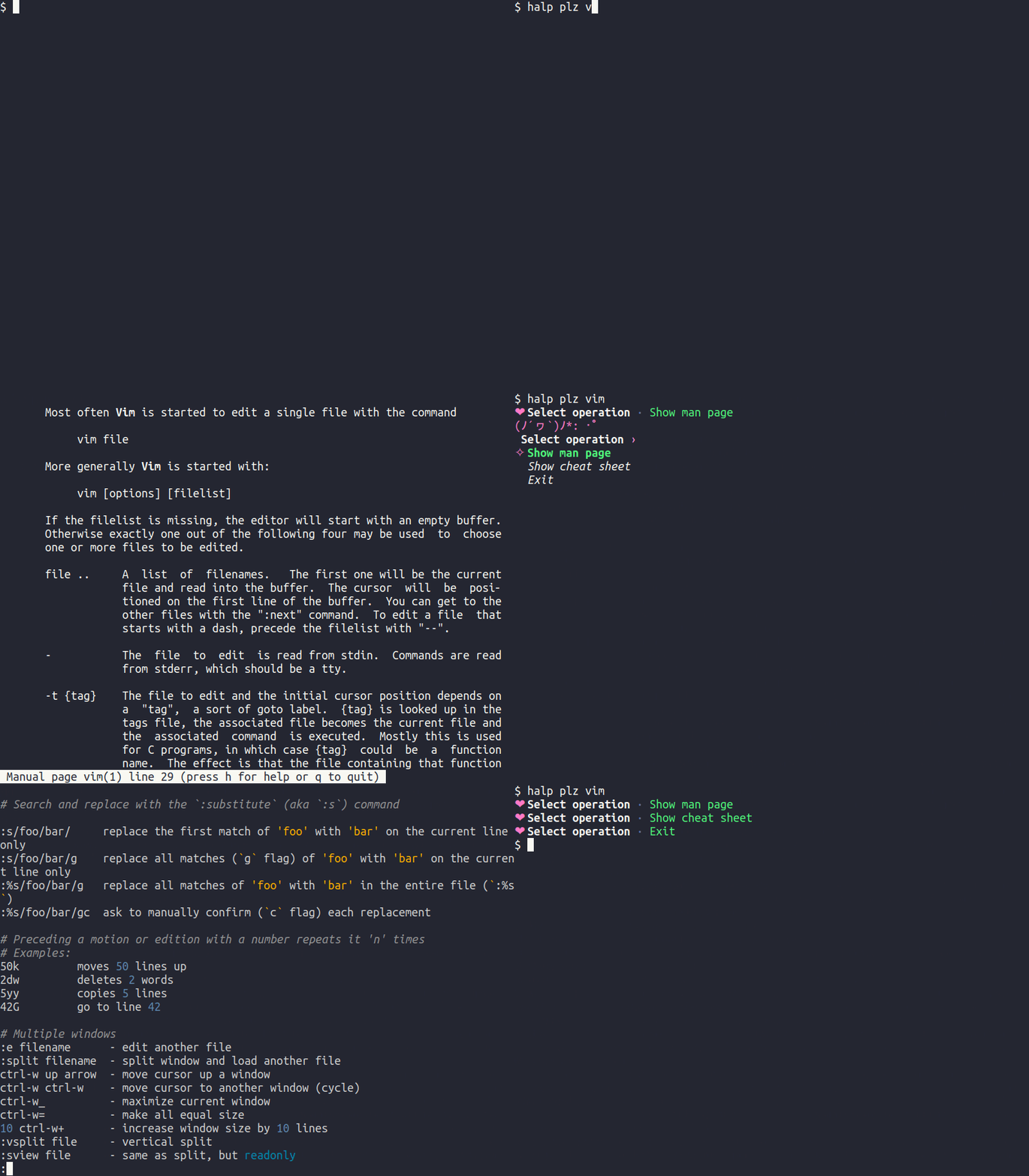
On the other hand, if you really need help, you can use the plz subcommand which will prompt a selection for:
show the man page (runs man(1))
show the cheat sheet (via cheat.sh)
Table of Contents
Example
Installation
Cargo
Arch Linux
Docker
Images
Usage
Building
Binary releases
Build from source
Usage
plz
Examples
Check help and version (default)
Check a custom argument
Disable defaults
Verbose logging
Get additional help (via plz)
Custom pager
Custom cheat.sh host URL
Configuration
Funding
Contributing
License
Copyright
Example
Have you ever experienced this:
$ cli_tool -v
unknown flag -v
$ cli_tool -V
unknown flag -V
$ cli_tool -h
unknown flag -h
$ asdjw1jwhdajh1idojad # frustration
bash: asdjw1jwhdajh1idojad: command not found
$ cli_tool --help # f*cking finally!
Some CLI Tool Version 1.42.69
Usage:
  cli_tool <flags> <args> [--parameter1 value1 --parameter2 value2 ...]
halp can be installed from the extra repository using pacman:
pacman -S halp
Or you can install the available AUR packages using an AUR helper. For example,
paru -S halp-git
Alternatively, you can clone the AUR package and then build it with makepkg. For example,
git clone https://aur.archlinux.org/halp-git.git && cd halp-git && makepkg -si
Docker
Images
Docker builds are automated and images are available in the following registries:
Docker Hub
GitHub Container Registry
Usage
The following commands can be used to get help for a binary inside the container:
docker run --rm -it "orhunp/halp:${TAG:-latest}" whoami
docker run --rm -it "orhunp/halp:${TAG:-latest}" plz whoami
Or you can provide a custom binary as follows (please note that you might get shared library errors):
docker run -v "bin:/app/bin:rw" --rm -it "orhunp/halp:${TAG:-latest}" -v ./bin
Building
Custom Docker images can be built from the Dockerfile:
docker build -t halp .
Binary releases
See the available binaries for different targets from the releases page. They are automated via Continuous Deployment workflow
Release tarballs are signed with the following PGP key: 0xFB41AE0358378256
Build from source
Clone the repository.
git clone https://github.com/orhun/halp && cd halp/
Build.
CARGO_TARGET_DIR=target cargo build --release
Binary will be located at target/release/halp.
Usage
halp [OPTIONS] <CMD>
Options:
      --check <ARG>    Sets the argument to check
      --no-version     Disable checking the version information
      --no-help        Disable checking the help information
  -c, --config <PATH>  Sets the configuration file [env: HALP_CONFIG=]
  -t, --timeout <S>    Sets the timeout for the command [default: 5]
  -v, --verbose        Enables verbose logging
  -h, --help           Print help
  -V, --version        Print version
plz
halp [OPTIONS] plz <CMD>
Options:
  -m, --man-cmd <MAN_CMD>   Sets the manual page command to run
      --cheat-sh-url <URL>  Use a custom URL for cheat.sh [env: CHEAT_SH_URL=]
  -p, --pager <PAGER>       Sets the pager to use
      --no-pager            Disables the pager
      --insecure            Disables TLS certificate verification for HTTP requests
  -h, --help                Print help
Examples
Check help and version (default)
halp whoami
Check a custom argument
halp --check "\--silent" zps
(You can escape - with using \-.)
You can also provide multiple arguments as follows:
halp --check "help" --check "test" menyoki
Disable defaults
halp --no-version sha512sum
halp --no-help sha512sum
Verbose logging
halp --verbose git-cliff
This will result in stderr/stdout being printed if there was an error. For example:
(°ロ°)  checking 'git-cliff -v'
(×﹏×)      fail '-v' argument not found.
(o_O)      debug
stdout:
 WARN  git_cliff > "cliff.toml" is not found, using the default configuration.
 ERROR git_cliff > Git error: `could not find repository from '.'; class=Repository (6); code=NotFound (-3)`
Get additional help (via plz)
halp plz vim
Custom pager
halp plz --pager bat vim
To disable the pager:
halp plz --no-pager bat vim
Custom cheat.sh host URL
halp plz --cheat-sh-url https://cht.sh vim
Skipping TLS certificate verification
Behind a TLS-inspecting proxy the providers are reached through a certificate that is not in the
system trust store, which fails with invalid peer certificate: UnknownIssuer. To skip
verification:
halp plz --insecure vim
This disables certificate checking for the request, so only use it on networks you trust.
Configuration
halp can be configured with a configuration file that uses the TOML format. It can be specified via --config or HALP_CONFIG environment variable. It can also be placed in one of the following global locations:
<config_dir>/halp.toml
<config_dir>/halp/halp.toml
<config_dir>/halp/config
<config_dir> depends on the platform as shown in the following table:
Platform
Value
Example
Linux
$XDG_CONFIG_HOME or $HOME/.config
/home/orhun/.config
macOS
$HOME/Library/Application Support
/Users/Orhun/Library/Application Support
Windows
{FOLDERID_RoamingAppData}
C:\Users\Orhun\AppData\Roaming
See halp.toml for the default configuration values.
Funding
If you find halp and/or other projects on my GitHub profile useful, consider supporting me on GitHub Sponsors or becoming a patron!
Contributing
See our Contribution Guide and please follow the Code of Conduct in all your interactions with the project.
License
Licensed under either of Apache License Version 2.0 or The MIT License at your option.
orhun/halp thuộc nhóm Developer Tools trên TopGit, cùng 16 topic GitHub. Trang Trending và Topics liệt kê các repo cùng số sao và cùng ngôn ngữ để so sánh.
Đọc thêm về orhun/halp ở đâu?
Trang TopGit này là một snapshot — tab "Readme" hiển thị nguyên văn README của repo (đã bỏ link, giữ ảnh). Repo GitHub ở github.com/orhun/halp là nguồn chính thức.
orhun/halp có phải mã nguồn mở không?
Có — orhun/halp phát hành theo license Apache-2.0, nghĩa là mã nguồn mở để đọc, fork và (tùy license) tái sử dụng. Mã: github.com/orhun/halp.
orhun/halp có trang demo không?
Dự án có trang chủ ở https://halp.cli.rs/. Tab "Readme" ở trang này thường có ảnh chụp và hướng dẫn bắt đầu nhanh.
orhun/halp dùng license gì?
orhun/halp phát hành theo license Apache-2.0. Nên mở file LICENSE trên GitHub để xác nhận — license metadata đôi khi lệch với thực tế dự án.
orhun/halp là gì?
orhun/halp (orhun/halp) là dự án Rust trên GitHub. Theo mô tả gốc: A CLI tool to get help with CLI tools 🐙
Vì sao orhun/halp được xếp vào nhóm Developer Tools?
TopGit xếp orhun/halp vào nhóm Developer Tools dựa trên GitHub topics và mô tả của repo (gắn thẻ: "cli", "cli-command", "cli-helper"). Việc phân loại dựa trên metadata thật của repo, không phải đoán theo cảm tính biên tập.
Đọc đầy đủ README ở tab phía trên.
Muốn nghe thêm một ý kiến về halp?
Hỏi một AI đọc được trang này — một cú bấm là có ngay nhận định về halp.

 /halp