Một mục phía máy chủ trong kho dữ liệu GitHub của TopGit: raysan5/raygui, 5.2k sao, nhóm Backend, C. A simple and easy-to-use immediate-mode gui library
Tóm tắt dựng từ metadata GitHub của chính dự án — chưa có bài review TopGit. Trang sẽ tự động cập nhật khi bài review đầy đủ được xuất bản.
VÌ SAO CHƯA CÓ REVIEW
TopGit viết bài đầy đủ cho repo có nhiều sao nhất và được yêu cầu nhiều nhất. Trang này là snapshot trong thời gian chờ — xem README gốc ở tab READ ME.
raygui is a simple and easy-to-use immediate-mode-gui library.
raygui was originally inspired by Unity IMGUI (immediate mode GUI API).
raygui was designed as an auxiliary module for raylib to create simple GUI interfaces using raylib graphic style (simple colors, plain rectangular shapes, wide borders...) but it can be adapted to other engines/frameworks.
raygui is intended for tools development; it has already been used to develop multiple published tools.
WARNING: Latest raygui from master branch is always aligned with latest raylib from master branch and all raylibtech tools. Make sure to use the latest versions.
WARNING: Latest raygui 5.0 introduces some API-BREAKING changes, now all functions return a result value.
NOTE: raygui is a single-file header-only library (despite its internal dependency on raylib), so, functions definition AND implementation reside in the same file raygui.h, when including raygui.h in a module, RAYGUI_IMPLEMENTATION must be previously defined to include the implementation part of raygui.h BUT only in one compilation unit, other modules could also include raygui.h but RAYGUI_IMPLEMENTATION must not be defined again.
features
Immediate-mode gui, no retained data
+25 controls provided (basic and advanced)
Powerful styling system for colors, font and metrics
Standalone usage mode supported (for other graphic libs)
Icons support, embedding a complete 1-bit icons pack
Multiple tools provided for raygui development
code sample
#include "raylib.h"

#define RAYGUI_IMPLEMENTATION
#include "raygui.h"

int main()
{
    InitWindow(400, 200, "raygui - controls test suite");
    SetTargetFPS(60);

    bool showMessageBox = false;

    while (!WindowShouldClose())
    {
        // Draw
        //----------------------------------------------------------------------------------
        BeginDrawing();
            ClearBackground(GetColor(GuiGetStyle(DEFAULT, BACKGROUND_COLOR)));

            if (GuiButton((Rectangle){ 24, 24, 120, 30 }, "#191#Show Message")) showMessageBox = true;

            if (showMessageBox)
            {
                int btnActive = -1;
                GuiMessageBox((Rectangle){ 85, 70, 250, 100 },
                    "#191#Message Box", "Hi! This is a message!", "Nice;Cool", &btnActive);

                if (btnActive >= 0) showMessageBox = false;
            }

        EndDrawing();
    }

    CloseWindow();
    return 0;
}
raygui comes with a default style automatically loaded at runtime:
Some additional styles are also provided for convenience, just check styles directory for details:
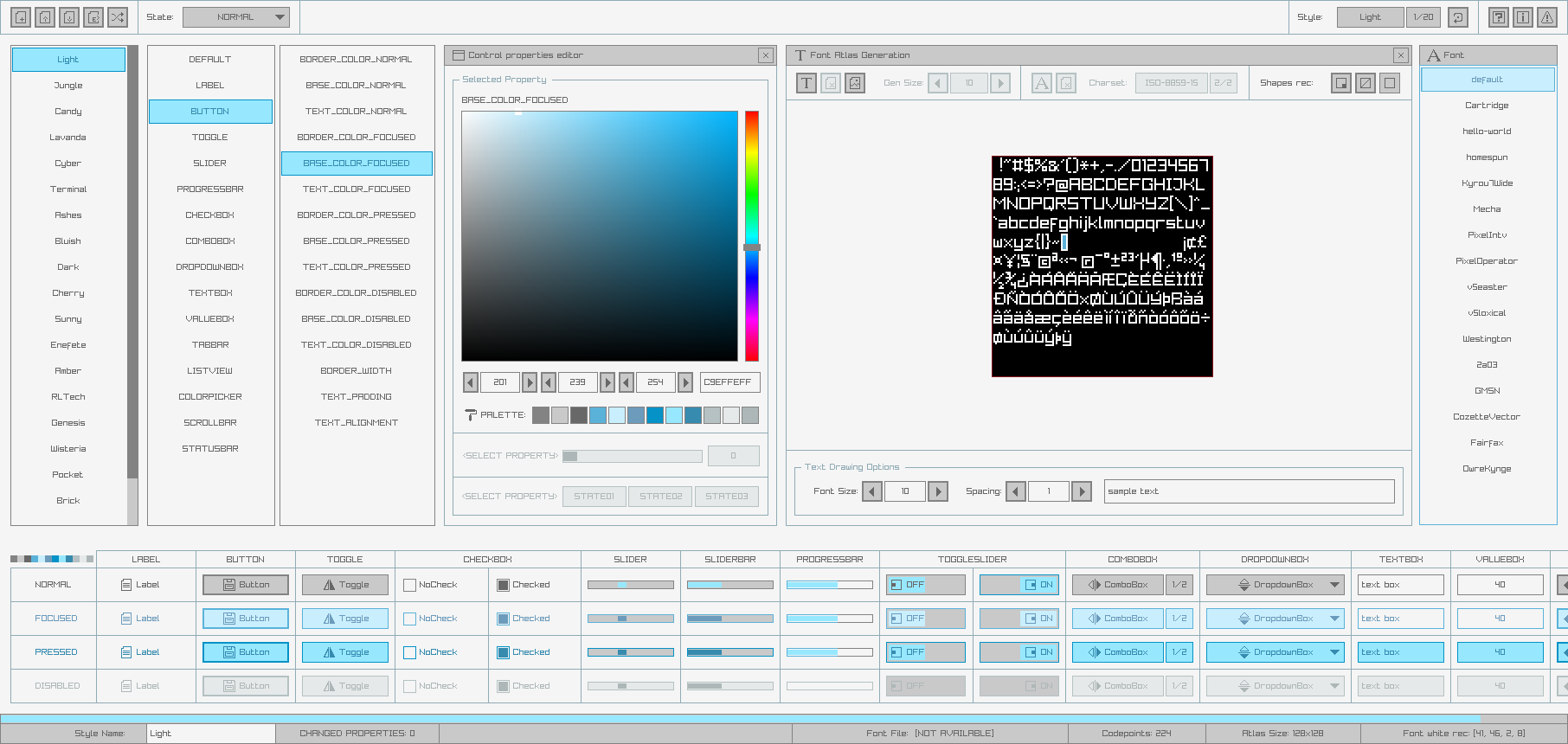
Custom styles can also be created very easily using rGuiStyler tool.
Styles can be loaded at runtime using raygui GuiLoadStyle() function. Simple and easy-to-use.
raygui icons
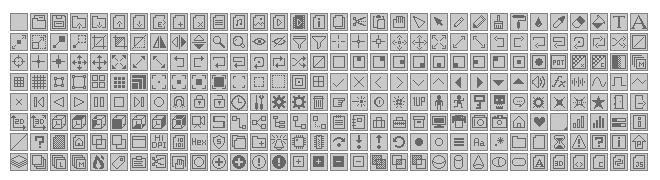
raygui supports custom icons, by default, a predefined set of icons is provided inside raygui as an array of binary data; it contains 512 possible icons defined as 16x16 pixels each; each pixel is codified using 1-bit. The total size of the array is 4096 bytes.
To use any of those icons just prefix the #iconId# number to any text written within raygui controls:
if (GuiButton(rec, "#05#Open Image")) { /* ACTION */ }
It's also possible to use the provided GuiIconText() function to prefix it automatically, using a clearer identifier (defined in raygui.h).
if (GuiButton(rec, GuiIconText(ICON_FILE_OPEN, "Open Image"))) { /* ACTION */ }
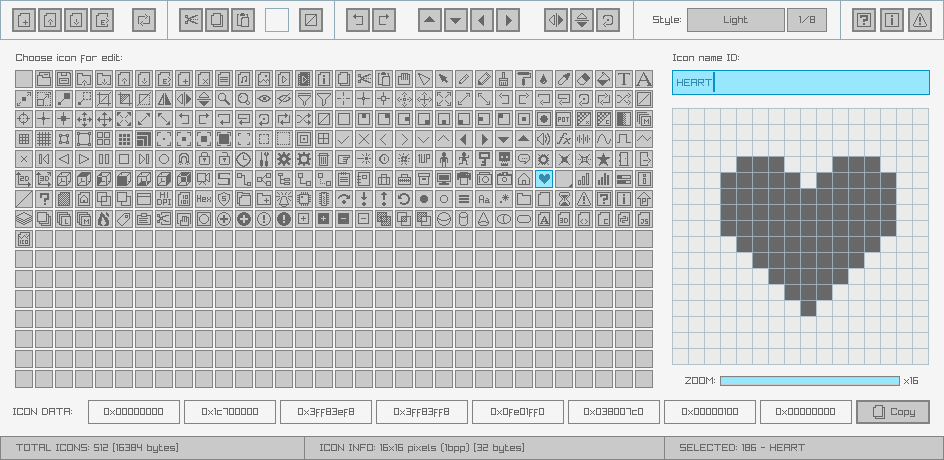
Provided set of icons can be reviewed and customized using rGuiIcons tool.
raygui support tools
rGuiStyler - A simple and easy-to-use raygui styles editor.
rGuiIcons - A simple and easy-to-use raygui icons editor.
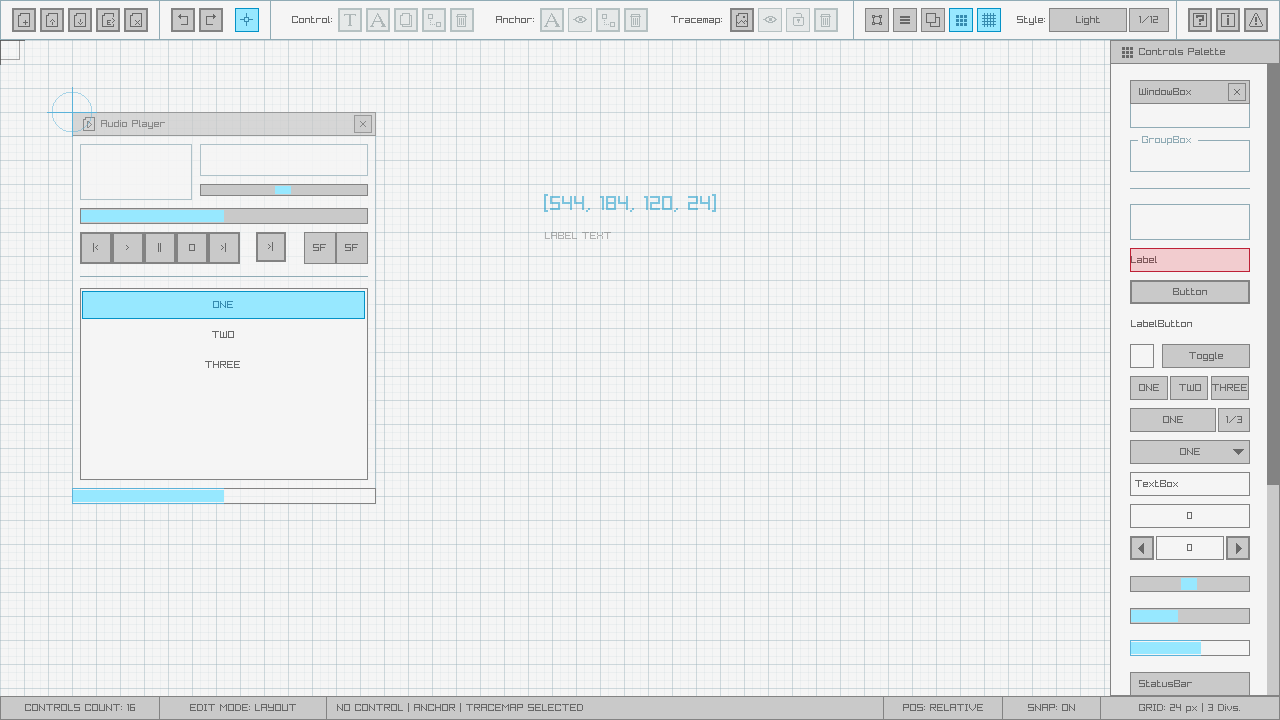
rGuiLayout - A simple and easy-to-use raygui layouts editor.
building
raygui is intended to be used as a portable single-file header-only library, to be directly integrated into any C/C++ codebase but some users could require a shared/dynamic version of the library, for example, to create bindings:
raygui is licensed under an unmodified zlib/libpng license, which is an OSI-certified, BSD-like license that allows static linking with closed source software. Check LICENSE for further details.
raysan5/raygui thuộc nhóm Backend trên TopGit, cùng 9 topic GitHub. Trang Trending và Topics liệt kê các repo cùng số sao và cùng ngôn ngữ để so sánh.
Đọc thêm về raysan5/raygui ở đâu?
Trang TopGit này là một snapshot — tab "Readme" hiển thị nguyên văn README của repo (đã bỏ link, giữ ảnh). Repo GitHub ở github.com/raysan5/raygui là nguồn chính thức.
raysan5/raygui có bao nhiêu sao?
raysan5/raygui có 5.2k sao GitHub — tải lại trang để xem số mới nhất, hoặc xem trực tiếp github.com/raysan5/raygui. TopGit phản chiếu số sao của GitHub nhưng không cam kết đến từng phút.
raysan5/raygui có những chủ đề gì?
GitHub topics của raysan5/raygui: "buttons", "c", "gui", "imgui", "immediate-mode-gui", "open-source", "raylib", "ui-design", "ui-library". TopGit xếp repo vào nhóm Backend.
raysan5/raygui có phải mã nguồn mở không?
Có — raysan5/raygui phát hành theo license Zlib, nghĩa là mã nguồn mở để đọc, fork và (tùy license) tái sử dụng. Mã: github.com/raysan5/raygui.
raysan5/raygui có website riêng không?
TopGit chưa ghi nhận URL trang chủ cho raysan5/raygui. Phần README ở tab phía trên thường có link demo, hoặc xem mô tả GitHub của repo.
raysan5/raygui còn đang phát triển không?
Commit gần nhất trên raysan5/raygui là 7 ngày trước (theo timestamp GitHub). Repo có 404 fork — một chỉ báo về mức độ quan tâm của cộng đồng.
Đọc đầy đủ README ở tab phía trên.
Chưa chắc raygui có hợp với bạn?
Để ChatGPT, Claude hoặc Perplexity tìm hiểu giúp — bấm bên dưới và xem AI nói gì về raygui.
 /raygui