raysan5/raygui sits at 5.2k stars on GitHub, written primarily in C. A simple and easy-to-use immediate-mode gui library
Snapshot summary built from the project's own GitHub metadata — there's no written TopGit review yet. The page will update automatically when a full review is published.
WHY NO REVIEW YET
TopGit writes full reviews for the most-starred, most-requested repositories. This page is a snapshot until then — see the READ ME tab for the original README in full.
raygui is a simple and easy-to-use immediate-mode-gui library.
raygui was originally inspired by Unity IMGUI (immediate mode GUI API).
raygui was designed as an auxiliary module for raylib to create simple GUI interfaces using raylib graphic style (simple colors, plain rectangular shapes, wide borders...) but it can be adapted to other engines/frameworks.
raygui is intended for tools development; it has already been used to develop multiple published tools.
WARNING: Latest raygui from master branch is always aligned with latest raylib from master branch and all raylibtech tools. Make sure to use the latest versions.
WARNING: Latest raygui 5.0 introduces some API-BREAKING changes, now all functions return a result value.
NOTE: raygui is a single-file header-only library (despite its internal dependency on raylib), so, functions definition AND implementation reside in the same file raygui.h, when including raygui.h in a module, RAYGUI_IMPLEMENTATION must be previously defined to include the implementation part of raygui.h BUT only in one compilation unit, other modules could also include raygui.h but RAYGUI_IMPLEMENTATION must not be defined again.
features
Immediate-mode gui, no retained data
+25 controls provided (basic and advanced)
Powerful styling system for colors, font and metrics
Standalone usage mode supported (for other graphic libs)
Icons support, embedding a complete 1-bit icons pack
Multiple tools provided for raygui development
code sample
#include "raylib.h"

#define RAYGUI_IMPLEMENTATION
#include "raygui.h"

int main()
{
    InitWindow(400, 200, "raygui - controls test suite");
    SetTargetFPS(60);

    bool showMessageBox = false;

    while (!WindowShouldClose())
    {
        // Draw
        //----------------------------------------------------------------------------------
        BeginDrawing();
            ClearBackground(GetColor(GuiGetStyle(DEFAULT, BACKGROUND_COLOR)));

            if (GuiButton((Rectangle){ 24, 24, 120, 30 }, "#191#Show Message")) showMessageBox = true;

            if (showMessageBox)
            {
                int btnActive = -1;
                GuiMessageBox((Rectangle){ 85, 70, 250, 100 },
                    "#191#Message Box", "Hi! This is a message!", "Nice;Cool", &btnActive);

                if (btnActive >= 0) showMessageBox = false;
            }

        EndDrawing();
    }

    CloseWindow();
    return 0;
}
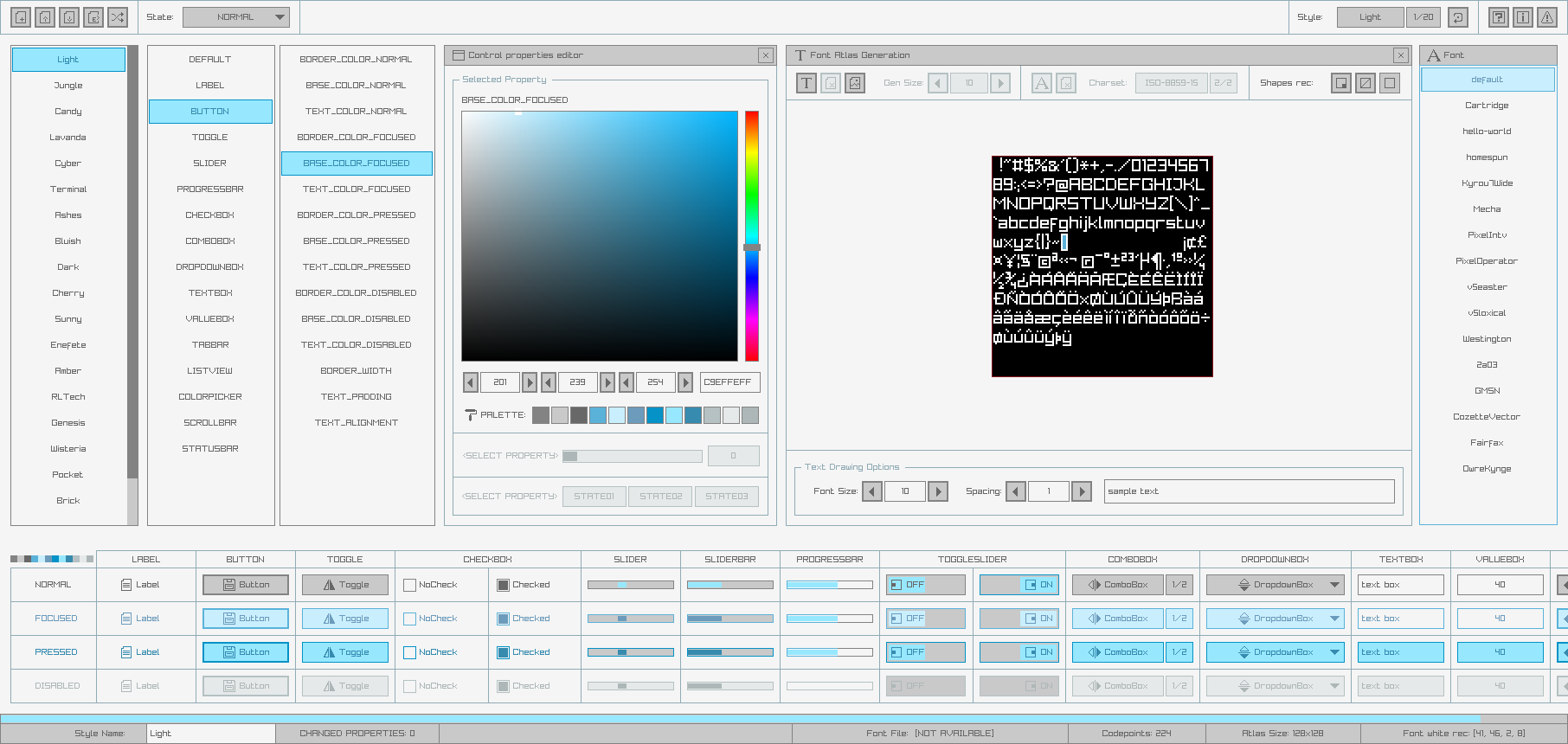
raygui comes with a default style automatically loaded at runtime:
Some additional styles are also provided for convenience, just check styles directory for details:
Custom styles can also be created very easily using rGuiStyler tool.
Styles can be loaded at runtime using raygui GuiLoadStyle() function. Simple and easy-to-use.
raygui icons
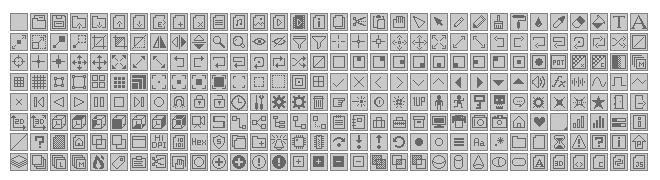
raygui supports custom icons, by default, a predefined set of icons is provided inside raygui as an array of binary data; it contains 512 possible icons defined as 16x16 pixels each; each pixel is codified using 1-bit. The total size of the array is 4096 bytes.
To use any of those icons just prefix the #iconId# number to any text written within raygui controls:
if (GuiButton(rec, "#05#Open Image")) { /* ACTION */ }
It's also possible to use the provided GuiIconText() function to prefix it automatically, using a clearer identifier (defined in raygui.h).
if (GuiButton(rec, GuiIconText(ICON_FILE_OPEN, "Open Image"))) { /* ACTION */ }
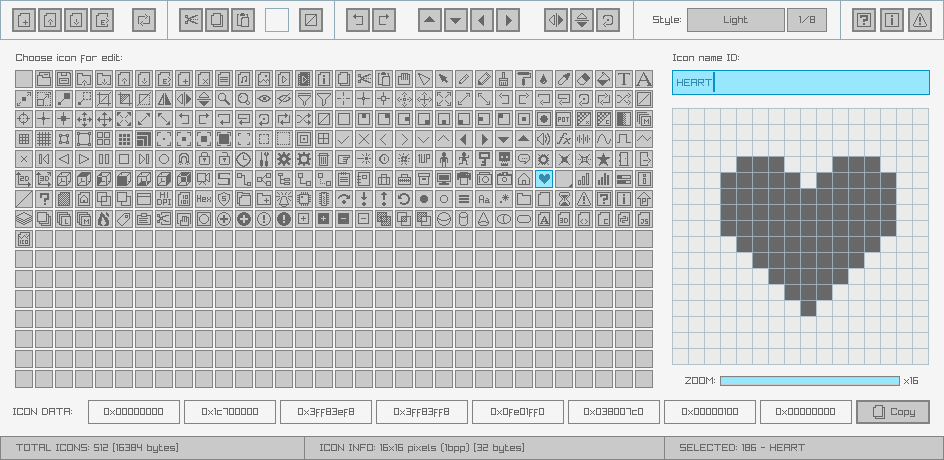
Provided set of icons can be reviewed and customized using rGuiIcons tool.
raygui support tools
rGuiStyler - A simple and easy-to-use raygui styles editor.
rGuiIcons - A simple and easy-to-use raygui icons editor.
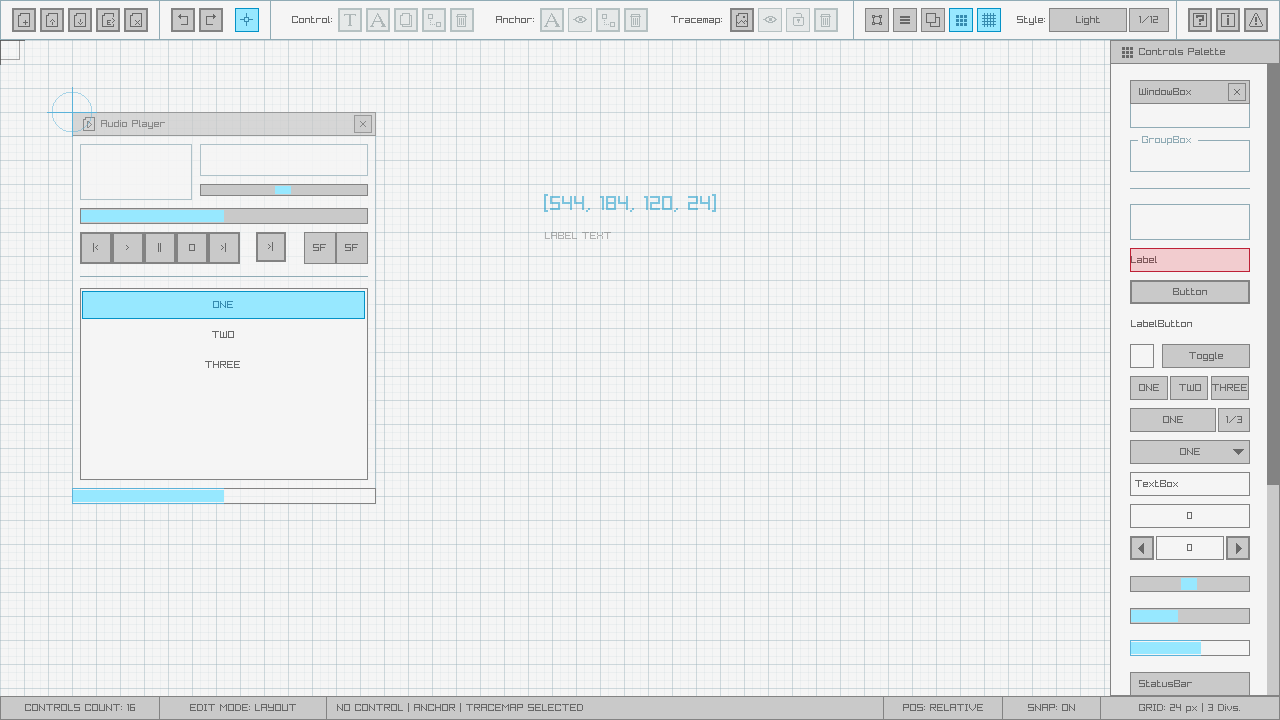
rGuiLayout - A simple and easy-to-use raygui layouts editor.
building
raygui is intended to be used as a portable single-file header-only library, to be directly integrated into any C/C++ codebase but some users could require a shared/dynamic version of the library, for example, to create bindings:
raygui is licensed under an unmodified zlib/libpng license, which is an OSI-certified, BSD-like license that allows static linking with closed source software. Check LICENSE for further details.
No homepage URL was recorded for raysan5/raygui in TopGit's last sync. The README tab above frequently contains screenshots and demo links, or check the repository description on GitHub.
How active is development on raysan5/raygui?
The most recent commit recorded on raysan5/raygui was 3 days ago, based on the GitHub push timestamp. The repository has 404 forks — one of the better signals of community interest.
How many stars does raysan5/raygui have?
raysan5/raygui has 5.2k GitHub stars — refresh the page for the live number, or check github.com/raysan5/raygui. TopGit mirrors GitHub's count but does not claim minute-by-minute accuracy.
Is raysan5/raygui open source?
Yes — raysan5/raygui ships under the Zlib license, which makes its source code freely readable (and, depending on license terms, forkable and reusable). Source: github.com/raysan5/raygui.
What else is in the Backend space?
raysan5/raygui is tracked by TopGit under the Backend category, alongside 9 GitHub-tagged topics. Trending and Topics pages list peer repositories of comparable stars and language.
What topics is raysan5/raygui associated with?
GitHub's repository topics for raysan5/raygui: "buttons", "c", "gui", "imgui", "immediate-mode-gui", "open-source", "raylib", "ui-design", "ui-library". TopGit's editorial category is Backend.
Where do I read more about raysan5/raygui?
This TopGit page is a snapshot — the READ ME tab shows the project's own README content (links stripped, images preserved). The GitHub repository at github.com/raysan5/raygui is the definitive source.
Read full README in the tab above.
Is raygui worth your time?
ChatGPT, Claude and Perplexity can all read this page. Ask one of them what it makes of raygui.
 /raygui