Một mục mã nguồn mở trong kho dữ liệu GitHub của TopGit: yeemachine/kalidokit, 5.7k sao, TypeScript. Blendshape and kinematics calculator for Mediapipe/Tensorflow.js Face, Eyes, Pose, and Finger tracking models.
Tóm tắt dựng từ metadata GitHub của chính dự án — chưa có bài review TopGit. Trang sẽ tự động cập nhật khi bài review đầy đủ được xuất bản.
VÌ SAO CHƯA CÓ REVIEW
TopGit viết bài đầy đủ cho repo có nhiều sao nhất và được yêu cầu nhiều nhất. Trang này là snapshot trong thời gian chờ — xem README gốc ở tab READ ME.
:exclamation: KalidoKit is now officially deprecated and solutions will be directly integrated into MediaPipe :exclamation:
Face, Pose, and Hand Tracking Calculator
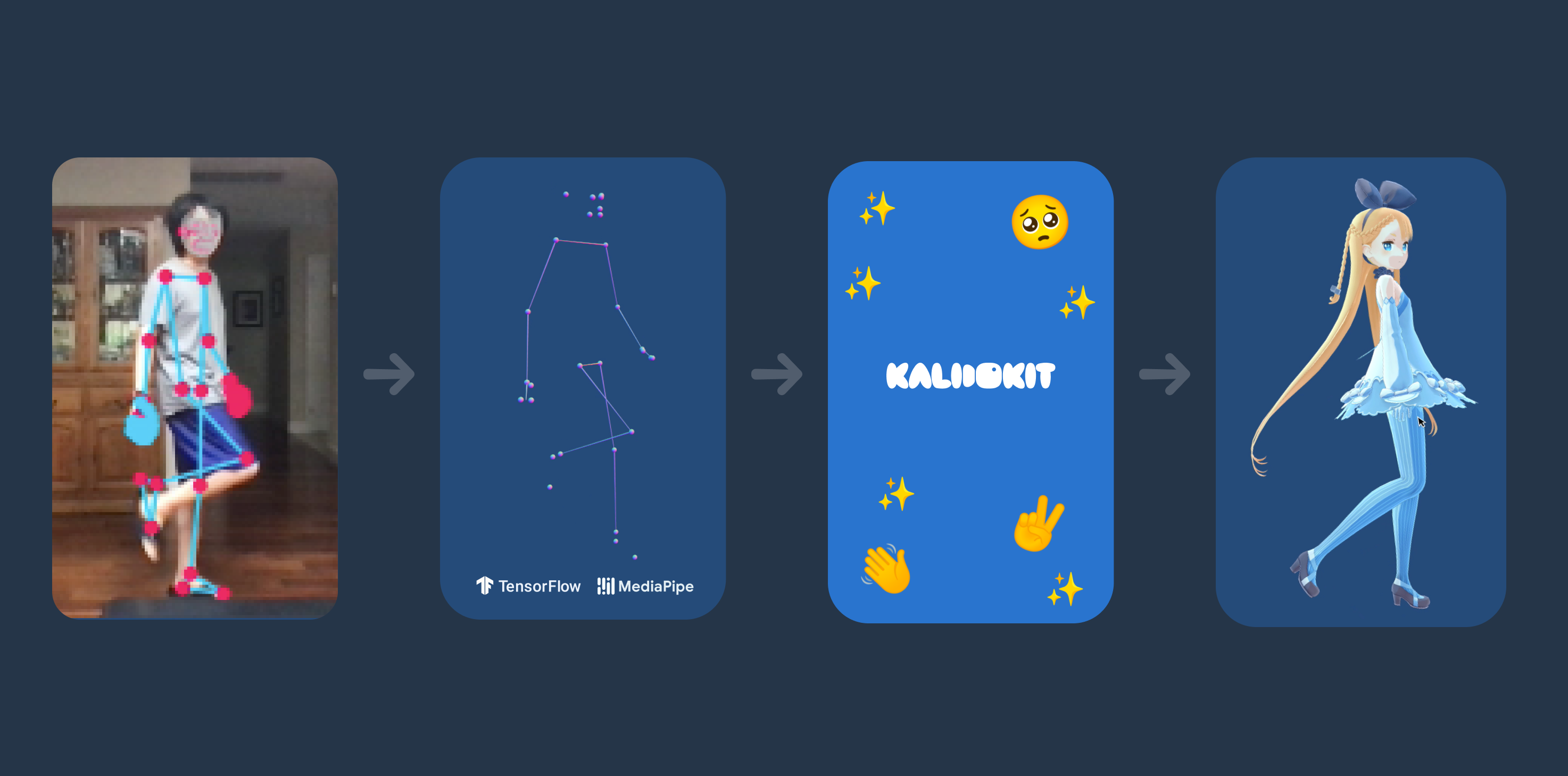
Kalidokit is a blendshape and kinematics solver for Mediapipe/Tensorflow.js face, eyes, pose, and hand tracking models, compatible with Facemesh, Blazepose, Handpose, and Holistic. It takes predicted 3D landmarks and calculates simple euler rotations and blendshape face values.
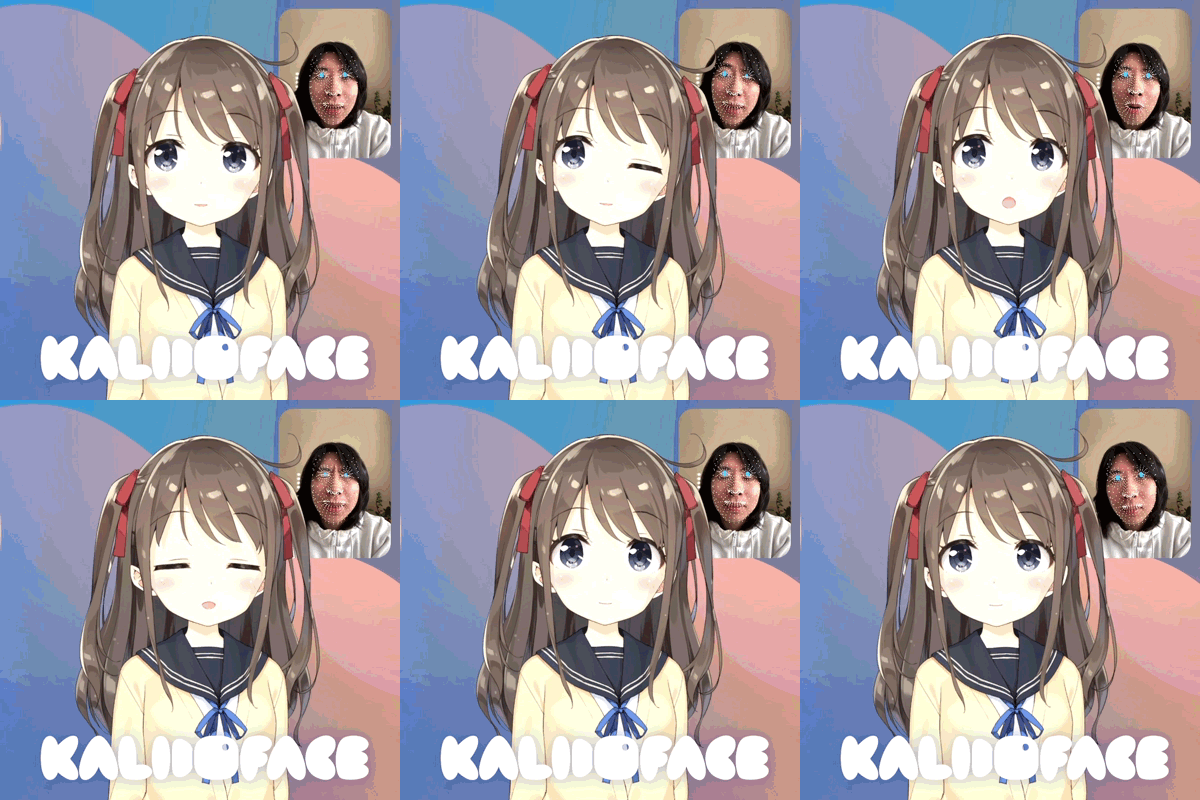
As the core to Vtuber web apps, Kalidoface and Kalidoface 3D, KalidoKit is designed specifically for rigging 3D VRM models and Live2D avatars!
NOTE: This is a JS library meant for developers using Mediapipe pretrained models and not a complete app by itself. Please visit Kalidoface for the full vtuber experience 😉!
Install
Via NPM
npm install kalidokit
import * as Kalidokit from "kalidokit";

// or only import the class you need

import { Face, Pose, Hand } from "kalidokit";
Kalidokit is composed of 3 classes for Face, Pose, and Hand calculations. They accept landmark outputs from models like Facemesh, Blazepose, Handpose, and Holistic.
// Accepts an array(468 or 478 with iris tracking) of vectors
Kalidokit.Face.solve(facelandmarkArray, {
    runtime: "tfjs", // `mediapipe` or `tfjs`
    video: HTMLVideoElement,
    imageSize: { height: 0, width: 0 },
    smoothBlink: false, // smooth left and right eye blink delays
    blinkSettings: [0.25, 0.75], // adjust upper and lower bound blink sensitivity
});

// Accepts arrays(33) of Pose keypoints and 3D Pose keypoints
Kalidokit.Pose.solve(poseWorld3DArray, poseLandmarkArray, {
    runtime: "tfjs", // `mediapipe` or `tfjs`
    video: HTMLVideoElement,
    imageSize: { height: 0, width: 0 },
    enableLegs: true,
});

// Accepts array(21) of hand landmark vectors; specify 'Right' or 'Left' side
Kalidokit.Hand.solve(handLandmarkArray, "Right");

// Using exported classes directly
Face.solve(facelandmarkArray);
Pose.solve(poseWorld3DArray, poseLandmarkArray);
Hand.solve(handLandmarkArray, "Right");
Additional Utils
// Stabilizes left/right blink delays + wink by providing blenshapes and head rotation
Kalidokit.Face.stabilizeBlink(
    { r: 0, l: 1 }, // left and right eye blendshape values
    headRotationY, // head rotation in radians
    {
        noWink = false, // disables winking
        maxRot = 0.5 // max head rotation in radians before interpolating obscured eyes
    });

// The internal vector math class
Kalidokit.Vector();
VRM and Live2D Sample Code
Quick-start your Vtuber app with these simple remixable examples.
VRM Glitch Template
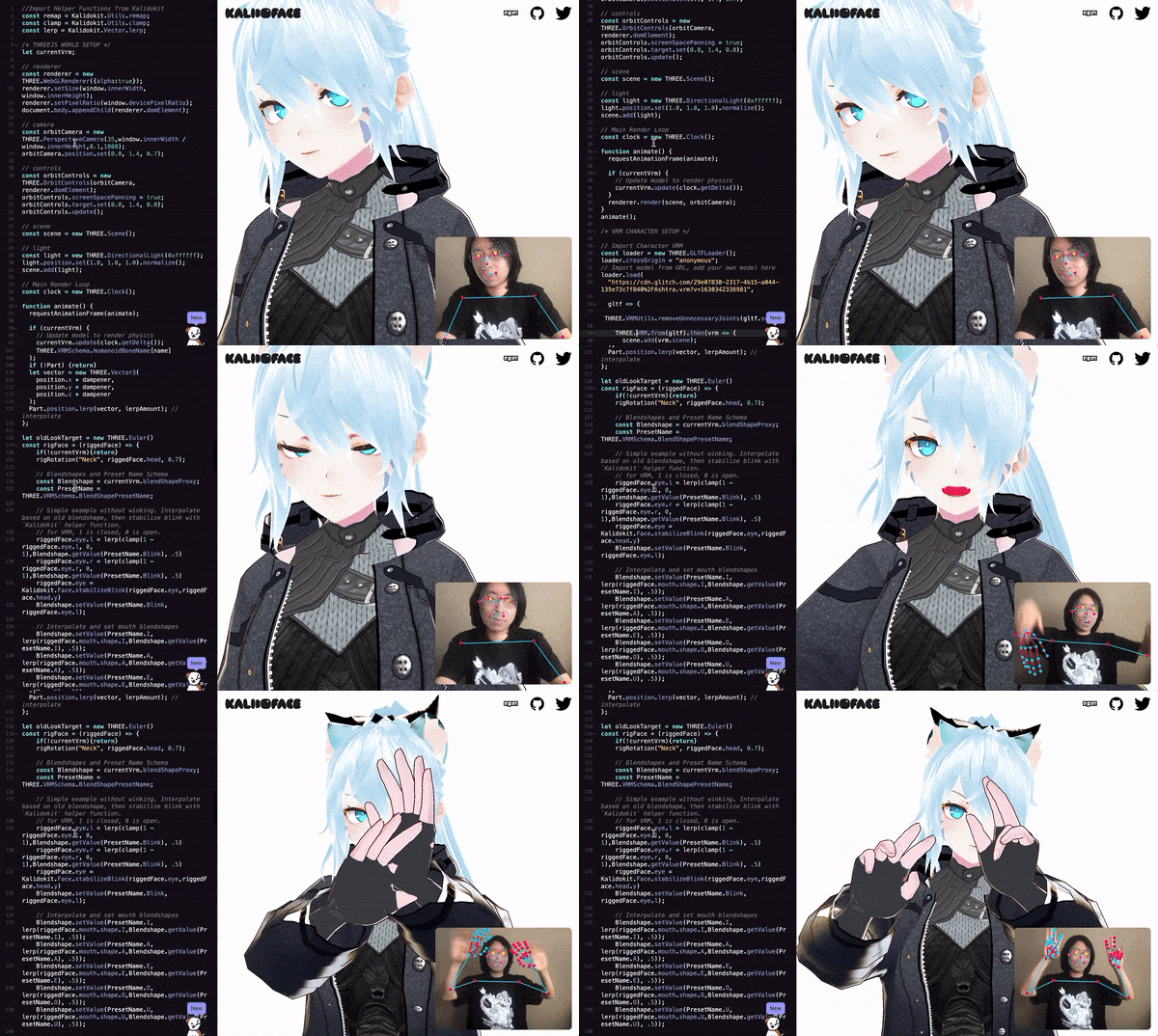
Face, full-body, and hand tracking in under 350 lines of javascript. This demo uses Mediapipe Holistic for body tracking, Three.js + Three-VRM for rendering models, and KalidoKit for the kinematic calculations. This demo uses a minimal amount of easing to smooth animations, but feel free to make it your own! VRM model from Vroid Hub.
Live2D Glitch Template
This demo uses Mediapipe FaceMesh for face tracking, Pixi.js + pixi-live2d-display for rendering models, and KalidoKit for the kinematic calculations. This demo uses an official sample Live2D model, Hiyori.
Local VRM and Live2D Examples
Interested in contributing? If you clone this project, the docs folder includes both VRM and Live2D KalidoKit templates. Run the test script to build the library and start up the dev server. The VRM demo will be hosted on localhost:3000 and Live2D on localhost:3000/live2d/.
npm install
npm run test
Basic Usage
The implementation may vary depending on what pose and face detection model you choose to use, but the principle is still the same. This example uses Mediapipe Holistic which concisely combines them together.
import * as Kalidokit from 'kalidokit'
import '@mediapipe/holistic/holistic';
import '@mediapipe/camera_utils/camera_utils';

let holistic = new Holistic({locateFile: (file) => {
    return `https://cdn.jsdelivr.net/npm/@mediapipe/[email protected]/${file}`;
}});

holistic.onResults(results=>{
    // do something with prediction results
    // landmark names may change depending on TFJS/Mediapipe model version
    let facelm = results.faceLandmarks;
    let poselm = results.poseLandmarks;
    let poselm3D = results.ea;
    let rightHandlm = results.rightHandLandmarks;
    let leftHandlm = results.leftHandLandmarks;

    let faceRig = Kalidokit.Face.solve(facelm,{runtime:'mediapipe',video:HTMLVideoElement})
    let poseRig = Kalidokit.Pose.solve(poselm3d,poselm,{runtime:'mediapipe',video:HTMLVideoElement})
    let rightHandRig = Kalidokit.Hand.solve(rightHandlm,"Right")
    let leftHandRig = Kalidokit.Hand.solve(leftHandlm,"Left")

    };
});

// use Mediapipe's webcam utils to send video to holistic every frame
const camera = new Camera(HTMLVideoElement, {
  onFrame: async () => {
    await holistic.send({image: HTMLVideoElement});
  },
  width: 640,
  height: 480
});
camera.start();
Slight differences with Mediapipe and Tensorflow.js
Due to slight differences in the results from Mediapipe and Tensorflow.js, it is recommended to specify which runtime version you are using as well as the video input/image size as a reference.
Kalidokit.Pose.solve(poselm3D,poselm,{
    runtime:'tfjs', // default is 'mediapipe'
    video: HTMLVideoElement,// specify an html video or manually set image size
    imageSize:{
        width: 640,
        height: 480,
    };
})

Kalidokit.Face.solve(facelm,{
    runtime:'mediapipe', // default is 'tfjs'
    video: HTMLVideoElement,// specify an html video or manually set image size
    imageSize:{
        width: 640,
        height: 480,
    };
})
Outputs
Below are the expected results from KalidoKit solvers.
If you'd like to share a creative use of KalidoKit, please reach out or send a pull request! Feel free to also use our Twitter hashtag, #kalidokit.
Kalidoface/KalidoKit also now has a Discord server! Come and join us!
The current library is a work in progress and contributions to improve it are very welcome! Some plans include: better facial blendshapes, full leg tracking, and improved efficiency.
Trang TopGit này là một snapshot — tab "Readme" hiển thị nguyên văn README của repo (đã bỏ link, giữ ảnh). Repo GitHub ở github.com/yeemachine/kalidokit là nguồn chính thức.
yeemachine/kalidokit có những chủ đề gì?
GitHub topics của yeemachine/kalidokit: "face-detection", "hand-detection", "mediapipe-facemesh", "mediapipe-hands", "mediapipe-pose", "pose-estimation", "tensorflowjs", "vtuber". TopGit xếp repo vào nhóm mã nguồn mở.
yeemachine/kalidokit có phải mã nguồn mở không?
Có — yeemachine/kalidokit phát hành theo license MIT, nghĩa là mã nguồn mở để đọc, fork và (tùy license) tái sử dụng. Mã: github.com/yeemachine/kalidokit.
yeemachine/kalidokit có trang demo không?
Dự án có trang chủ ở https://kalidoface.com. Tab "Readme" ở trang này thường có ảnh chụp và hướng dẫn bắt đầu nhanh.
yeemachine/kalidokit còn đang phát triển không?
Commit gần nhất trên yeemachine/kalidokit là 1.2 năm trước (theo timestamp GitHub). Repo có 717 fork — một chỉ báo về mức độ quan tâm của cộng đồng.
yeemachine/kalidokit dùng license gì?
yeemachine/kalidokit phát hành theo license MIT. Nên mở file LICENSE trên GitHub để xác nhận — license metadata đôi khi lệch với thực tế dự án.
Đọc đầy đủ README ở tab phía trên.
Muốn nghe thêm một ý kiến về kalidokit?
Hỏi một AI đọc được trang này — một cú bấm là có ngay nhận định về kalidokit.

 /kalidokit