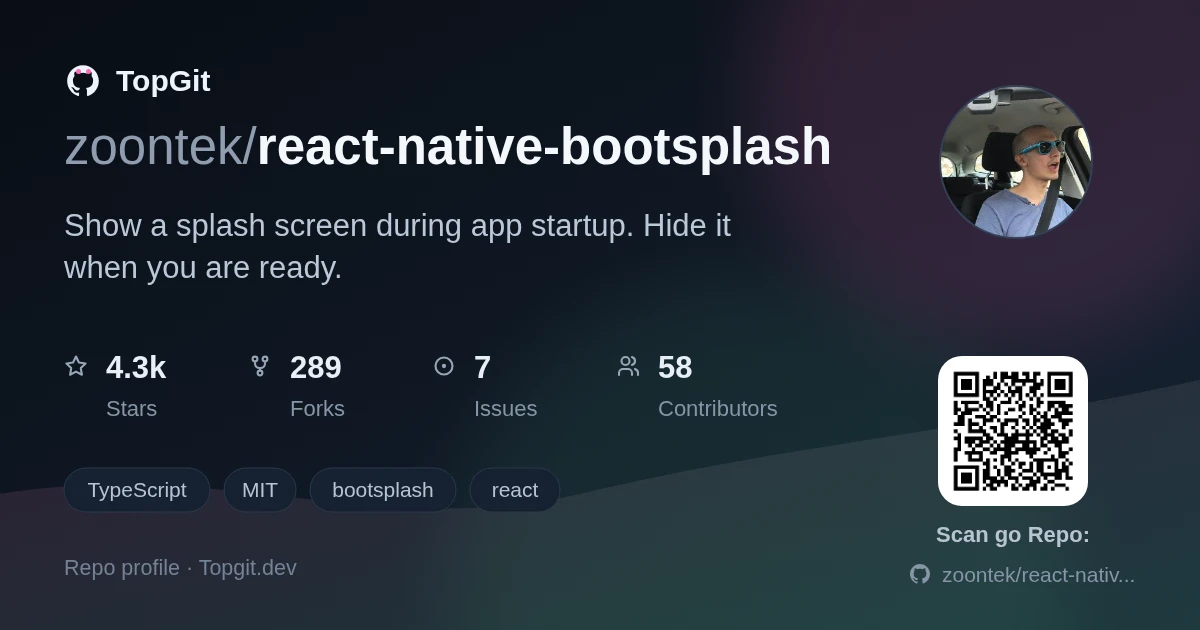
zoontek/react-native-bootsplash hiện có 4.3k sao trên GitHub, viết chủ yếu bằng TypeScript. 🚀 Show a splash screen during app startup. Hide it when you are ready.
Tóm tắt dựng từ metadata GitHub của chính dự án — chưa có bài review TopGit. Trang sẽ tự động cập nhật khi bài review đầy đủ được xuất bản.
VÌ SAO CHƯA CÓ REVIEW
TopGit viết bài đầy đủ cho repo có nhiều sao nhất và được yêu cầu nhiều nhất. Trang này là snapshot trong thời gian chờ — xem README gốc ở tab READ ME.
⚠️ Don't forget going into the ios directory to execute a pod install.
Setup
Assets generation
In order to speed up the setup, we provide a CLI to generate assets, update config files, create the Android Drawable XML file and the iOS Storyboard file automatically ✨.
Usage: react-native-bootsplash generate [options] <logo>

Generate a launch screen using a logo file path (PNG or SVG)

Arguments:
  logo                        Logo file path (PNG or SVG)

Options:
  --platforms <list>          Platforms to generate for, separated by a comma (default: "android,ios,web")
  --background <string>       Background color (in hexadecimal format) (default: "#fff")
  --logo-width <number>       Logo width at @1x (in dp - we recommend approximately ~100) (default: 100)
  --assets-output <string>    Assets output directory path (default: "assets/bootsplash")
  --flavor <string>           Android flavor build variant (where your resource directory is) (default: "main")
  --html <string>             HTML template file path (your web app entry point) (default: "public/index.html")
  --plist <string>            Custom Info.plist file path
  --license-key <string>      License key to enable brand and dark mode assets generation
  --brand <string>            Brand file path (PNG or SVG)
  --brand-width <number>      Brand width at @1x (in dp - we recommend approximately ~80) (default: 80)
  --dark-background <string>  [dark mode] Background color (in hexadecimal format)
  --dark-logo <string>        [dark mode] Logo file path (PNG or SVG)
  --dark-brand <string>       [dark mode] Brand file path (PNG or SVG)
  -h, --help                  display help for command
💪 Unlock the CLI full potential
In order to use the --brand, --brand-width and --dark-* options, you must specify a --license-key.
With it, the generator is able to output over 50 files (logo and brand images generated in all pixel densities, dark mode versions, etc.), saving you (and your company!) a massive amount of time not only at creation, but also at each adjustment ⏱️
📍 This license key grants unlimited and unrestricted usage of the generator for the buyer's purposes (meaning you can execute the assets generation as much as you want).
import ReactAppDependencyProvider
import RNBootSplash // ⬅️ add this import

// …

class ReactNativeDelegate: RCTDefaultReactNativeFactoryDelegate {

  // …

  // ⬇️ override this method
  override func customize(_ rootView: RCTRootView) {
    super.customize(rootView)
    RNBootSplash.initWithStoryboard("BootSplash", rootView: rootView) // ⬅️ initialize the splash screen
  }
}
Android
Edit your android/app/src/main/java/com/yourapp/MainActivity.kt file:
Without react-native-screens
// ⬇️ add these required imports
import android.os.Bundle
import com.zoontek.rnbootsplash.RNBootSplash

// …

class MainActivity : ReactActivity() {

  // …

  override fun onCreate(savedInstanceState: Bundle?) {
    RNBootSplash.init(this, R.style.BootTheme) // ⬅️ initialize the splash screen
    super.onCreate(savedInstanceState)
  }
}
With react-native-screens >= v4.16.0
// ⬇️ add these required imports
import android.os.Bundle
import com.swmansion.rnscreens.fragment.restoration.RNScreensFragmentFactory
import com.zoontek.rnbootsplash.RNBootSplash

// …

class MainActivity : ReactActivity() {

  // …

  override fun onCreate(savedInstanceState: Bundle?) {
    supportFragmentManager.fragmentFactory = RNScreensFragmentFactory()
    RNBootSplash.init(this, R.style.BootTheme) // ⬅️ initialize the splash screen
    super.onCreate(savedInstanceState)
  }
}
With react-native-screens < v4.16.0
// ⬇️ add these required imports
import android.os.Bundle
import com.zoontek.rnbootsplash.RNBootSplash

// …

class MainActivity : ReactActivity() {

  // …

  override fun onCreate(savedInstanceState: Bundle?) {
    RNBootSplash.init(this, R.style.BootTheme) // ⬅️ initialize the splash screen
    super.onCreate(null)
  }
}
ℹ️ Refer to previous package documentation for setup steps with React Native < 0.80.
API
hide()
Hide the splash screen (immediately, or with a fade out).
Method type
type hide = (config?: { fade?: boolean }) => Promise<void>;
Usage
import { useEffect } from "react";
import { Text } from "react-native";
import BootSplash from "react-native-bootsplash";

const App = () => {
  useEffect(() => {
    const init = async () => {
      // …do multiple sync or async tasks
    };

    init().finally(async () => {
      await BootSplash.hide({ fade: true });
      console.log("BootSplash has been hidden successfully");
    });
  }, []);

  return <Text>My awesome app</Text>;
};
isVisible()
Return the current visibility status of the native splash screen.
Method type
type isVisible = () => boolean;
Usage
import BootSplash from "react-native-bootsplash";

if (BootSplash.isVisible()) {
  // Do something
}
useHideAnimation()
A hook to easily create a custom hide animation by animating all splash screen elements using Animated, react-native-reanimated or else (similar as the video on top of this documentation).
Method type
type useHideAnimation = (config: {
  ready?: boolean; // a boolean flag to delay the animate execution (default: true)

  // the required generated assets
  manifest: Manifest; // the manifest file is generated in your assets directory
  logo?: ImageRequireSource;
  darkLogo?: ImageRequireSource;
  brand?: ImageRequireSource;
  darkBrand?: ImageRequireSource;

  // specify if you are using translucent status / navigation bars
  // in order to avoid a shift between the native and JS splash screen
  statusBarTranslucent?: boolean;
  navigationBarTranslucent?: boolean;

  animate: () => void;
}) => {
  container: ContainerProps;
  logo: LogoProps;
  brand: BrandProps;
};
This example is simple for documentation purpose (we only animate the container). 🤙 A more complex example is available in the /example folder.
FAQ
How can I enforce the splash screen system bar colors?
By default, the system bars uses dark-content in light mode and light-content in dark mode. To enforce a specific value, edit your values/styles.xml file:
Why are both light and dark assets inlined in my index.html?
For the sake of simplicity. Since the light and dark versions of your assets are likely identical (except for the colors), if your index.html file is compressed with gzip, the size difference will be negligible.
How should I use it with React Navigation?
If you are using React Navigation, you can hide the splash screen once the navigation container and all children have finished mounting by using the onReady function.
After that, we need to add the setup file in the jest config. You can add it under setupFiles option in your jest config file:
{
  "setupFiles": ["<rootDir>/jest/setup.js"]
}
Sponsors
This module is provided as is, I work on it in my free time.
If you or your company uses it in a production app, consider sponsoring this project 💰. You also can contact me for premium enterprise support: help with issues, prioritize bugfixes, feature requests, etc.
zoontek/react-native-bootsplash thuộc nhóm Frontend trên TopGit, cùng 5 topic GitHub. Trang Trending và Topics liệt kê các repo cùng số sao và cùng ngôn ngữ để so sánh.
Đọc thêm về zoontek/react-native-bootsplash ở đâu?
Trang TopGit này là một snapshot — tab "Readme" hiển thị nguyên văn README của repo (đã bỏ link, giữ ảnh). Repo GitHub ở github.com/zoontek/react-native-bootsplash là nguồn chính thức.
zoontek/react-native-bootsplash có bao nhiêu sao?
zoontek/react-native-bootsplash có 4.3k sao GitHub — tải lại trang để xem số mới nhất, hoặc xem trực tiếp github.com/zoontek/react-native-bootsplash. TopGit phản chiếu số sao của GitHub nhưng không cam kết đến từng phút.
zoontek/react-native-bootsplash có phải mã nguồn mở không?
Có — zoontek/react-native-bootsplash phát hành theo license MIT, nghĩa là mã nguồn mở để đọc, fork và (tùy license) tái sử dụng. Mã: github.com/zoontek/react-native-bootsplash.
zoontek/react-native-bootsplash có website riêng không?
TopGit chưa ghi nhận URL trang chủ cho zoontek/react-native-bootsplash. Phần README ở tab phía trên thường có link demo, hoặc xem mô tả GitHub của repo.
zoontek/react-native-bootsplash là gì?
zoontek/react-native-bootsplash (zoontek/react-native-bootsplash) là dự án TypeScript trên GitHub. Theo mô tả gốc: 🚀 Show a splash screen during app startup. Hide it when you are ready.
zoontek/react-native-bootsplash so với các dự án Frontend khác thế nào?
zoontek/react-native-bootsplash được TopGit xếp vào nhóm Frontend, với 4.3k sao GitHub và viết bằng TypeScript. Xem trang chủ đề Frontend trên TopGit để so sánh với các dự án tương tự theo số sao và mức độ hoạt động.
Đọc đầy đủ README ở tab phía trên.
Vẫn đang phân vân về react-native-bootsplash?
Một cú bấm sẽ gửi câu hỏi kèm trang này cho AI — xem AI nói gì về react-native-bootsplash.

 /react-native-bootsplash