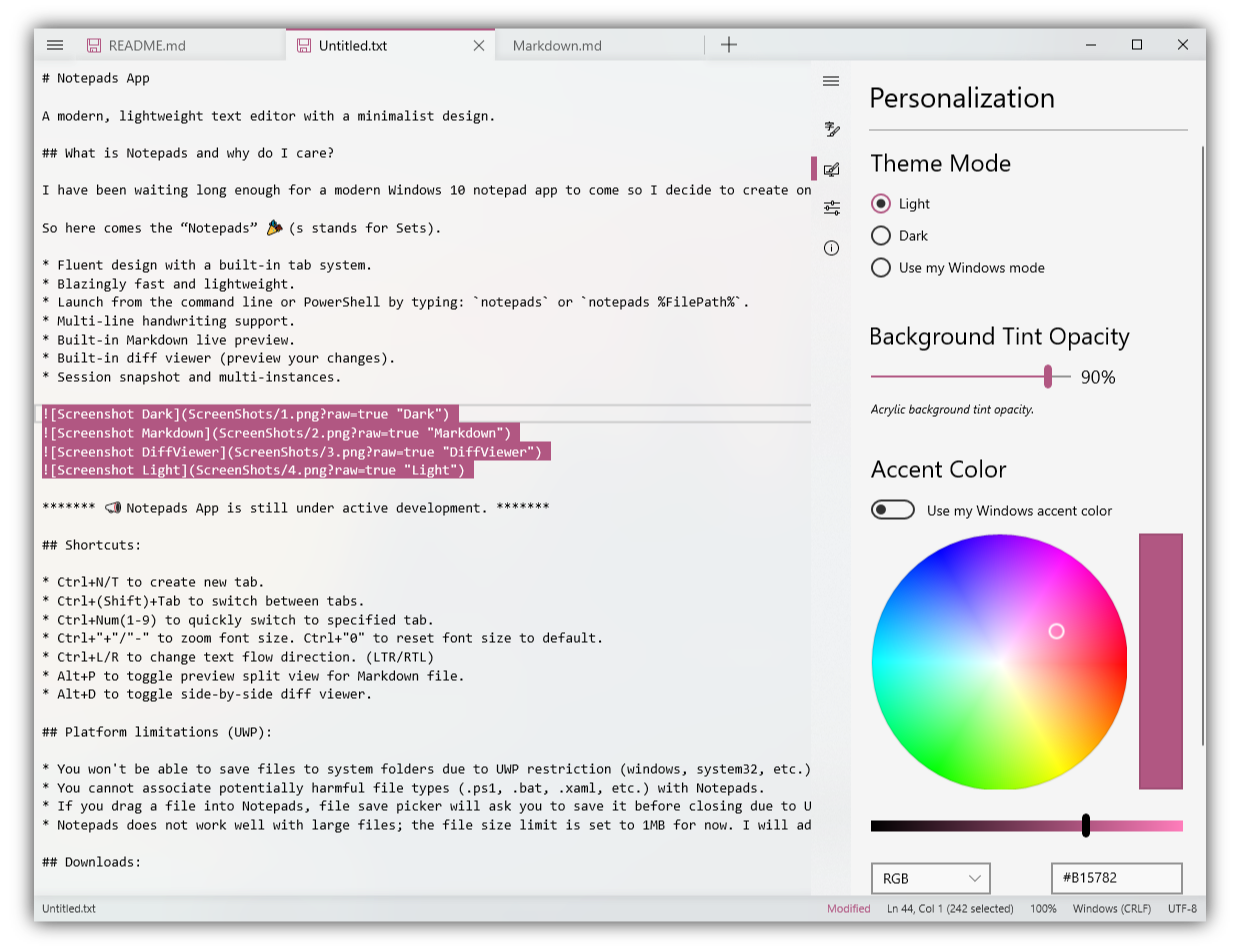
On GitHub, 0x7c13/Notepads has picked up 10.3k stars, C#. A modern, lightweight text editor with a minimalist design.
Snapshot summary built from the project's own GitHub metadata — there's no written TopGit review yet. The page will update automatically when a full review is published.
WHY NO REVIEW YET
TopGit writes full reviews for the most-starred, most-requested repositories. This page is a snapshot until then — see the READ ME tab for the original README in full.
A modern, lightweight text editor with a minimalist design.
What is Notepads and why do I care?
I have been waiting long enough for a modern Windows 10 notepad app to come before I decided to create one myself. Don’t get me wrong, Notepad++, VS Code, and Sublime are great text editors. I have used them all and I will continue to use them in the future. However, they are either too heavy or look less appealing. There are times that I just wanted to use Windows notepad for things like writing notes or editing config files. So I decided to create a win32 notepad replacement here and try to give it a modern look and feel. Most importantly, it has to be blazingly fast and appeals to everyone.
So here comes the “Notepads” 🎉 (s stands for Sets).
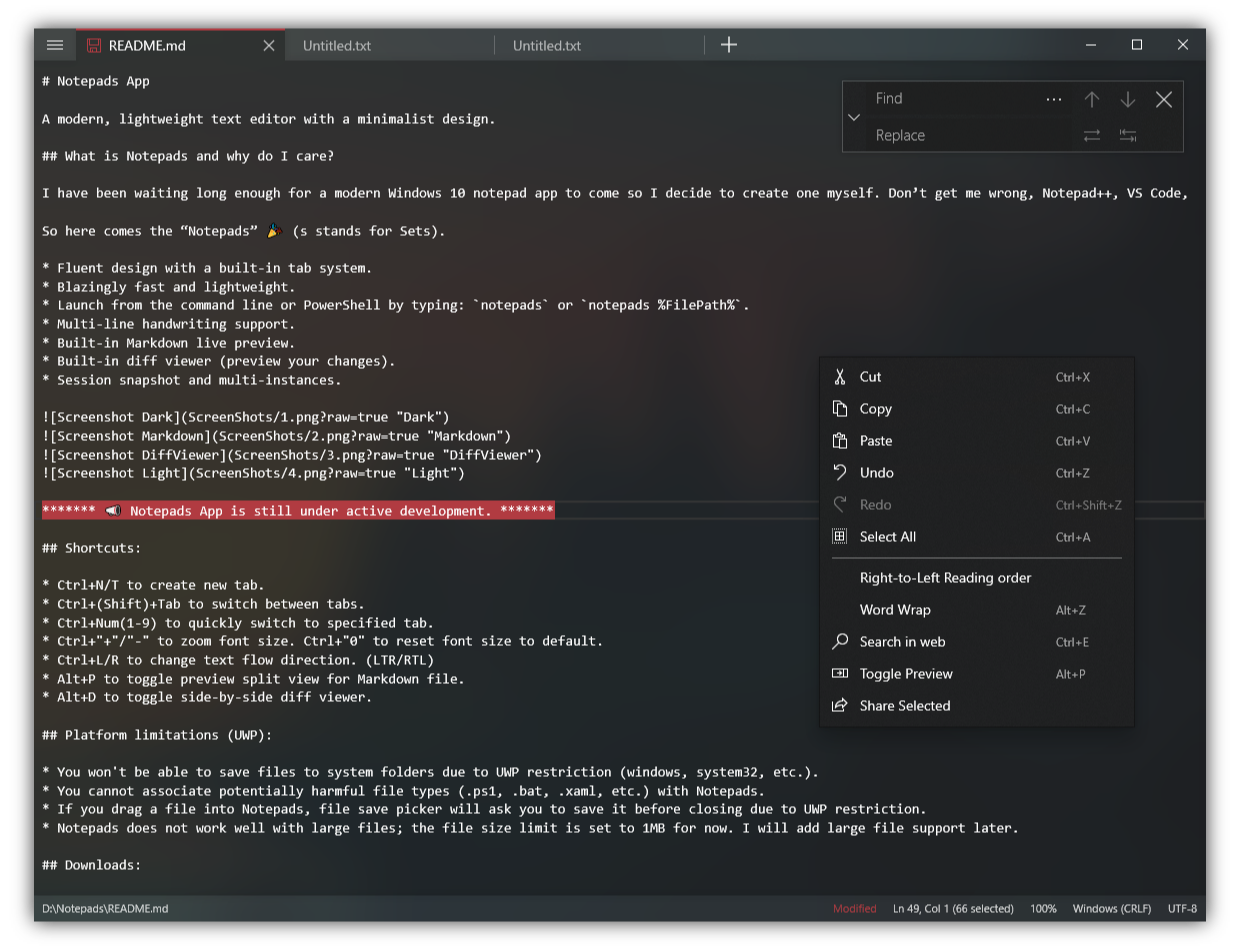
Fluent design with a built-in tab system.
Blazingly fast and lightweight.
Launch from the command line or PowerShell by typing: notepads or notepads %FilePath%.
Multi-line handwriting support.
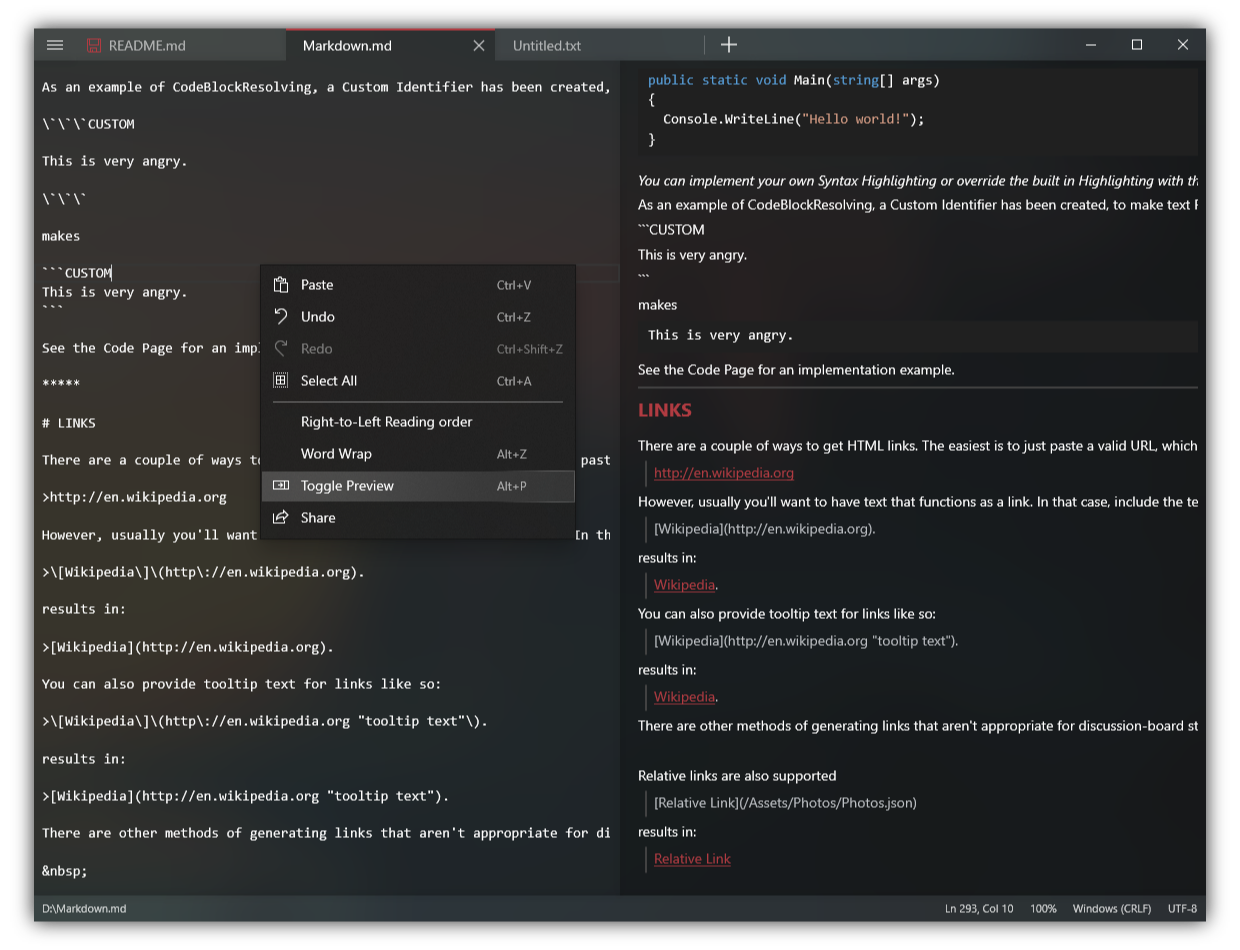
Built-in Markdown live preview.
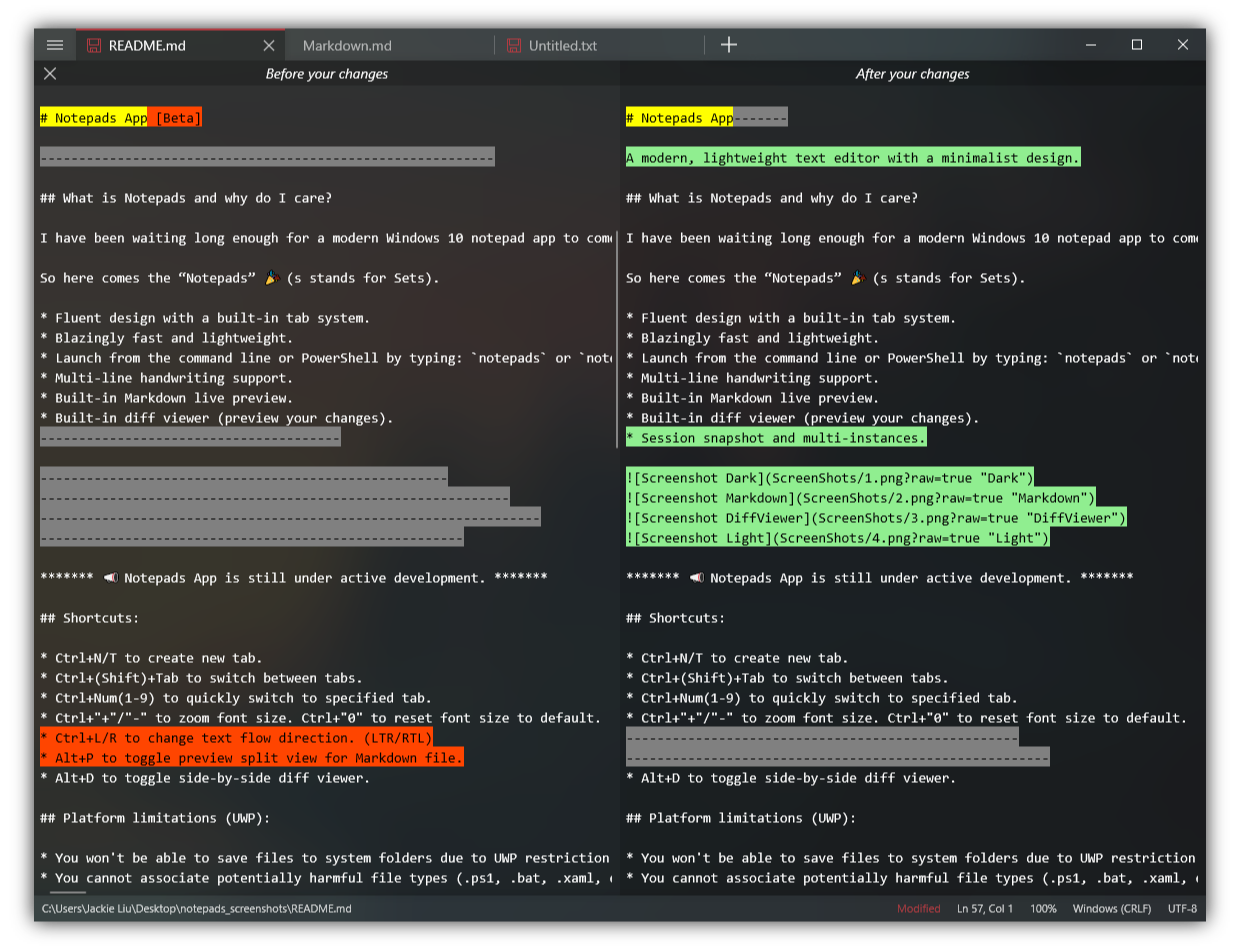
Built-in diff viewer (preview your changes).
Session snapshot and multi-instances.
Shortcuts:
Ctrl+N/T to create new tab.
Ctrl+(Shift)+Tab to switch between tabs.
Ctrl+Num(1-9) to quickly switch to specified tab.
Ctrl+"+"/"-" for zooming. Ctrl+"0" to reset zooming to default.
Ctrl+L/R to change text flow direction. (LTR/RTL)
Alt+P to toggle preview split view for Markdown file.
Alt+D to toggle side-by-side diff viewer.
Platform limitations (UWP):
You won't be able to save files to system folders due to UWP restriction (windows, system32, etc.).
You cannot associate potentially harmful file types (.cmd, .bat etc.) with Notepads.
Notepads does not work well with large files; the file size limit is set to 1MB for now. I will add large file support later.
Downloads:
Notepads is available in the Microsoft Store. You can get the latest version of Notepads here for free: Microsoft Store Link.
You can also use the Windows Package Manager to install notepads:
winget install "Notepads App"
Changelog:
Notepads Releases
Disclaimer and Privacy statement:
To be 100% transparent:
Notepads does not and will never collect user information in terms of user privacy.
I will not track your IP.
I will not record your typings or read any of your files created in Notepads including file name and file path.
No typings or files will be sent to me or third parties.
I am using analytics service "AppCenter" to collect basic usage data plus some minimum telemetry to help me debug runtime errors. Here is the thread I made clear on this topic: https://github.com/0x7c13/Notepads/issues/334
Feel free to review the source code or build your own version of Notepads since it is 100% open sourced.
More to read here: [Privacy Policy]
TL;DR: You might notice that I work for Microsoft but Notepads is my personal project that I accomplish during free time (to empower every person and every organization on the planet to achieve more😃). I do not work for the Windows team, nor do I work for a Microsoft UX/App team. I am not expert on creating Windows apps either. I learned how to code UWP as soon as I started this project, so don’t put too much hope on me or treat it as a project sponsored by Microsoft.
Contributing:
How to contribute?
Notepads is free and open source, if you like my work, please consider:
Star this project on GitHub
Leave me a review here
Dependencies and References:
Windows Community Toolkit
XAML Controls Gallery
Windows UI Library
ColorCode Universal
UTF Unknown
DiffPlex
Win2D
Special Thanks:
Yi Zhou - App icon designer, Notepads App Icon (old) is greatly inspired by the new icon for Windows Terminal.
Mahmoud Qurashy - App icon and file icon(s) designer, creator of the new Notepads App Icon.
Alexandru Sterpu - App Tester, who helped me a lot during preview/beta testing.
Code Contributors: DanverZ, BernhardWebstudio, Csányi István, Pavel Erokhin, Sergio Pedri, Lucas Pinho B. Santos, Soumya Ranjan Mahunt, Belleve Invis, Maickonn Richard, Xam
Documentation Contributors: Craig S.
Localization Contributors:
[fr-FR][French (France)]: François Rousselet, François-Joseph du Fou, Armand Delessert
[es-ES][Spanish (Spain)]: Jose Pinilla
[zh-CN][Chinese (S)]: lindexi, walterlv, 0x7c13
[hu-HU][Hungarian (Hungary)]: Csányi István, Kristóf Kékesi
[tr-TR][Turkish (Turkey)]: Mert Can Demir, Emirhakan Tanhan
[ja-JP][Japanese (Japan)]: Mamoru Satoh
[de-DE][German (Germany)]/[de-CH][German (Switzerland)]: Walter Wolf
The most recent commit recorded on 0x7c13/Notepads was 17 days ago, based on the GitHub push timestamp. The repository has 564 forks — one of the better signals of community interest.
How many stars does 0x7c13/Notepads have?
0x7c13/Notepads has 10.3k GitHub stars — refresh the page for the live number, or check github.com/0x7c13/Notepads. TopGit mirrors GitHub's count but does not claim minute-by-minute accuracy.
Is 0x7c13/Notepads open source?
Yes — 0x7c13/Notepads ships under the MIT license, which makes its source code freely readable (and, depending on license terms, forkable and reusable). Source: github.com/0x7c13/Notepads.
What is 0x7c13/Notepads?
0x7c13/Notepads (0x7c13/Notepads) is a C# project on GitHub. From the project's own README: A modern, lightweight text editor with a minimalist design.
What language is 0x7c13/Notepads written in?
0x7c13/Notepads is written primarily in C#. GitHub's language field is based on the largest share of bytes in the default branch.
What license does 0x7c13/Notepads use?
0x7c13/Notepads is released under the MIT license. Always verify the LICENSE file directly on GitHub for the authoritative terms — license strings can be edited out of sync with a project's actual stance.
Where do I read more about 0x7c13/Notepads?
This TopGit page is a snapshot — the READ ME tab shows the project's own README content (links stripped, images preserved). The GitHub repository at github.com/0x7c13/Notepads is the definitive source.
Read full README in the tab above.
Want a second opinion on Notepads?
Ask an AI that can read this page — one click and you get its take on Notepads.

 /Notepads