affinelayer/pix2pix-tensorflow is tracked by TopGit as an open-source project, with 5.1k stars on GitHub, written primarily in JavaScript. Tensorflow port of Image-to-Image Translation with Conditional Adversarial Nets https://phillipi.github.io/pix2pix/
Snapshot summary built from the project's own GitHub metadata — there's no written TopGit review yet. The page will update automatically when a full review is published.
WHY NO REVIEW YET
TopGit writes full reviews for the most-starred, most-requested repositories. This page is a snapshot until then — see the READ ME tab for the original README in full.
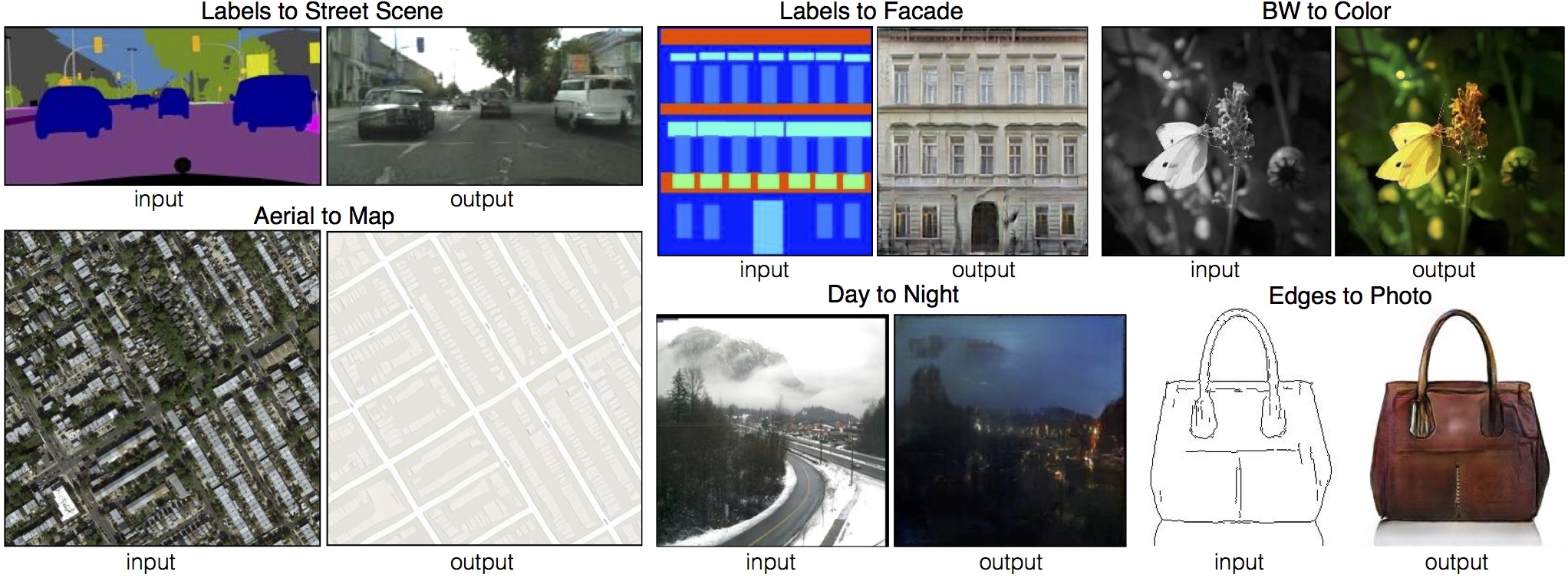
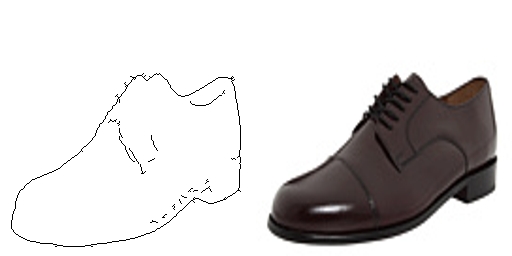
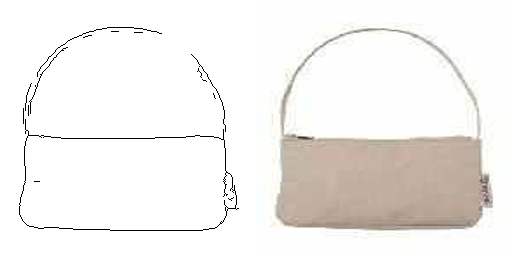
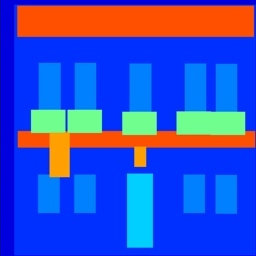
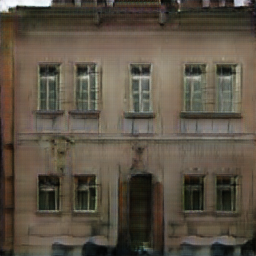
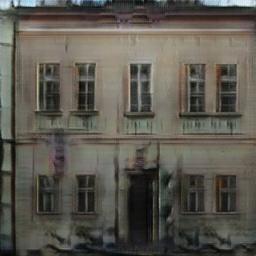
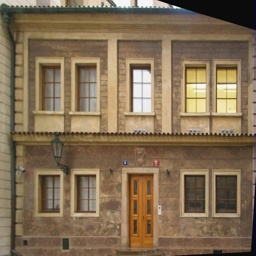
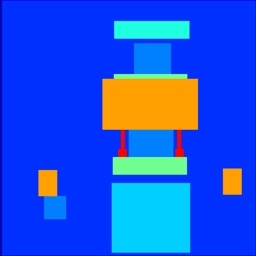
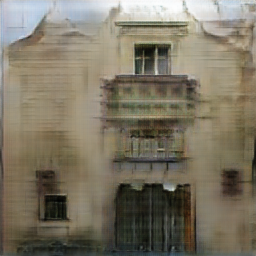
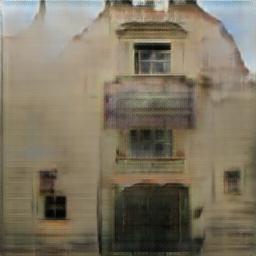
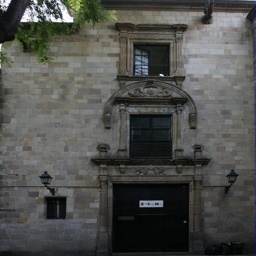
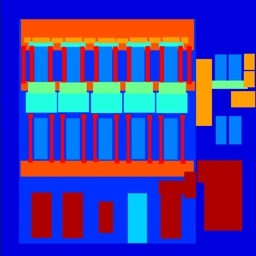
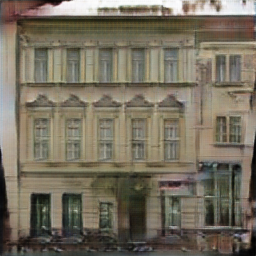
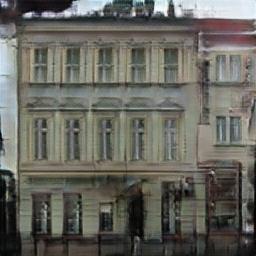
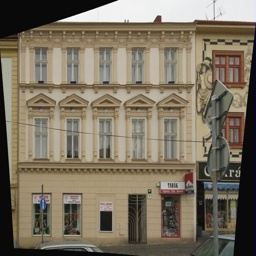
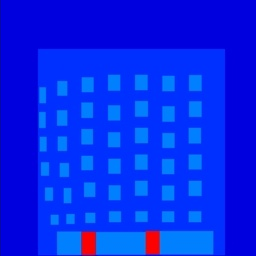
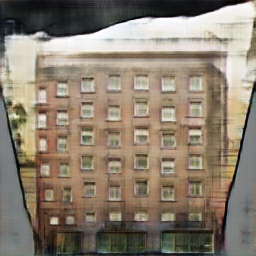
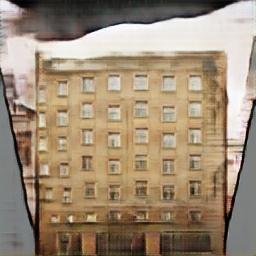
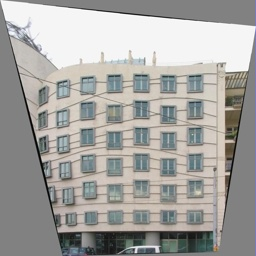
Tensorflow implementation of pix2pix. Learns a mapping from input images to output images, like these examples from the original paper:
This port is based directly on the torch implementation, and not on an existing Tensorflow implementation. It is meant to be a faithful implementation of the original work and so does not add anything. The processing speed on a GPU with cuDNN was equivalent to the Torch implementation in testing.
Setup
Prerequisites
Tensorflow 1.4.1
Recommended
Linux with Tensorflow GPU edition + cuDNN
Getting Started
# clone this repo
git clone https://github.com/affinelayer/pix2pix-tensorflow.git
cd pix2pix-tensorflow
# download the CMP Facades dataset (generated from http://cmp.felk.cvut.cz/~tylecr1/facade/)
python tools/download-dataset.py facades
# train the model (this may take 1-8 hours depending on GPU, on CPU you will be waiting for a bit)
python pix2pix.py \
  --mode train \
  --output_dir facades_train \
  --max_epochs 200 \
  --input_dir facades/train \
  --which_direction BtoA
# test the model
python pix2pix.py \
  --mode test \
  --output_dir facades_test \
  --input_dir facades/val \
  --checkpoint facades_train
The test run will output an HTML file at facades_test/index.html that shows input/output/target image sets.
If you have Docker installed, you can use the provided Docker image to run pix2pix without installing the correct version of Tensorflow:
# train the model
python tools/dockrun.py python pix2pix.py \
      --mode train \
      --output_dir facades_train \
      --max_epochs 200 \
      --input_dir facades/train \
      --which_direction BtoA
# test the model
python tools/dockrun.py python pix2pix.py \
      --mode test \
      --output_dir facades_test \
      --input_dir facades/val \
      --checkpoint facades_train
Datasets and Trained Models
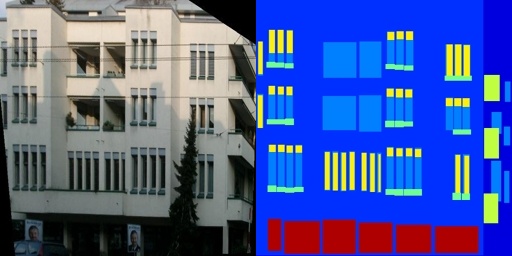
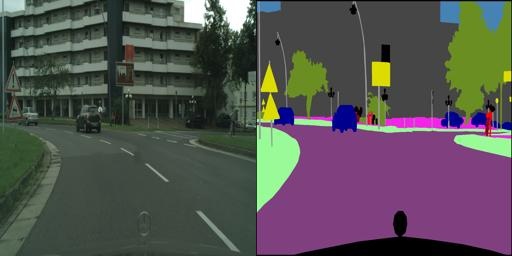
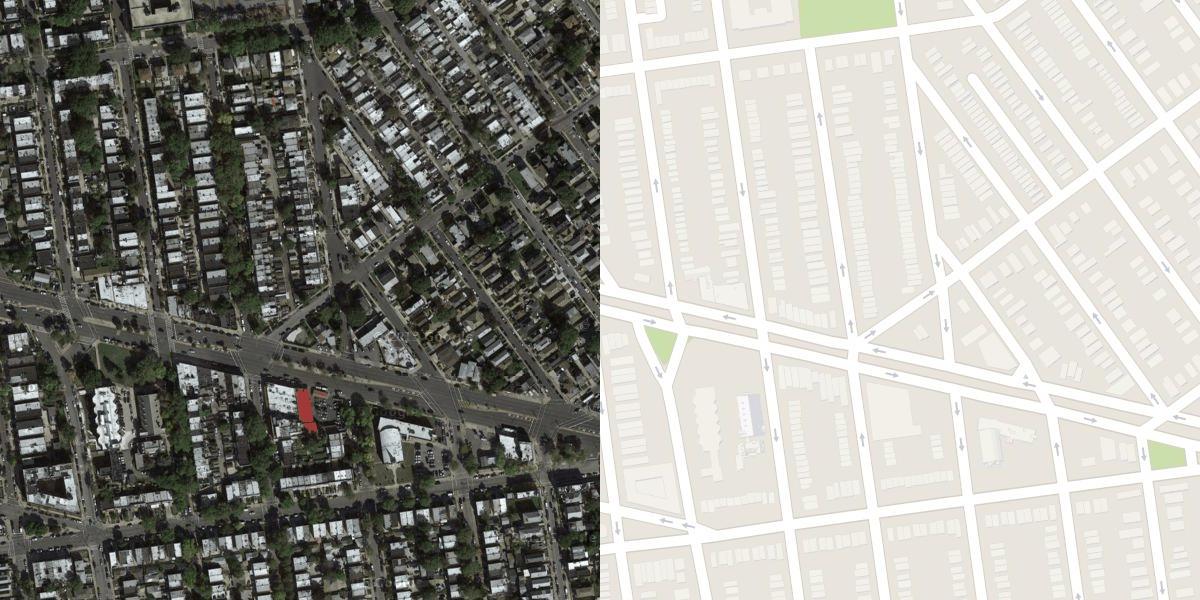
The data format used by this program is the same as the original pix2pix format, which consists of images of input and desired output side by side like:
For example:
Some datasets have been made available by the authors of the pix2pix paper. To download those datasets, use the included script tools/download-dataset.py. There are also links to pre-trained models alongside each dataset, note that these pre-trained models require the current version of pix2pix.py:
python tools/download-dataset.py cityscapes 2975 images from the Cityscapes training set. (113M) Pre-trained: AtoB BtoA
python tools/download-dataset.py maps 1096 training images scraped from Google Maps (246M) Pre-trained: AtoB BtoA
python tools/download-dataset.py edges2shoes 50k training images from UT Zappos50K dataset. Edges are computed by HED edge detector + post-processing. (2.2GB) Pre-trained: AtoB
python tools/download-dataset.py edges2handbags 137K Amazon Handbag images from iGAN project. Edges are computed by HED edge detector + post-processing. (8.6GB) Pre-trained: AtoB
The facades dataset is the smallest and easiest to get started with.
Creating your own dataset
Example: creating images with blank centers for inpainting
No other processing is required, the colorization mode (see Training section below) uses single images instead of image pairs.
Training
Image Pairs
For normal training with image pairs, you need to specify which directory contains the training images, and which direction to train on. The direction options are AtoB or BtoA
In this mode, image A is the black and white image (lightness only), and image B contains the color channels of that image (no lightness information).
Tips
You can look at the loss and computation graph using tensorboard:
tensorboard --logdir=facades_train
If you wish to write in-progress pictures as the network is training, use --display_freq 50. This will update facades_train/index.html every 50 steps with the current training inputs and outputs.
Testing
Testing is done with --mode test. You should specify the checkpoint to use with --checkpoint, this should point to the output_dir that you created previously with --mode train:
If you use this code for your research, please cite the paper this code is based on: Image-to-Image Translation Using Conditional Adversarial Networks:
@article{pix2pix2016,
  title={Image-to-Image Translation with Conditional Adversarial Networks},
  author={Isola, Phillip and Zhu, Jun-Yan and Zhou, Tinghui and Efros, Alexei A},
  journal={arxiv},
  year={2016}
}
Acknowledgments
This is a port of pix2pix from Torch to Tensorflow. It also contains colorspace conversion code ported from Torch. Thanks to the Tensorflow team for making such a quality library! And special thanks to Phillip Isola for answering my questions about the pix2pix code.
How active is development on affinelayer/pix2pix-tensorflow?
The most recent commit recorded on affinelayer/pix2pix-tensorflow was 5.8 years ago, based on the GitHub push timestamp. The repository has 1.3k forks — one of the better signals of community interest.
How many stars does affinelayer/pix2pix-tensorflow have?
affinelayer/pix2pix-tensorflow has 5.1k GitHub stars — refresh the page for the live number, or check github.com/affinelayer/pix2pix-tensorflow. TopGit mirrors GitHub's count but does not claim minute-by-minute accuracy.
Is affinelayer/pix2pix-tensorflow open source?
Yes — affinelayer/pix2pix-tensorflow ships under the MIT license, which makes its source code freely readable (and, depending on license terms, forkable and reusable). Source: github.com/affinelayer/pix2pix-tensorflow.
What is affinelayer/pix2pix-tensorflow?
affinelayer/pix2pix-tensorflow (affinelayer/pix2pix-tensorflow) is a JavaScript project on GitHub. From the project's own README: Tensorflow port of Image-to-Image Translation with Conditional Adversarial Nets https://phillipi.github.io/pix2pix/
What language is affinelayer/pix2pix-tensorflow written in?
affinelayer/pix2pix-tensorflow is written primarily in JavaScript. GitHub's language field is based on the largest share of bytes in the default branch.
What license does affinelayer/pix2pix-tensorflow use?
affinelayer/pix2pix-tensorflow is released under the MIT license. Always verify the LICENSE file directly on GitHub for the authoritative terms — license strings can be edited out of sync with a project's actual stance.
Where do I read more about affinelayer/pix2pix-tensorflow?
This TopGit page is a snapshot — the READ ME tab shows the project's own README content (links stripped, images preserved). The GitHub repository at github.com/affinelayer/pix2pix-tensorflow is the definitive source.
Read full README in the tab above.
Still deciding about pix2pix-tensorflow?
One click hands the question to an AI along with this page — see what it says about pix2pix-tensorflow.

 /pix2pix-tensorflow