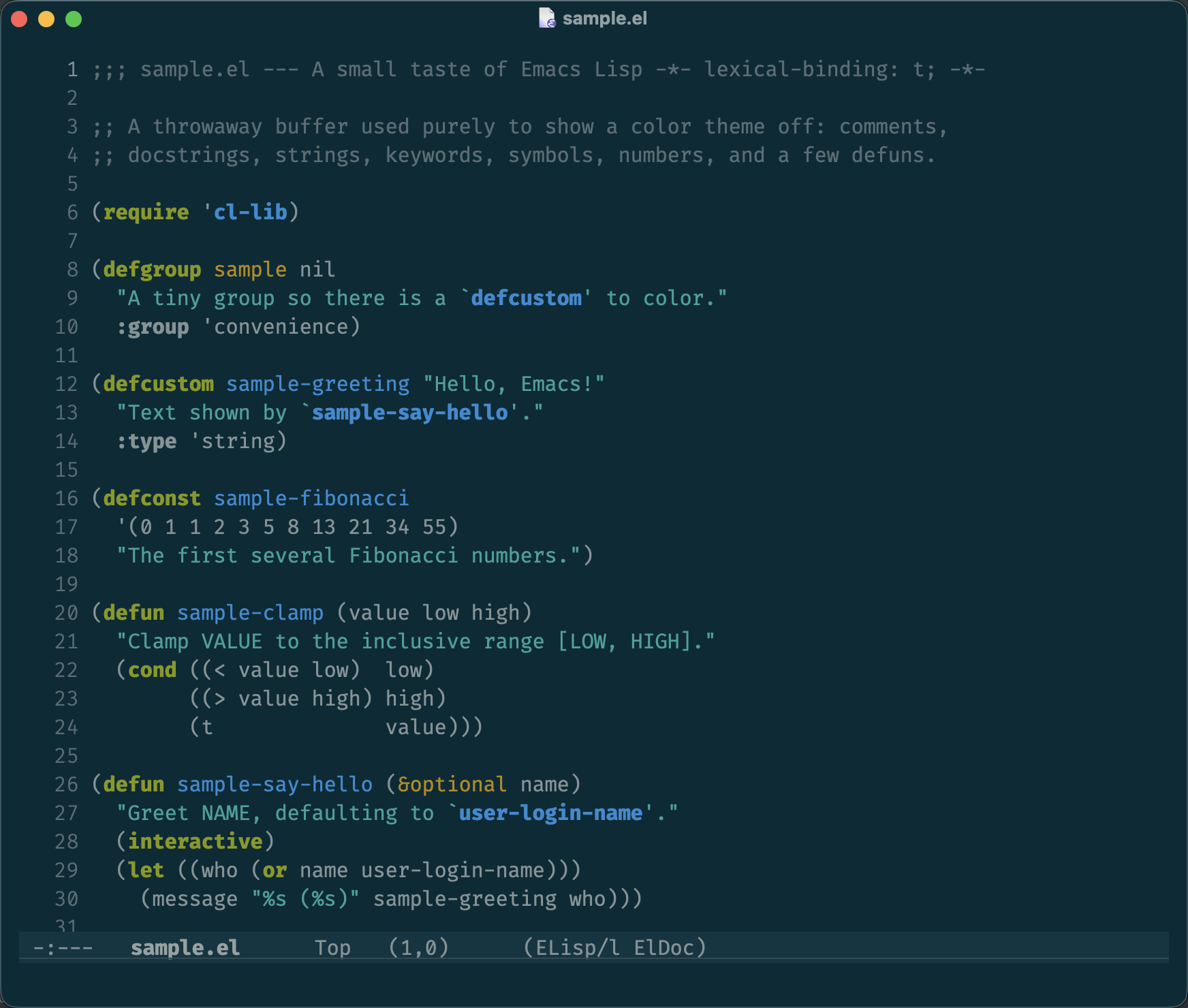
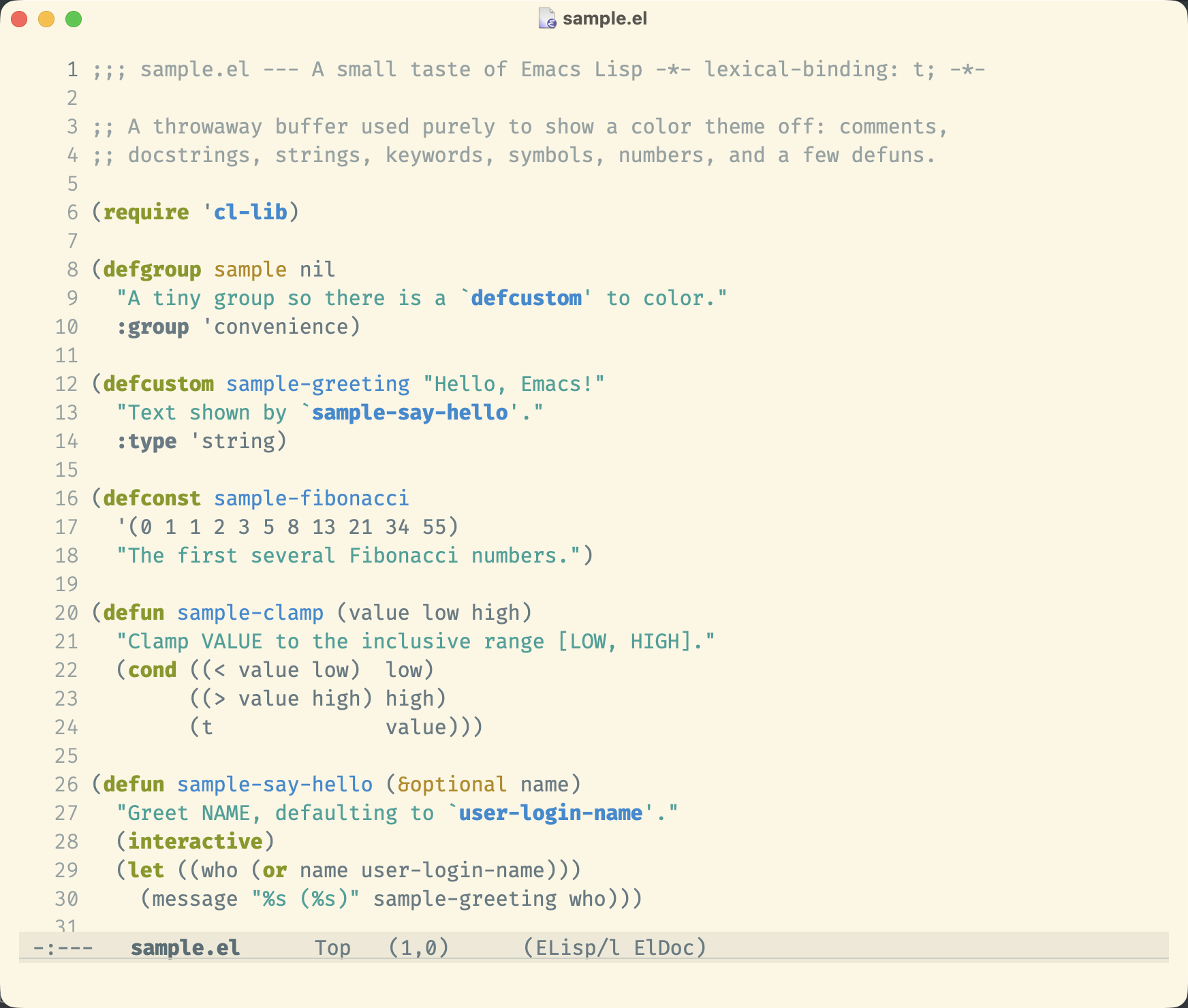
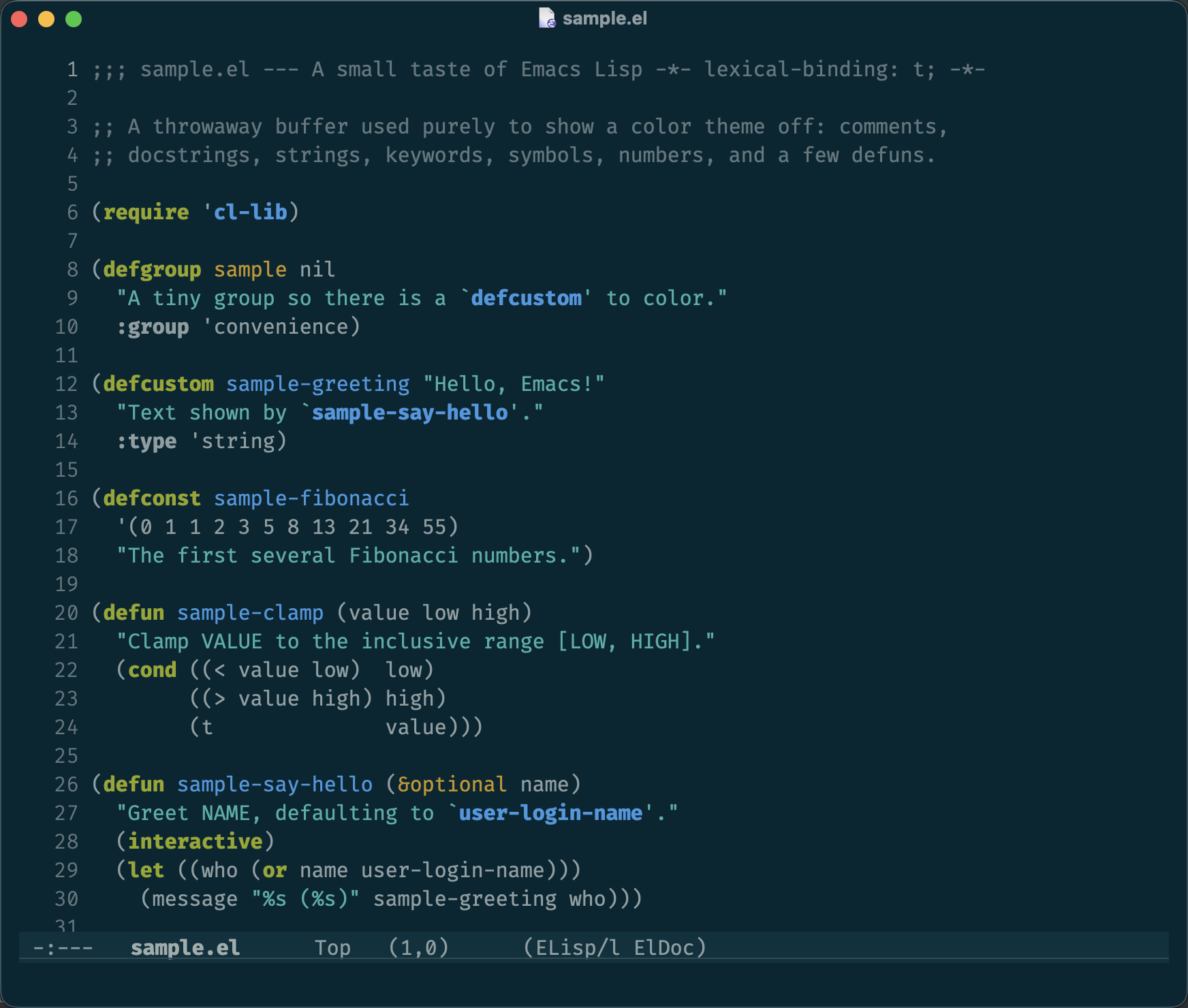
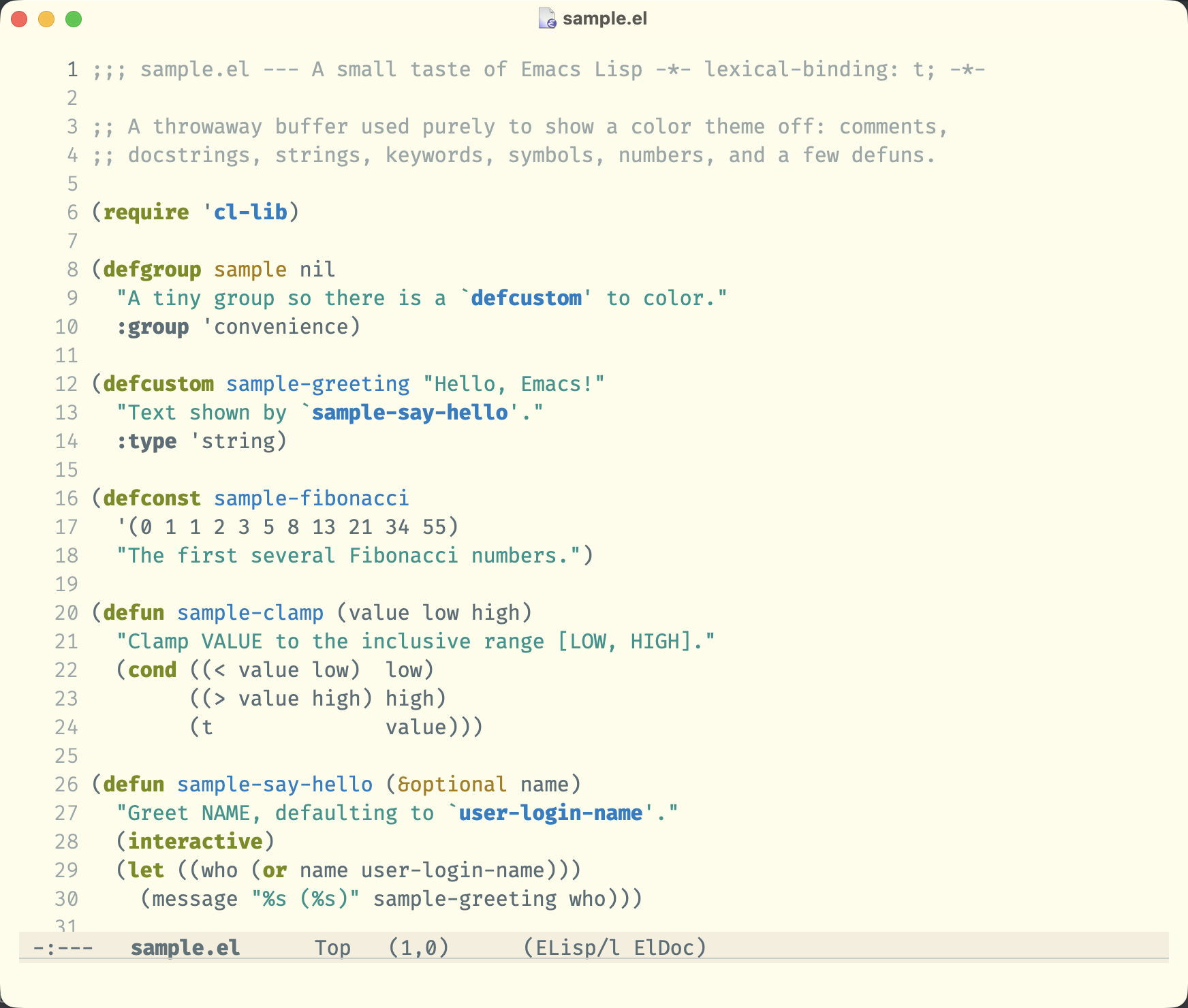
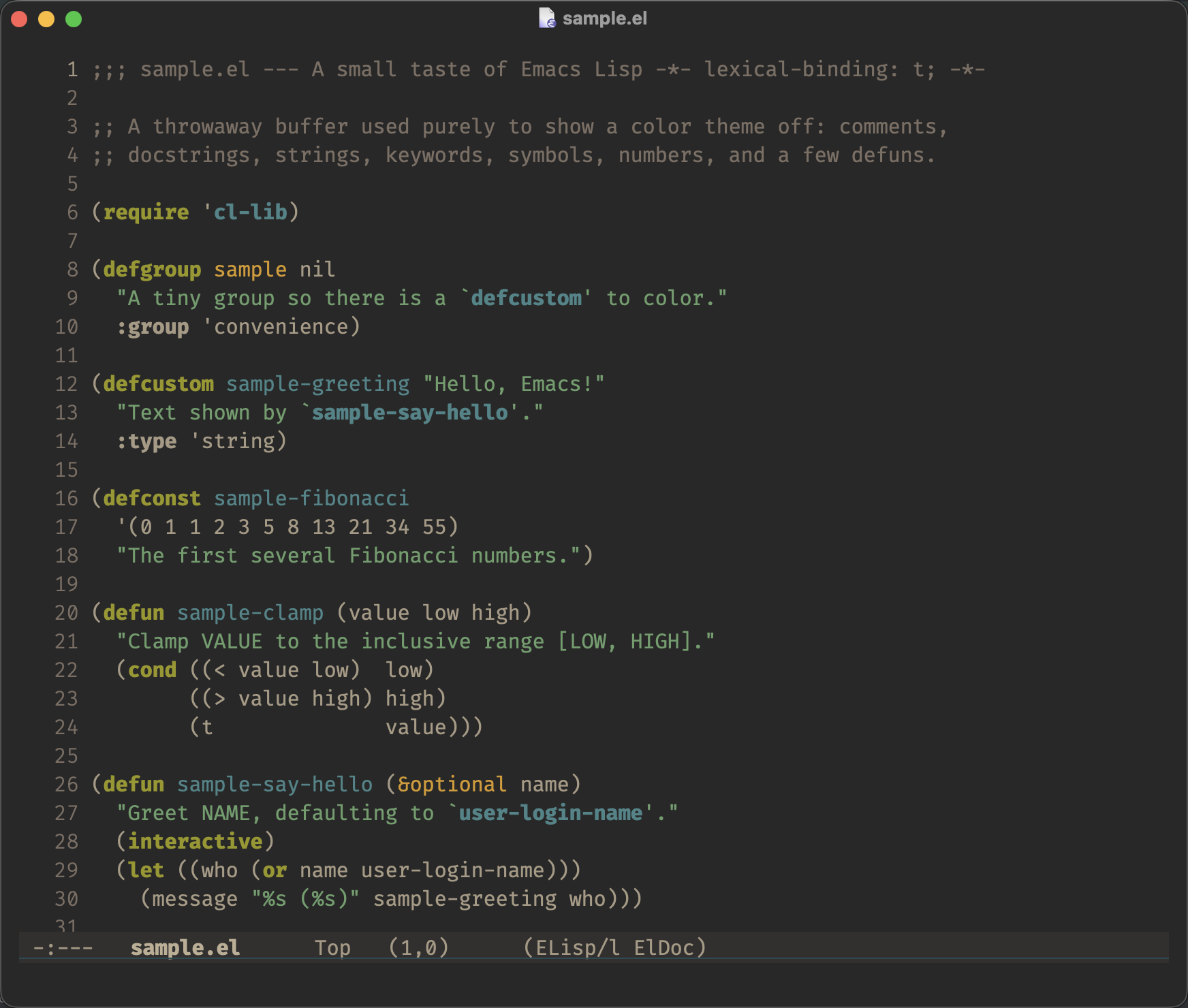
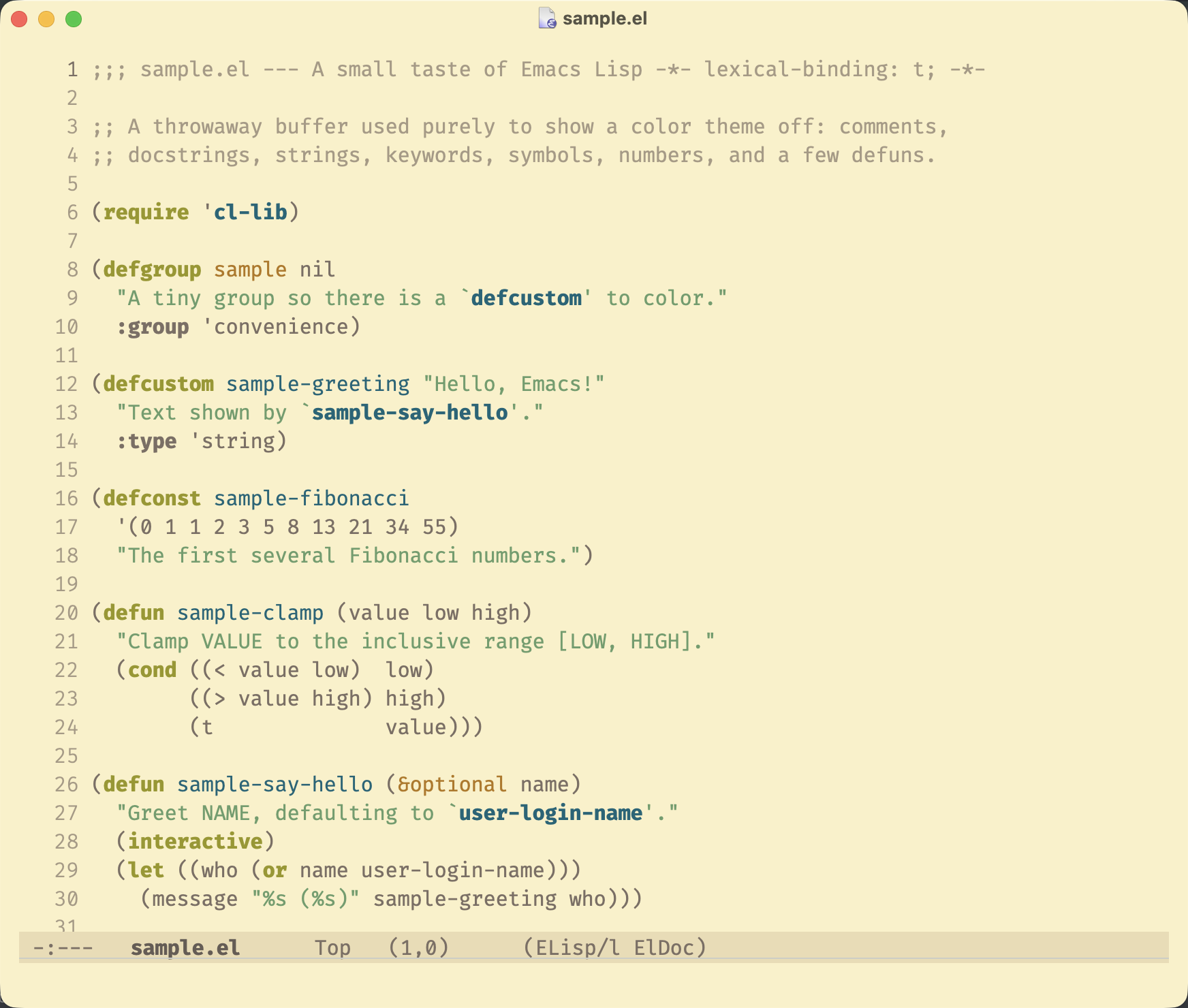
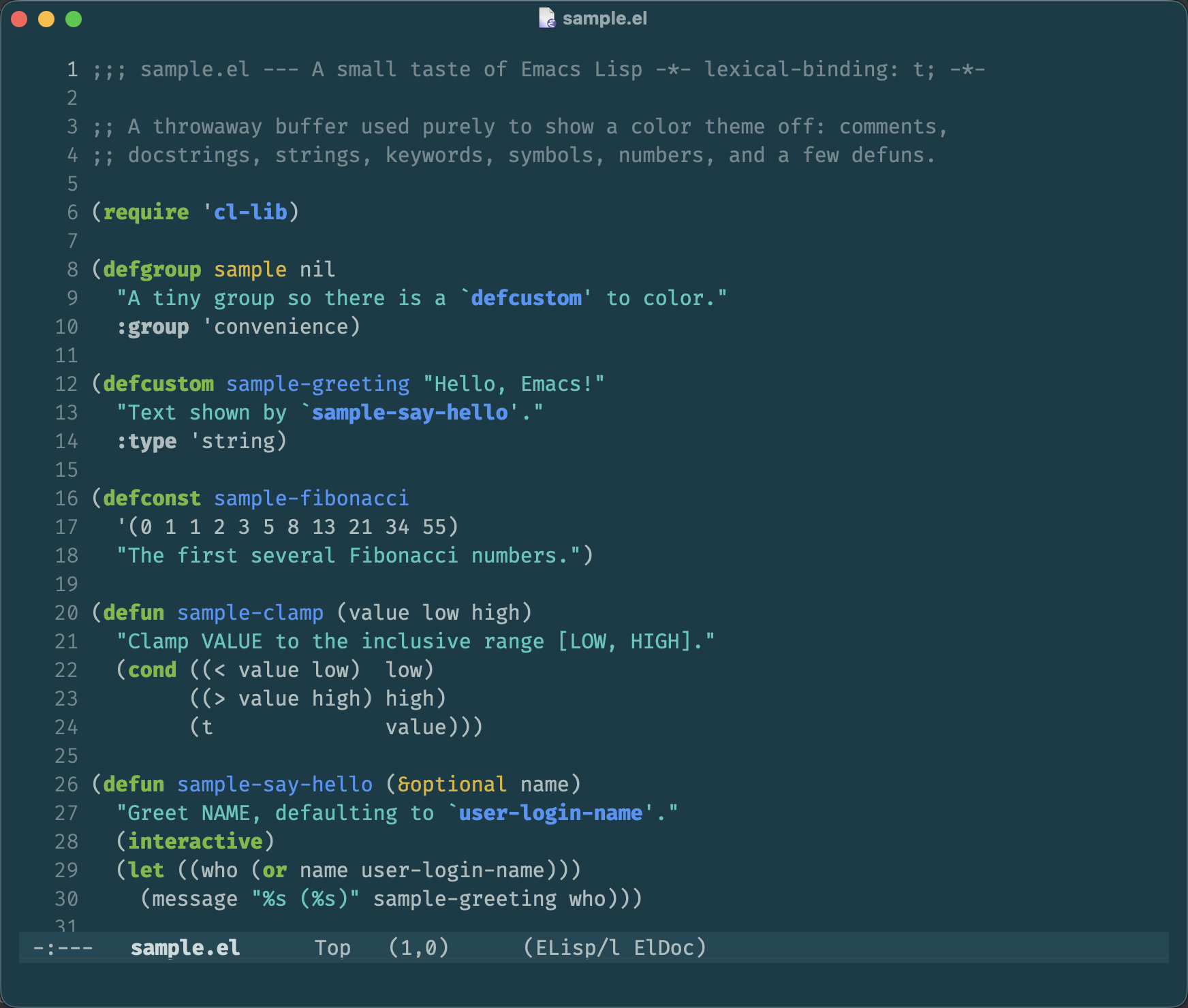
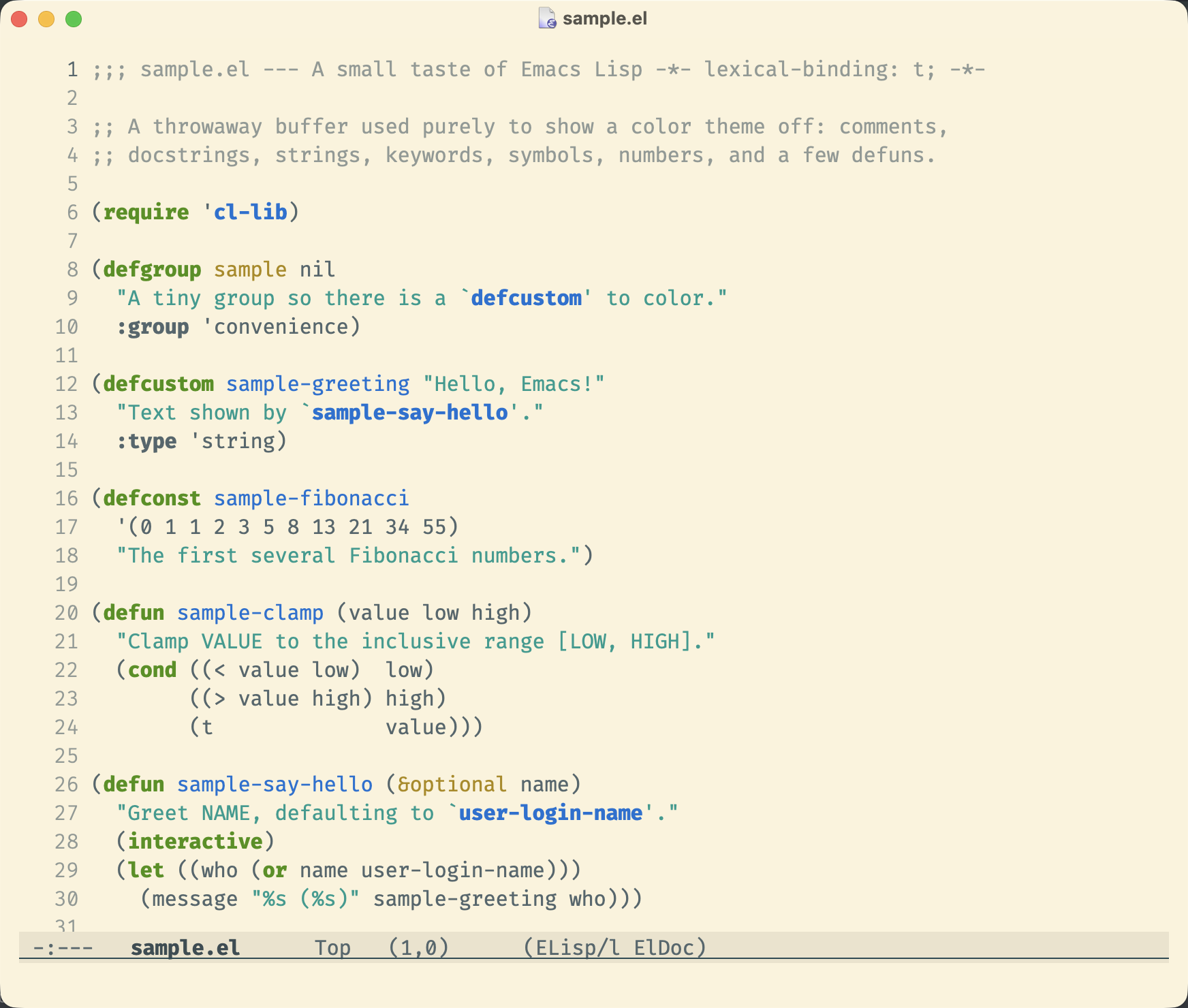
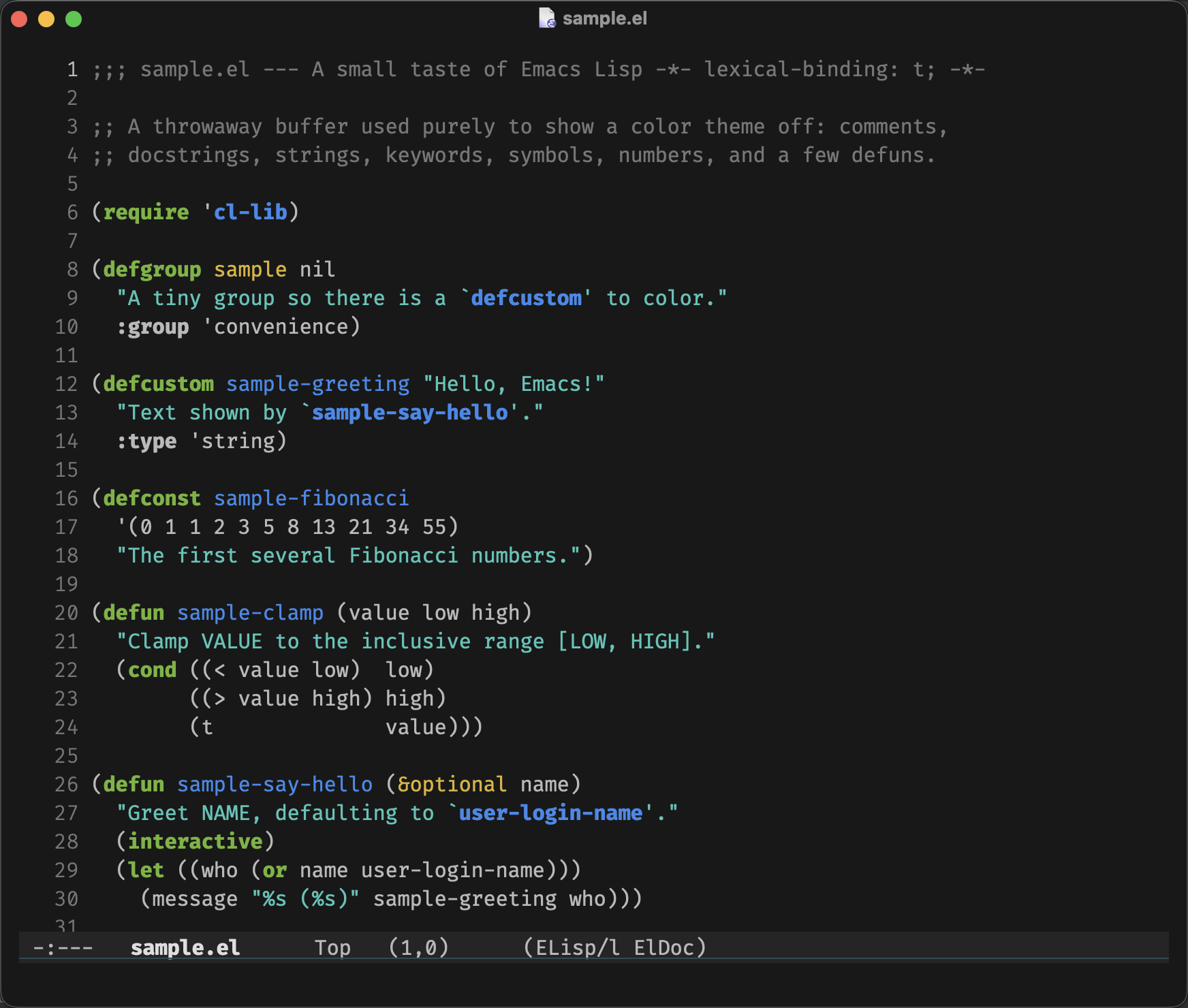
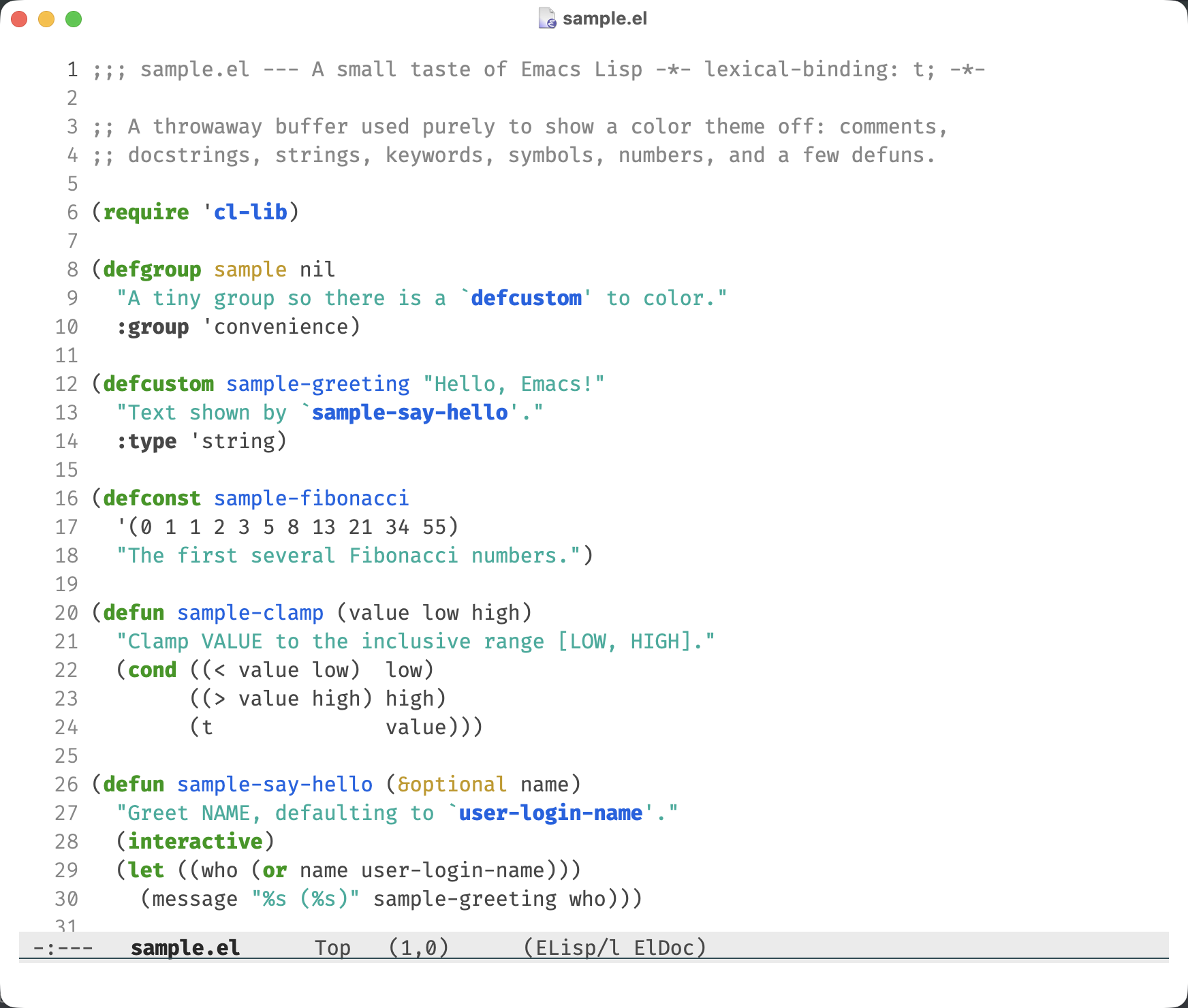
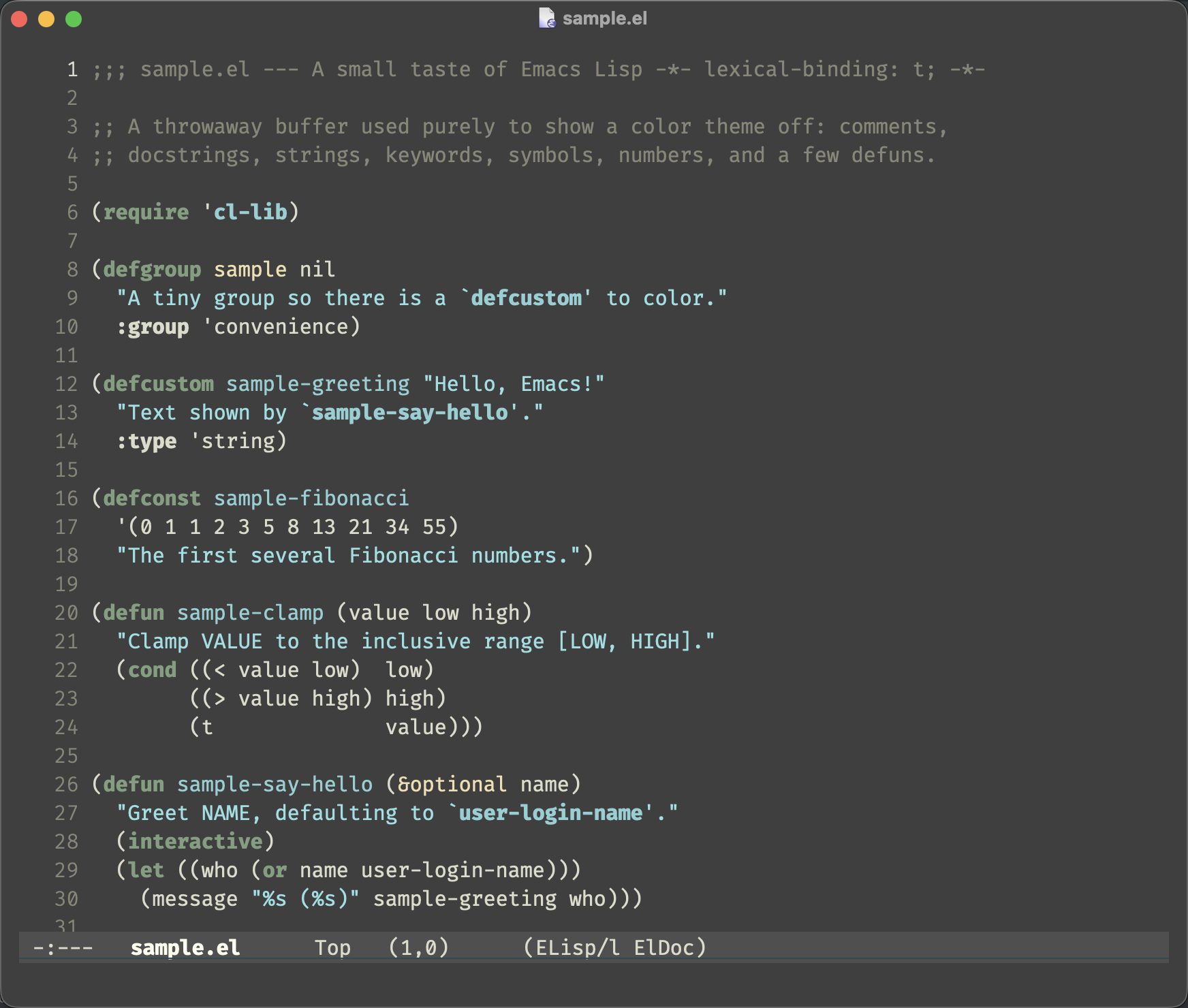
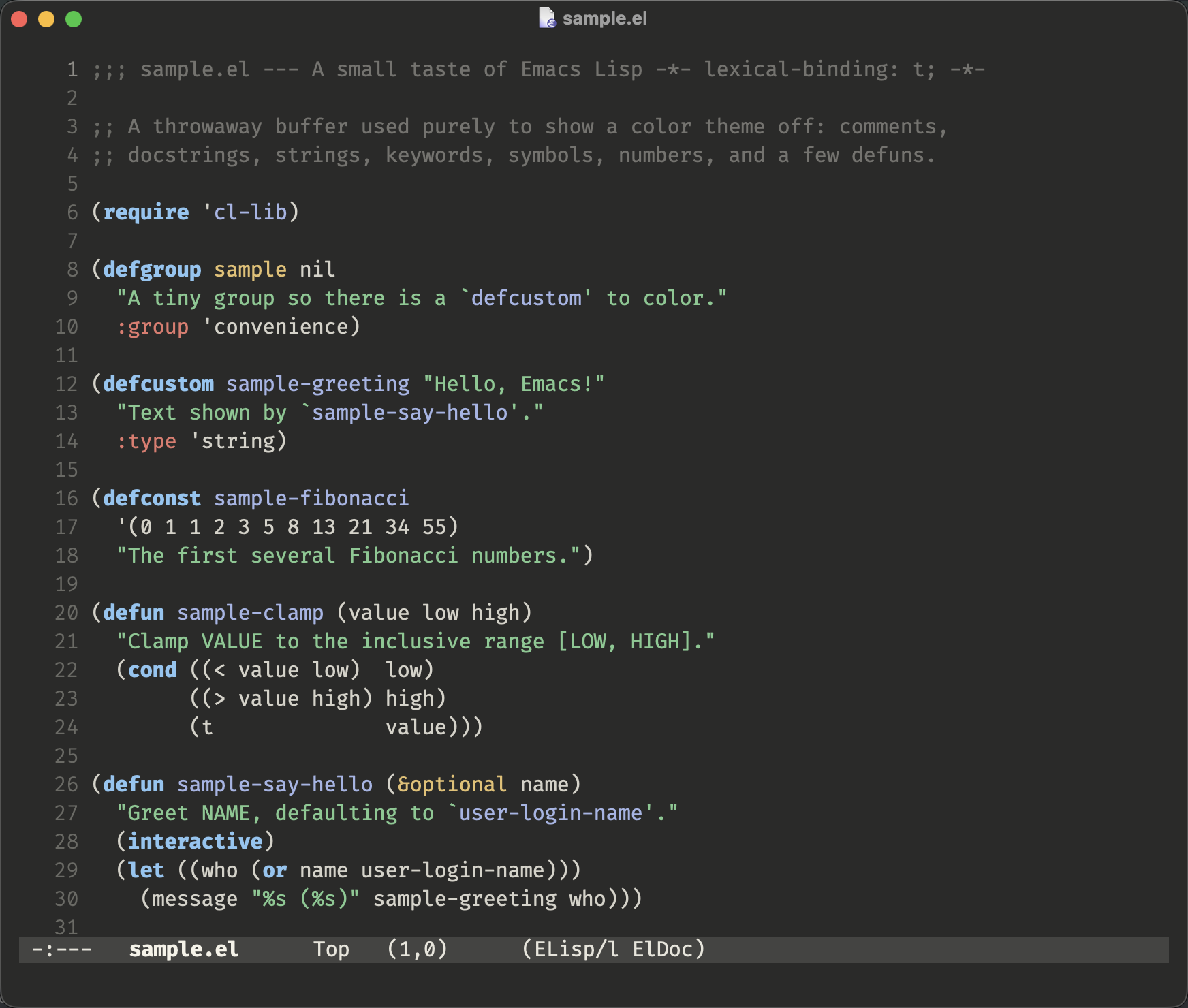
Indexed by TopGit from live GitHub metadata: bbatsov/solarized-emacs has 840 stars.
Snapshot summary built from the project's own GitHub metadata — there's no written TopGit review yet. The page will update automatically when a full review is published.
WHY NO REVIEW YET
TopGit writes full reviews for the most-starred, most-requested repositories. This page is a snapshot until then — see the READ ME tab for the original README in full.
Solarized for Emacs is an Emacs 24bit theme making use of the
Solarized palette, developed by Ethan Schoonover.
Here are the two canonical variants:
solarized-dark
solarized-light
You can find some more screenshots of Solarized for Emacs
here.
Solarized for Emacs supports officially Emacs 24+. The theme is implemented
in terms of customisations and deftheme and does not require the
color-theme-package.
Installation
Solarized for Emacs is available for installation via the
MELPA using package.el. Assuming you've set it
up you can install Solarized like this:
M-x package-install solarized-theme
This package will install two variants of the theme; solarized-light-theme
and solarized-dark-theme. You can load one of the theme variants with M-x load-theme.
To load it automatically on Emacs startup add this to your init file:
(load-theme 'solarized-light t)
or
(load-theme 'solarized-dark t)
You can toggle between the light and dark variant of the theme automatically with
M-x solarized-toggle-theme.
Alternative Palettes
In addition to solarized-dark and solarized-light, the package ships the
following theme variants:
The intent of this theme will always be that Solarized-dark/light will give you
the best possible experience. Palettes other than Solarized will never have
influence over theming decisions, they are complementary.
You should not expect the complementary themes to be fully accurate or the most
suitable versions of how to apply those palettes into an emacs theme. The
important aspect is that the color usage should be about the same as they are
with the default Solarized palette.
Colors stand out with varying amounts depending on which palette is used. This
theme aims for a very soft look, violet is one of the most pronounced accent
colors in the Solarized palette and that is one reason why it's rarely used by
the theme. Violet in another palette might stand out less and therefore be used
more often if the theme was specifically designed with that palette in mind.
The original Zenburn palette doesn't have a violet it is created by blending
blue and magenta to get it to fit into the theme so it's tilted towards
translating into what this theme has decided.
TLDR; While solarized-gruvbox-light might be a good complement for users of
solarized-light, another theme not contained in this package (gruvbox-light
or whatever) might be more finely tuned in relation to the Gruvbox palette.
Customisations
Theme-specific settings
If you don't like low-contrast modeline or fringe, you can customize them
either by doing M-x customize-group solarized or setting the values using
elisp code:
;; make the fringe stand out from the background
(setq solarized-distinct-fringe-background t)

;; Don't change the font for some headings and titles
(setq solarized-use-variable-pitch nil)

;; make the modeline high contrast
(setq solarized-high-contrast-mode-line t)

;; Use less bolding
(setq solarized-use-less-bold t)

;; Use more italics
(setq solarized-use-more-italic t)

;; Use less colors for indicators such as git:gutter, flycheck and similar
(setq solarized-emphasize-indicators nil)

;; Don't change size of org-mode headlines (but keep other size-changes)
(setq solarized-scale-org-headlines nil)

;; Change the size of markdown-mode headlines (off by default)
(setq solarized-scale-markdown-headlines t)

;; Avoid all font-size changes
(setq solarized-height-minus-1 1.0)
(setq solarized-height-plus-1 1.0)
(setq solarized-height-plus-2 1.0)
(setq solarized-height-plus-3 1.0)
(setq solarized-height-plus-4 1.0)

;; Highlight all numbers
(setq solarized-highlight-numbers t)
Note that these need to be set beforeload-theme is invoked for Solarized.
Alternatively you can invoke M-x solarized-reload after making configuration changes.
Overriding specific faces
If you're unhappy with how a particular mode looks you can override individual
faces after loading the theme. Use custom-theme-set-faces to keep your
overrides tied to the theme, or custom-set-faces for global overrides.
;; Make markdown code blocks stand out more
(custom-theme-set-faces
 'solarized-light
 '(markdown-code-face ((t (:background "#eee8d5" :foreground "#657b83"))))
 '(markdown-inline-code-face ((t (:background "#eee8d5" :foreground "#657b83")))))
;; Tone down font-lock colors across all modes
(custom-theme-set-faces
 'solarized-dark
 '(font-lock-keyword-face ((t (:foreground "#859900" :weight normal))))
 '(font-lock-function-name-face ((t (:foreground "#268bd2" :weight bold)))))
These overrides should be placed afterload-theme in your init file.
You can discover face names at point with M-x describe-face or see all
active faces with M-x list-faces-display.
Buffer-local face overrides
If you only want to tweak faces in certain major modes (without affecting the
rest of Emacs), you can use face-remap-add-relative in a mode hook. It
remaps a face only in the current buffer.
;; Use a larger default font in org-mode
(defun my-org-faces ()
  (face-remap-add-relative 'default :height 1.2))

(add-hook 'org-mode-hook #'my-org-faces)
See Buffer-Local Face Remapping with face-remap-add-relative
for more details and advanced usage (toggling remappings, wrapping them in minor modes, etc.).
Underline position setting for X
If you are using Emacs under X you might like the following setting which puts
the underline below the
font bottomline instead of the baseline.
Imho it enhances the general readability and also it fits well with the default
solarized-high-contrast-mode-line setting which uses a slightly emphasized
underline for the modeline to create one horizontal window border in the same
manner as the vertical border.
(setq x-underline-at-descent-line t)
Custom Themes
You can create your own theme that reuses all of Solarized's face definitions
but with a different color palette. You provide 10 colors -- a darkest base, a
brightest base, and 8 accents (yellow, orange, red, magenta, violet, blue, cyan,
green) -- and the theme framework derives all the intermediate shades and
highlight variants automatically.
Creating a theme from a custom palette
Call solarized-create-theme-file-with-palette in your init file. It generates
a theme file in ~/.emacs.d/themes/ that you can then load normally.
You can also override individual faces by passing a sexp as the fourth argument.
This lets you tweak specific faces while still inheriting everything else from
the palette:
Note: If the theme file already exists, solarized-create-theme-file does not
regenerate it. Pass t as the fifth argument to overwrite.
Child themes
If you want to keep the Solarized palette but override specific faces
consistently across dark and light variants, you can create a child theme. This
is useful when you like Solarized's colors but want to adjust how certain
modes look.
Your face overrides have access to all palette variables (base03, base0,
yellow, blue, etc.) and all derived variables (s-fringe-bg,
s-mode-line-fg, etc.). See the
child-theme-example directory for a working example.
Versioning Policy
This package uses semantic versioning
Master branch is to be considered unstable (which isn't an excuse to
constantly break behaviour). Use MELPA Stable if you want fewer breaking
changes.
Bugs & Improvements
Please, report any problems that you find on the projects integrated
issue tracker. If you've added some improvements and you want them
included upstream don't hesitate to send me a patch or even better - a
GitHub pull request.
Does bbatsov/solarized-emacs have a project website?
No homepage URL was recorded for bbatsov/solarized-emacs in TopGit's last sync. The README tab above frequently contains screenshots and demo links, or check the repository description on GitHub.
Does bbatsov/solarized-emacs have any tags?
TopGit's last sync did not record any GitHub topics for bbatsov/solarized-emacs. GitHub topics appear in the right sidebar of a repository page; that's the authoritative place to check.
How many stars does bbatsov/solarized-emacs have?
bbatsov/solarized-emacs has 840 GitHub stars — refresh the page for the live number, or check github.com/bbatsov/solarized-emacs. TopGit mirrors GitHub's count but does not claim minute-by-minute accuracy.
Is bbatsov/solarized-emacs still maintained?
TopGit's metadata for bbatsov/solarized-emacs does not include a recent push date. Check the commit history on the GitHub repository page for the most authoritative activity timeline.
What language is bbatsov/solarized-emacs written in?
TopGit's last sync did not record a primary language for bbatsov/solarized-emacs. Open the repository on GitHub to see the full breakdown by file extension.
Where do I read more about bbatsov/solarized-emacs?
This TopGit page is a snapshot — the READ ME tab shows the project's own README content (links stripped, images preserved). The GitHub repository at github.com/bbatsov/solarized-emacs is the definitive source.
Read full README in the tab above.
Is solarized-emacs worth your time?
ChatGPT, Claude and Perplexity can all read this page. Ask one of them what it makes of solarized-emacs.
 /solarized-emacs